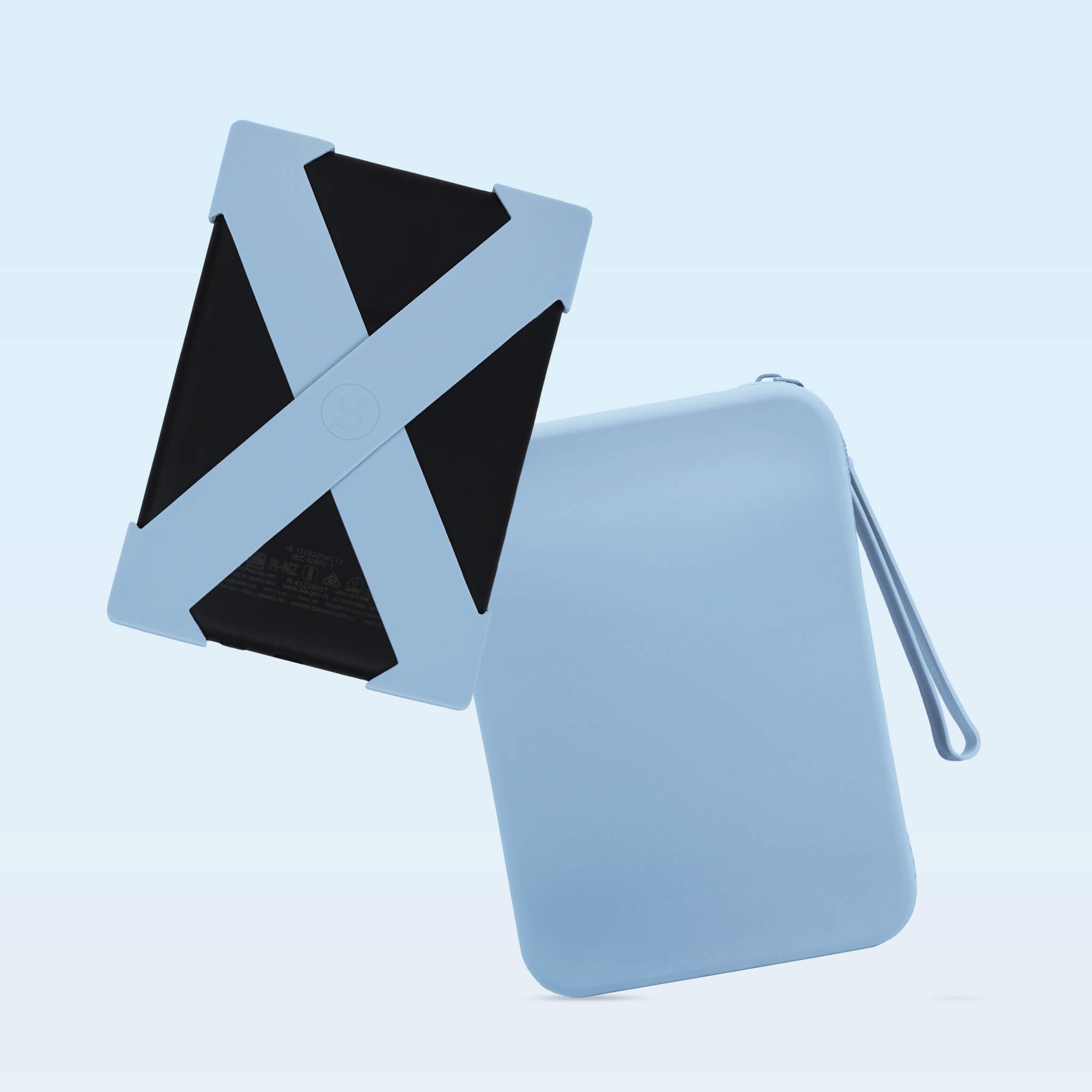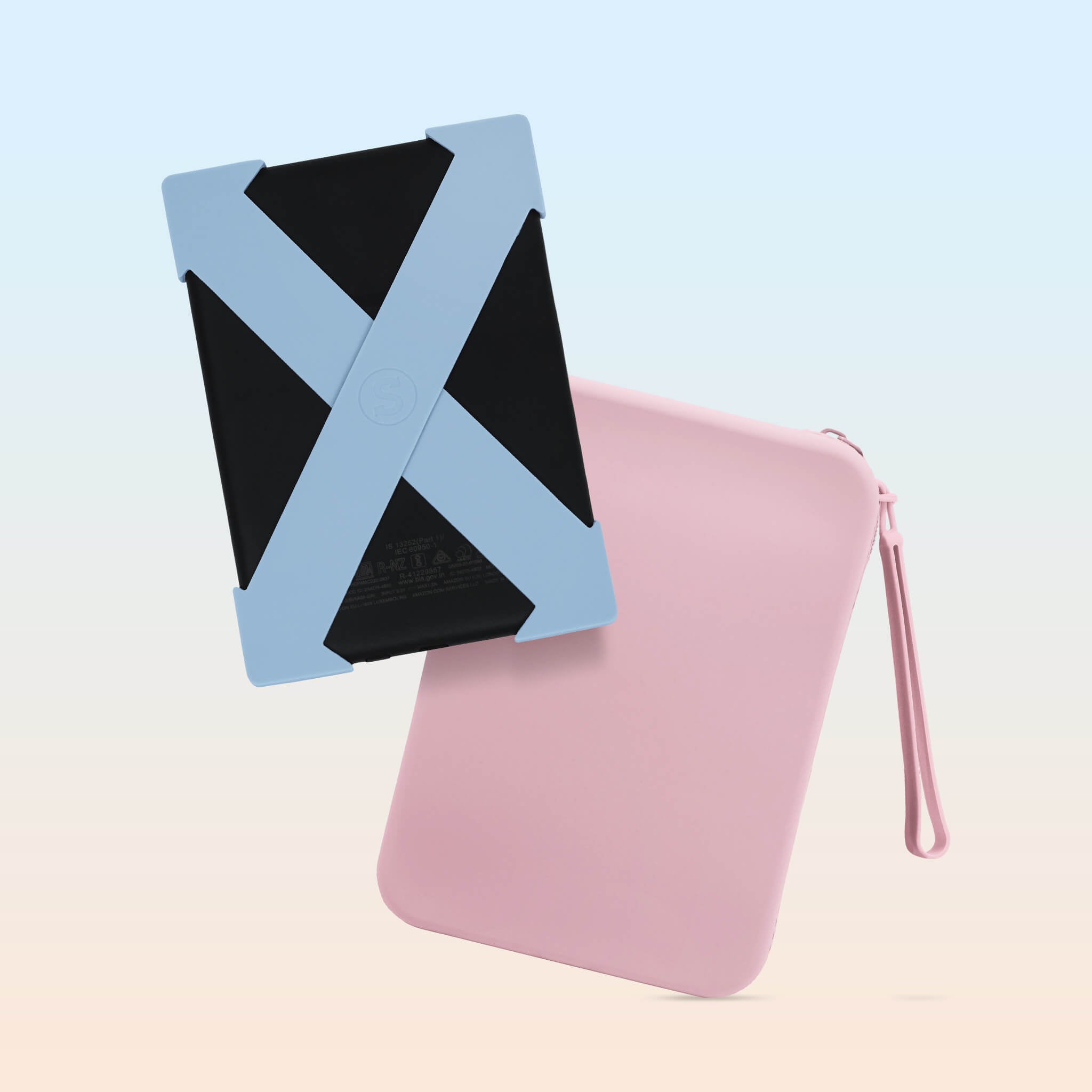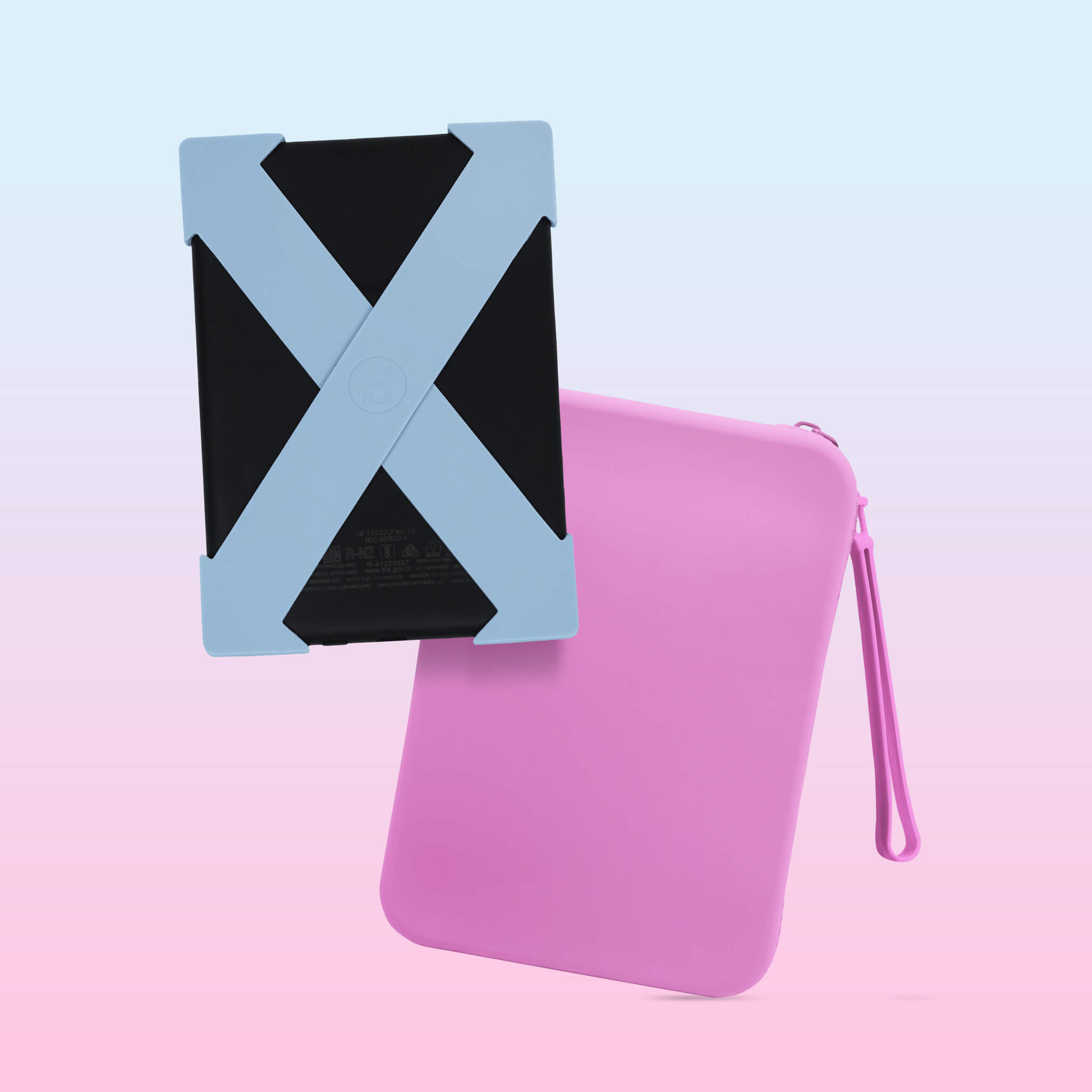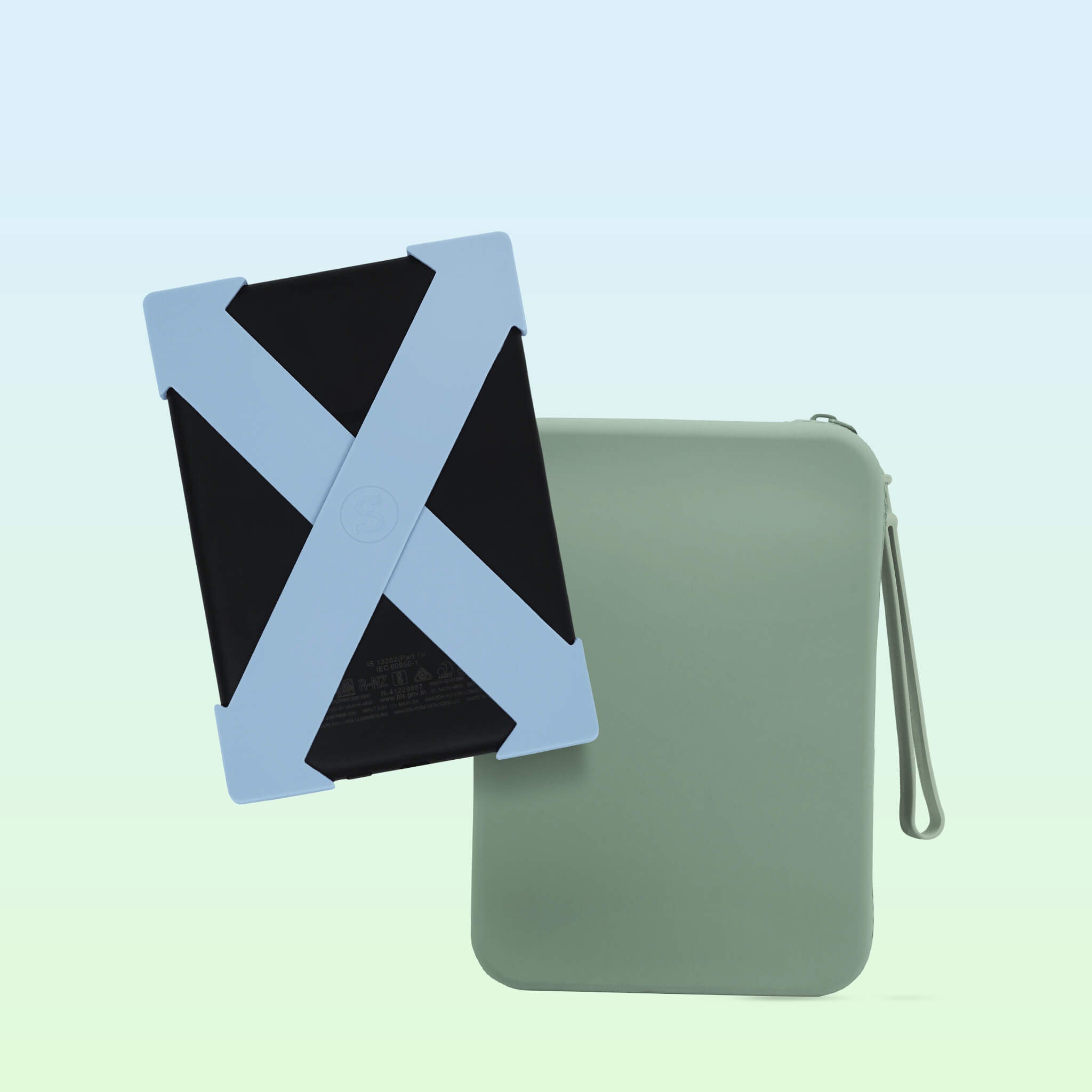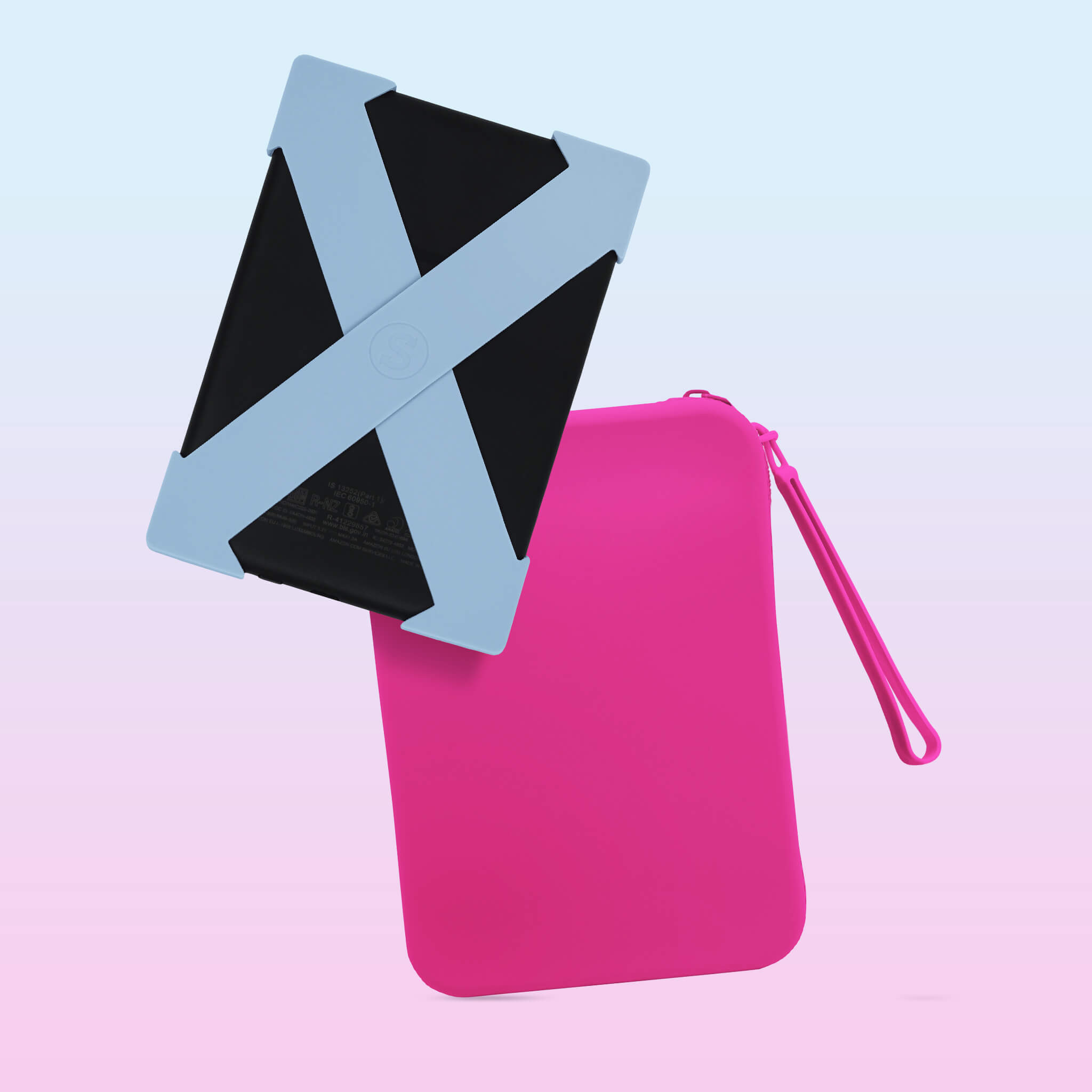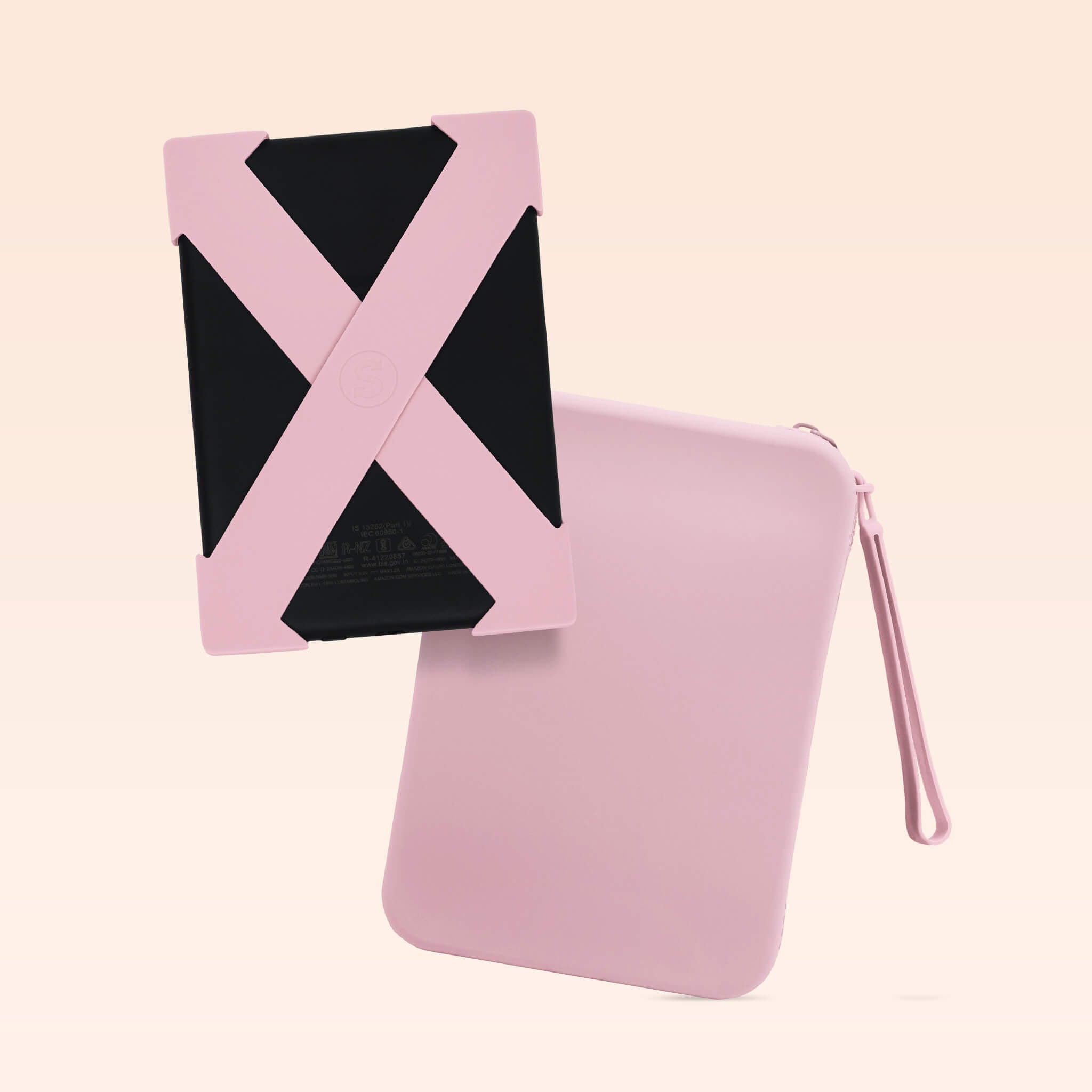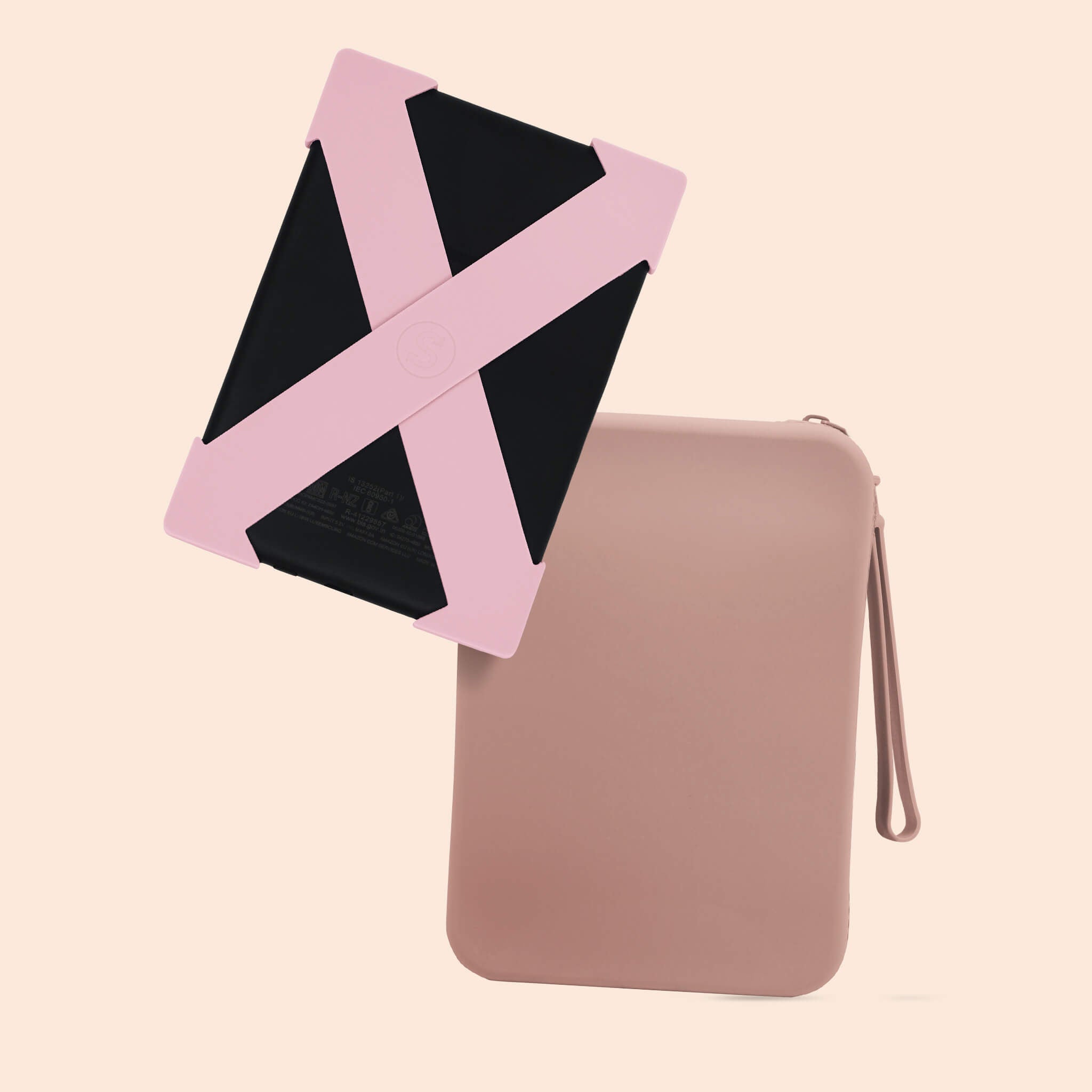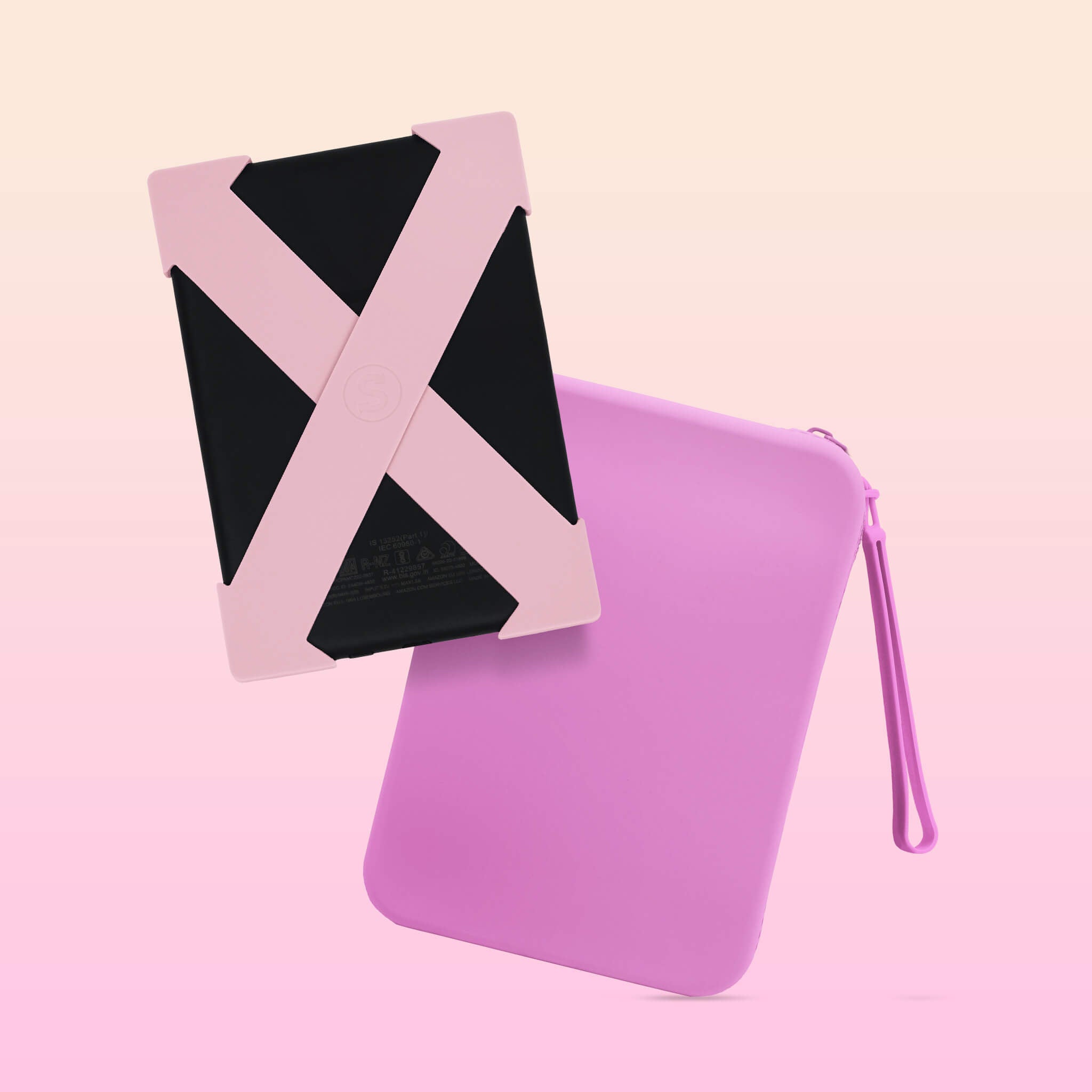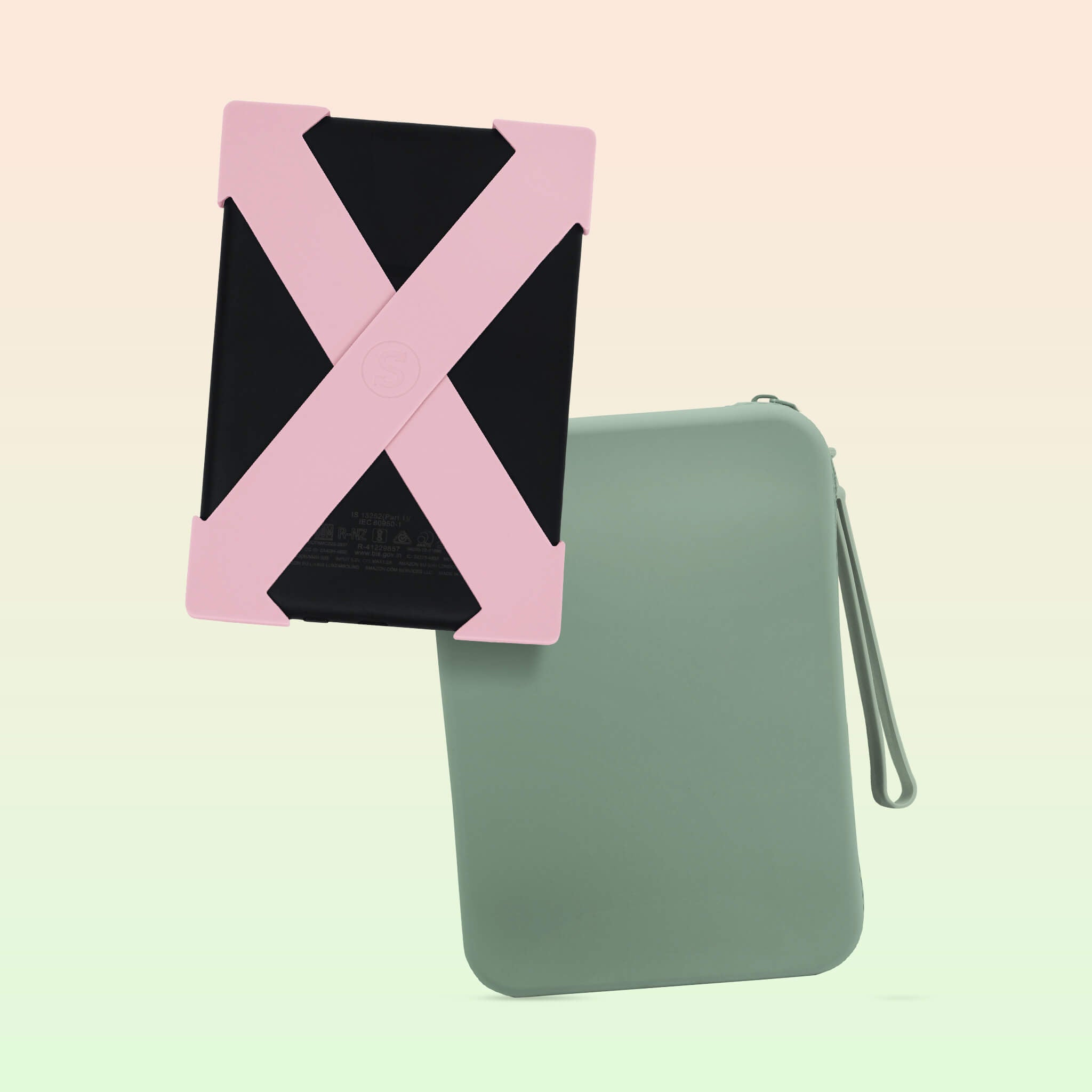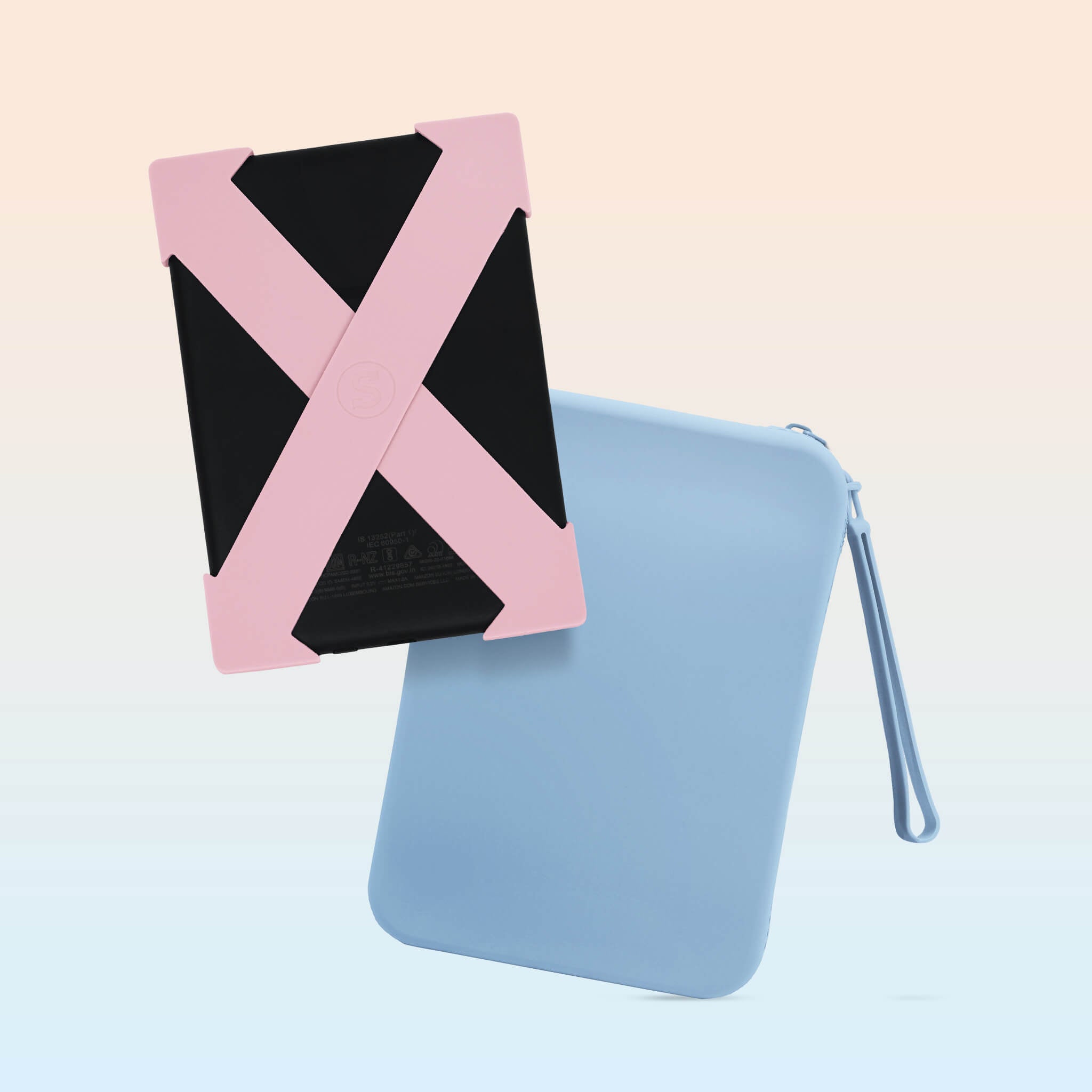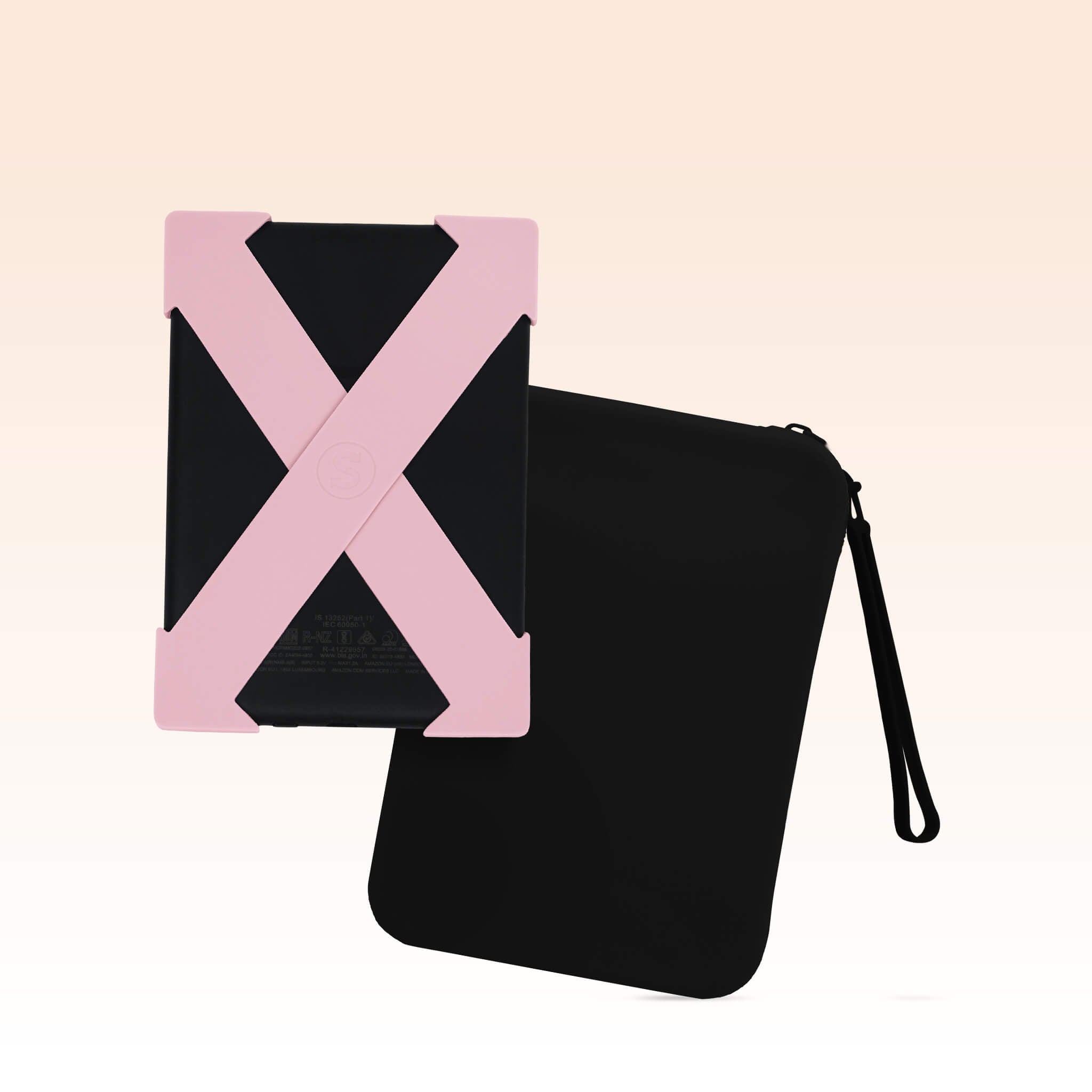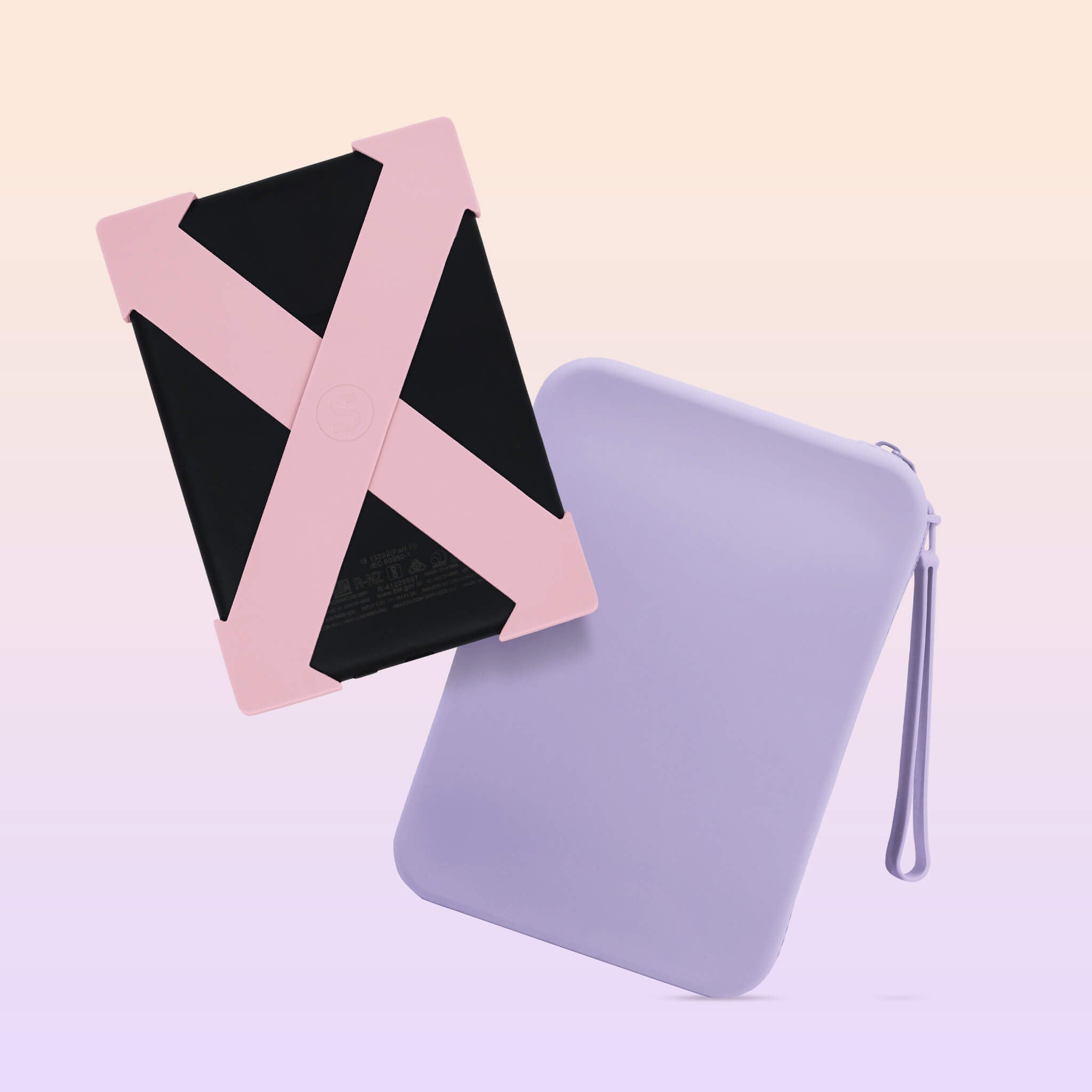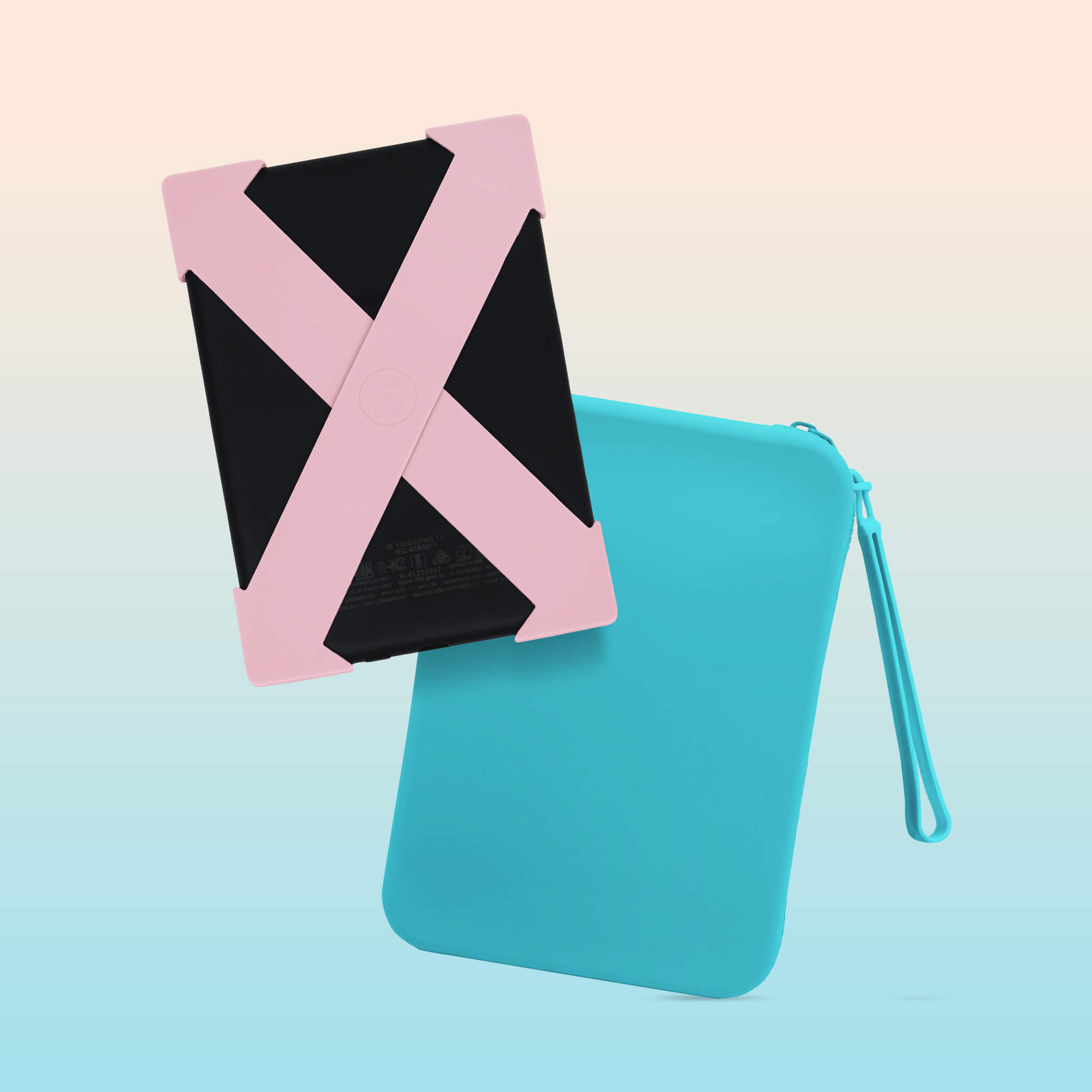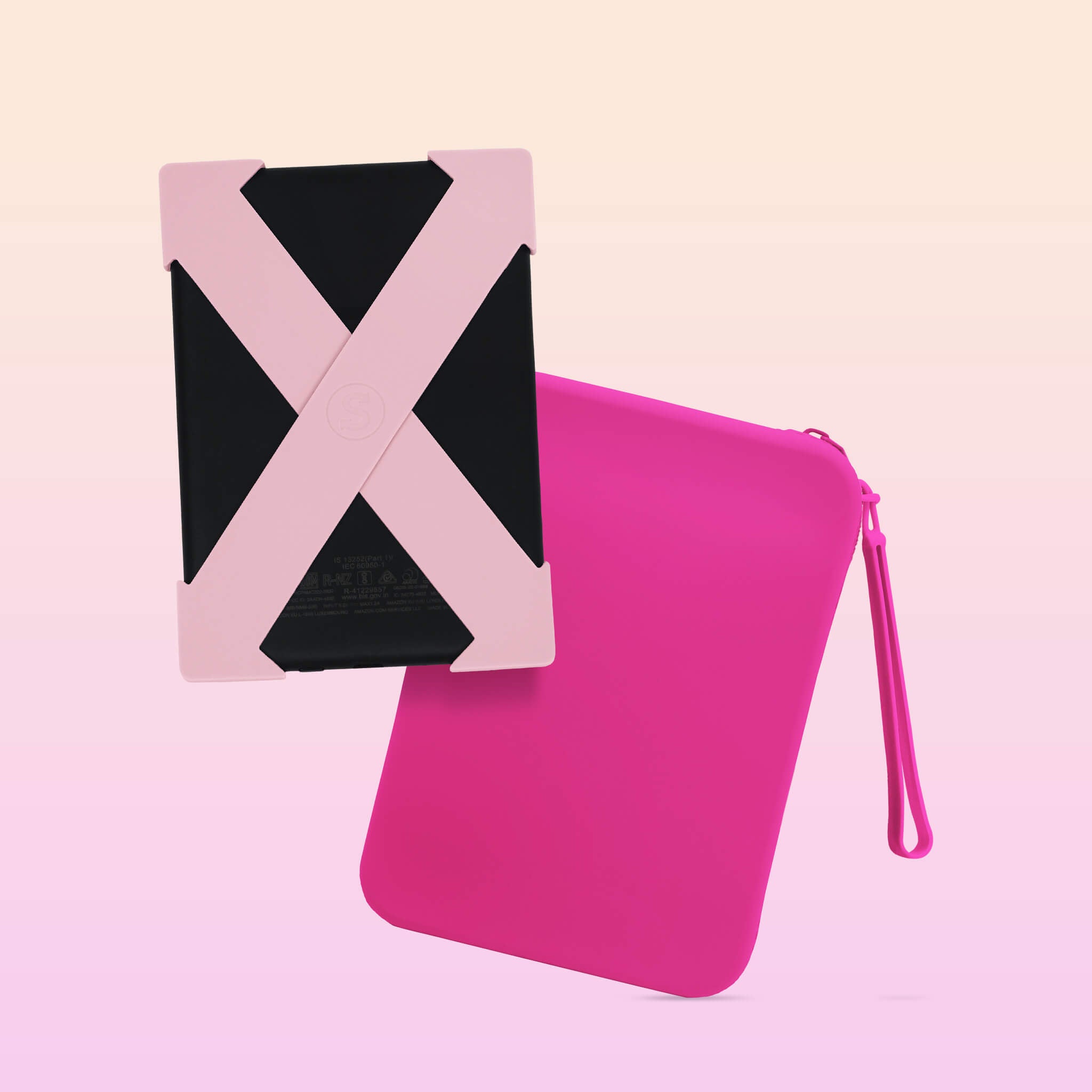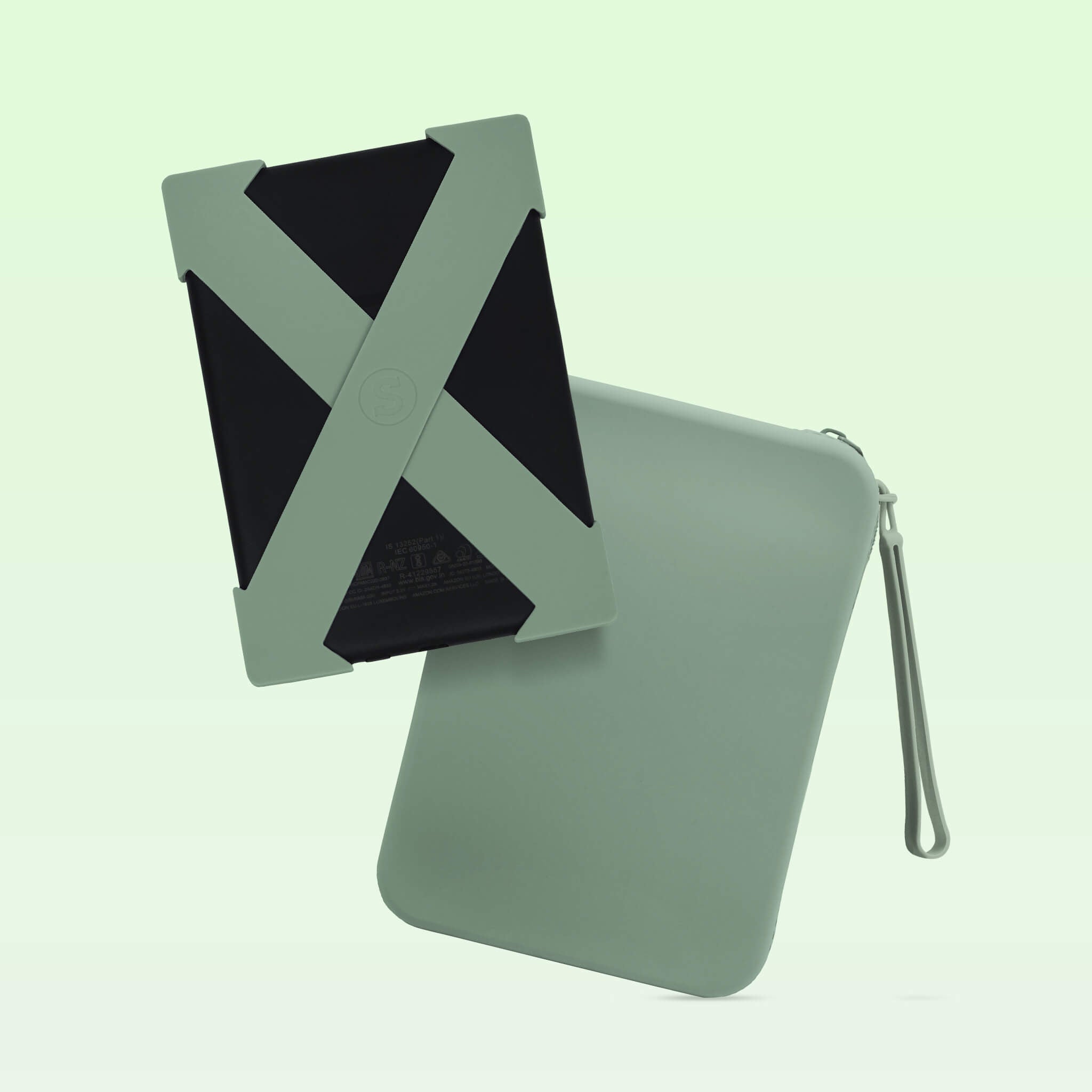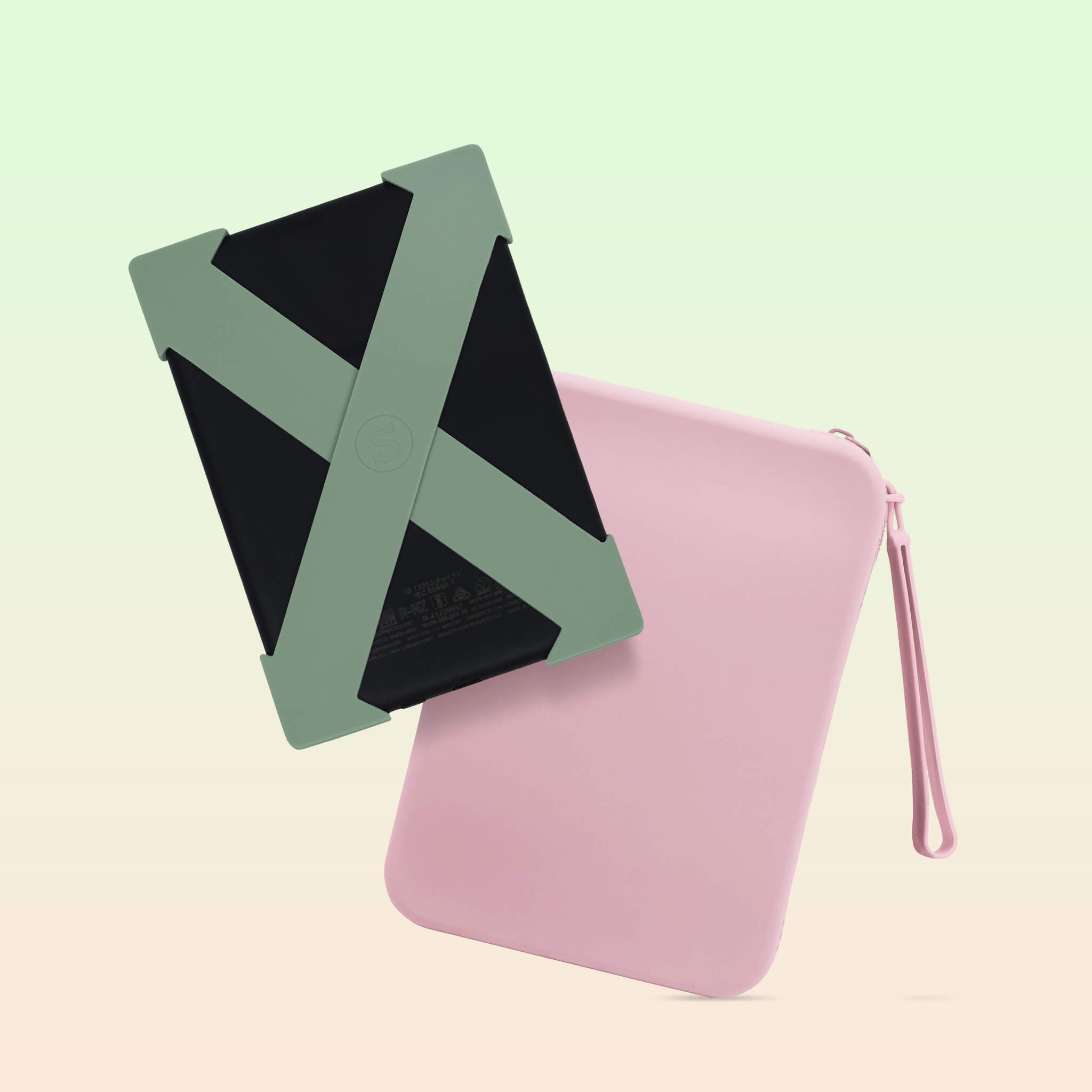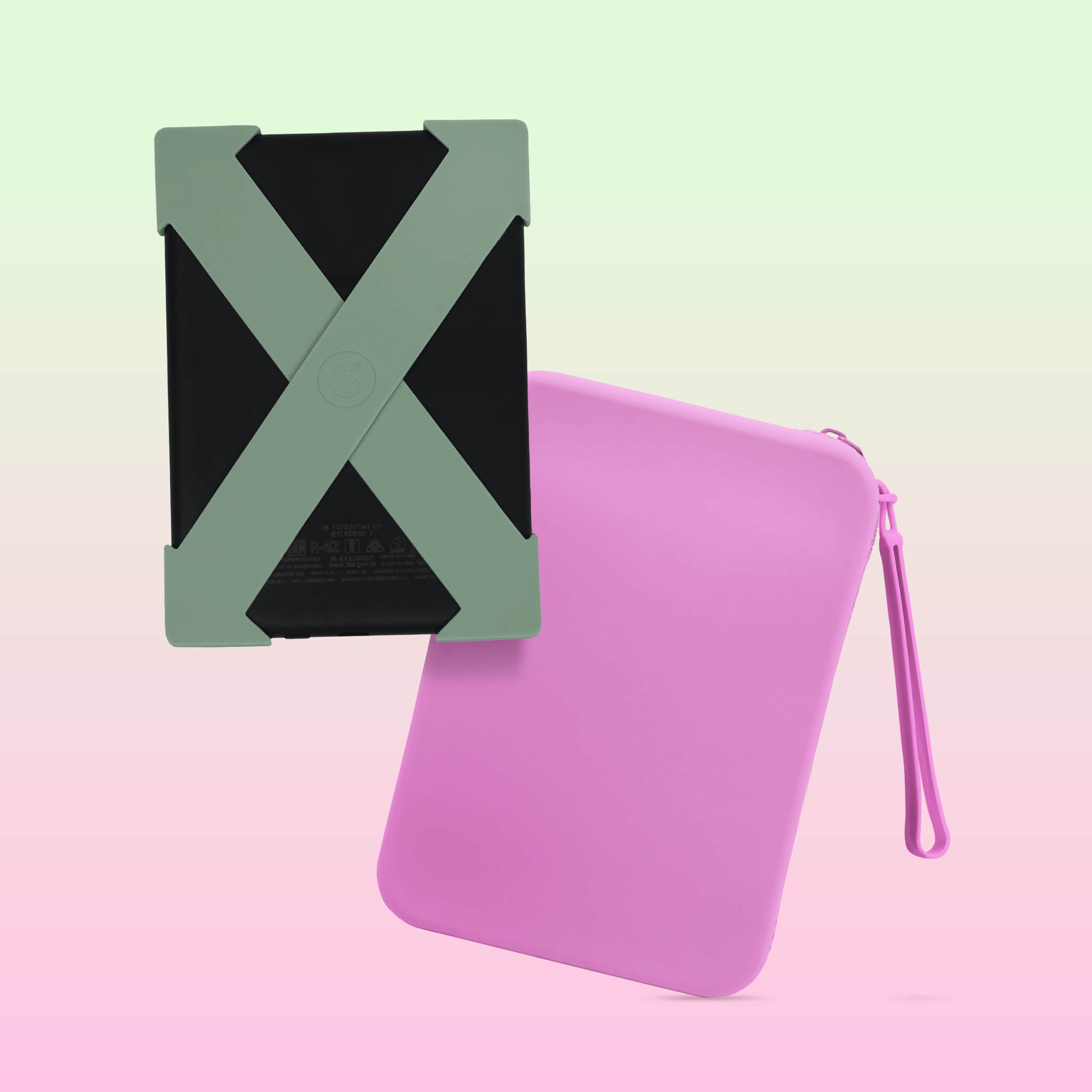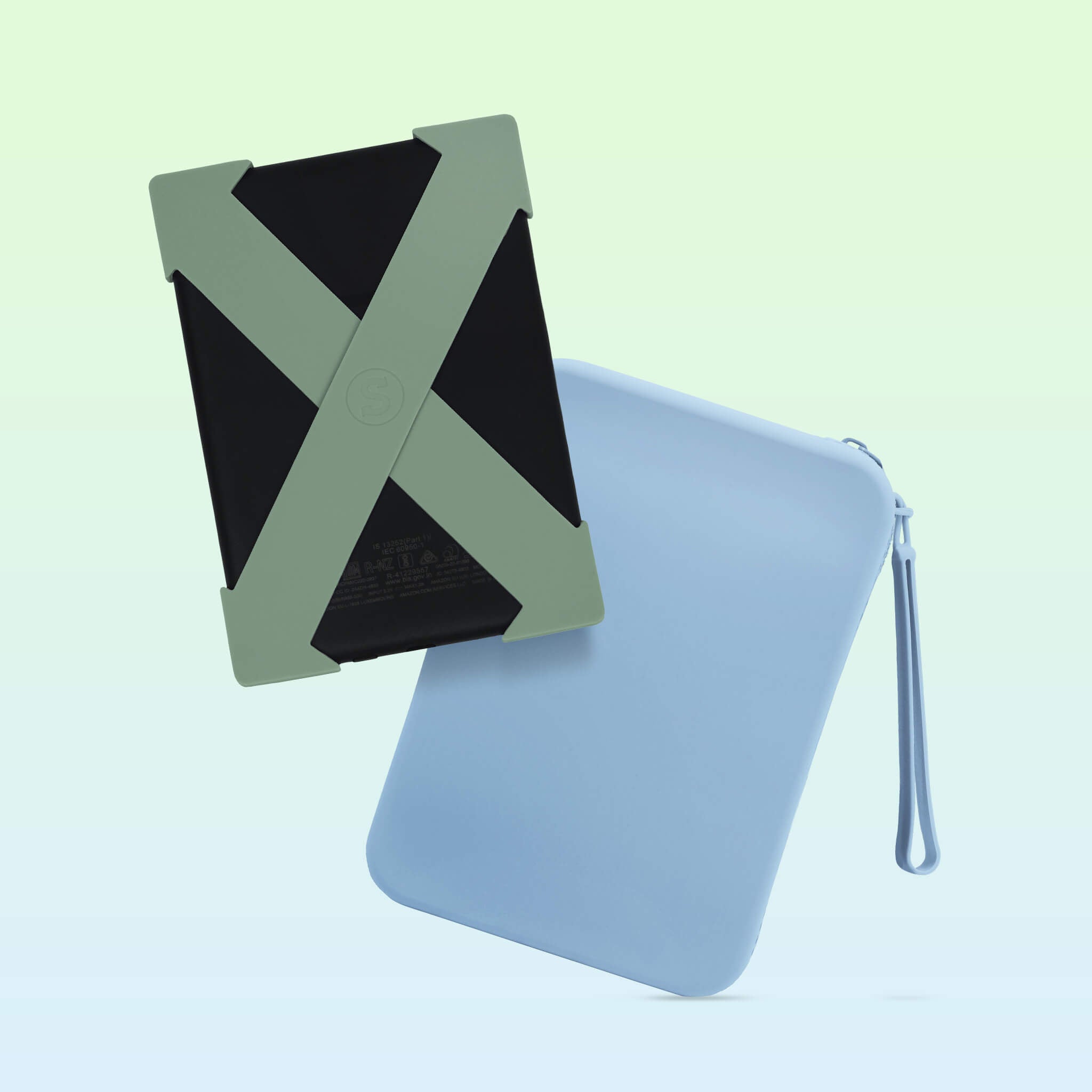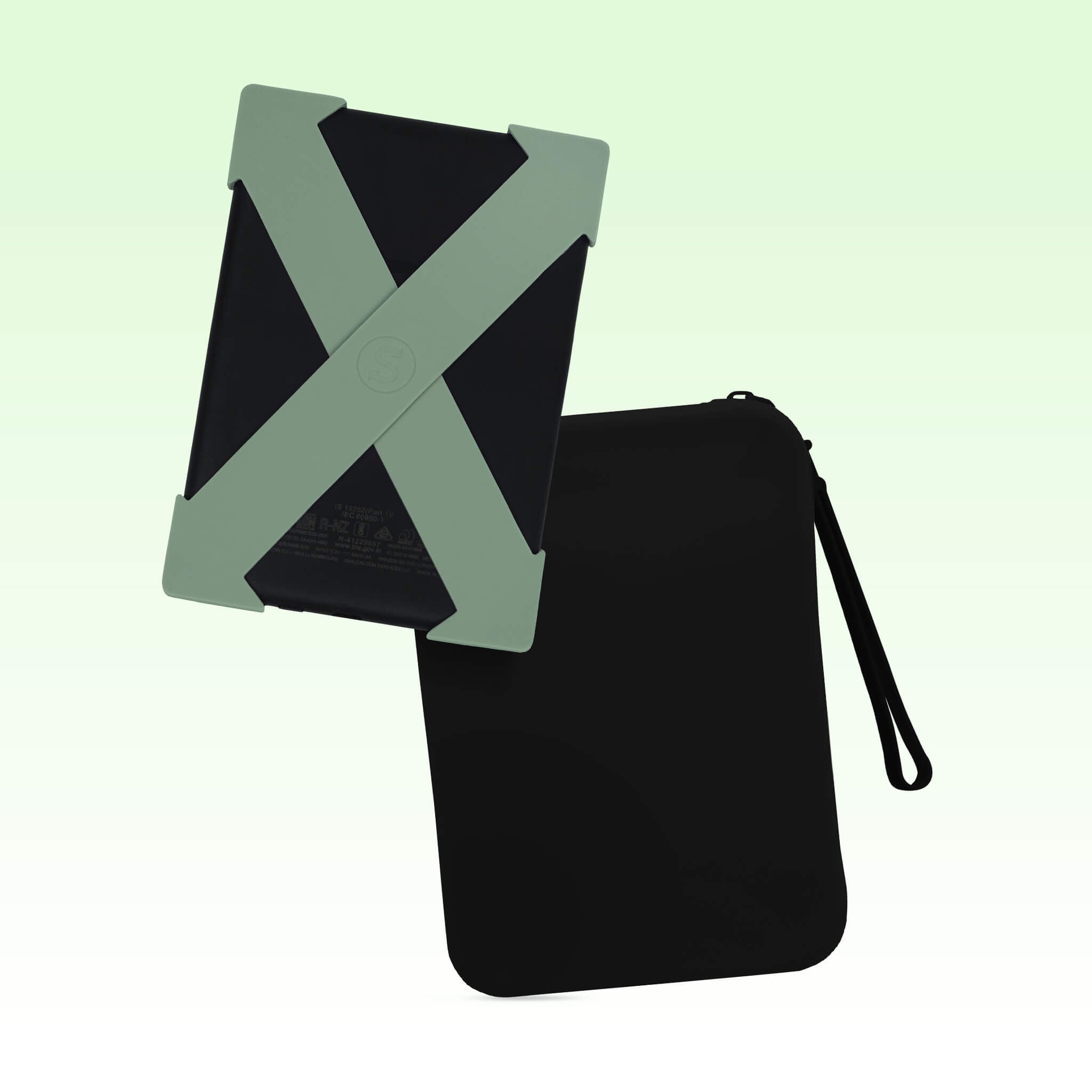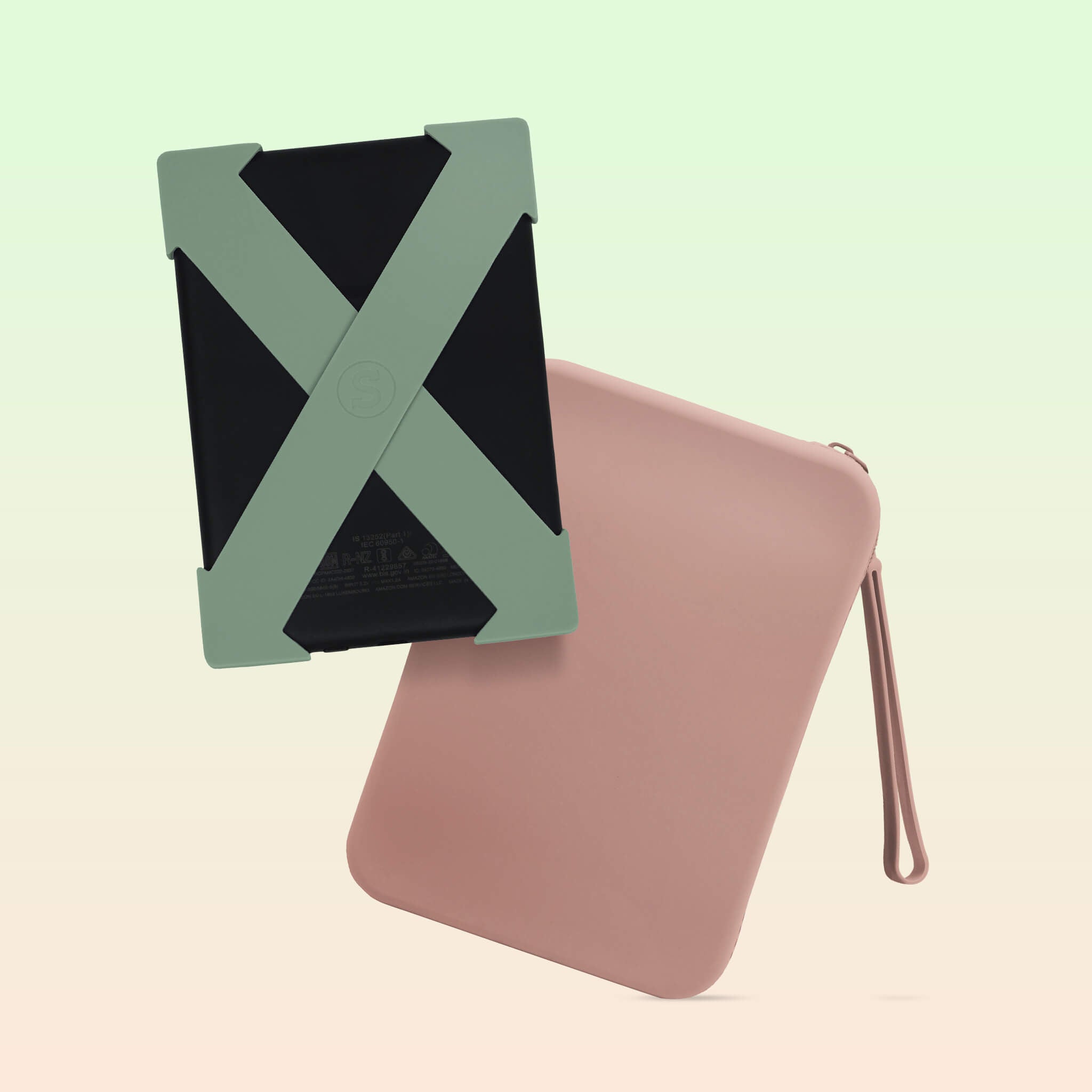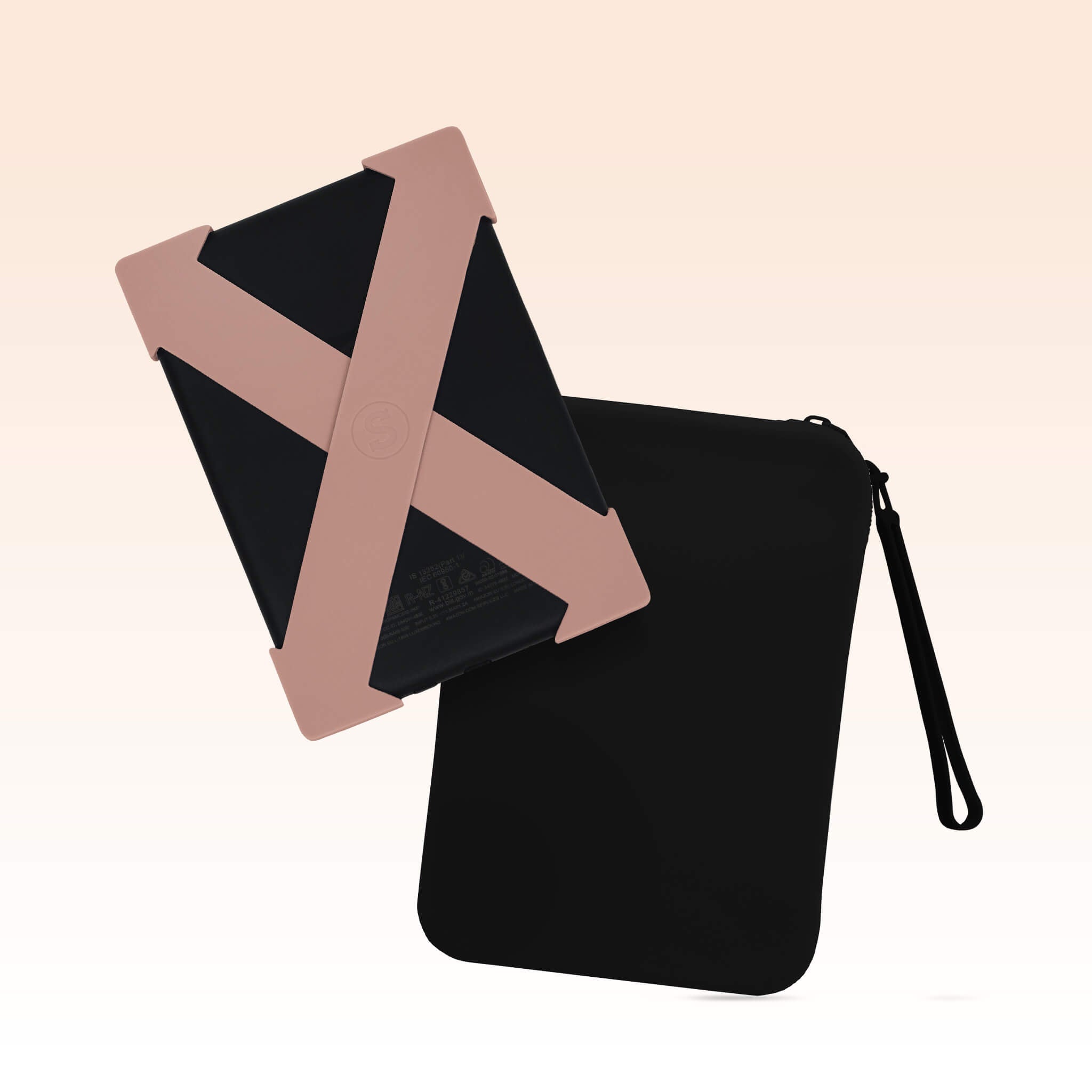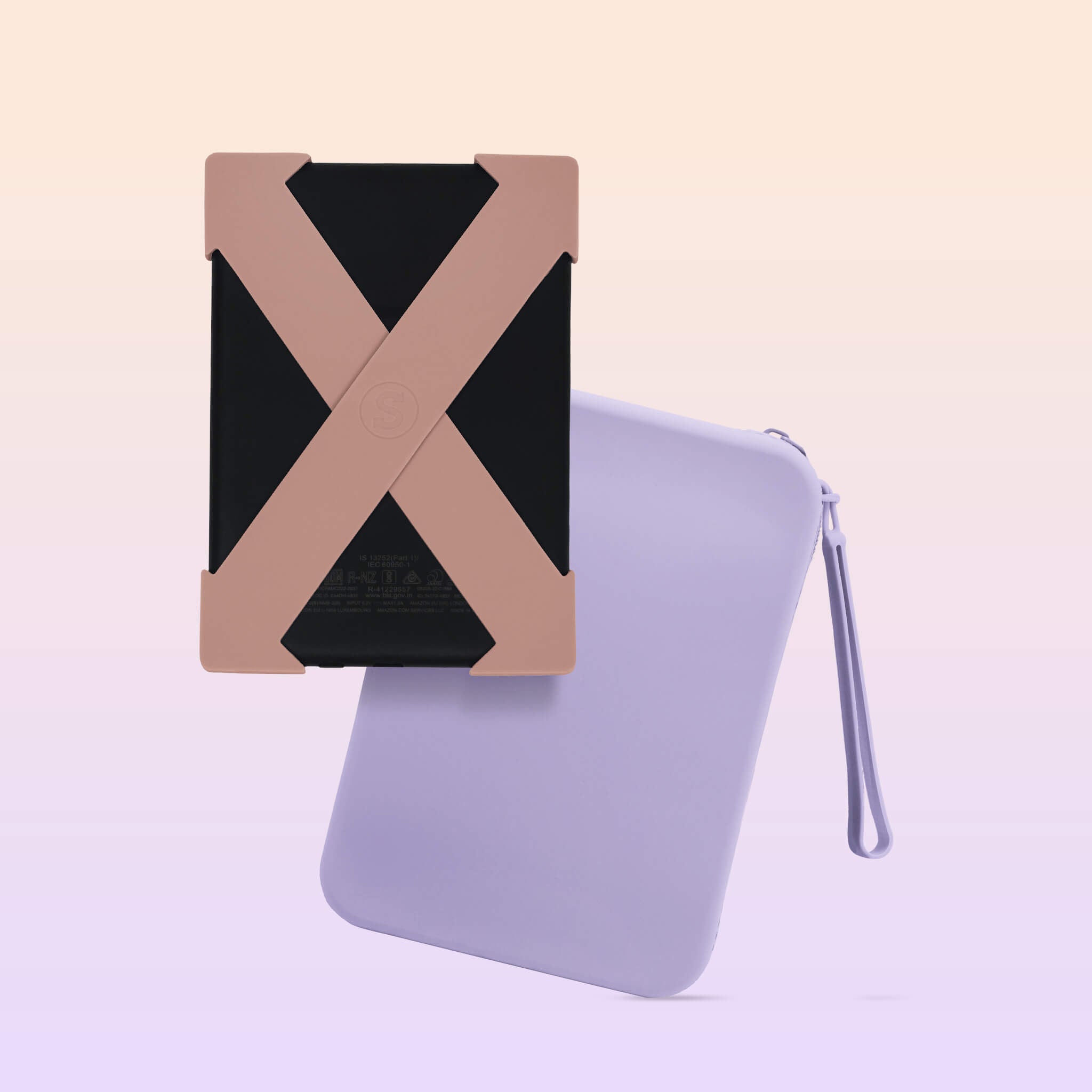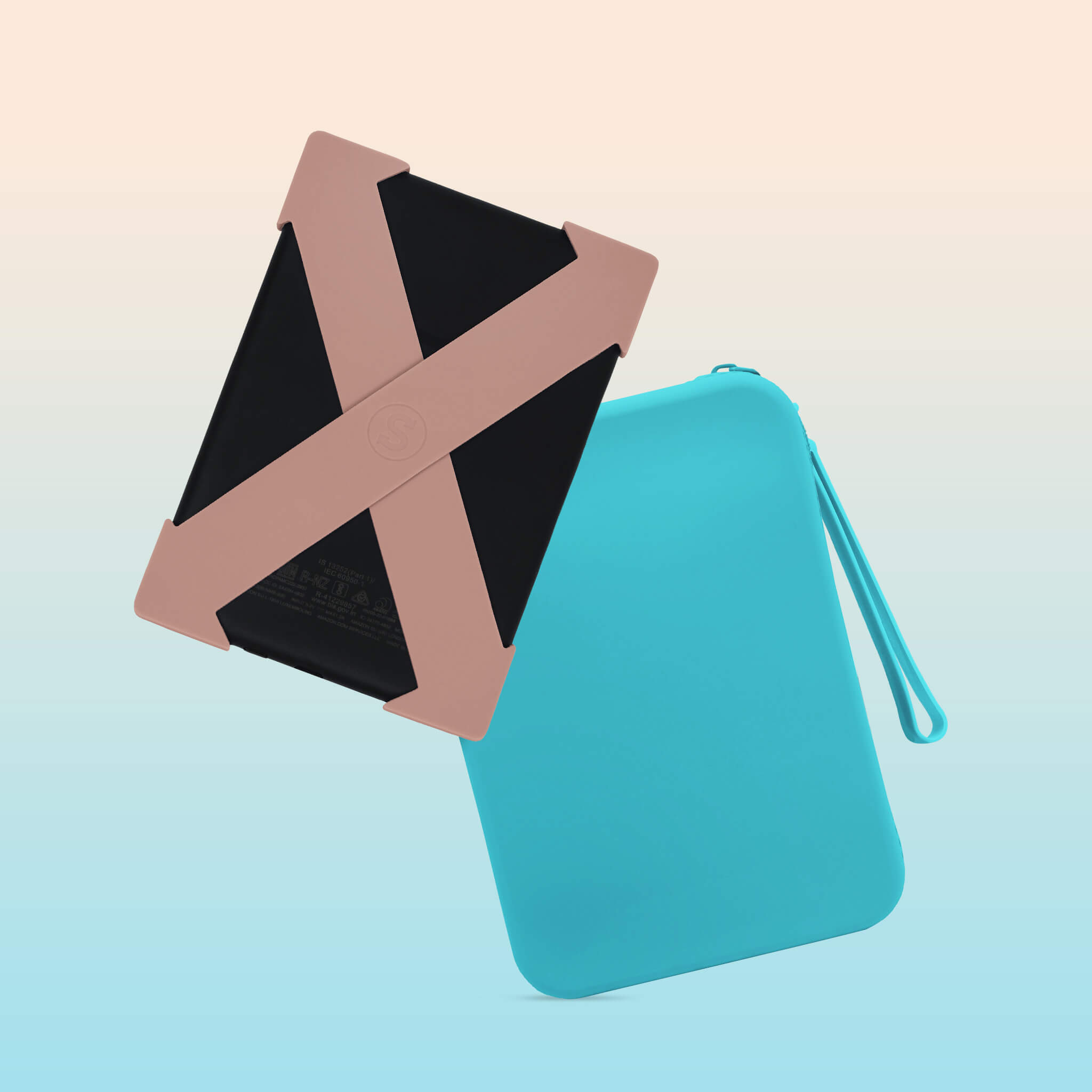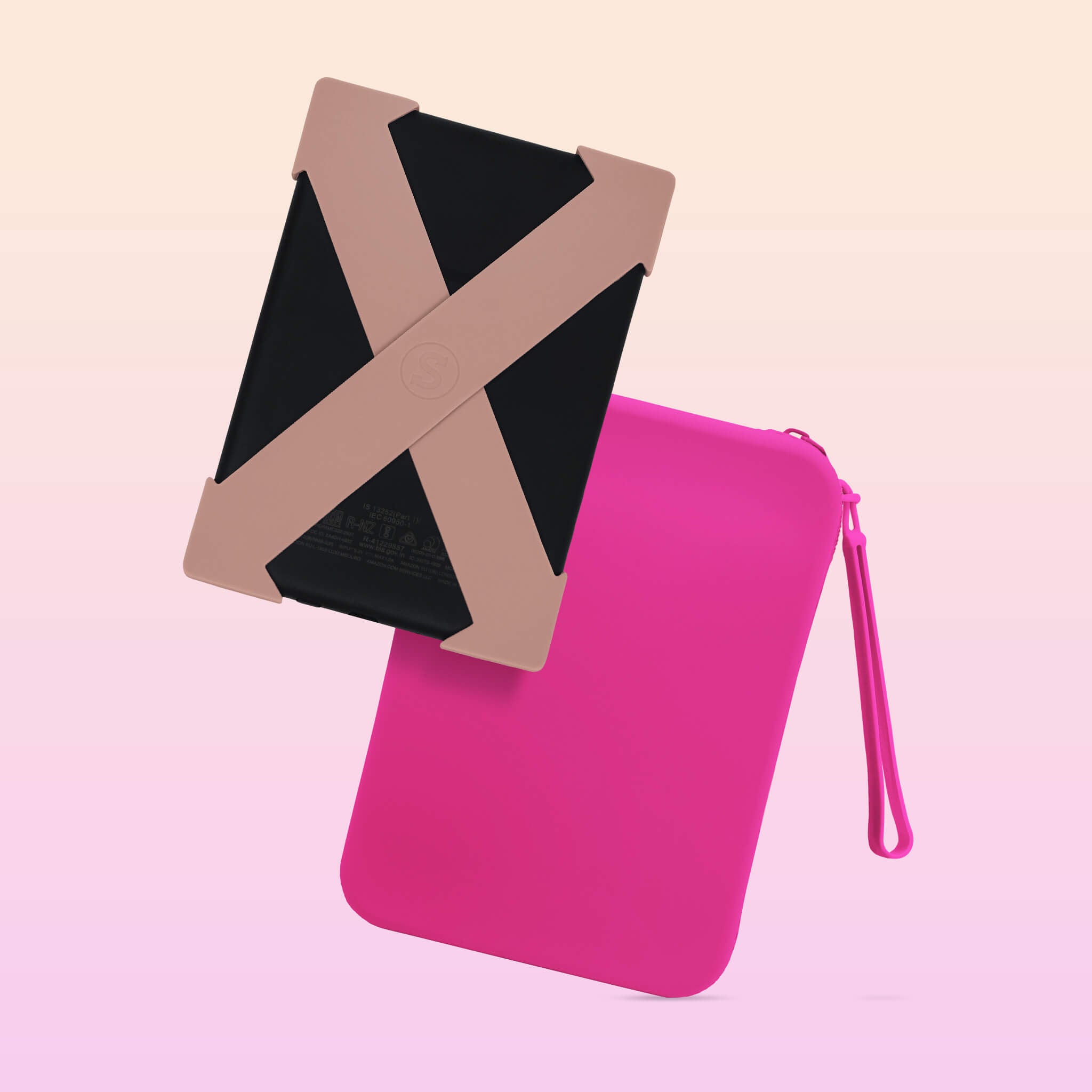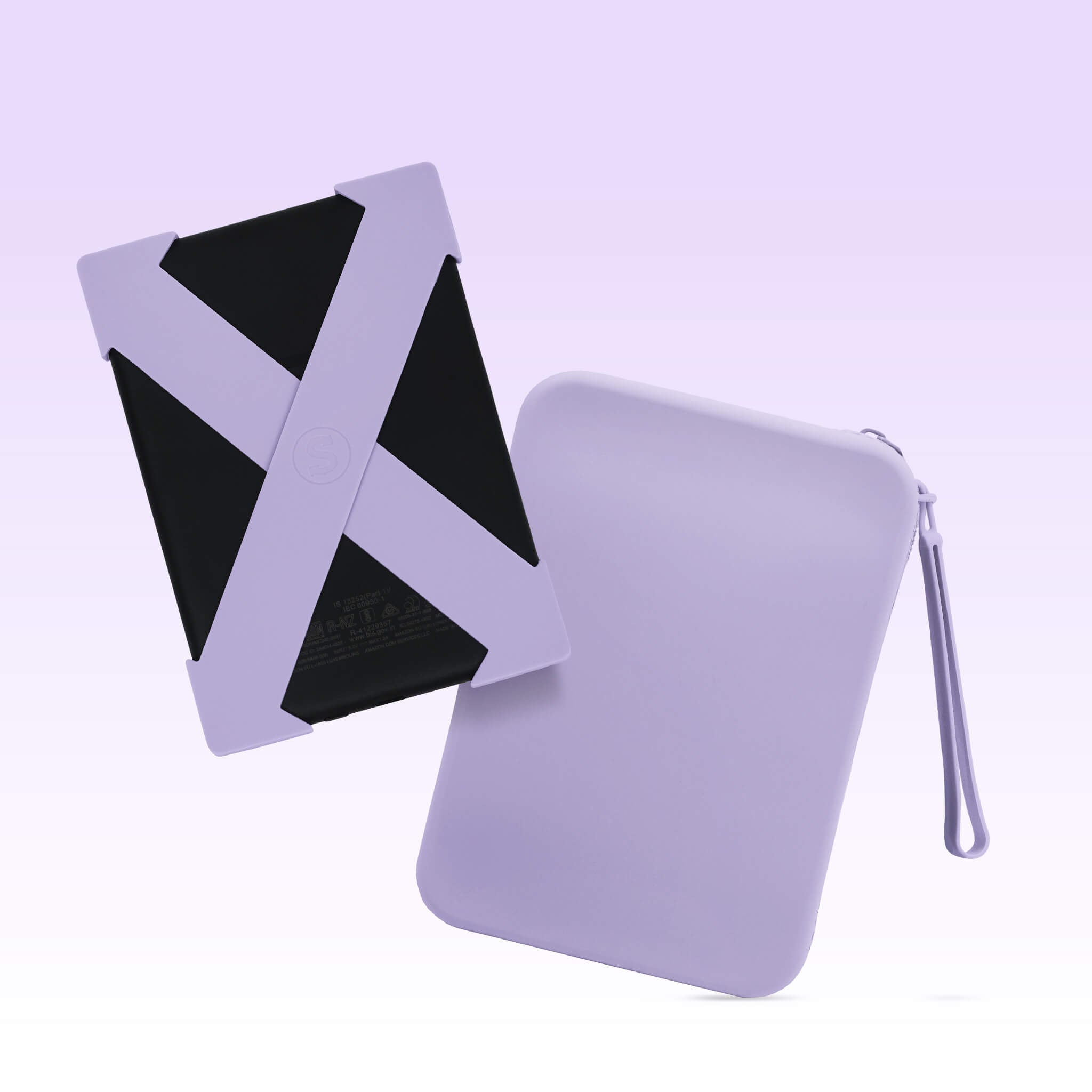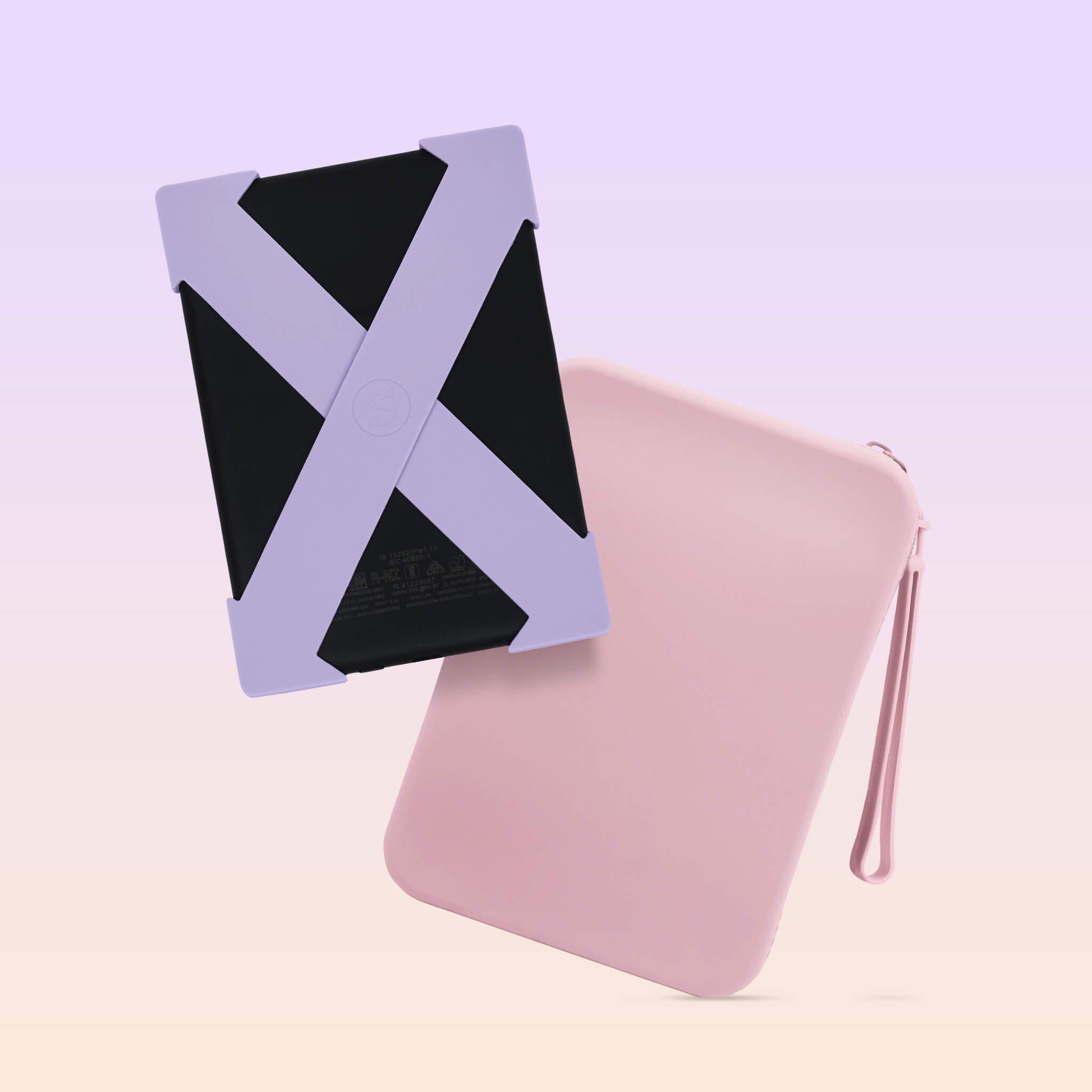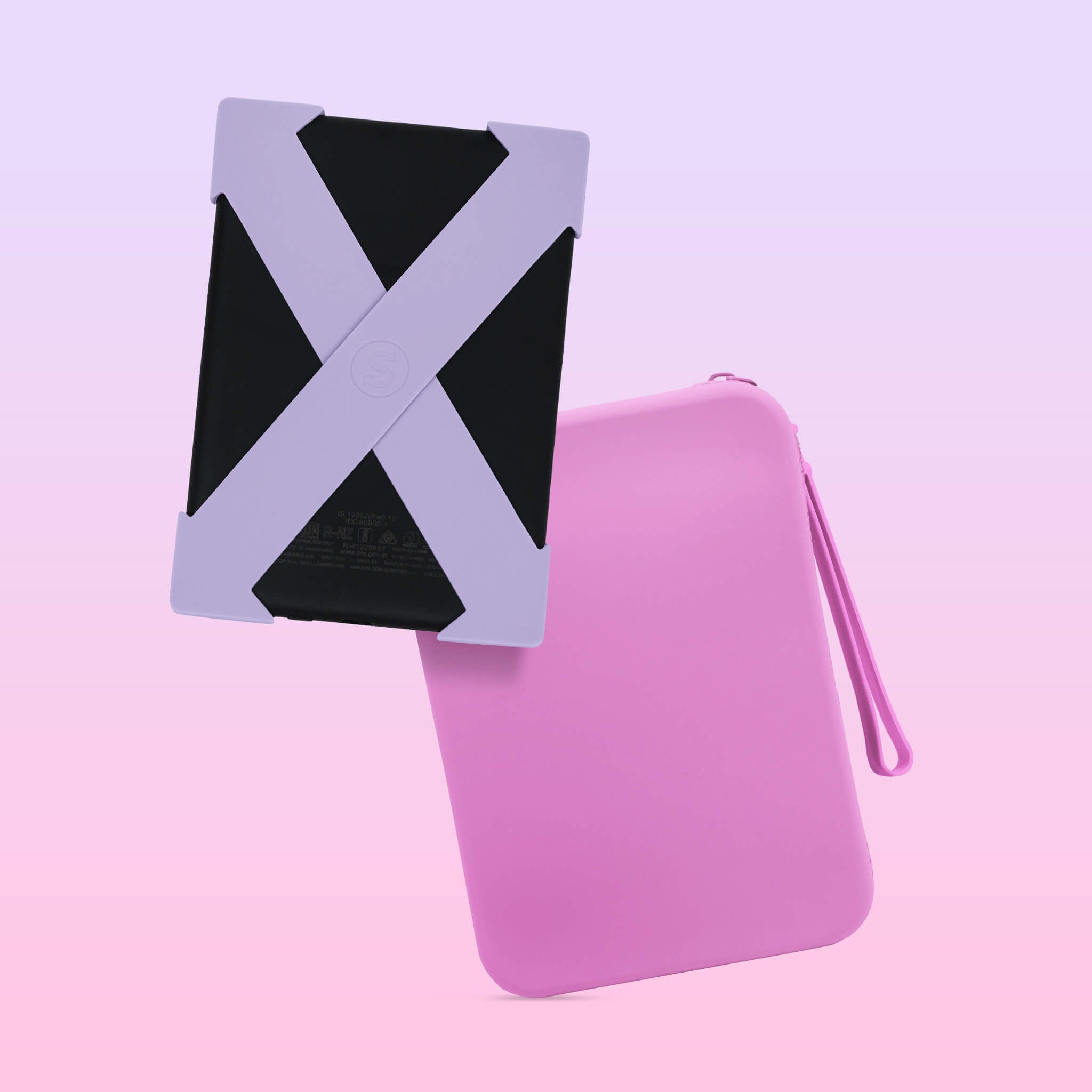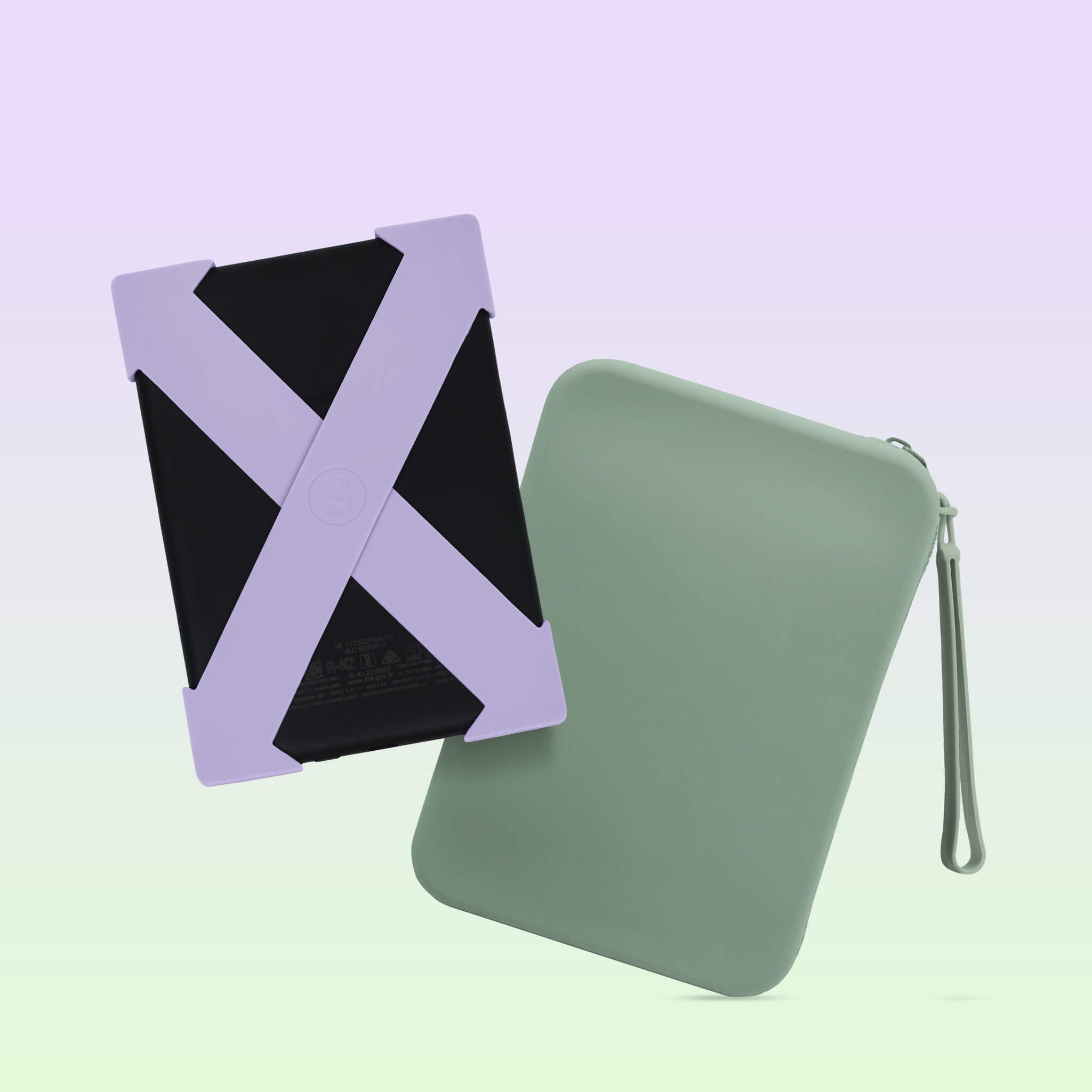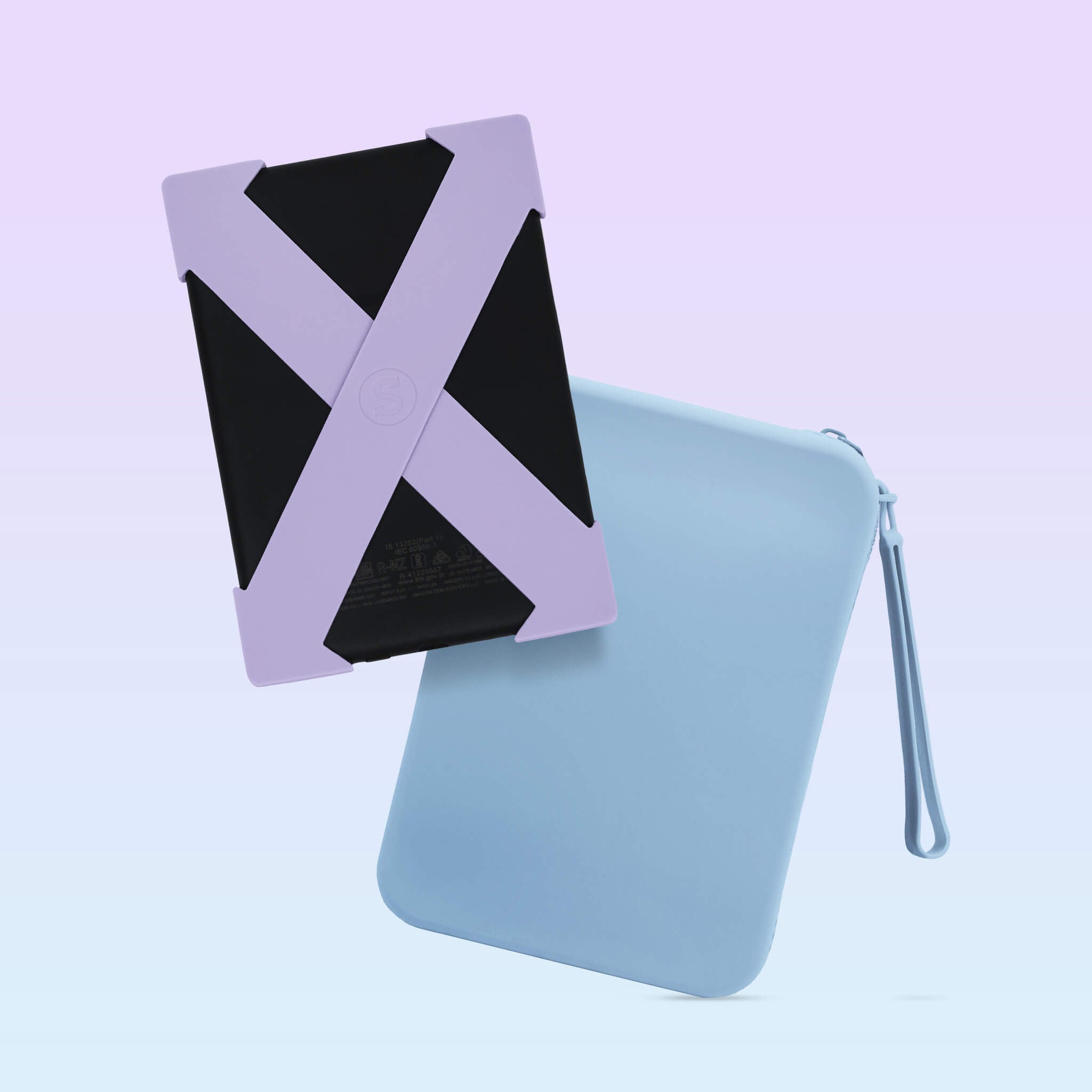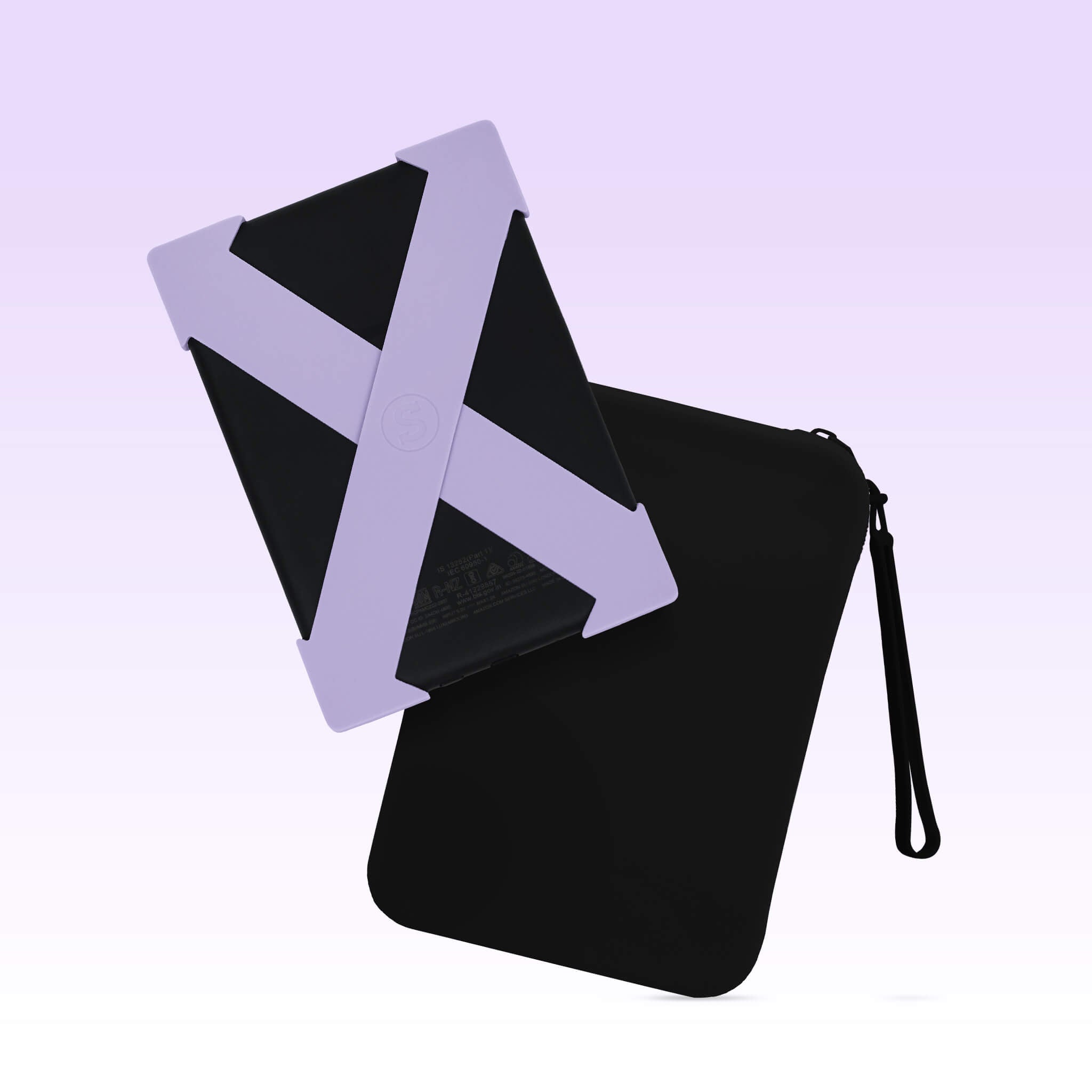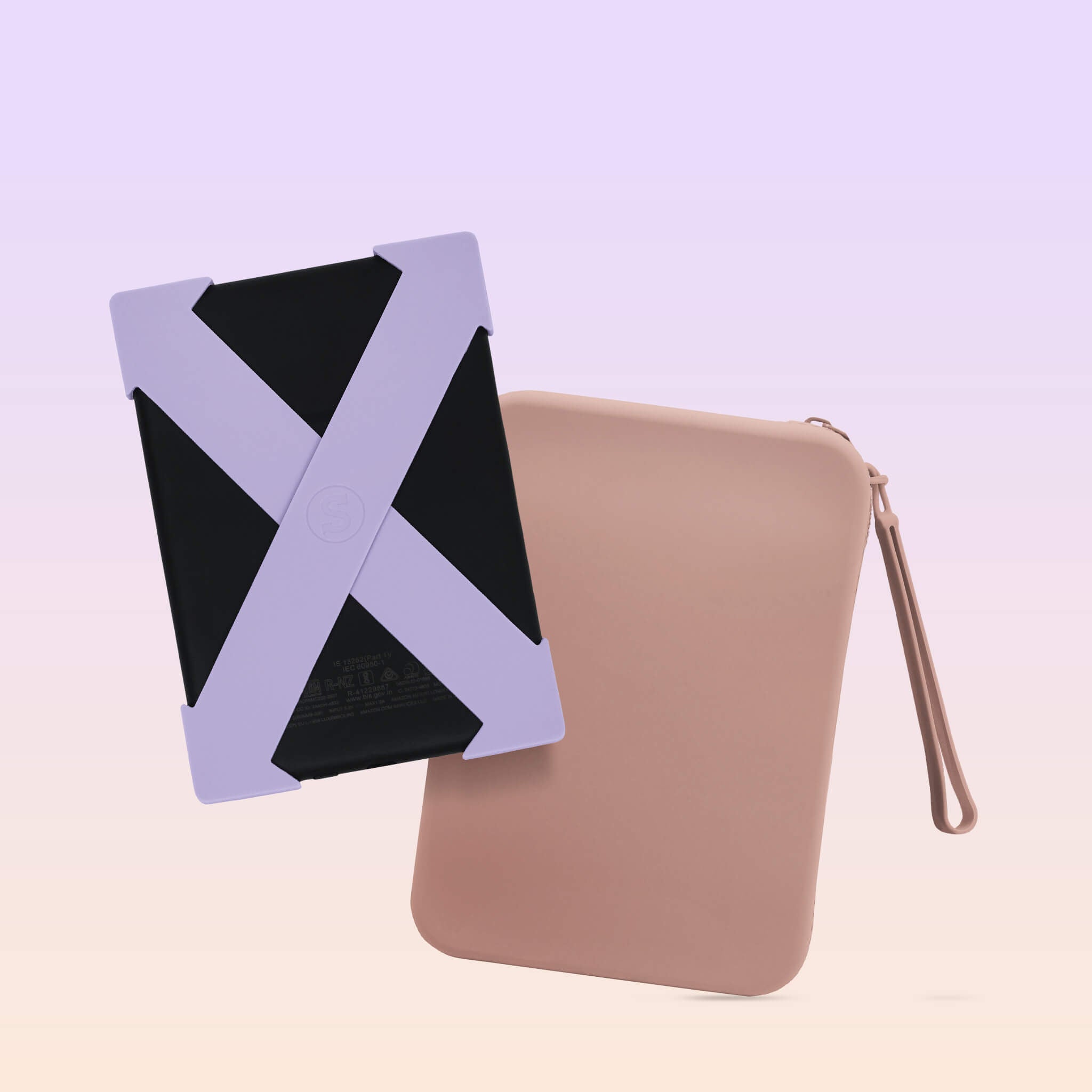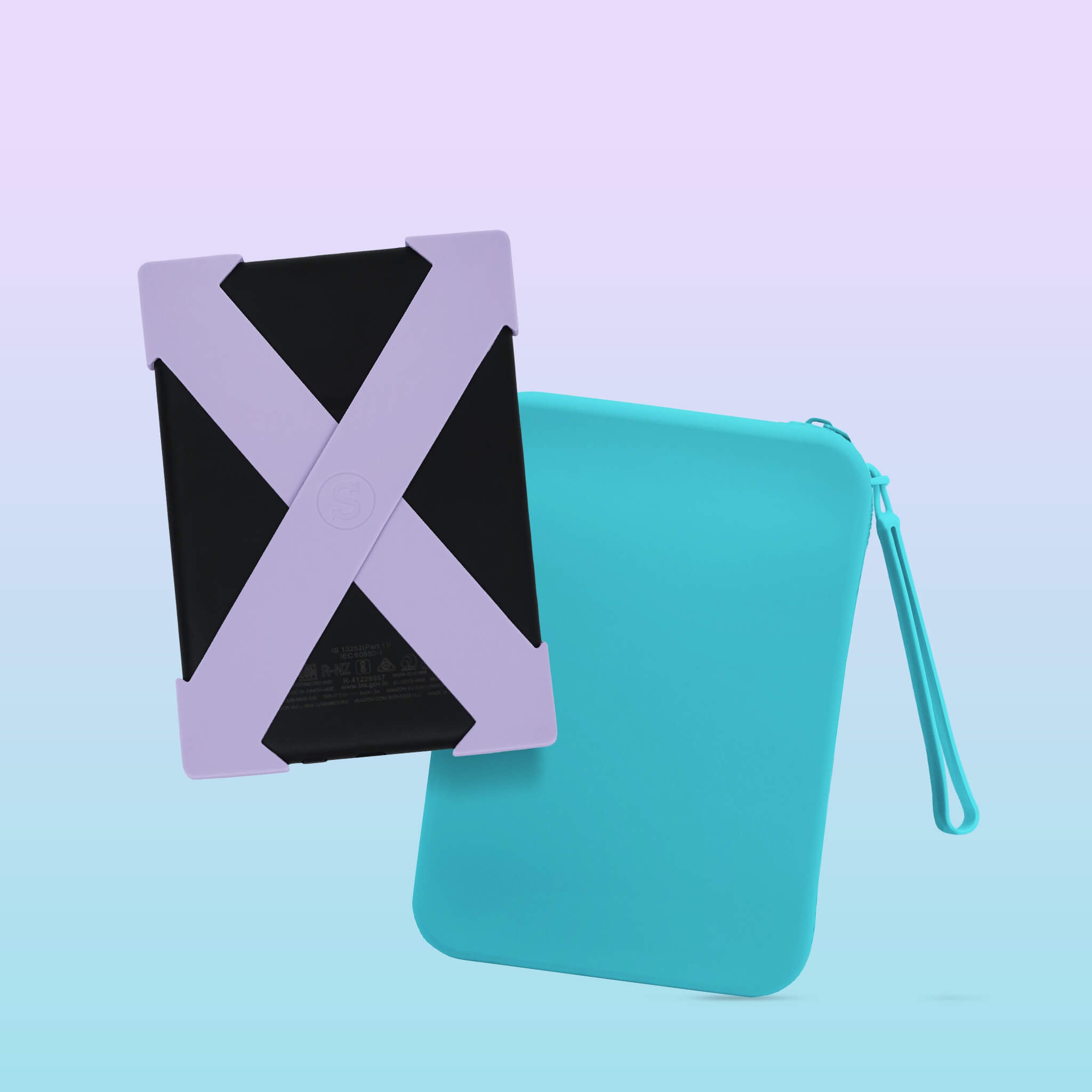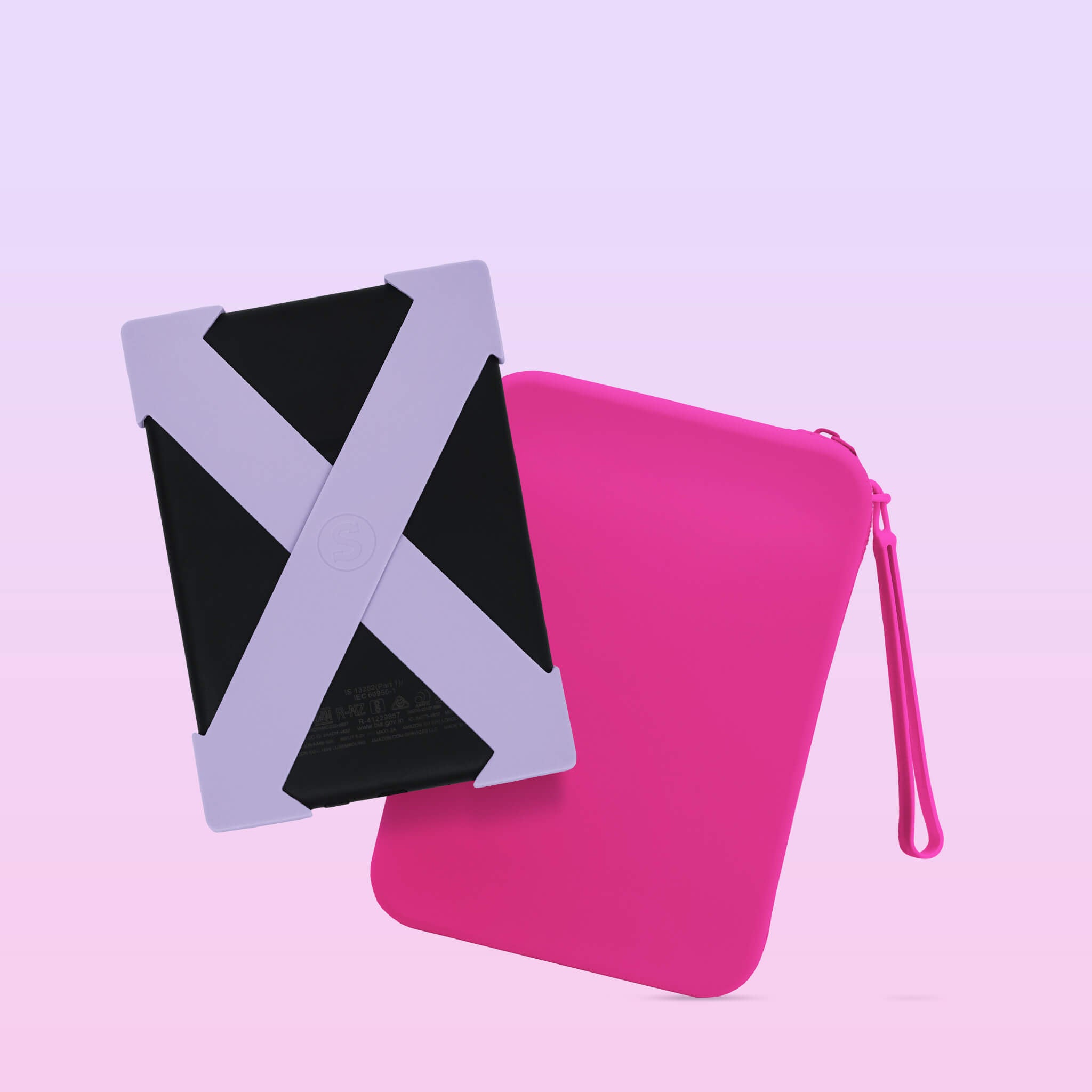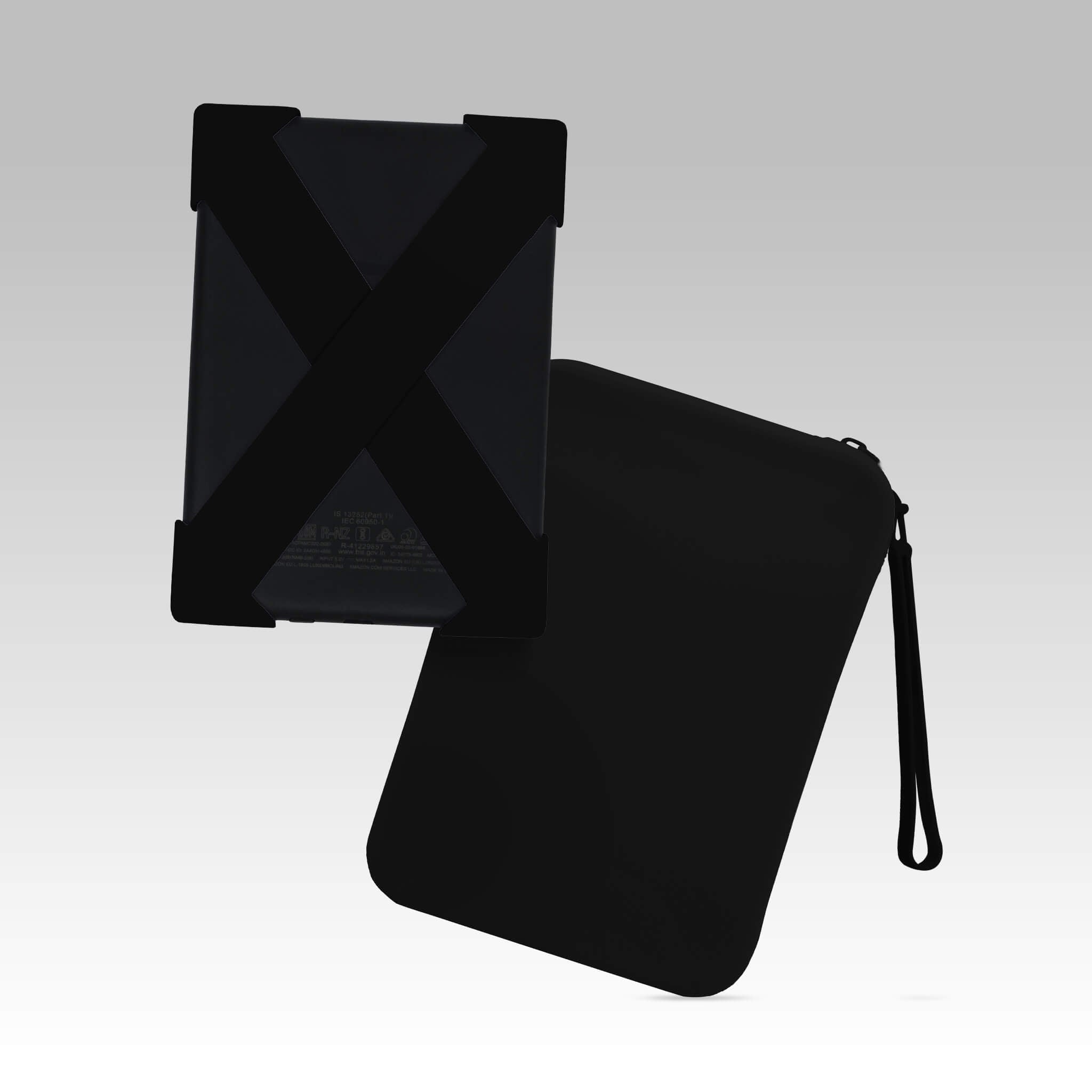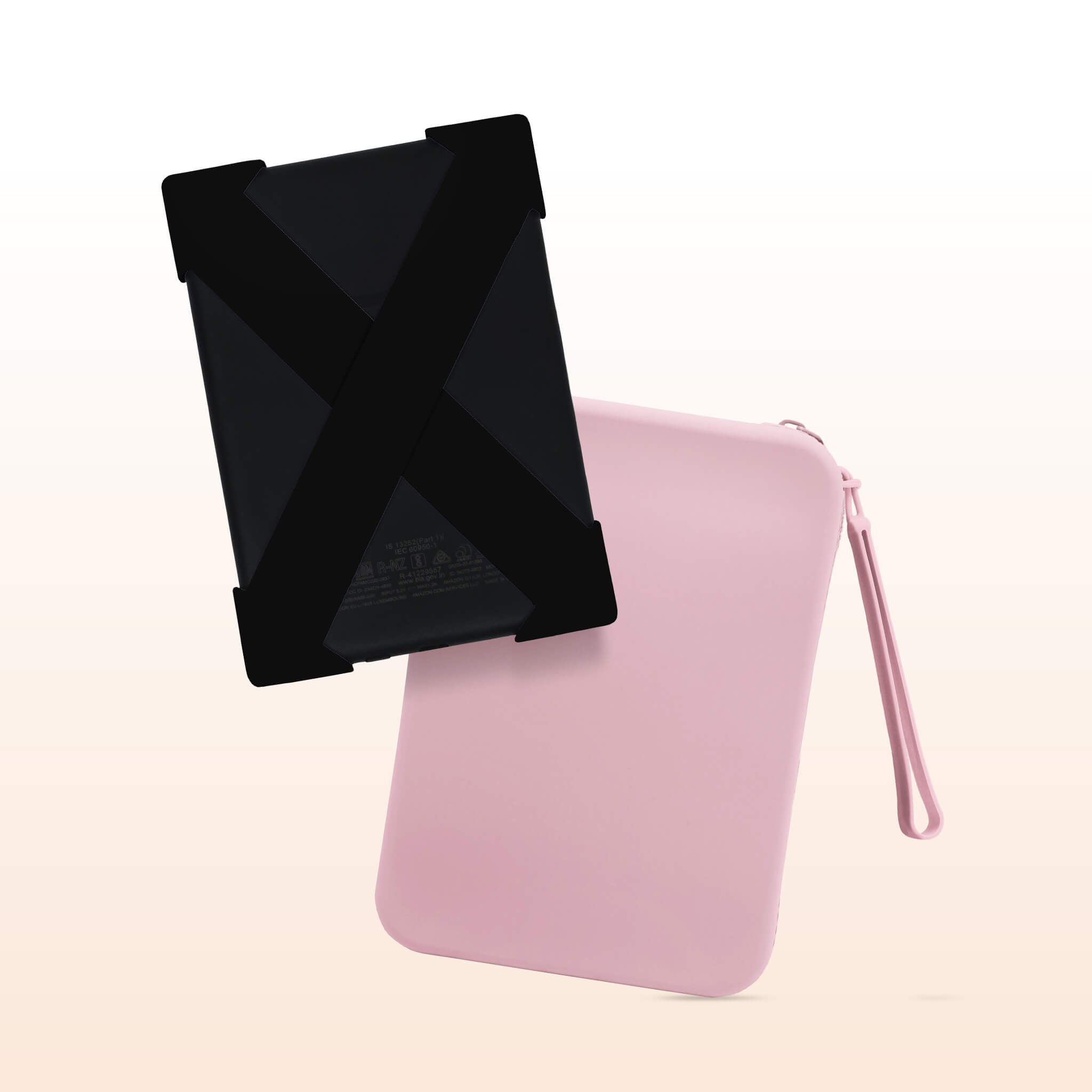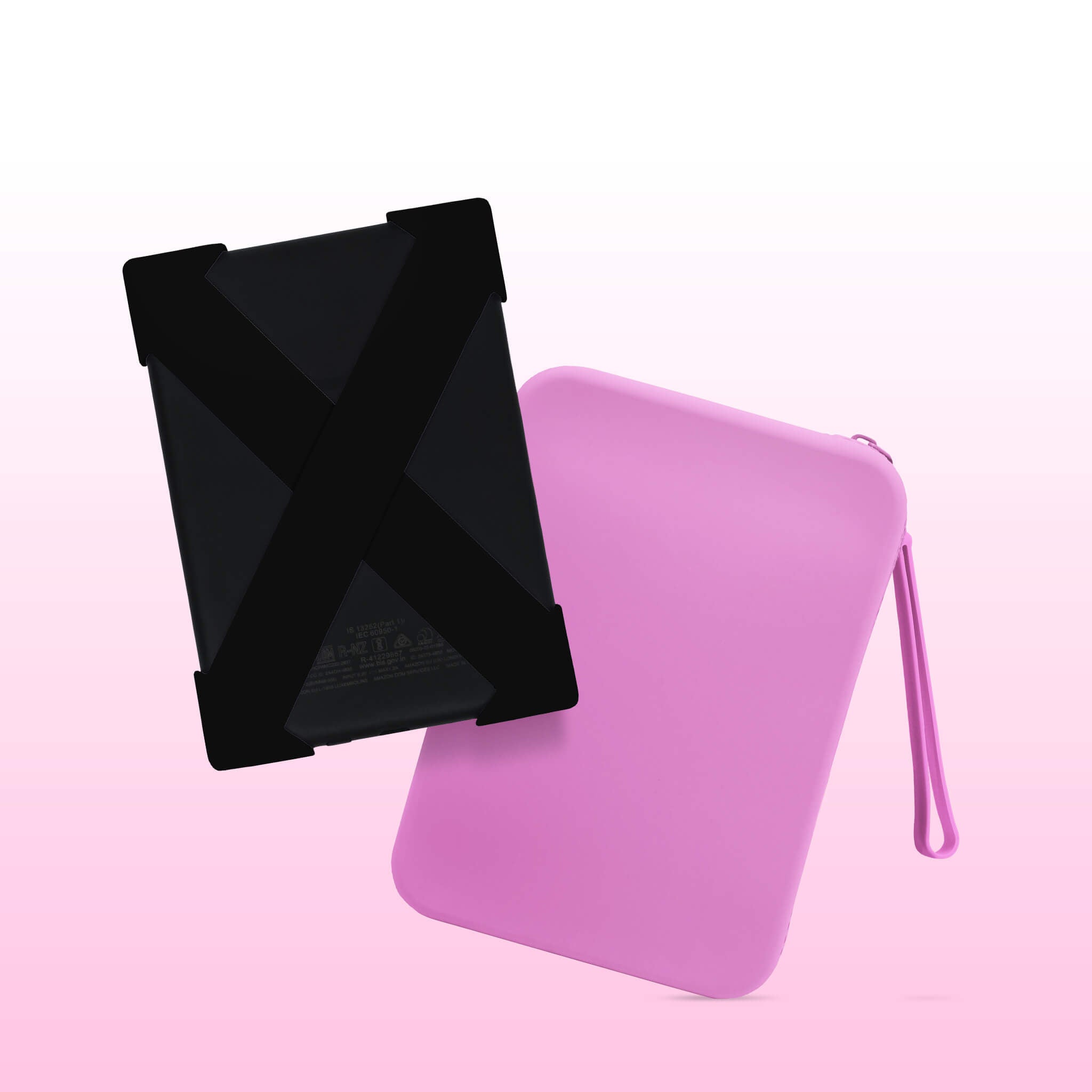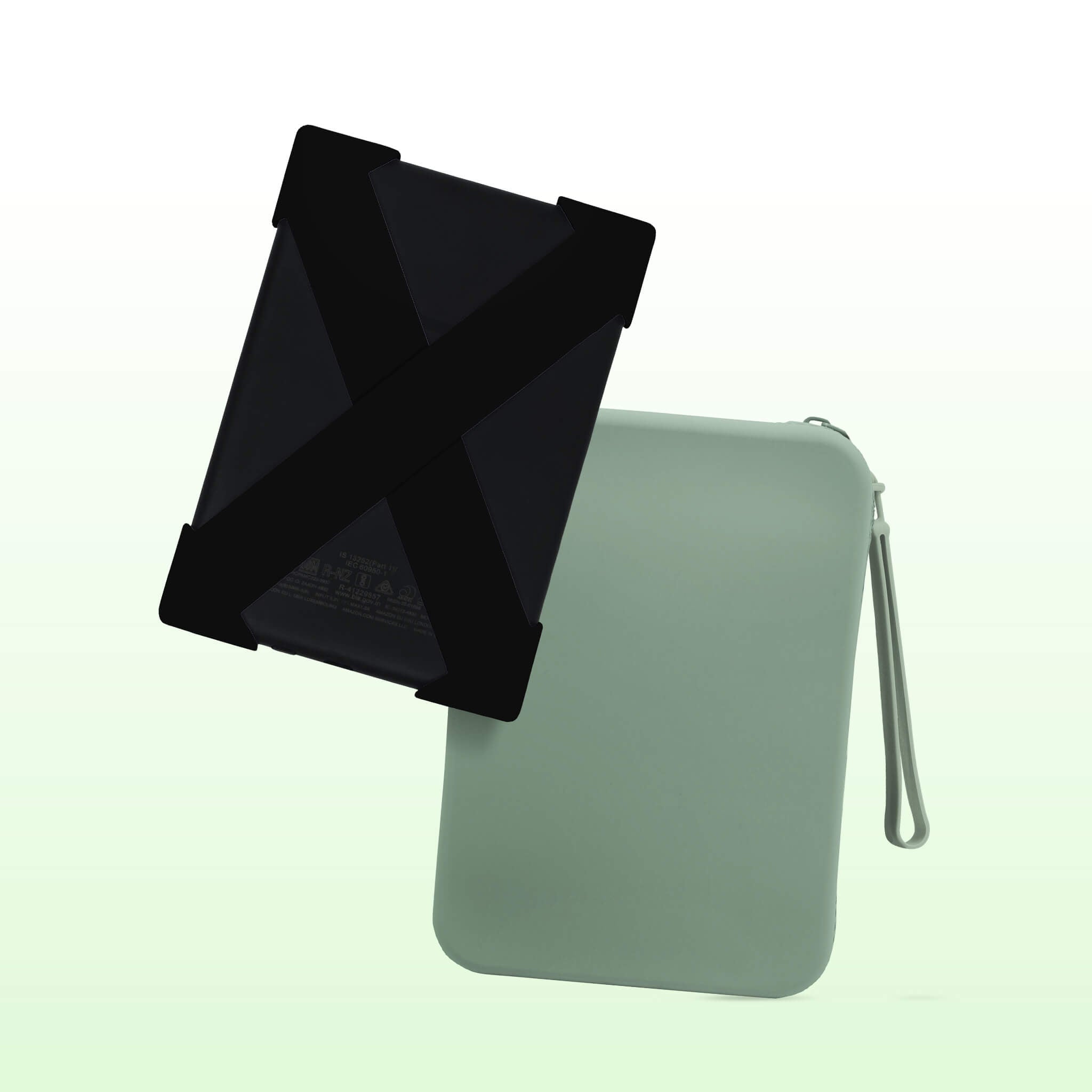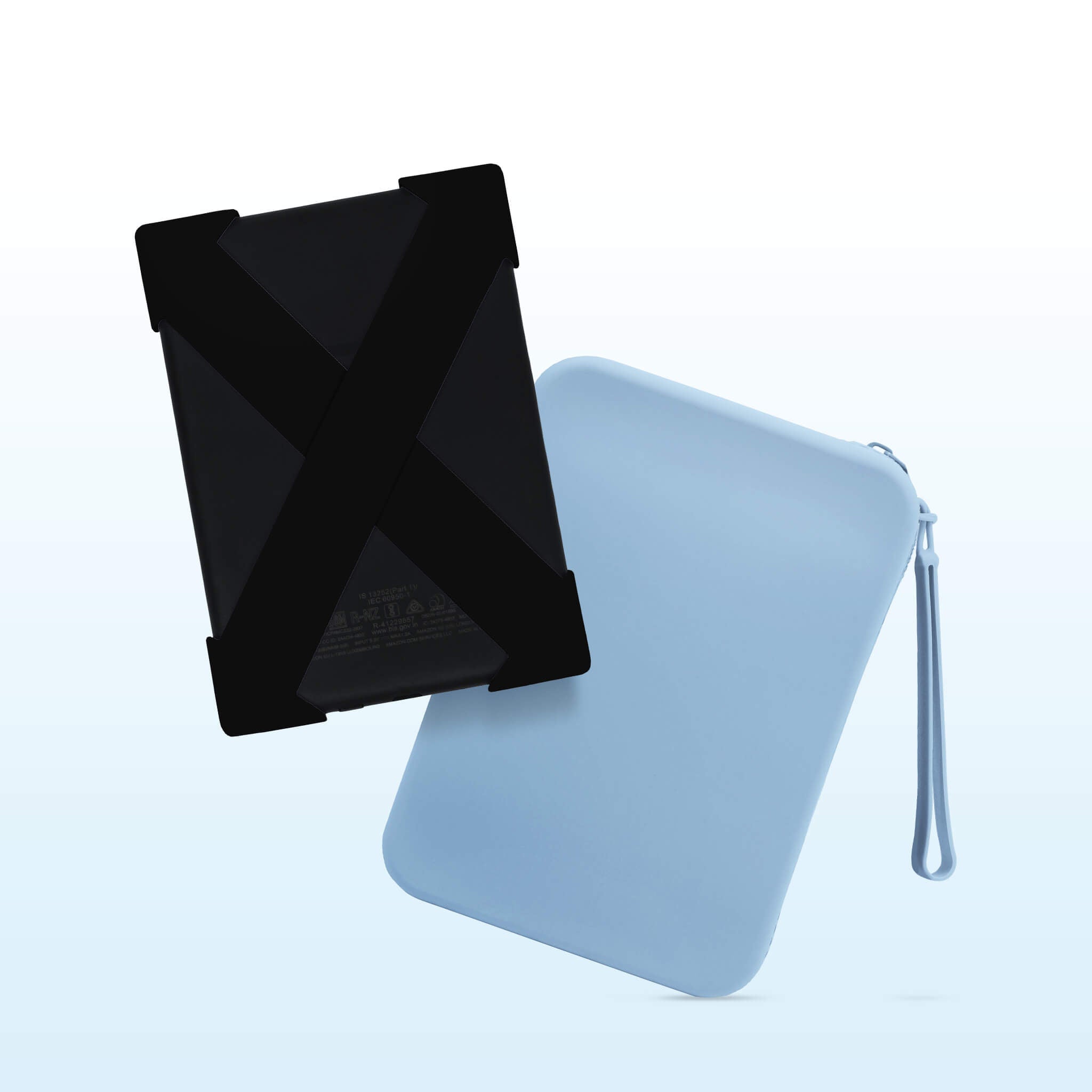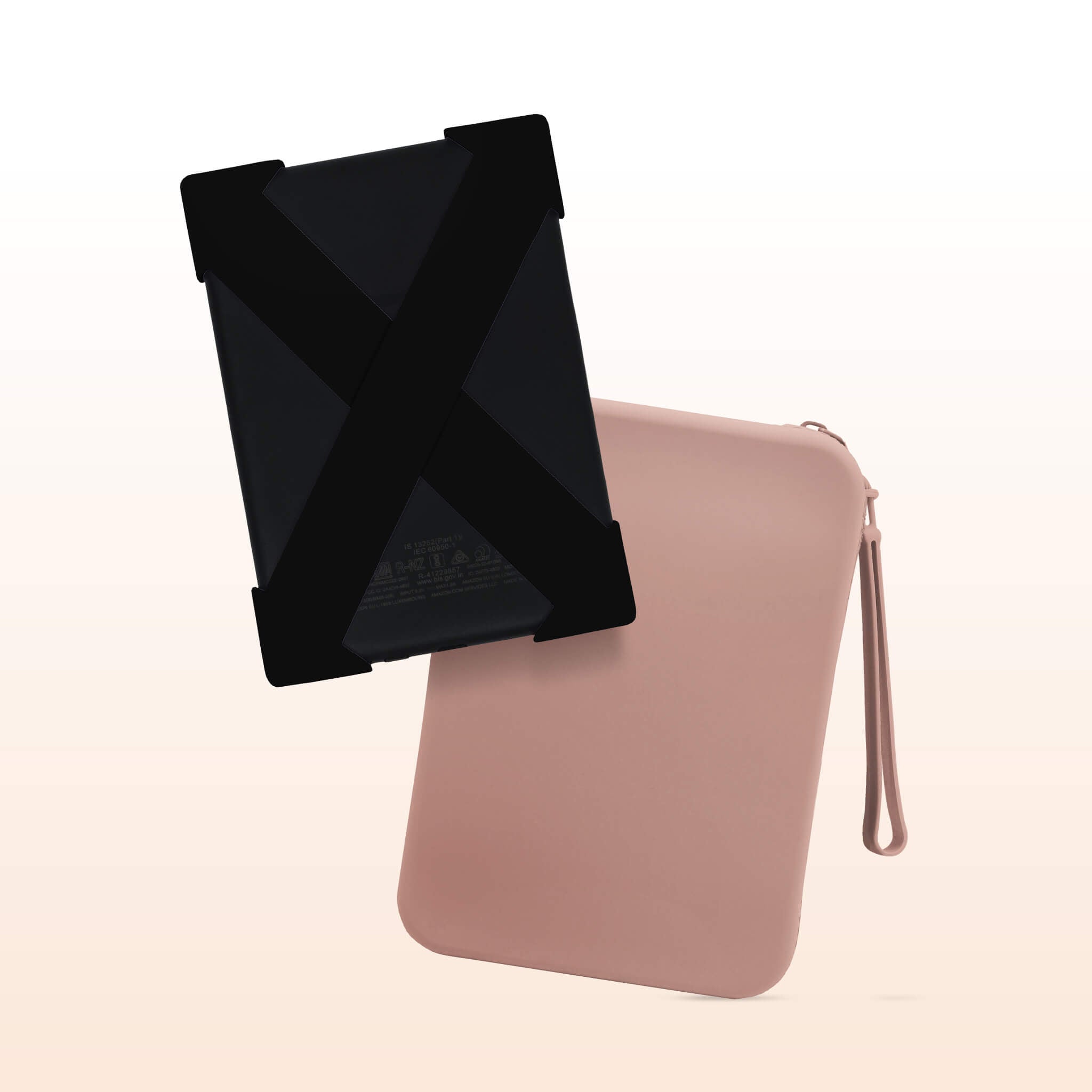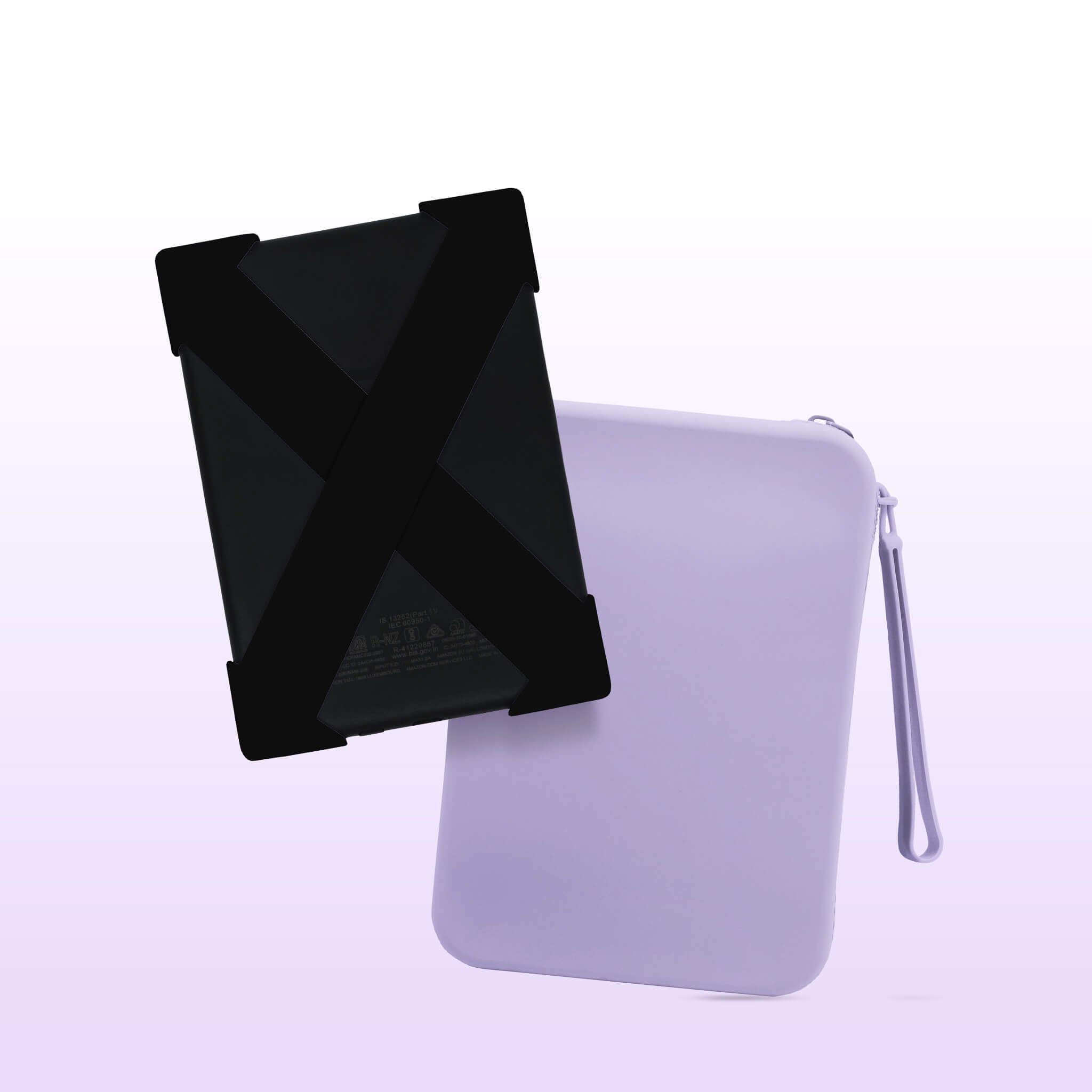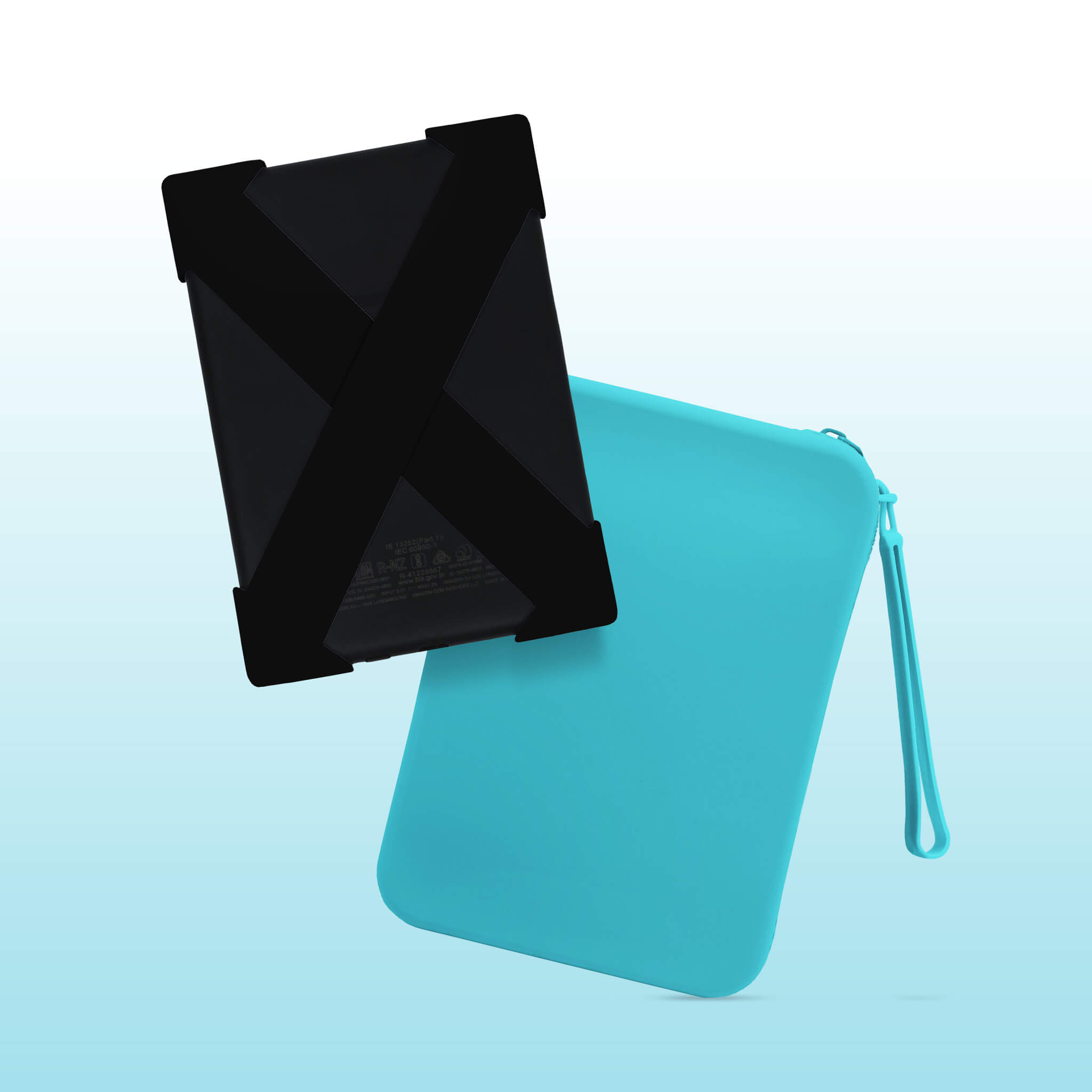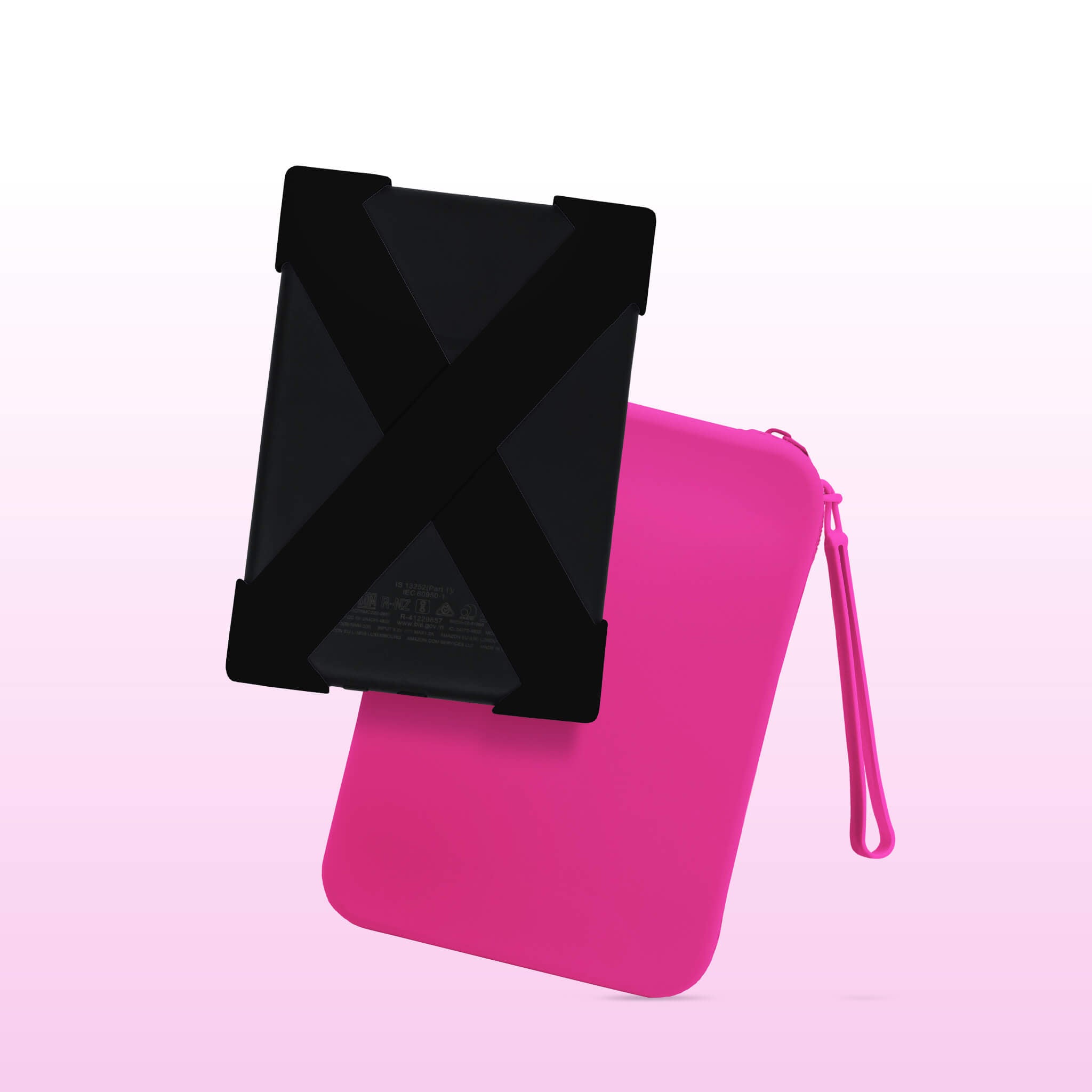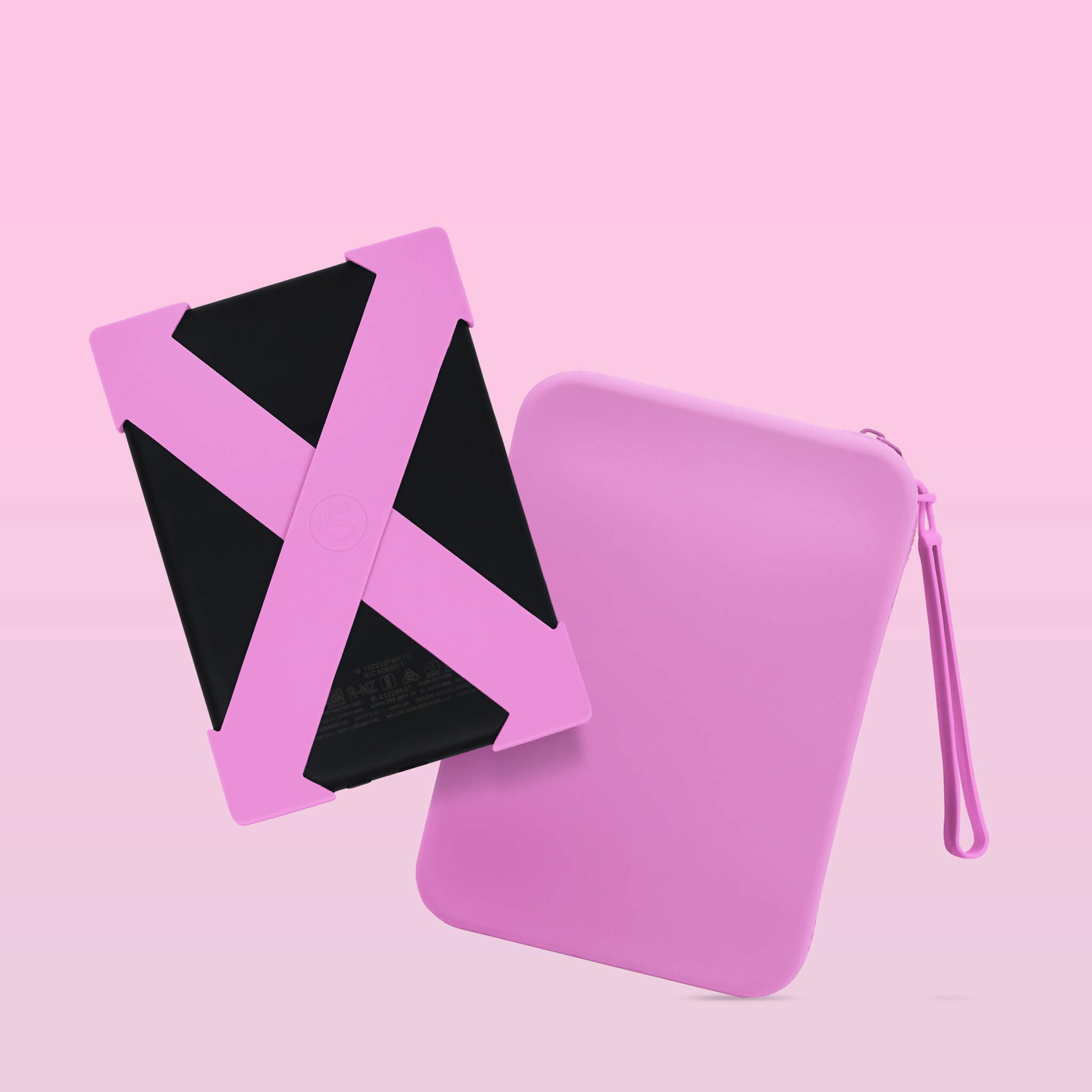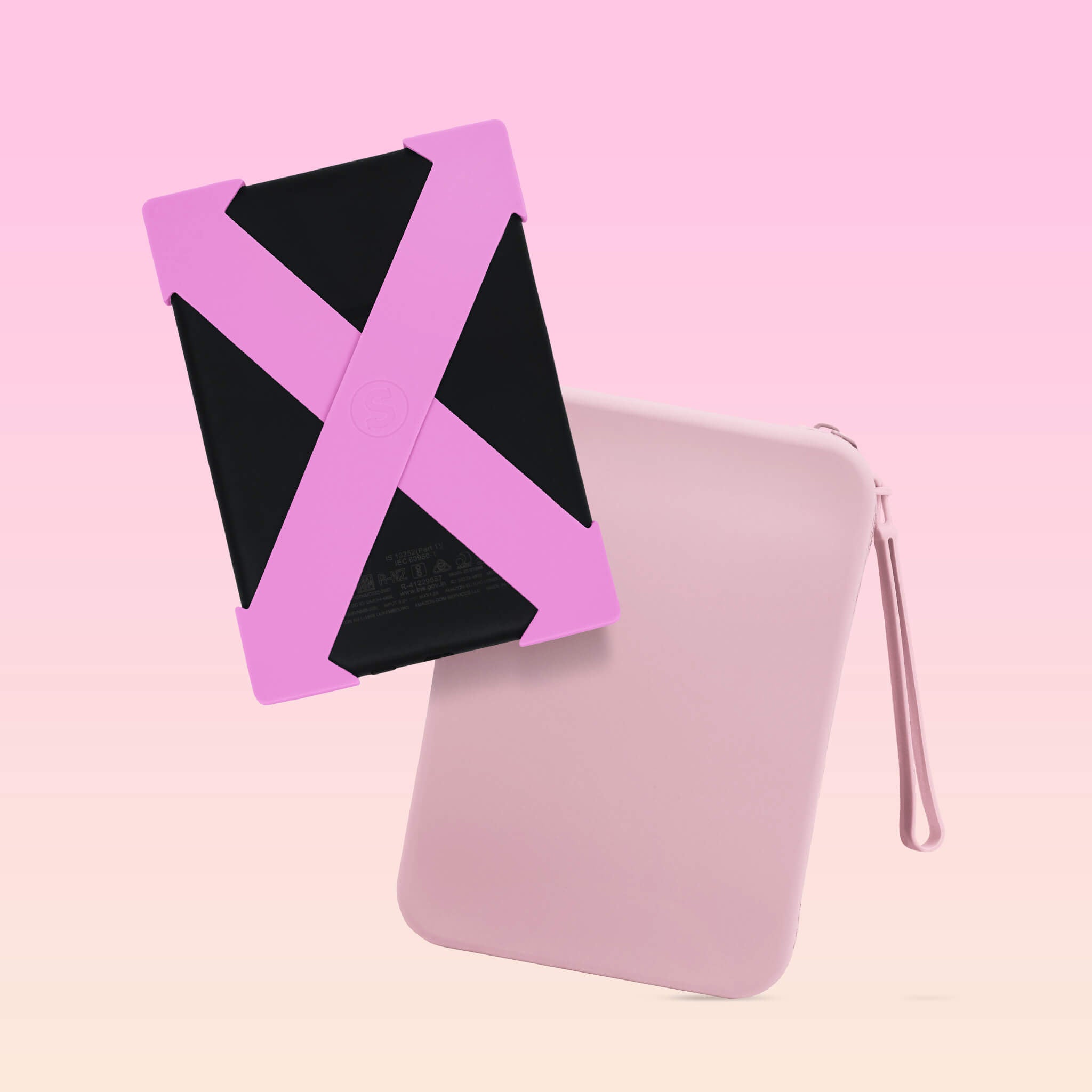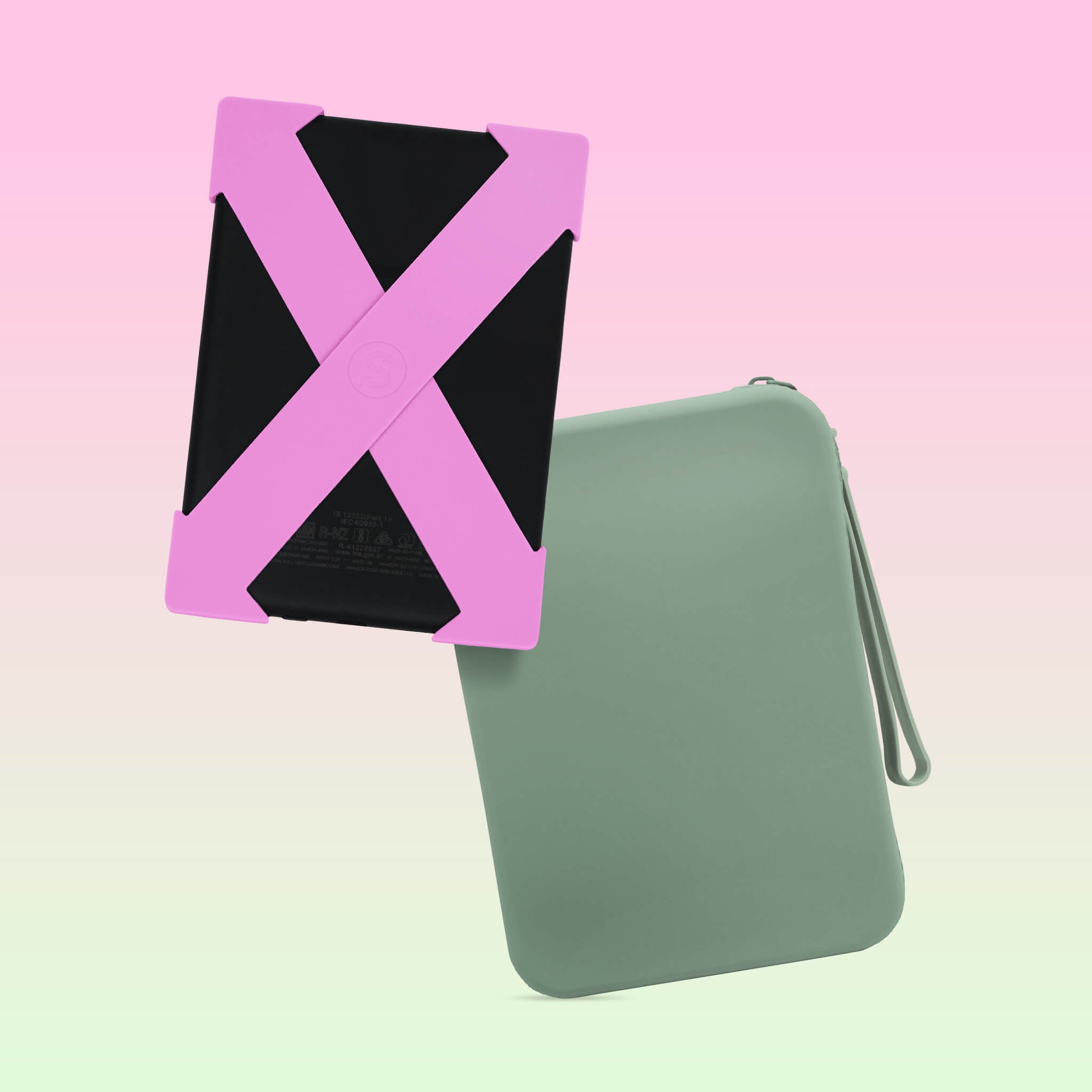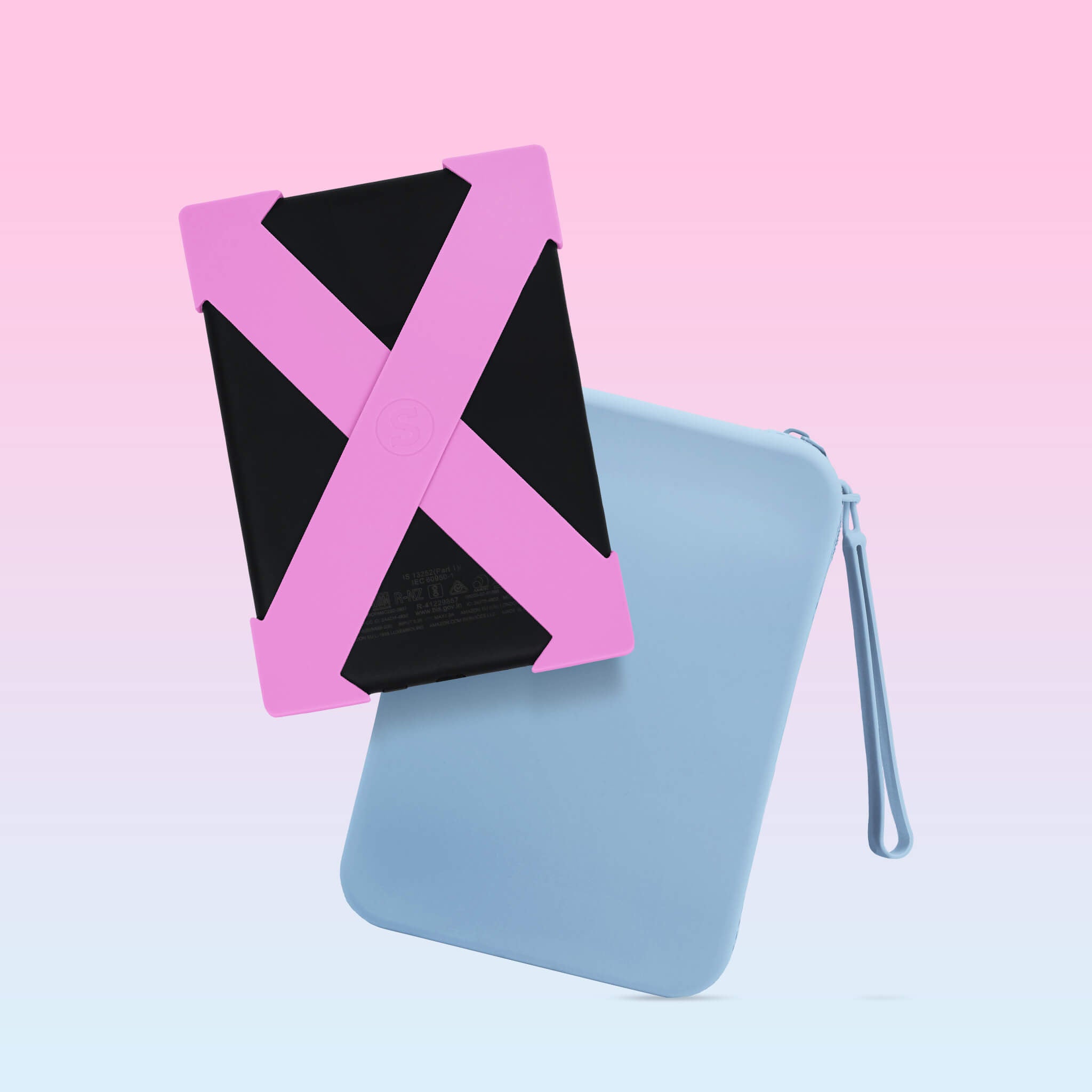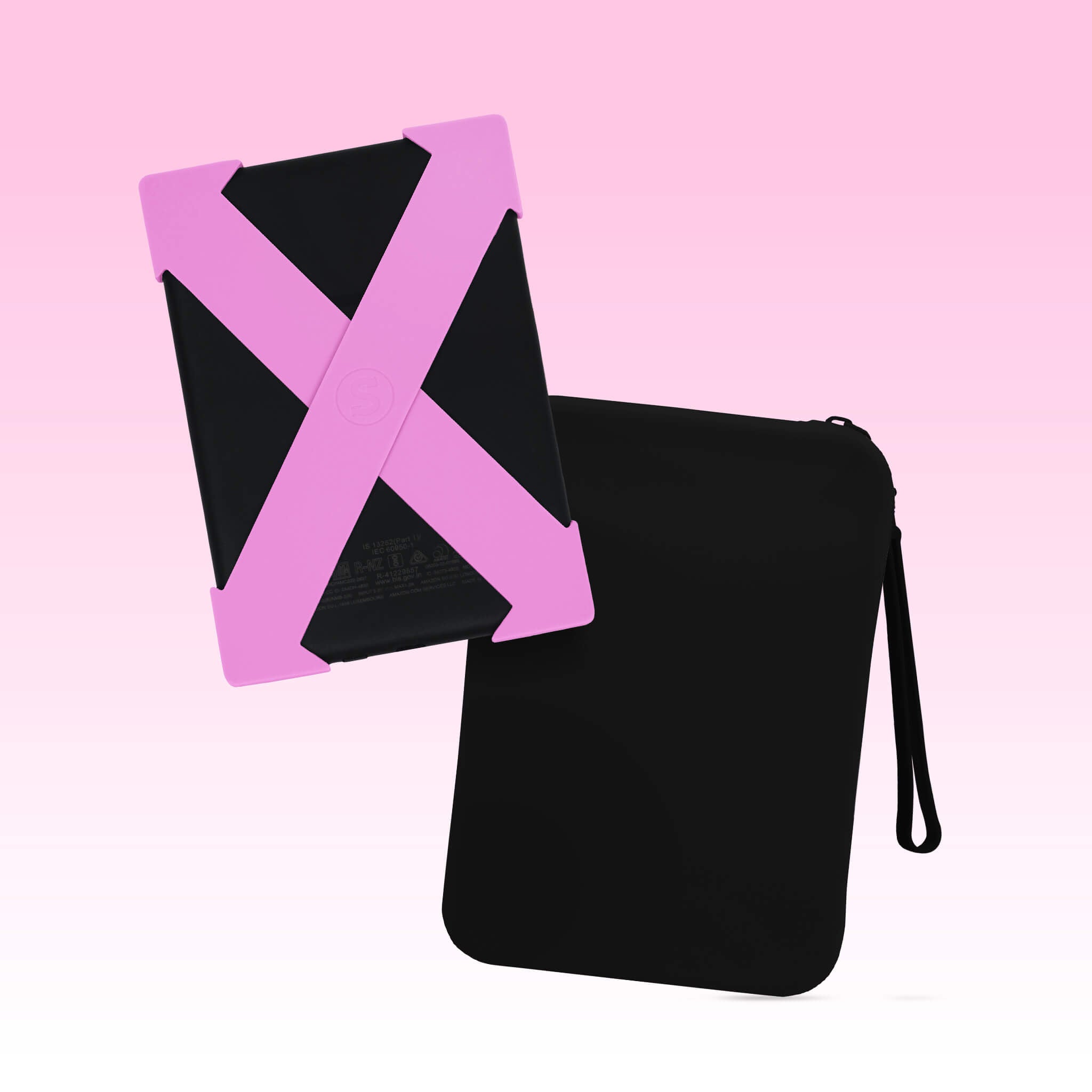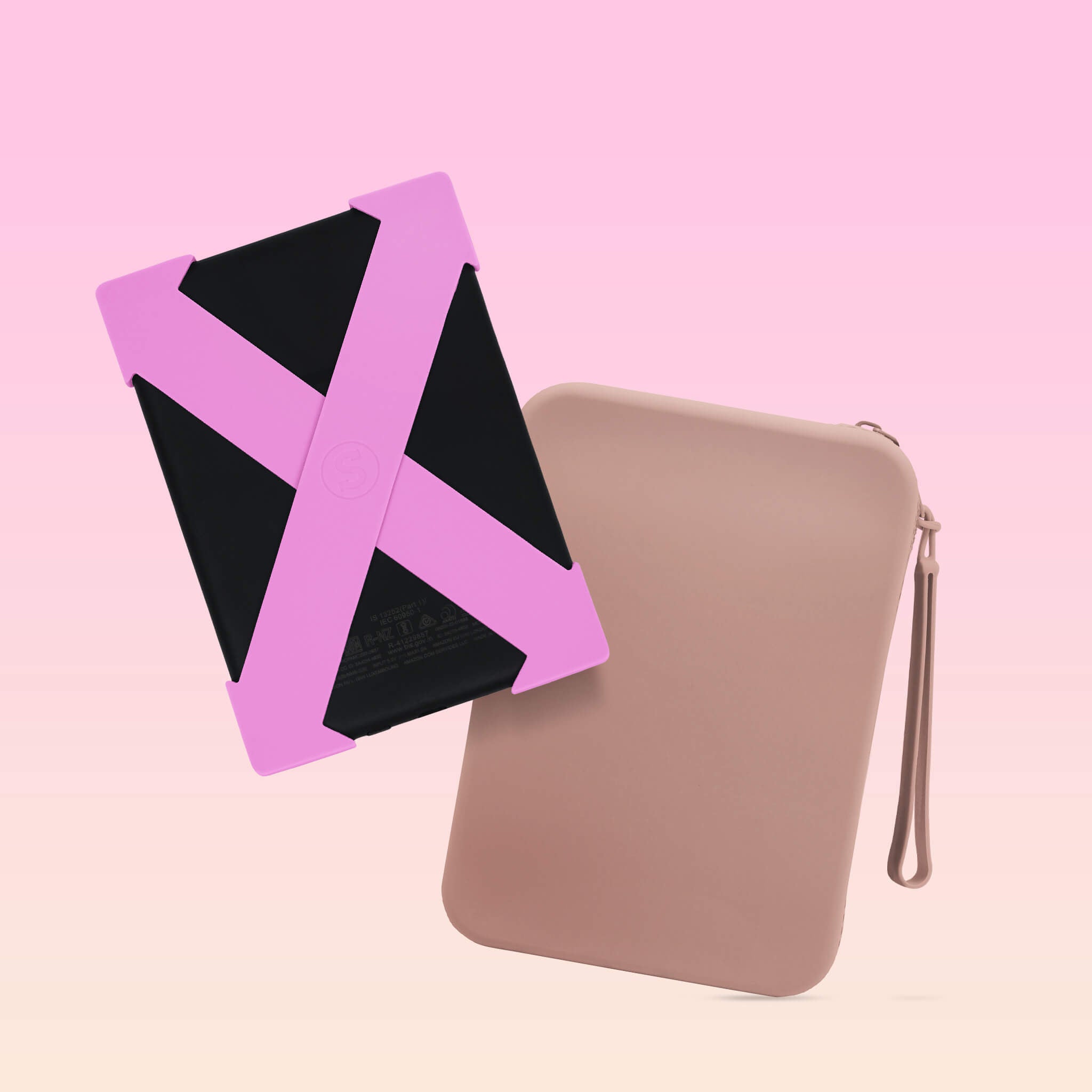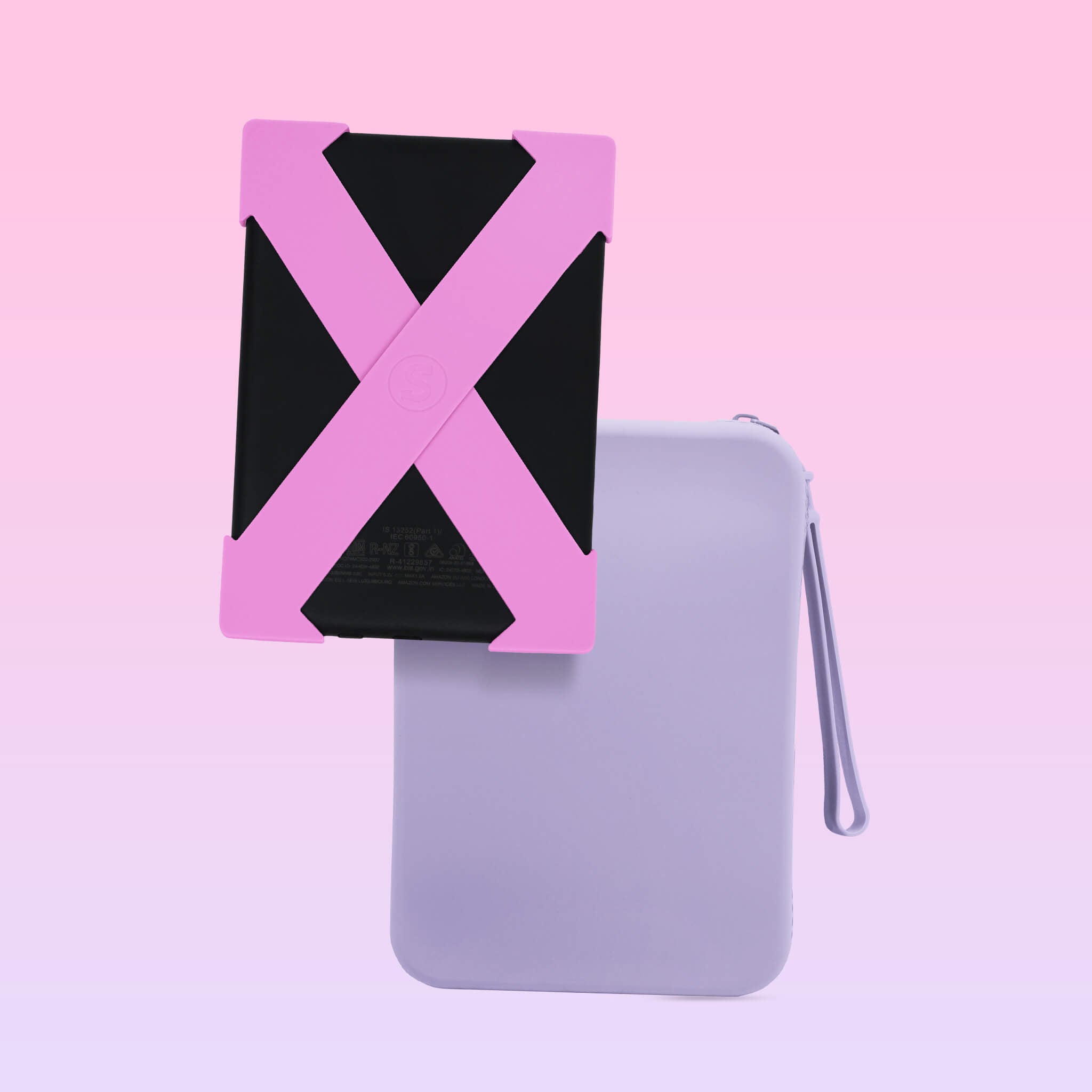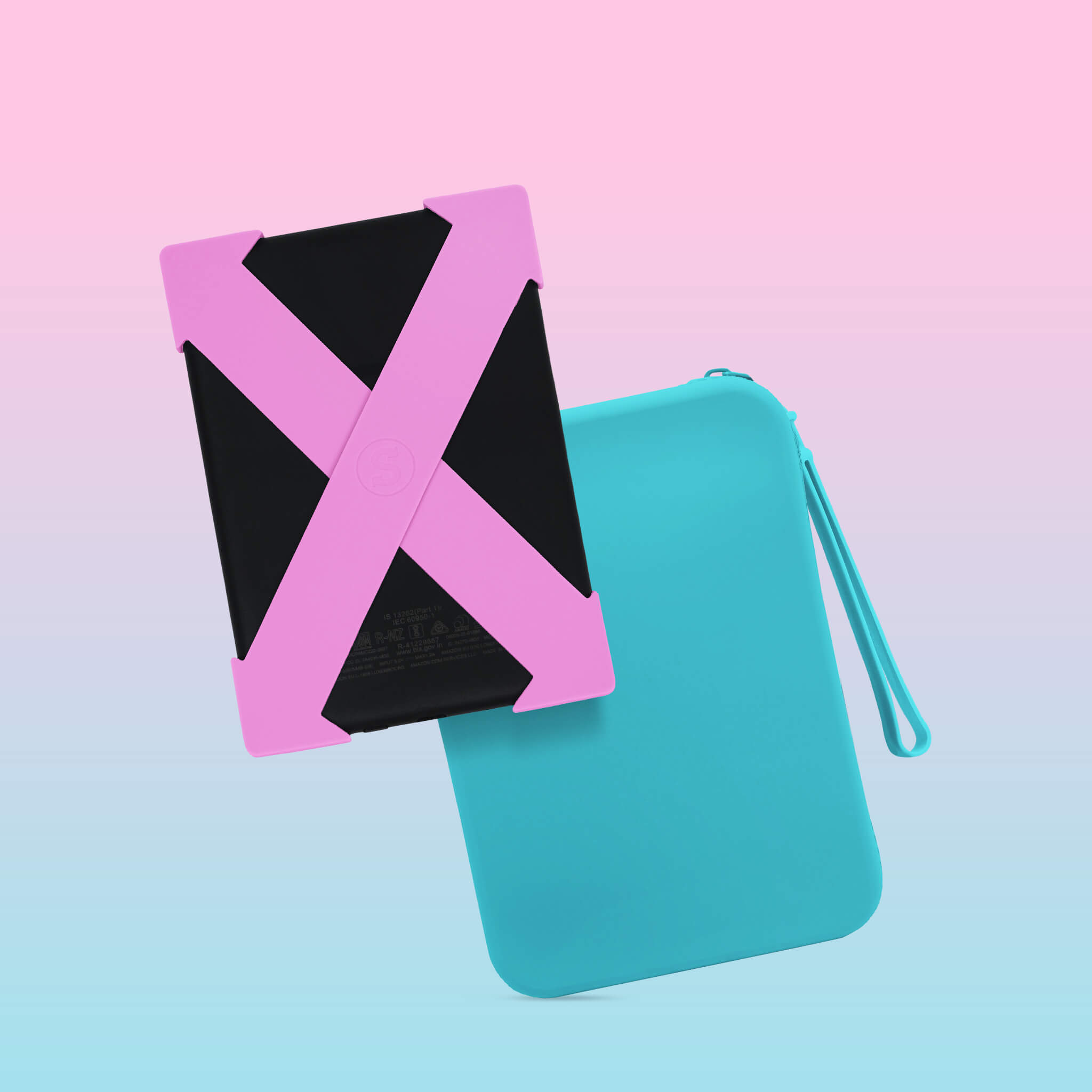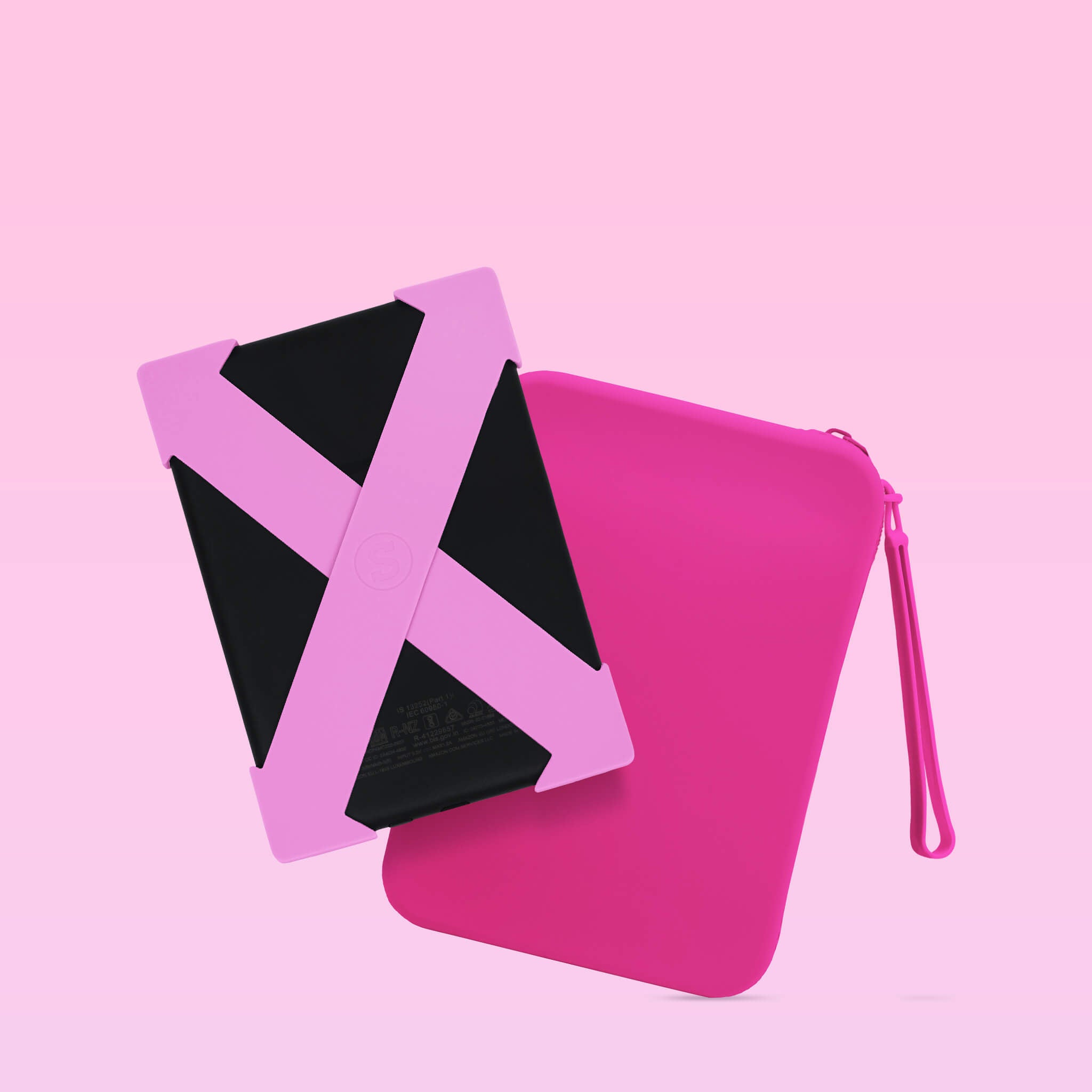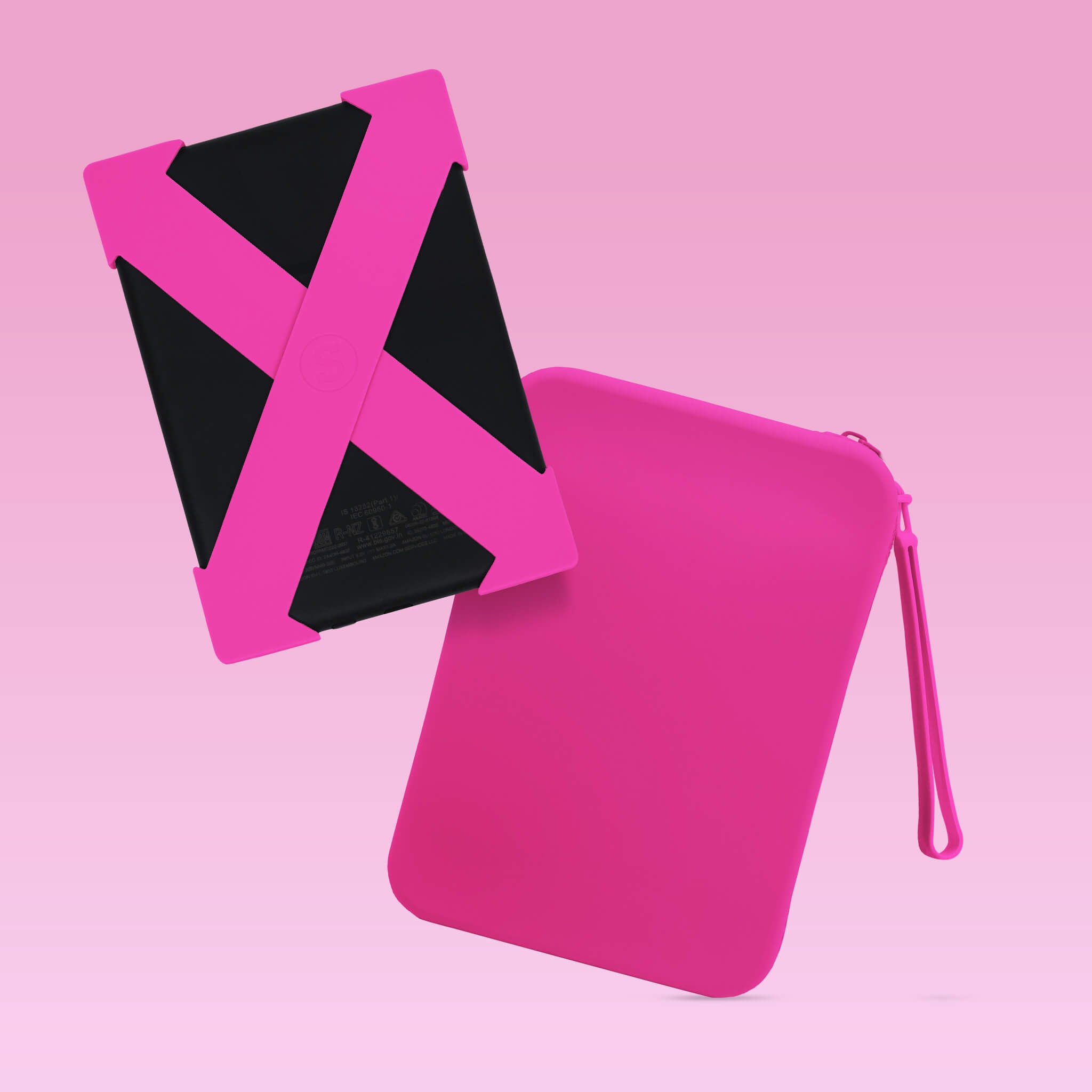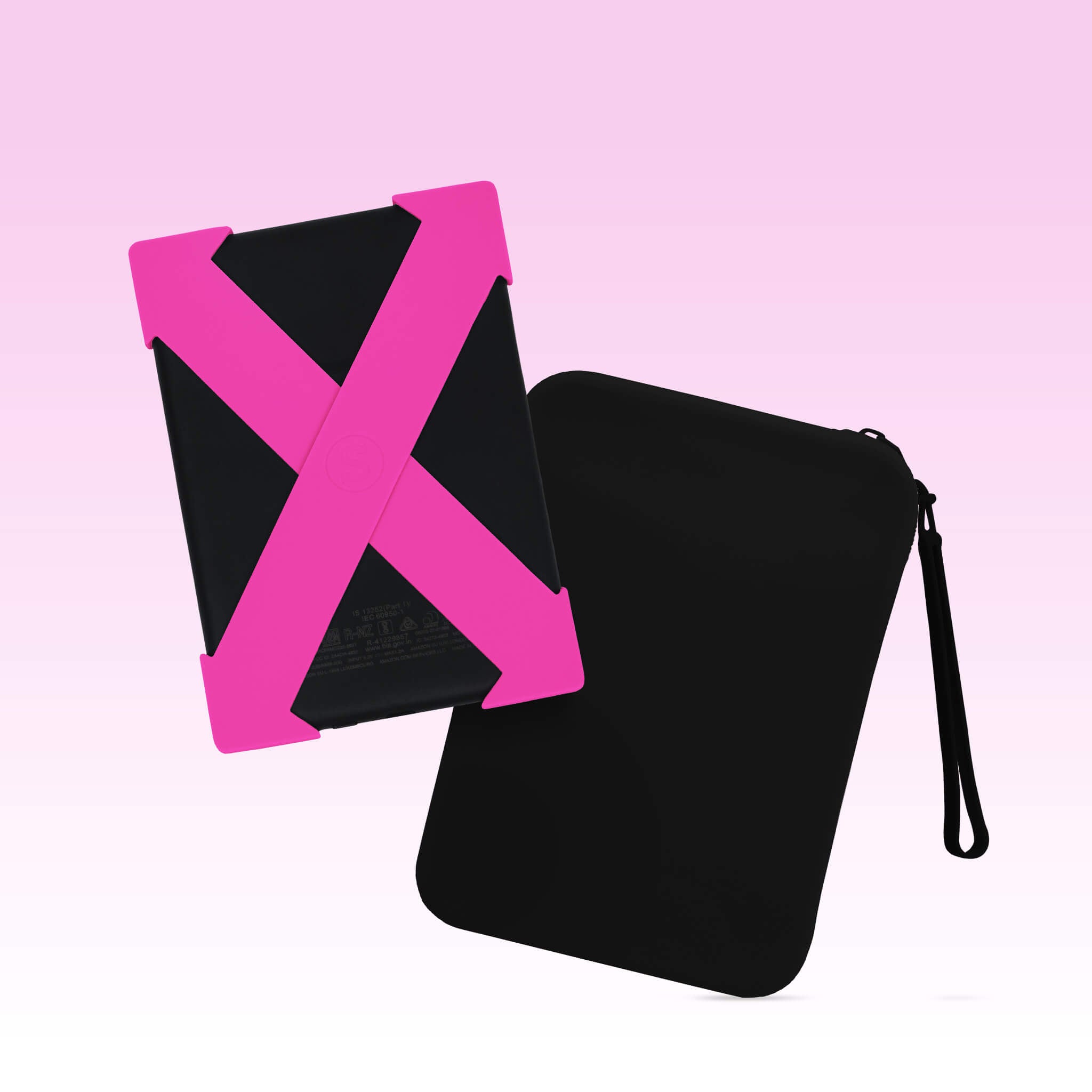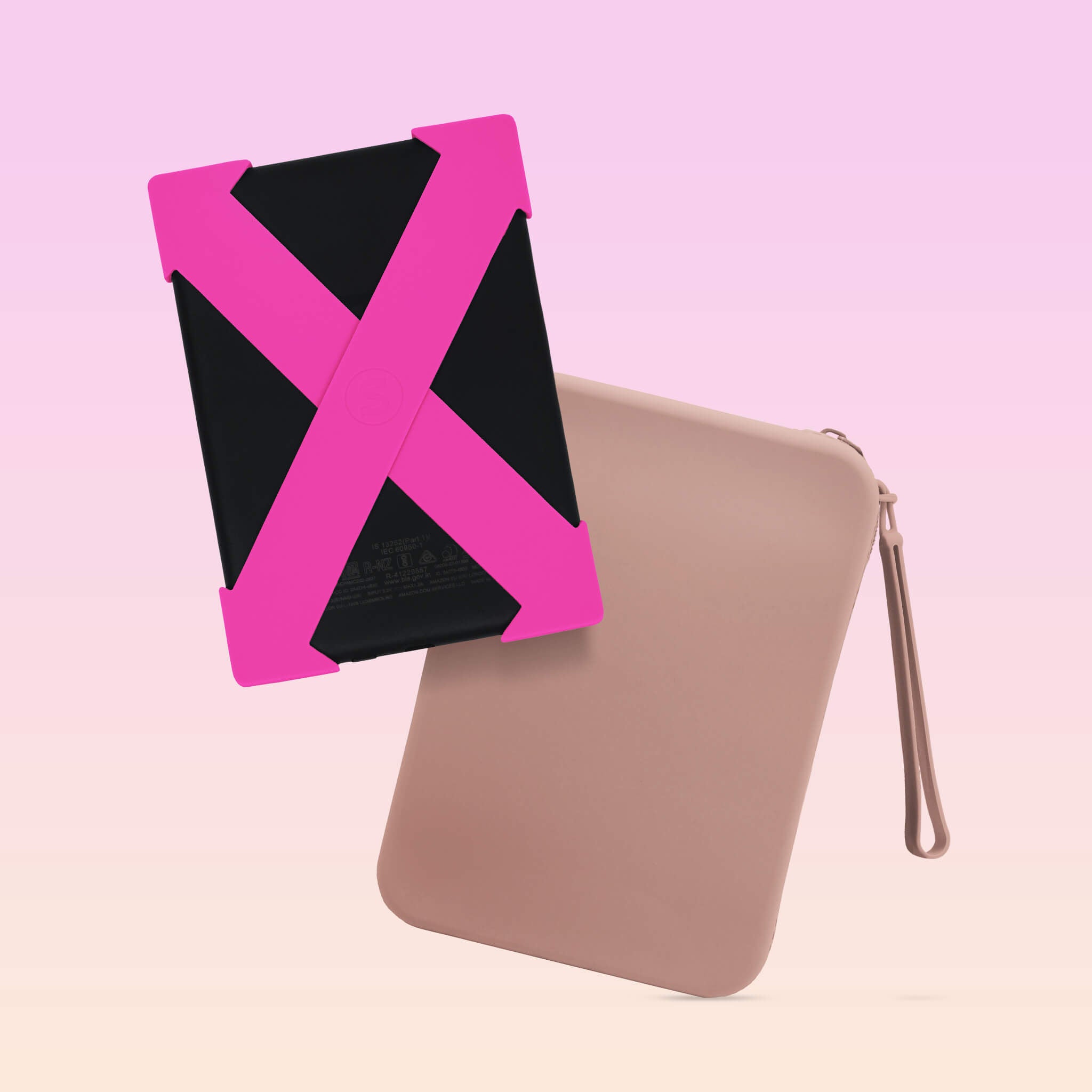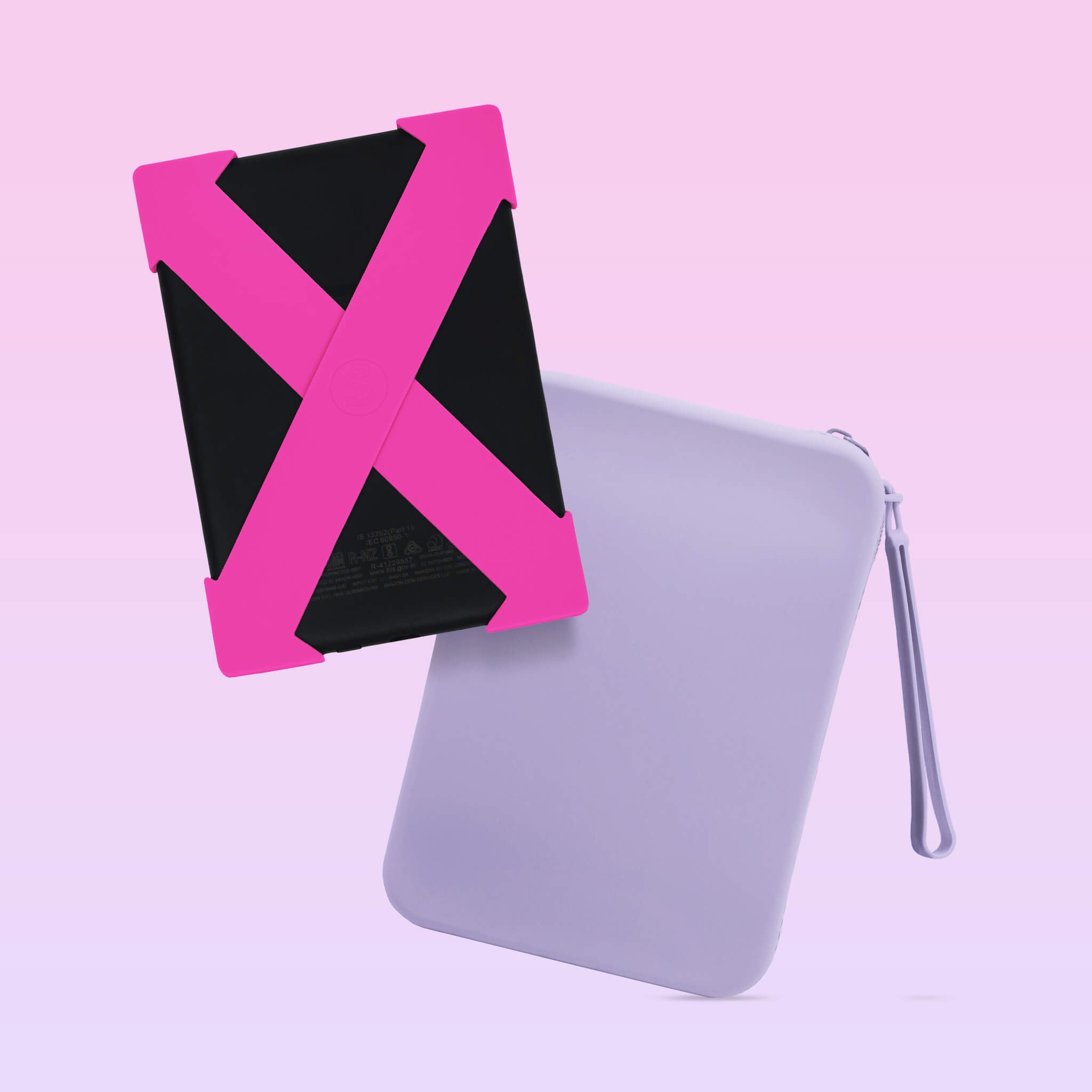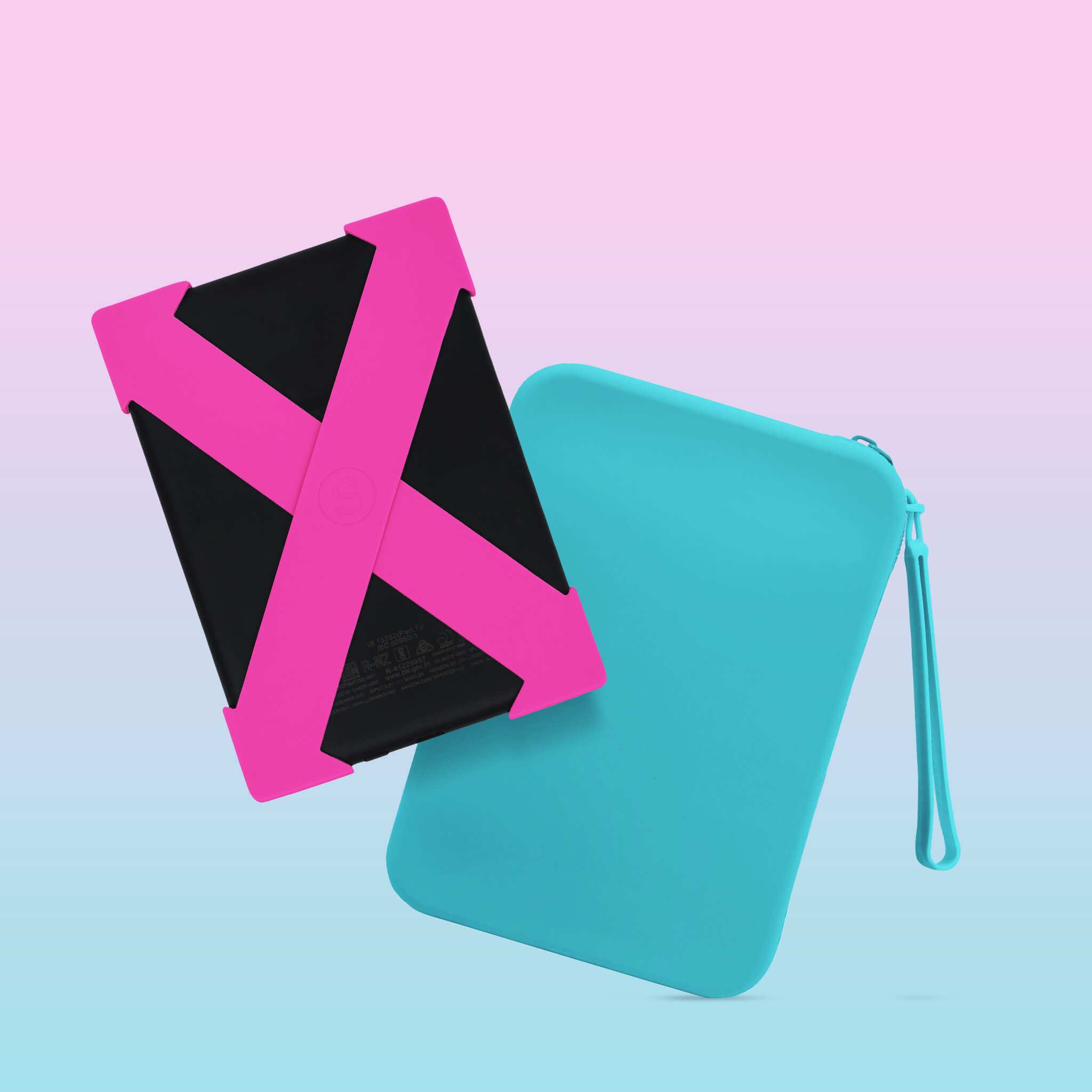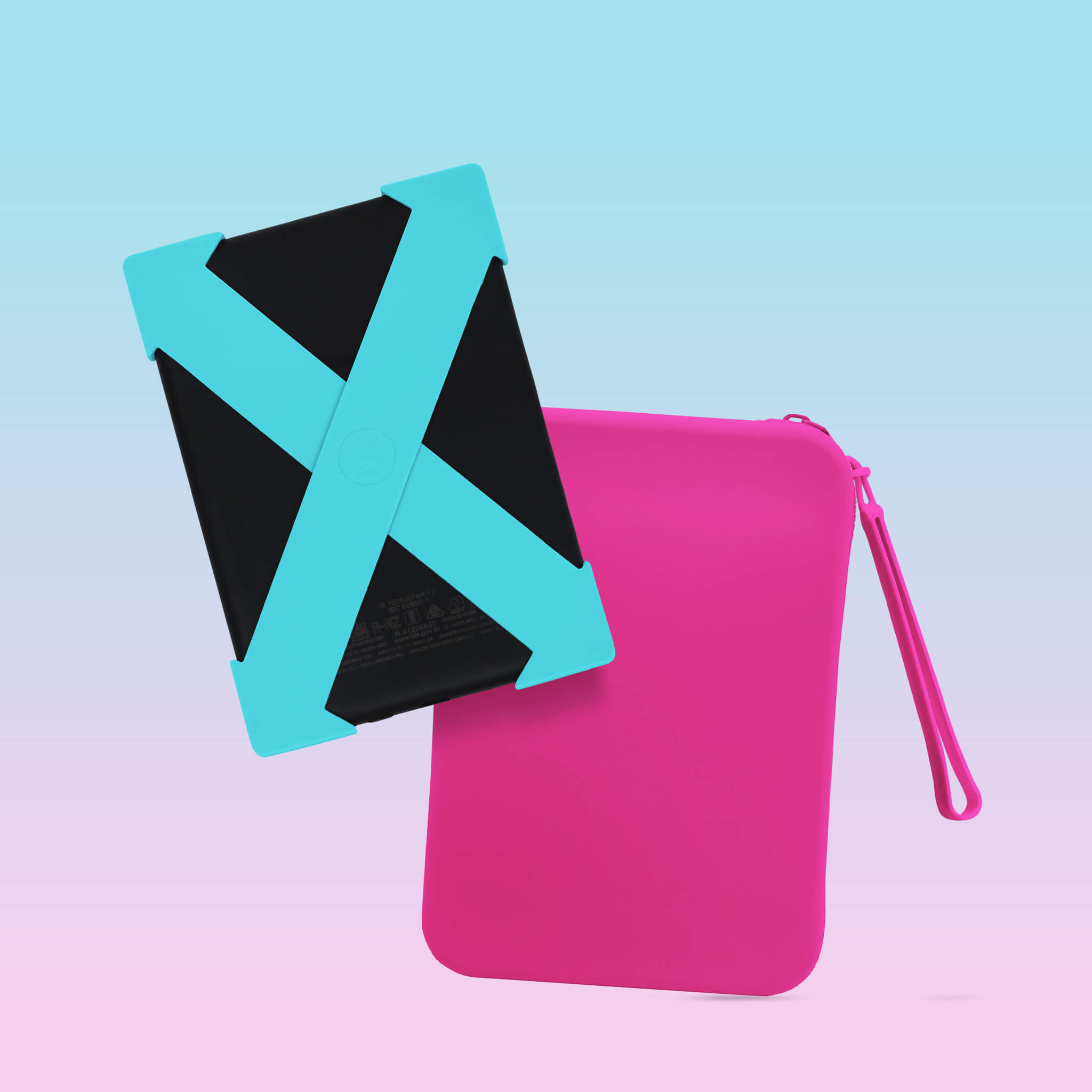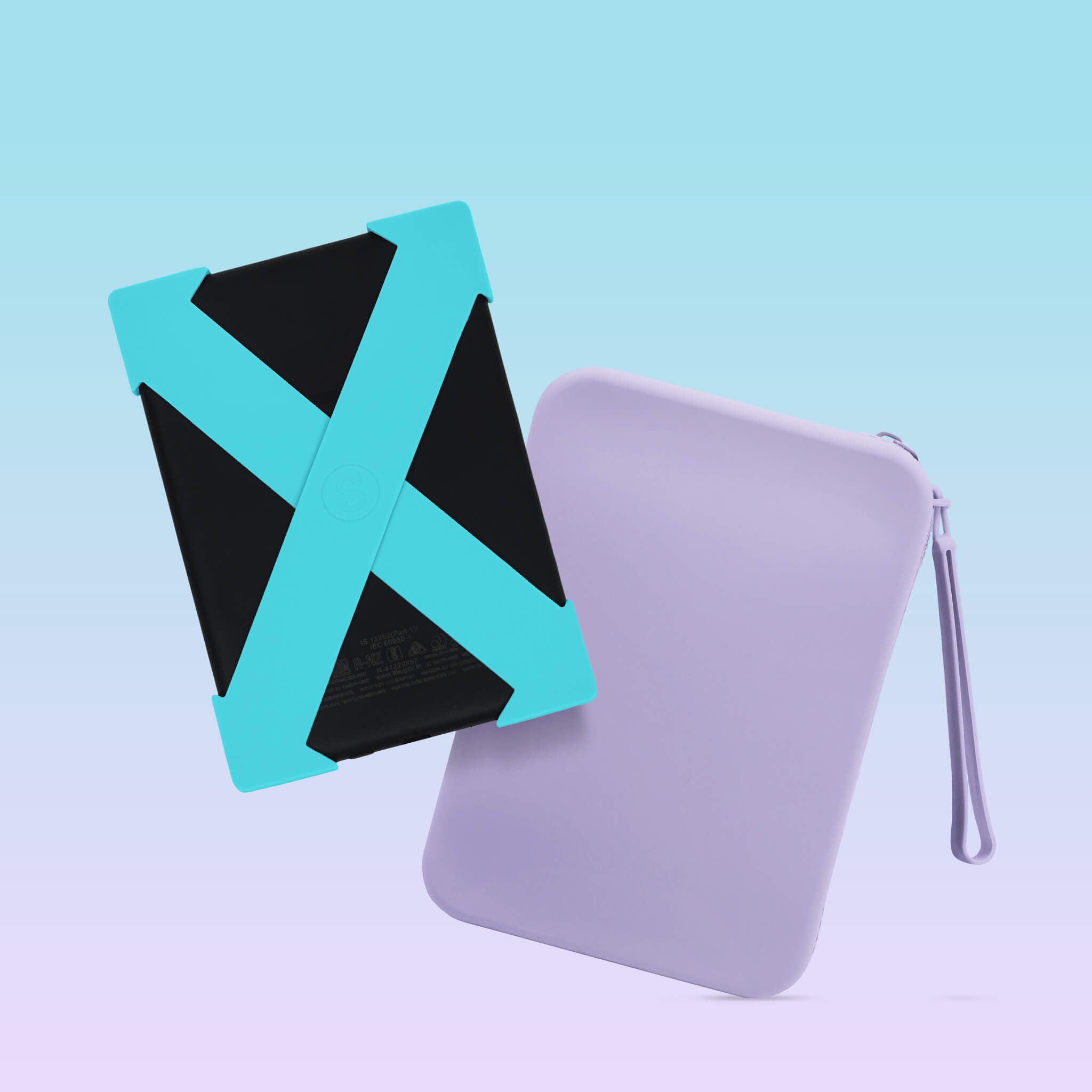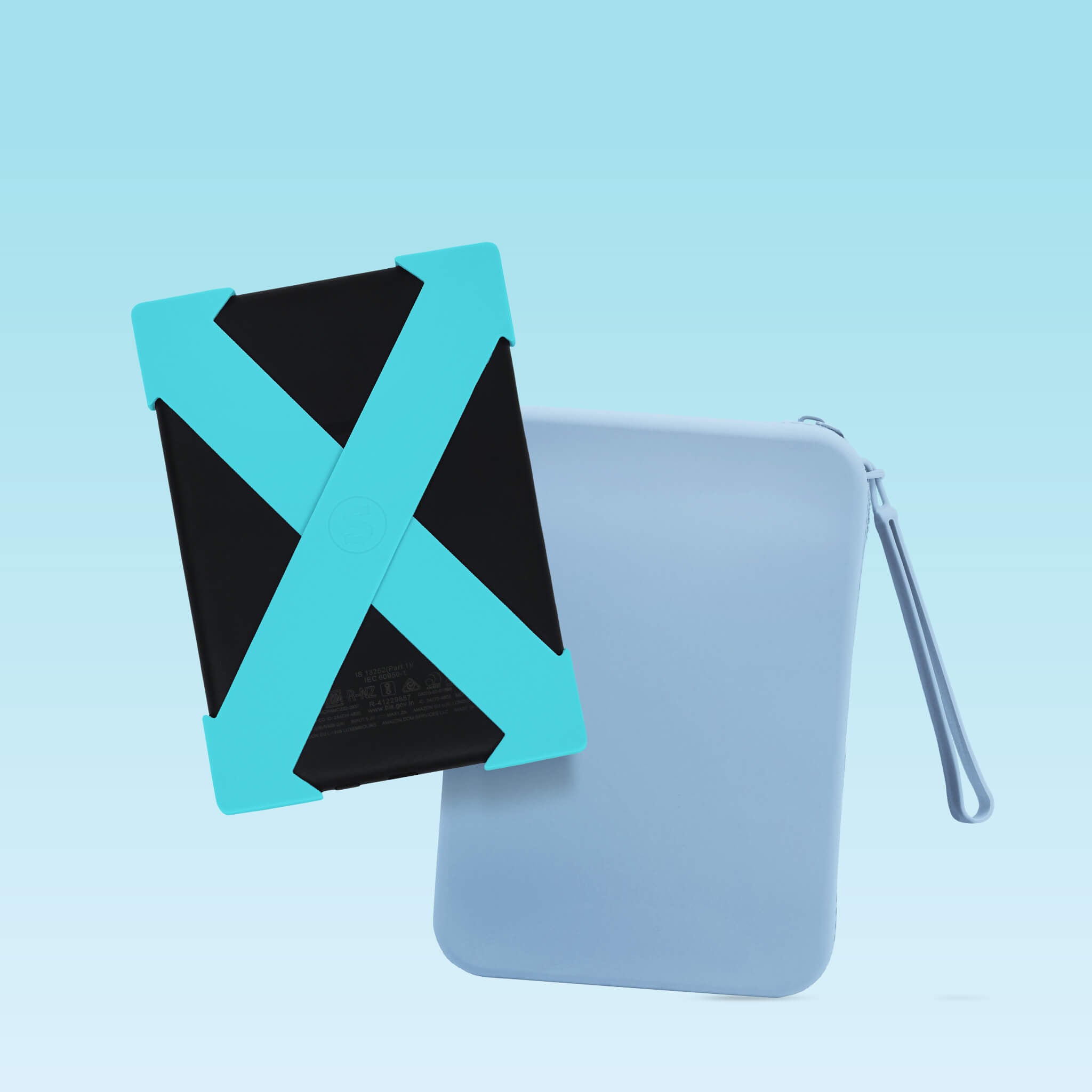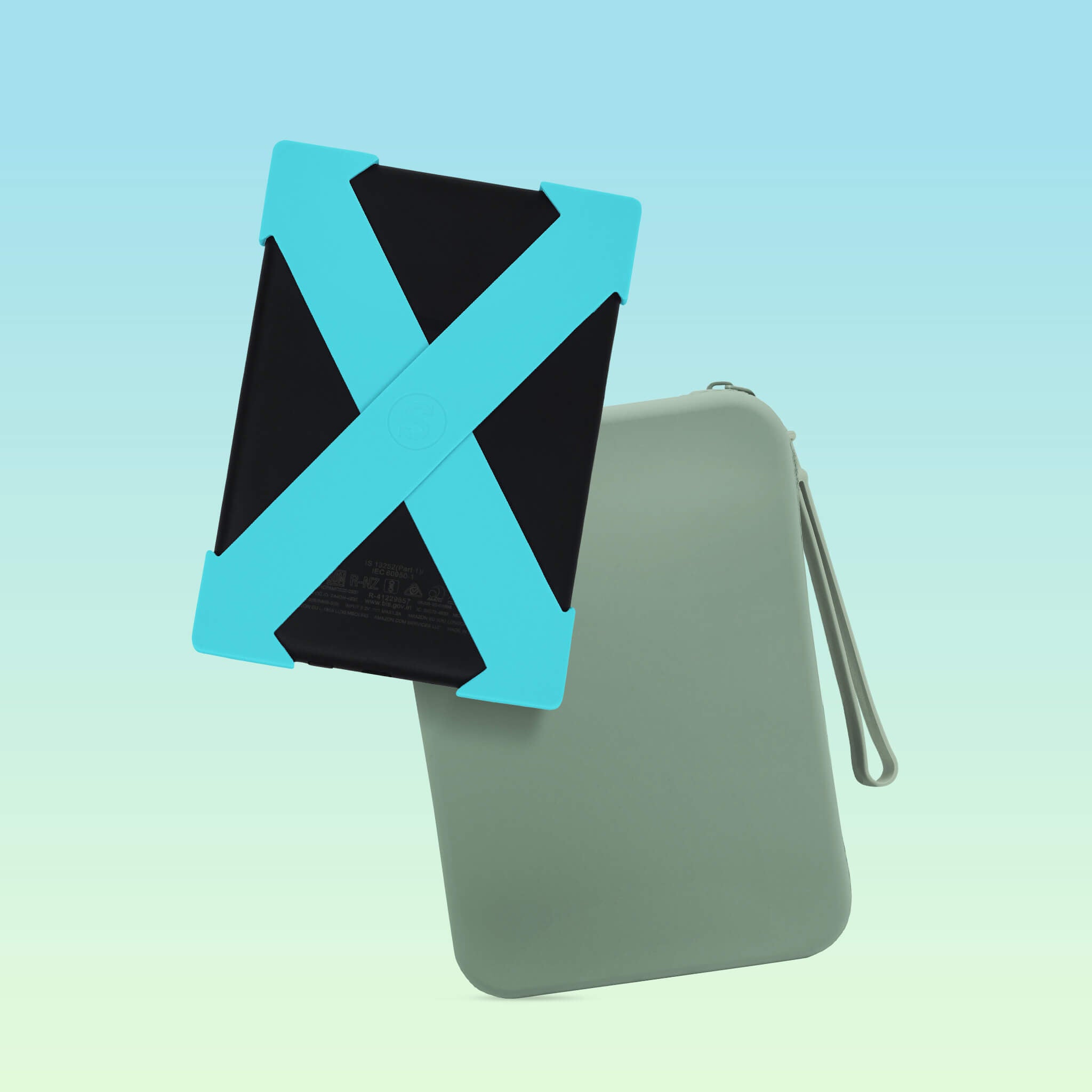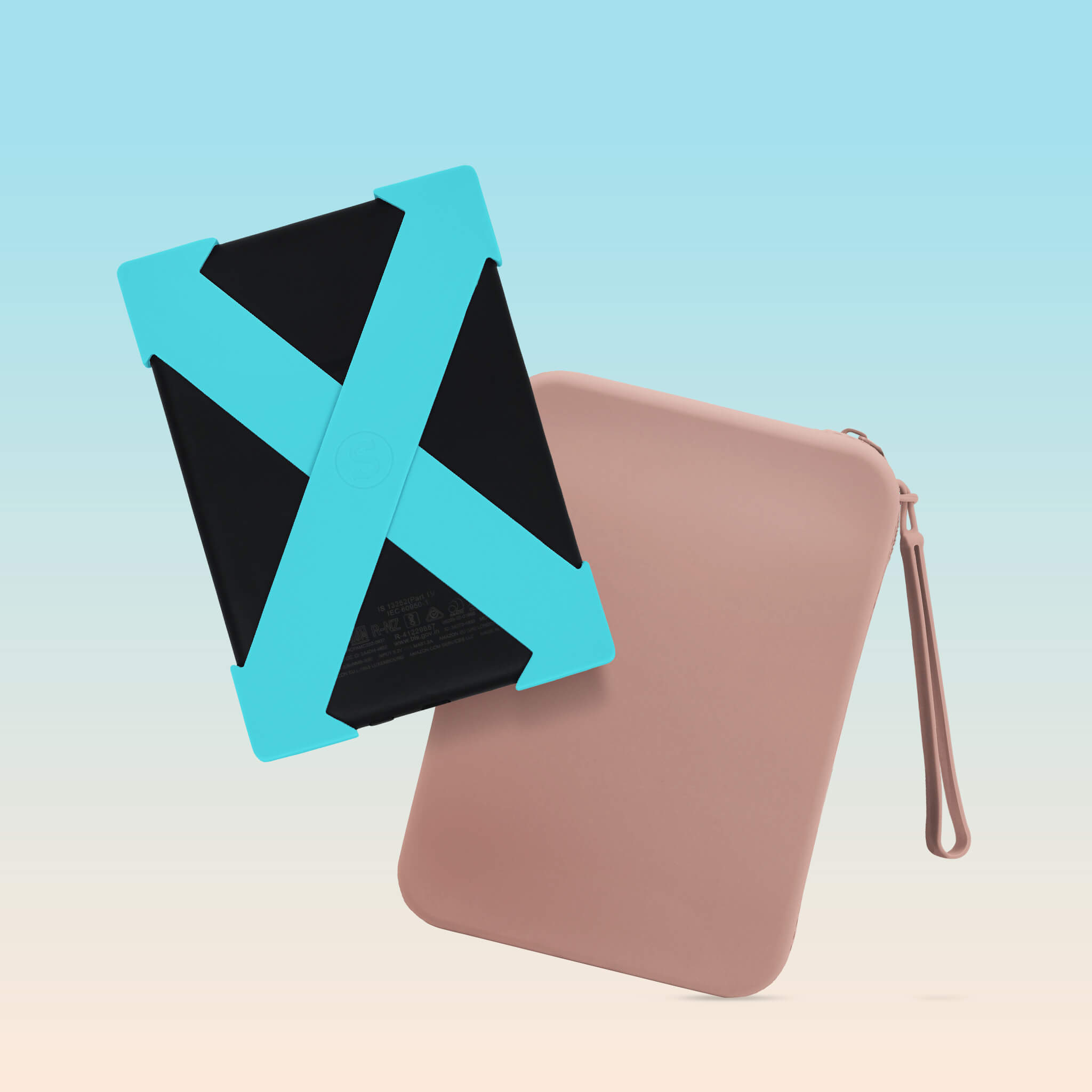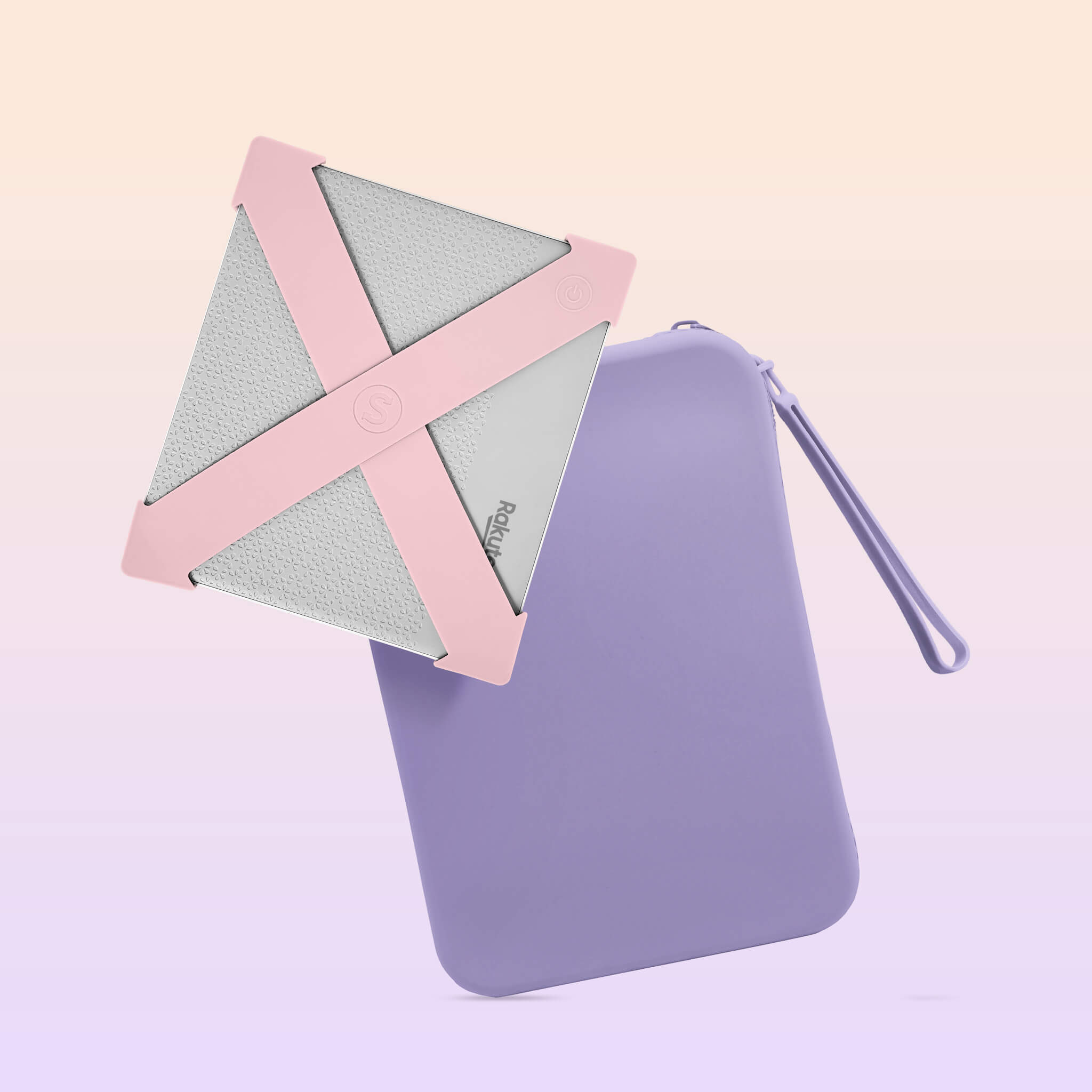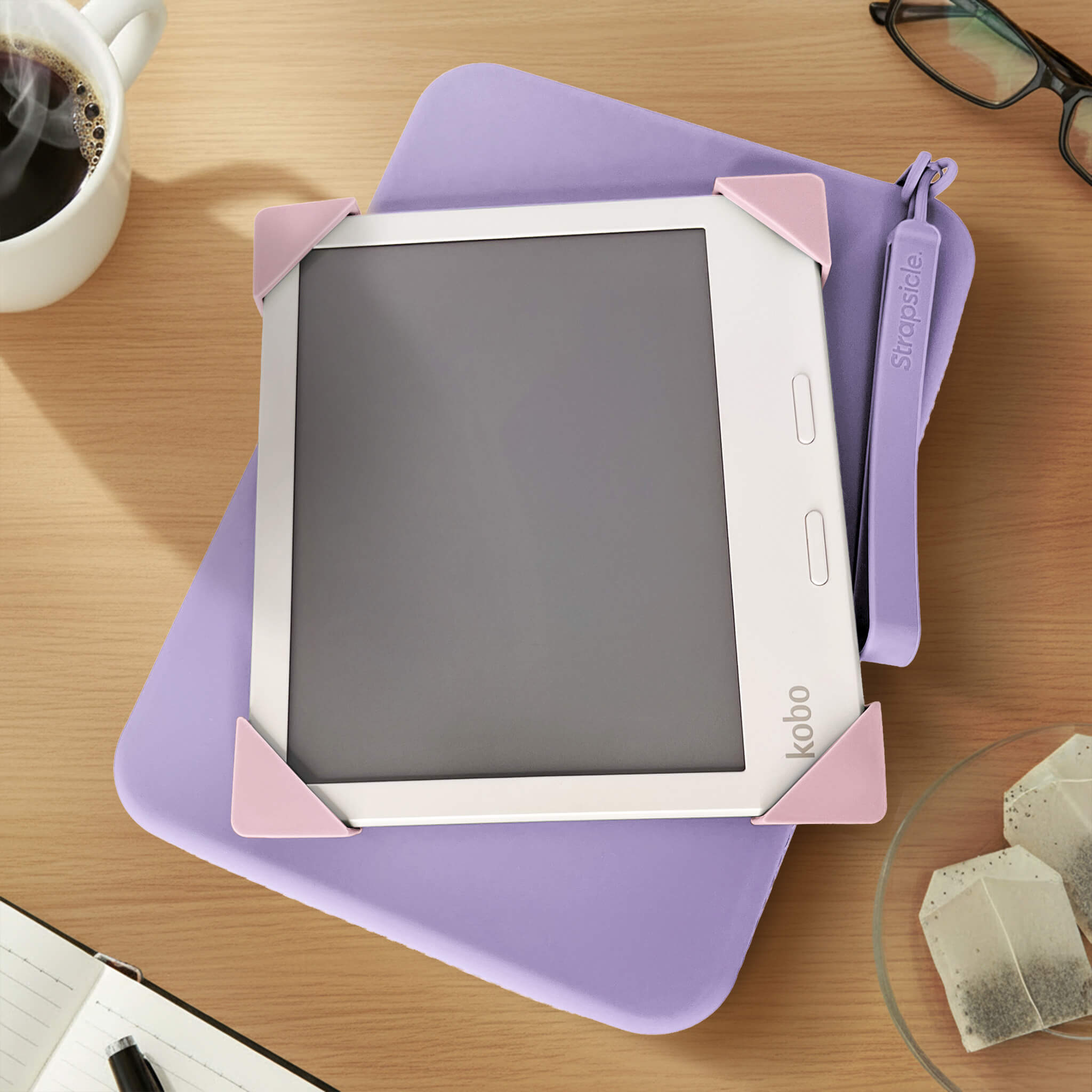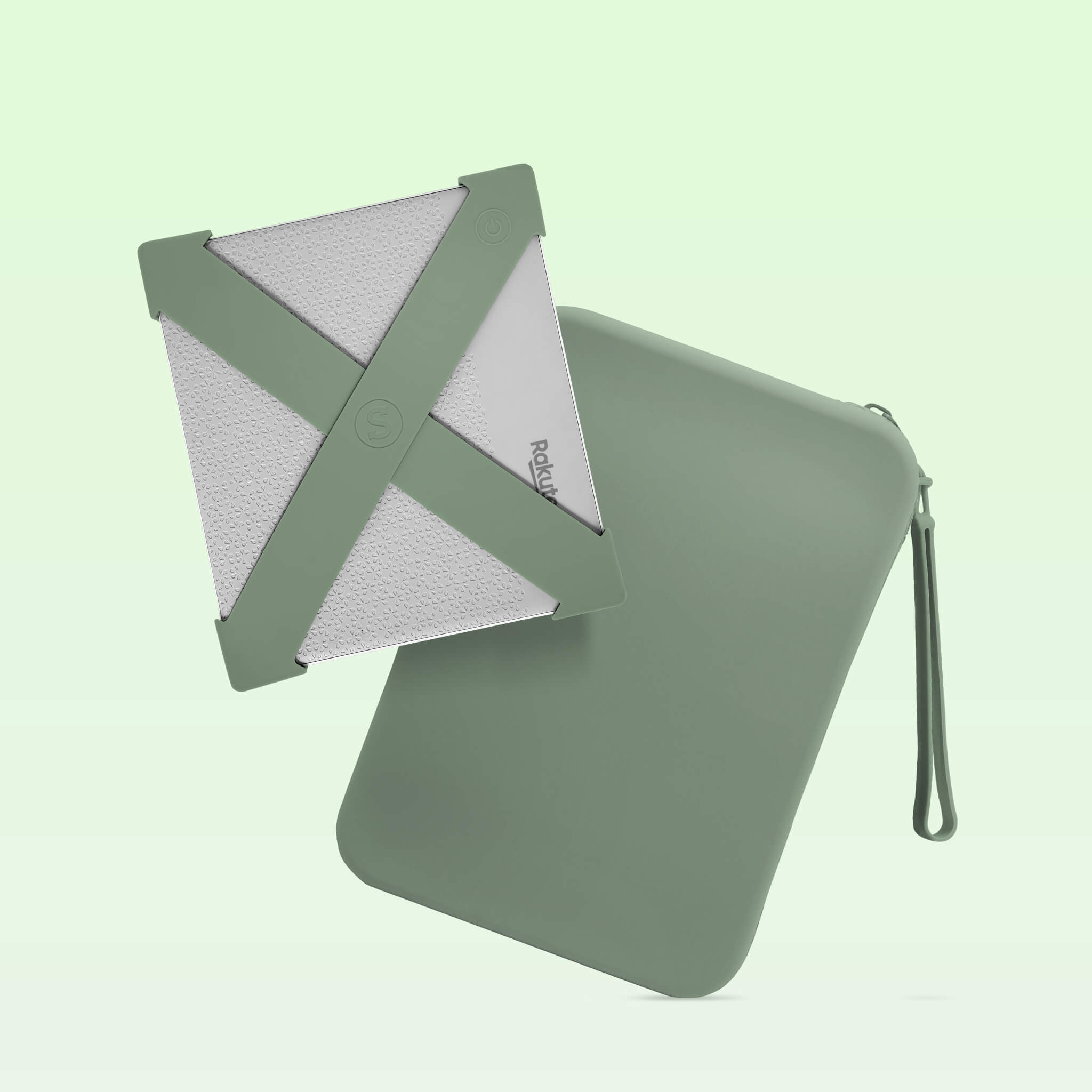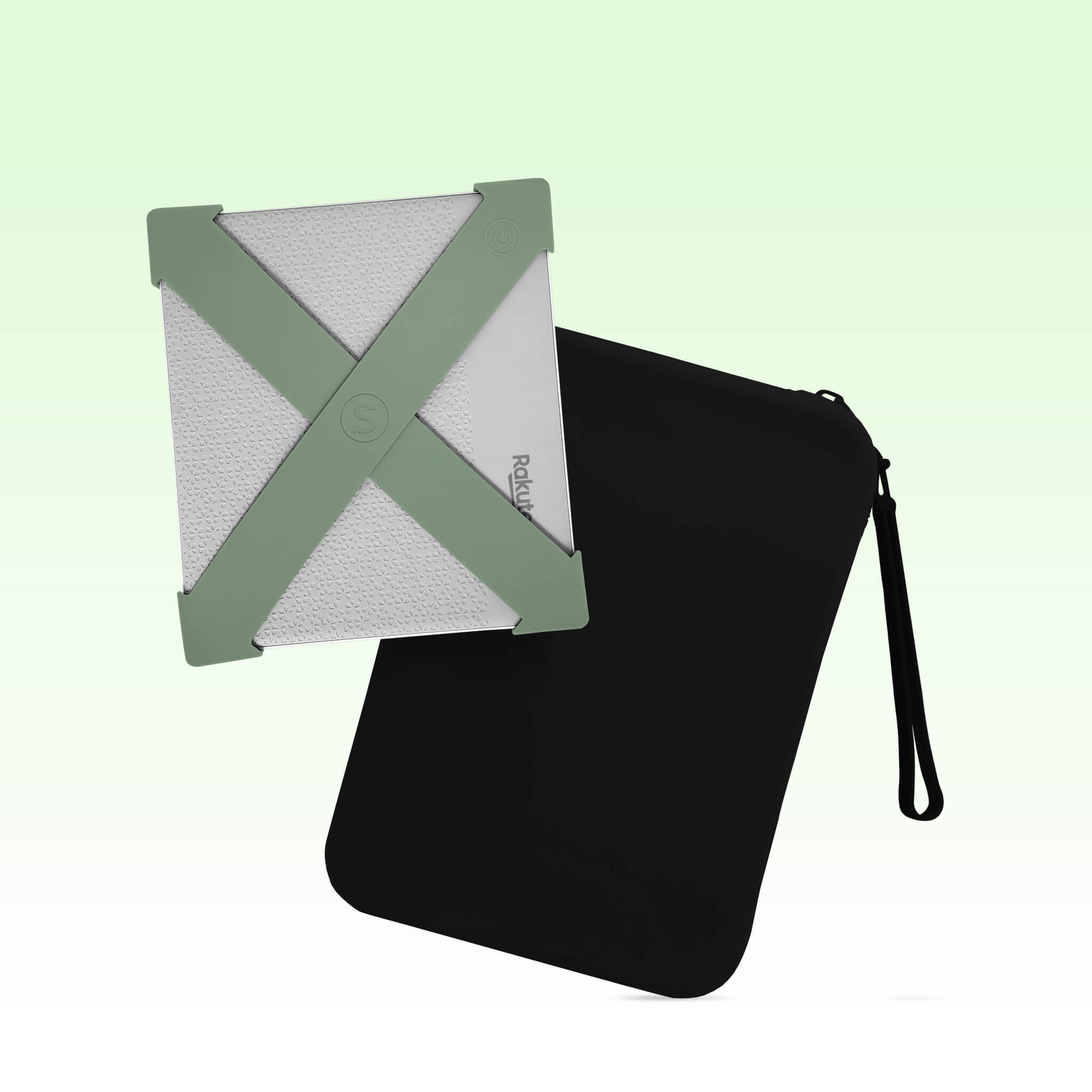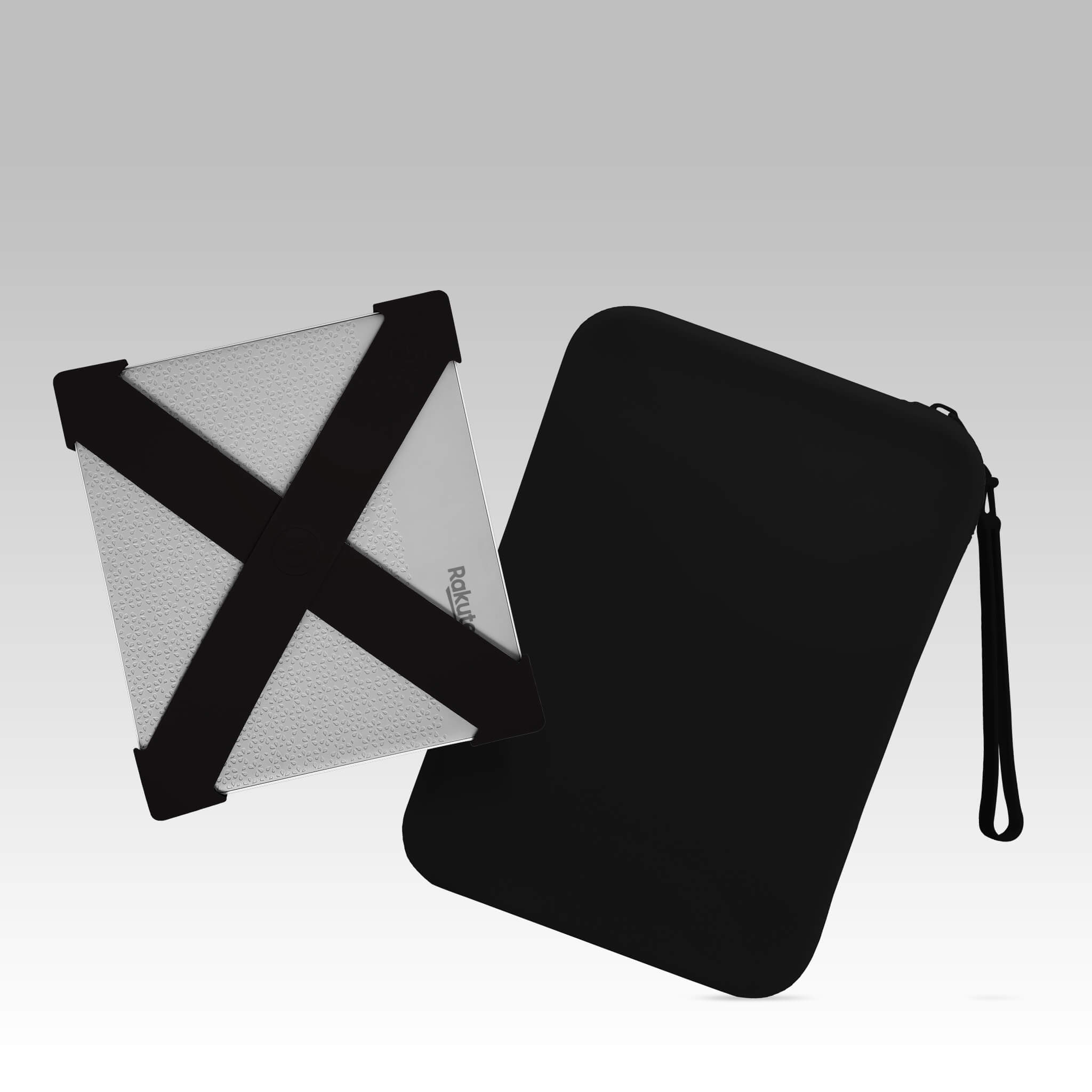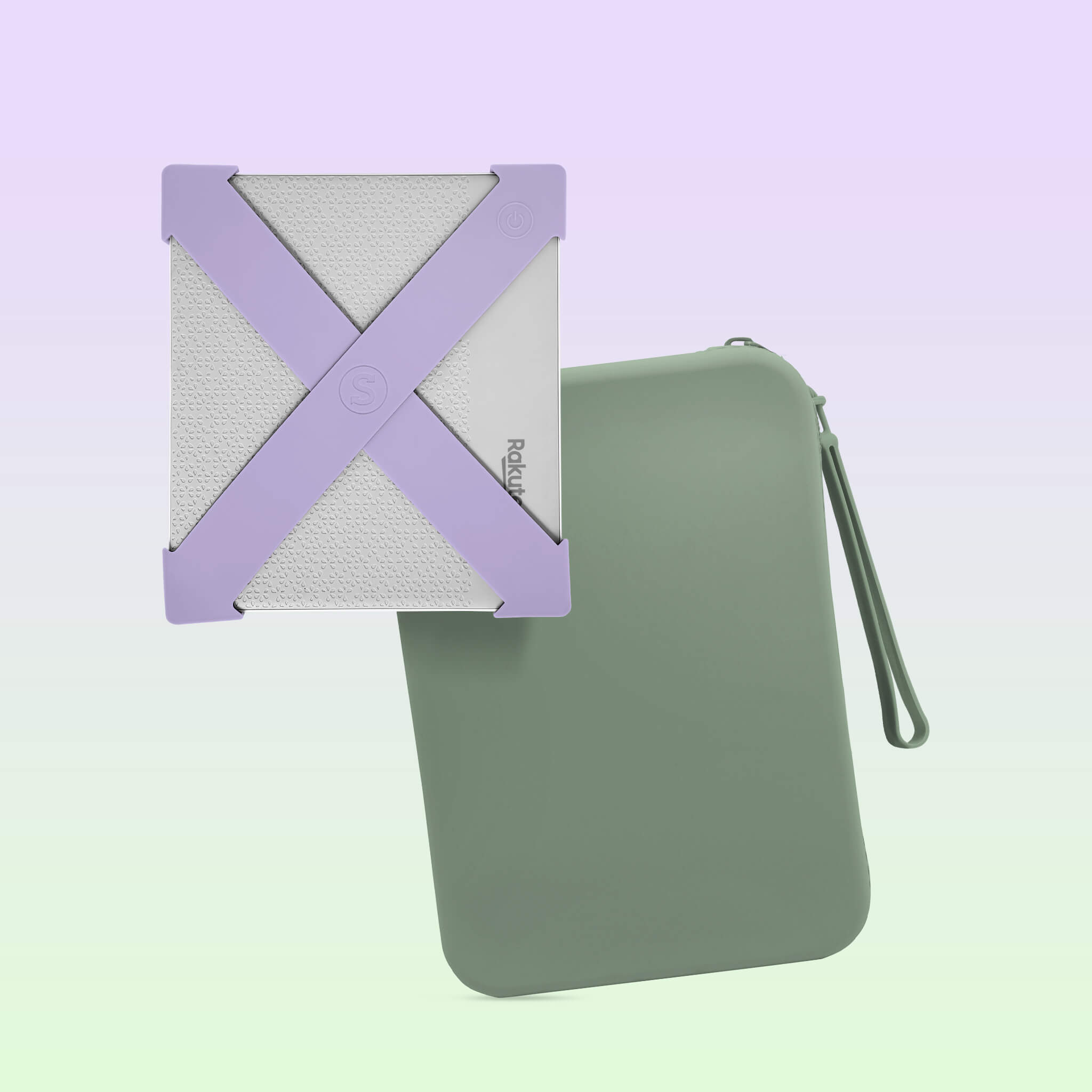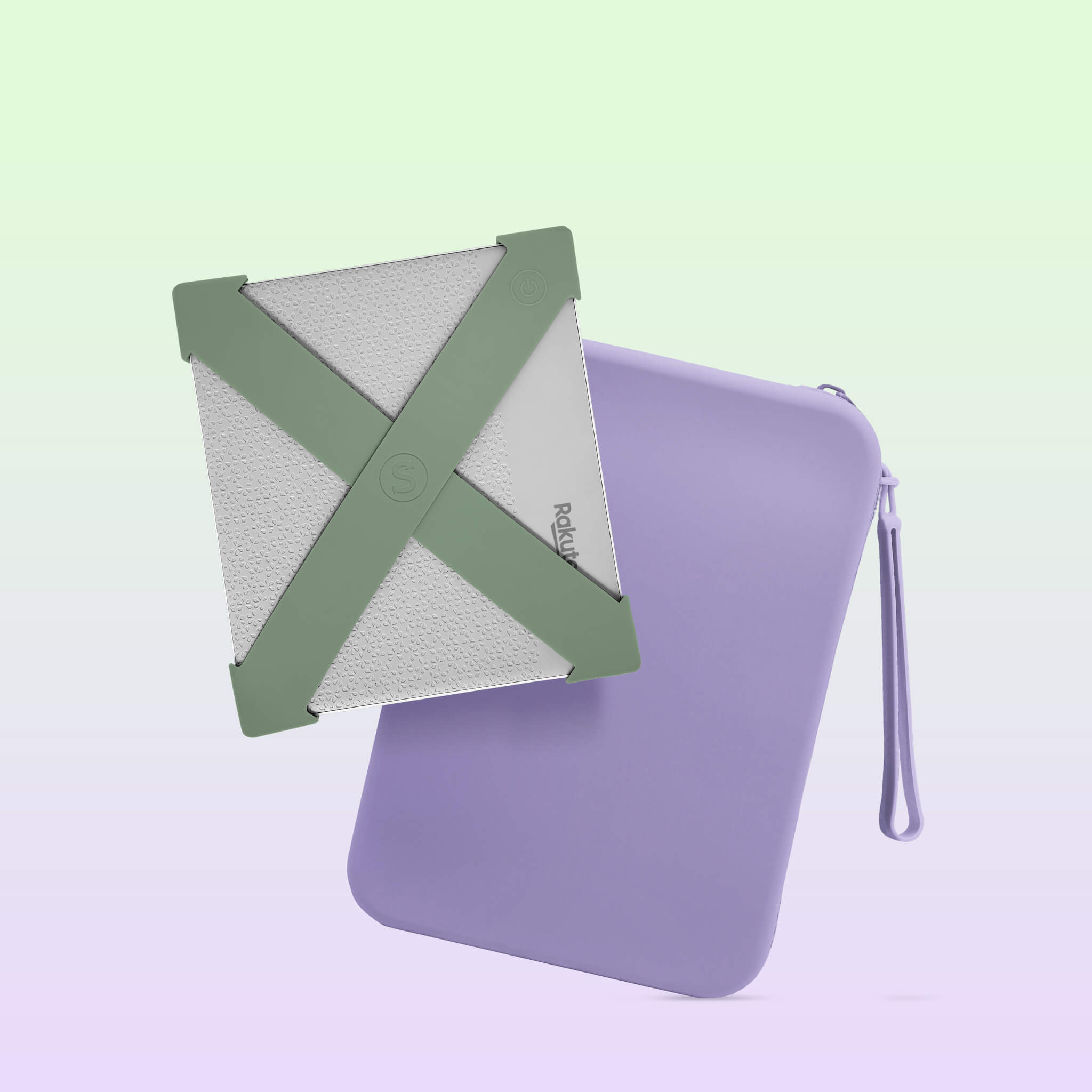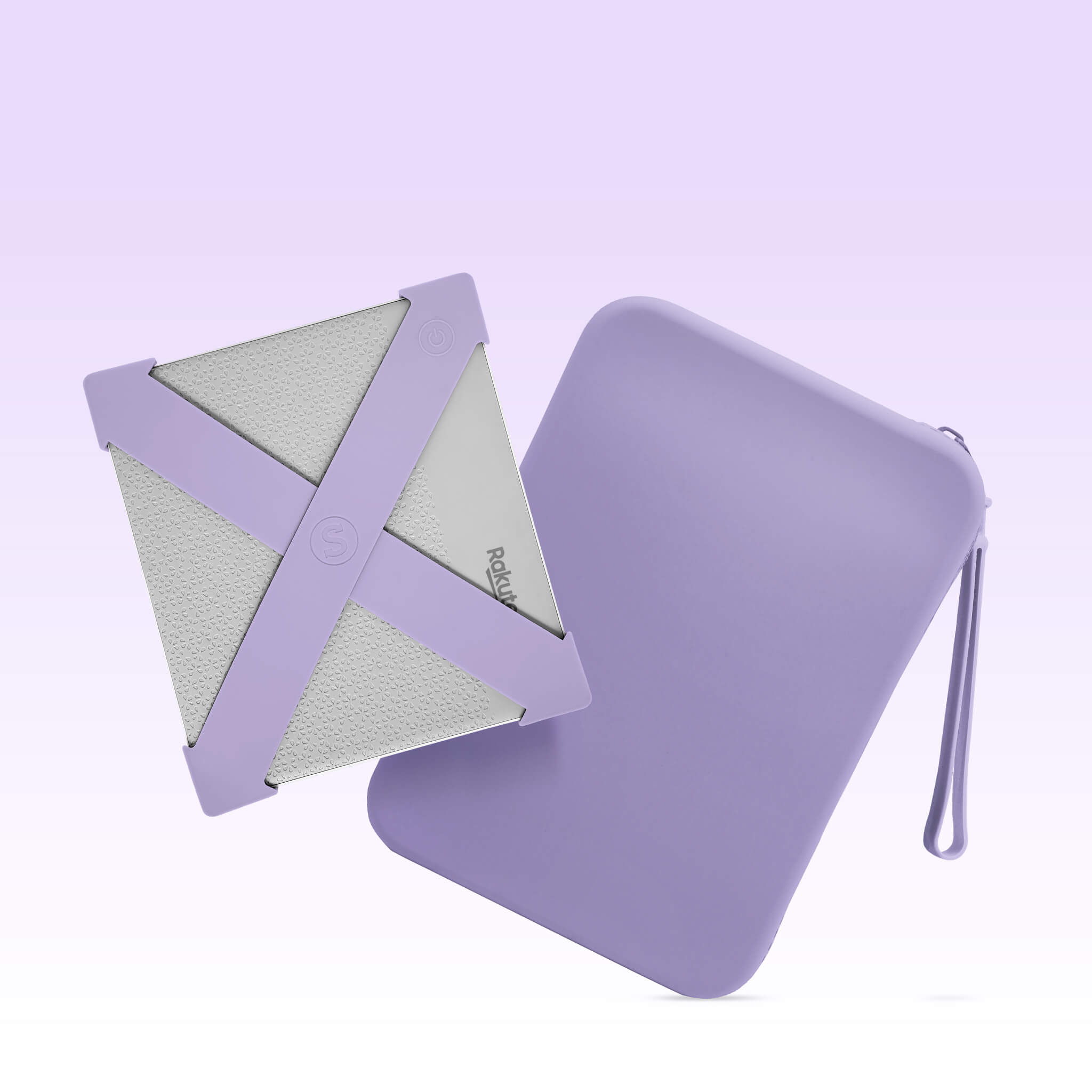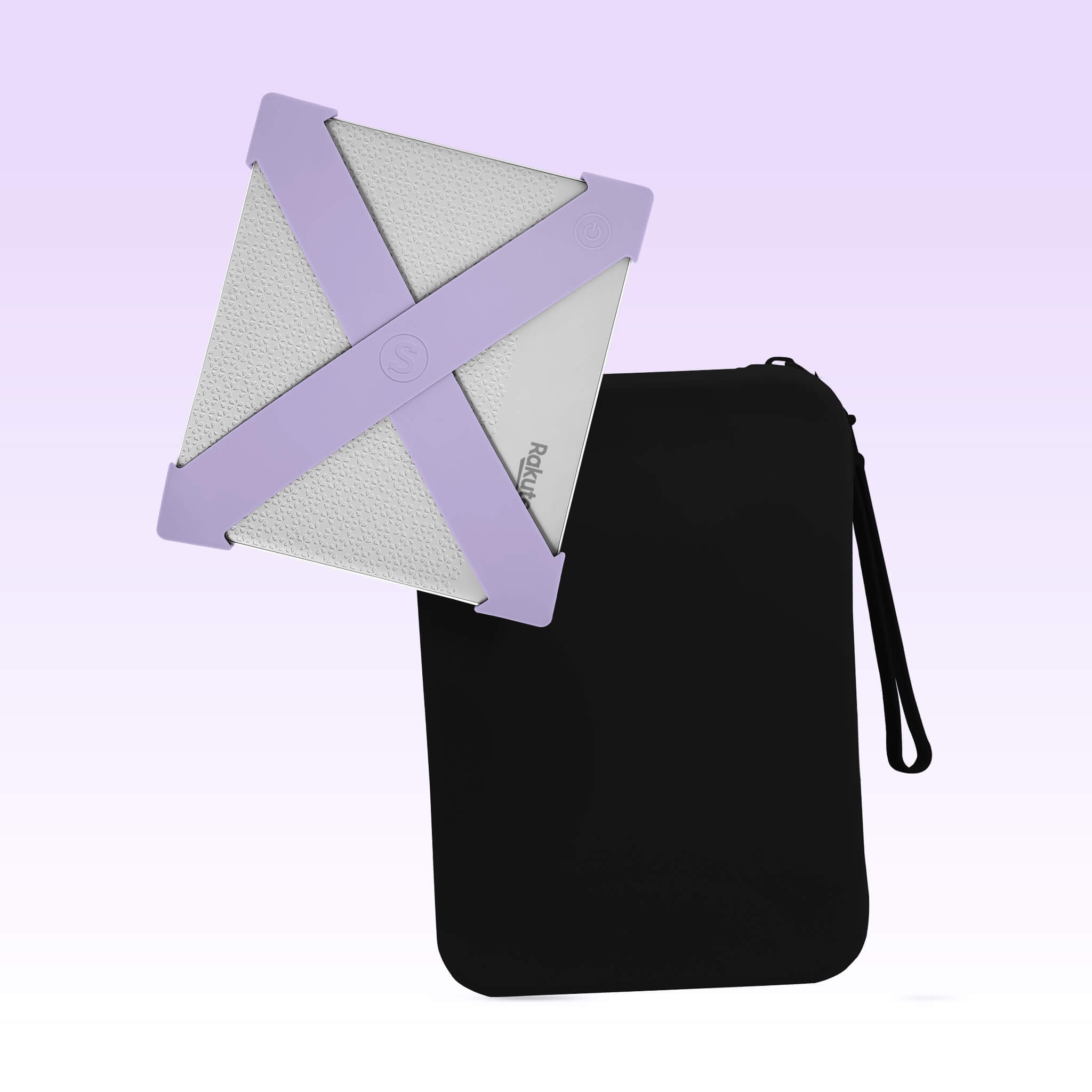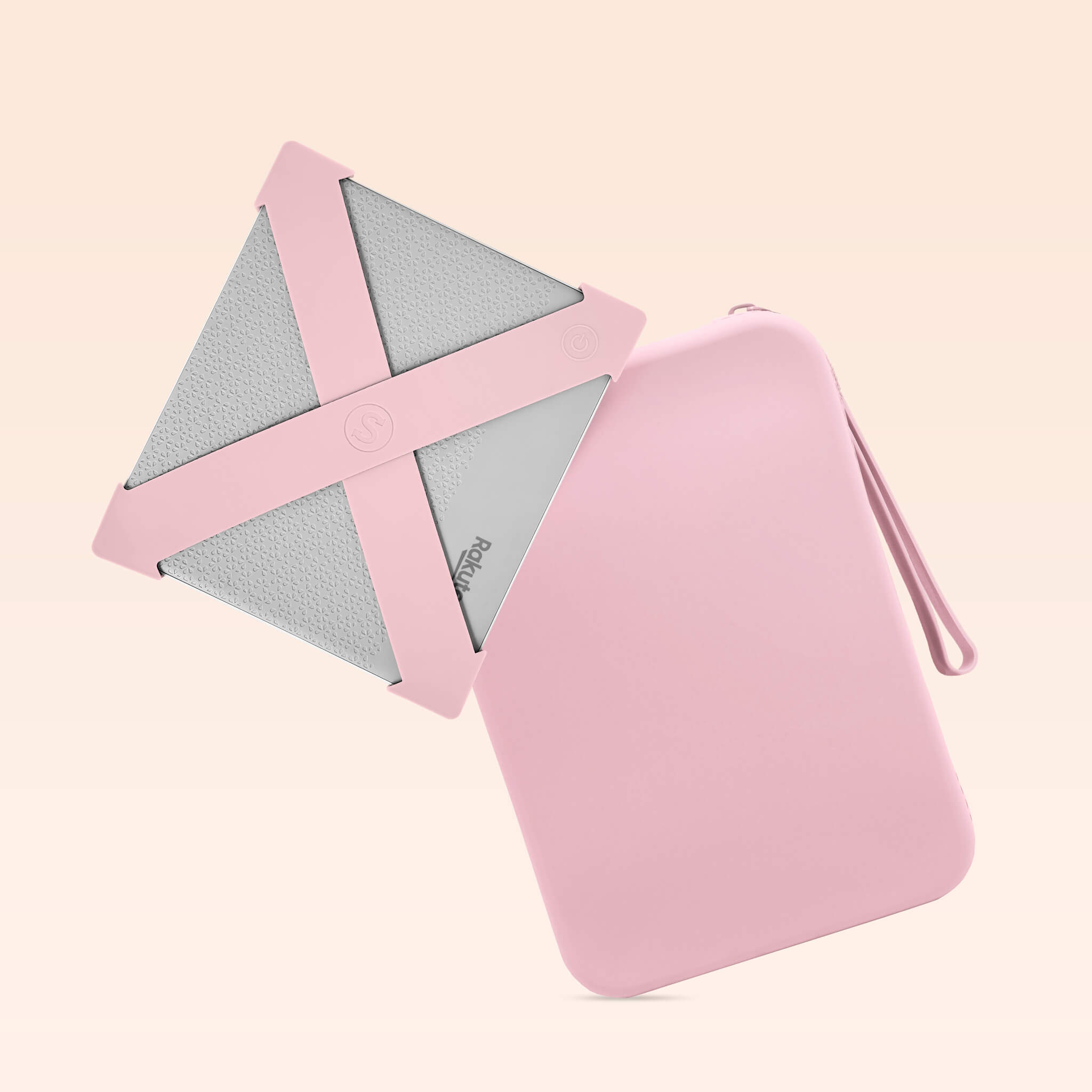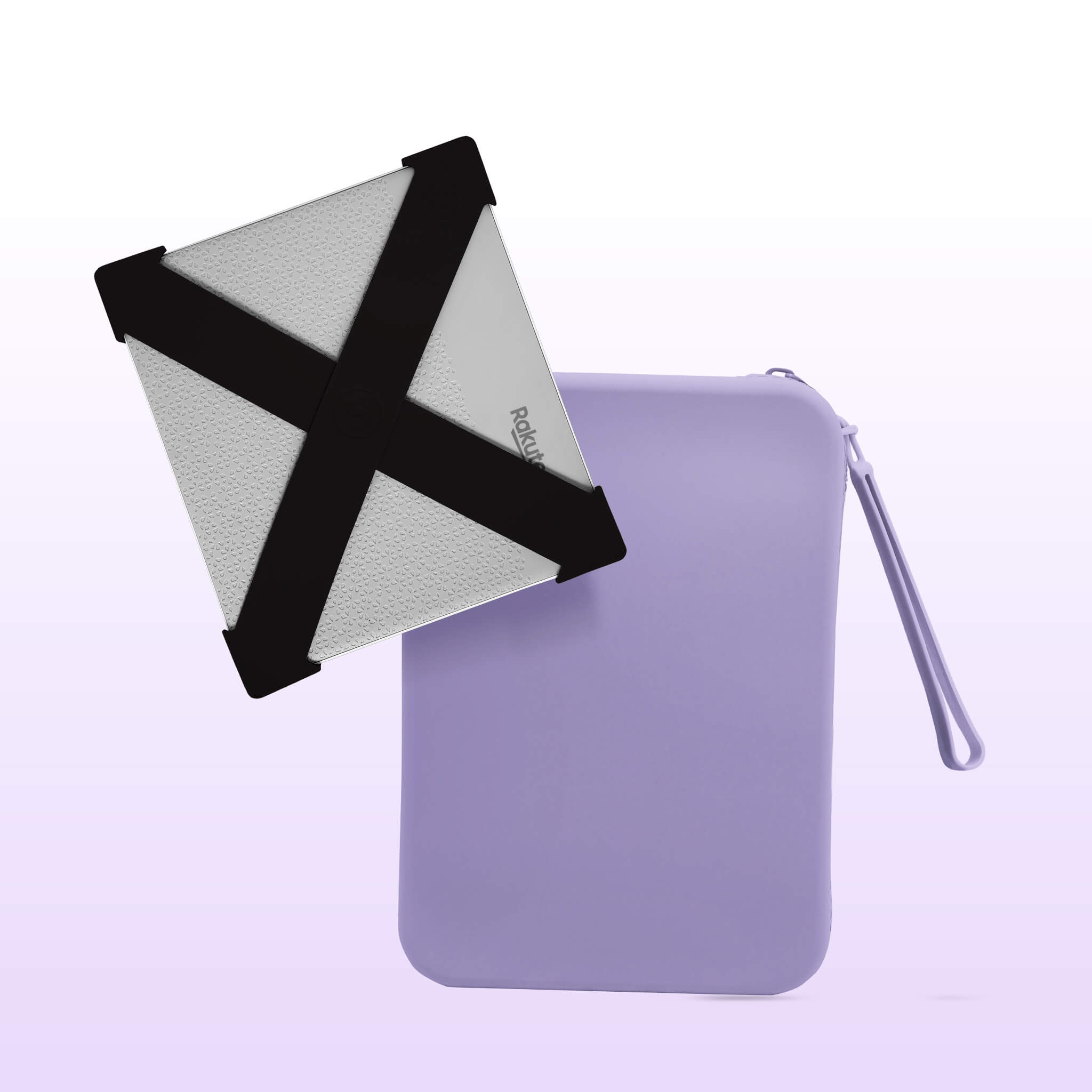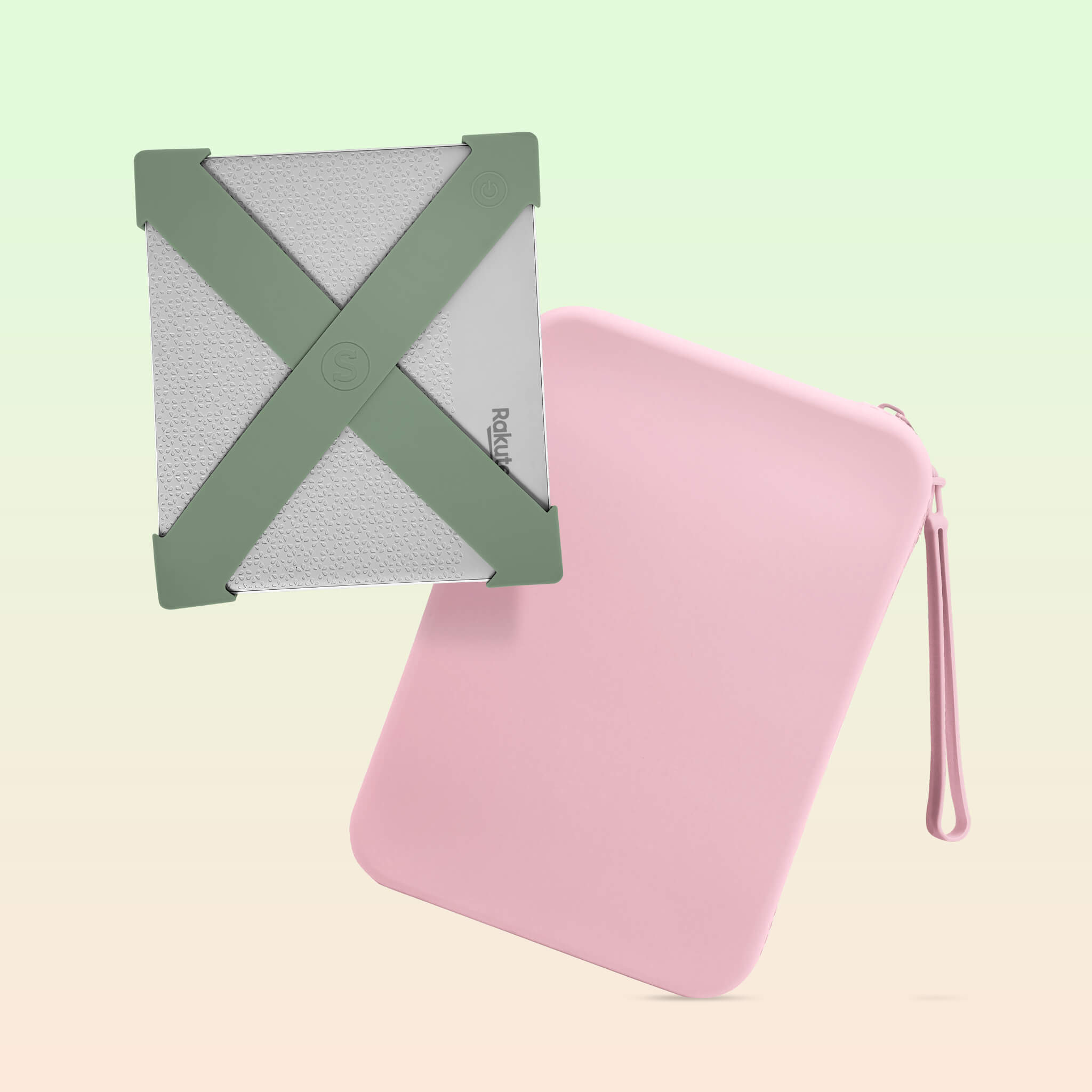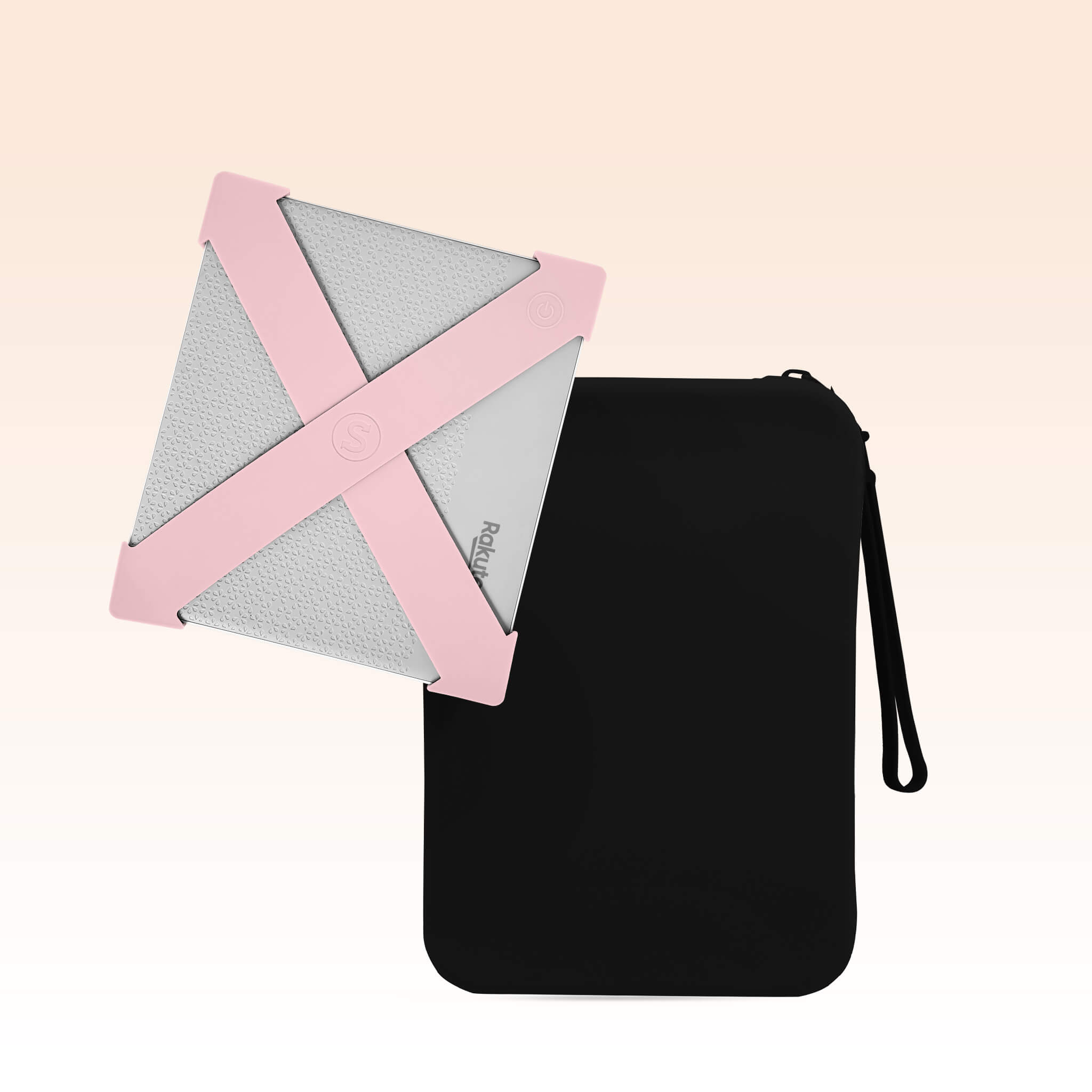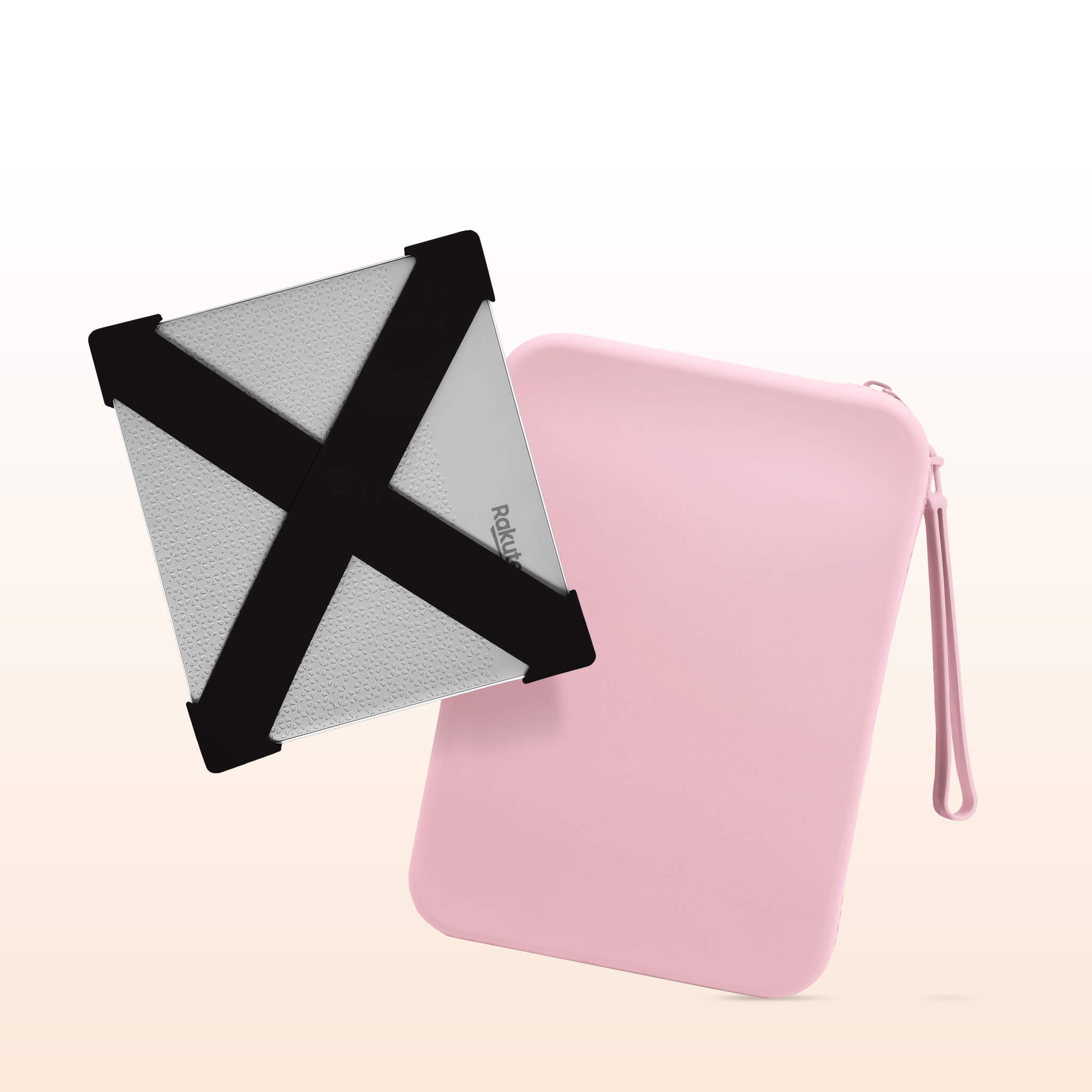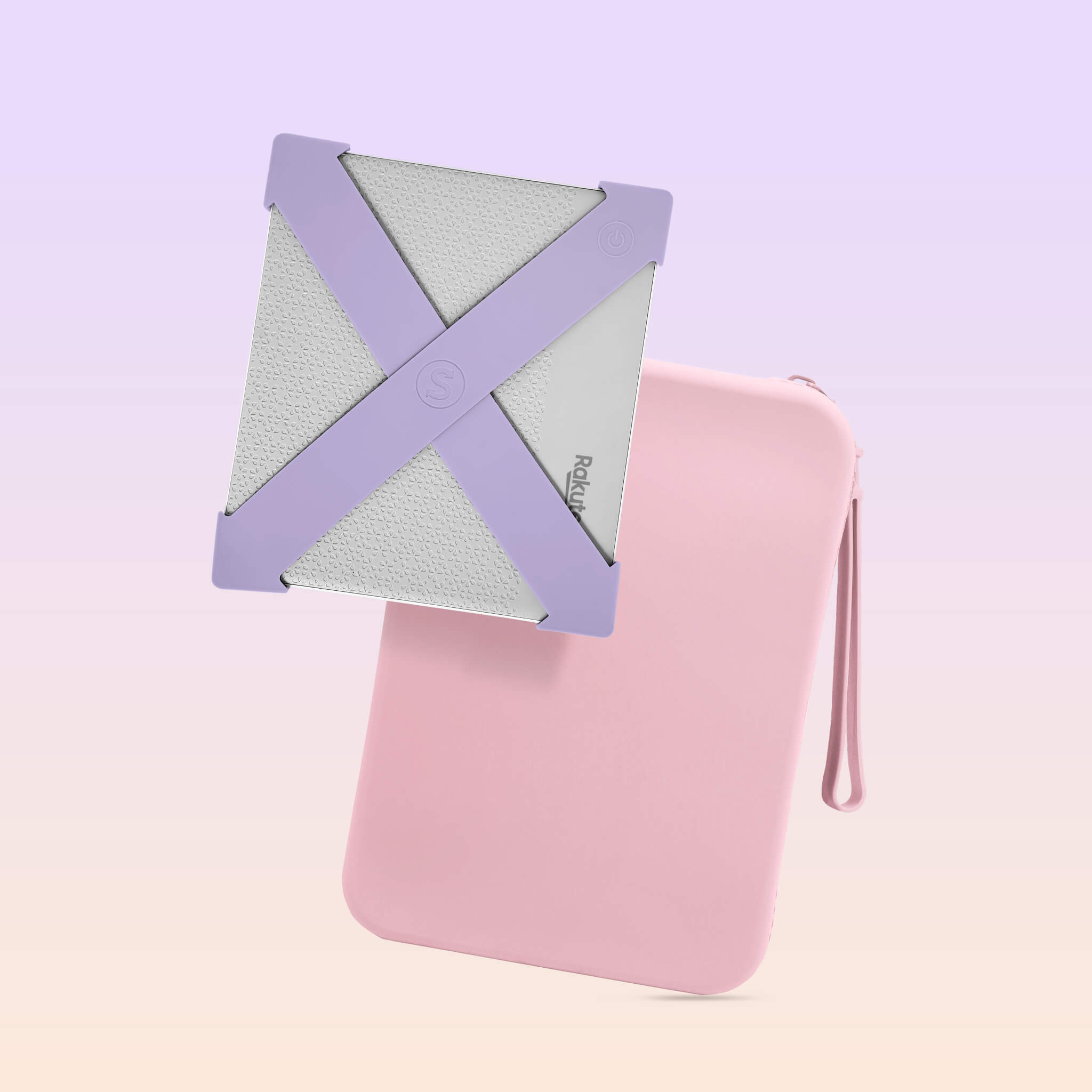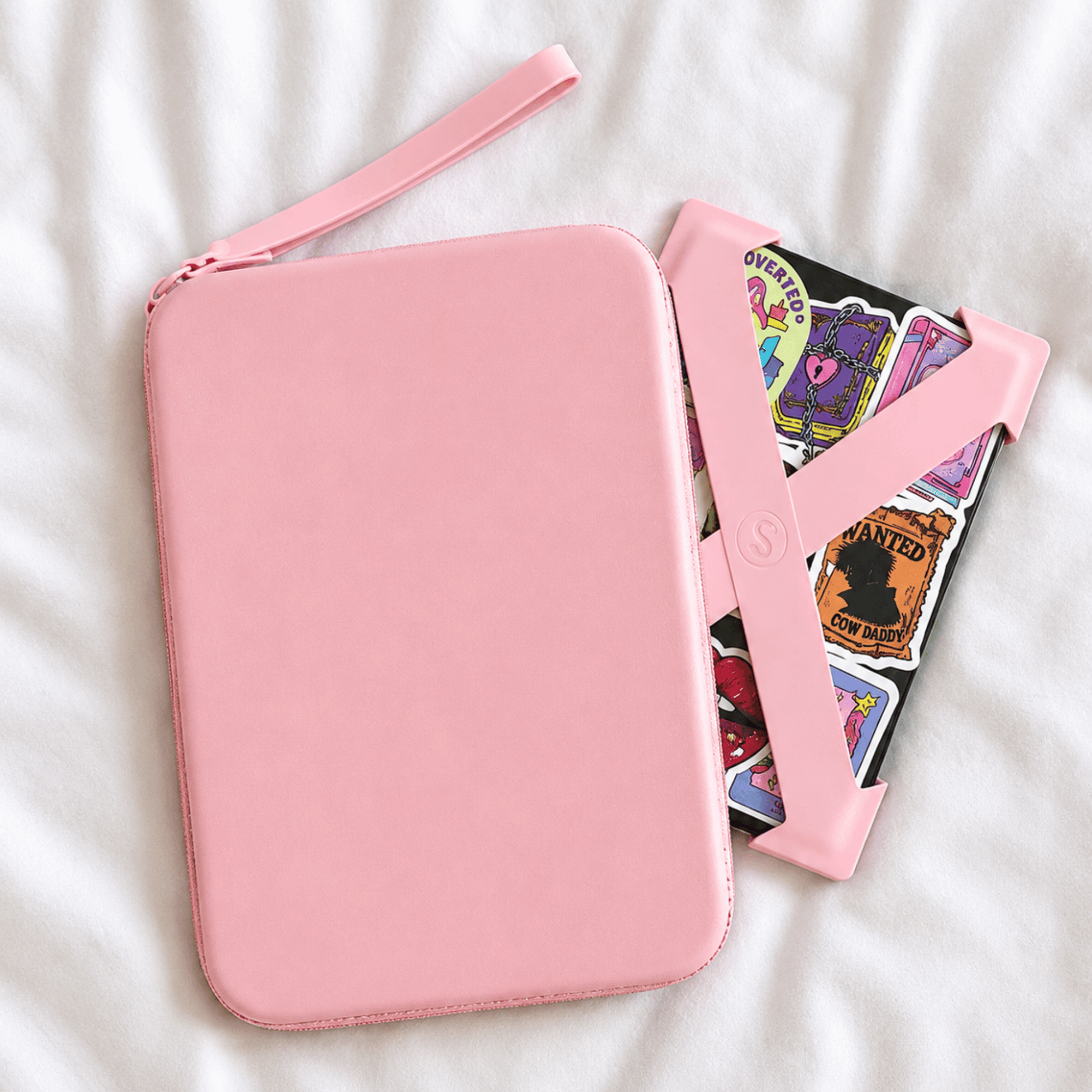
Tap Add to Bundle on any 3+ products — your bundle builds at the bottom of the page. Unsure on size? Size guide
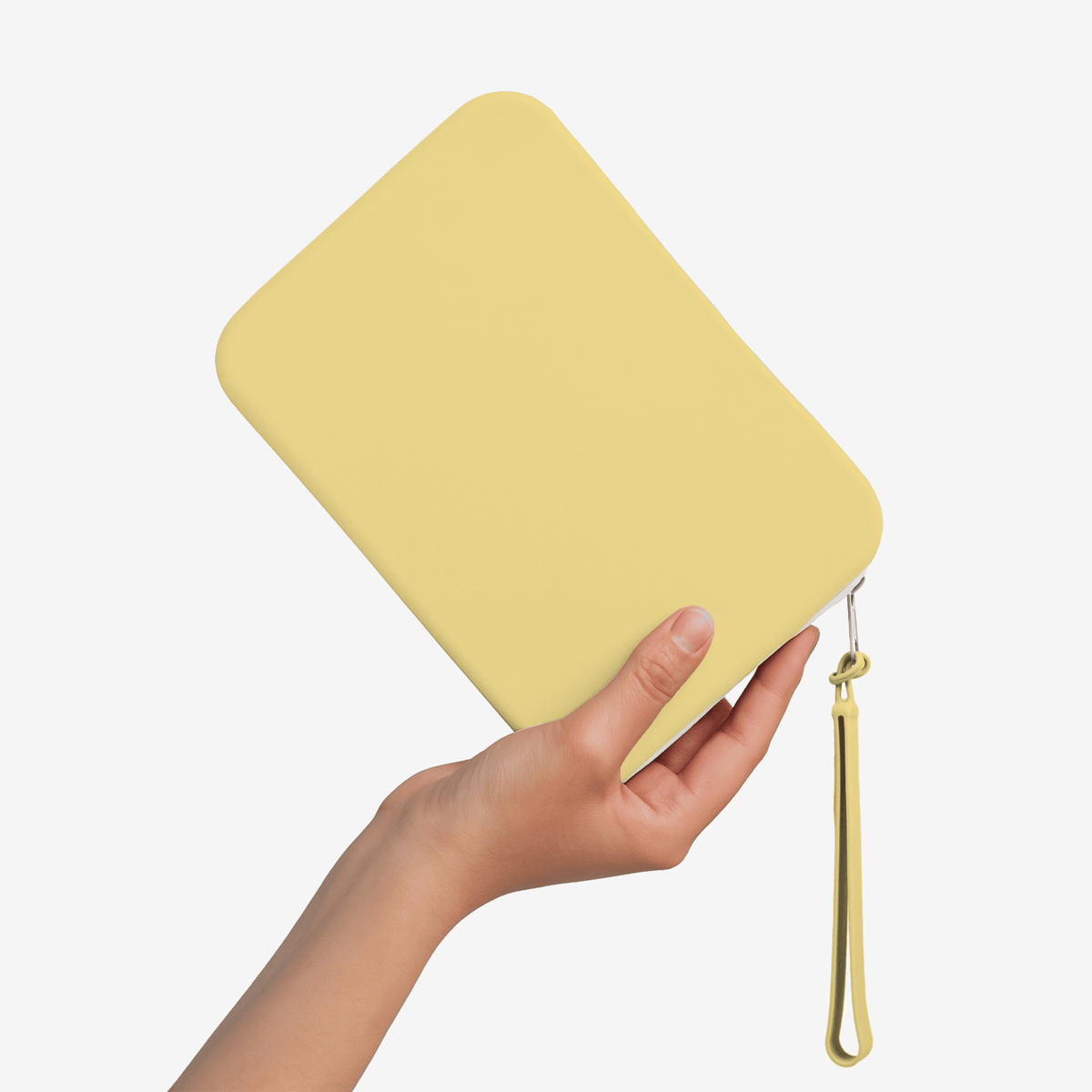
1. Pick any 3+
One of each, or three the same.
2. Save 15%
Applied at checkout. No code needed.
3. Enjoy
Arrives gift-ready.
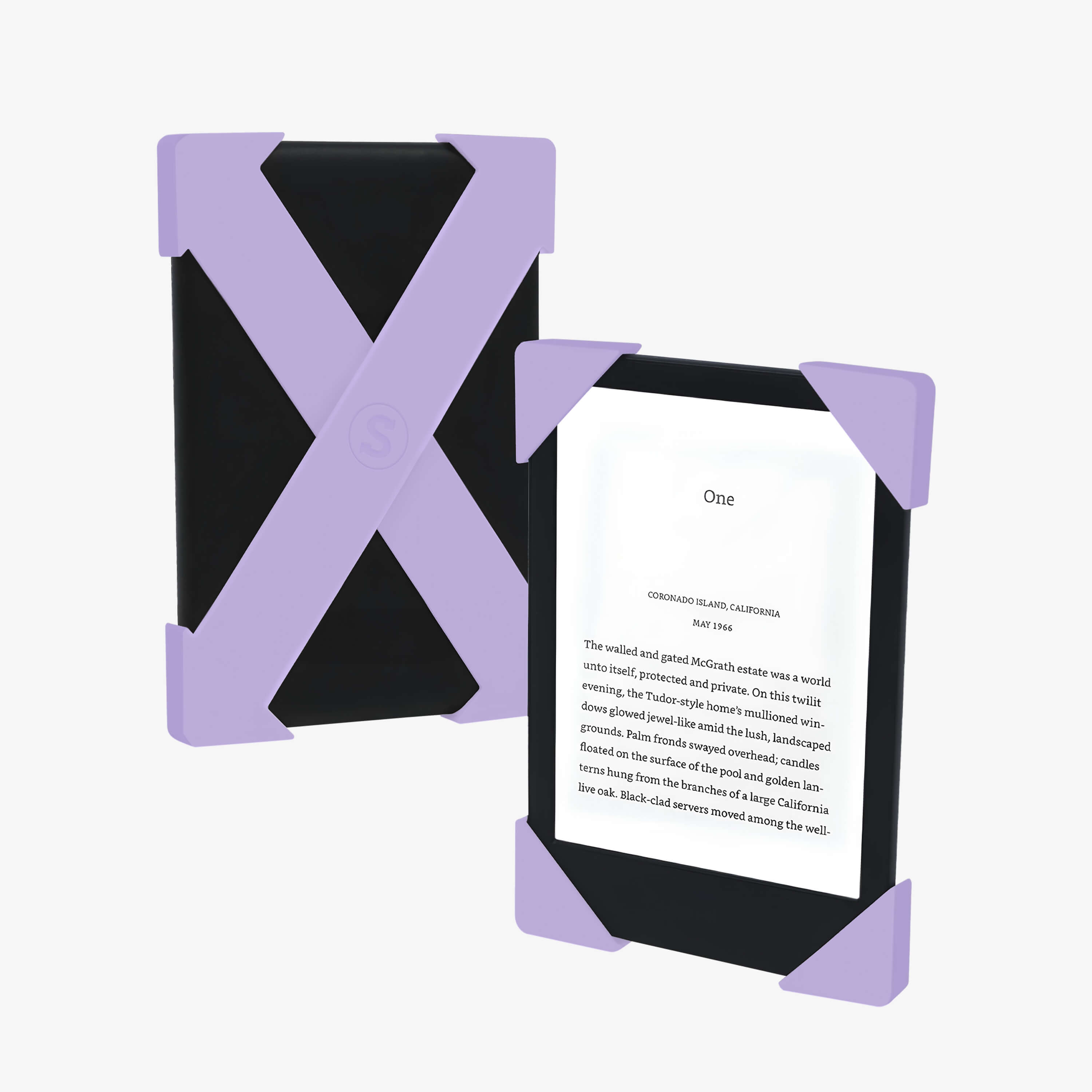
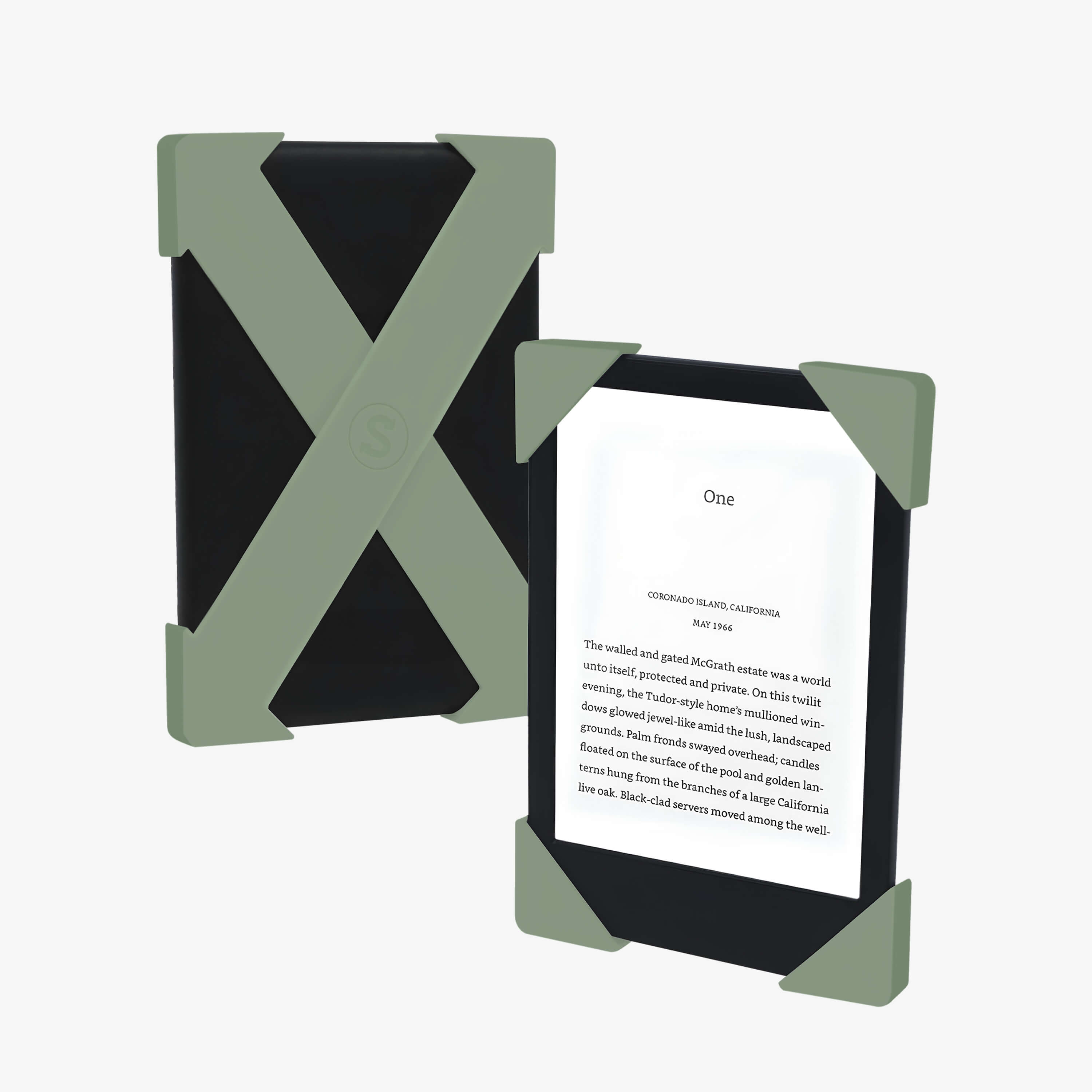
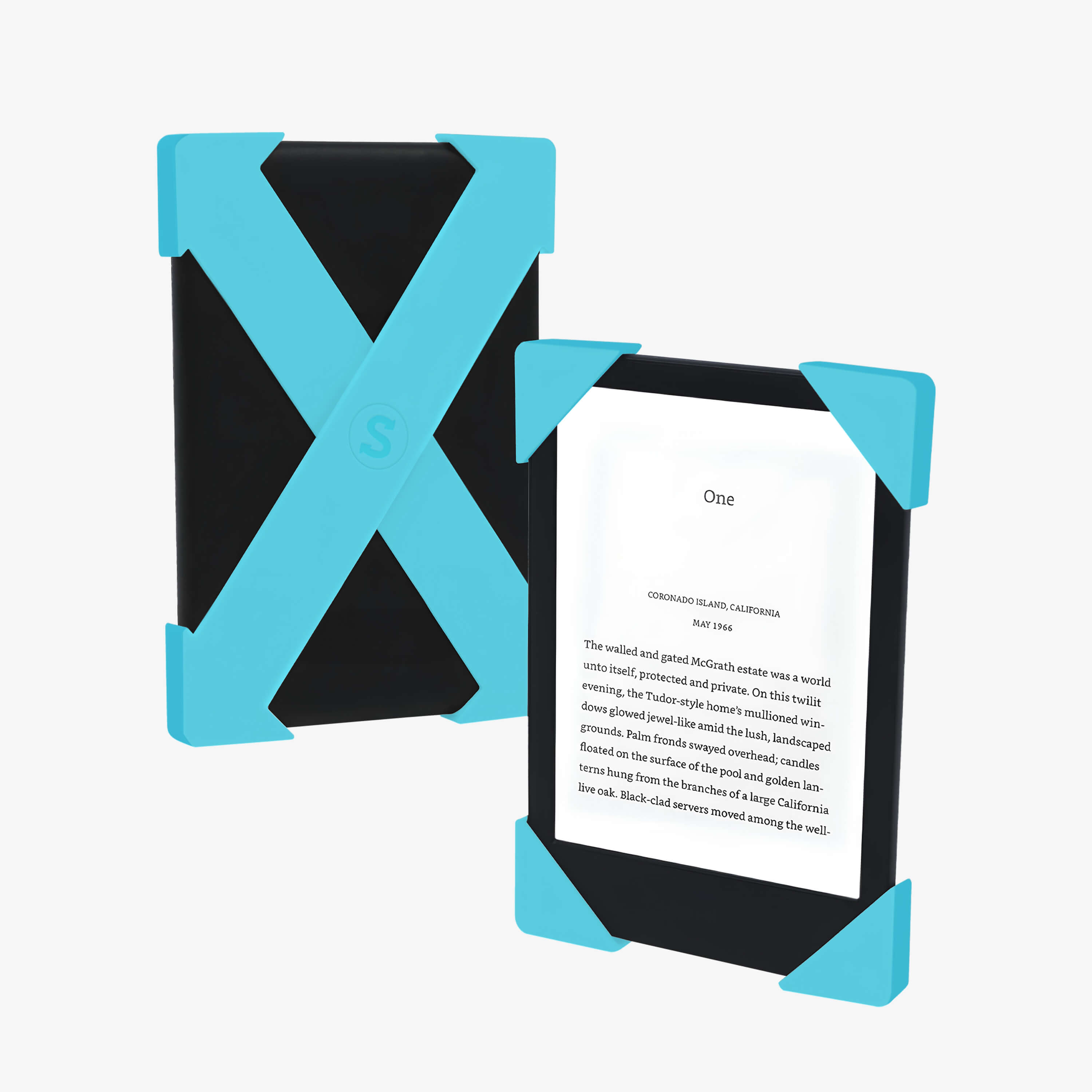
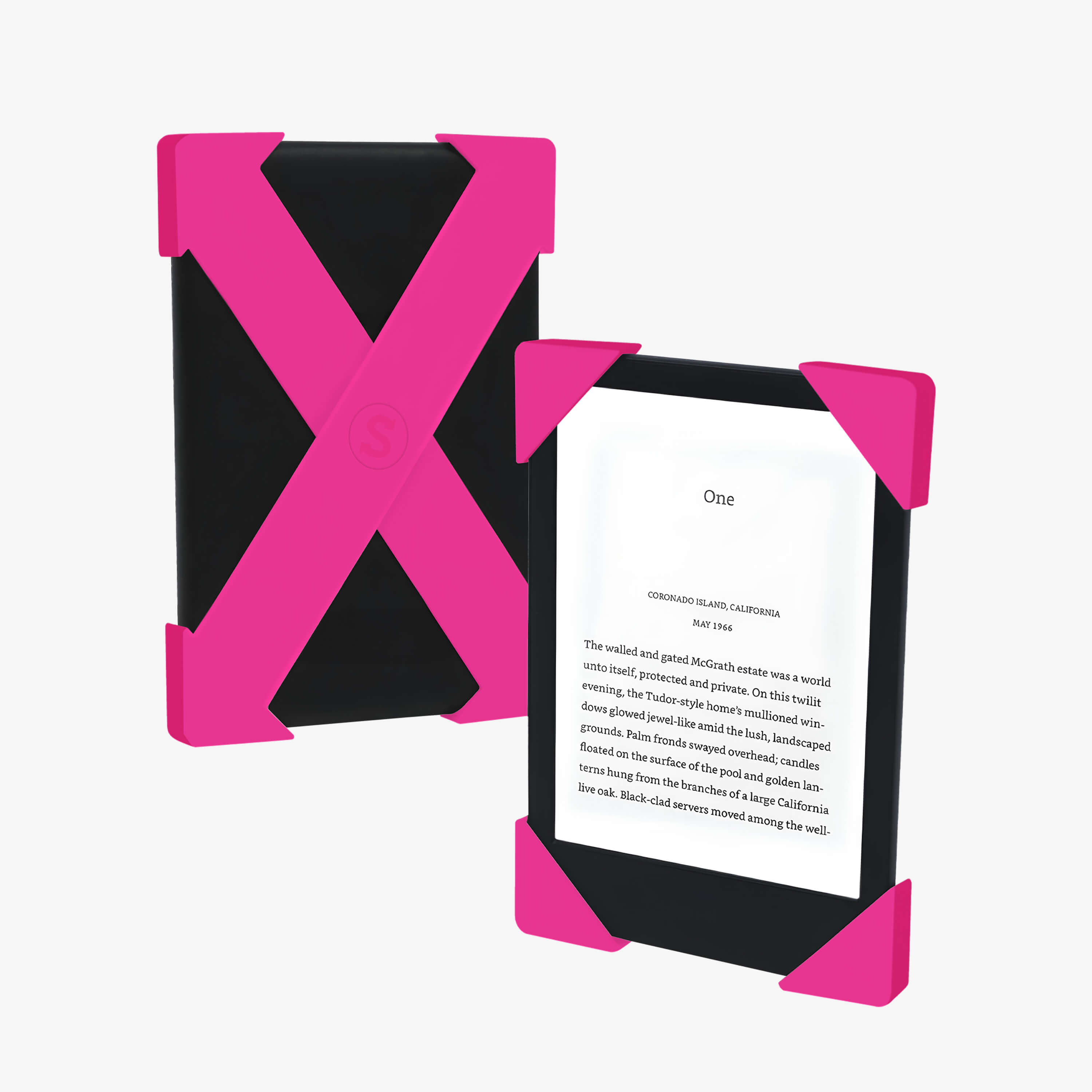
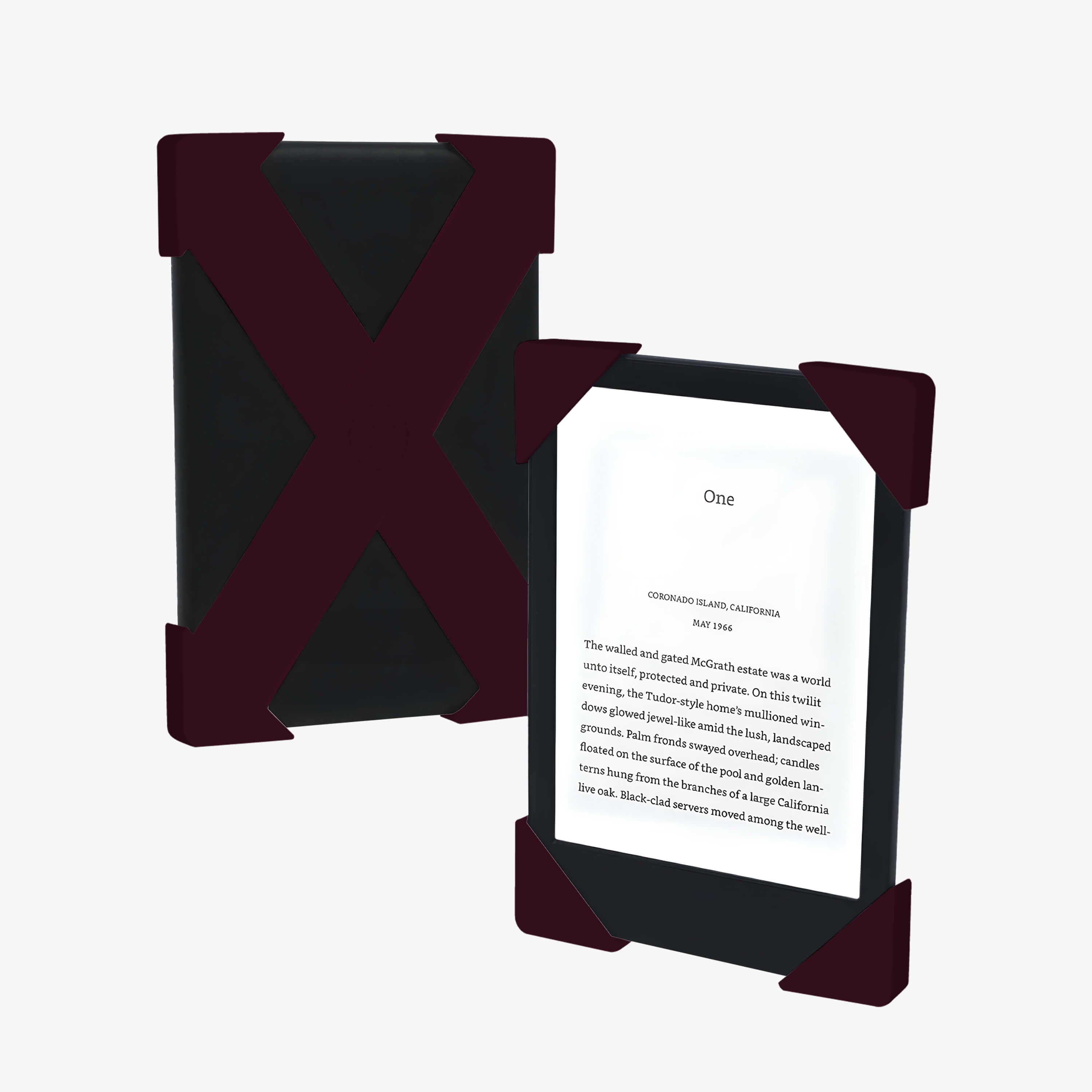
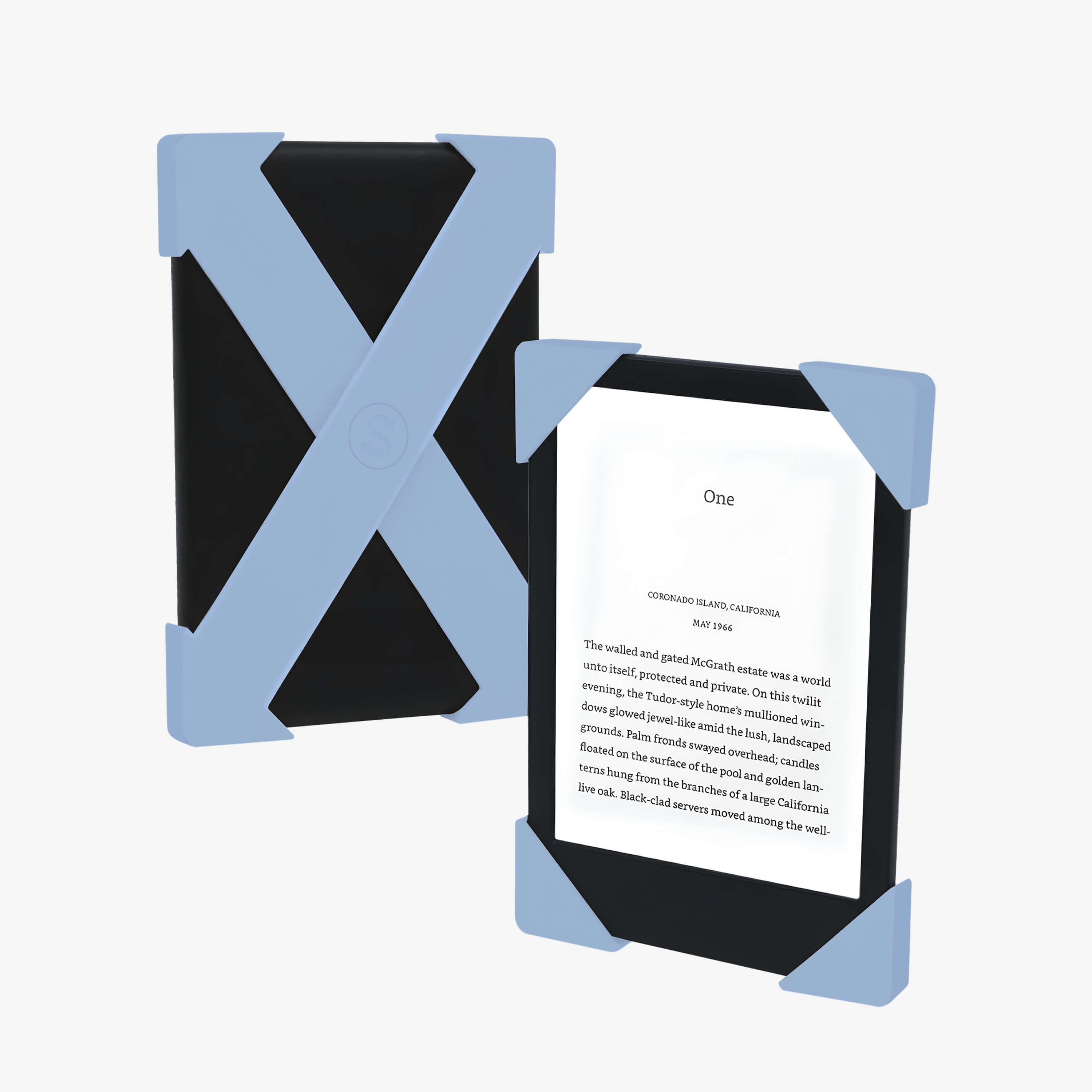
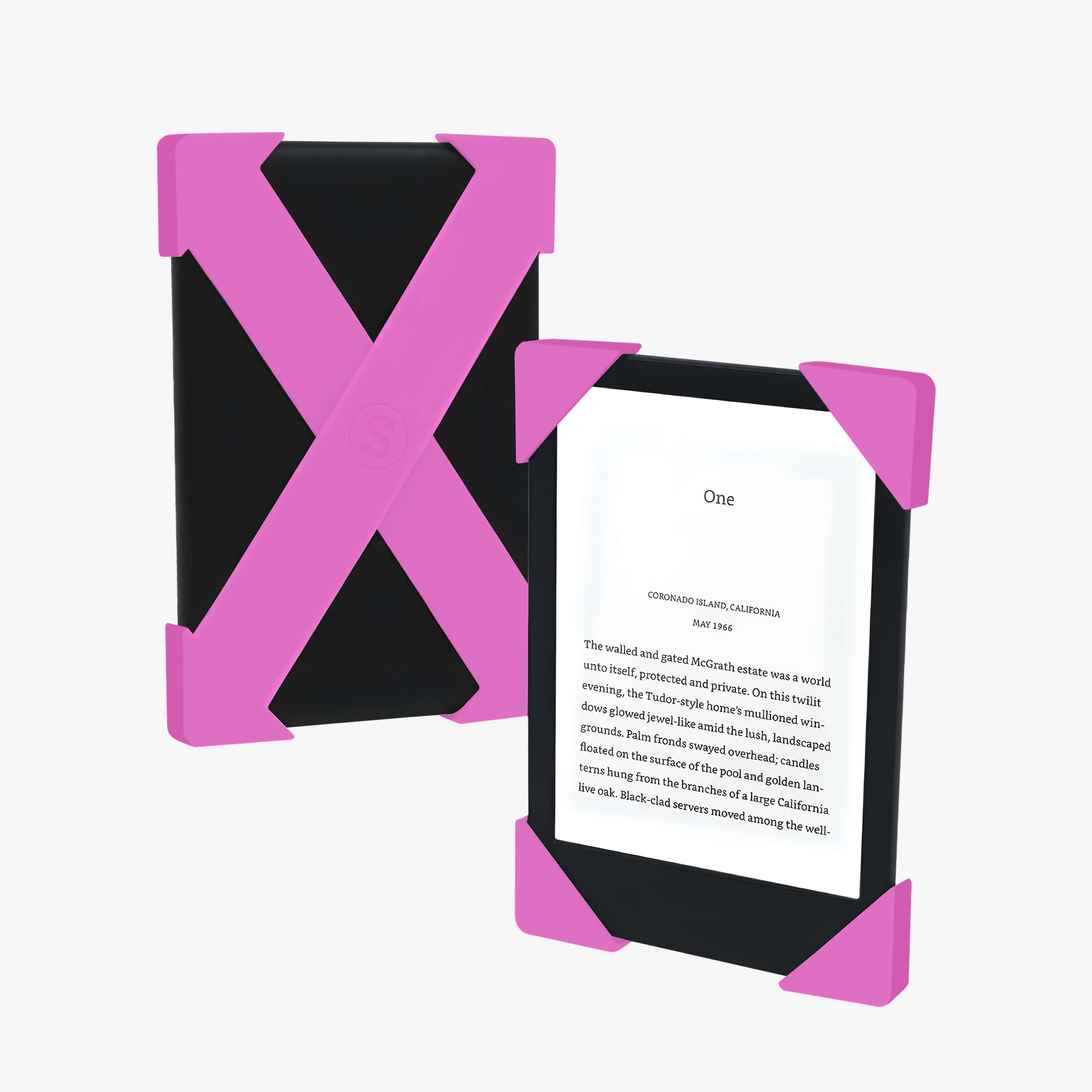
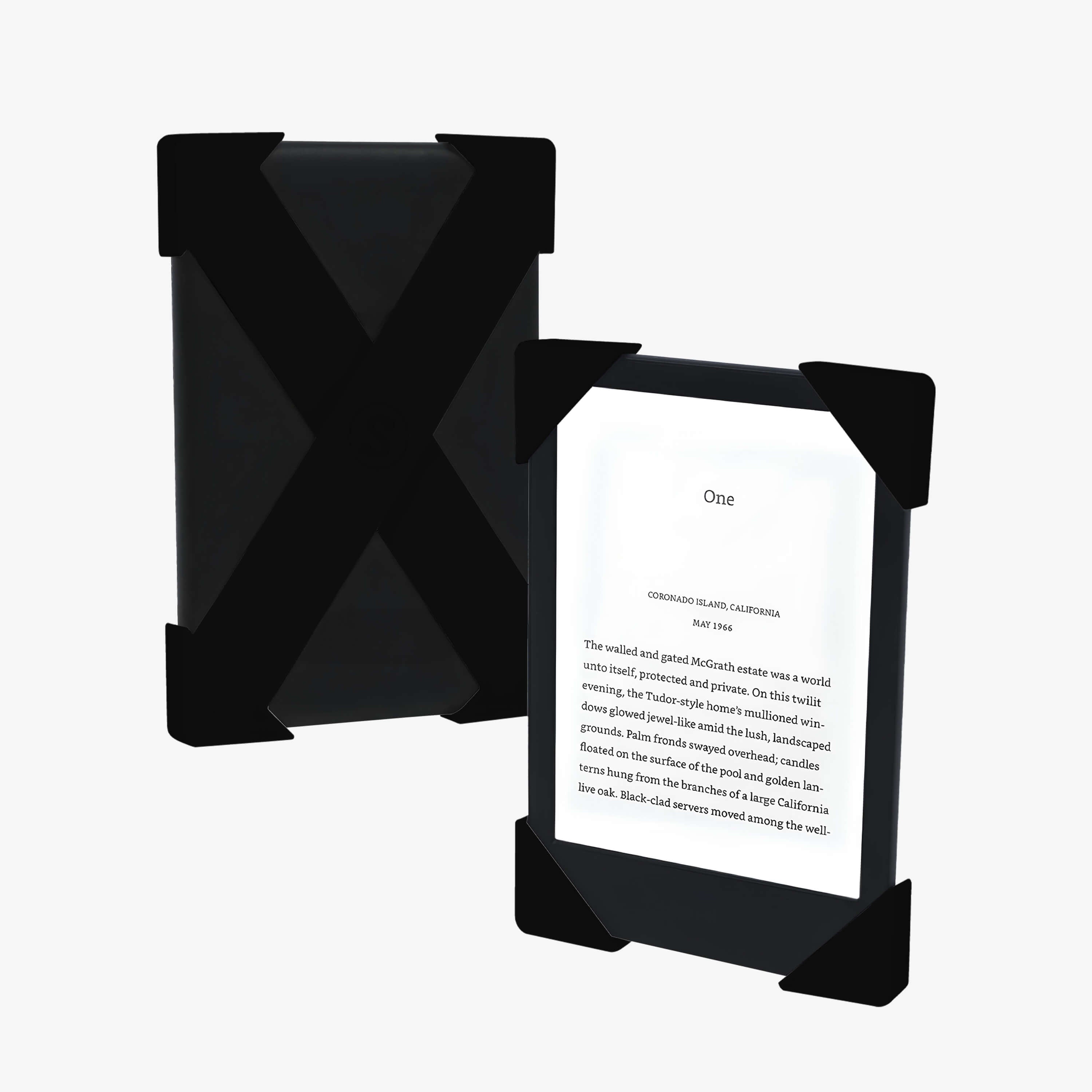
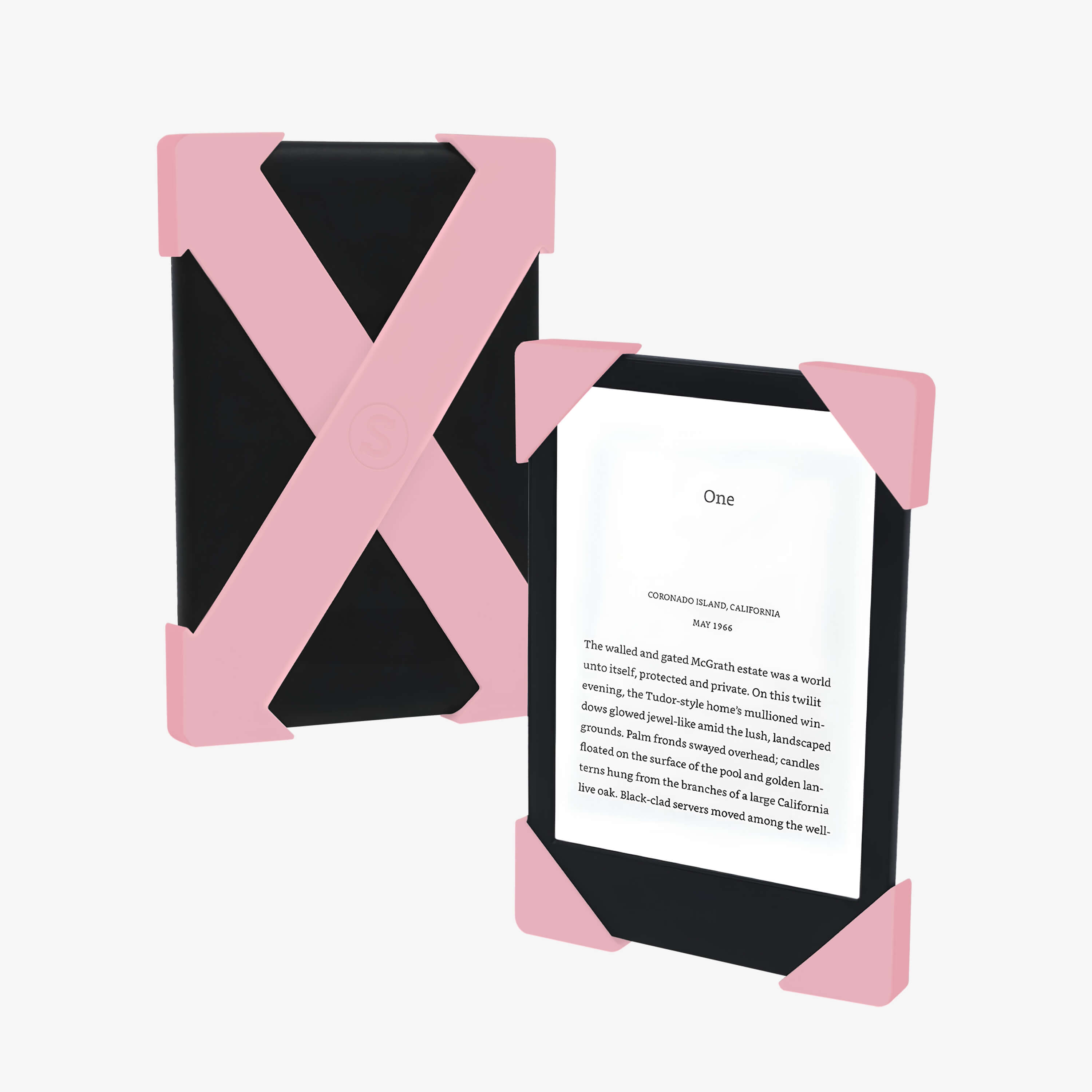
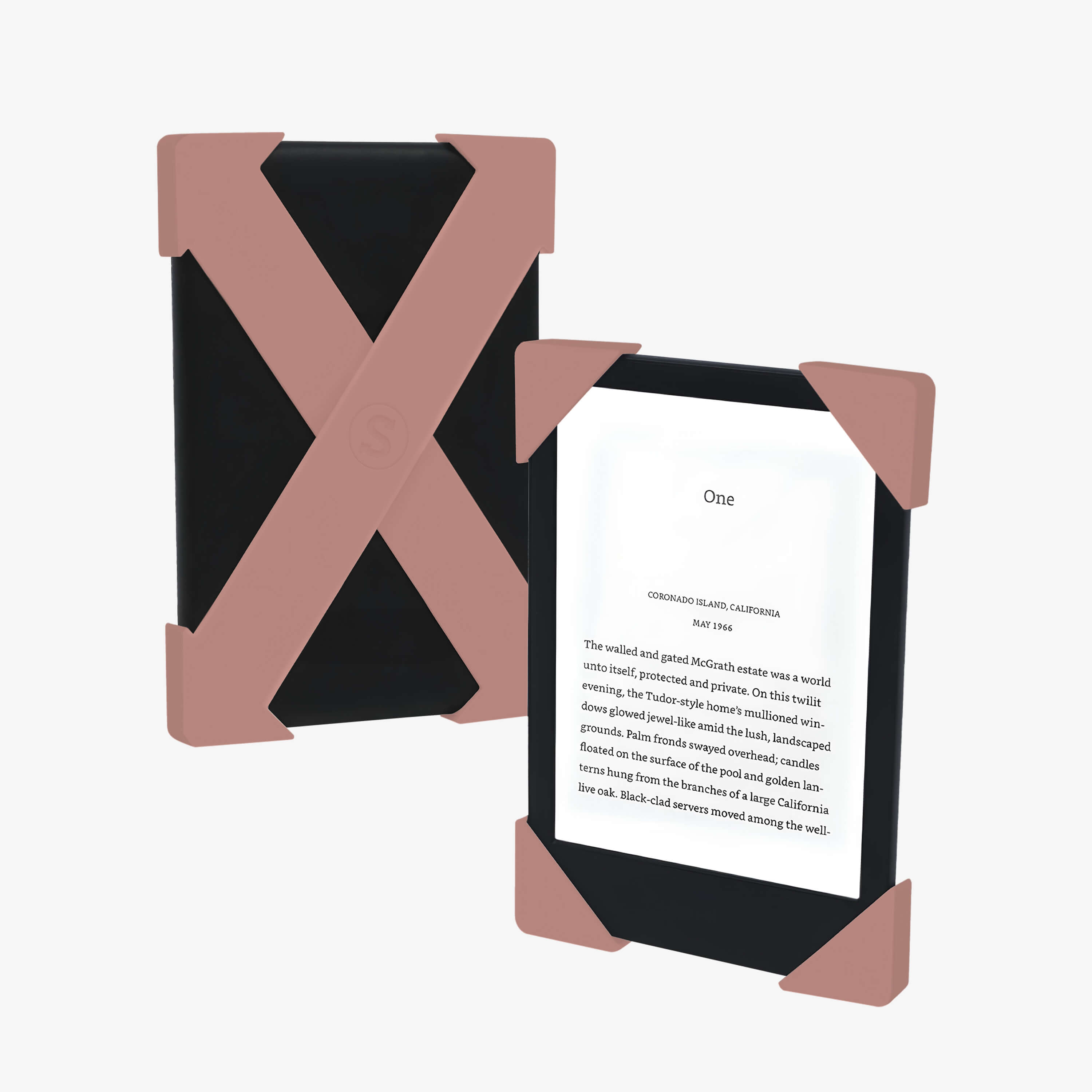
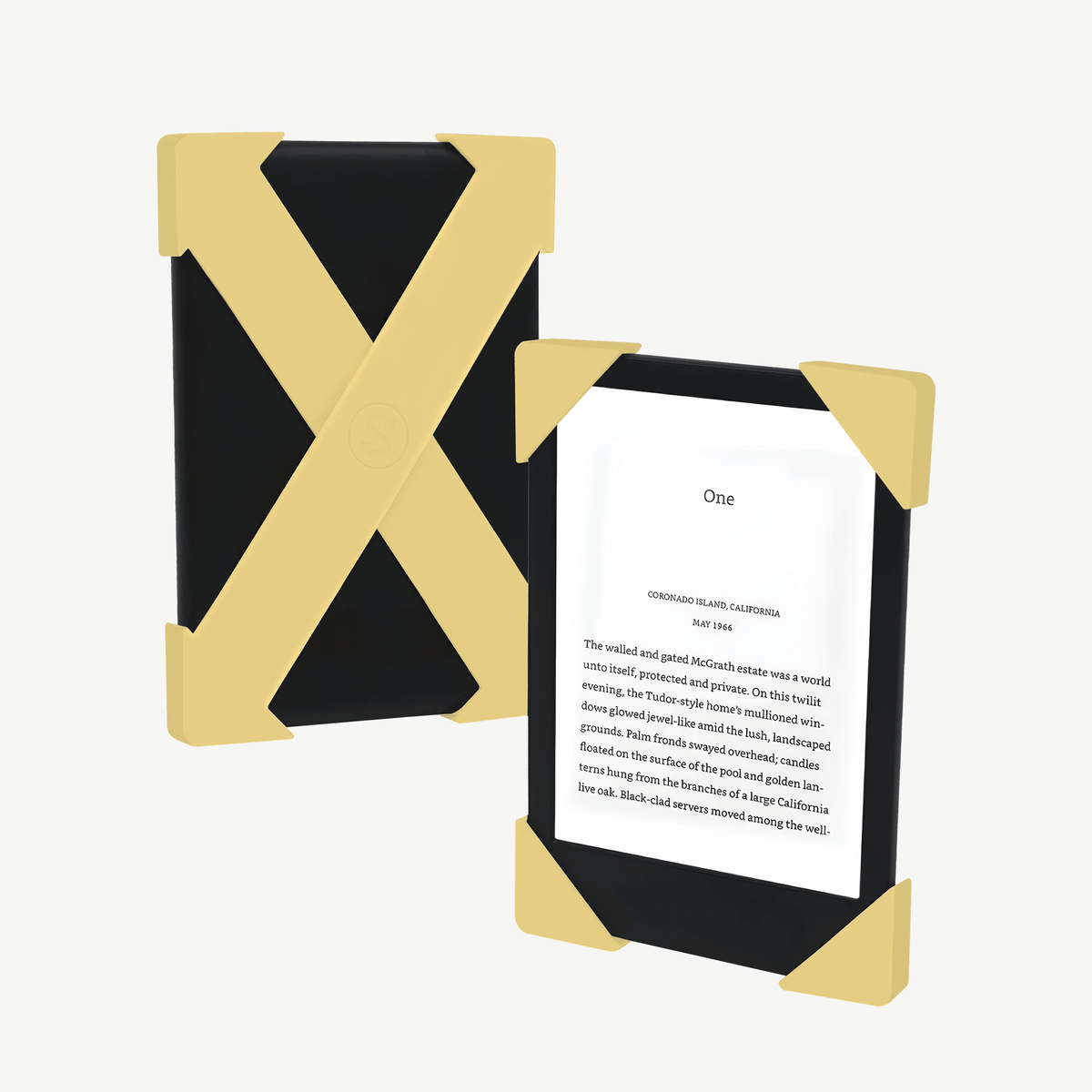


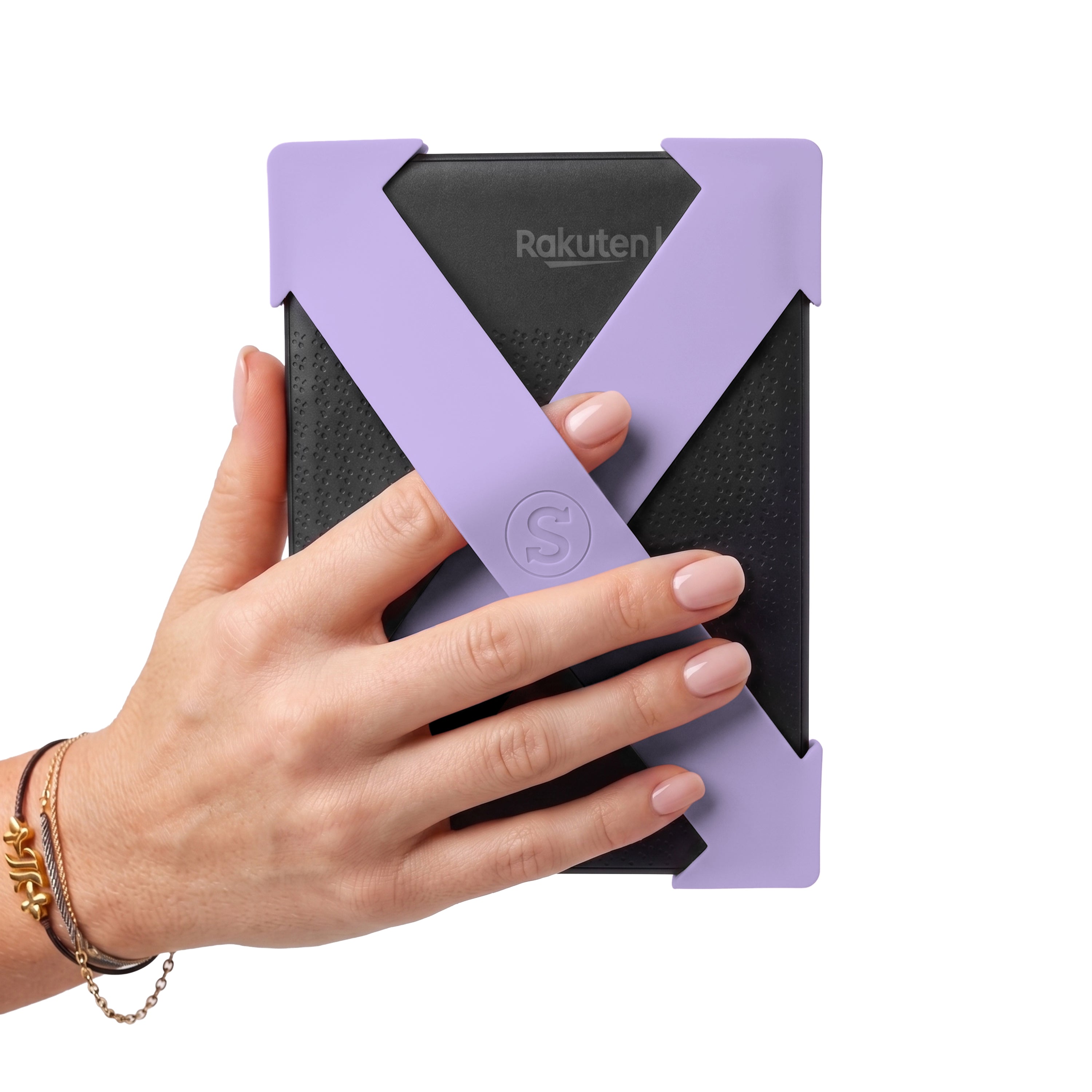
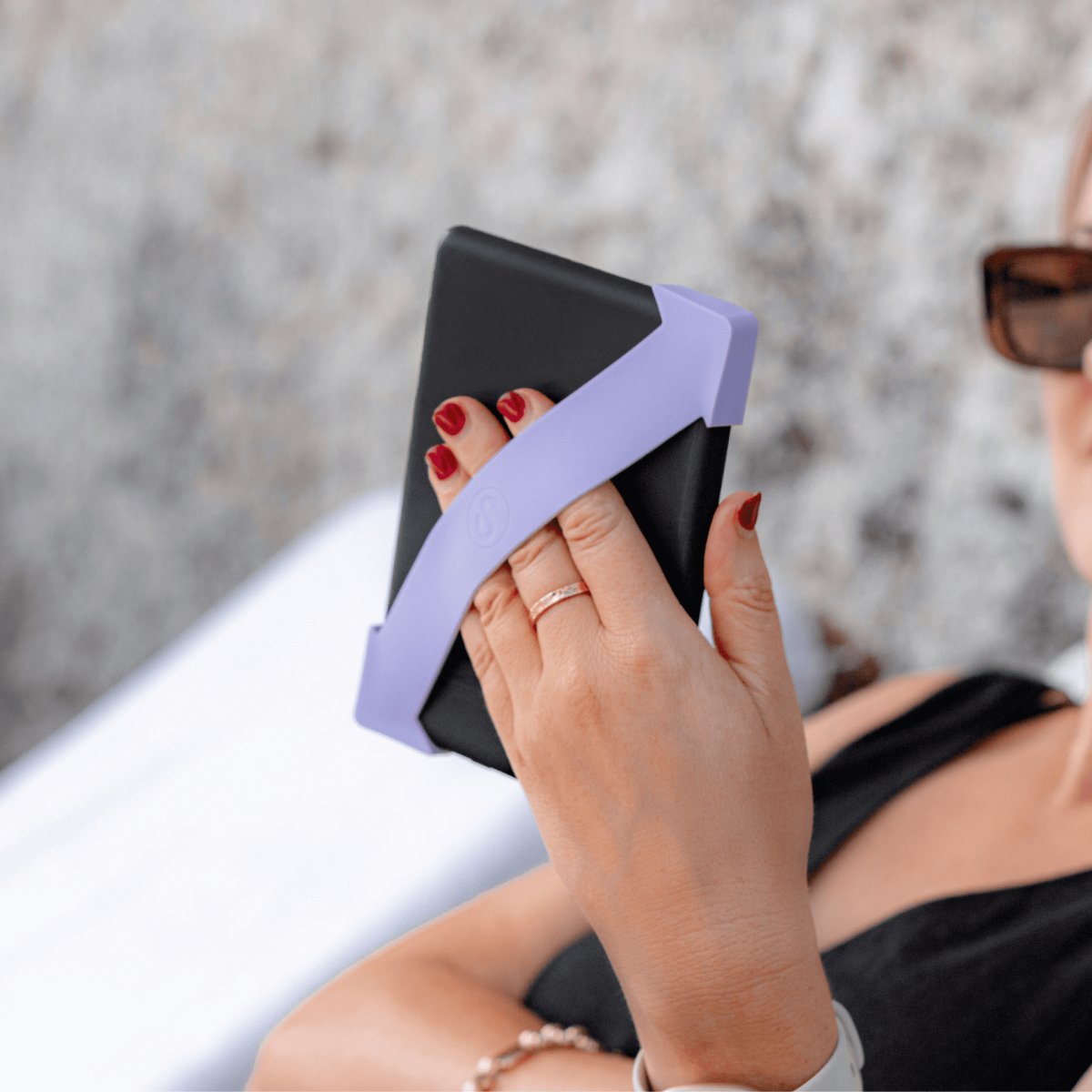

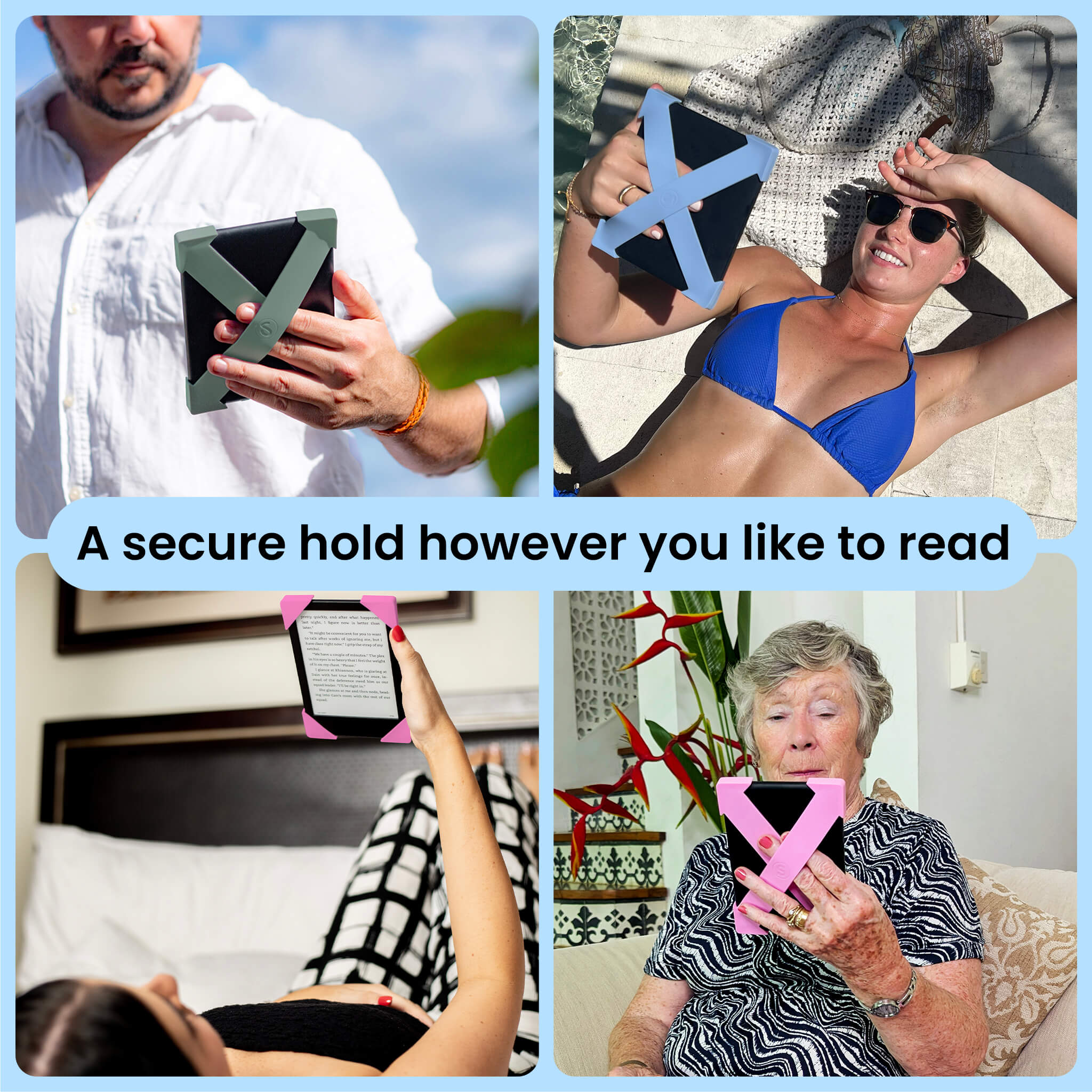








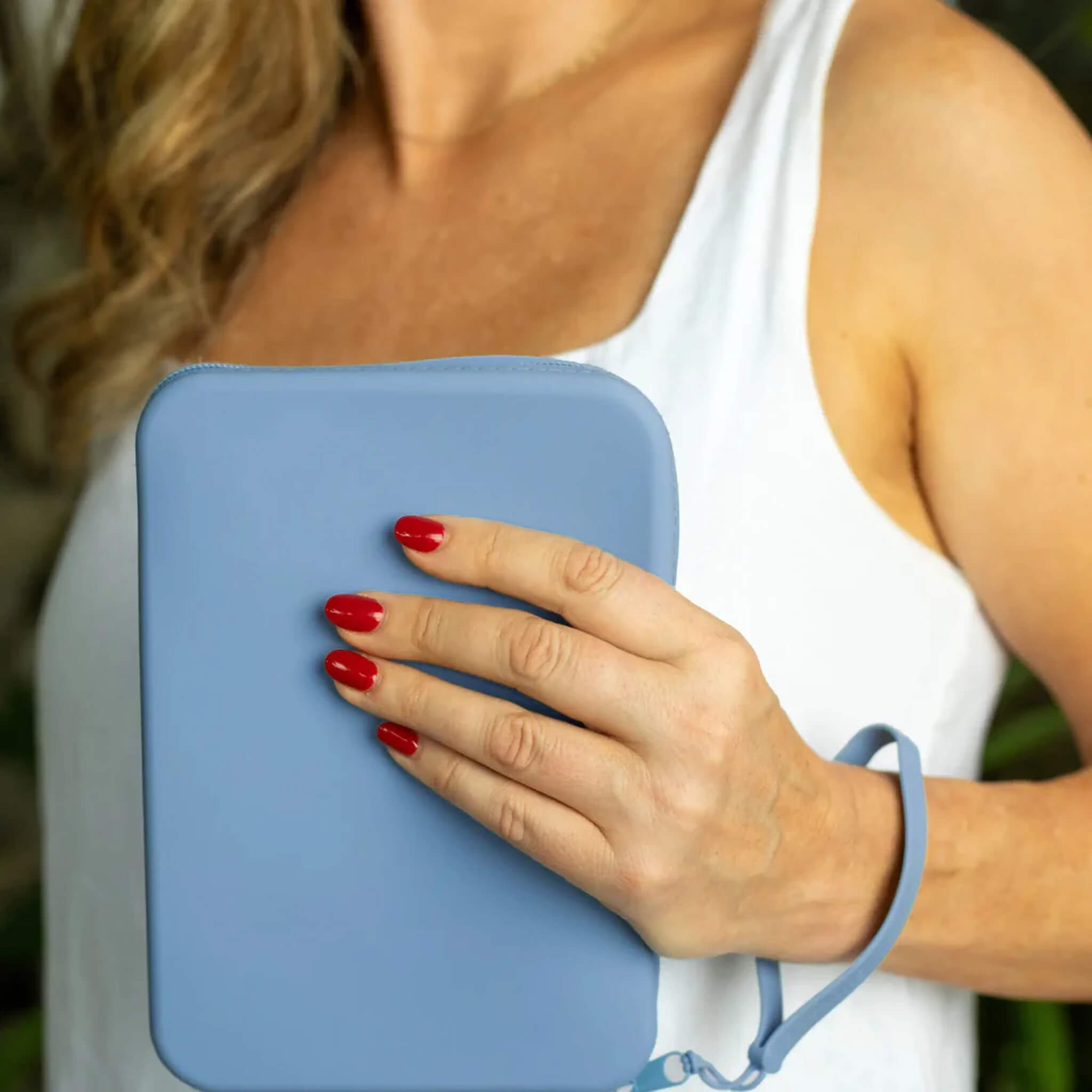


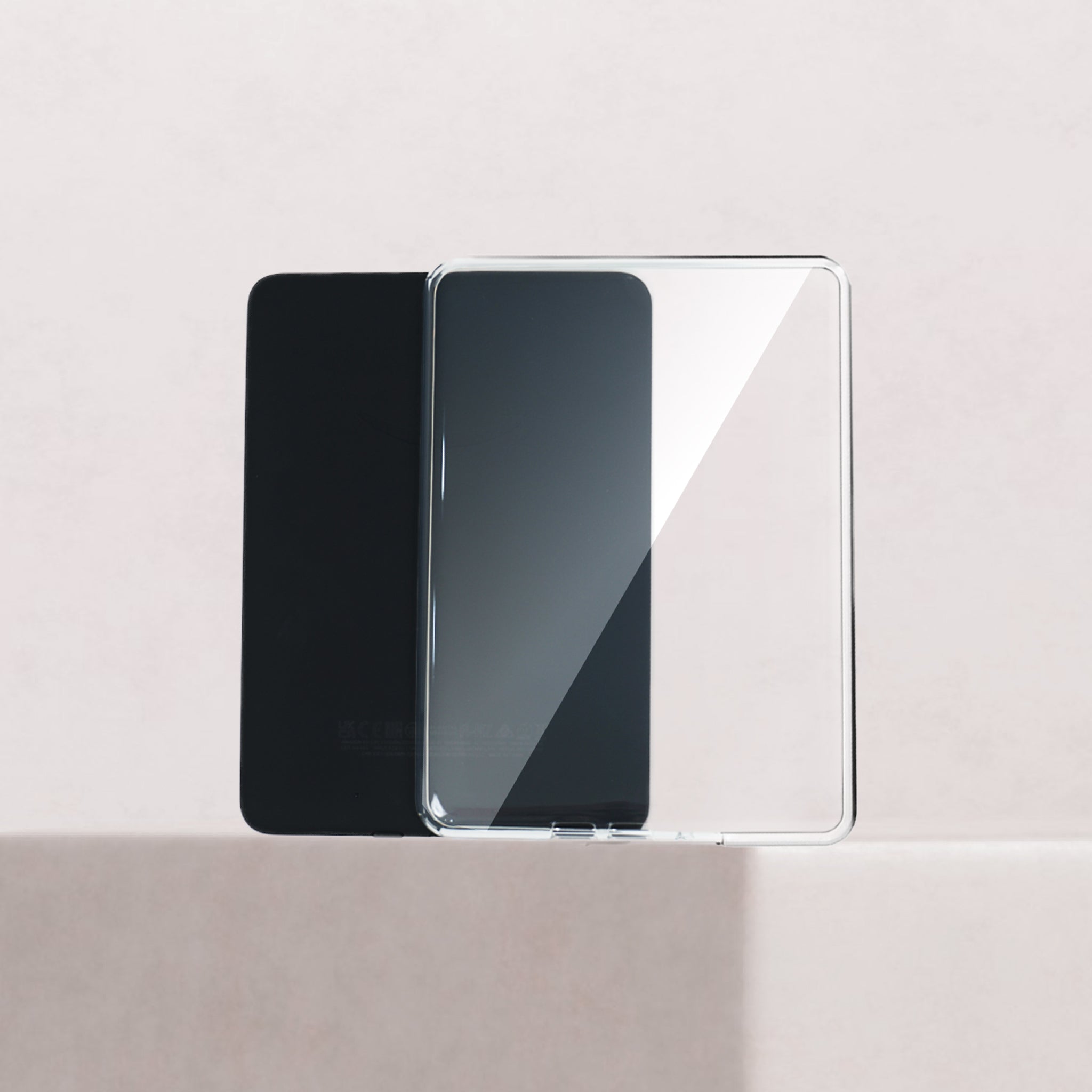
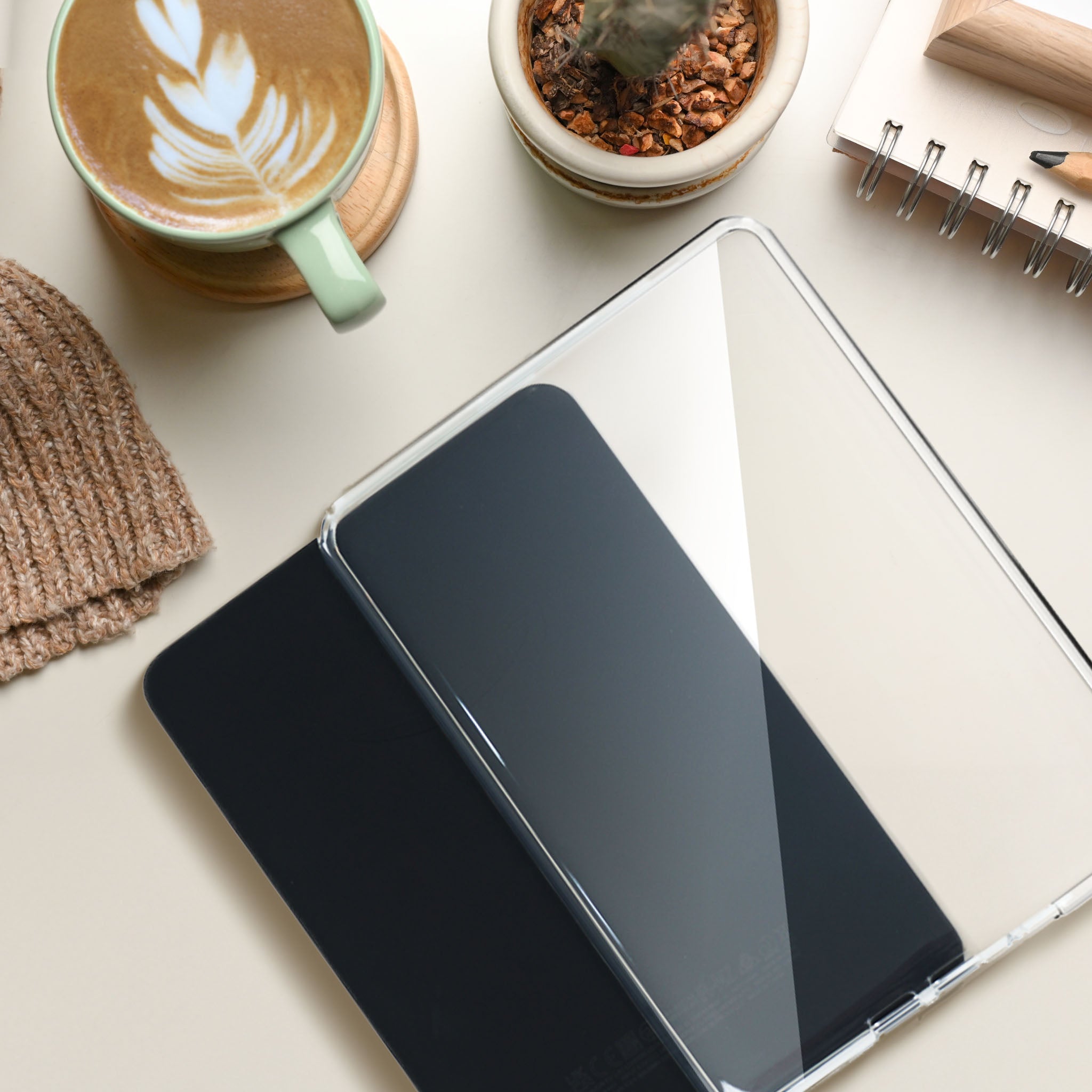
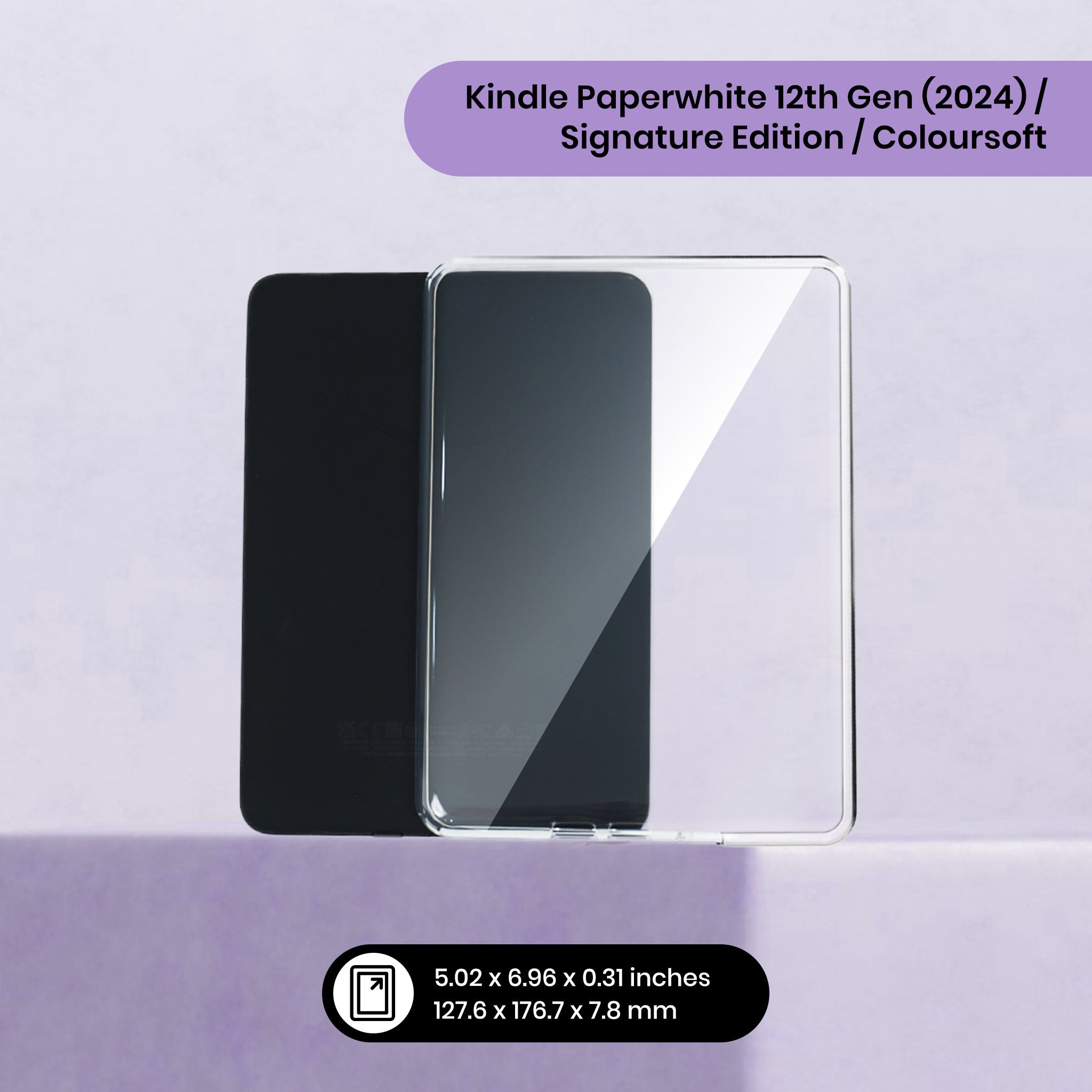
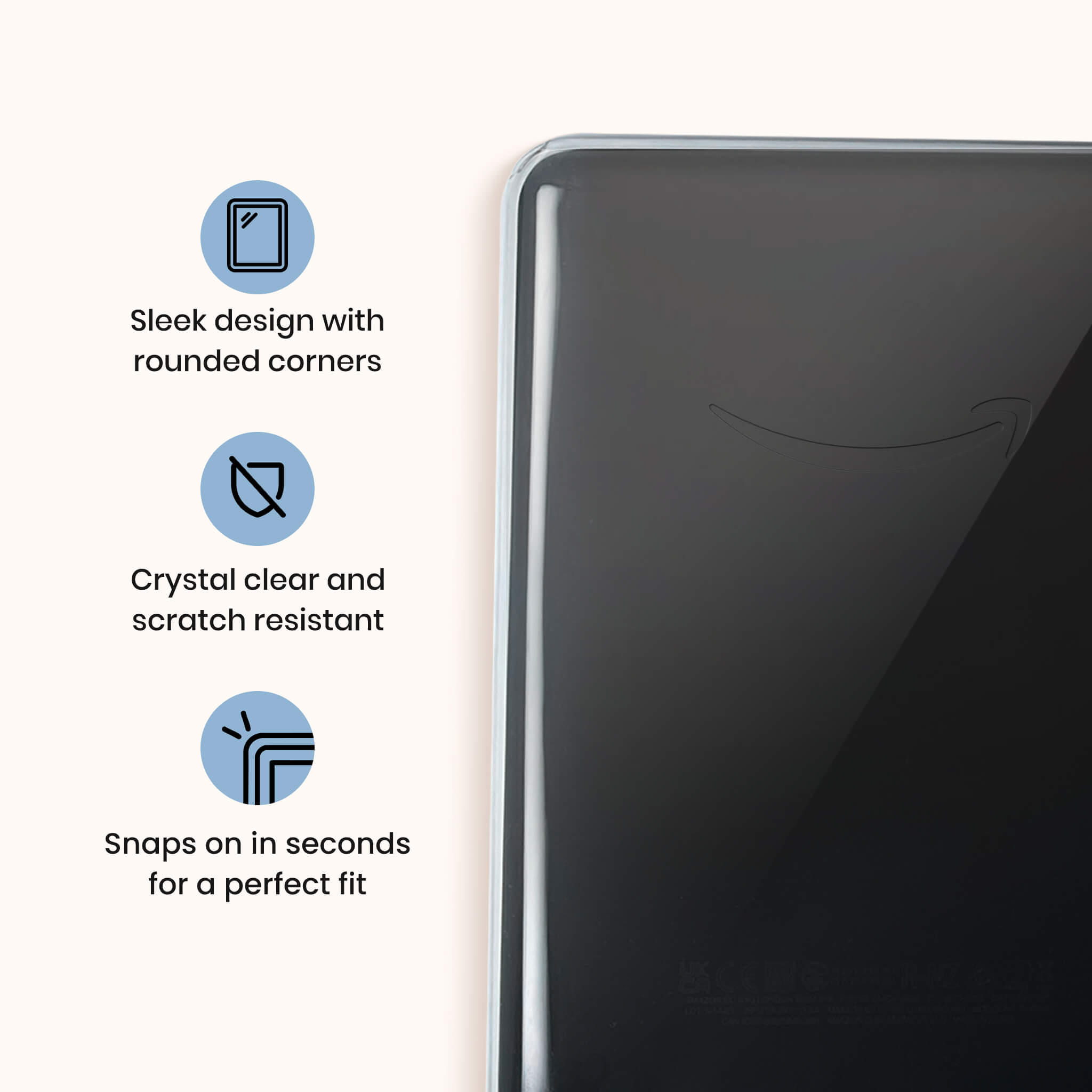

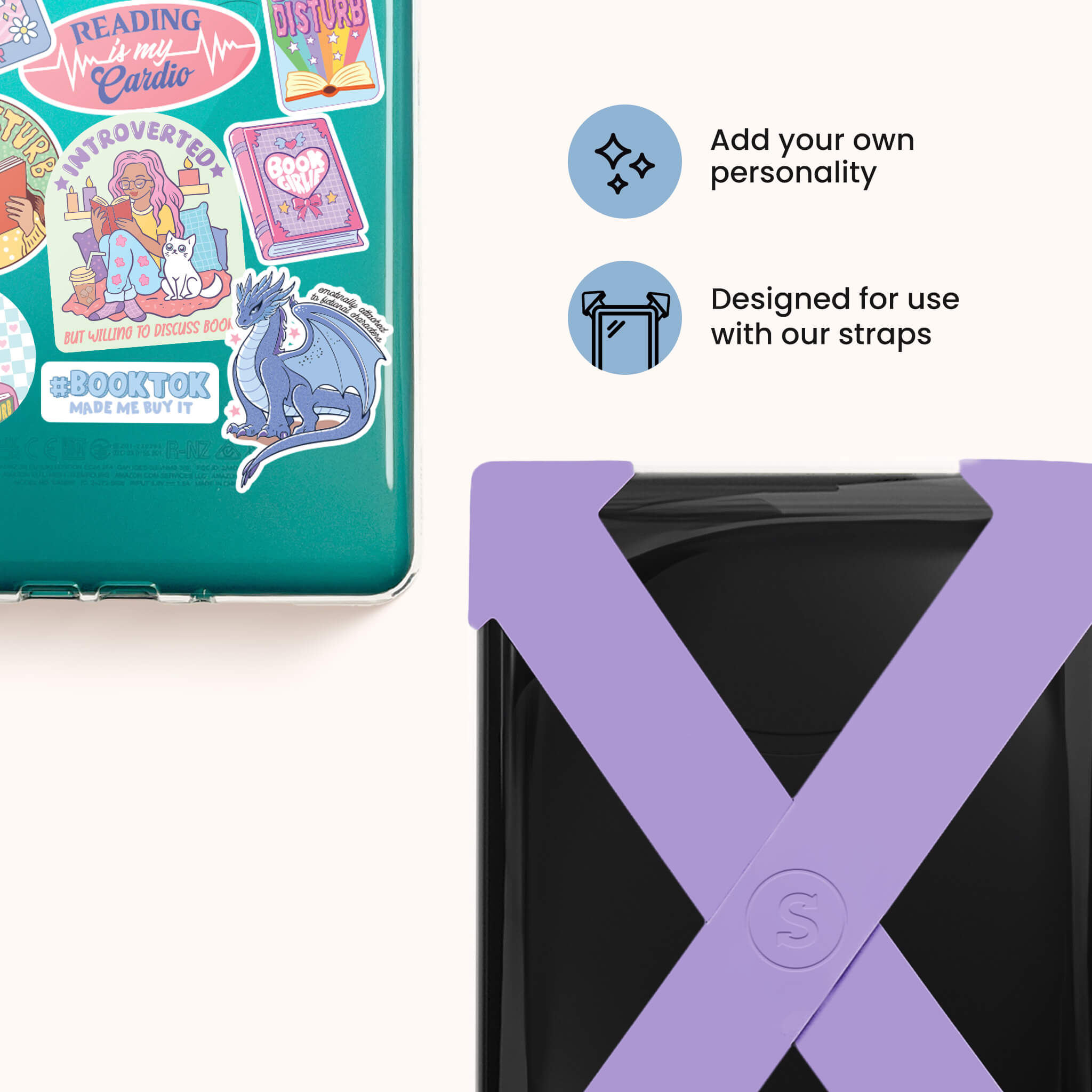

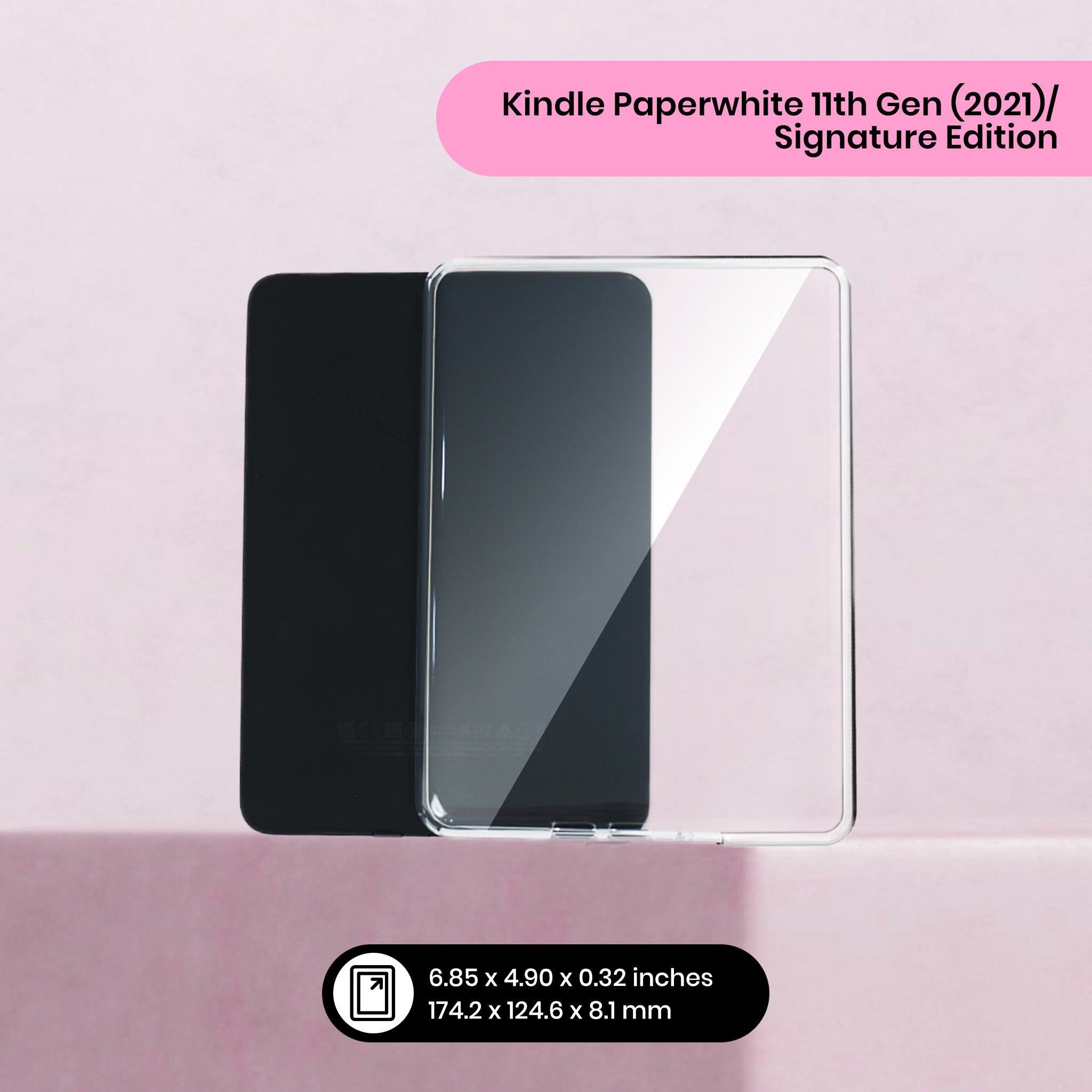
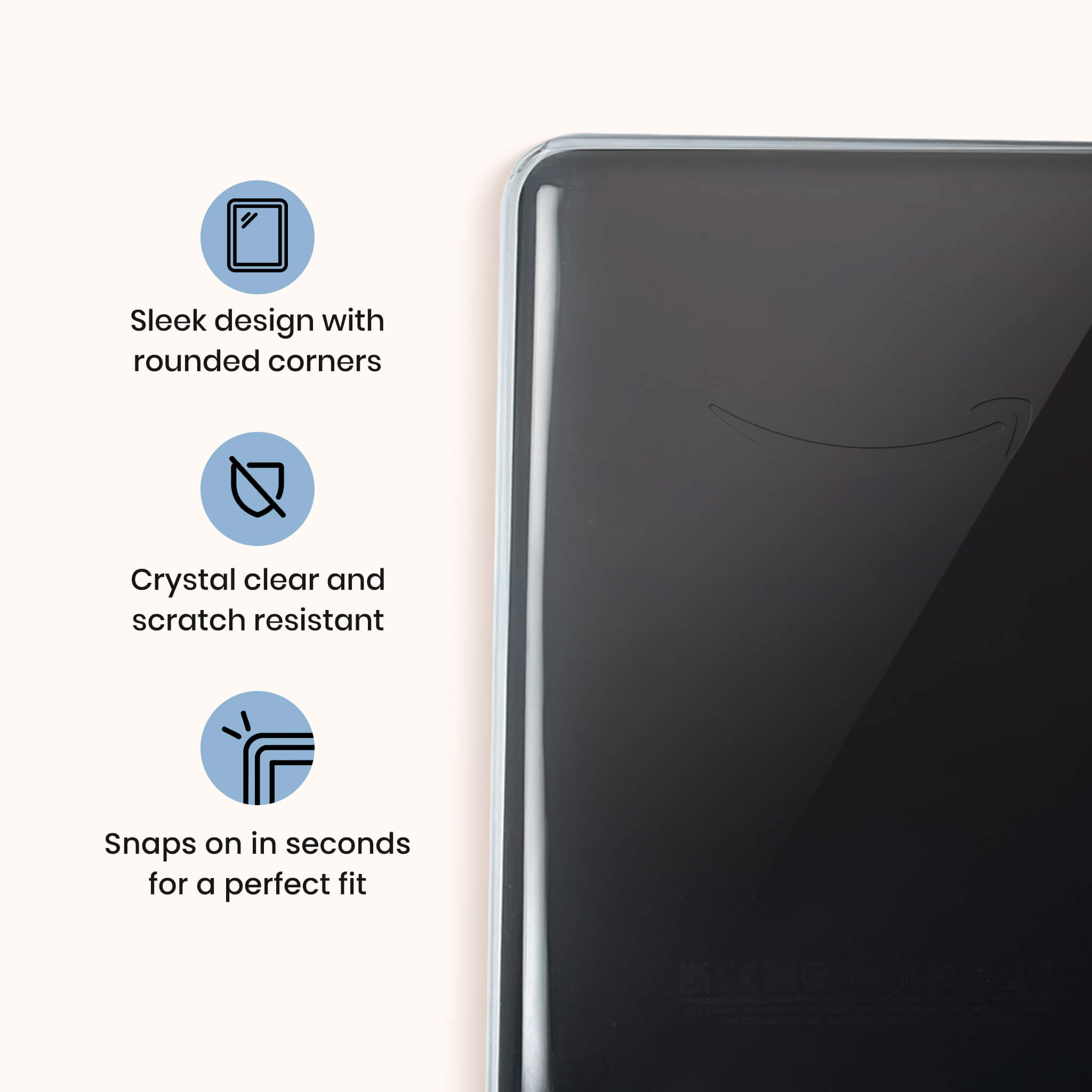
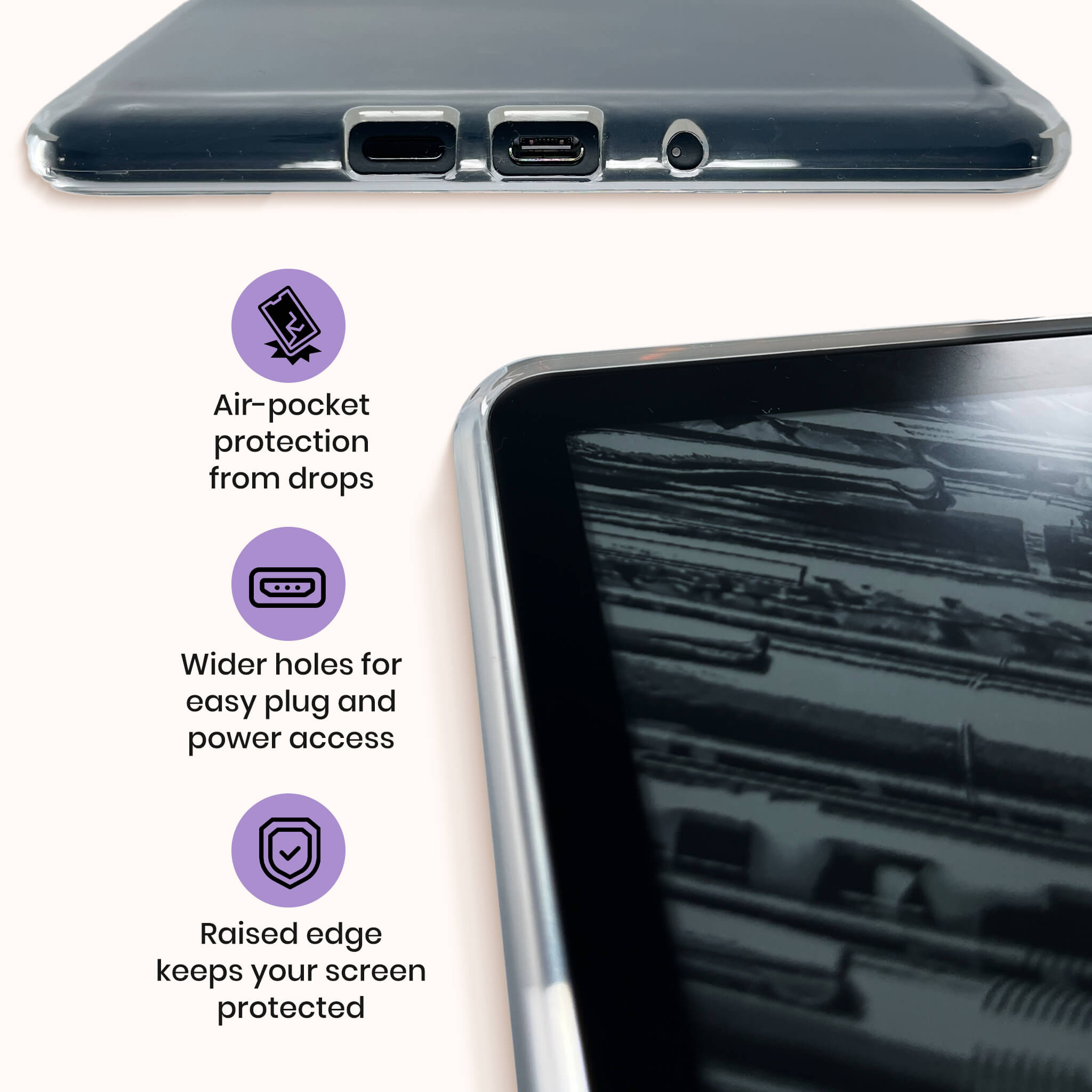
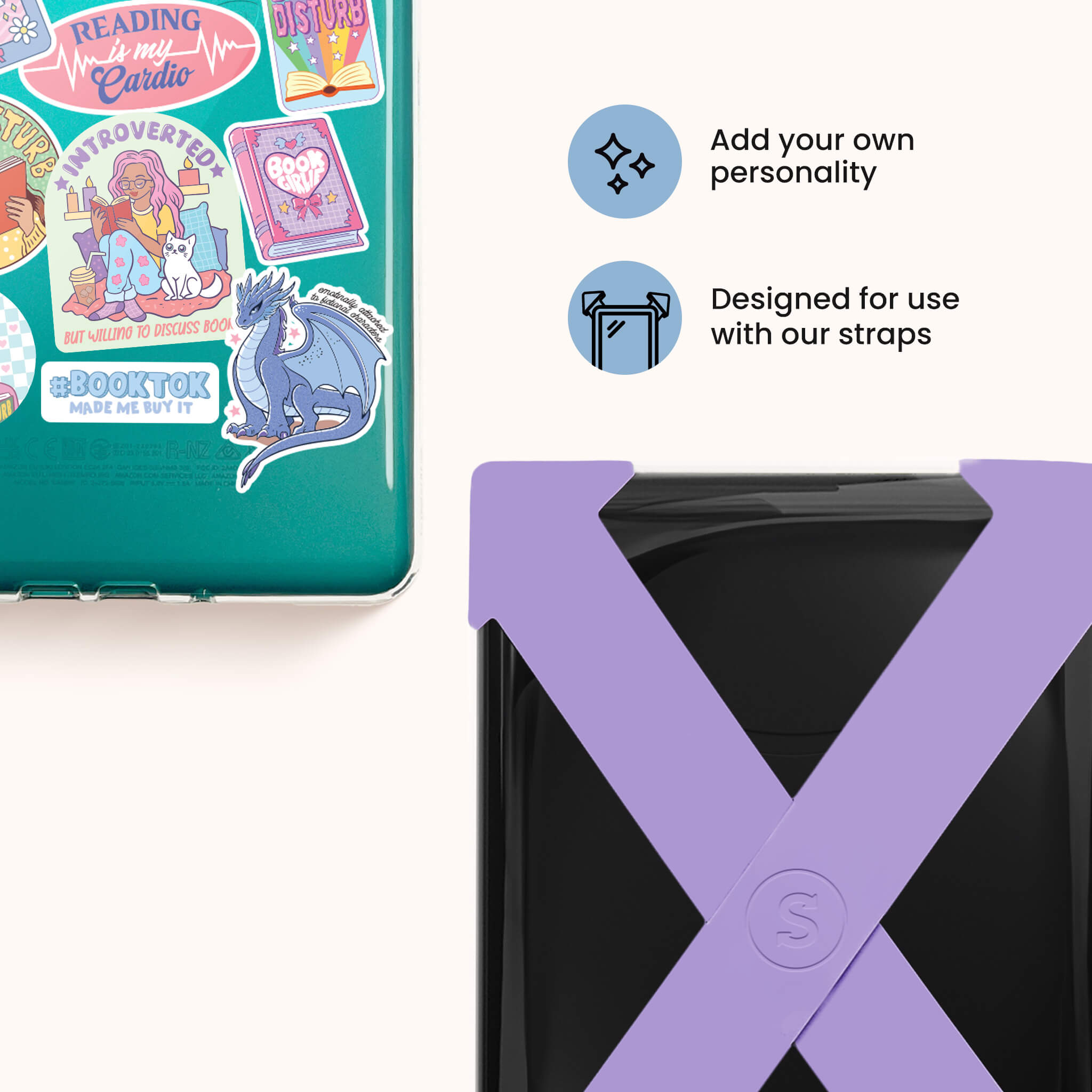


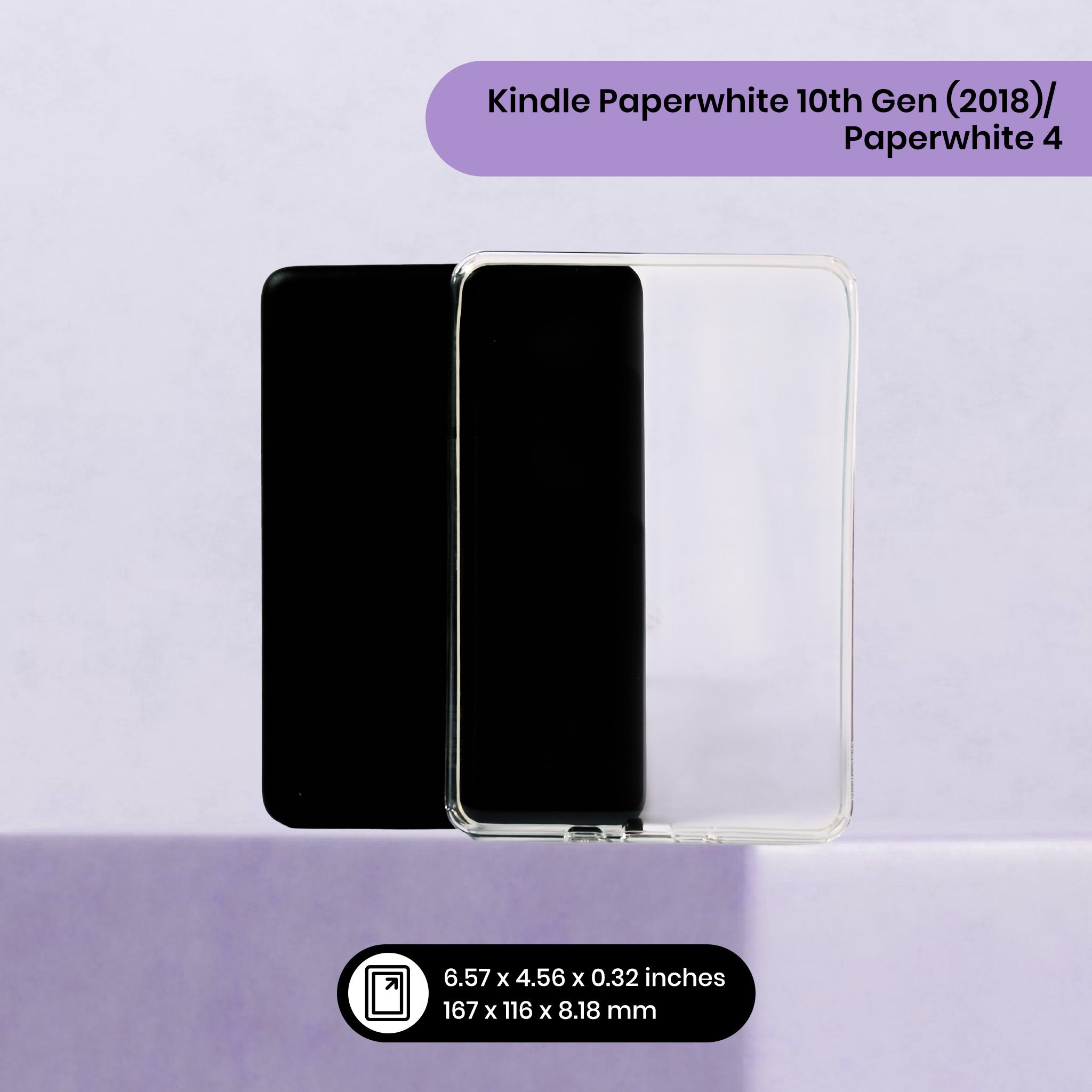
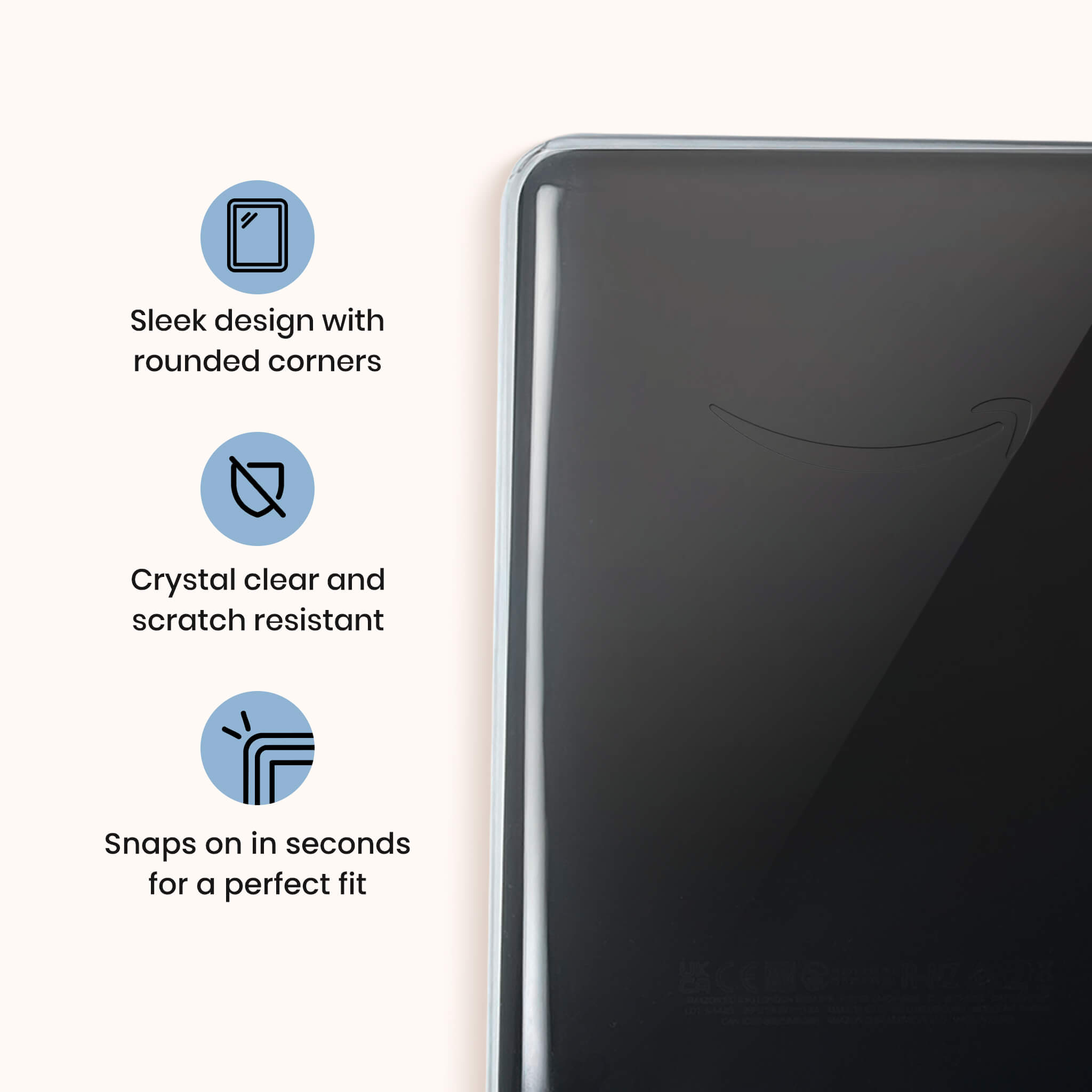


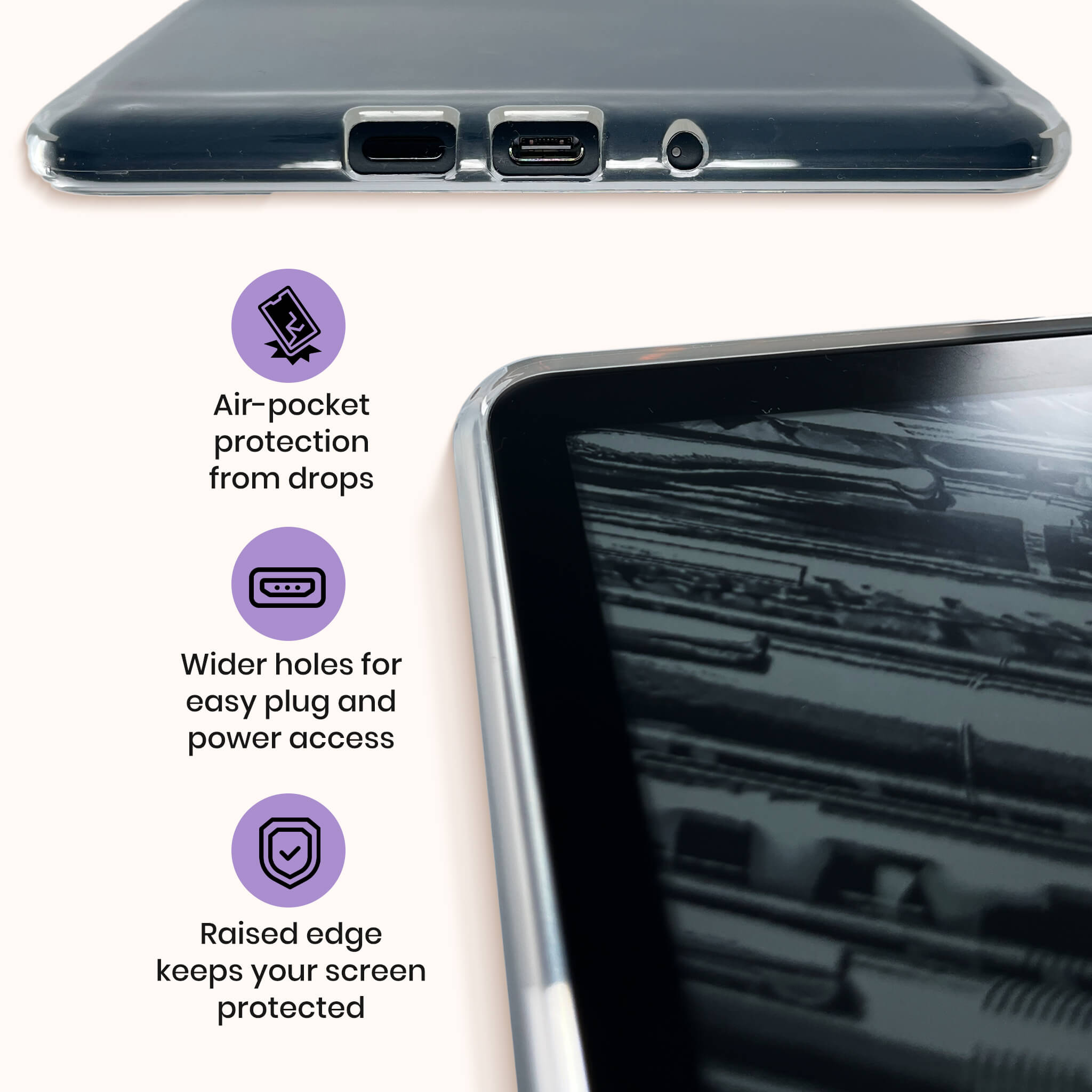
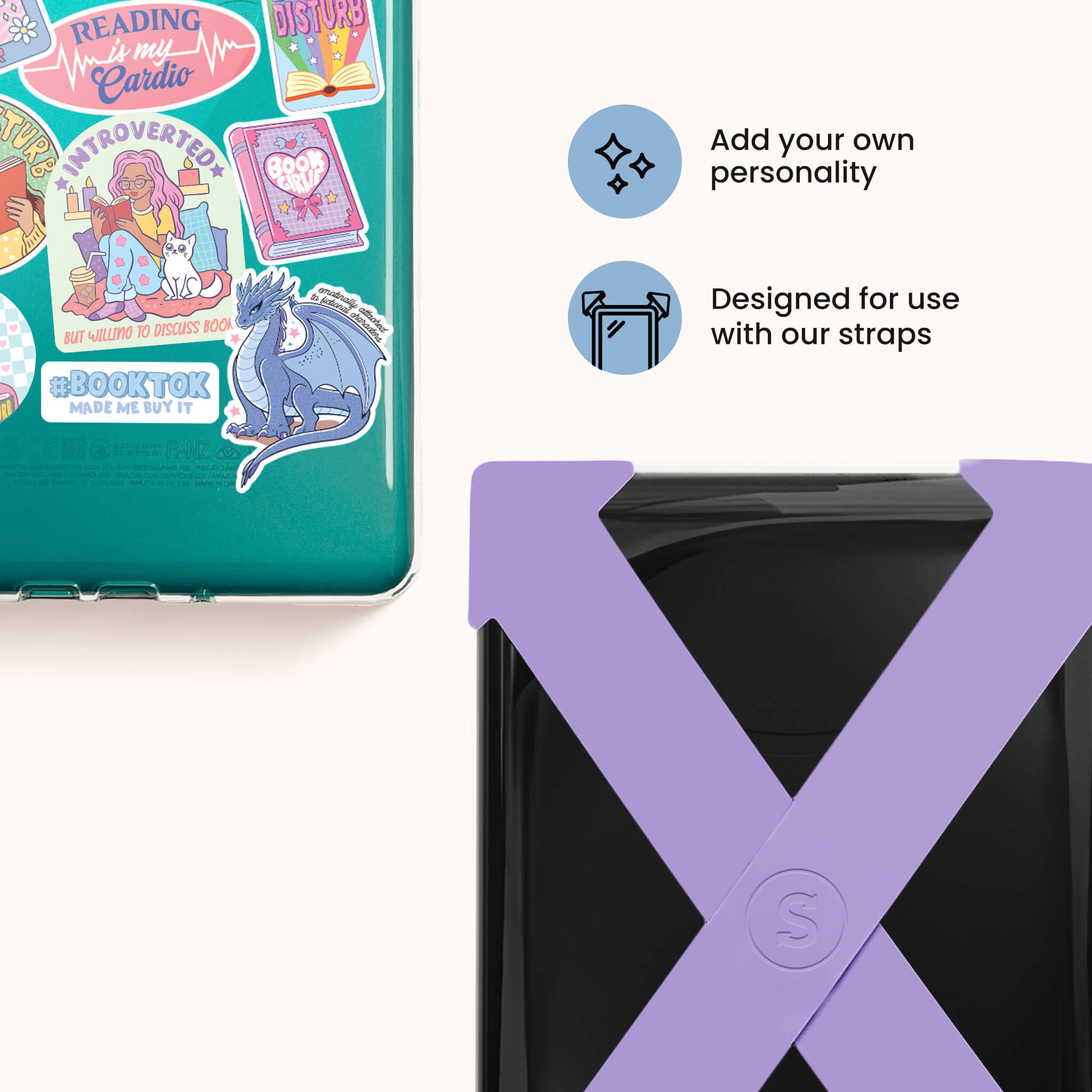

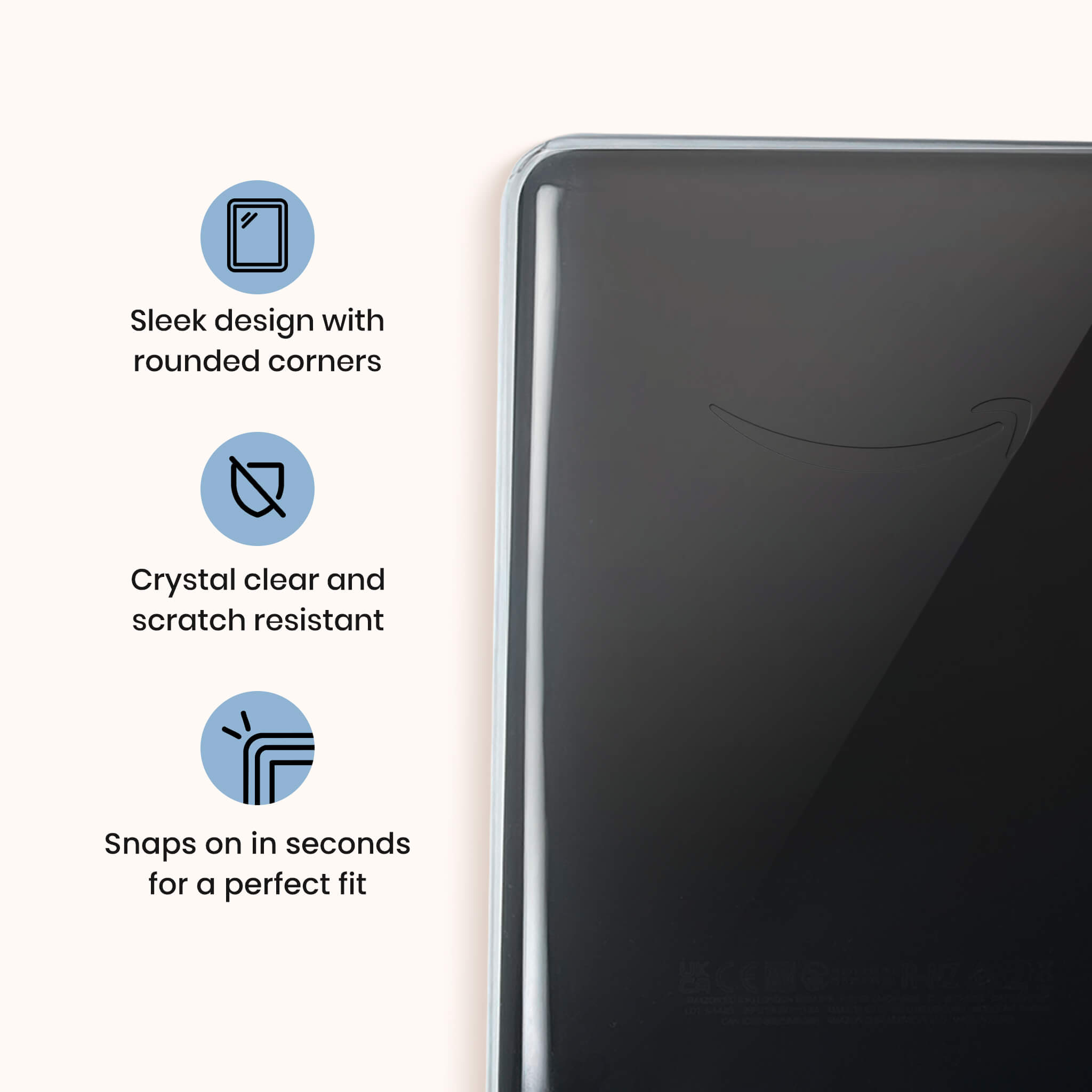

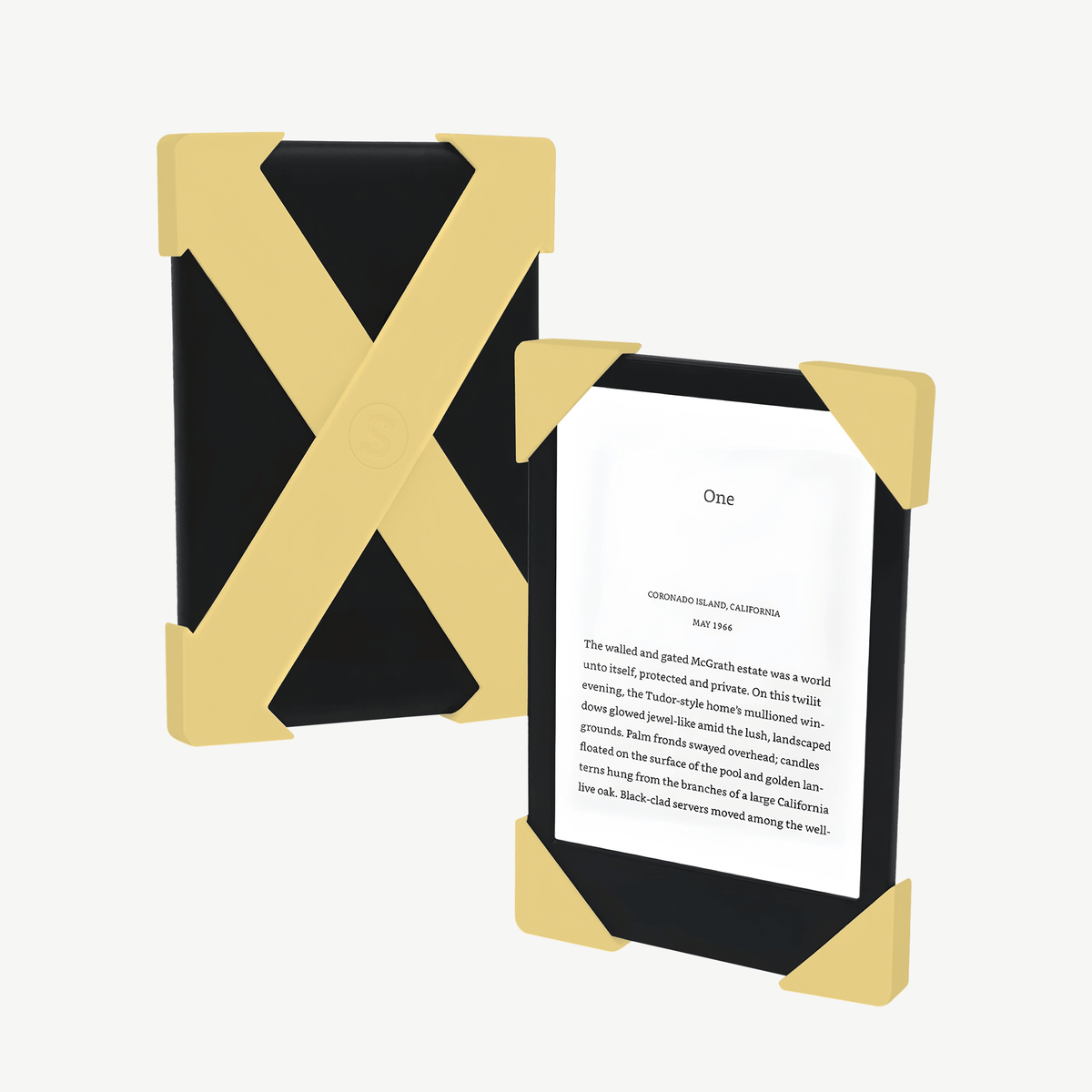

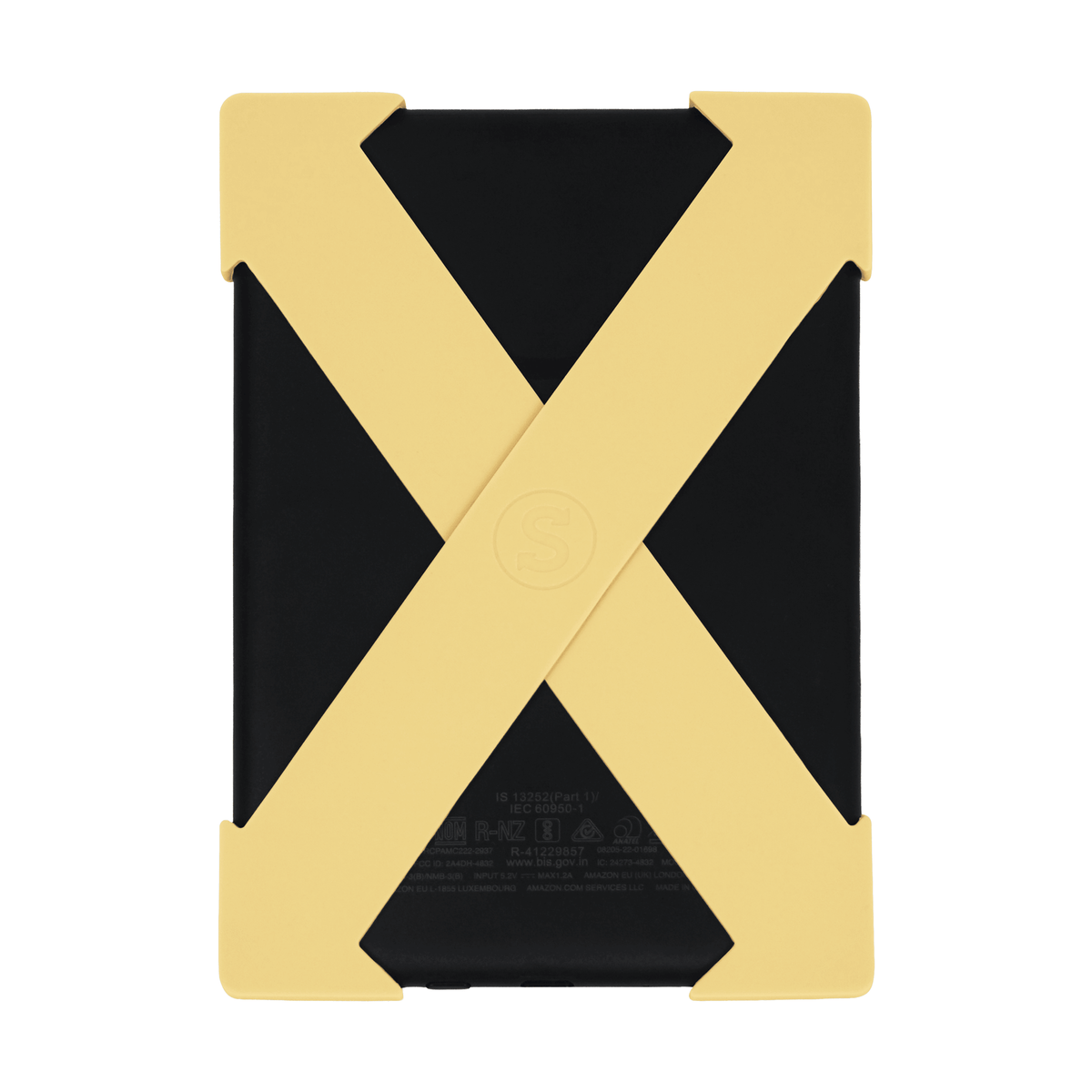
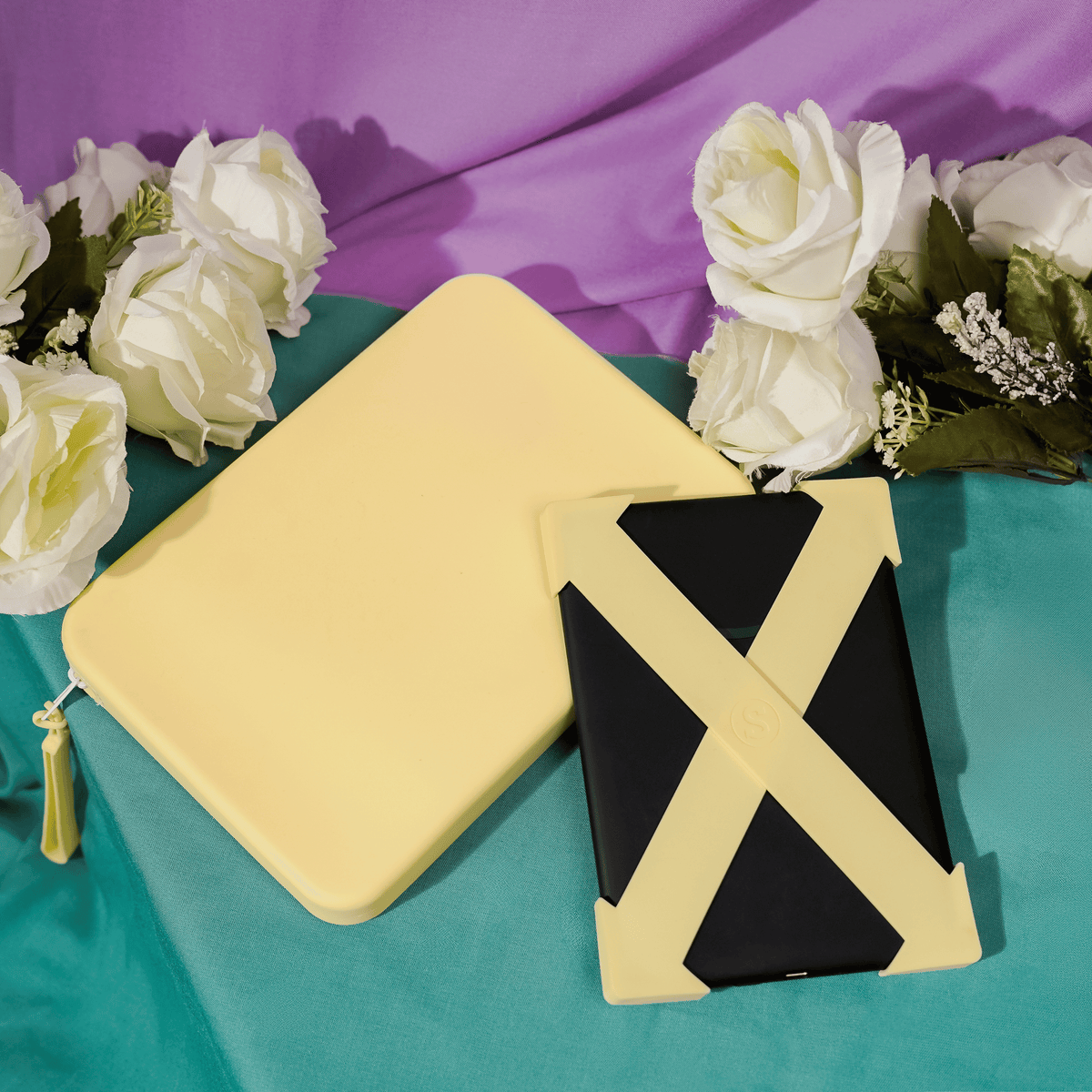
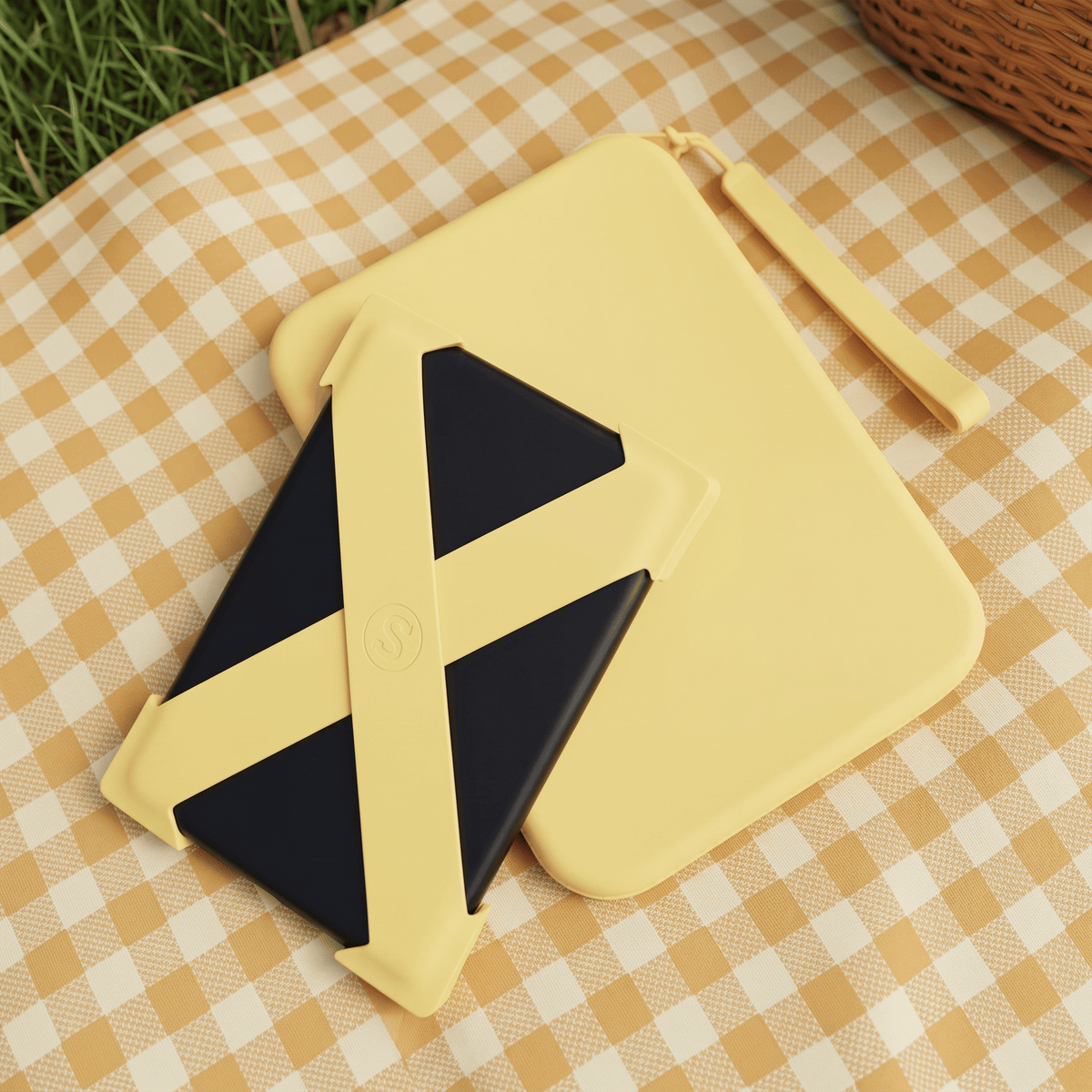
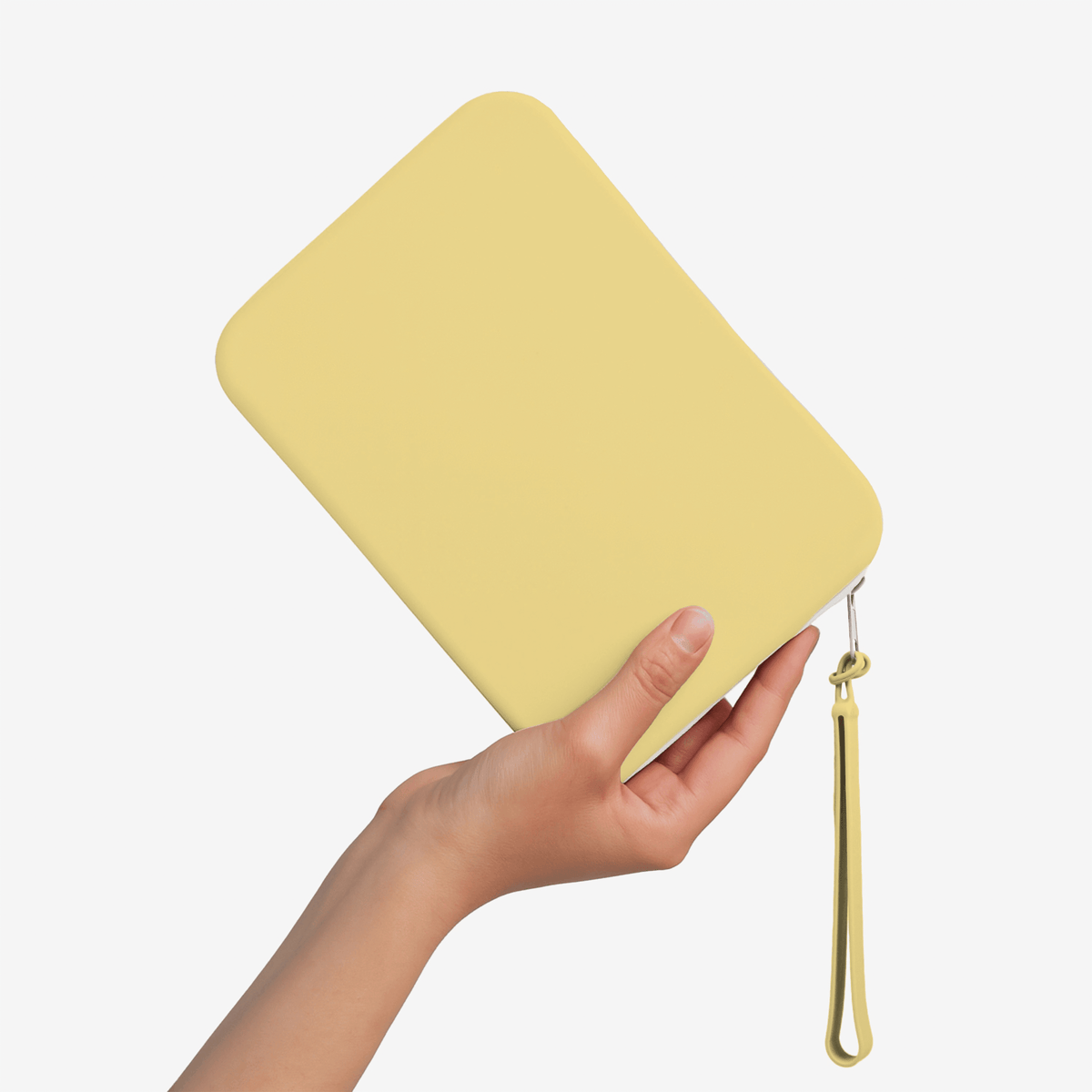
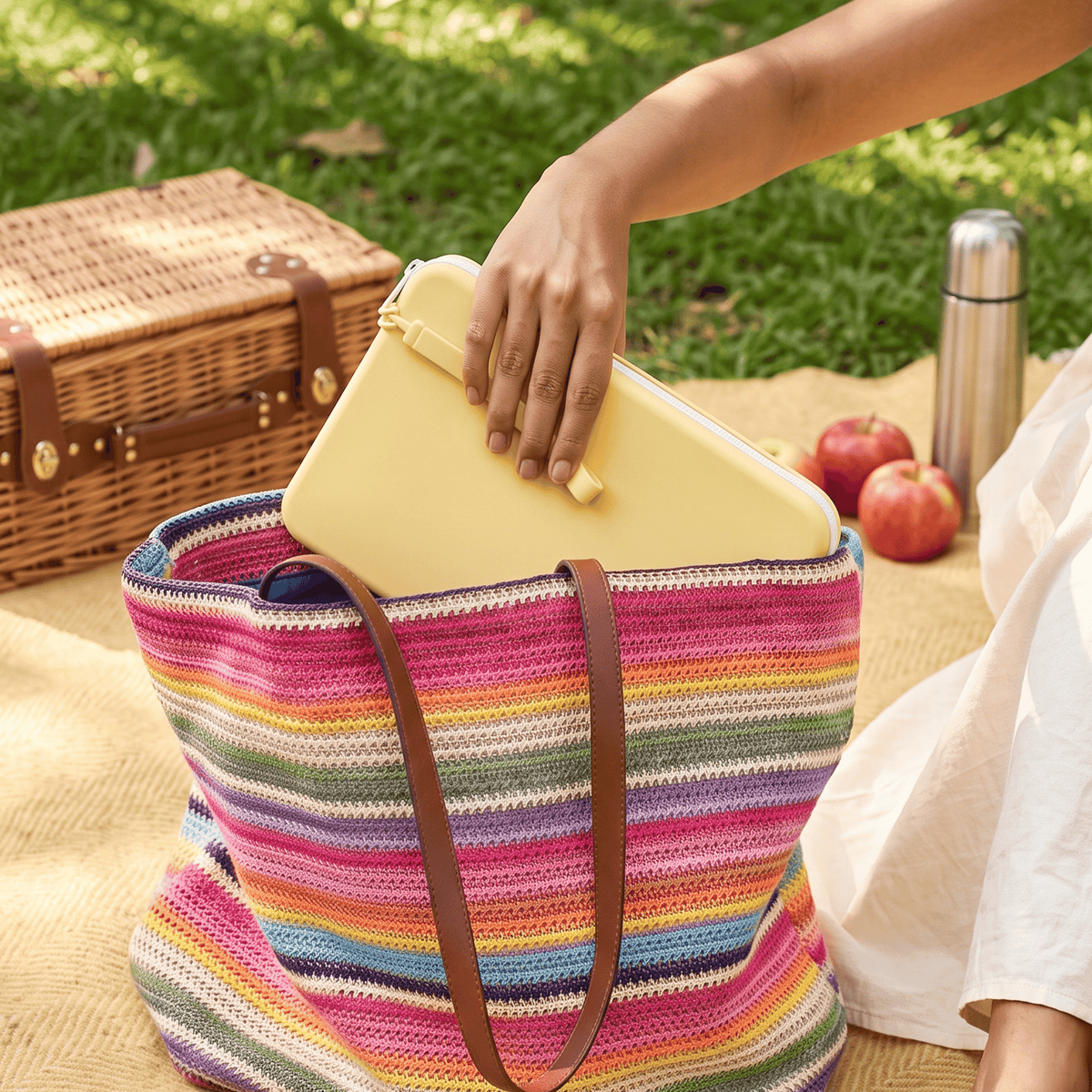
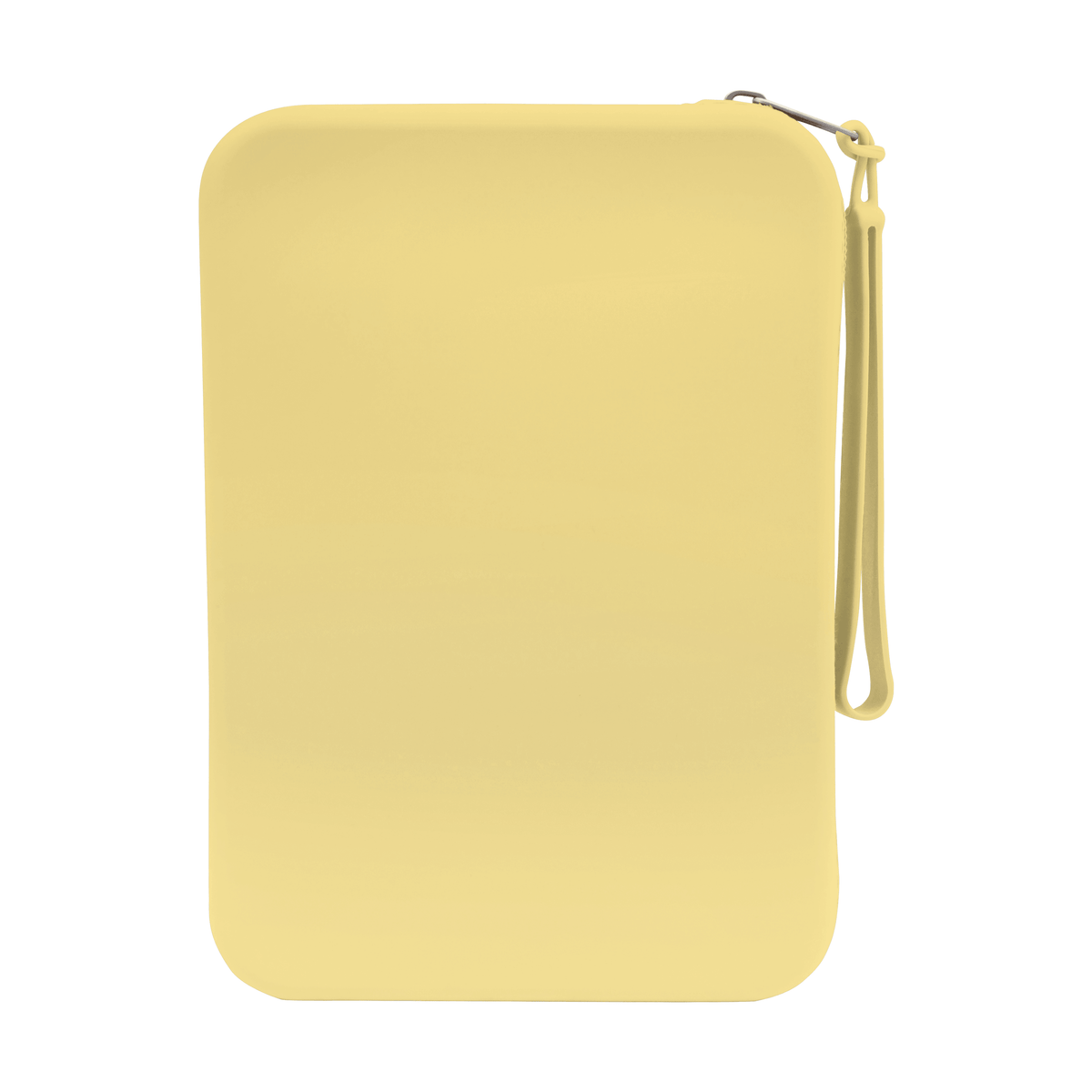
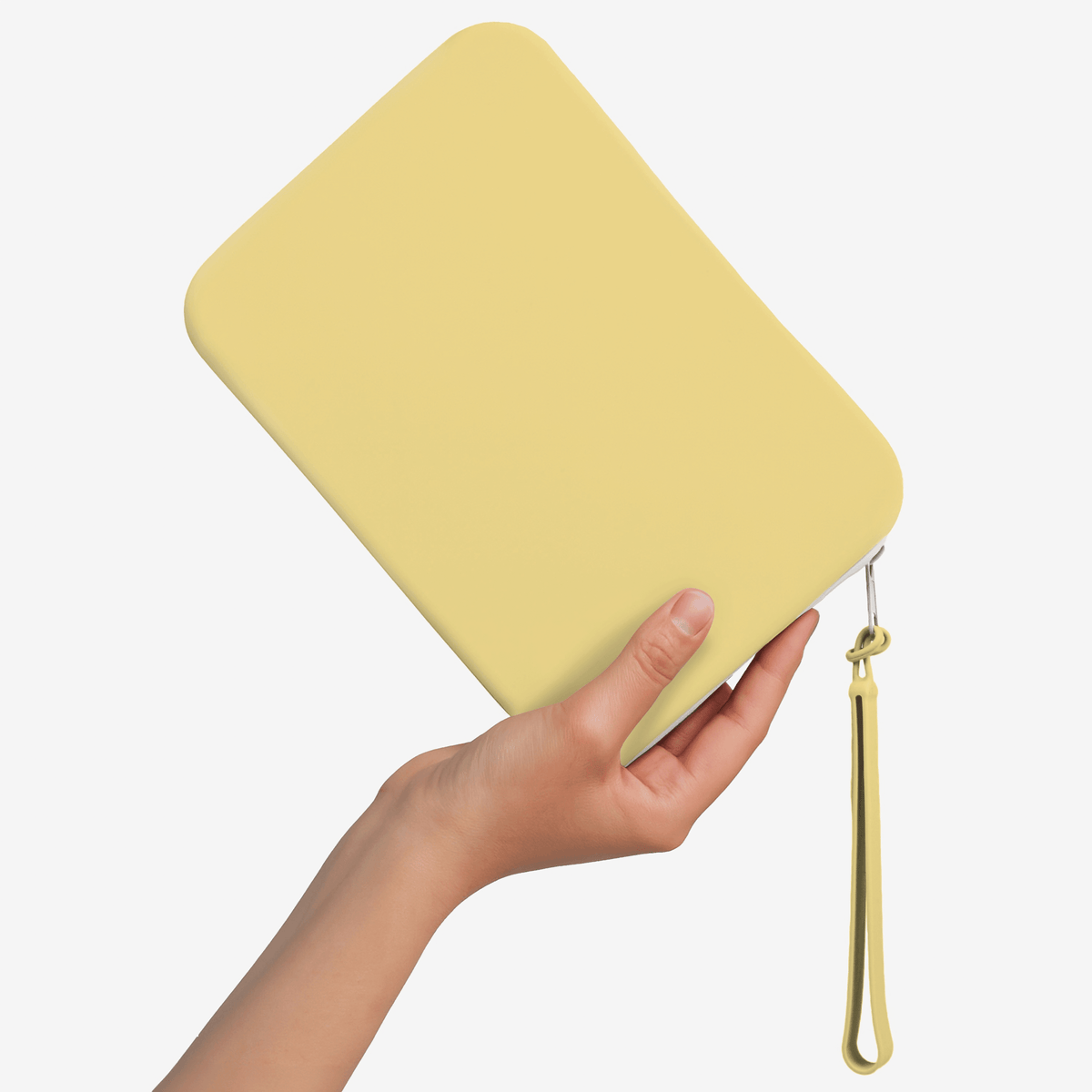


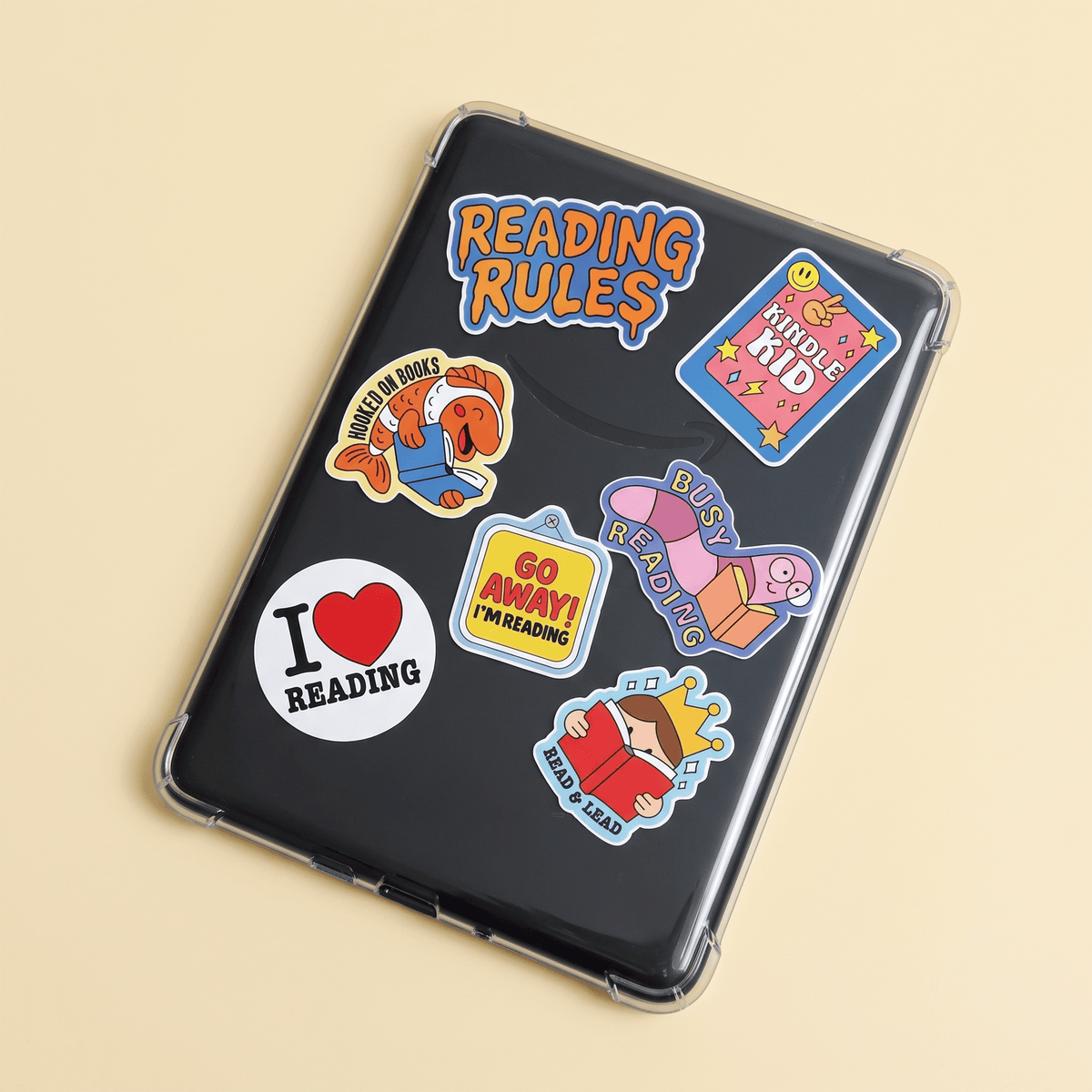
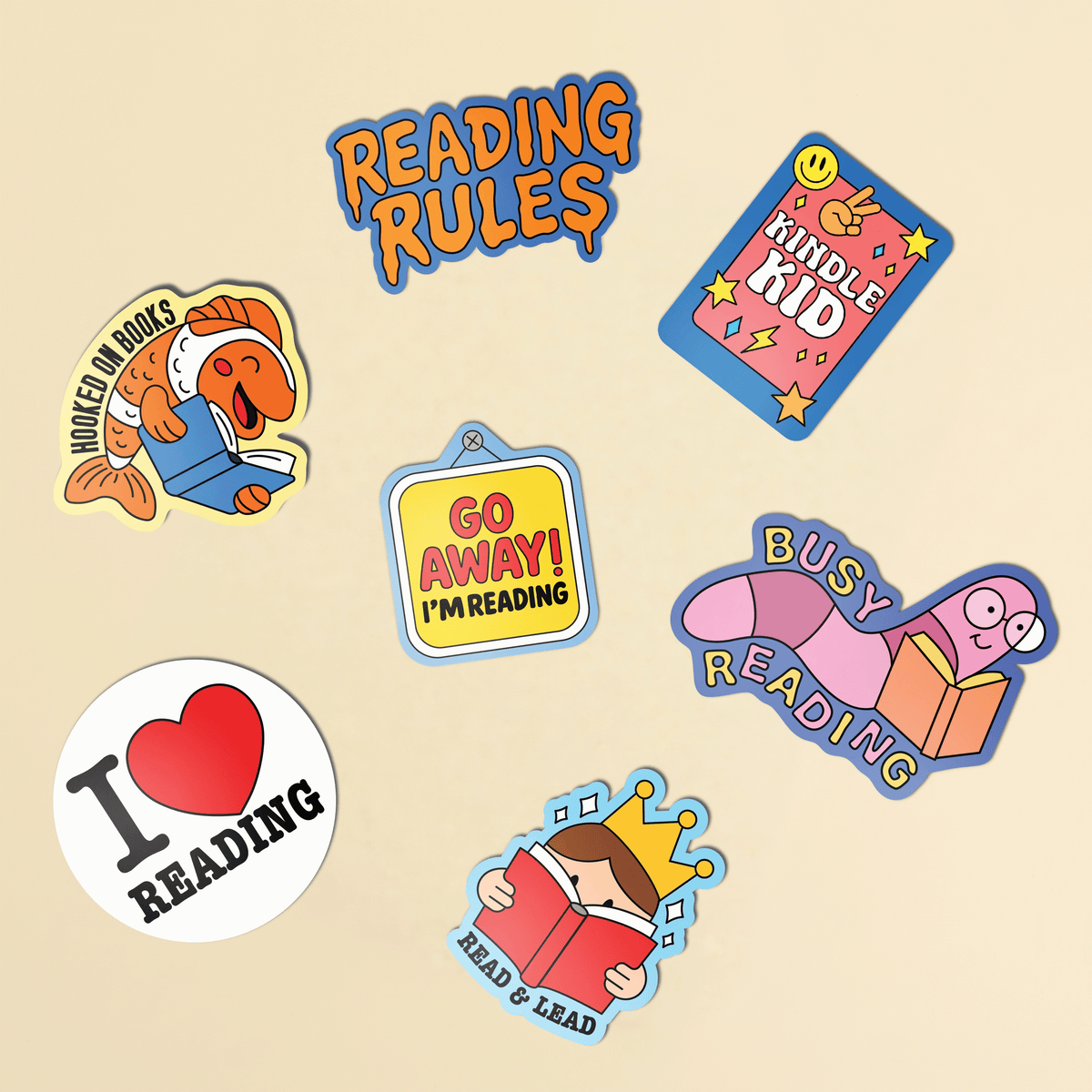
Add 3 or more products to unlock 15% discount!
Item 1
Item 2
Item 3
+
Add More
Subtotal:
$0.00
Find Your Device Type and Strap Size
We know how important it is to find the perfect fit for your device. That’s why we’ve created a simple size guide to help you determine whether our Strapsicle straps will work with your e-reader.
1. Find Your Device Type
Kindle
- Click the three dots in the corner of your device.
- Navigate to your Kindle’s Settings menu.
- Open Device Options.
- Tap Device Info.
- The first item on the list will show your device’s model.
Kobo
- From the home screen click the More button on the bottom right of your device.
- Click Settings.
- Your Kobo device name will be next to the About section.
2. Find Your Strap Size
Now you know your device type, select the name below to find your strap size.
Kindle Paperwhite Signature Edition (2024)
Kindle Paperwhite 7” 12th Generation (2024)
Kindle Paperwhite Colorsoft Sig Ed (2024)
Kindle Paperwhite 6.8” 11th Generation (2021 - 2024)
Kindle Paperwhite Signature Edition (2021)
10th Generation Paperwhite 4 (2018)
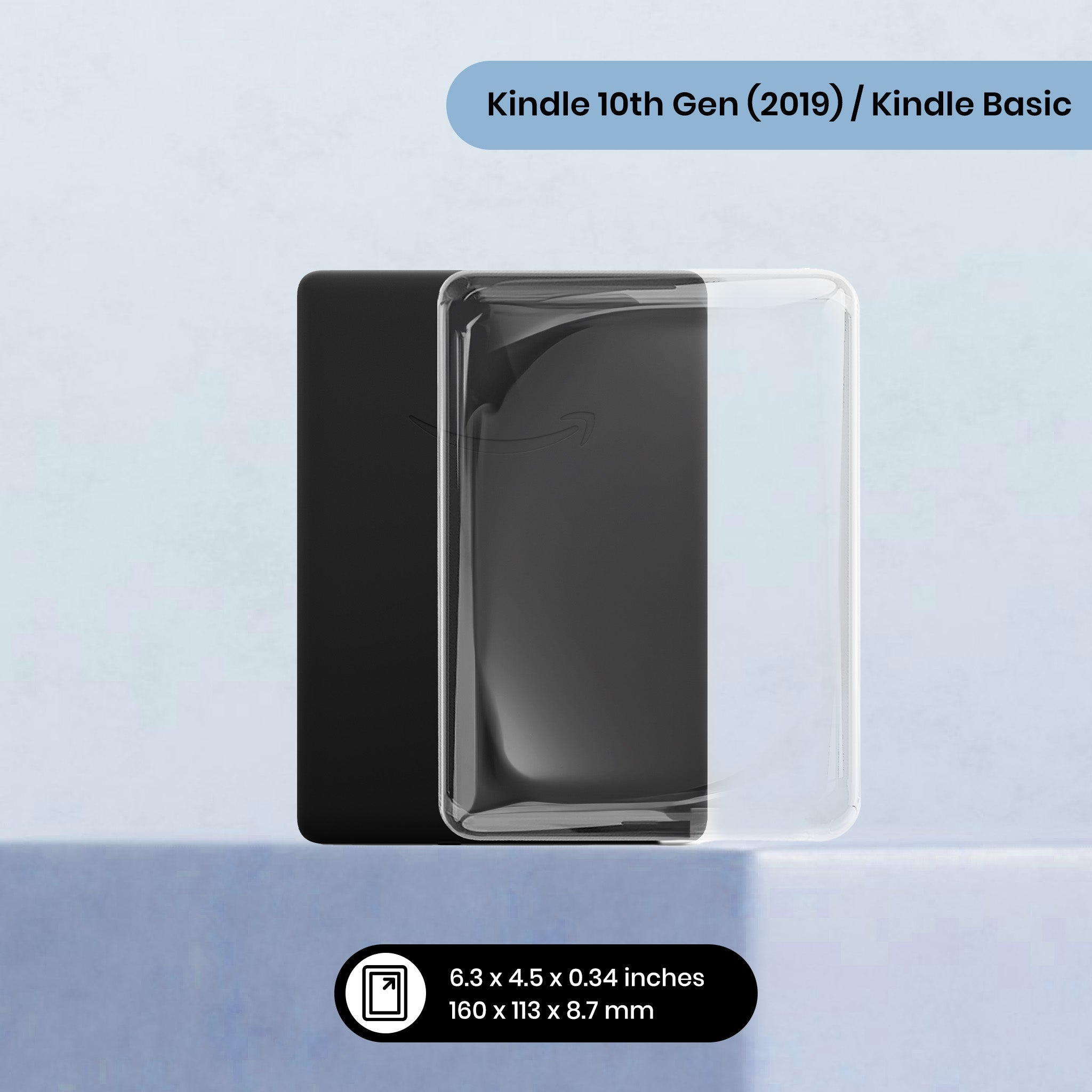
10th Generation Kindle (2019)
8th Generation Kindle (2016)
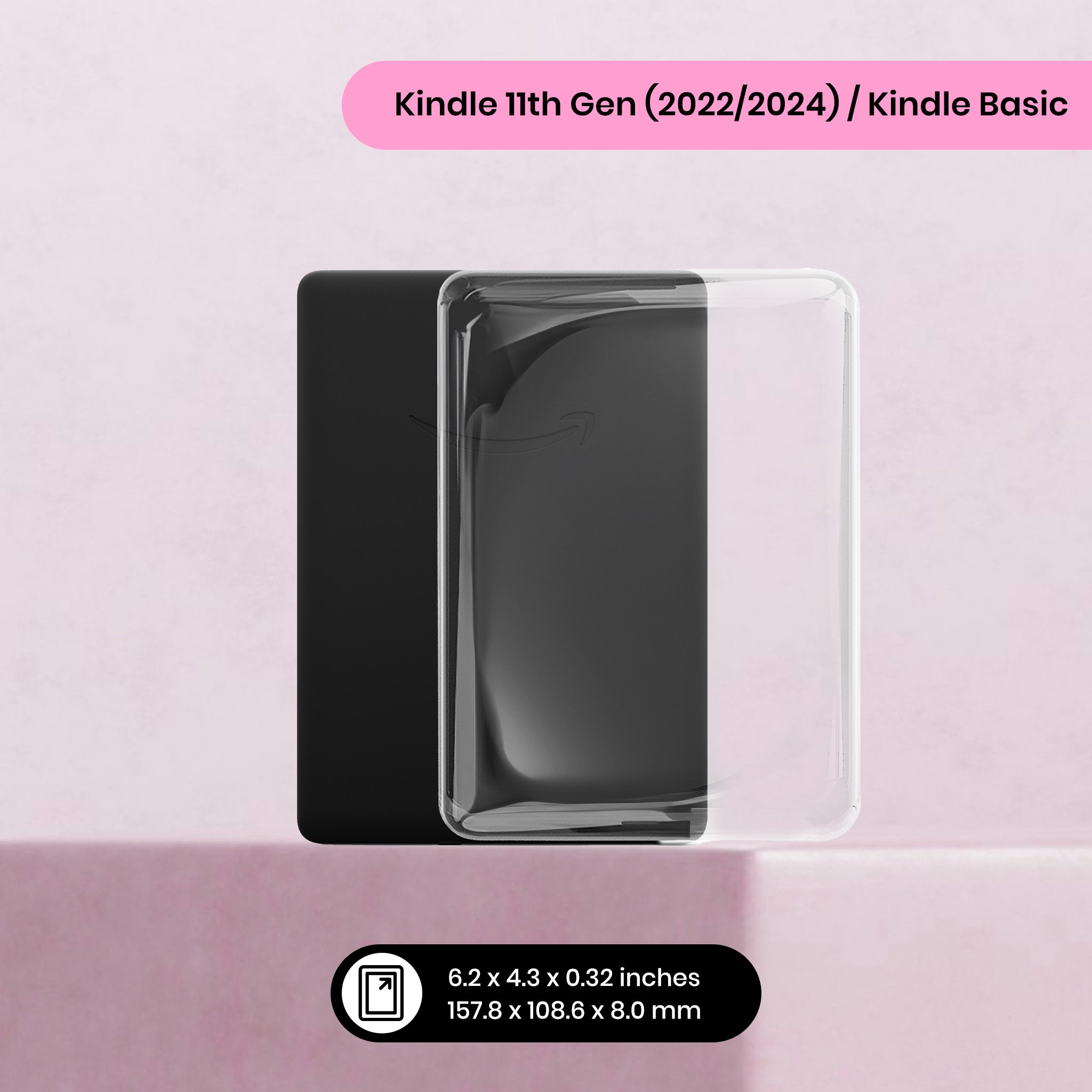
Kindle Gen 11 Basic (2022-2024)
Libra 2
Libra Colour
Clara BW (2024)
Clara Colour (2024)
Clara 2E (2022)
Aura Edition 2 (2016)
Nia (2020)
Clara HD (2018)
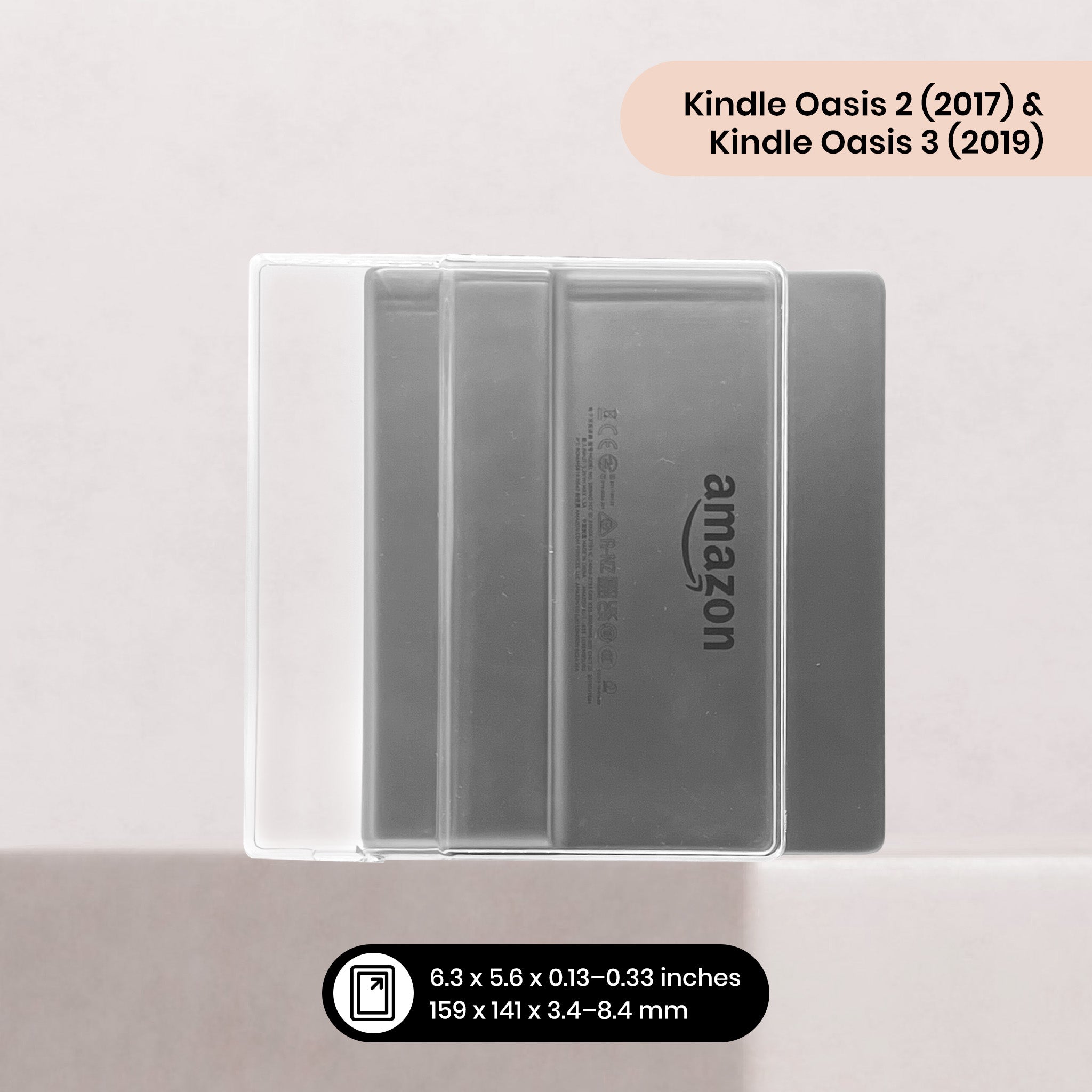
Oasis 3
Oasis 2
Your strap size is - large
*15% applies to 3+ items added through the builder. Excludes sale items, ready-made packs and gift cards. Not combinable with other codes.
In a Hurry? Grab a Ready-Made Pack
Our most-loved combinations, pre-bundled with the saving already baked in.