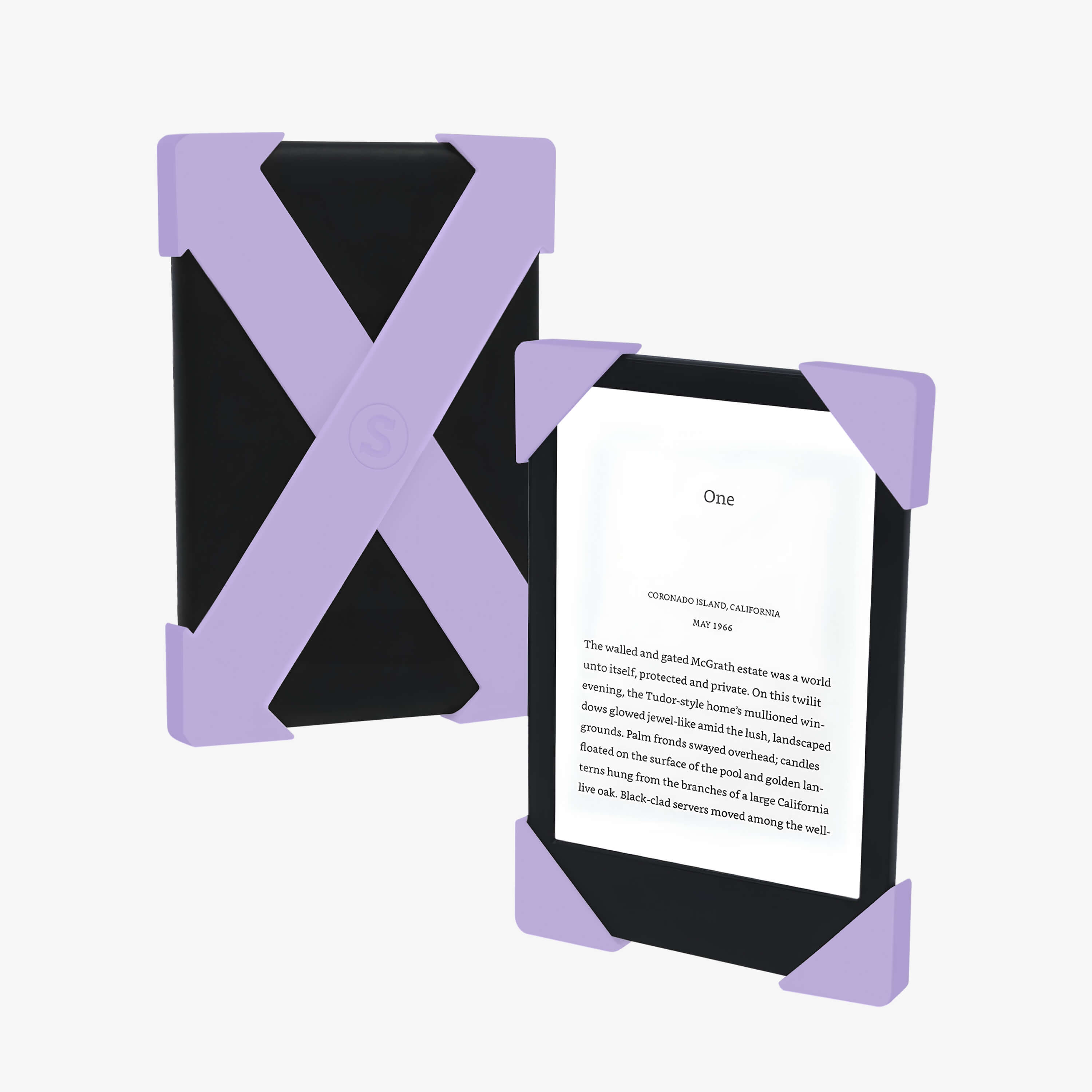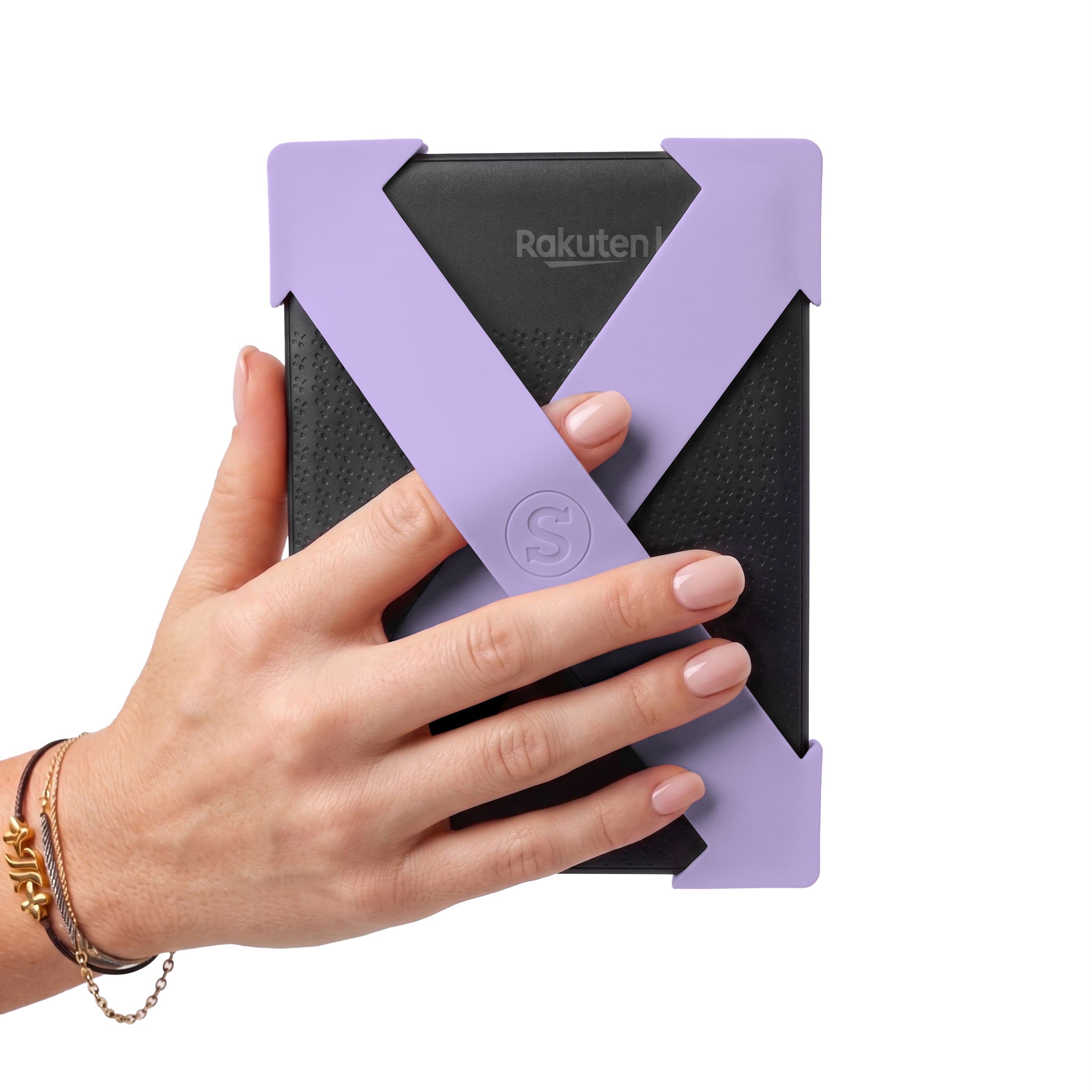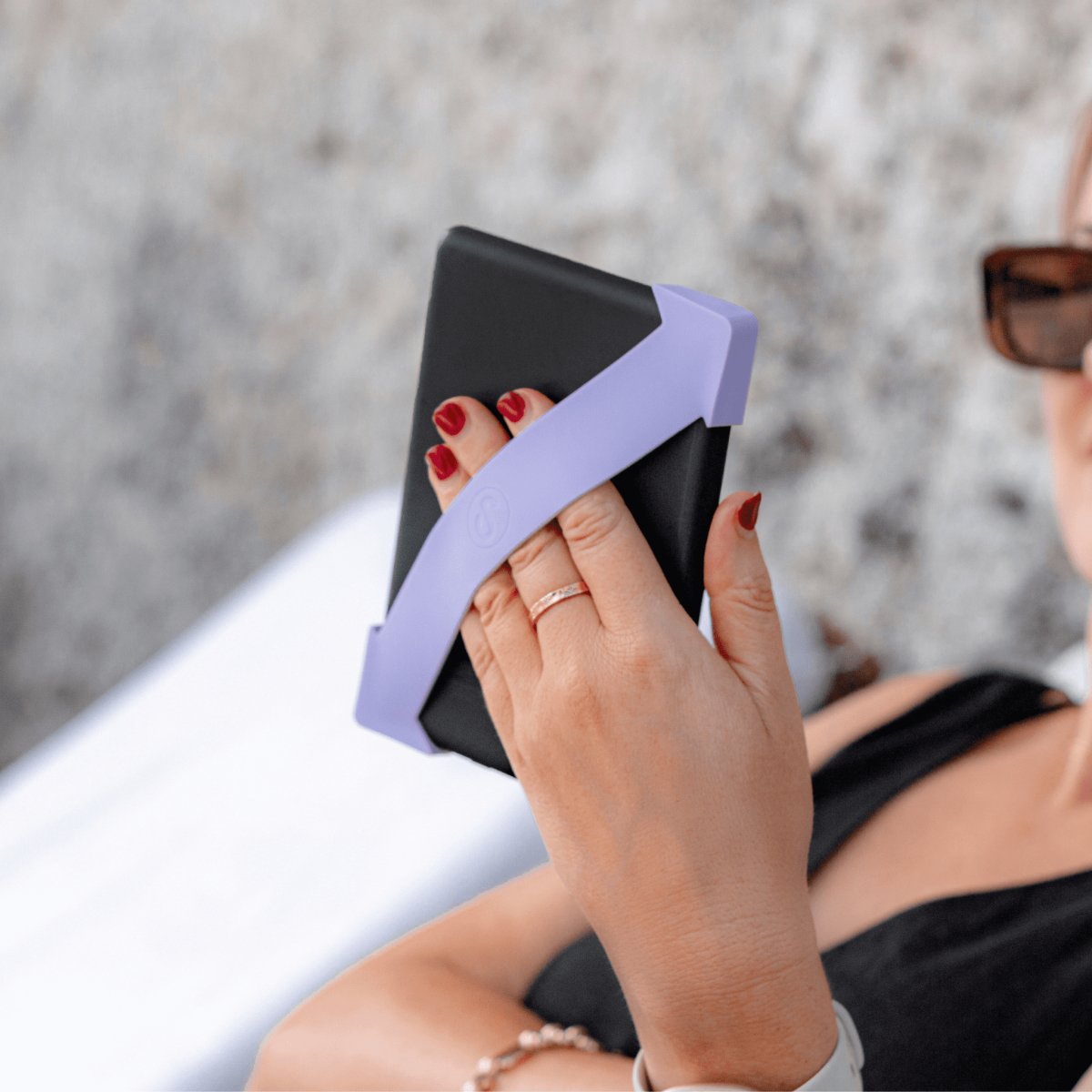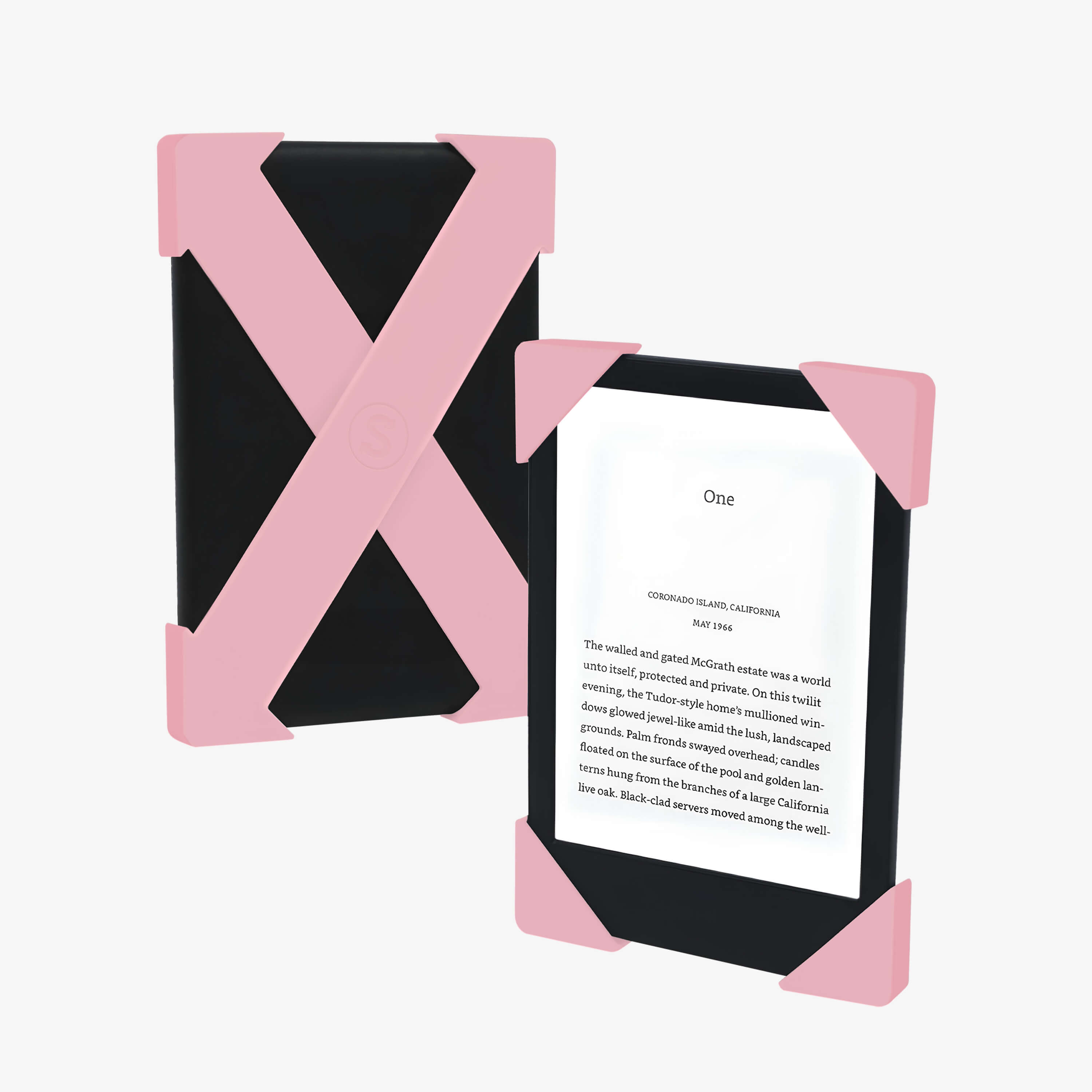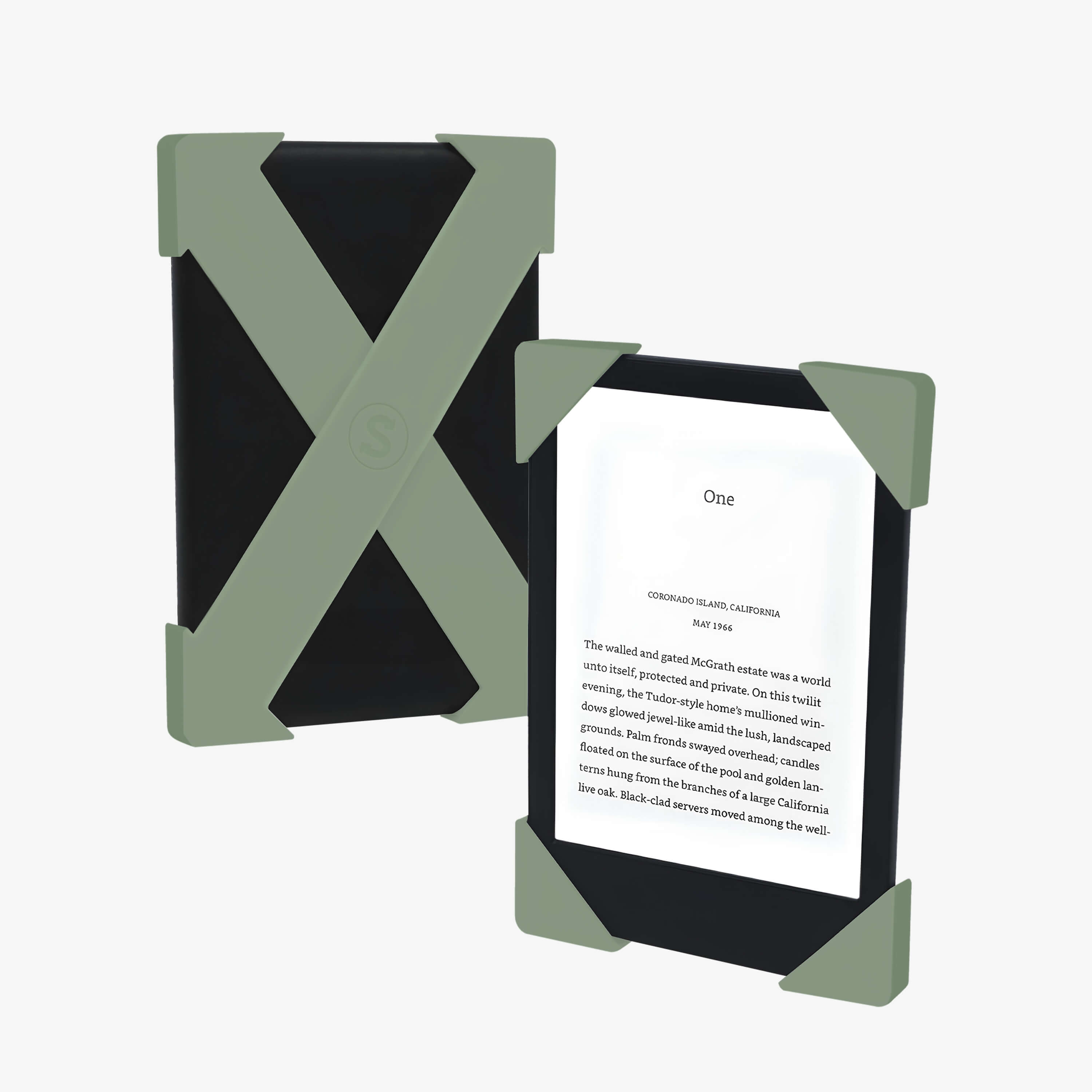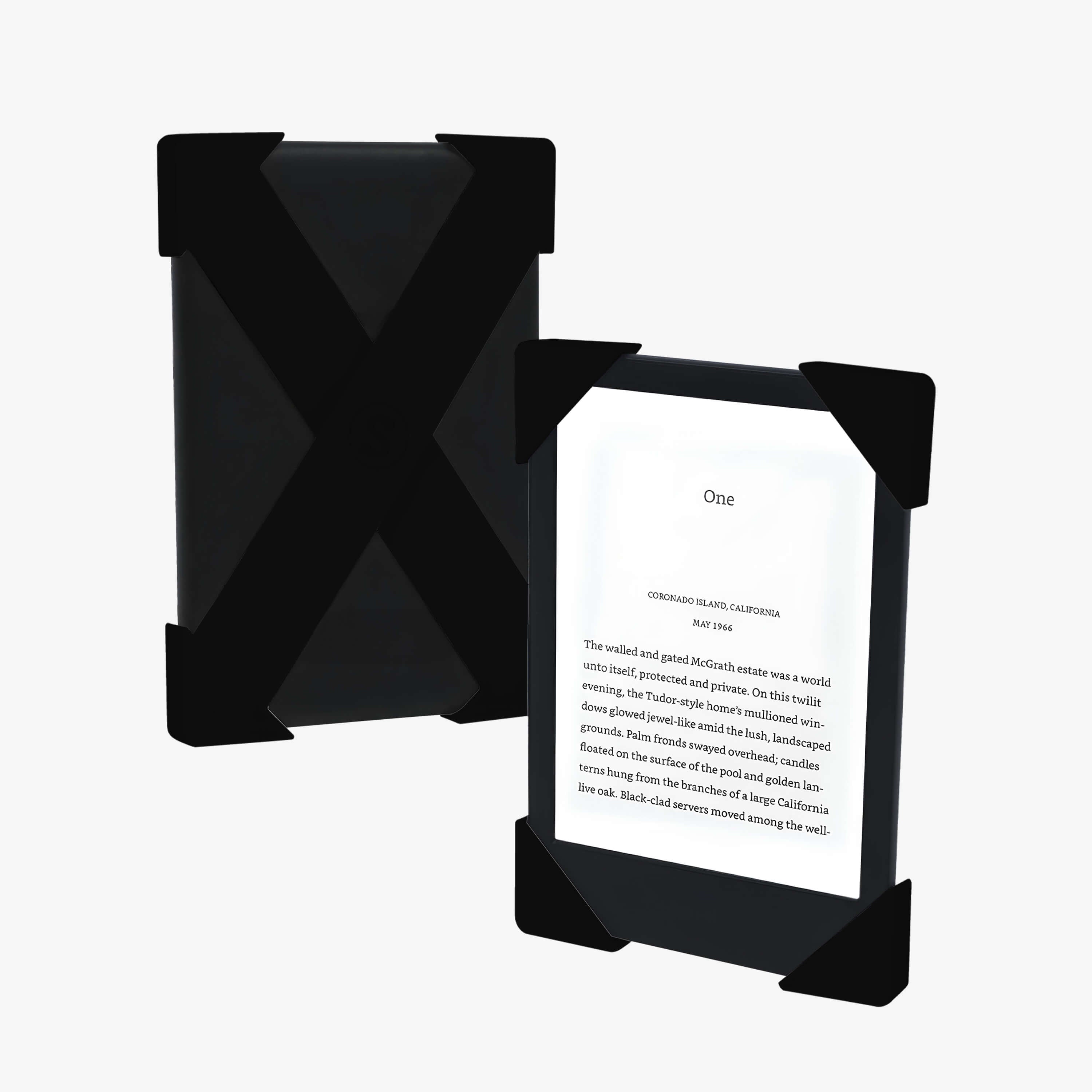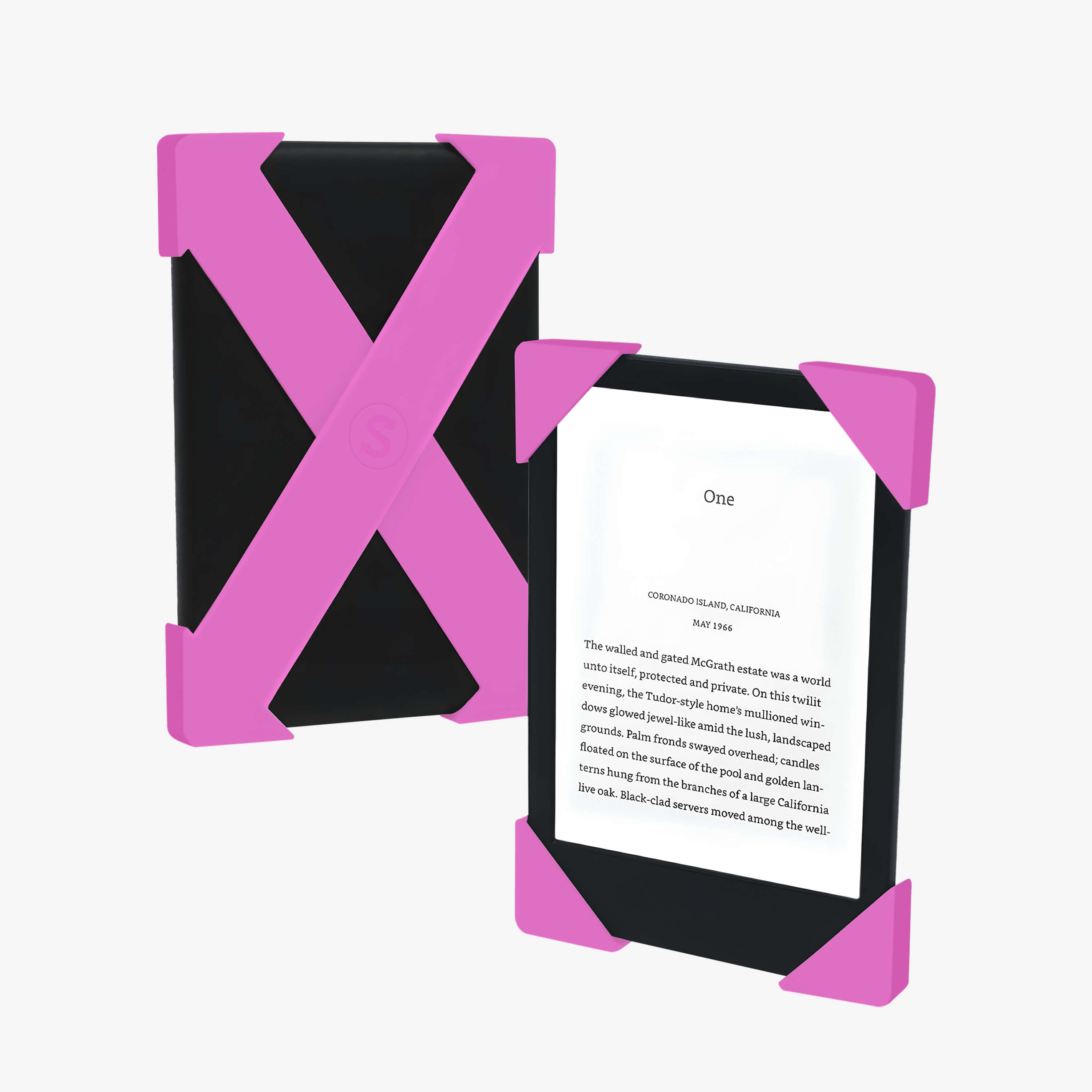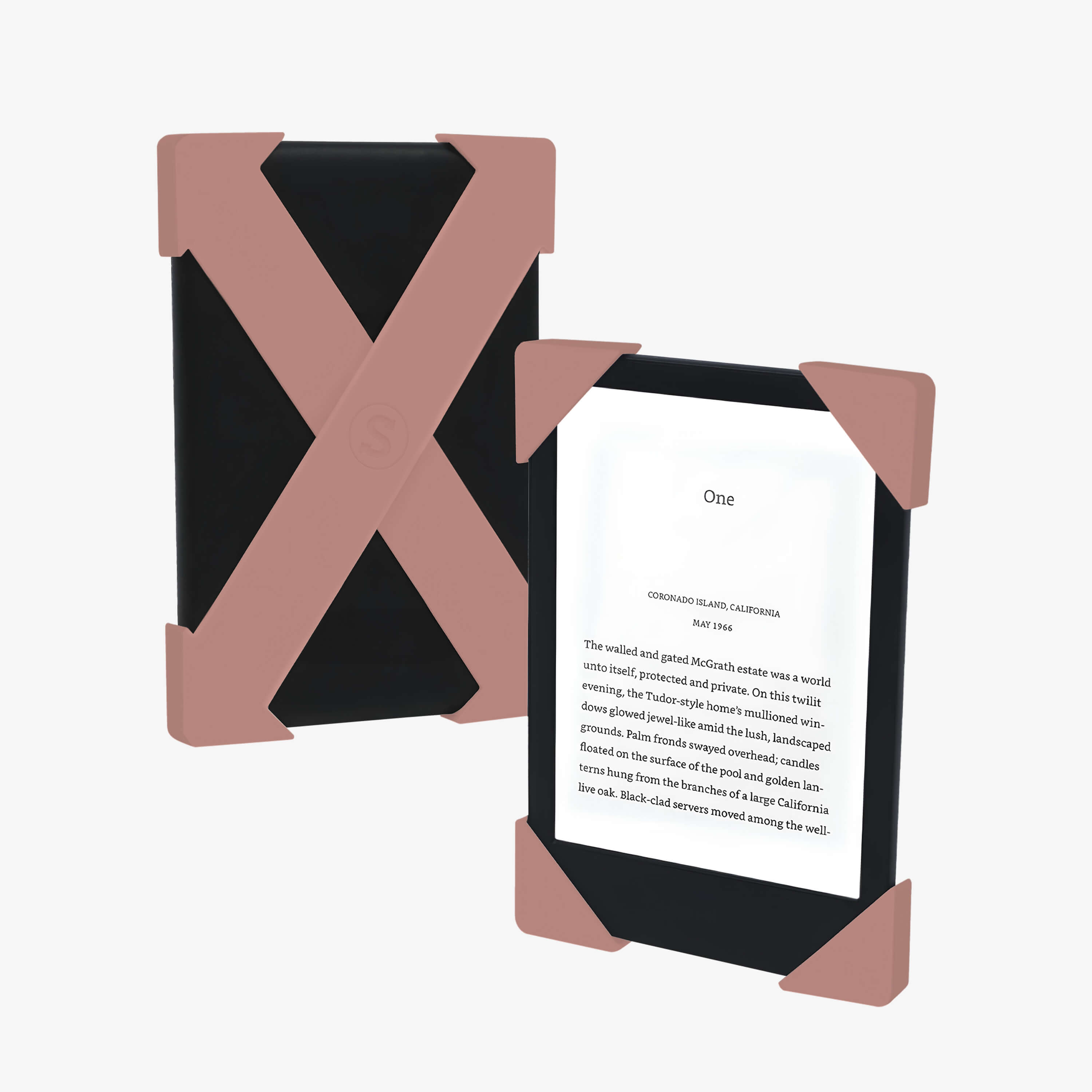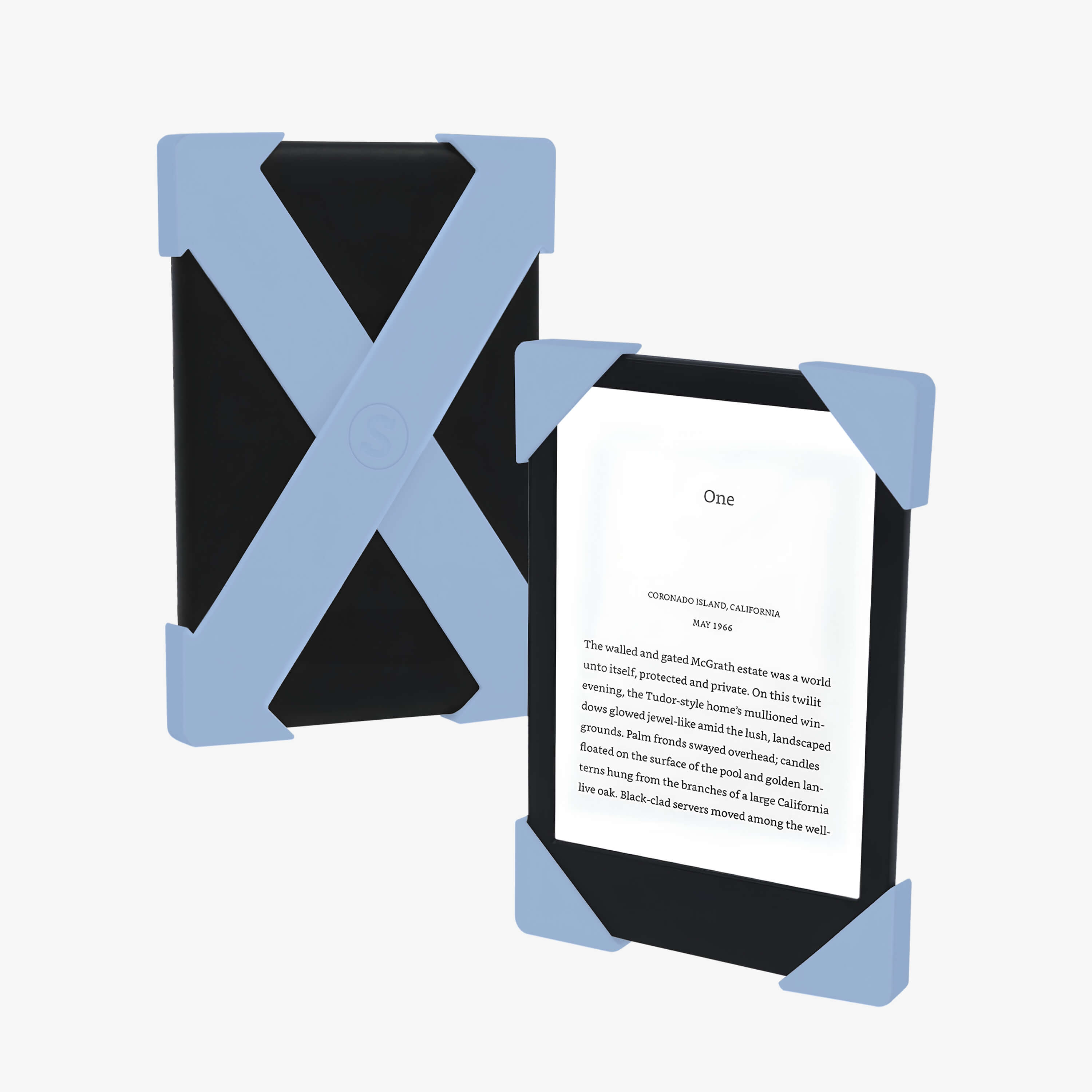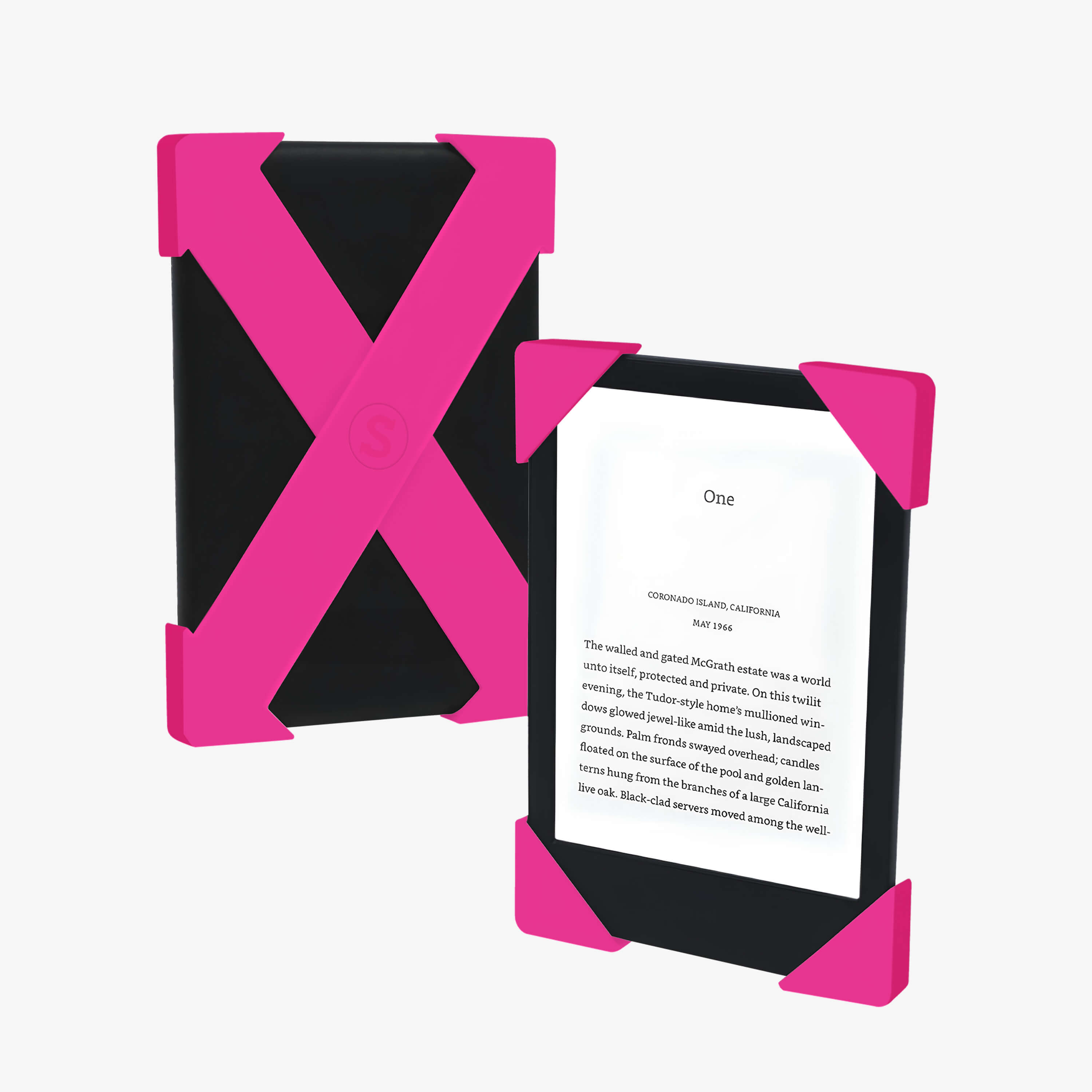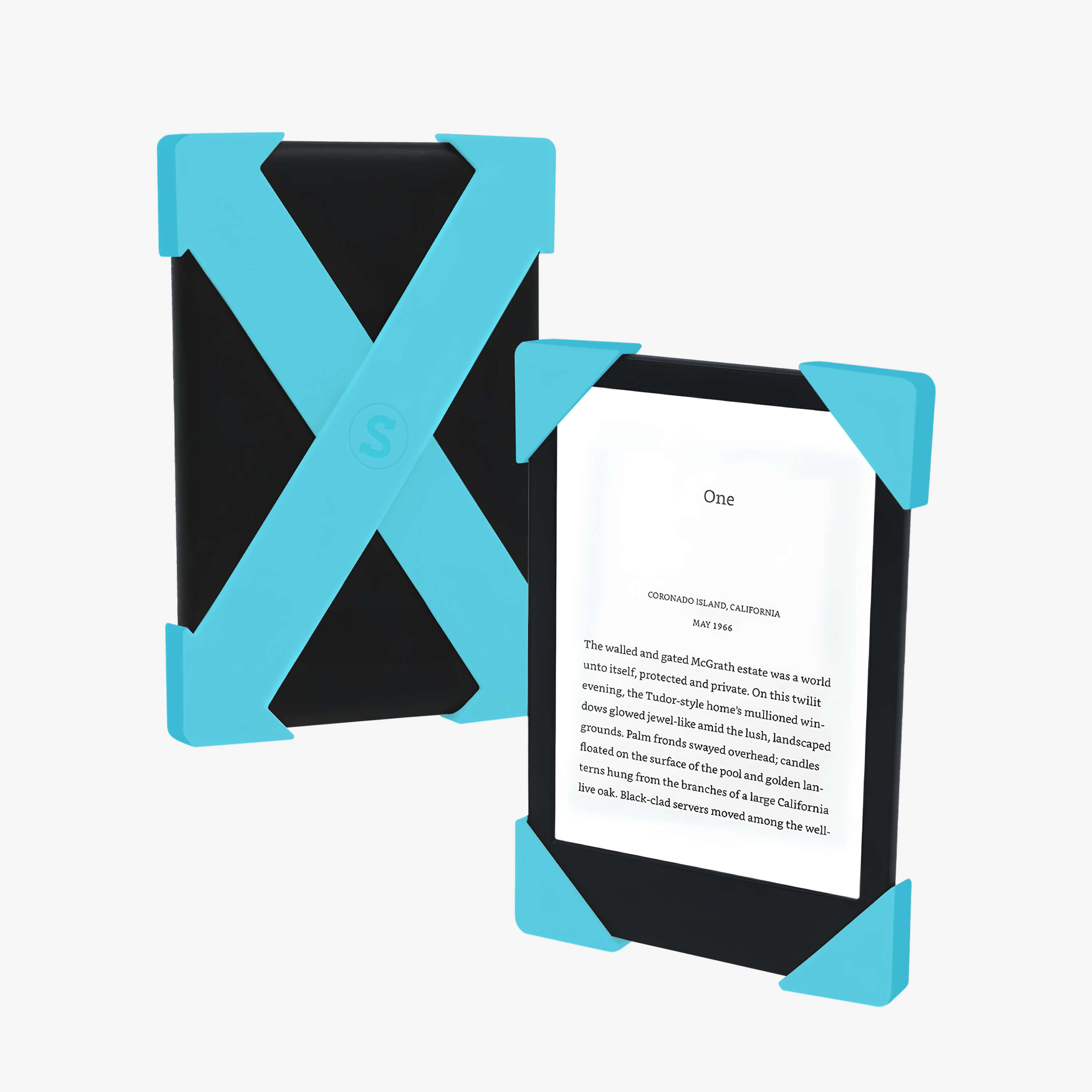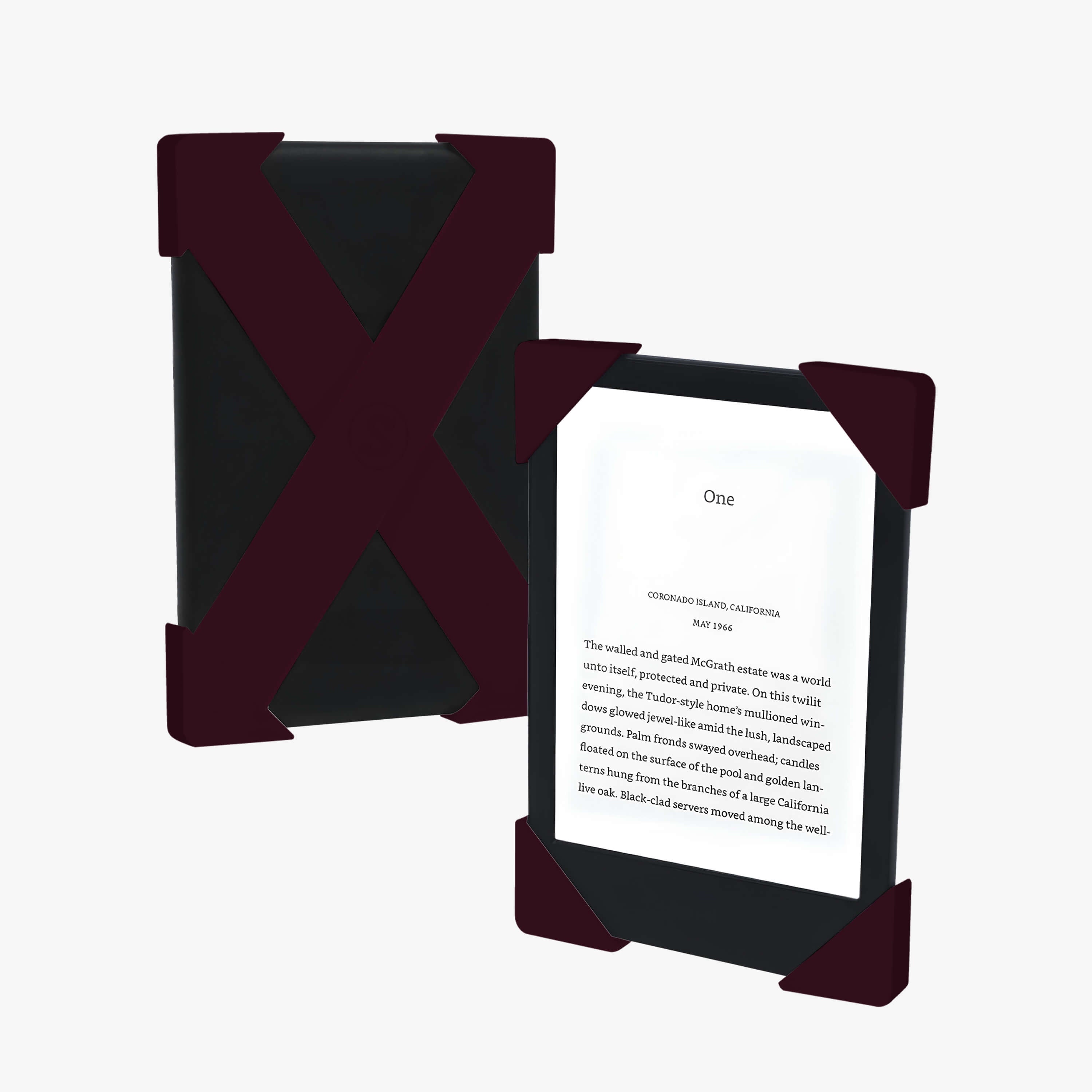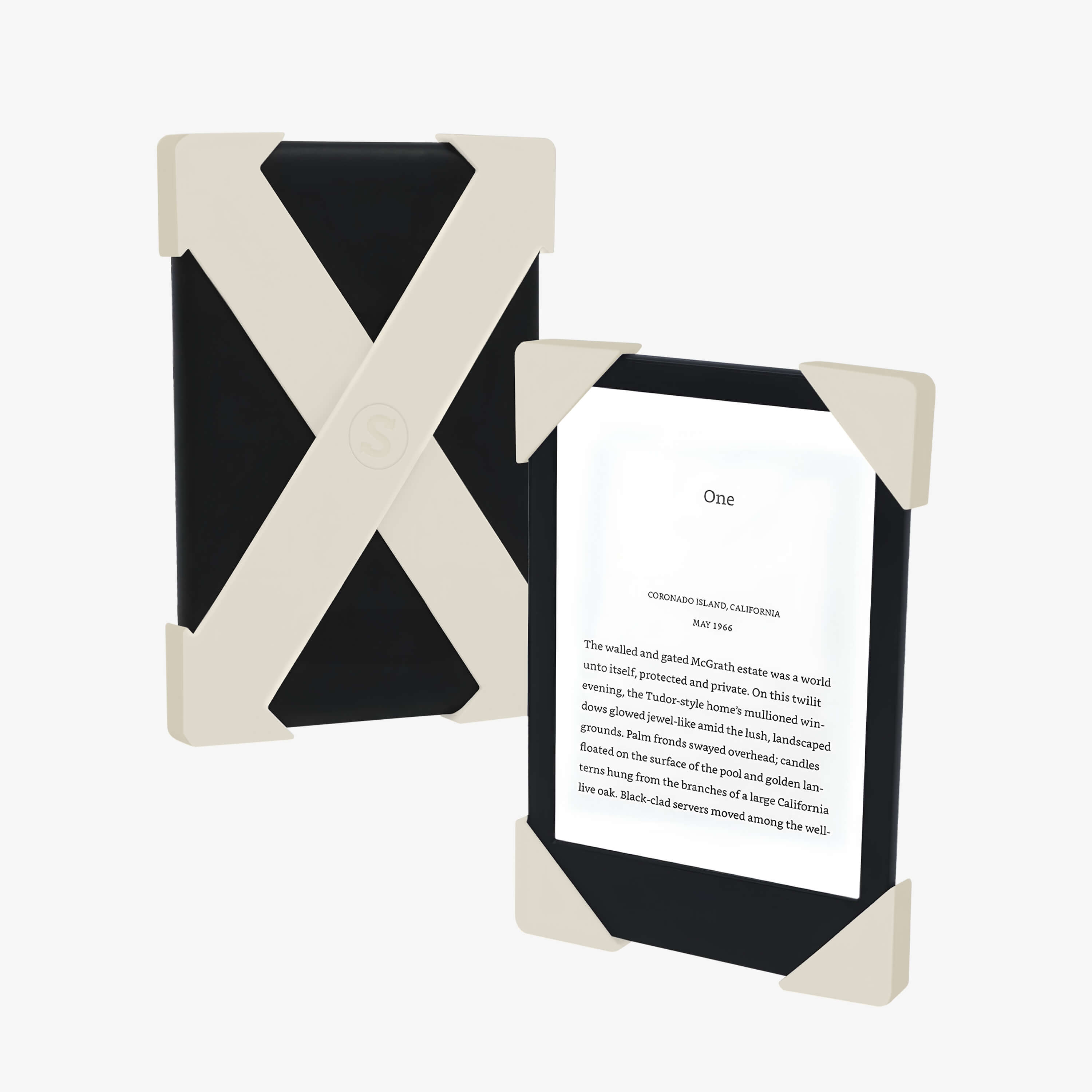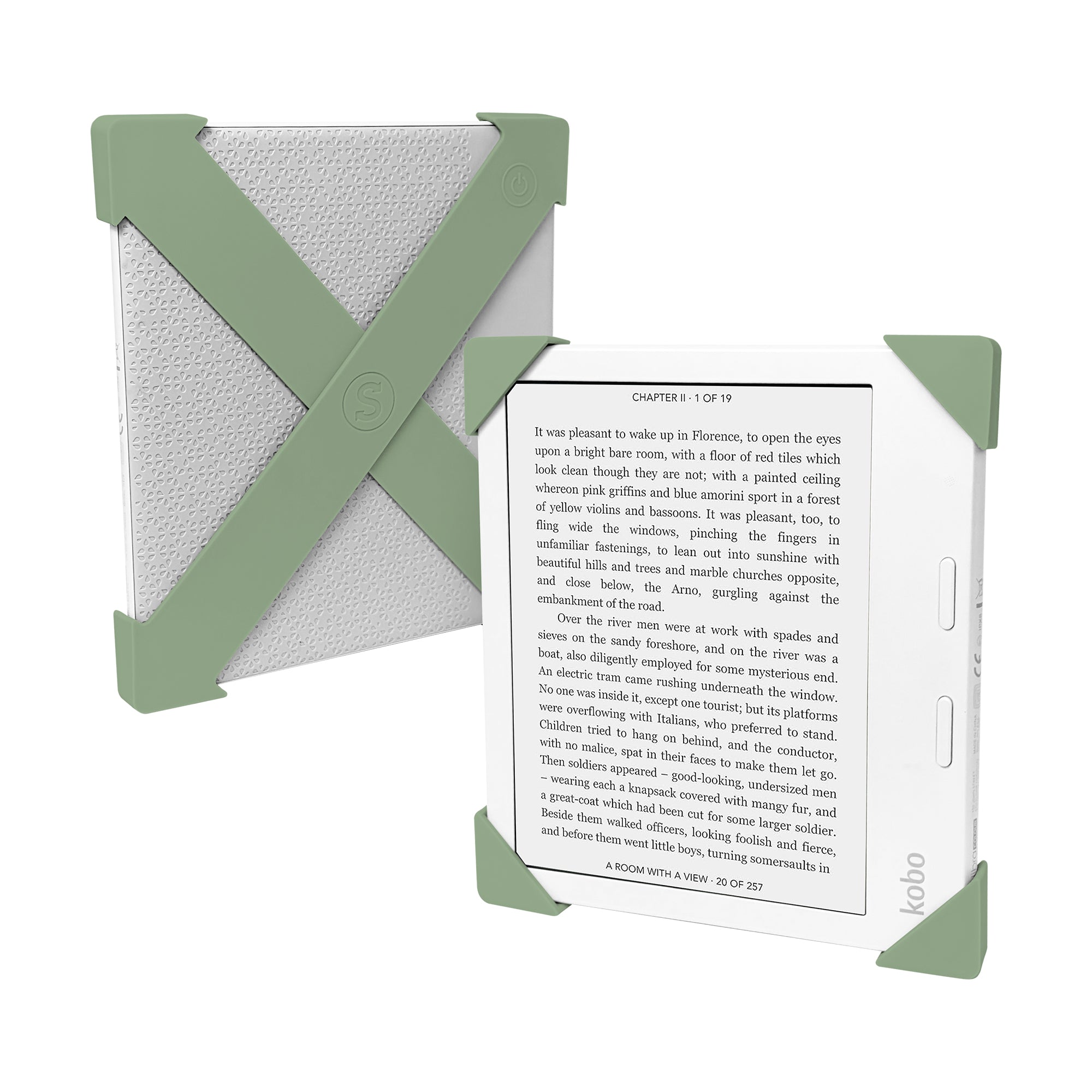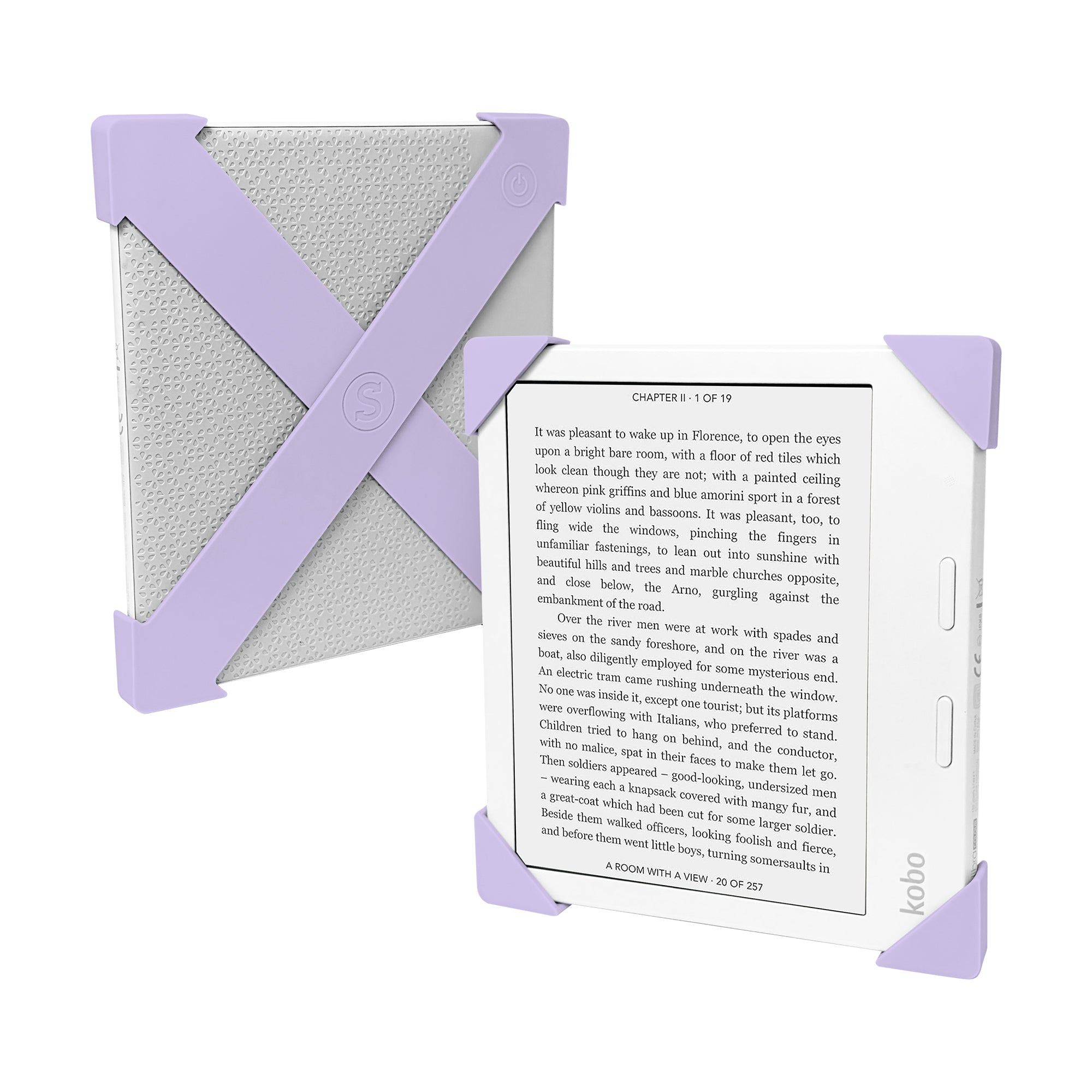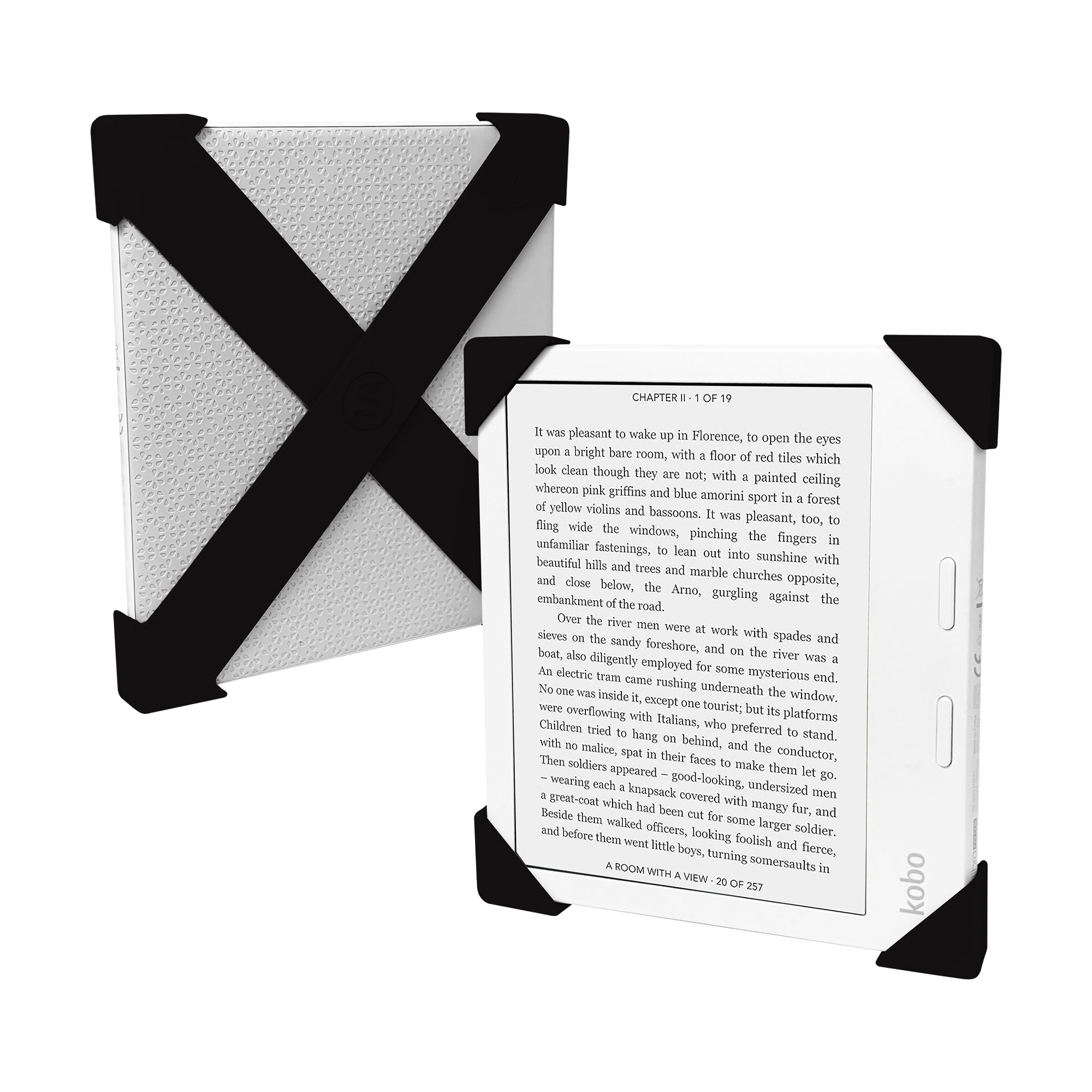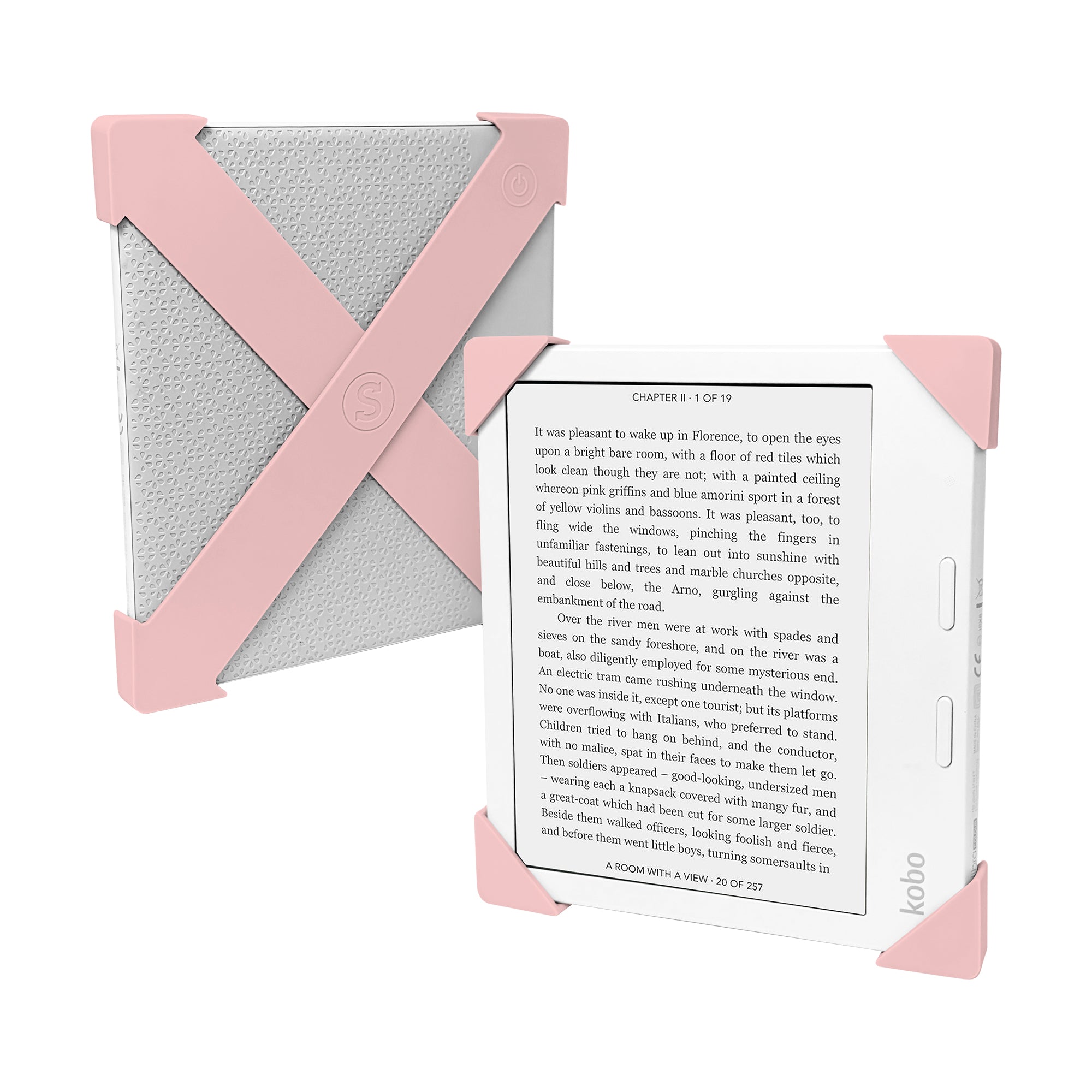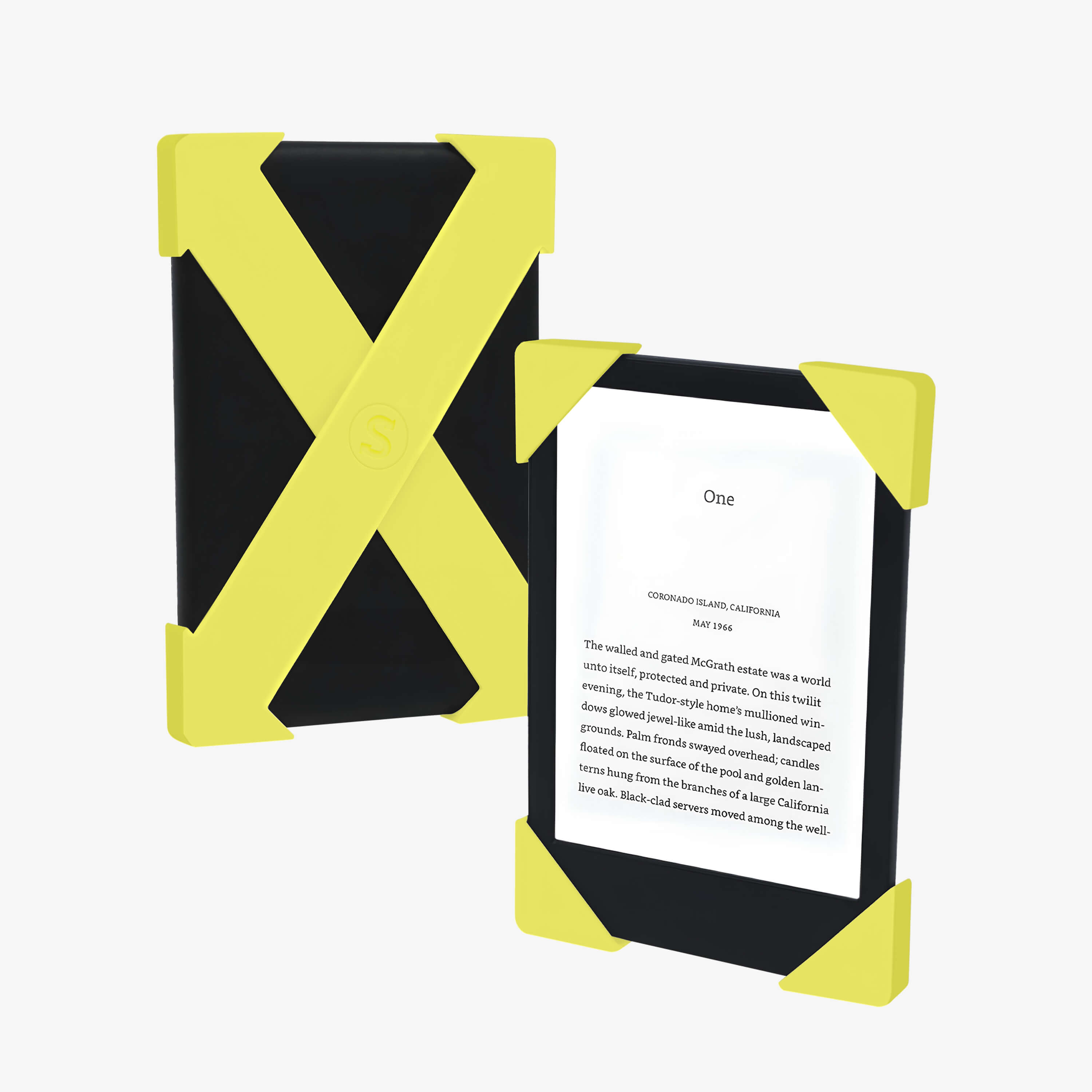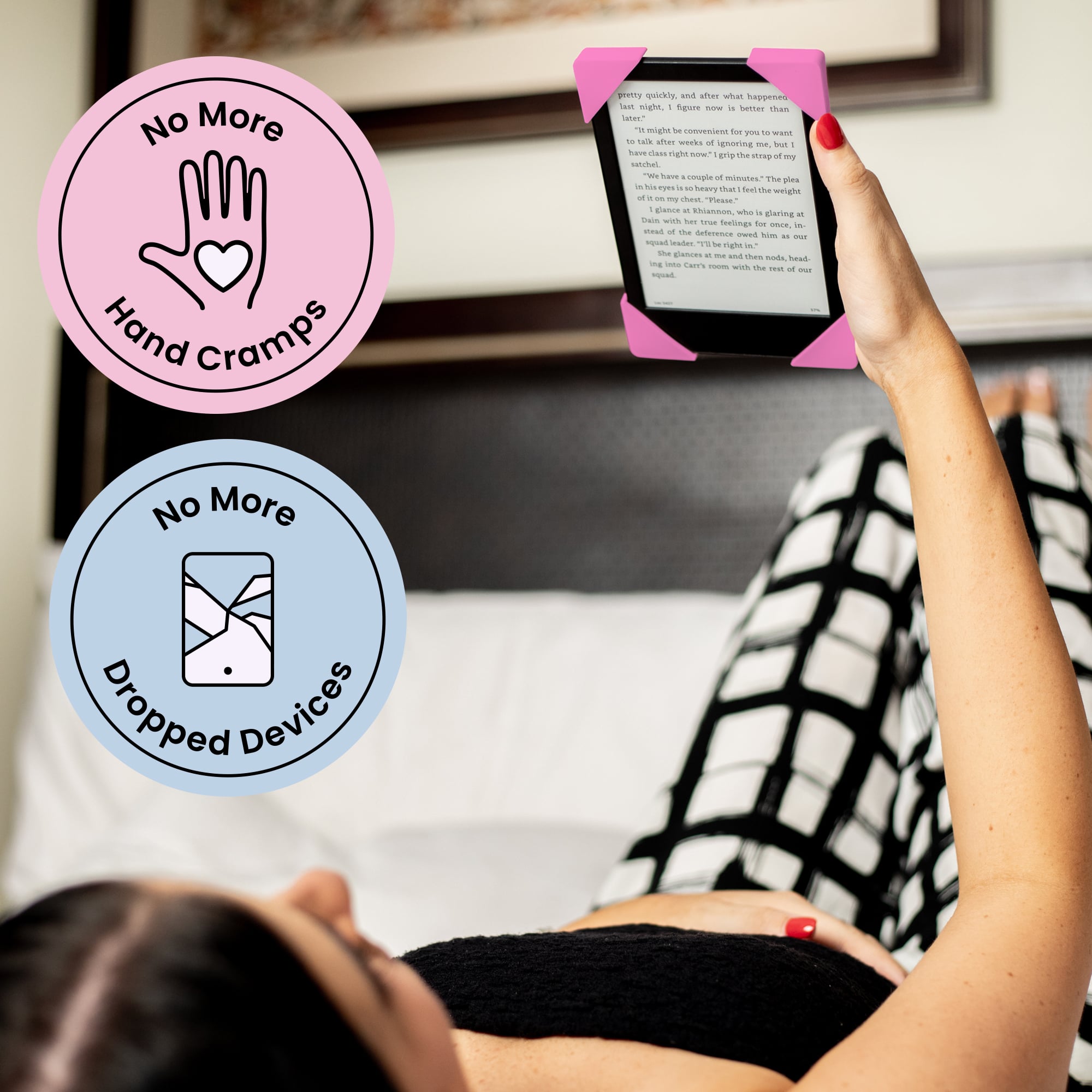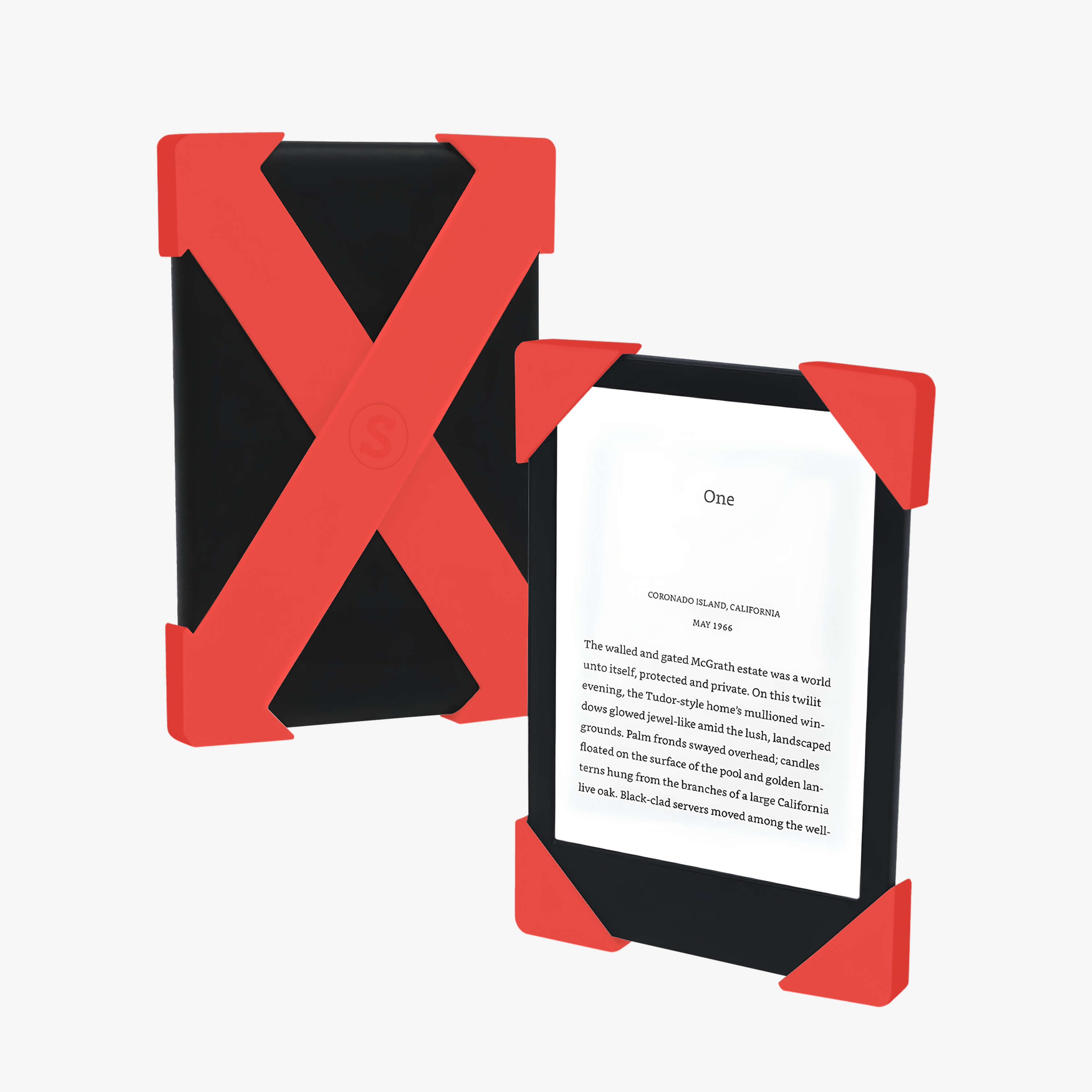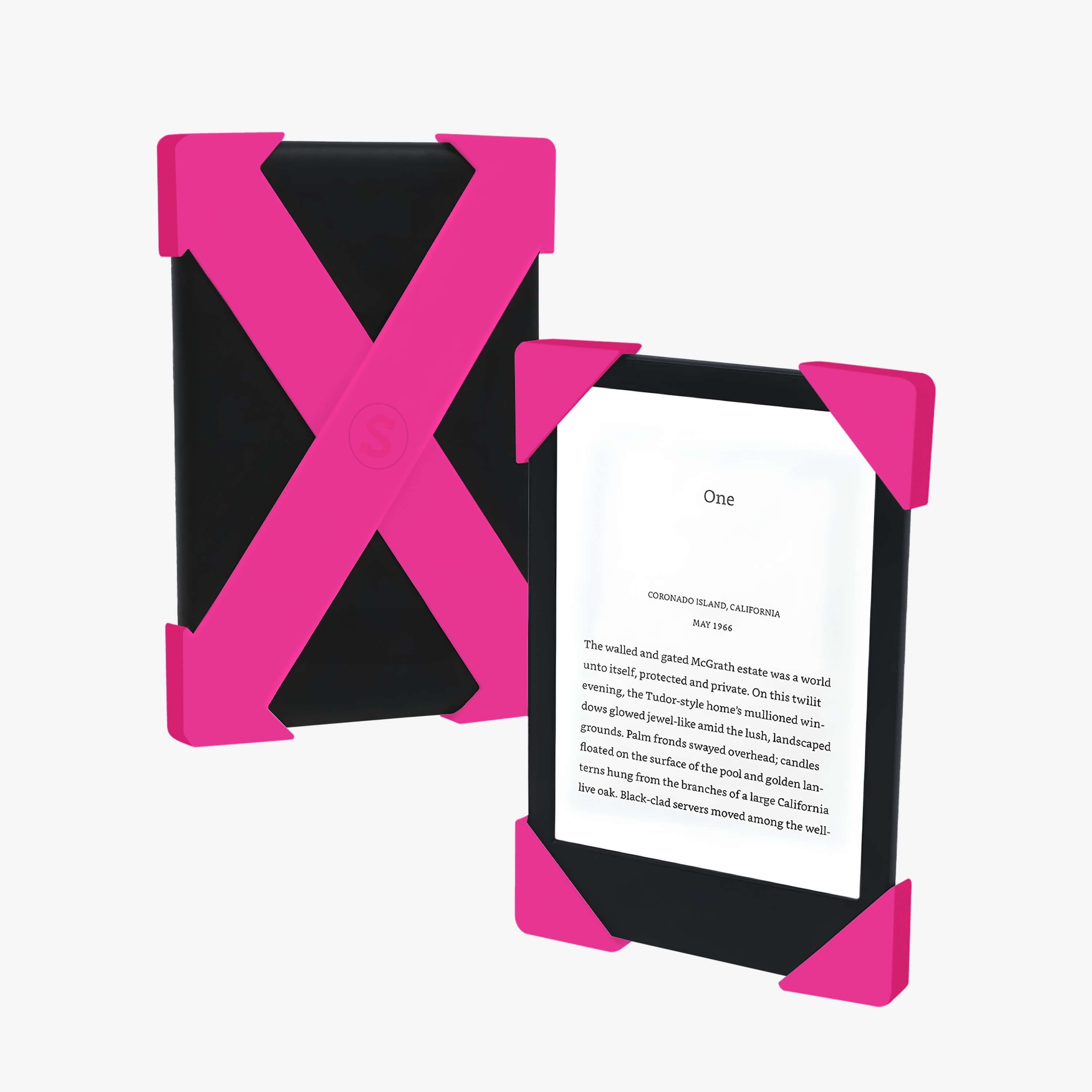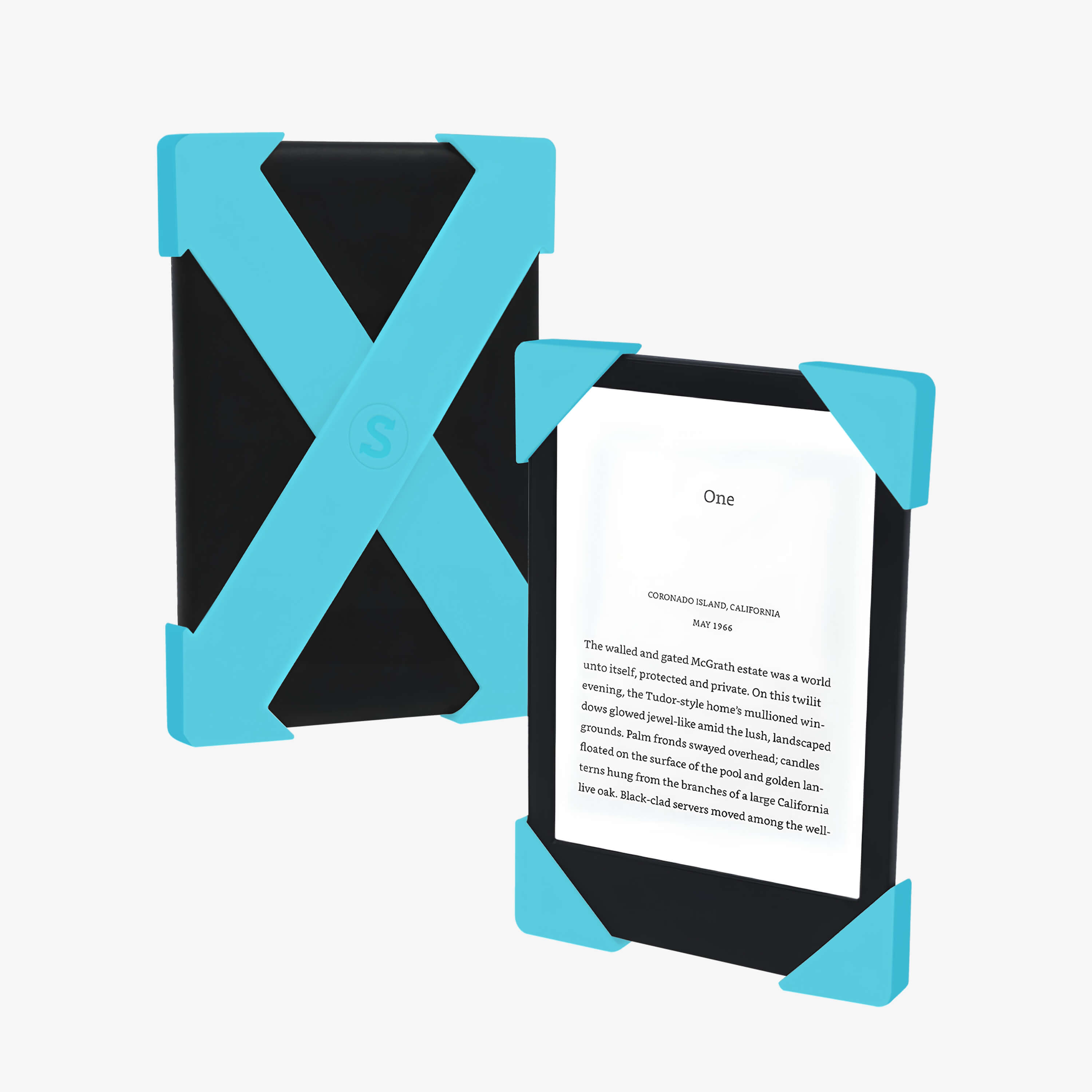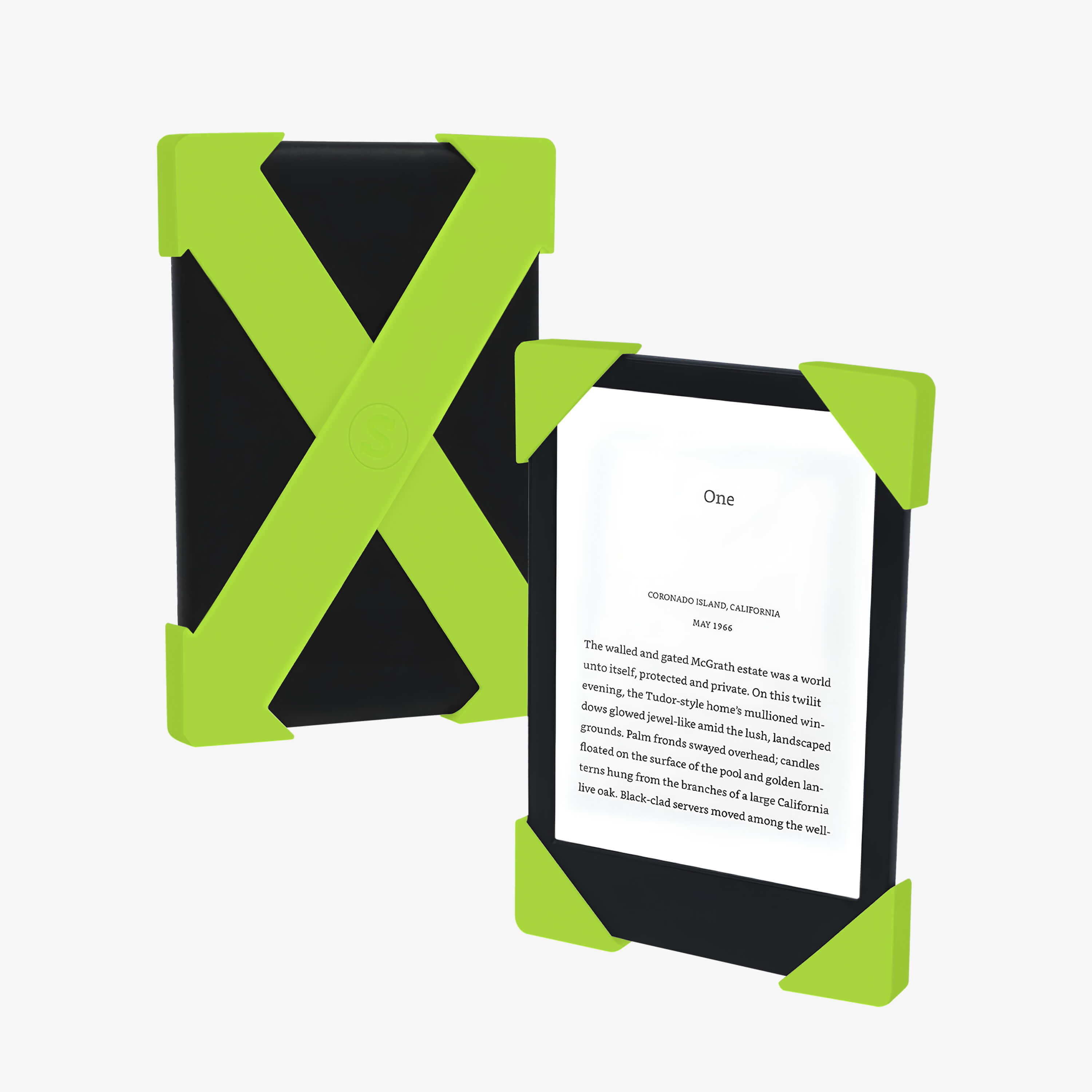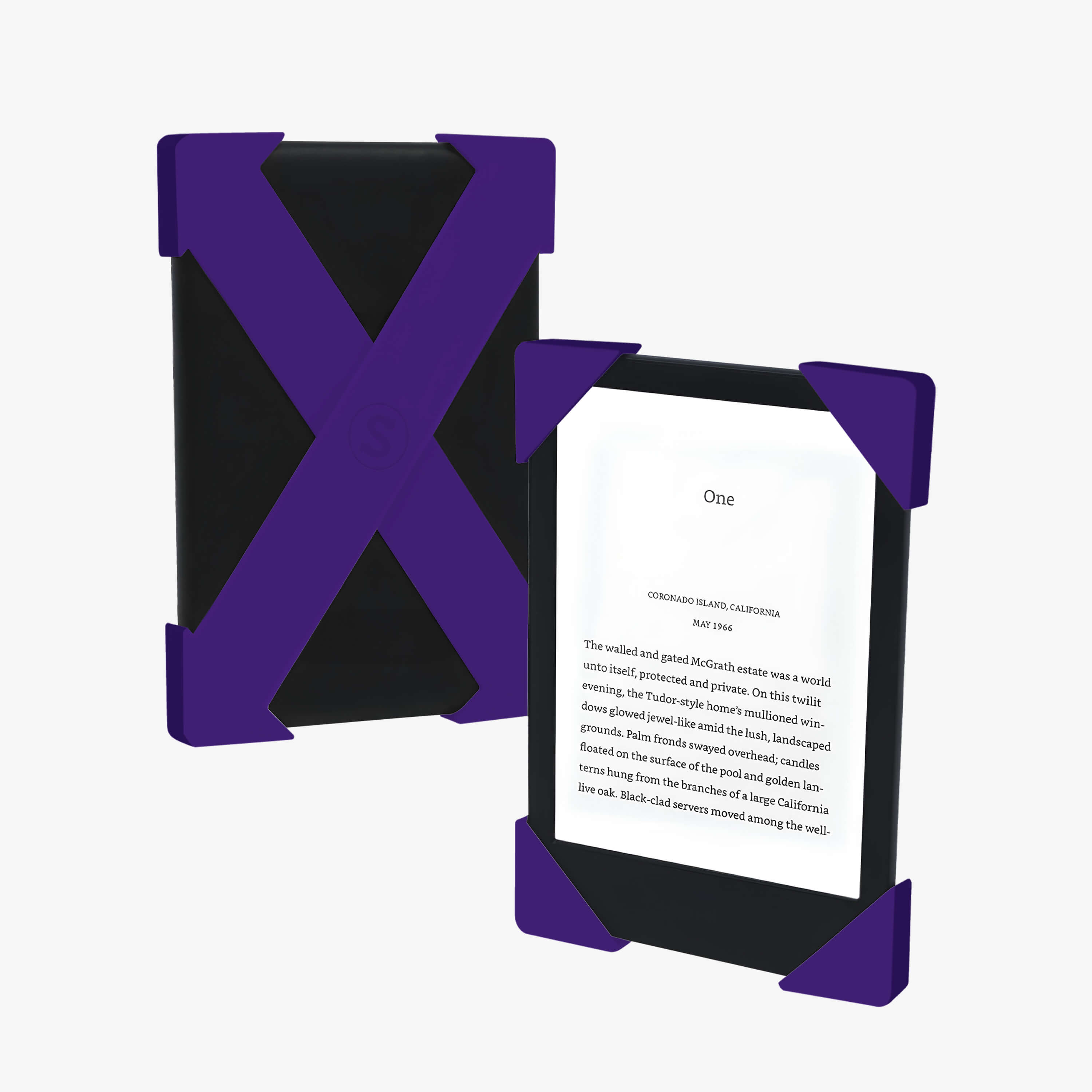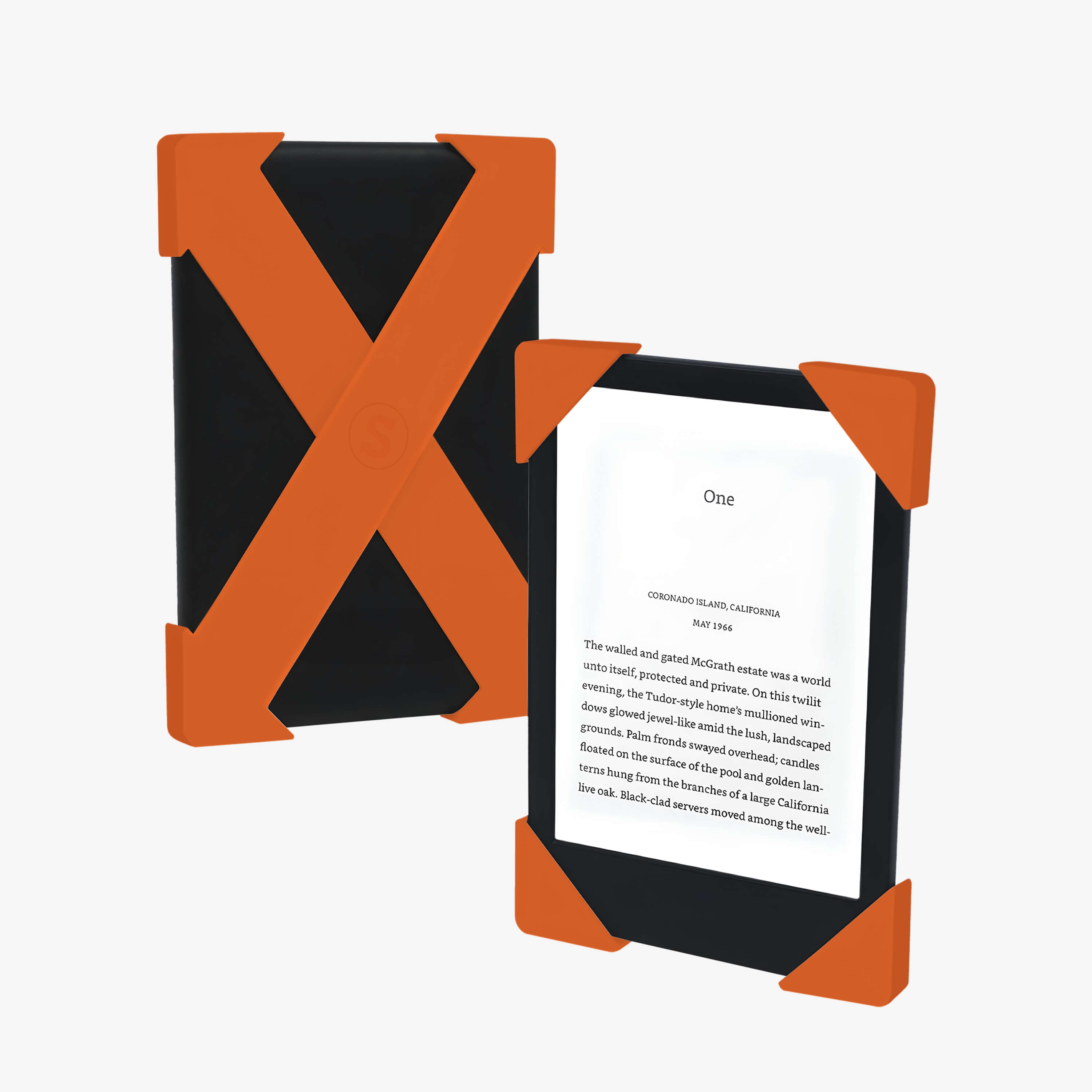
Find your Strapsicle fit
Choose your device, and we'll show you which Strapsicle straps are the best fit.
Choose your brand
Not sure what model you have?
Kindle
- Tap the three dots in the corner of your device.
- Go to Settings, then Device Options.
- Tap Device Info.
- The first item shows your model.
Kobo
- From the home screen tap More at the bottom right.
- Tap Settings.
- Your Kobo model is next to the About section.
Choose your model
Keep in mind, our straps are designed to fit e-readers without bulky cases, and aren't compatible with flip covers.
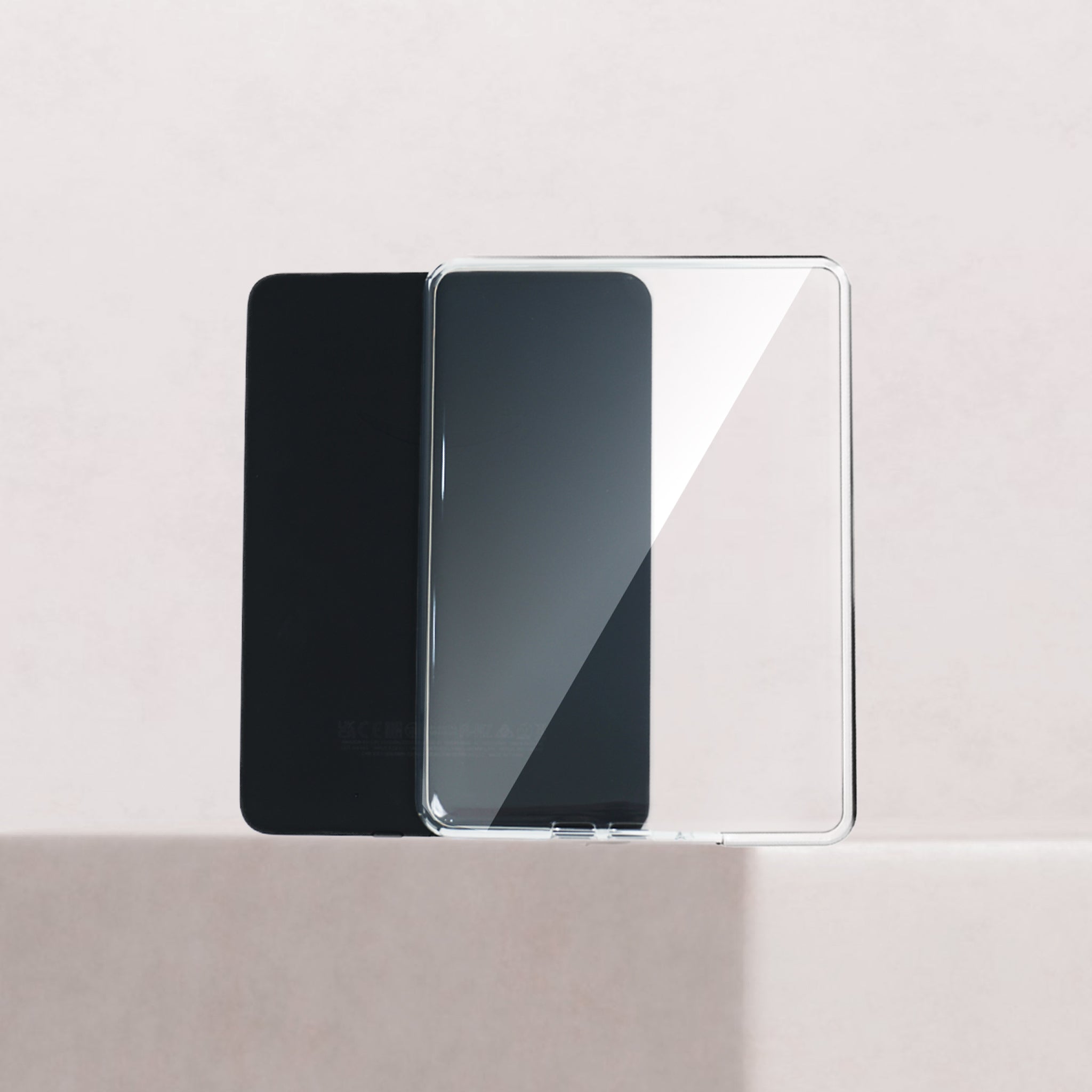
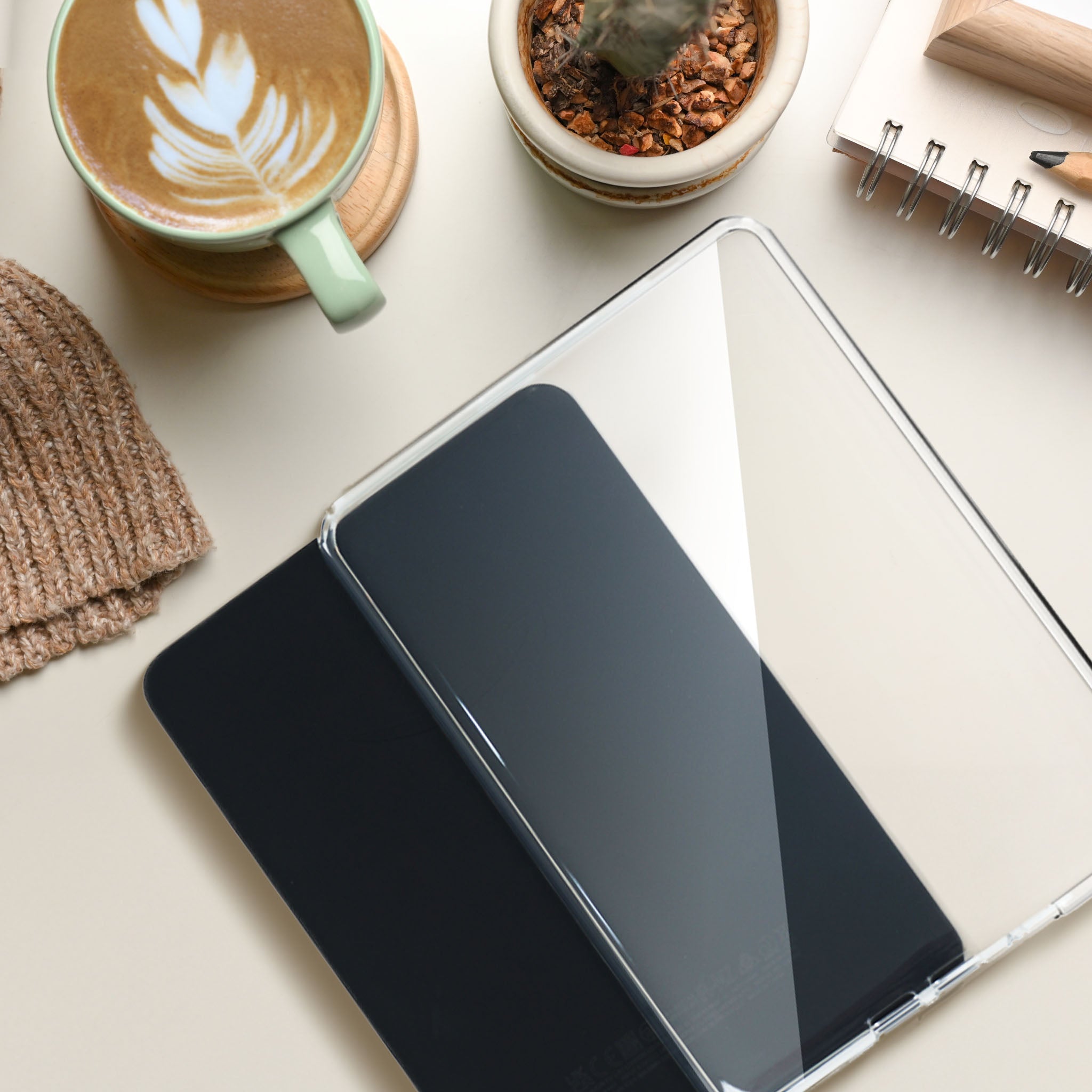
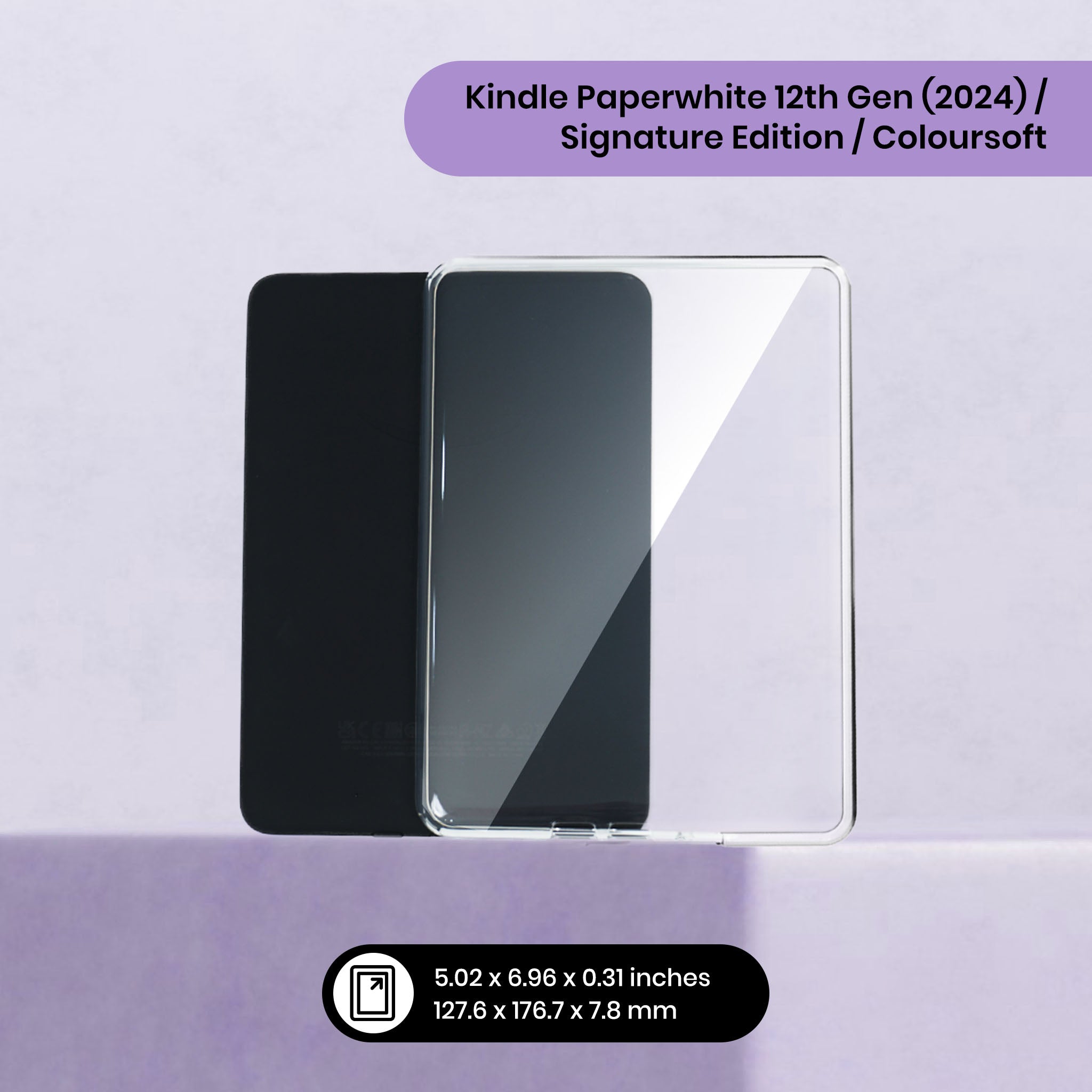
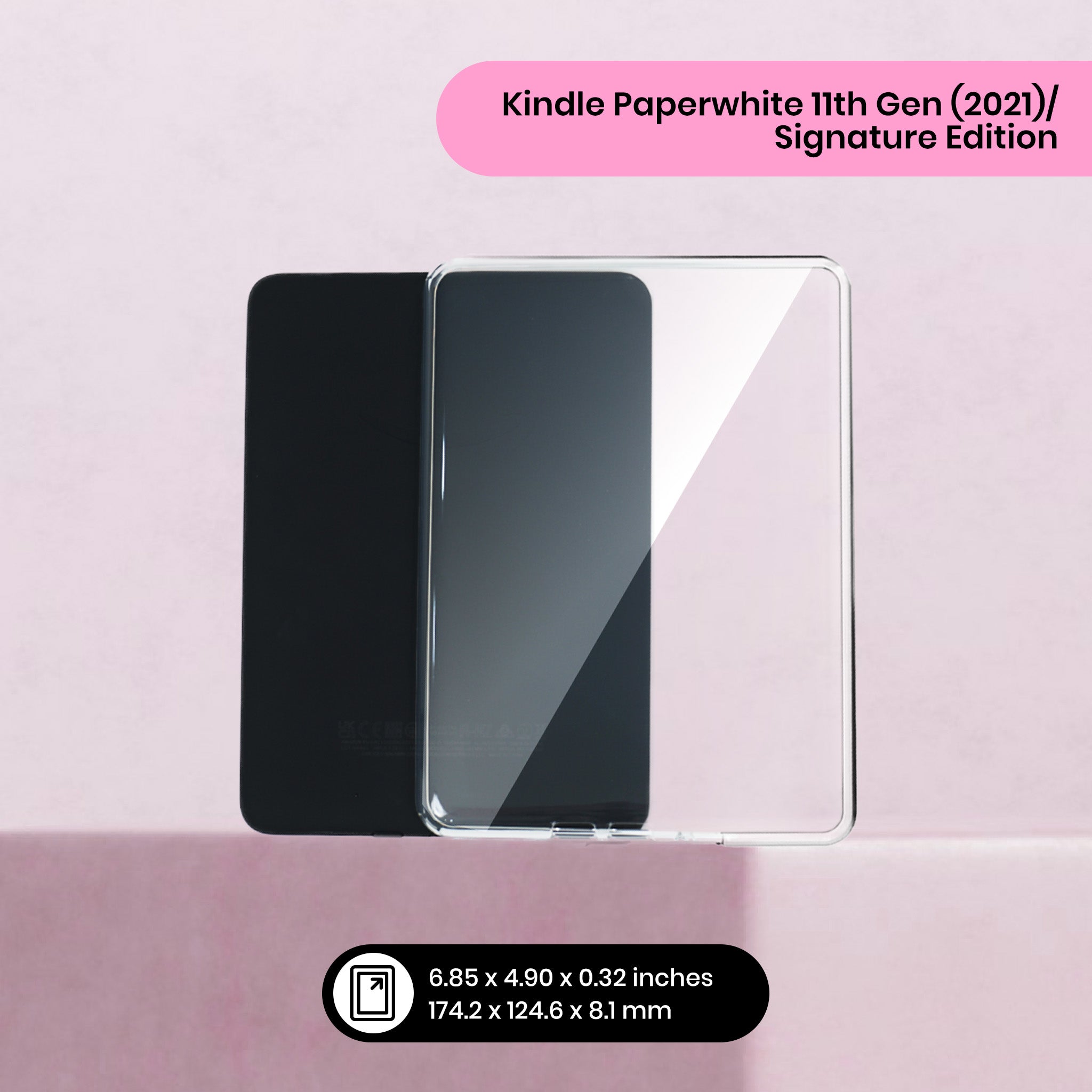
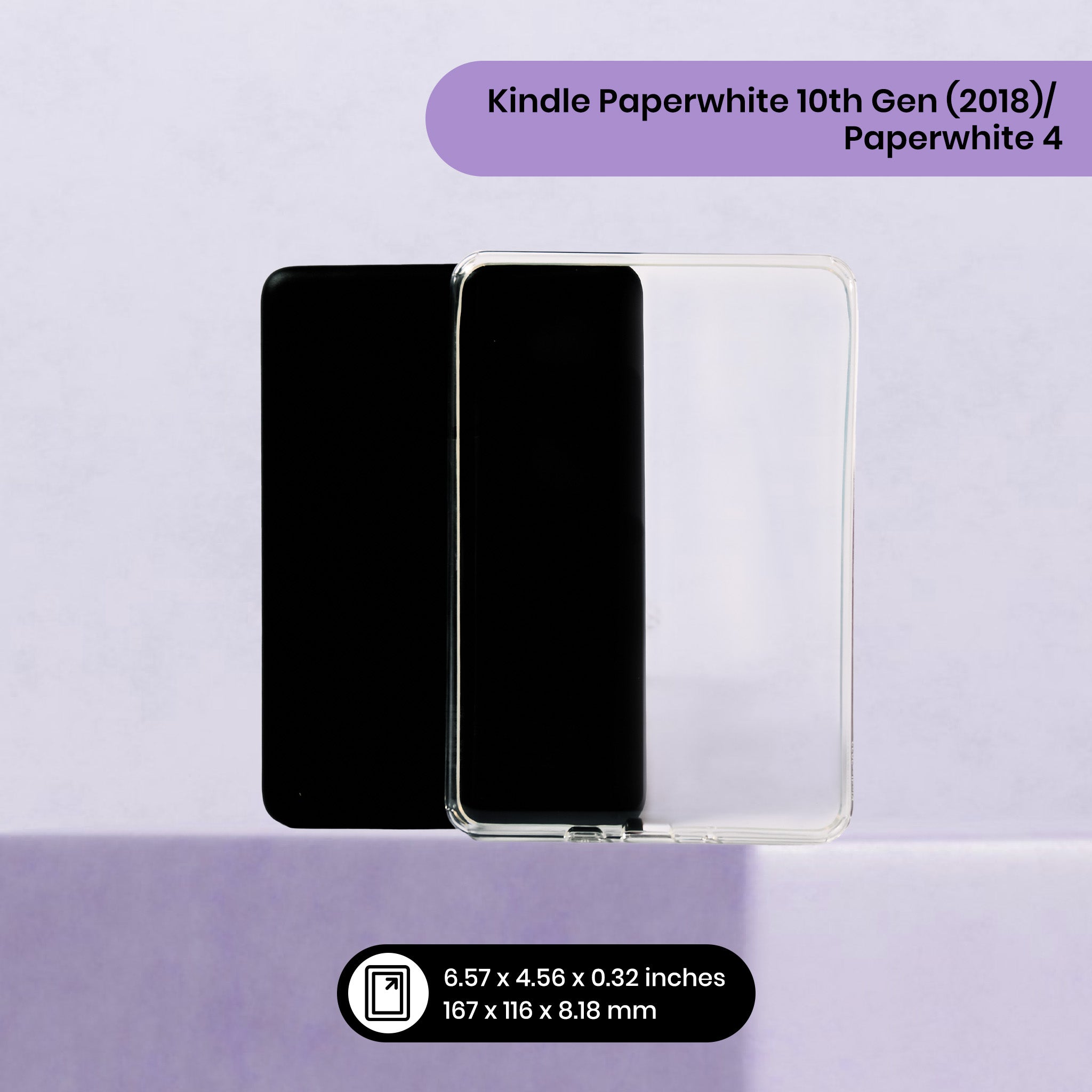
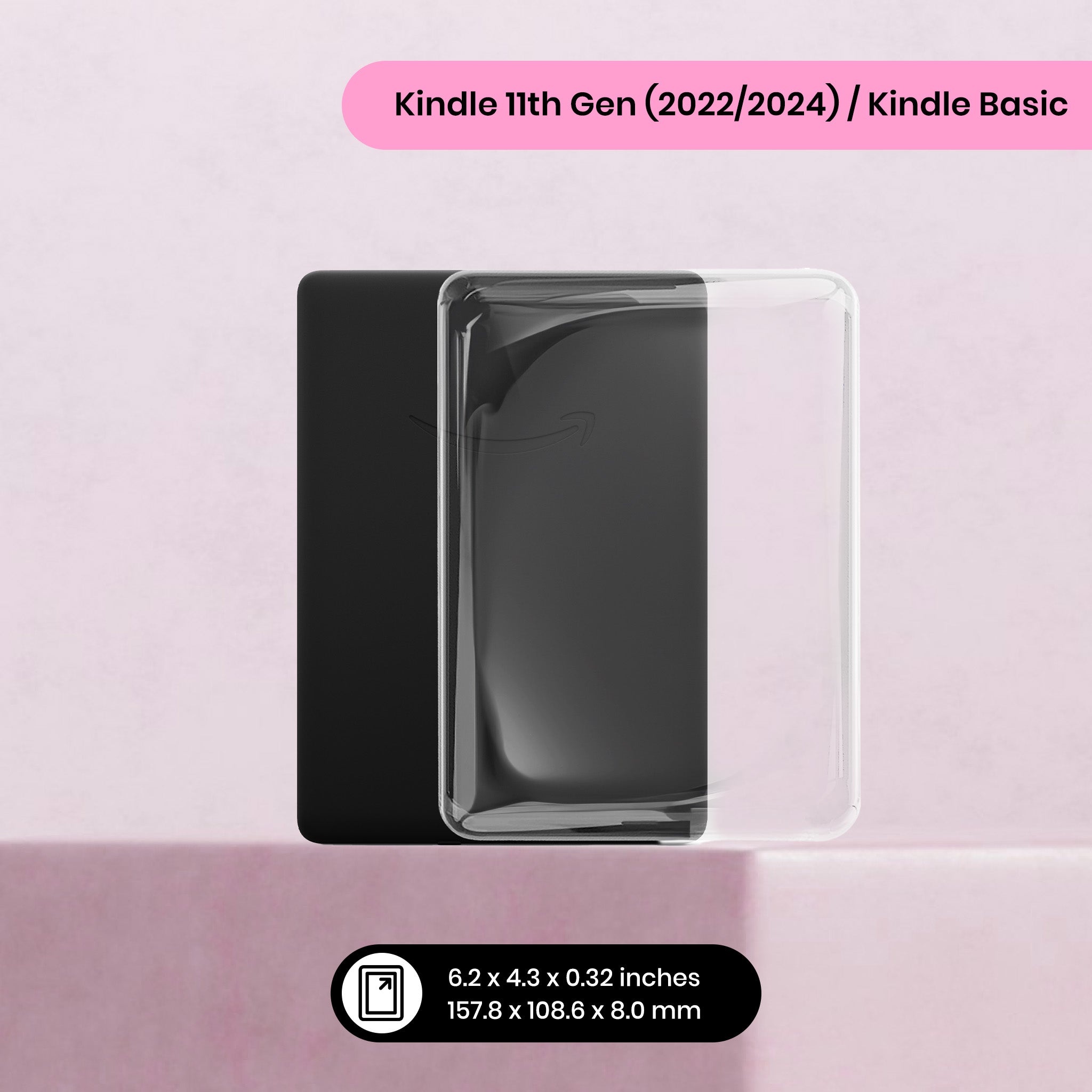
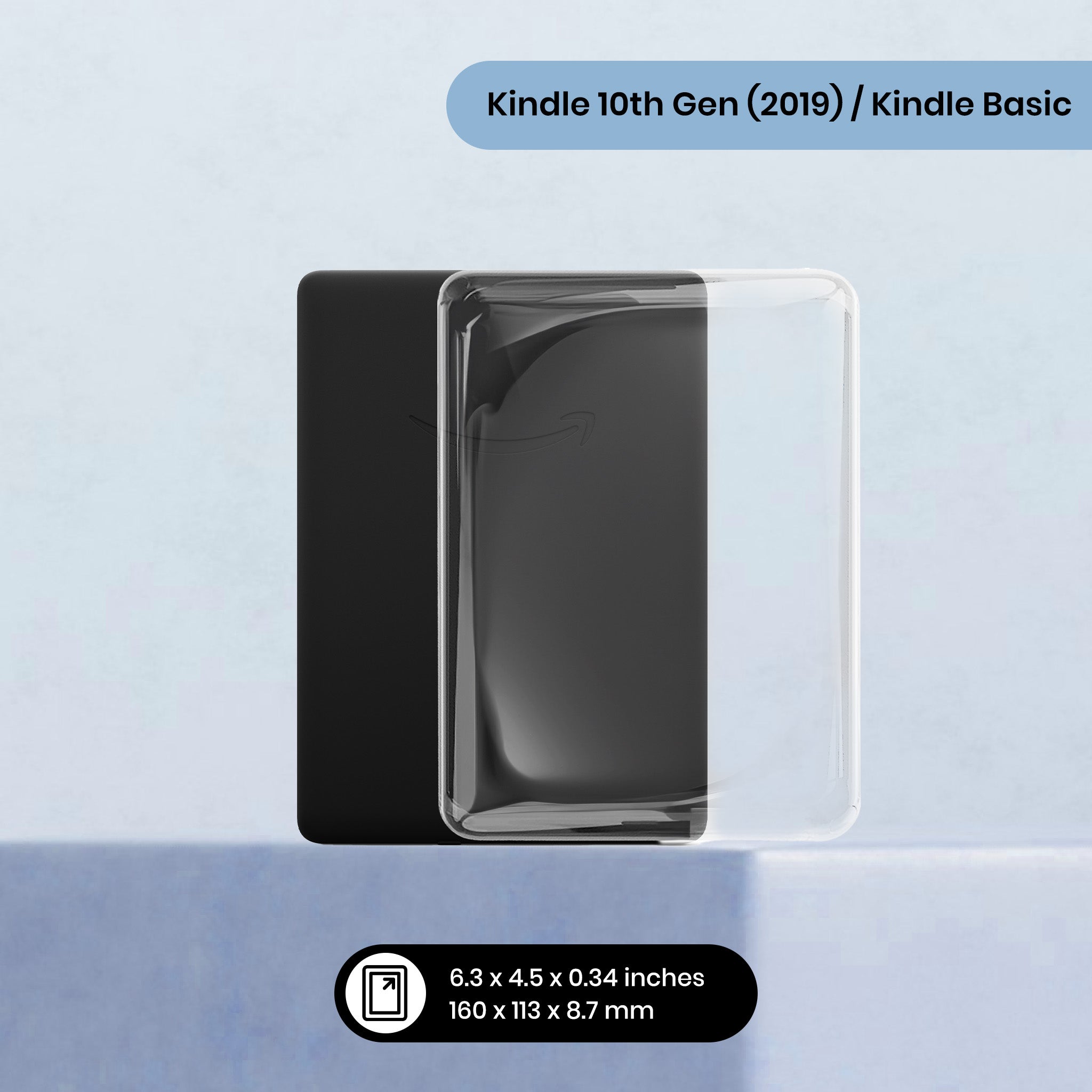
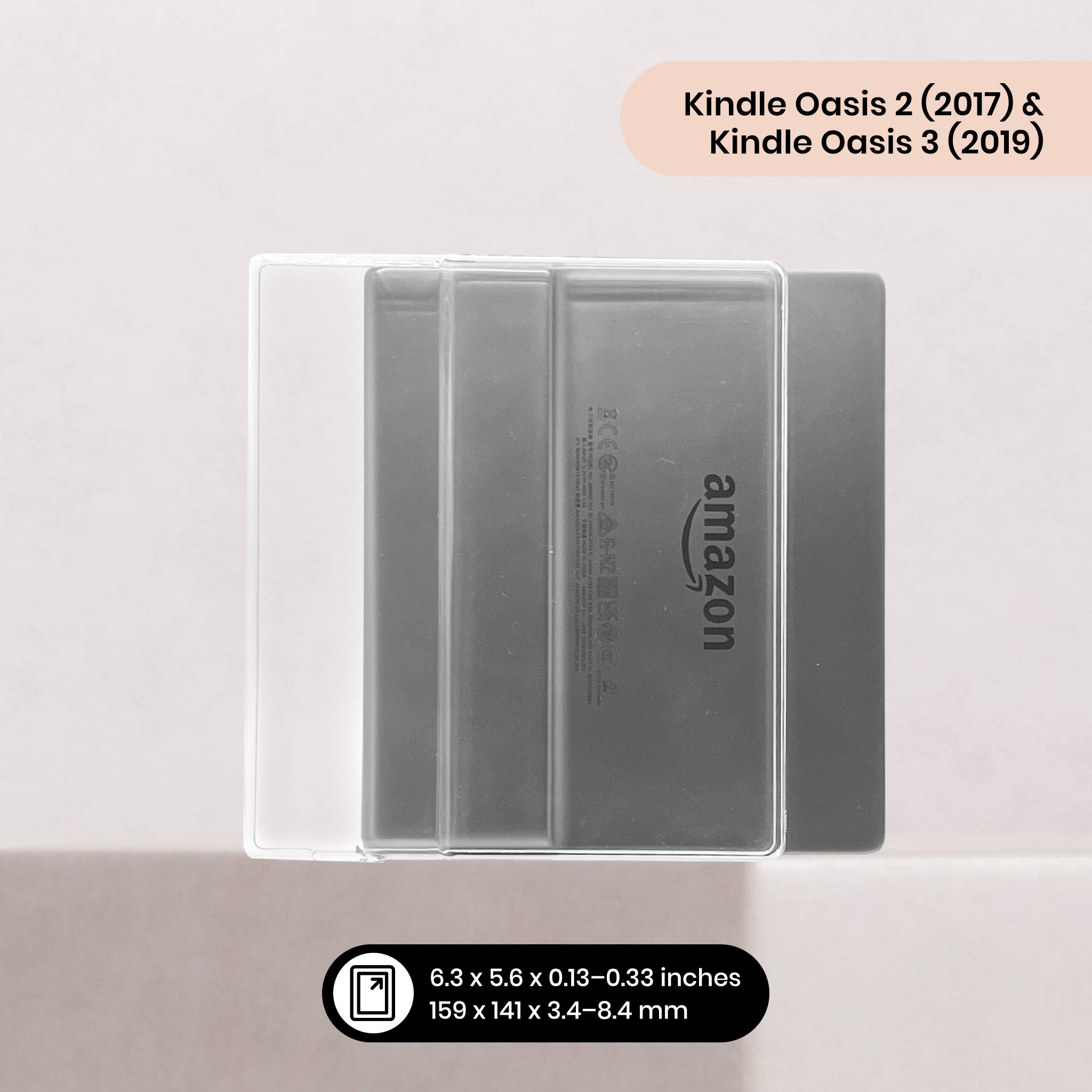
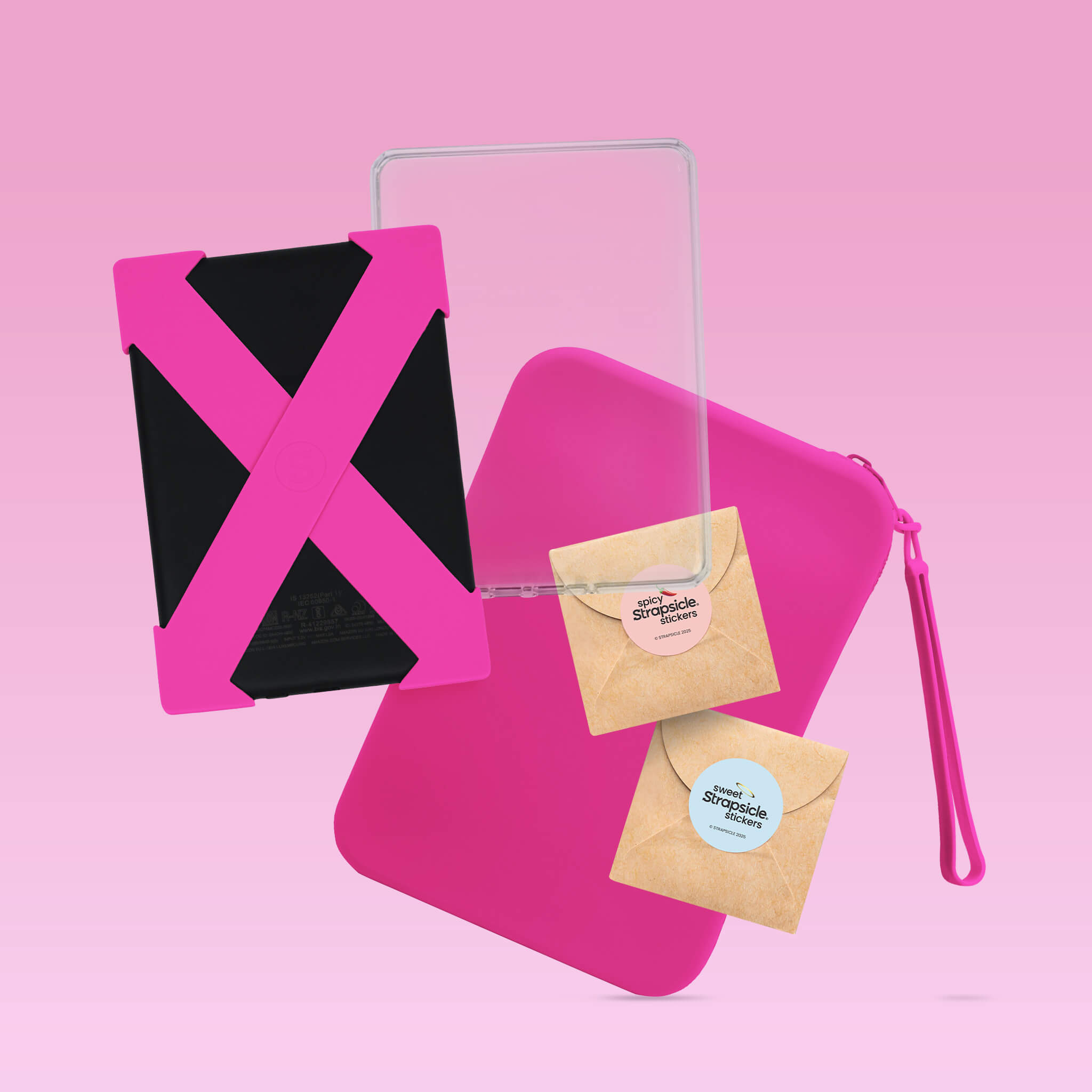
If you'd like to use a case, you can choose one of our thin, slim, clear cases to help protect your Kindle.
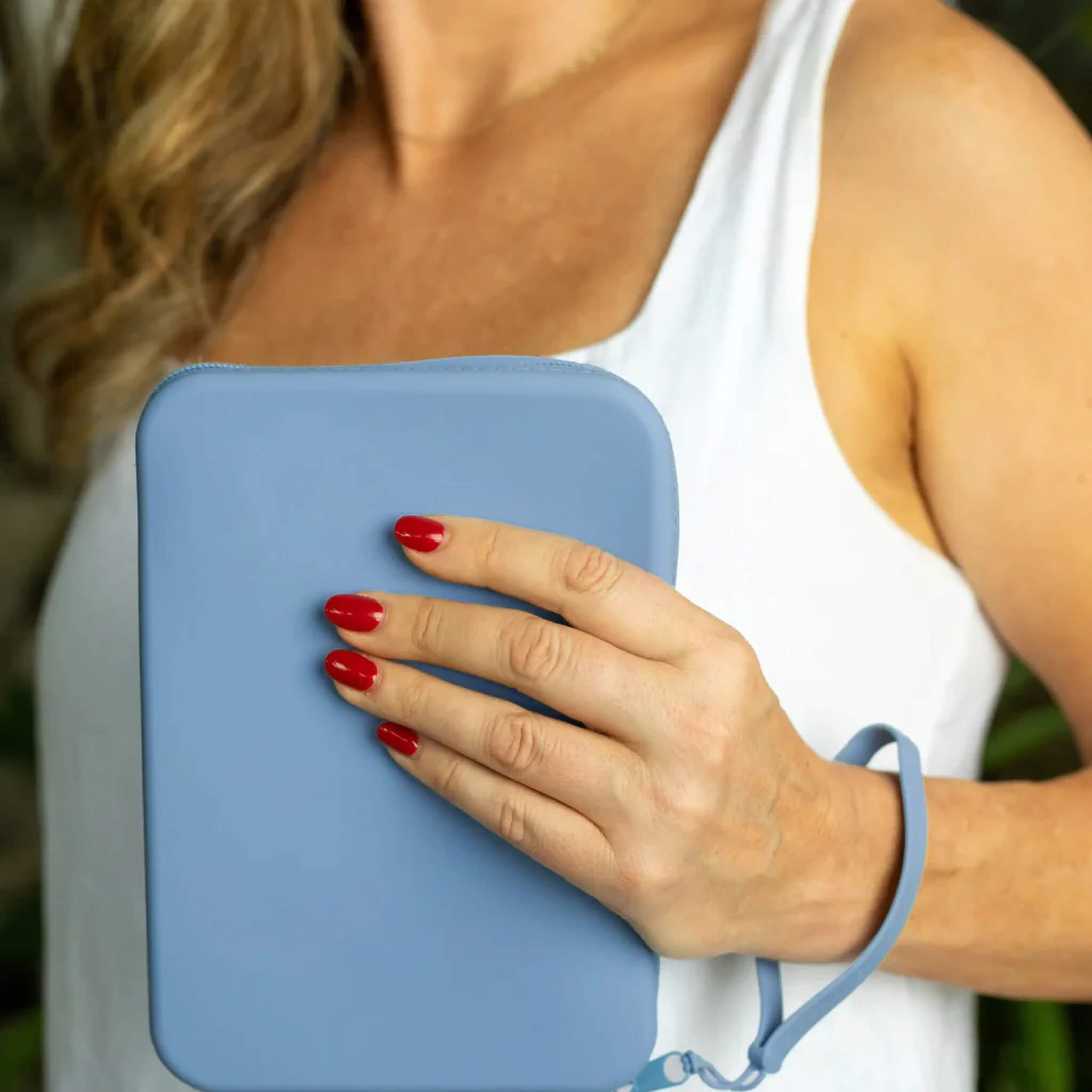
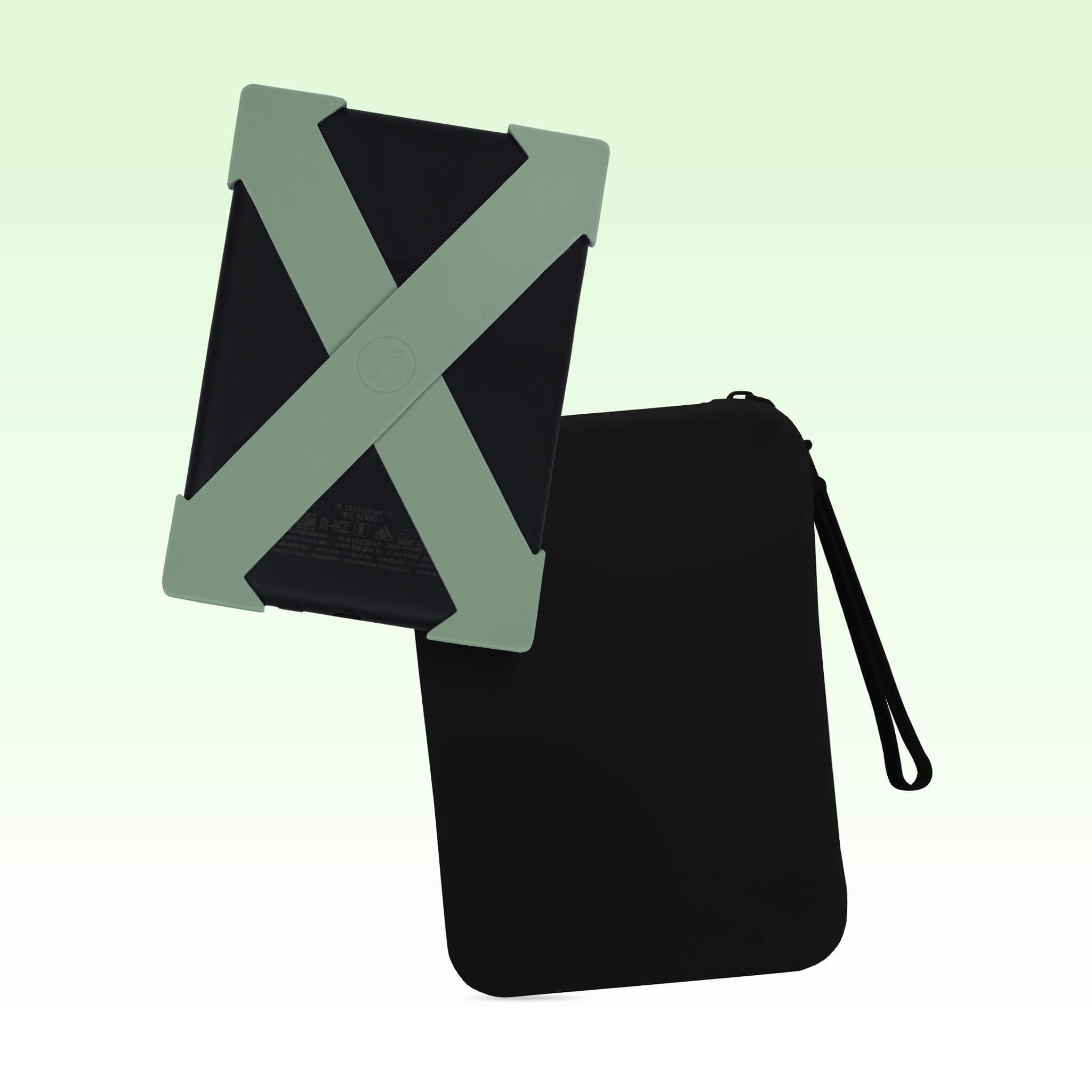
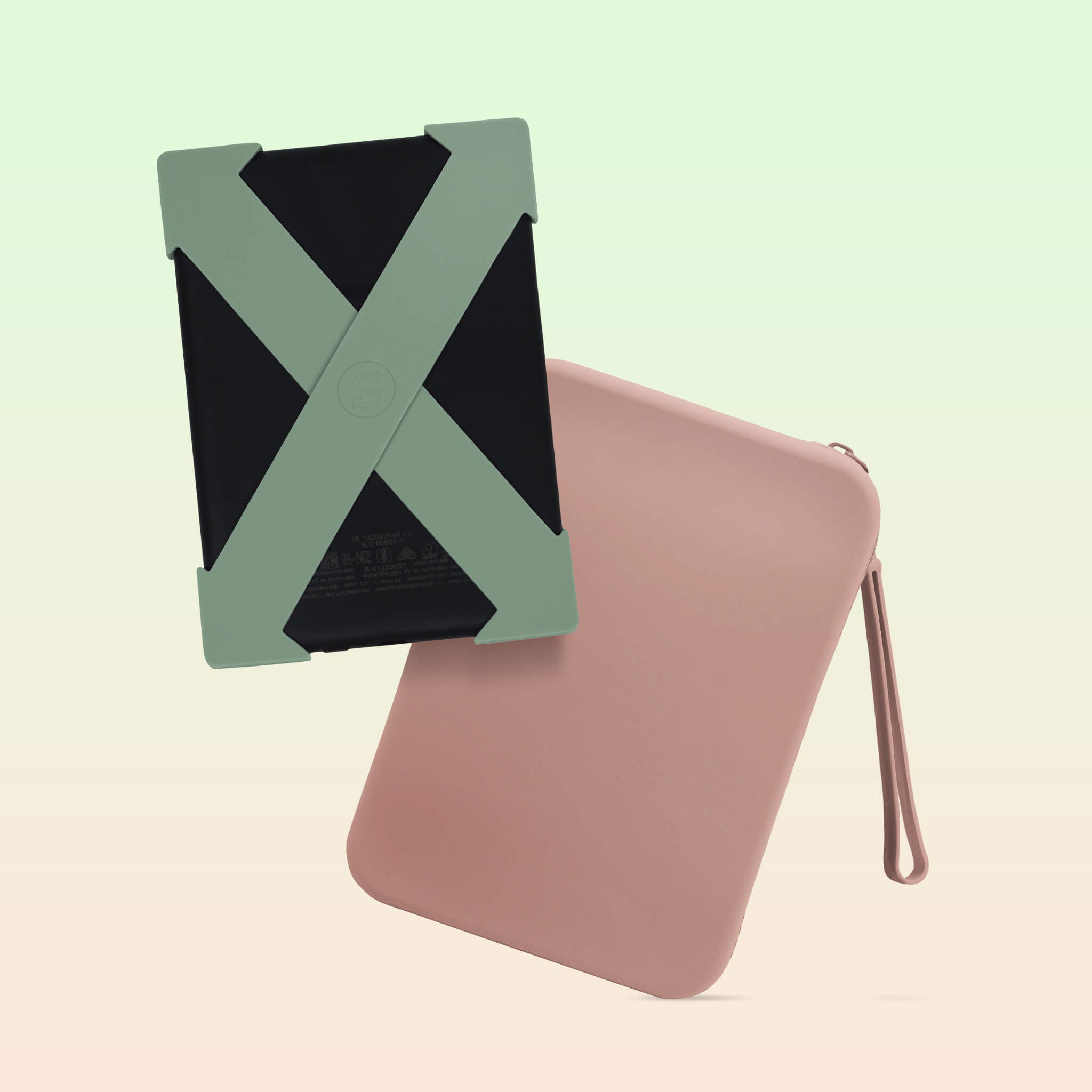
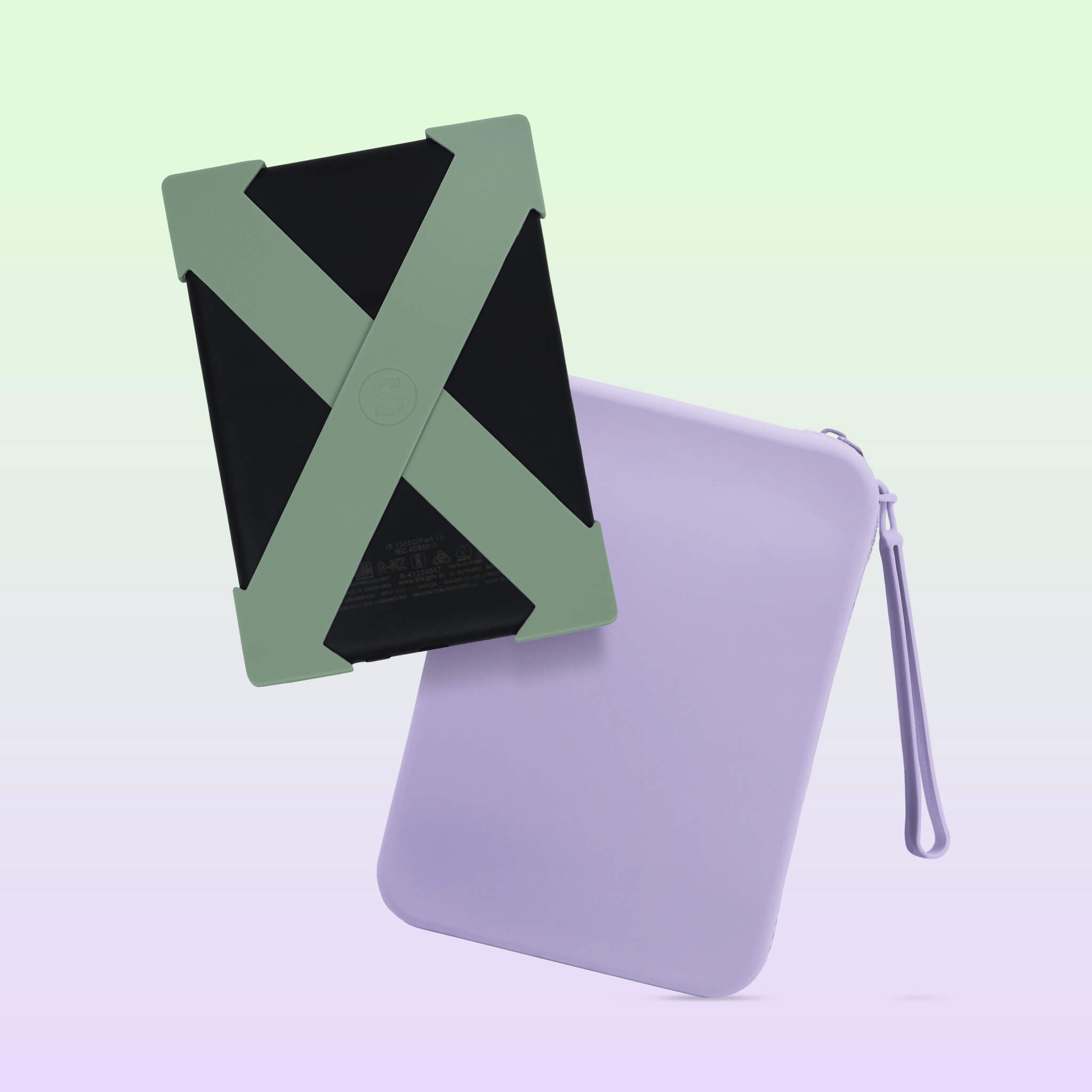
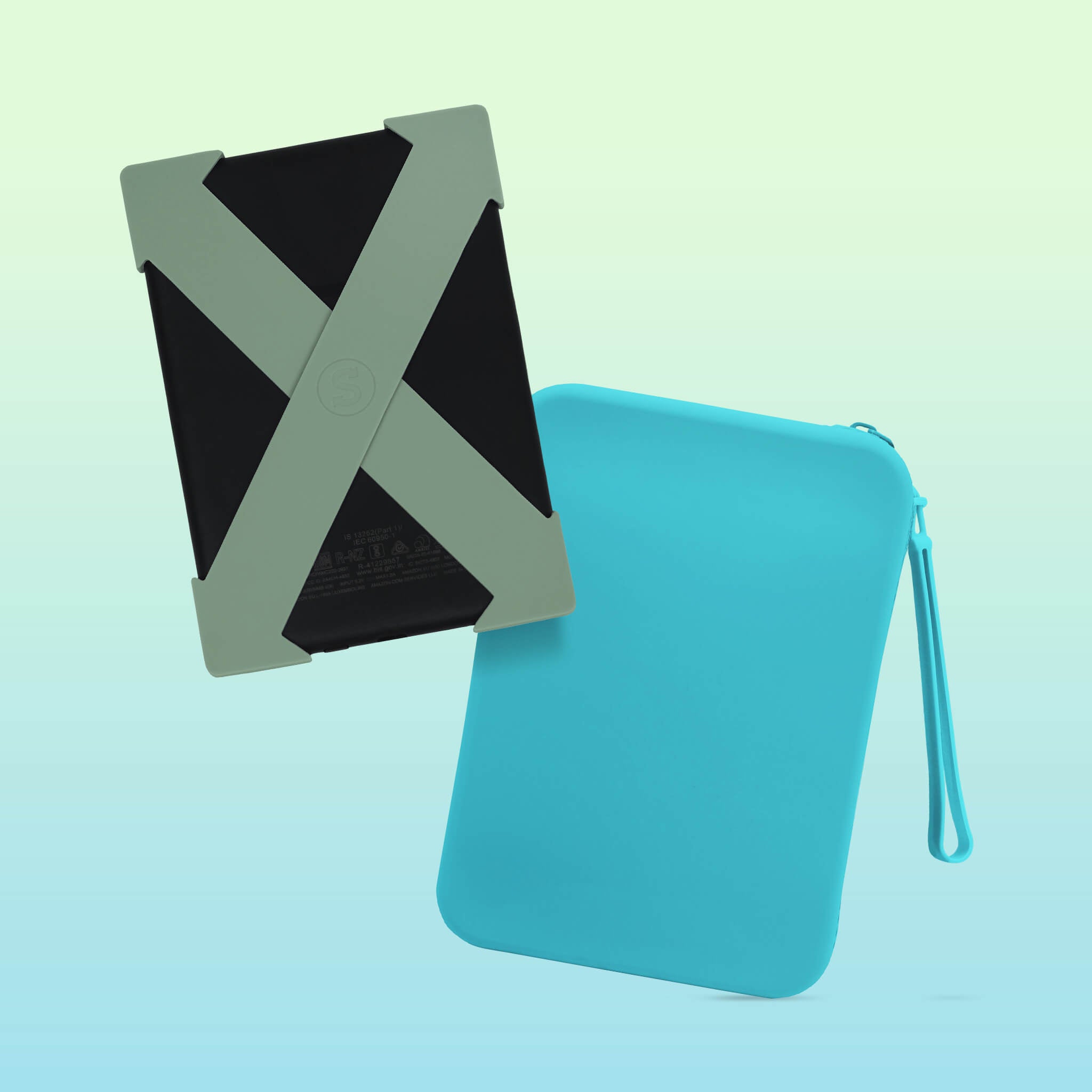
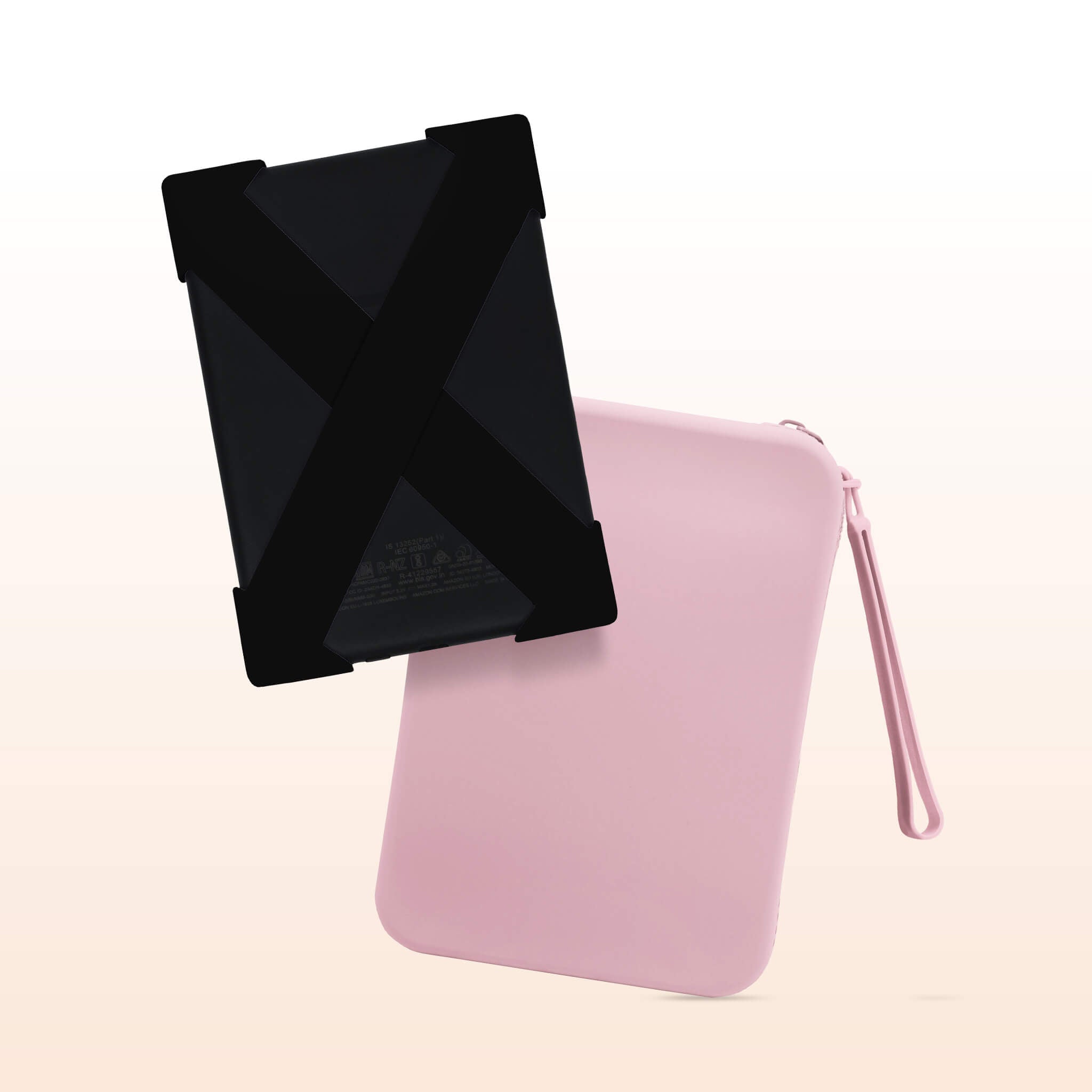
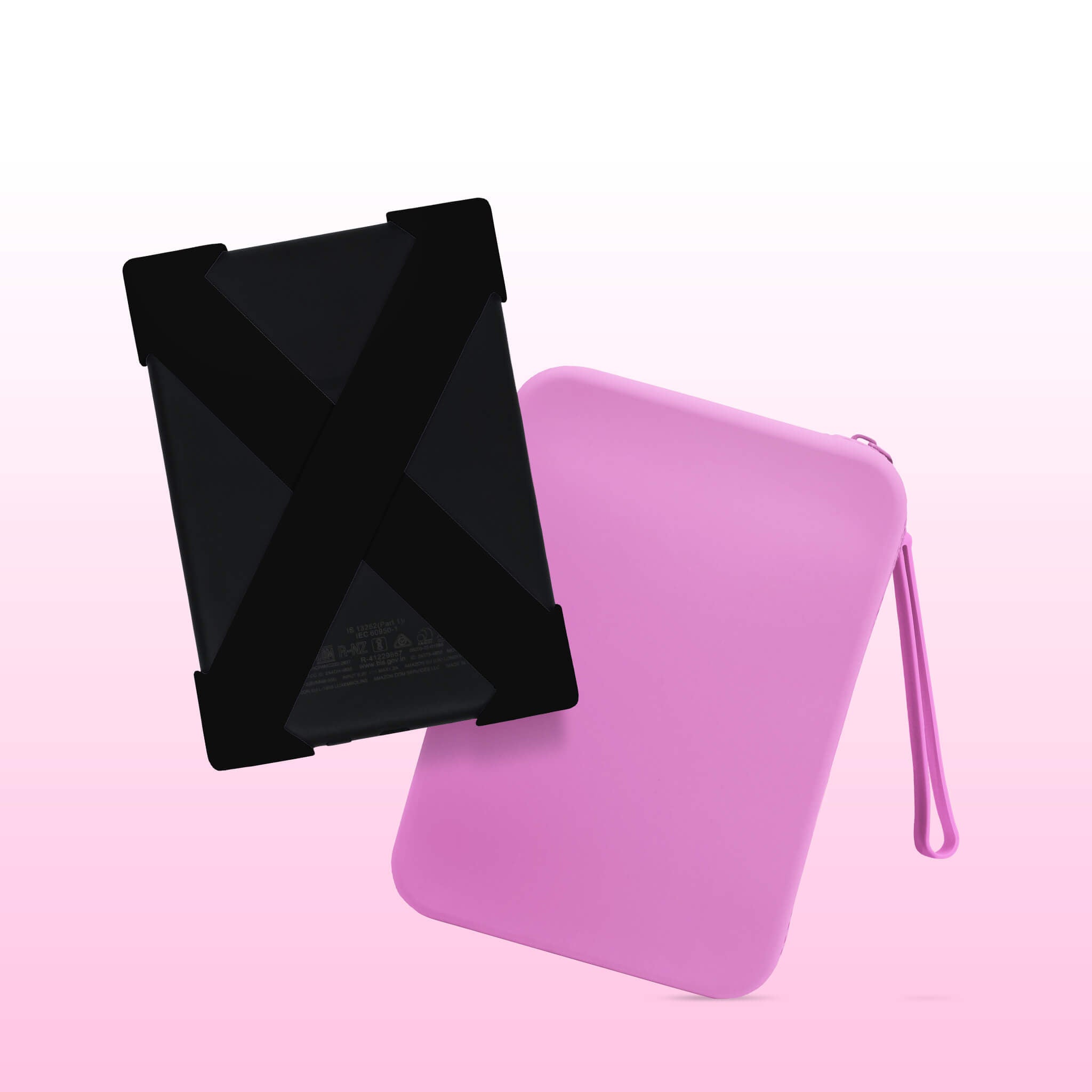
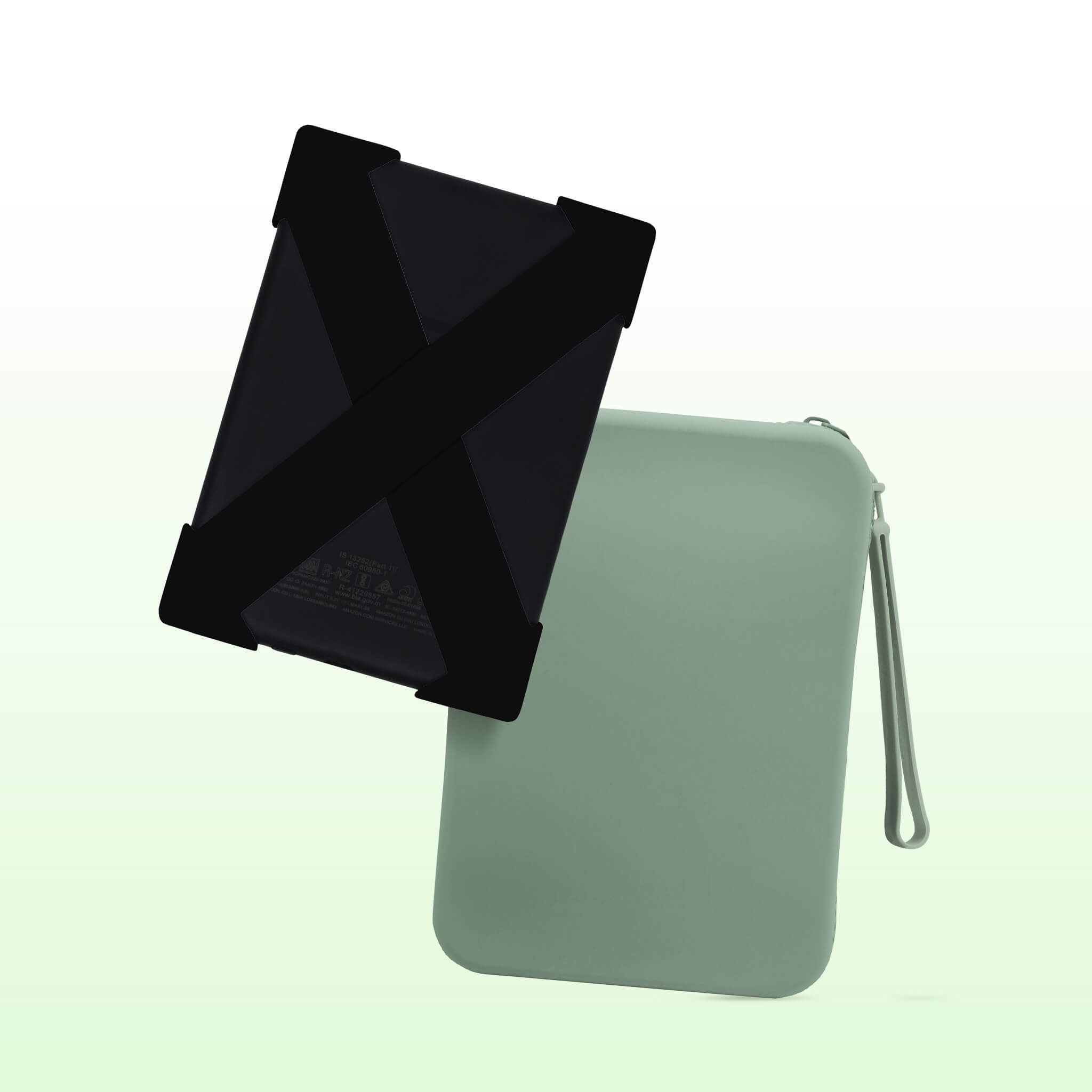
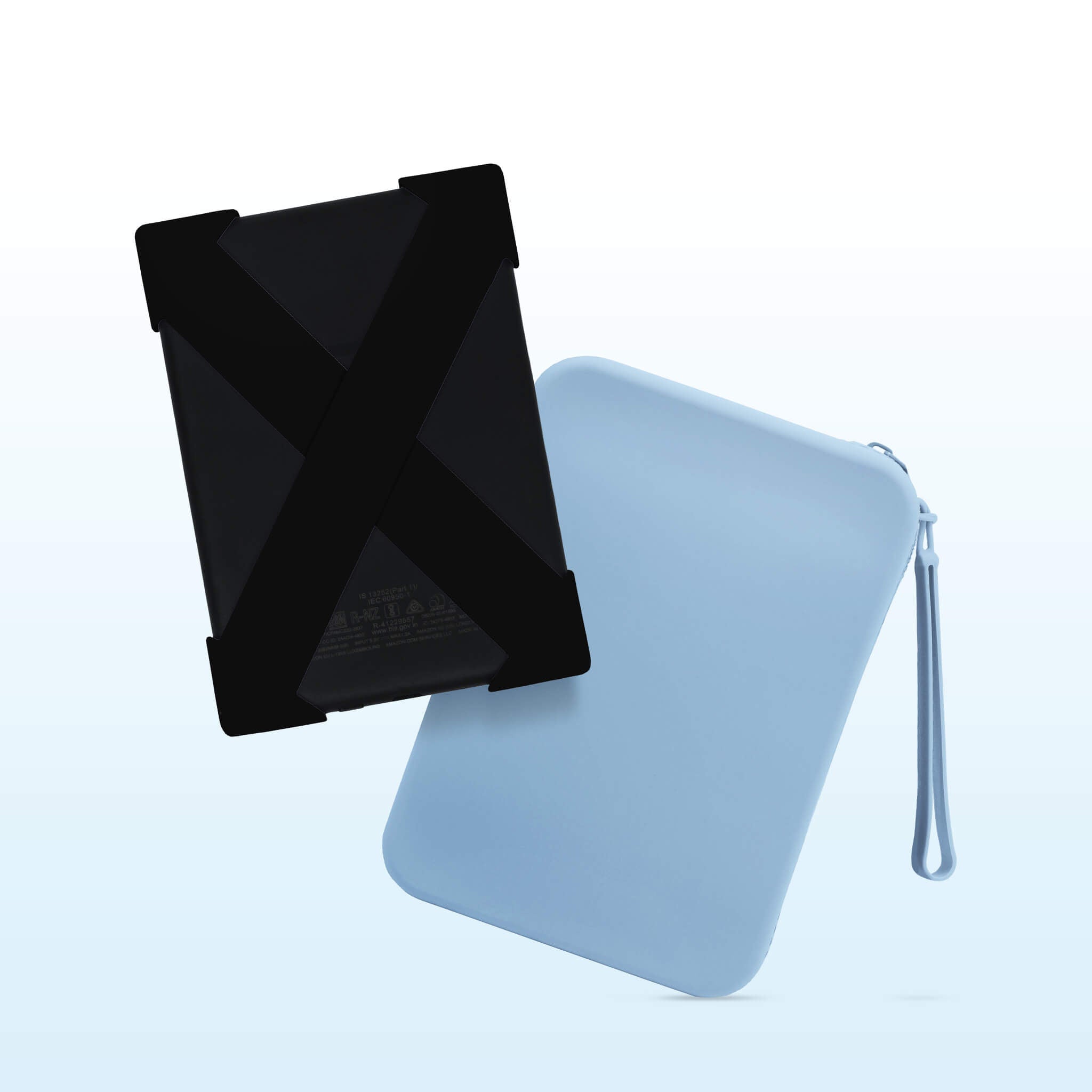
Clutch Sizing

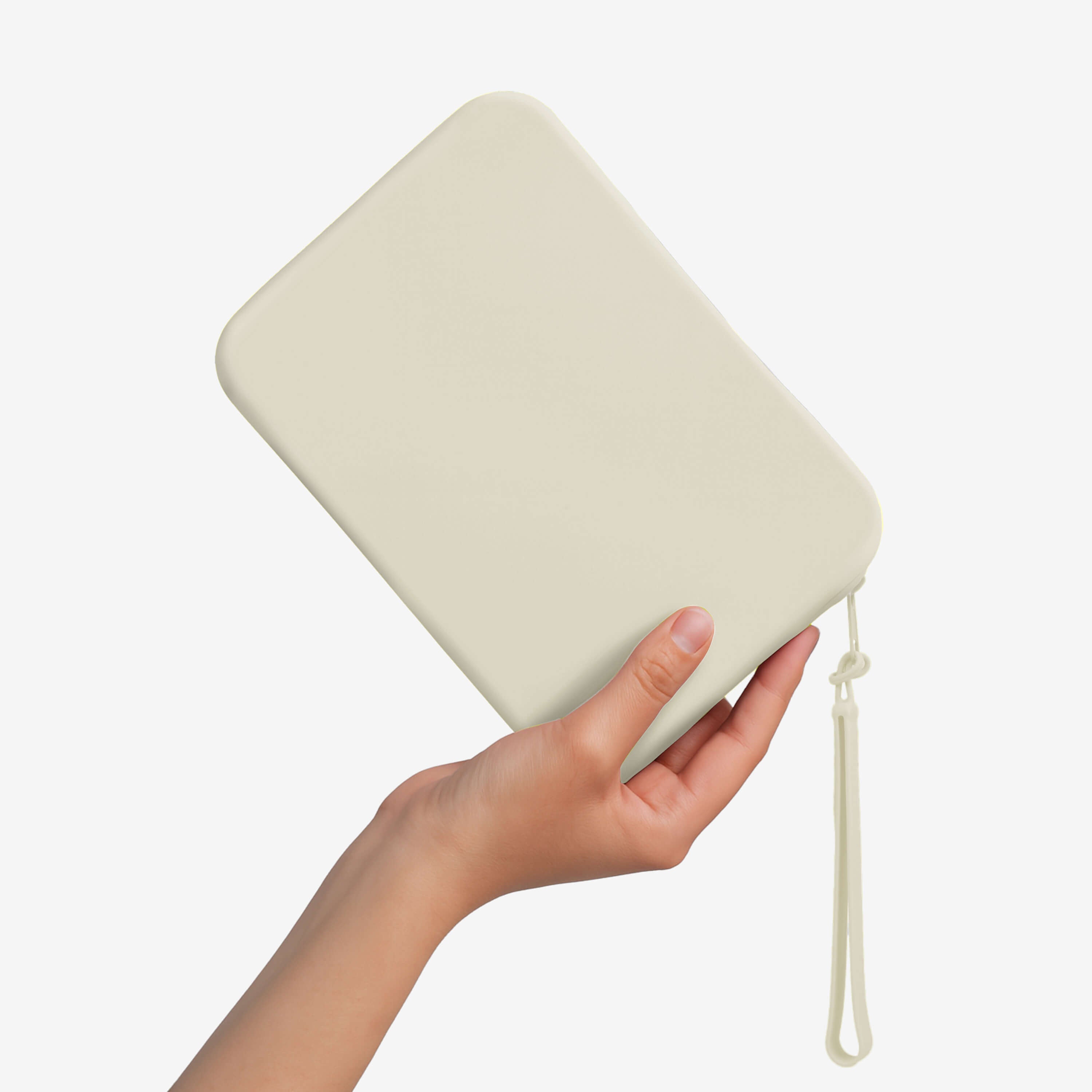
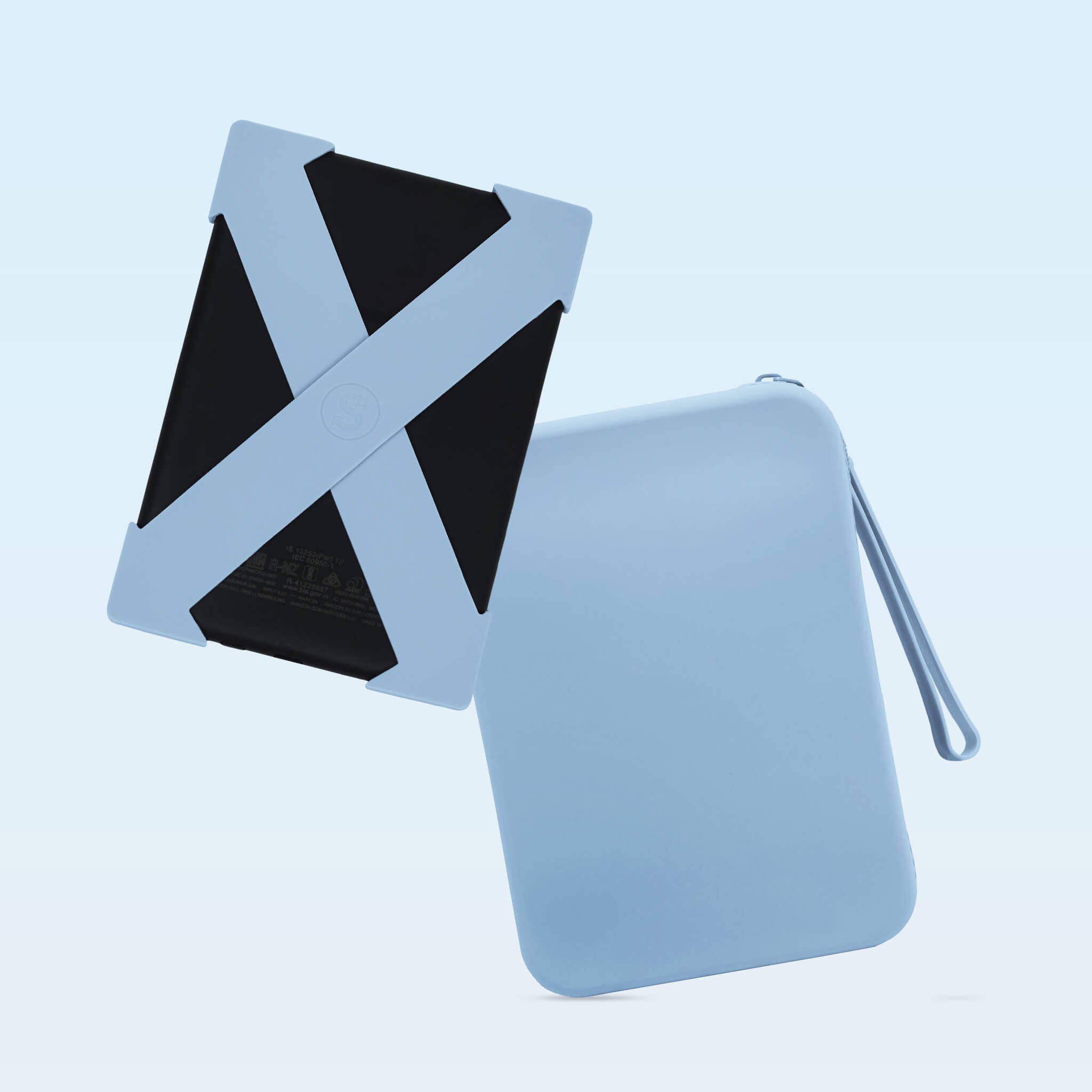
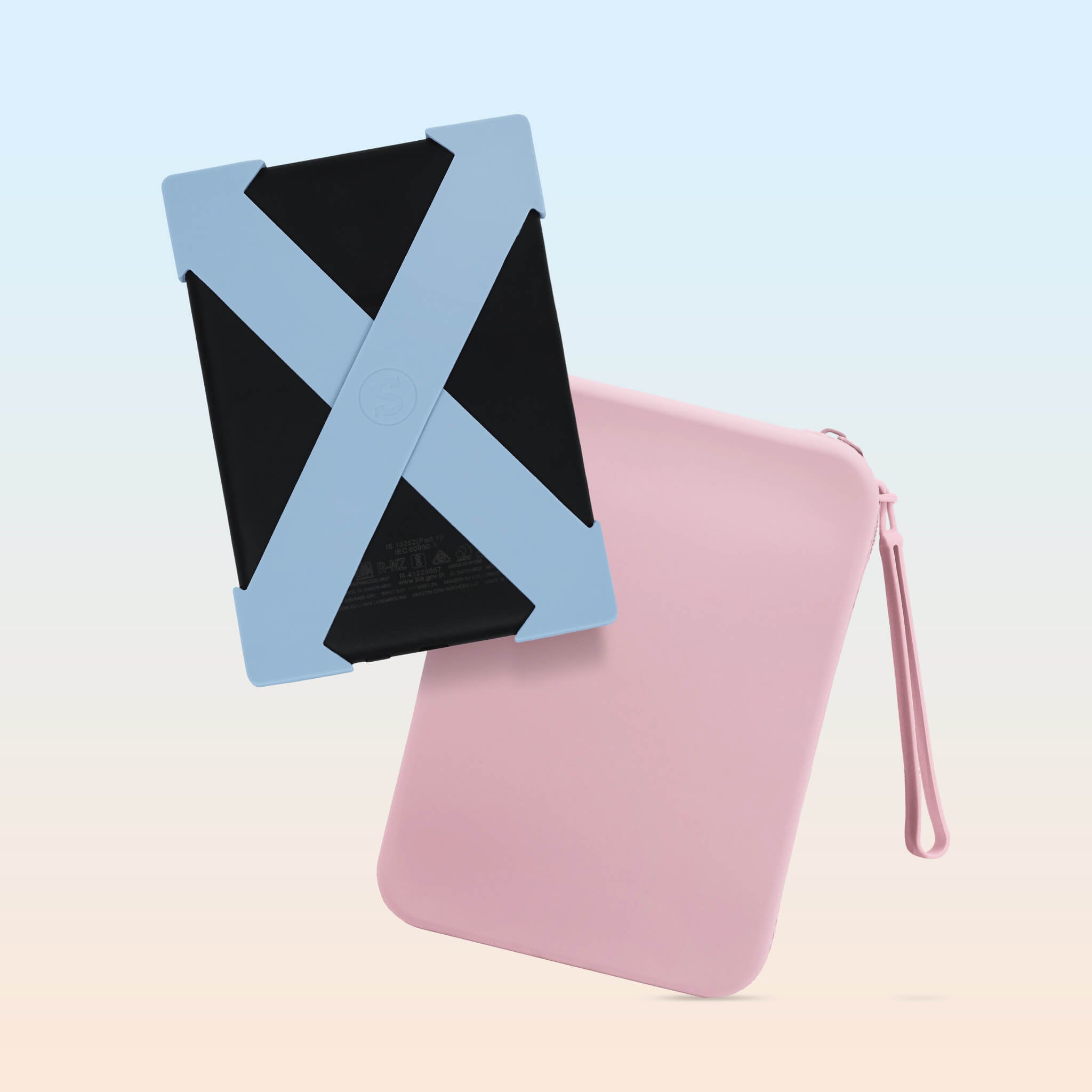
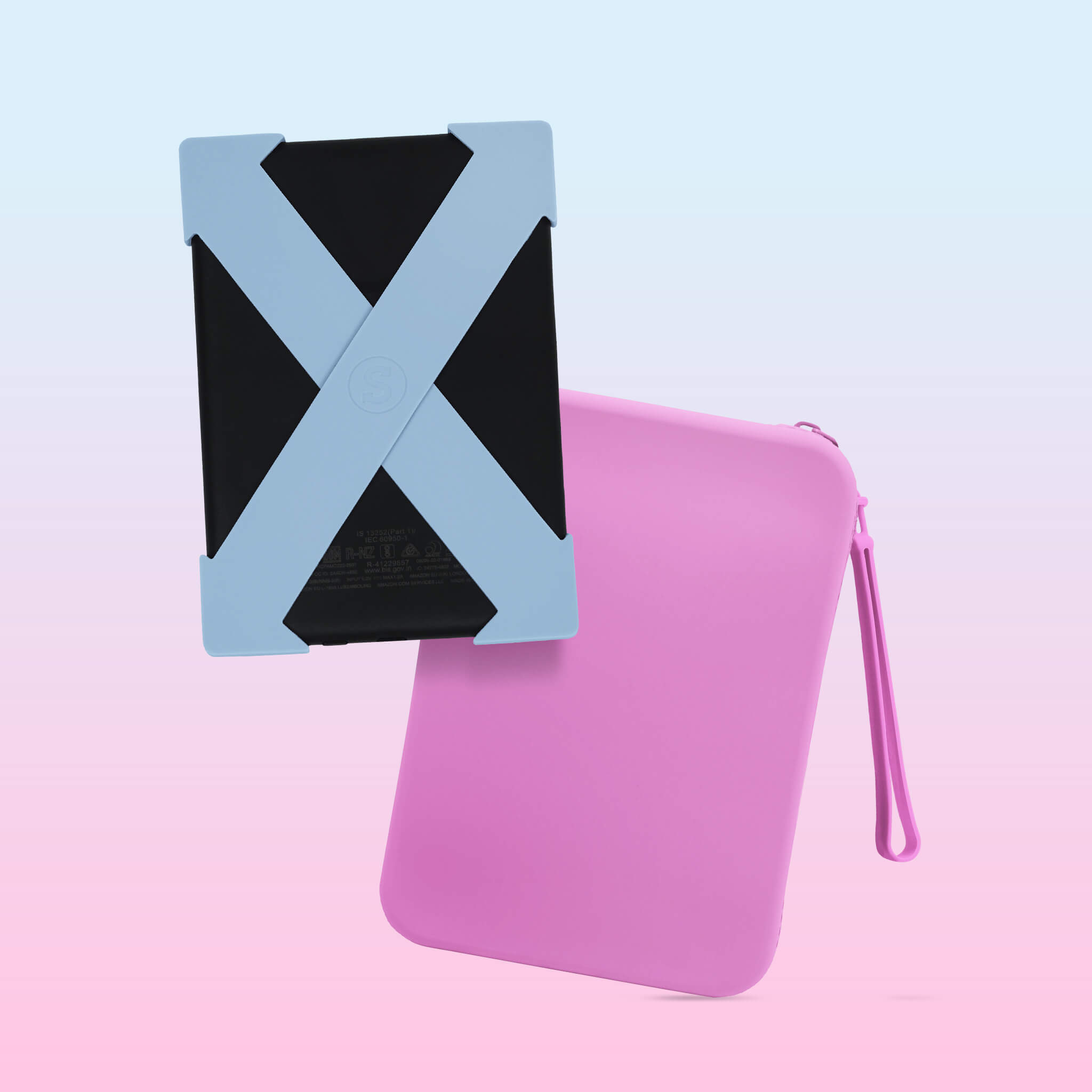
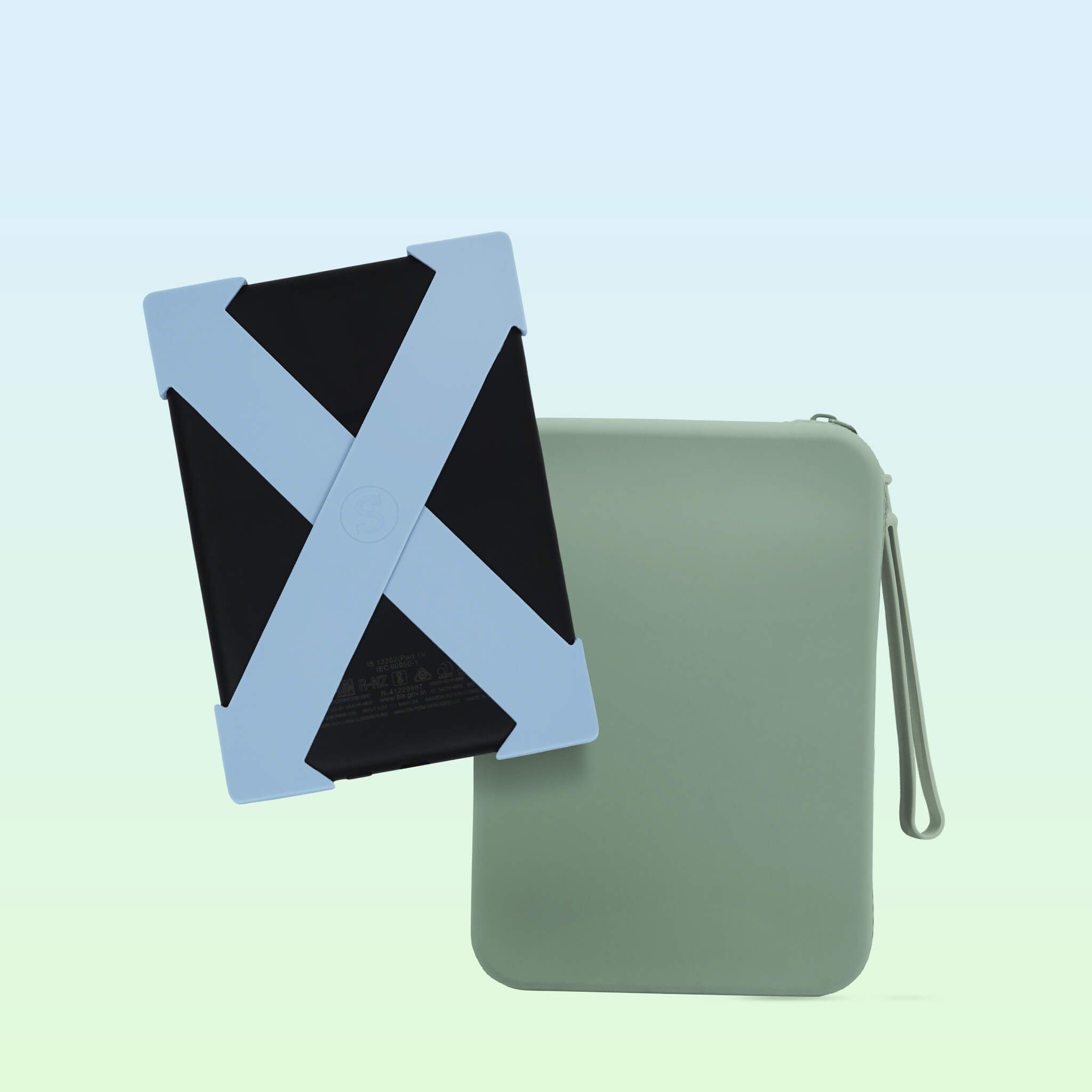
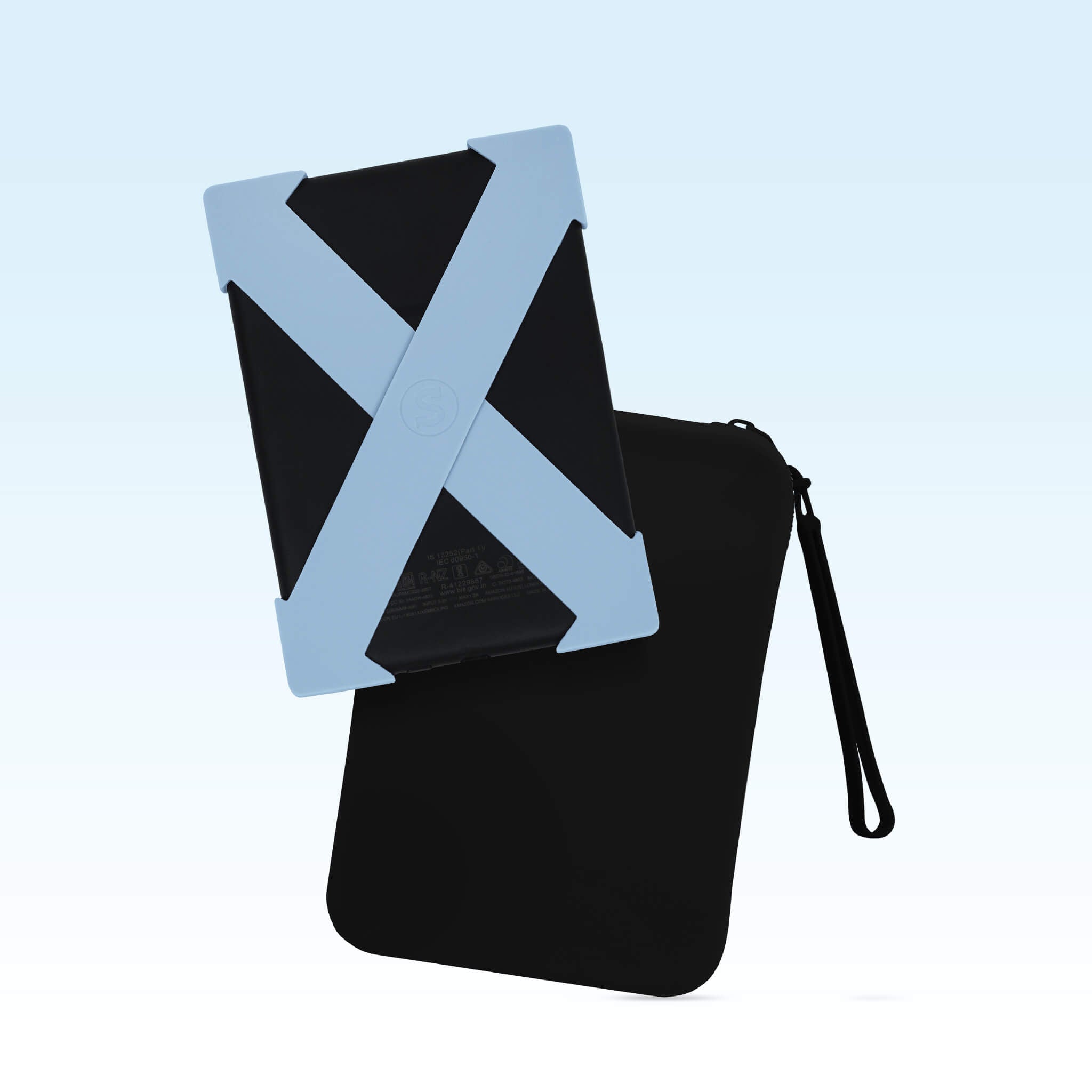
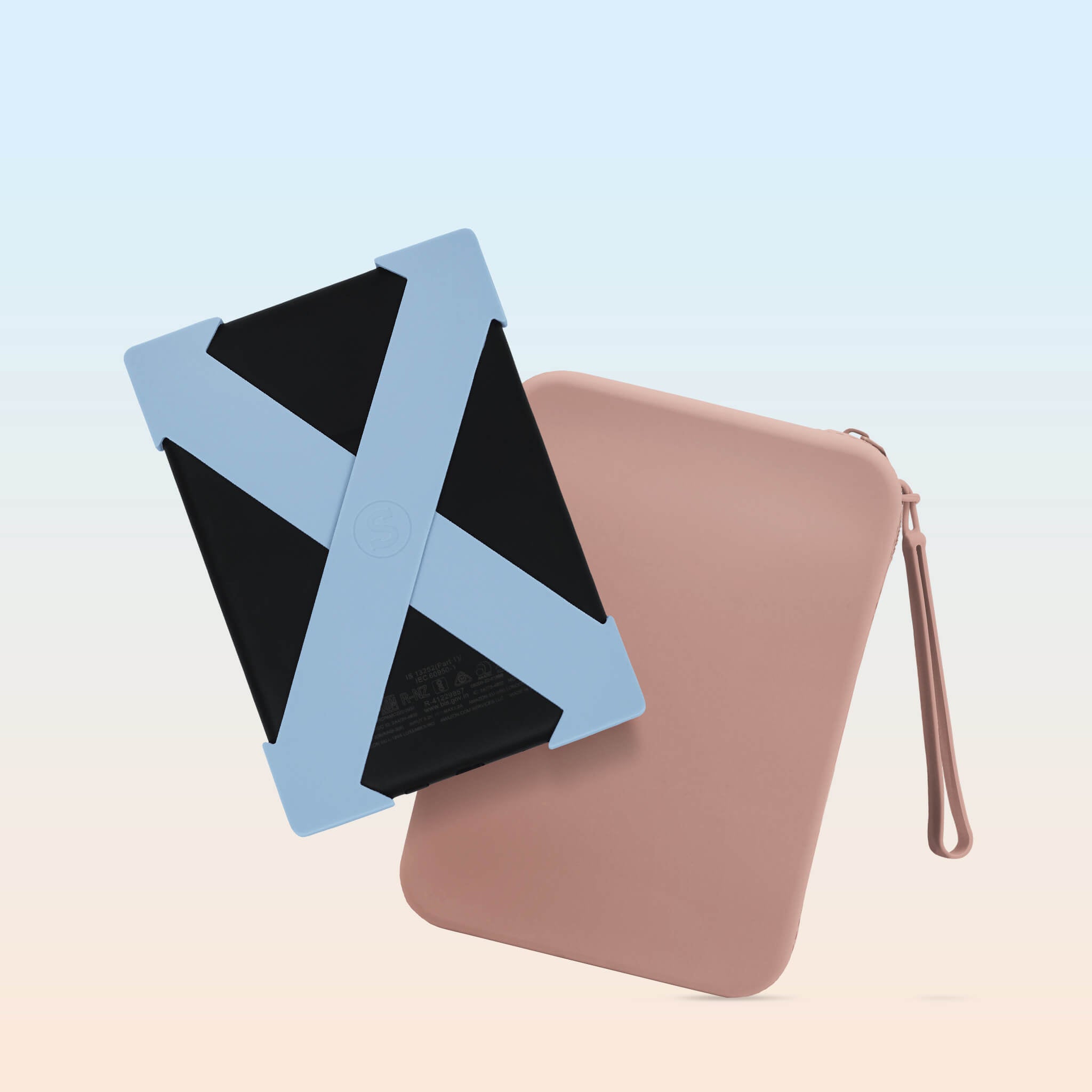
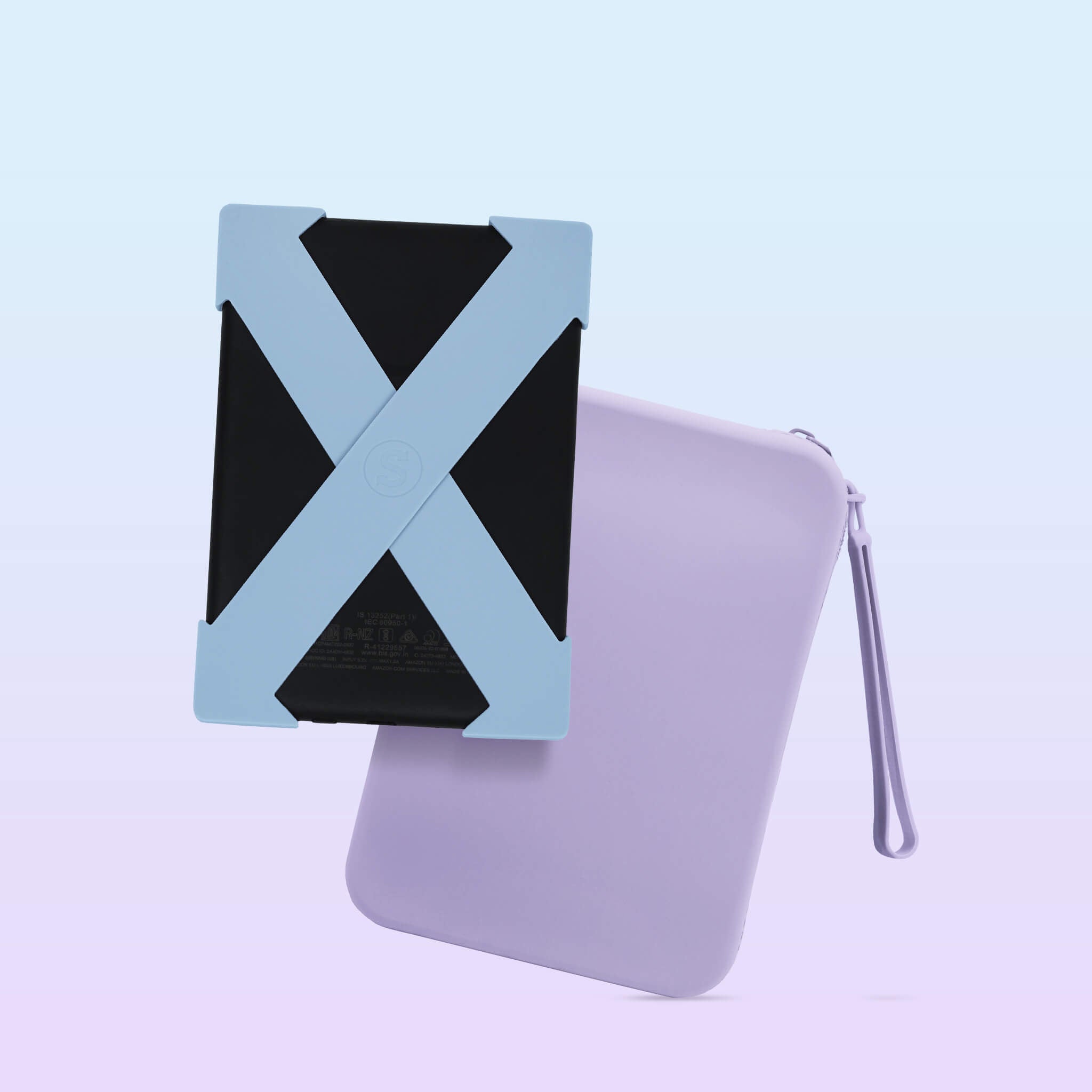
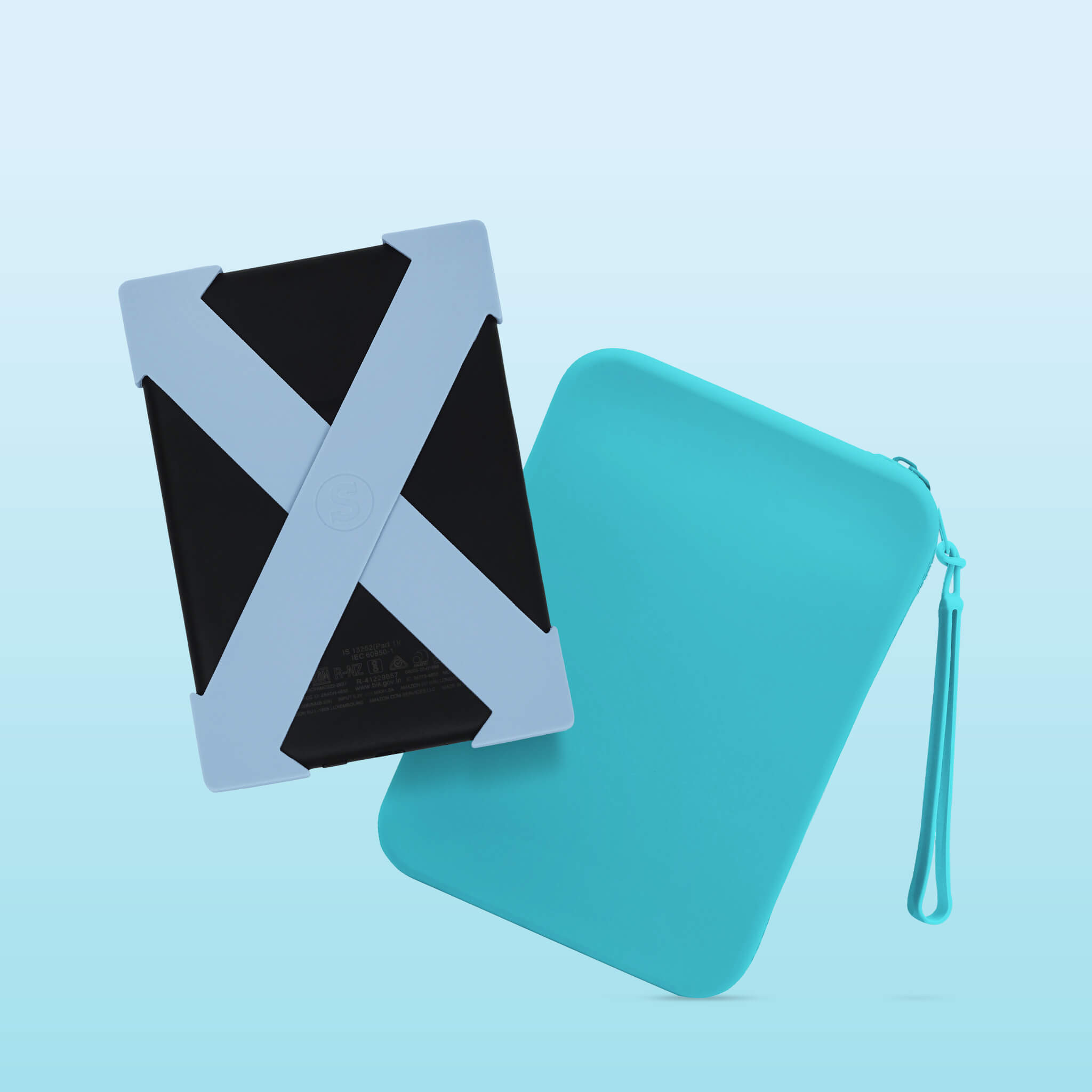
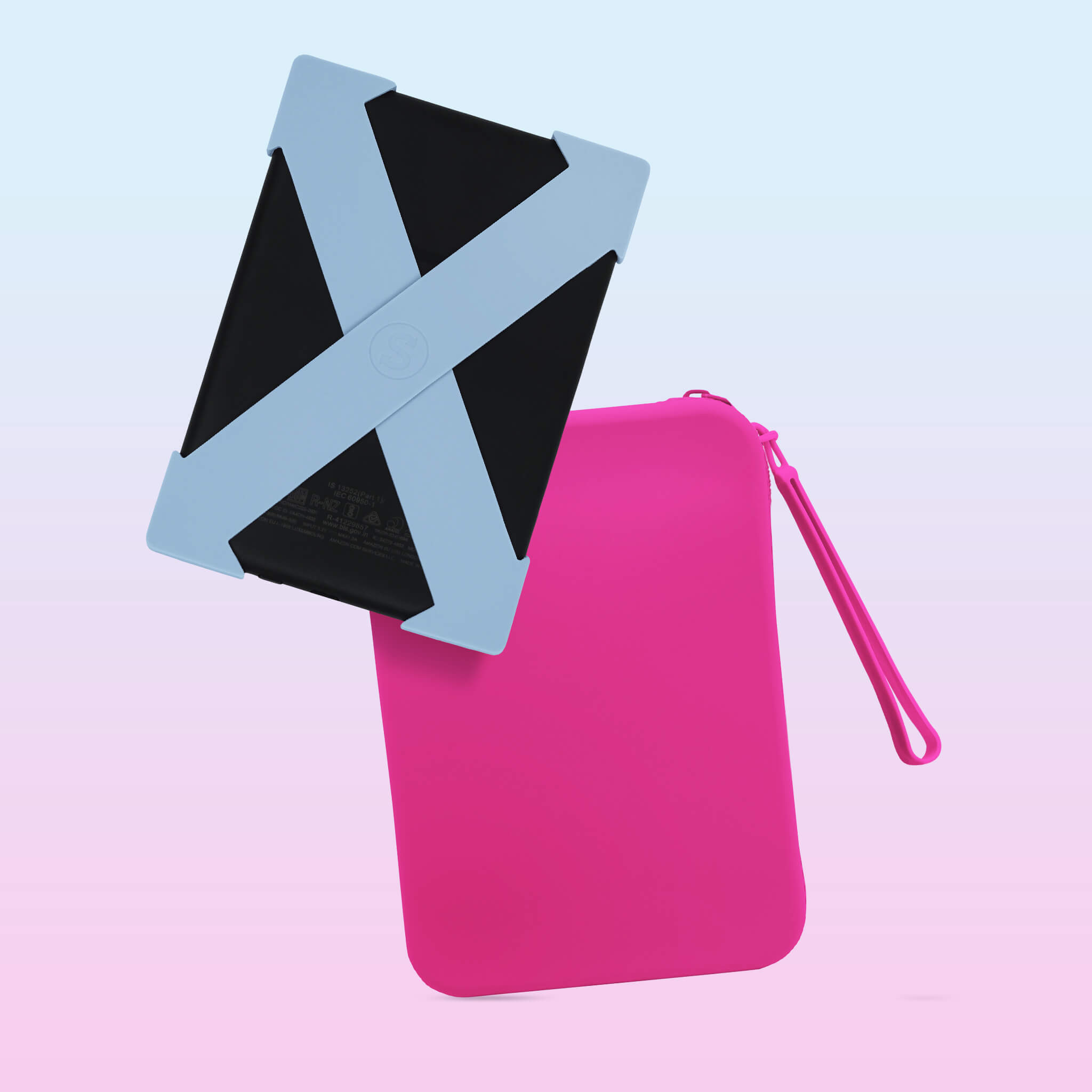
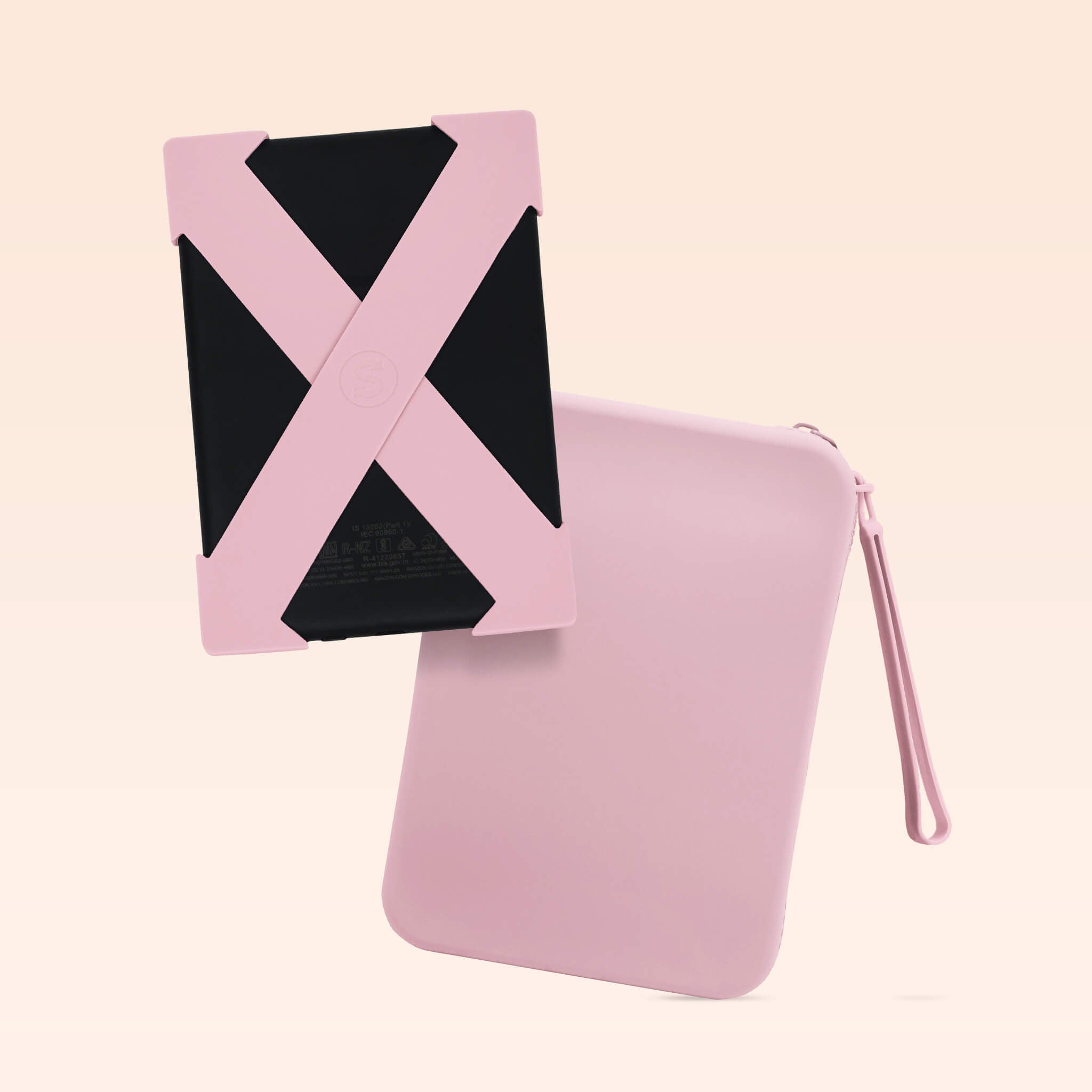
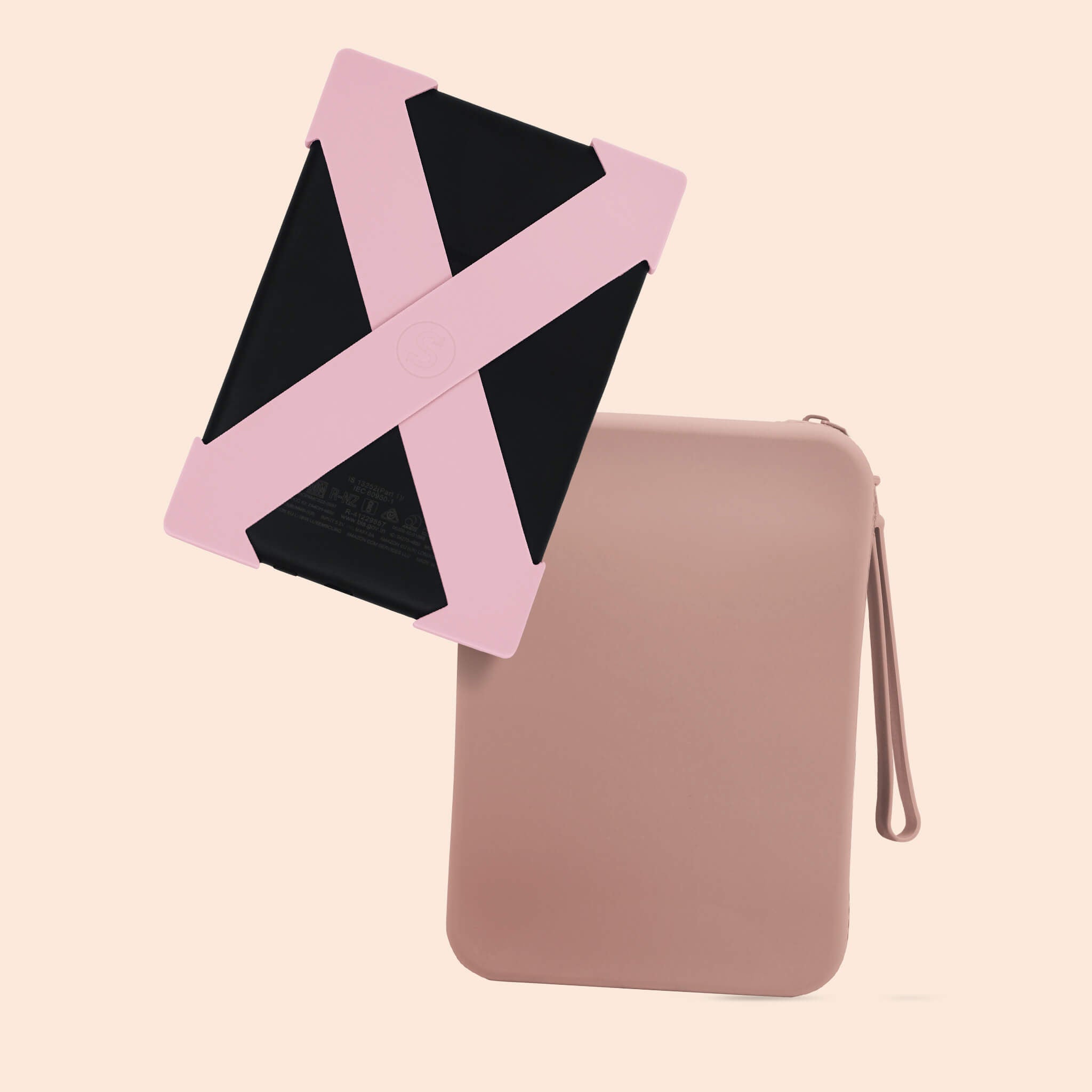
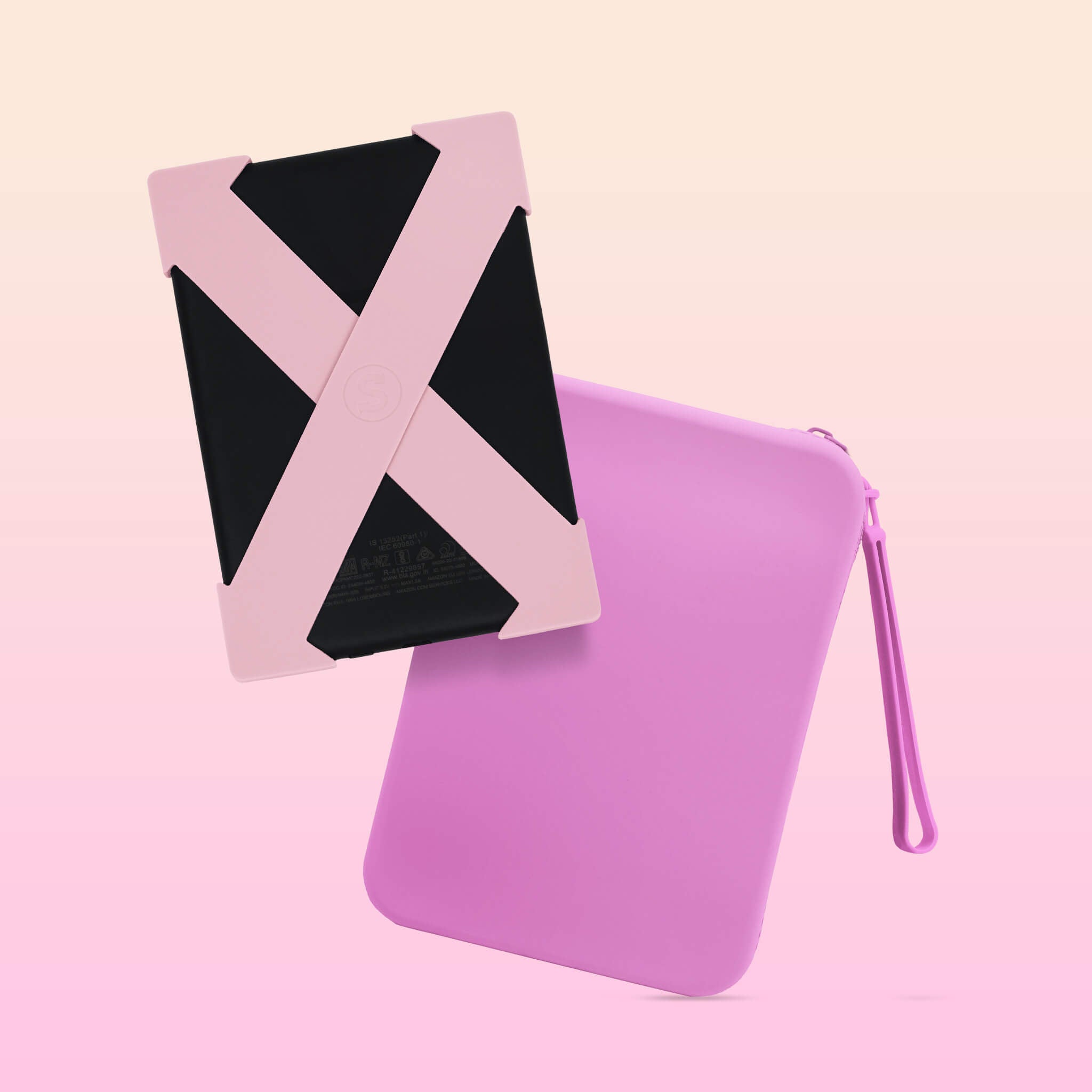
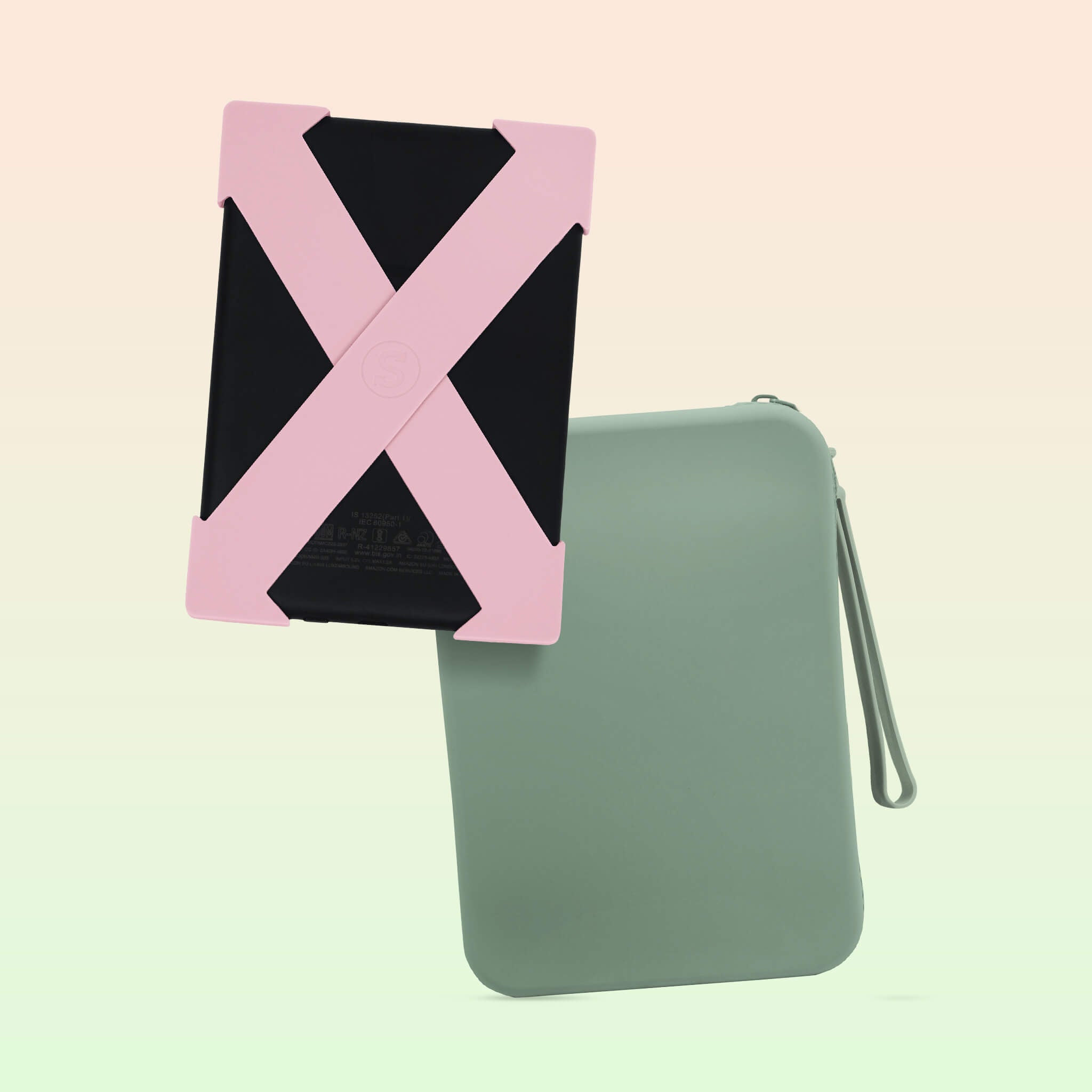
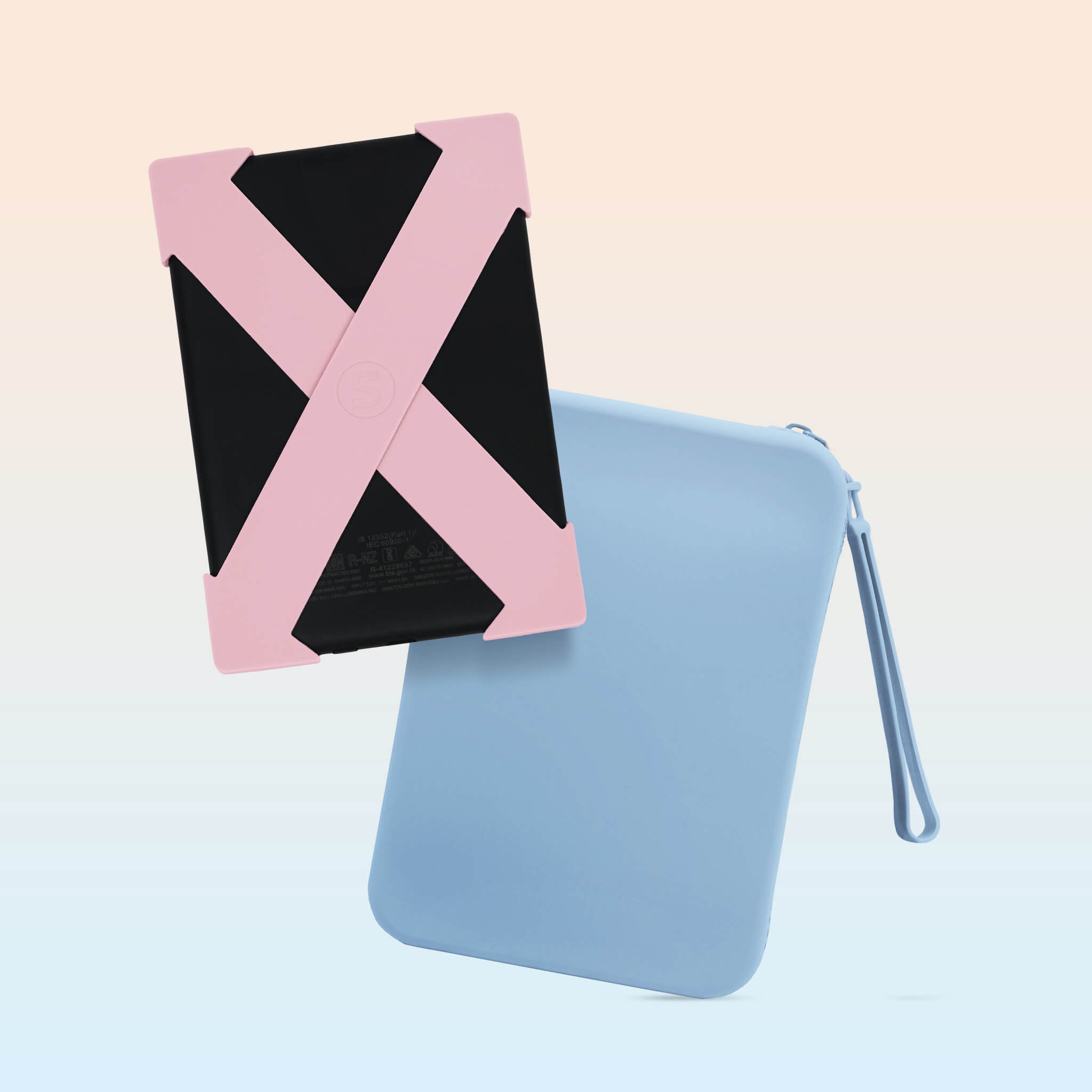
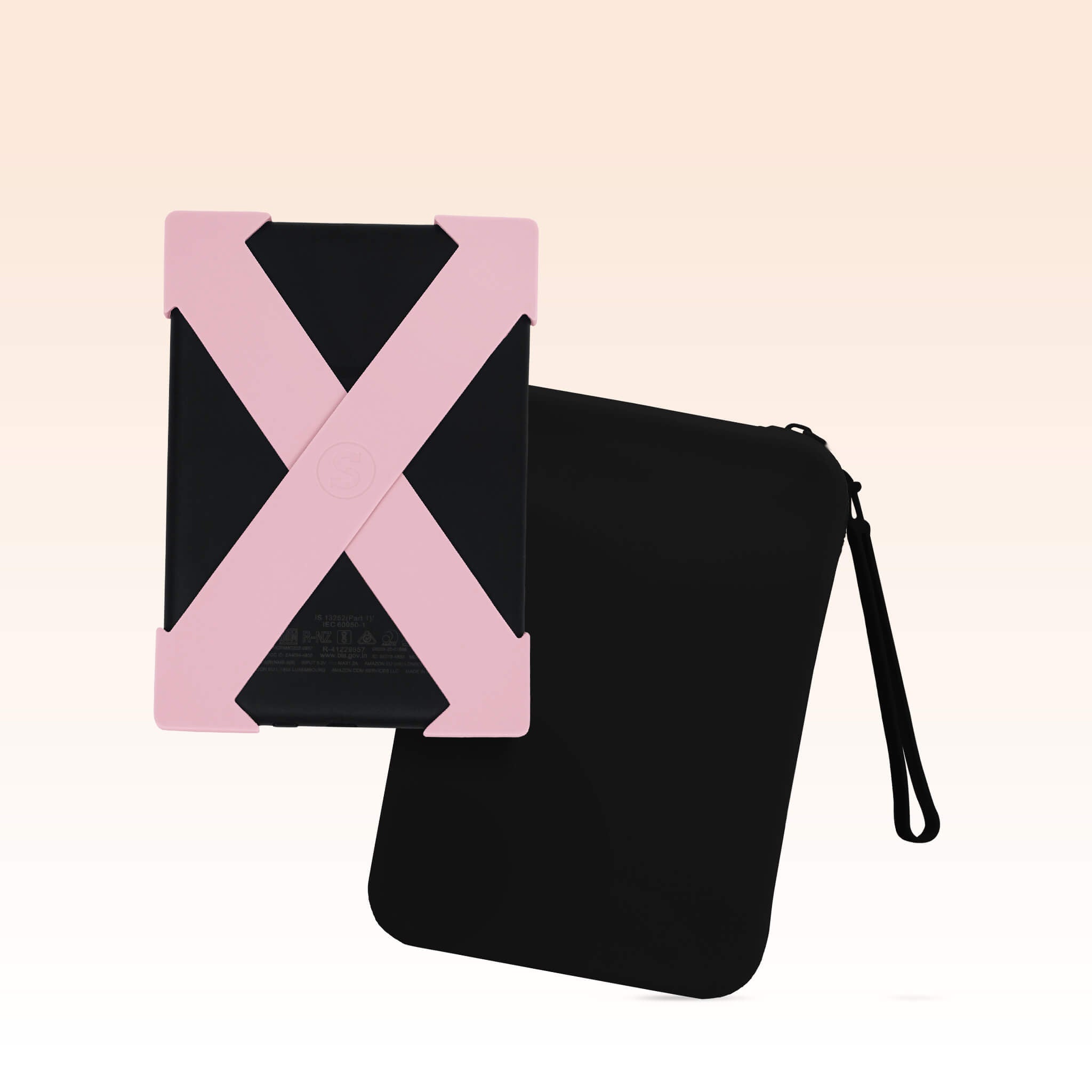
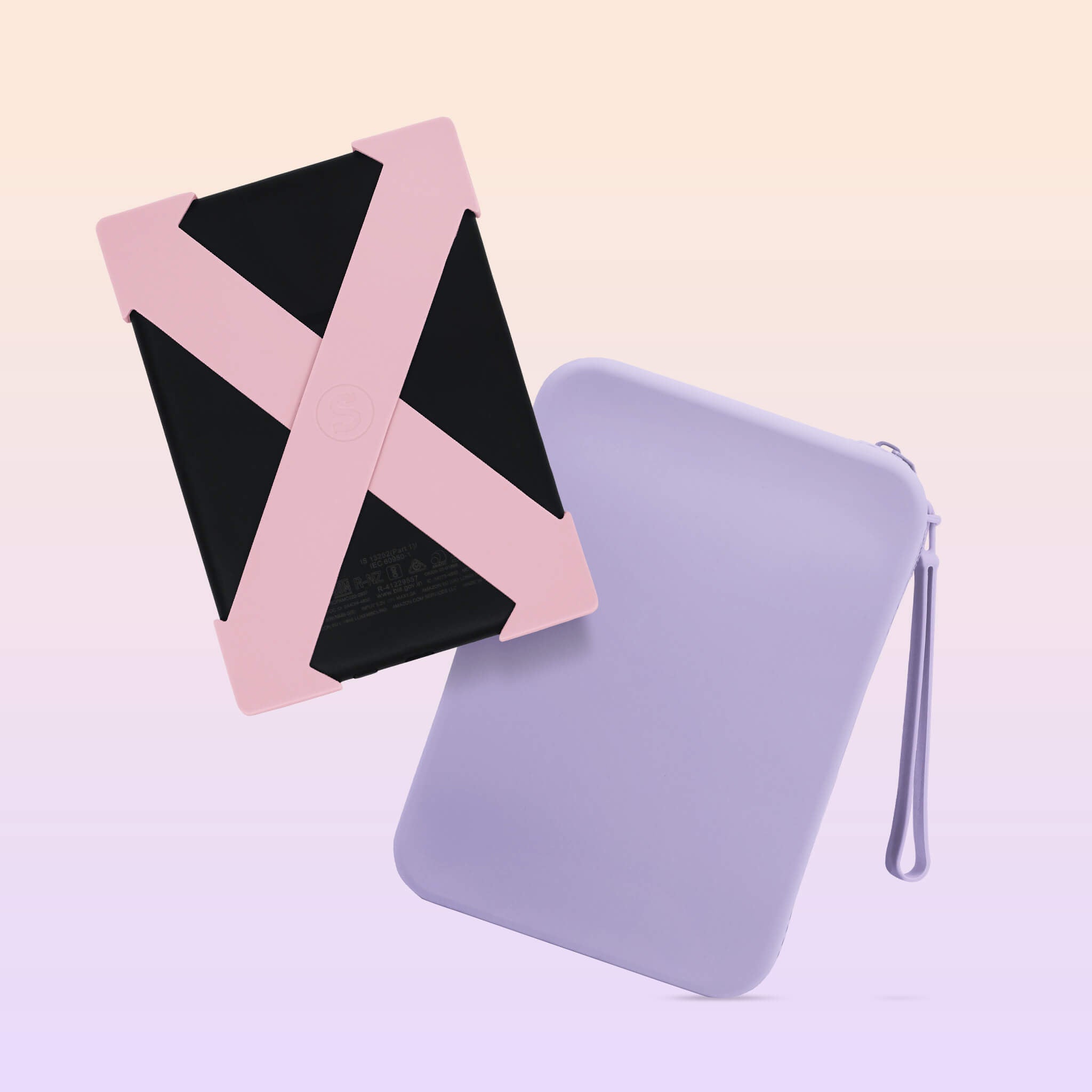
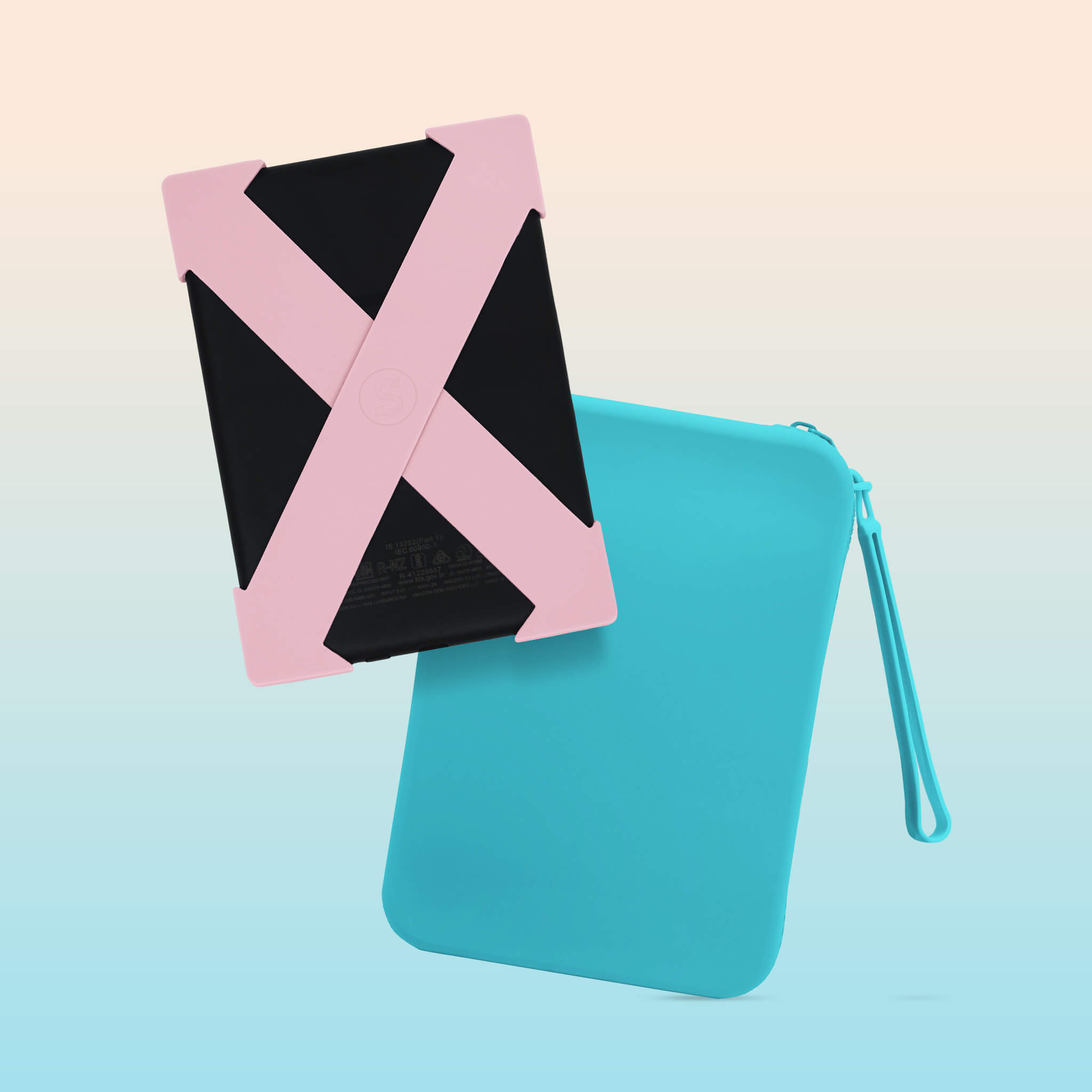
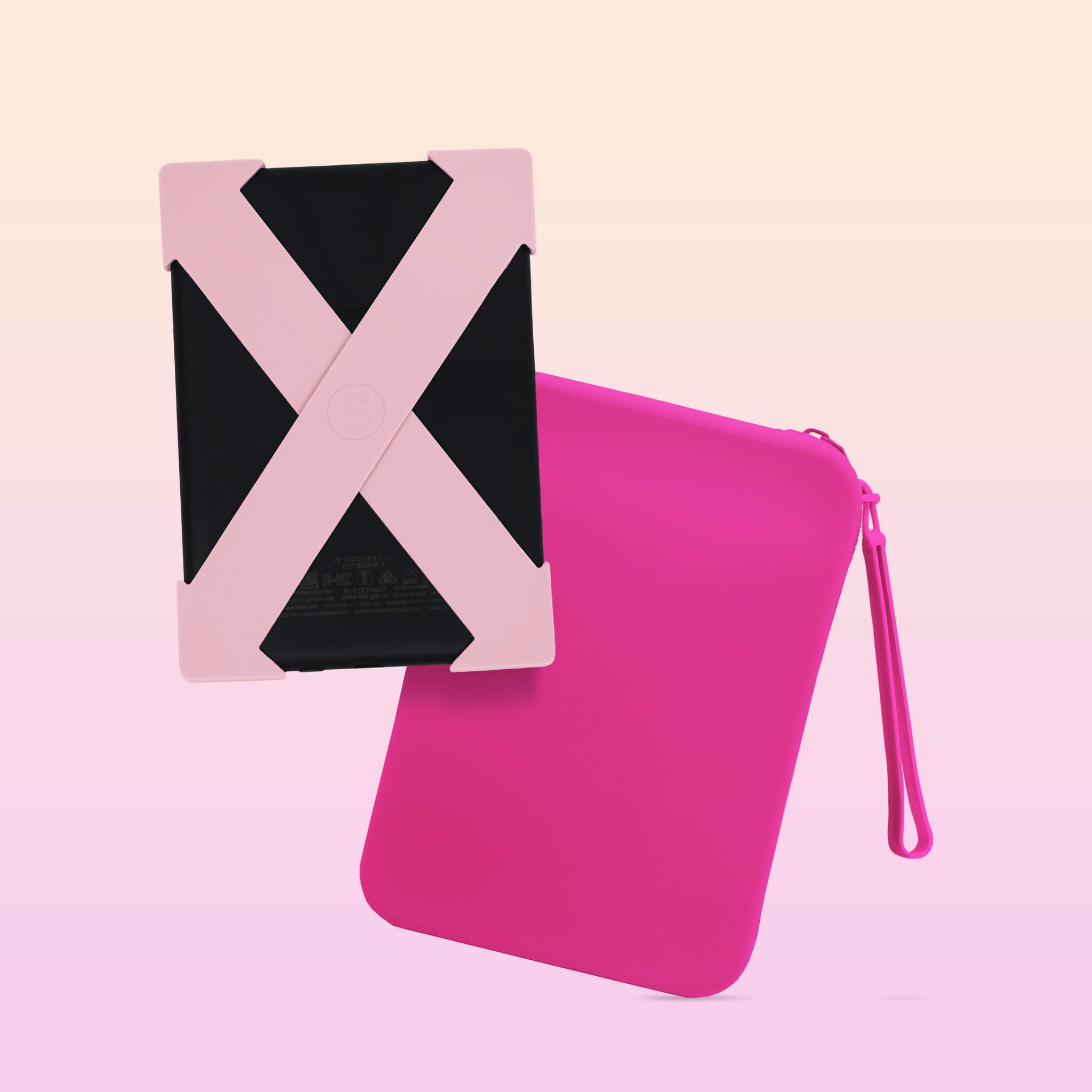
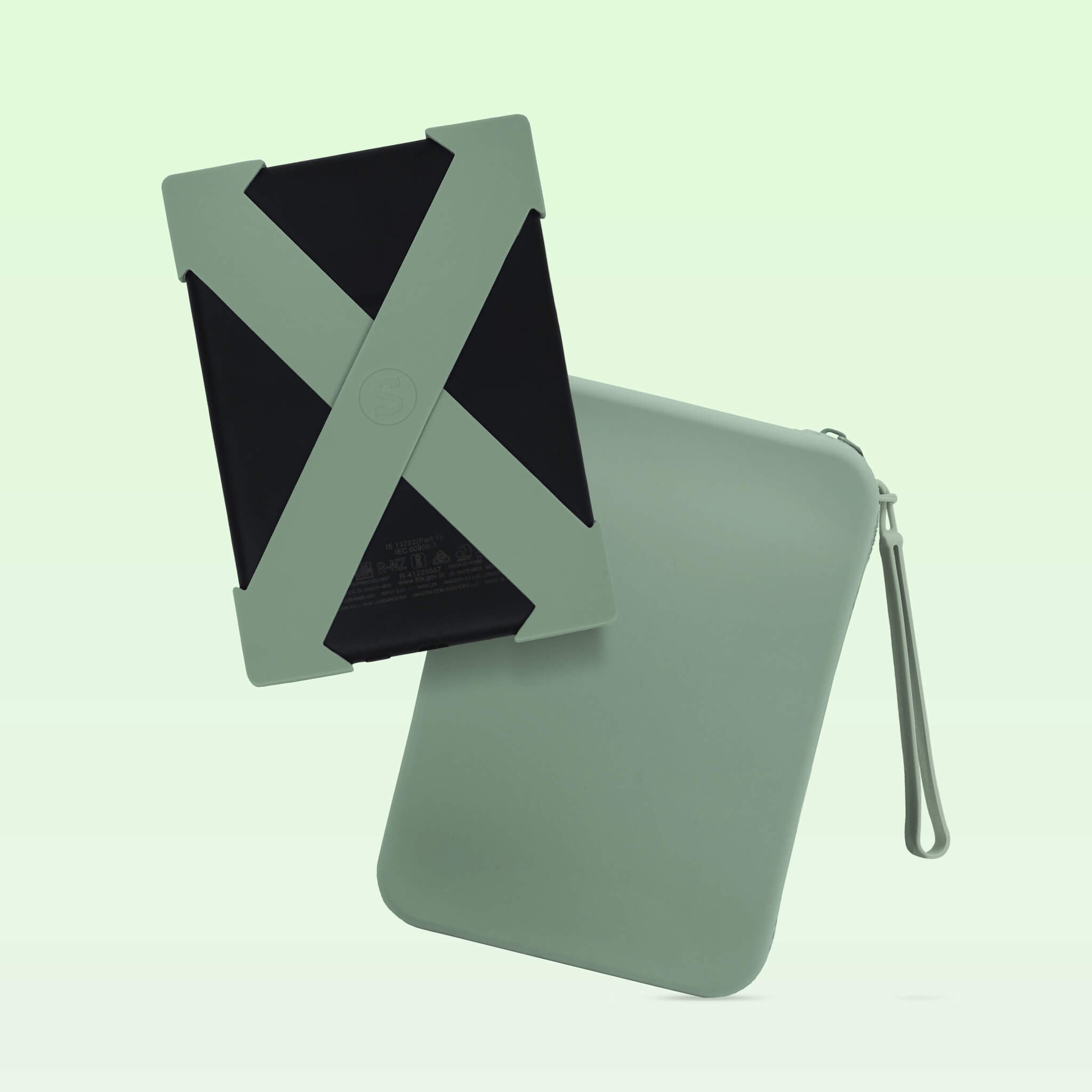
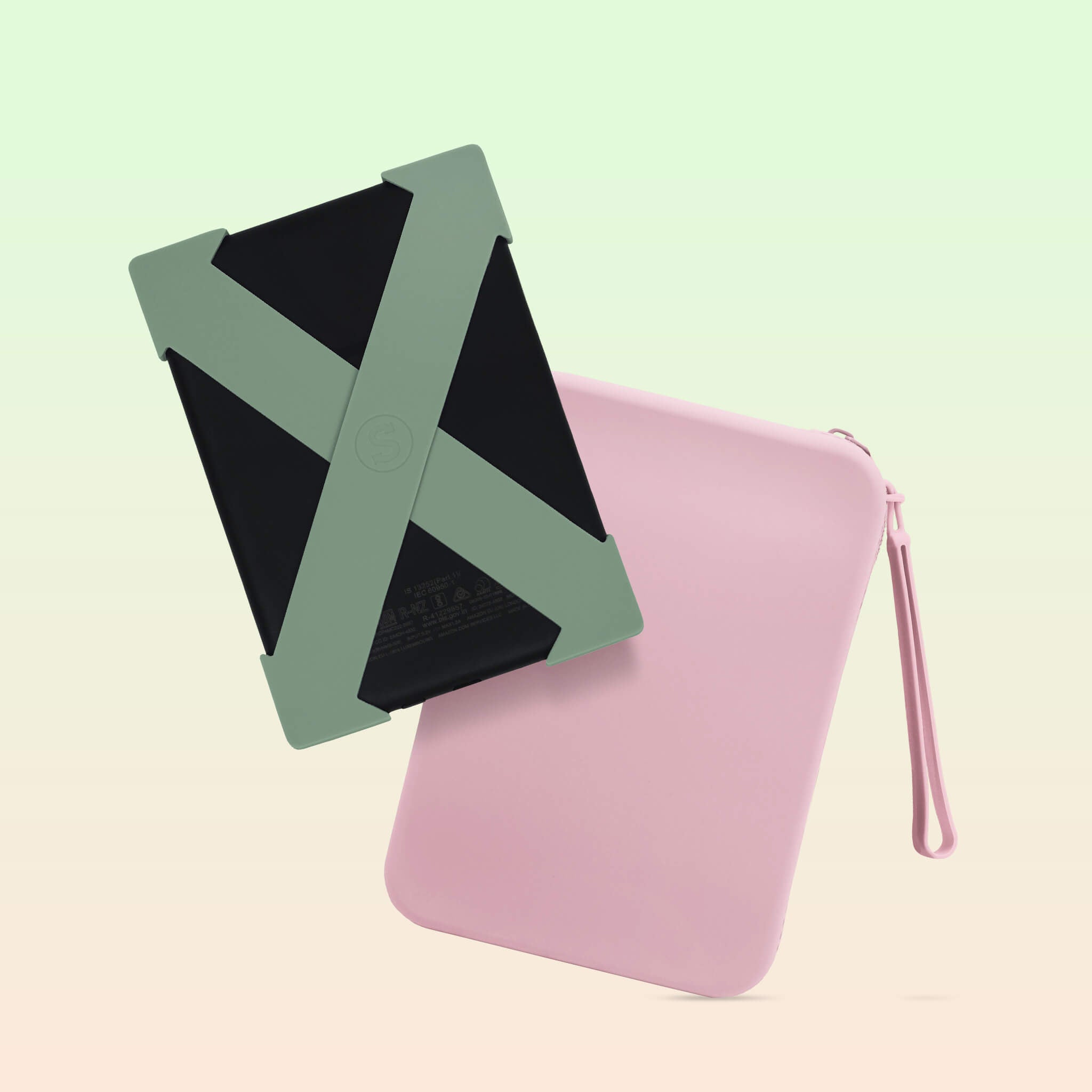
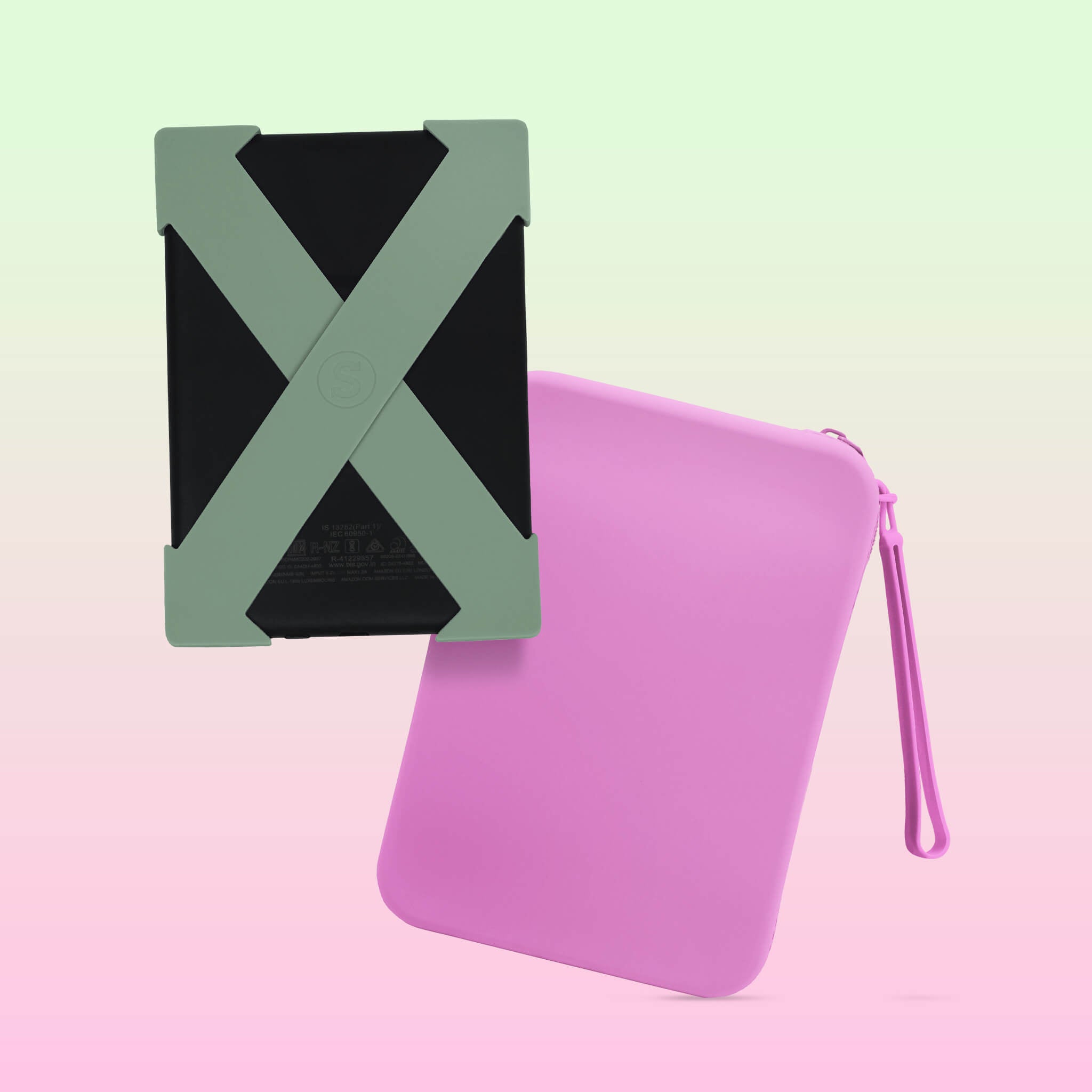
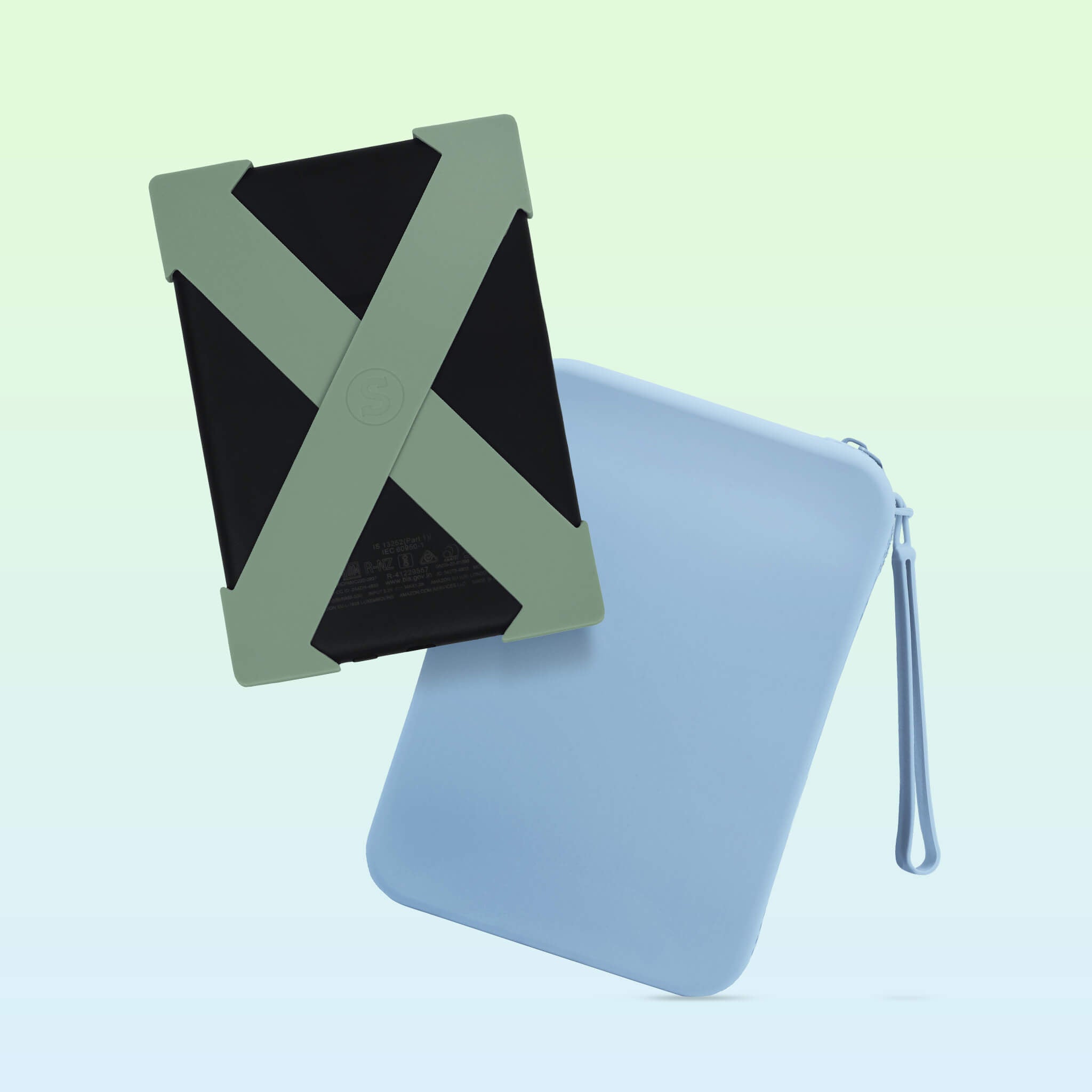
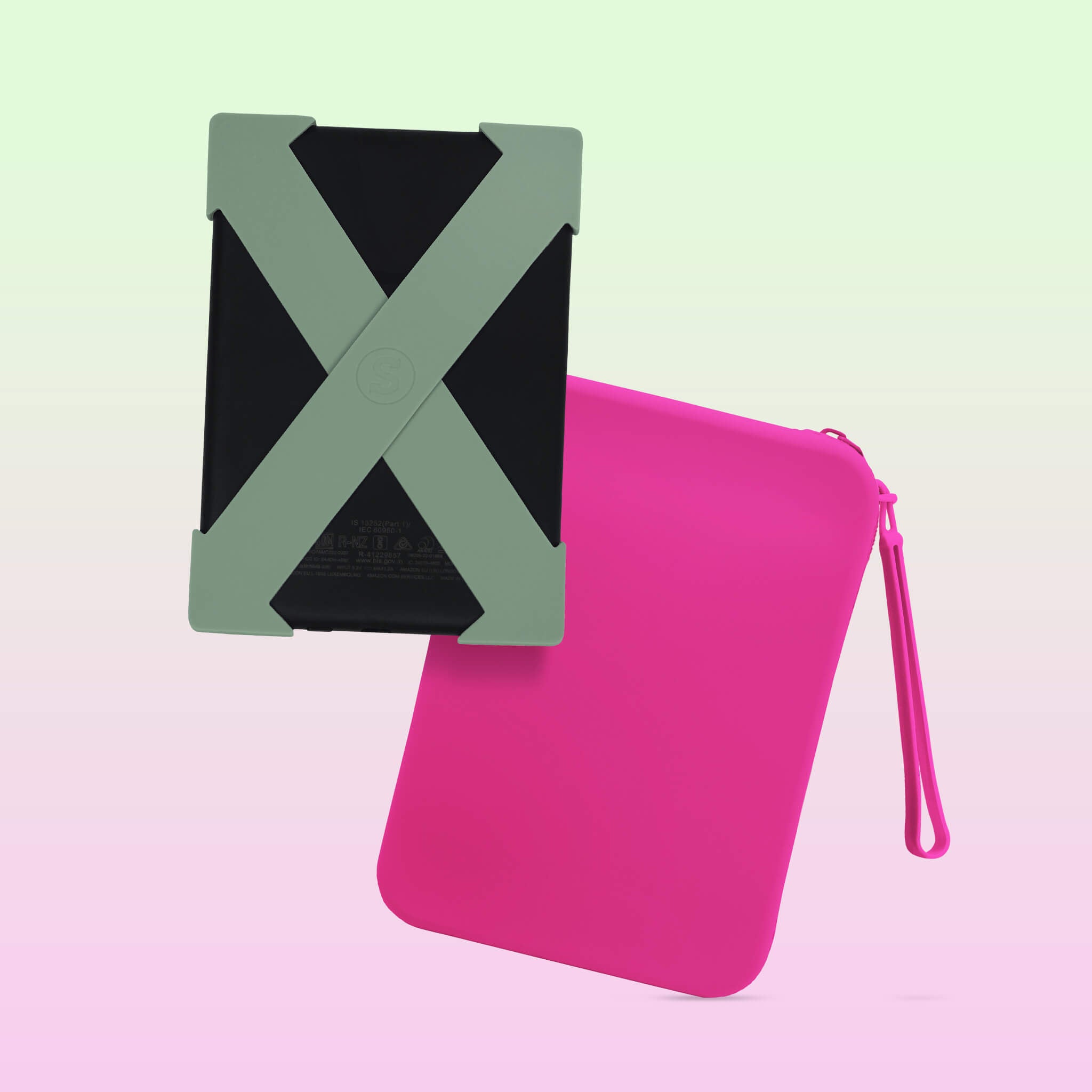
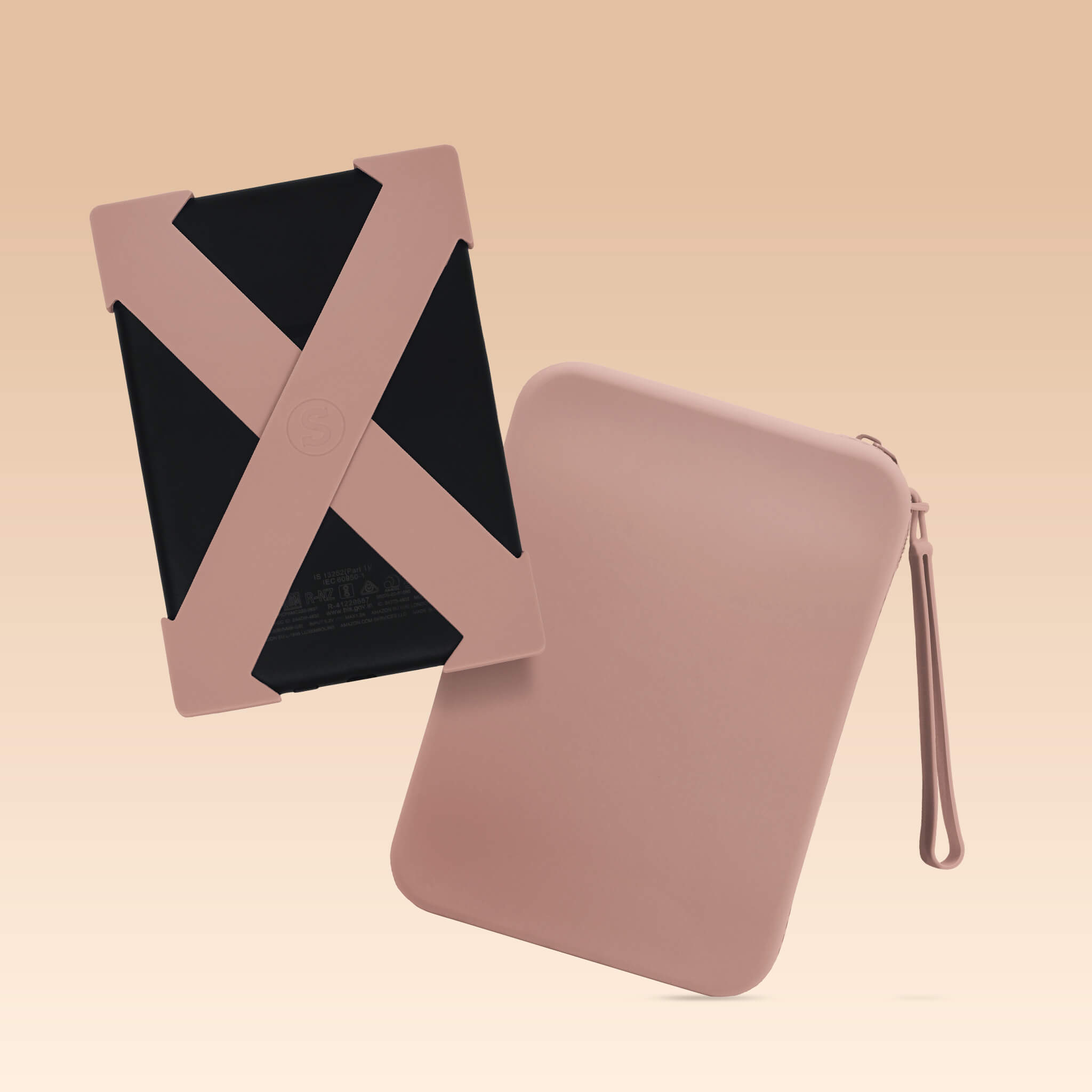
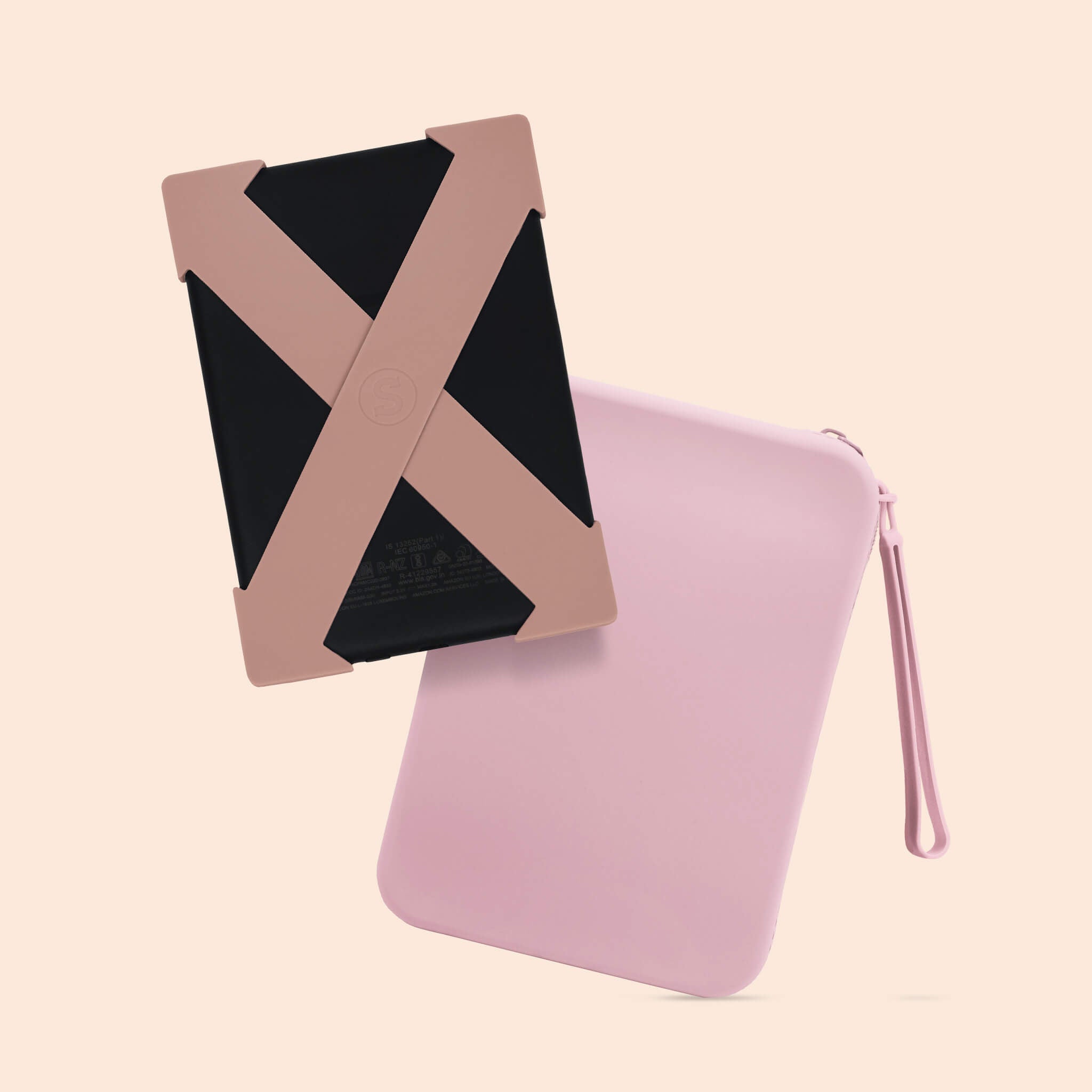
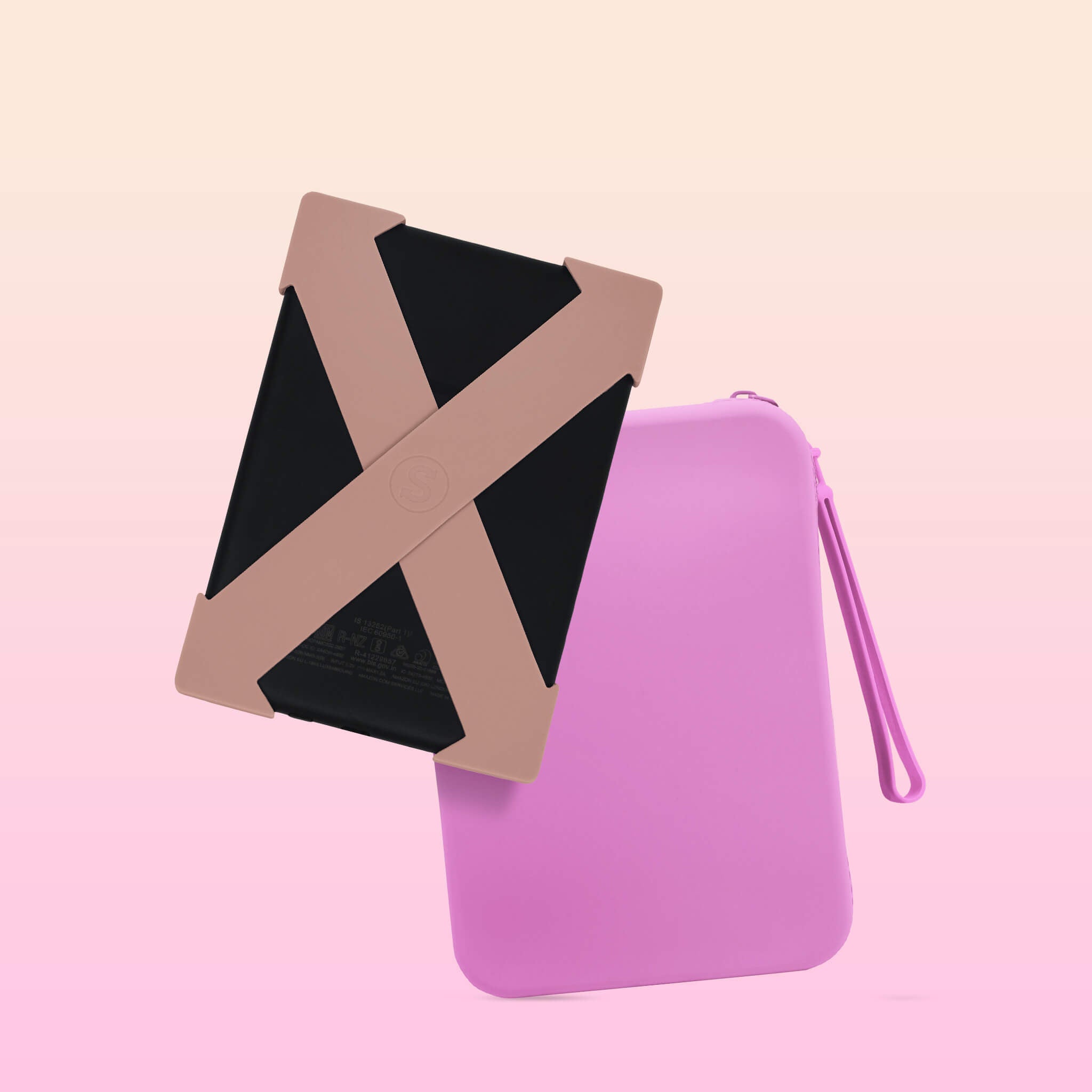
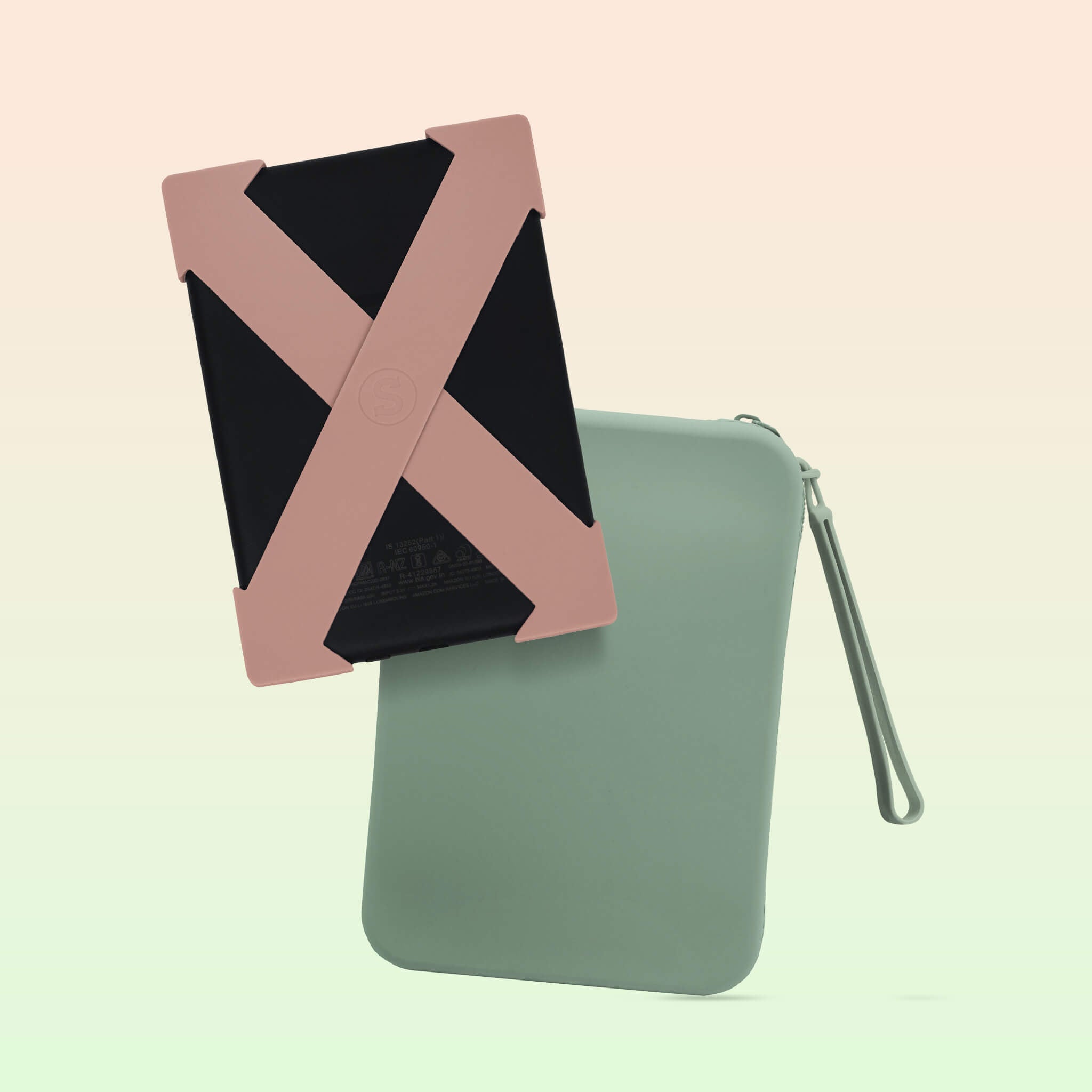
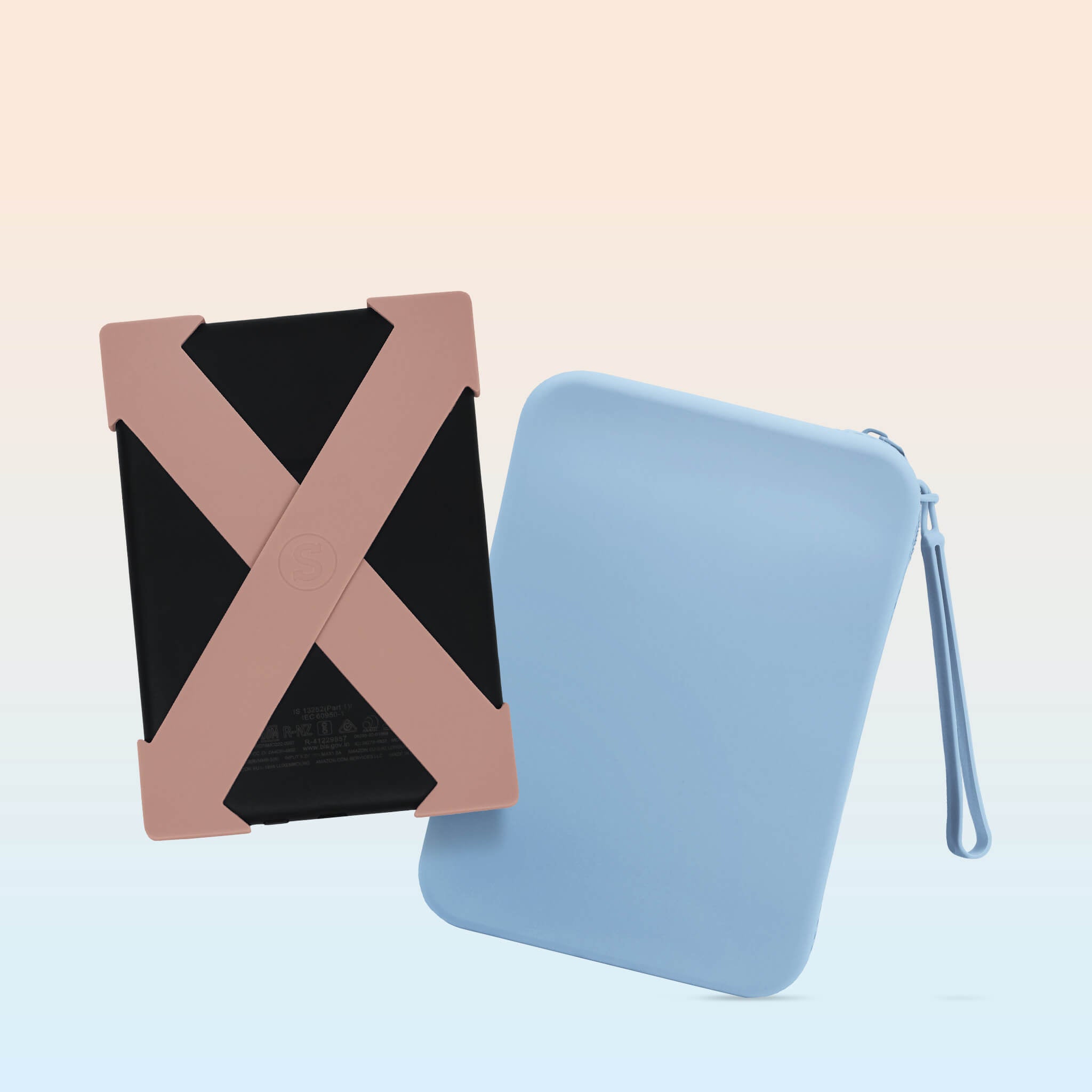
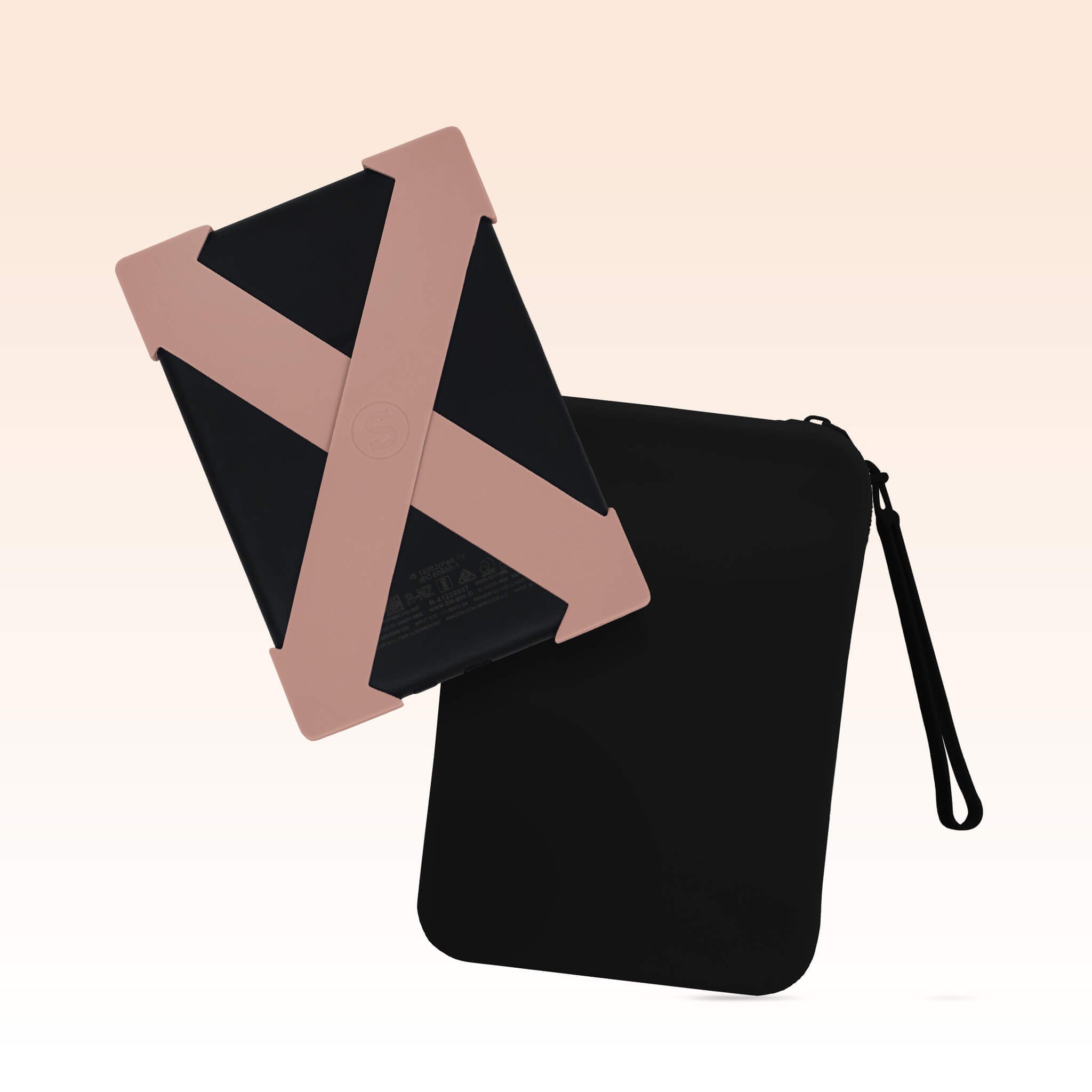
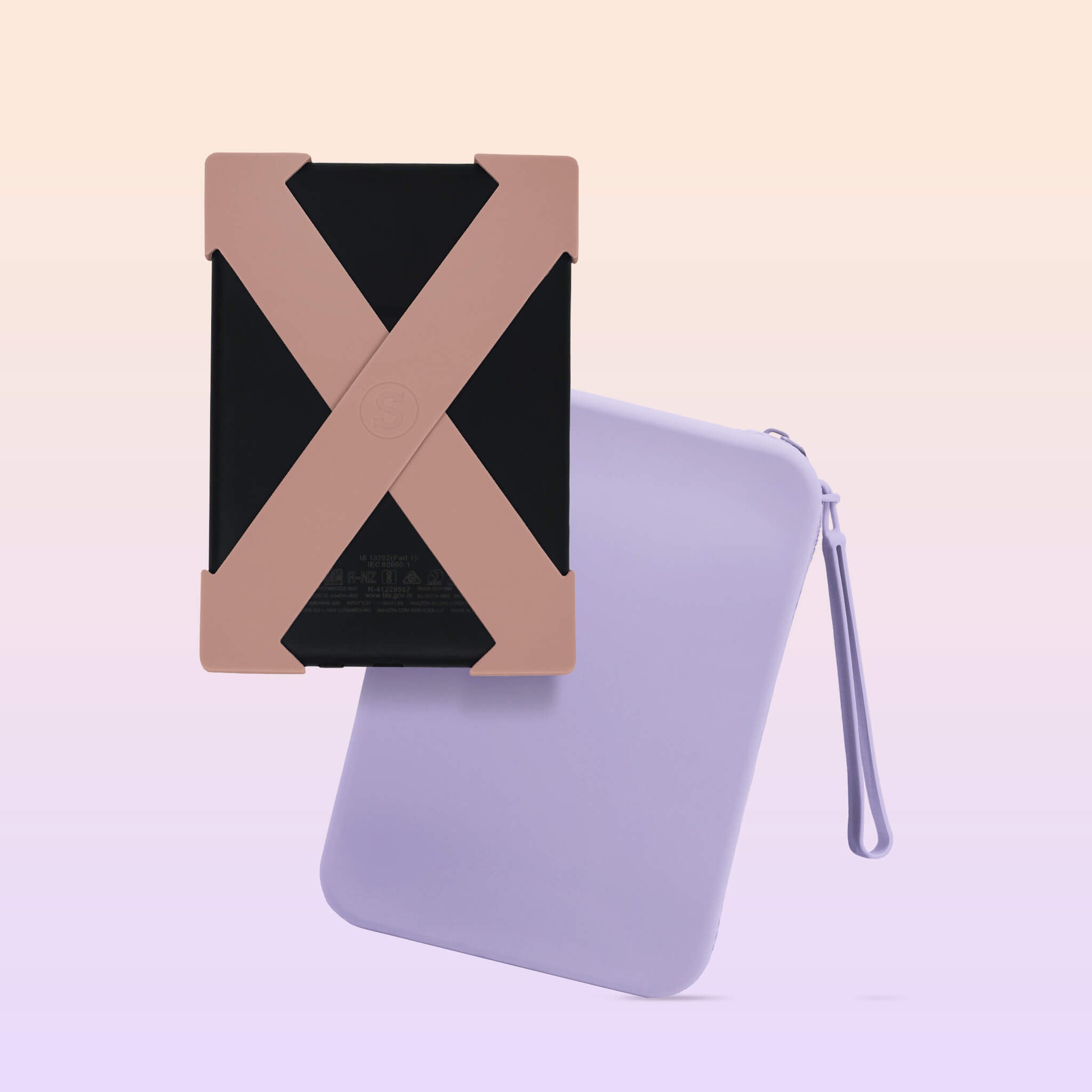
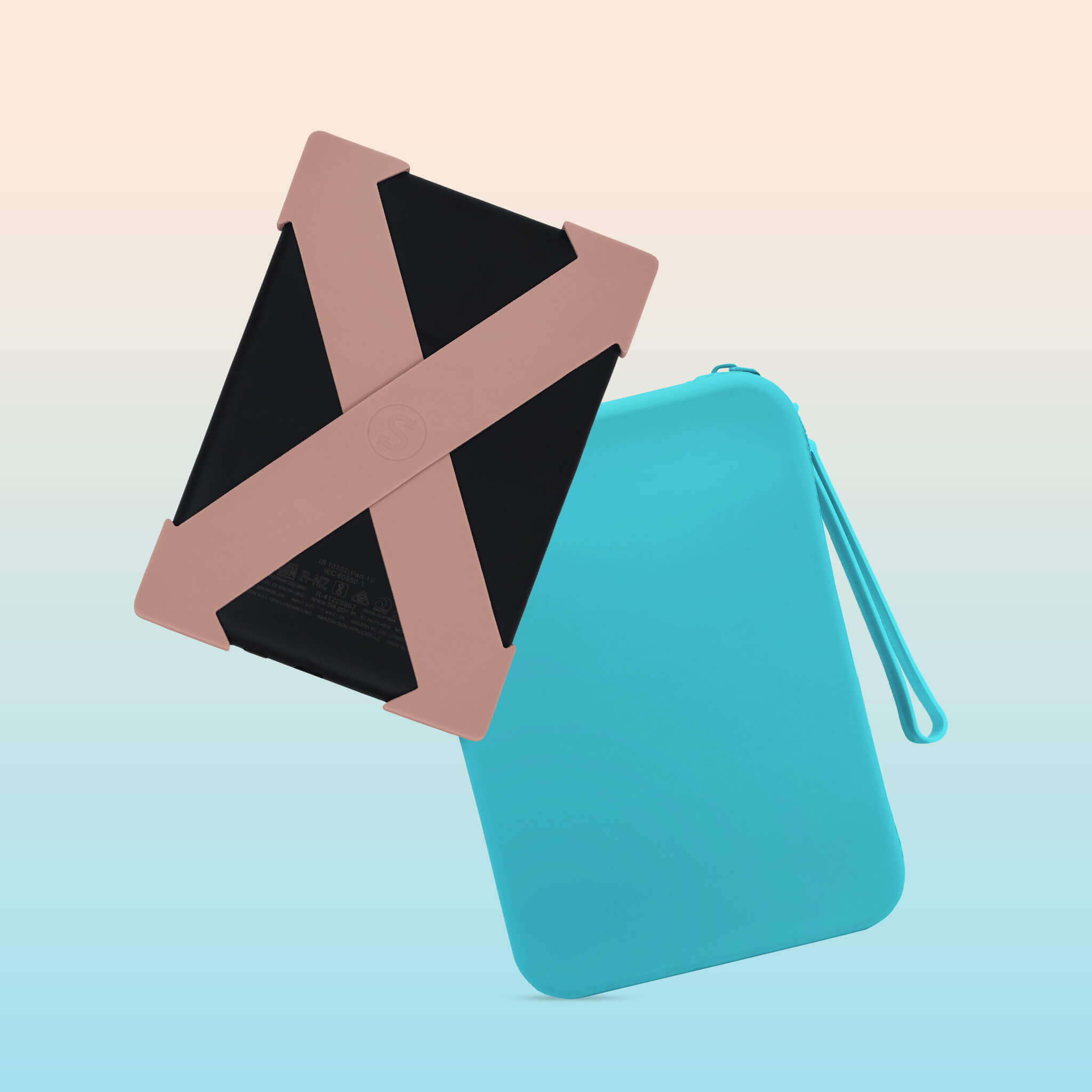
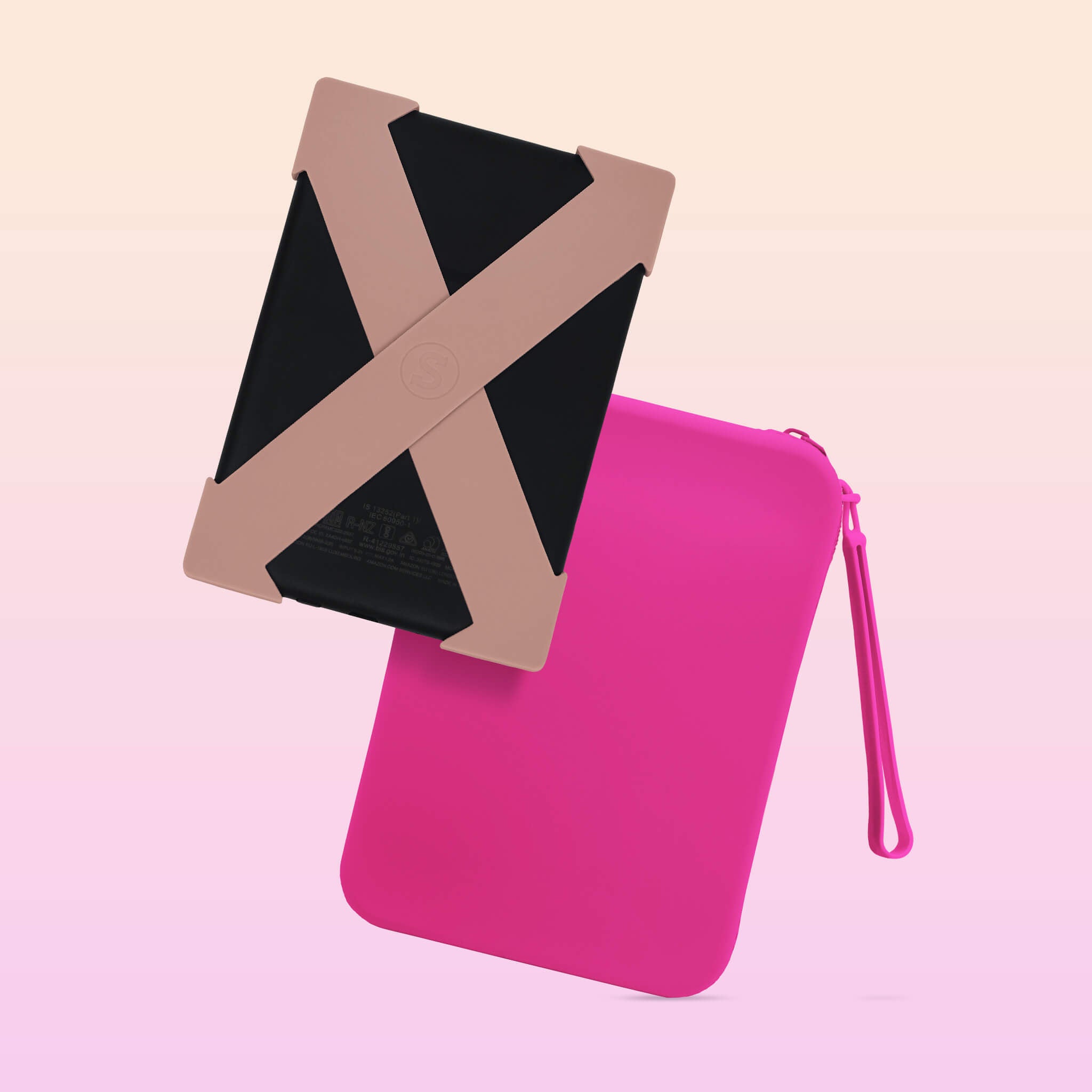
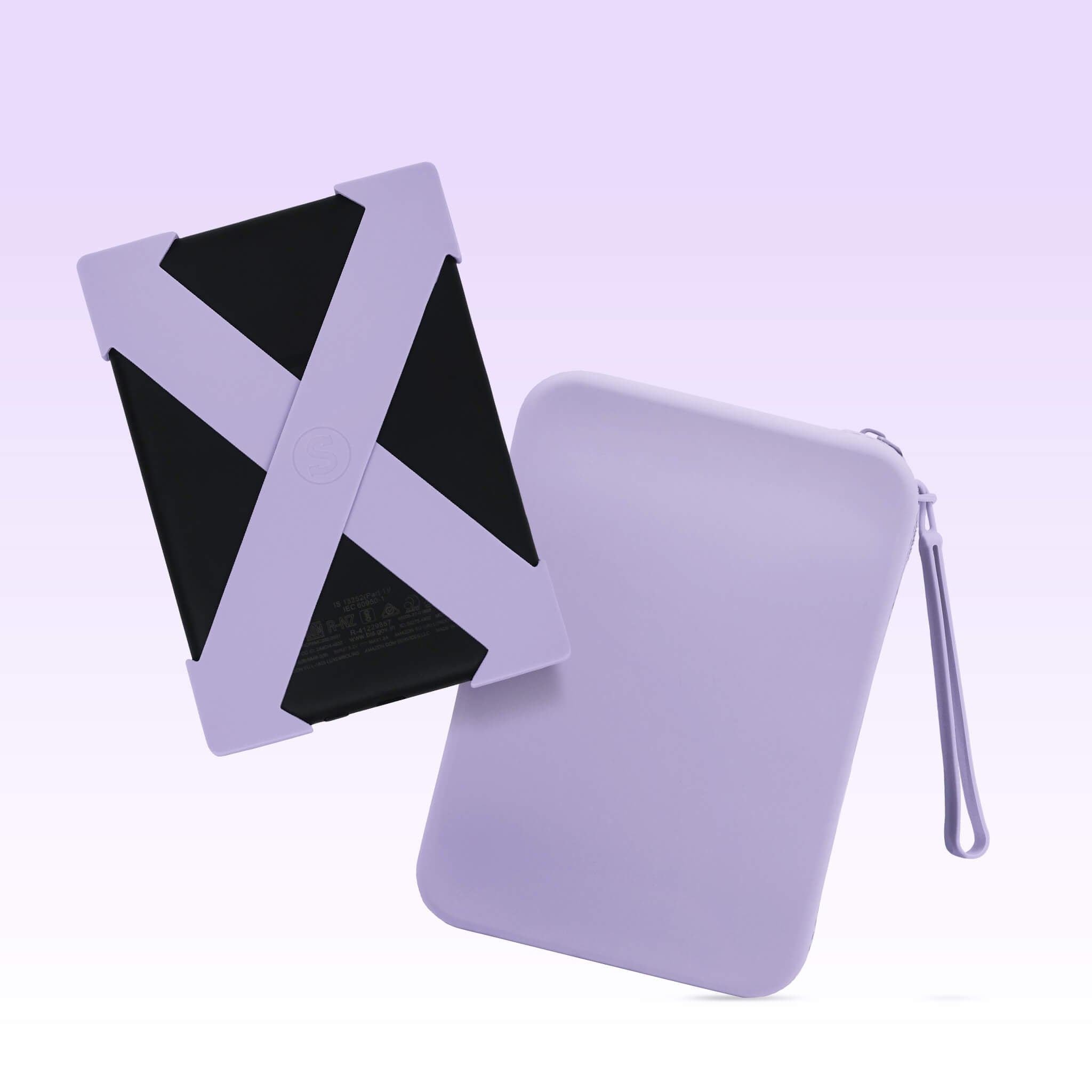
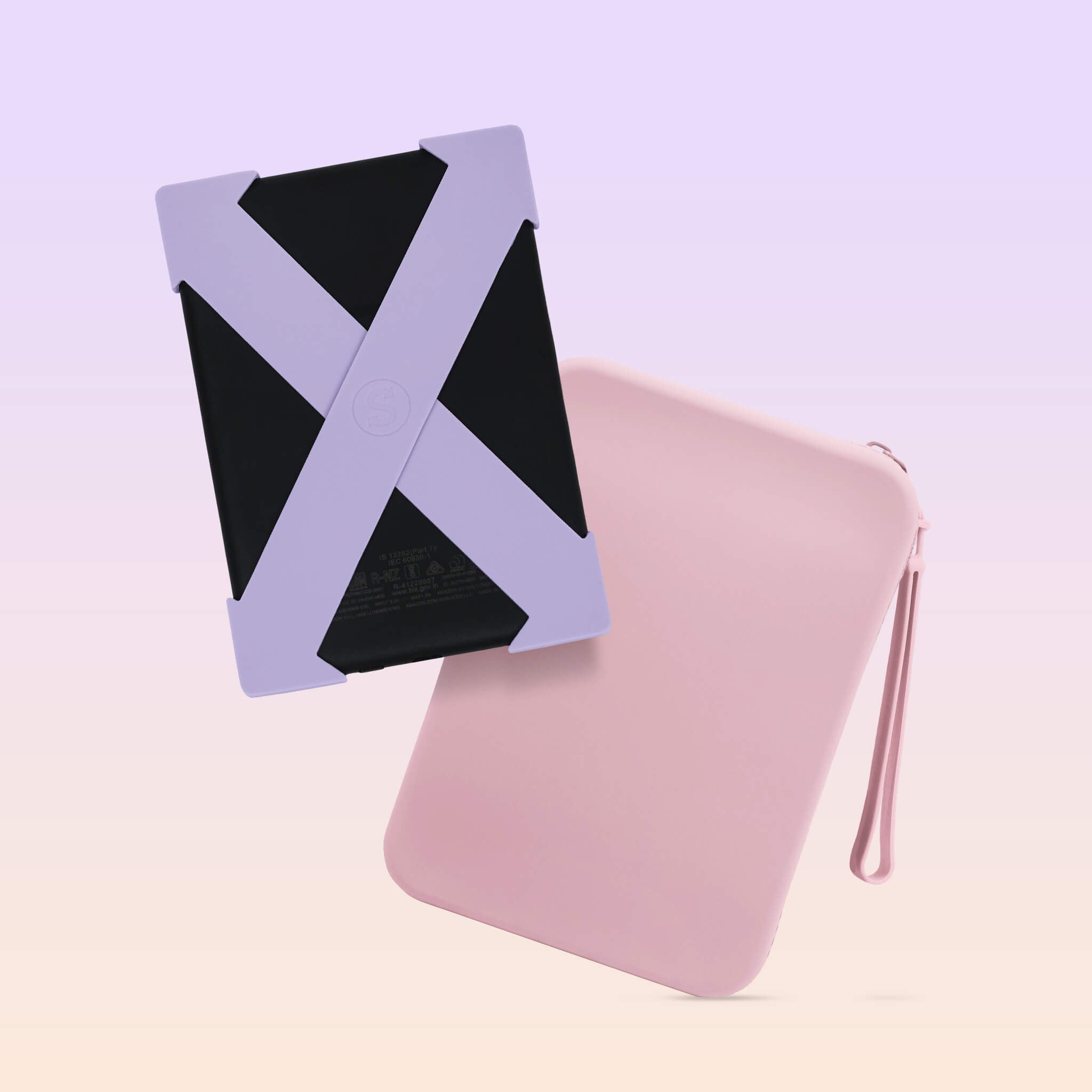
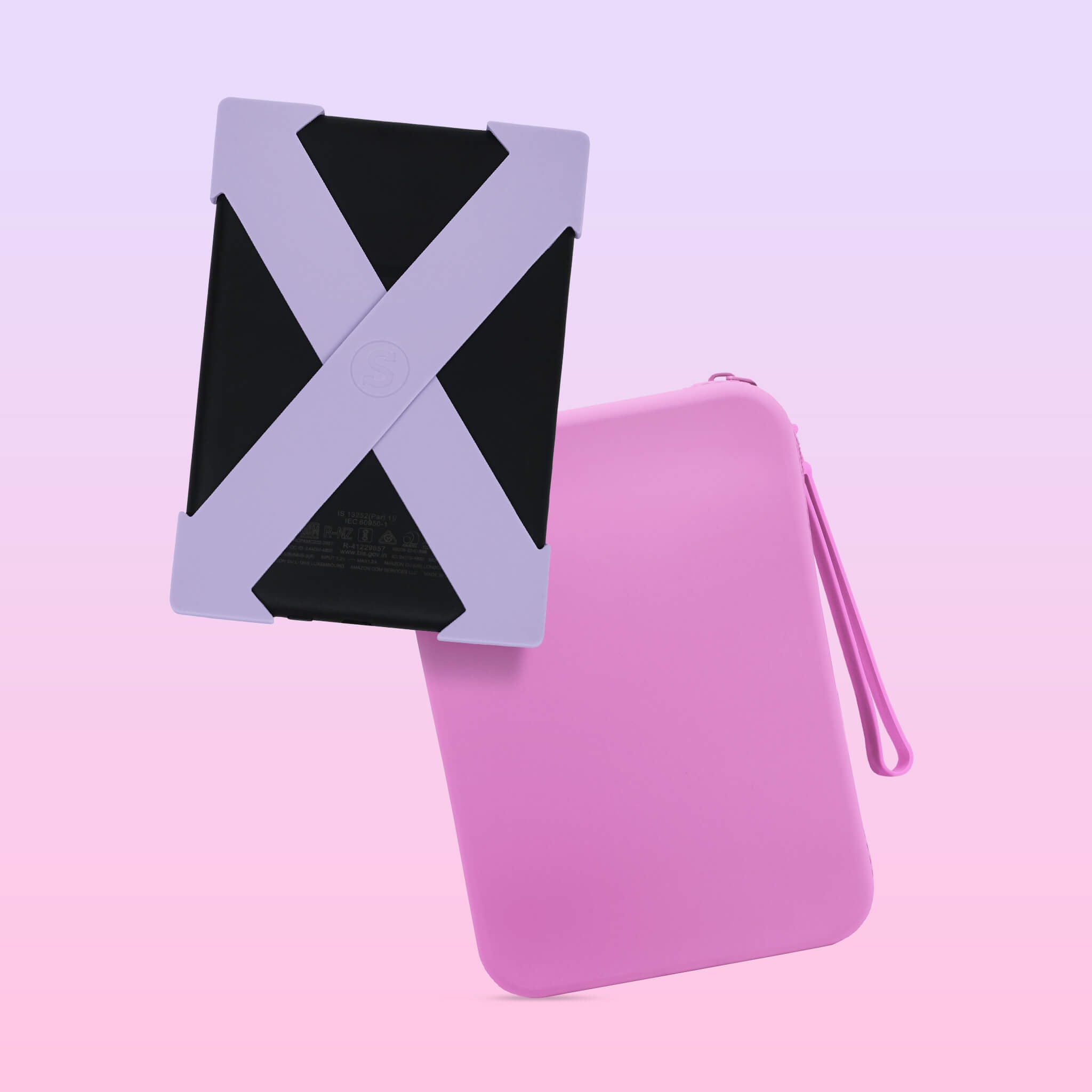
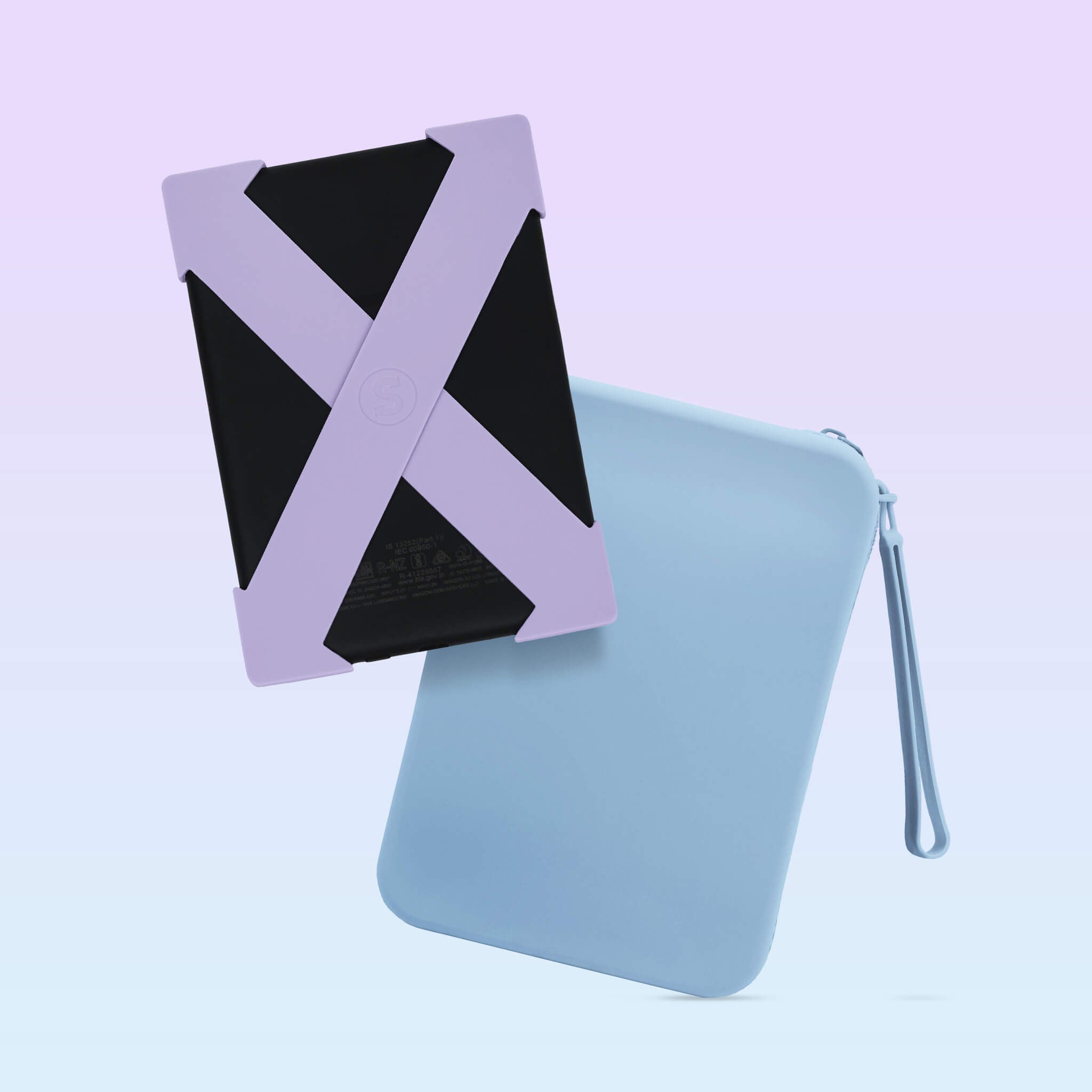
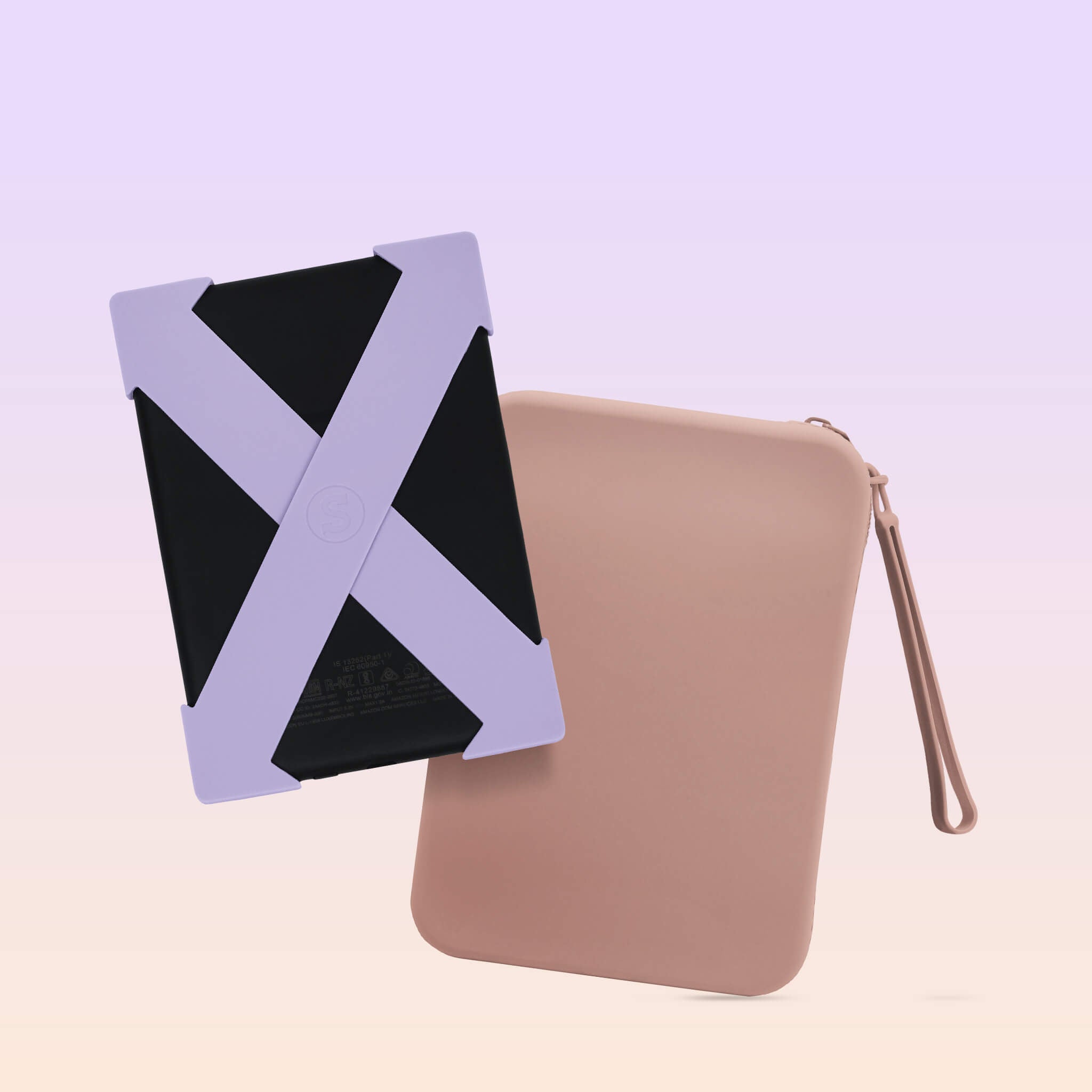
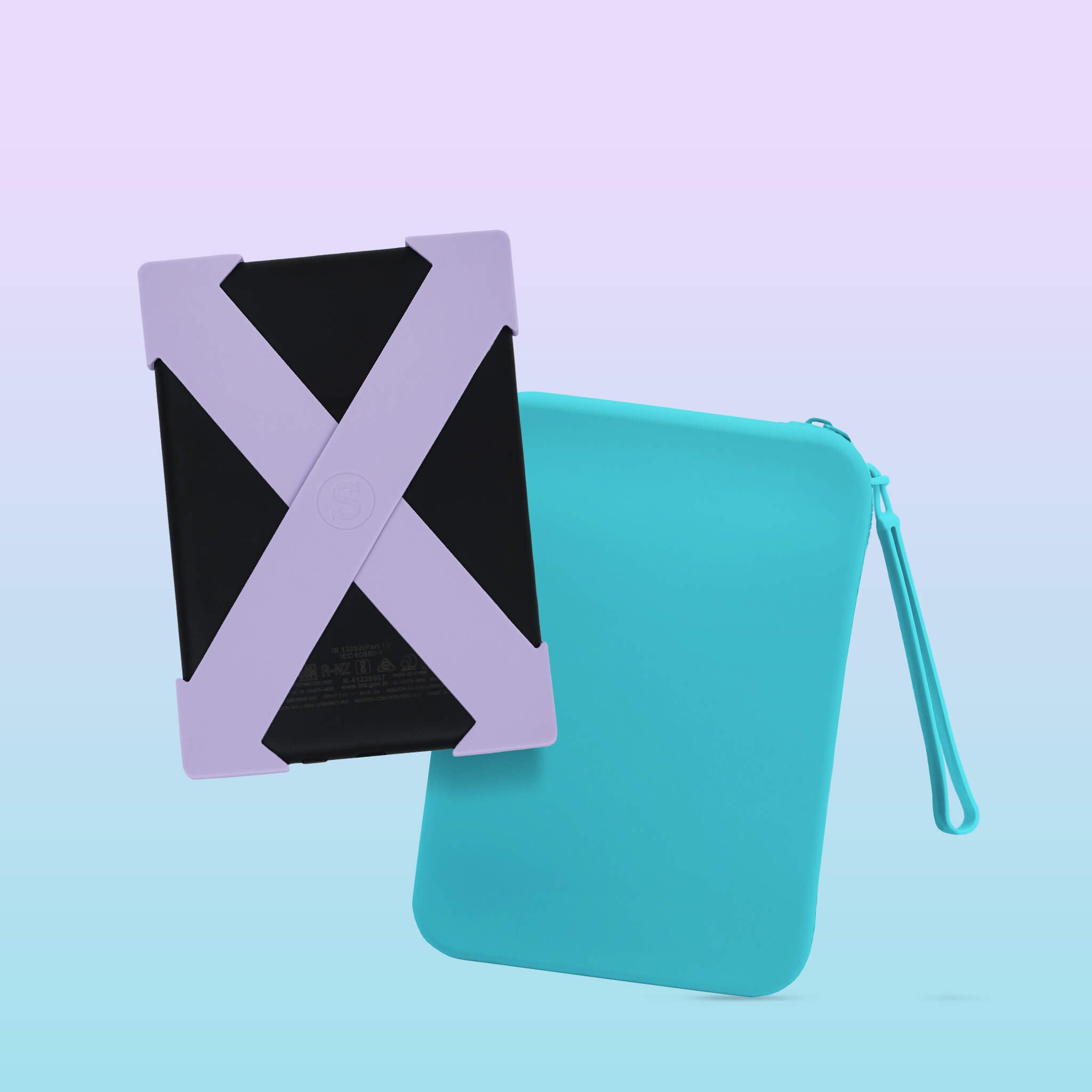
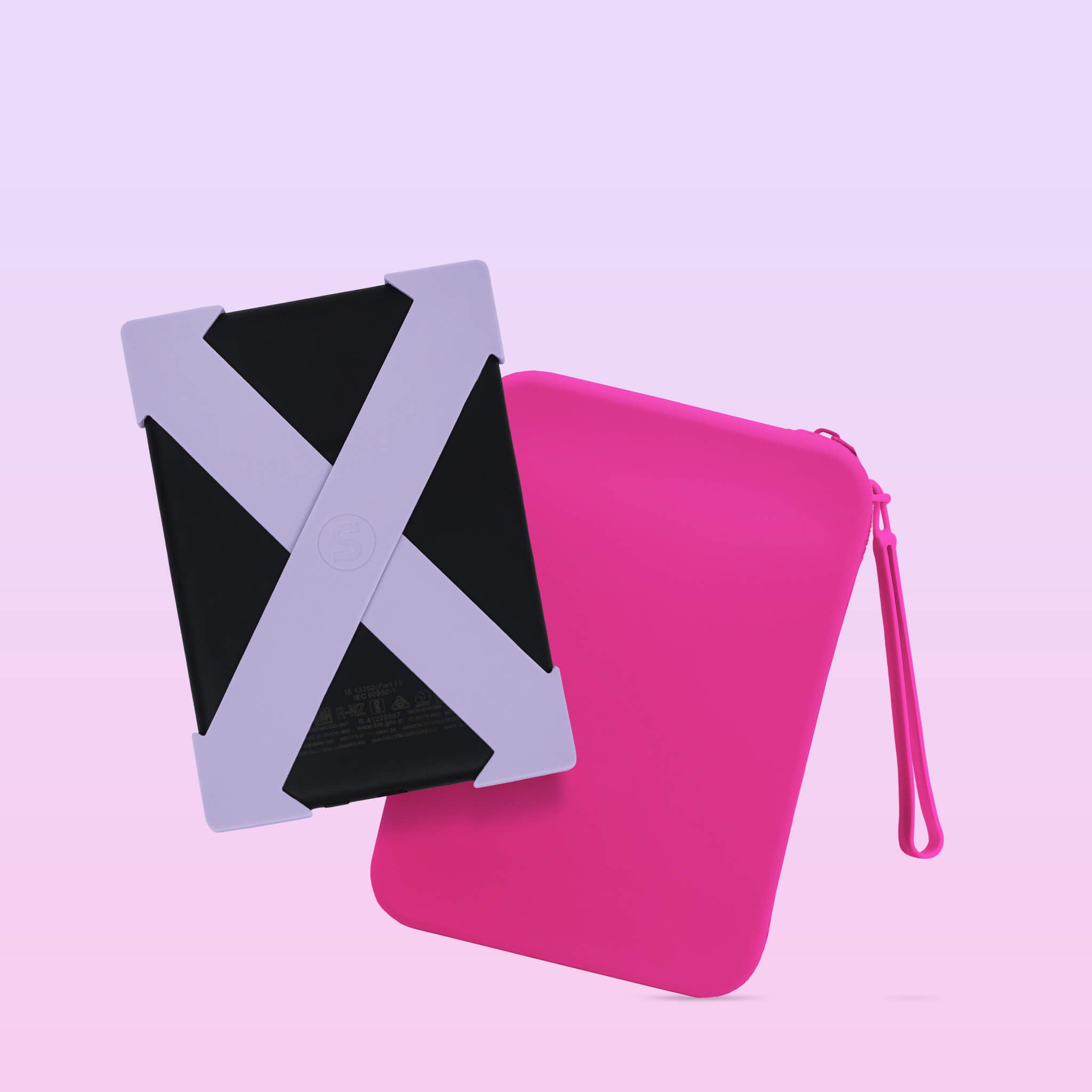
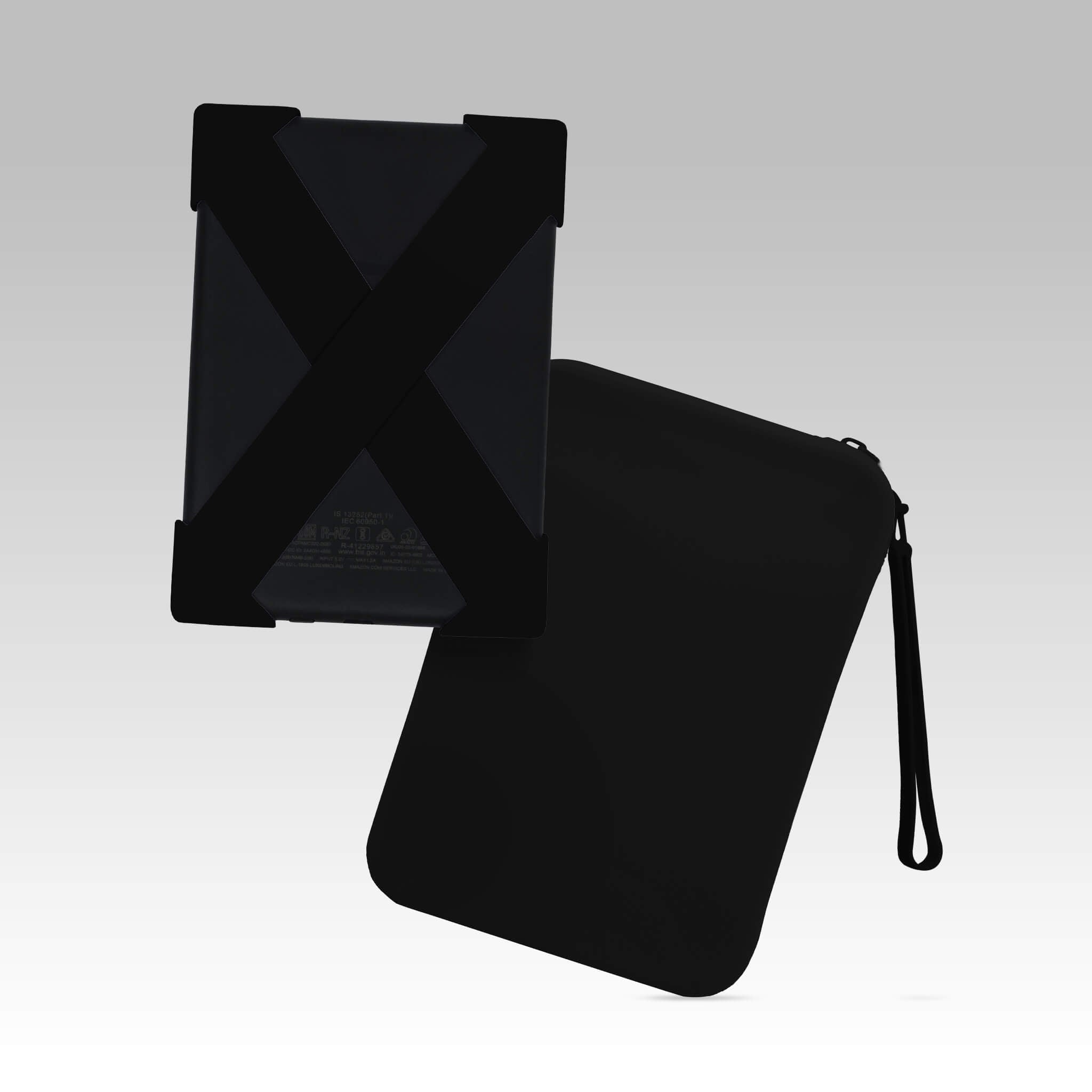
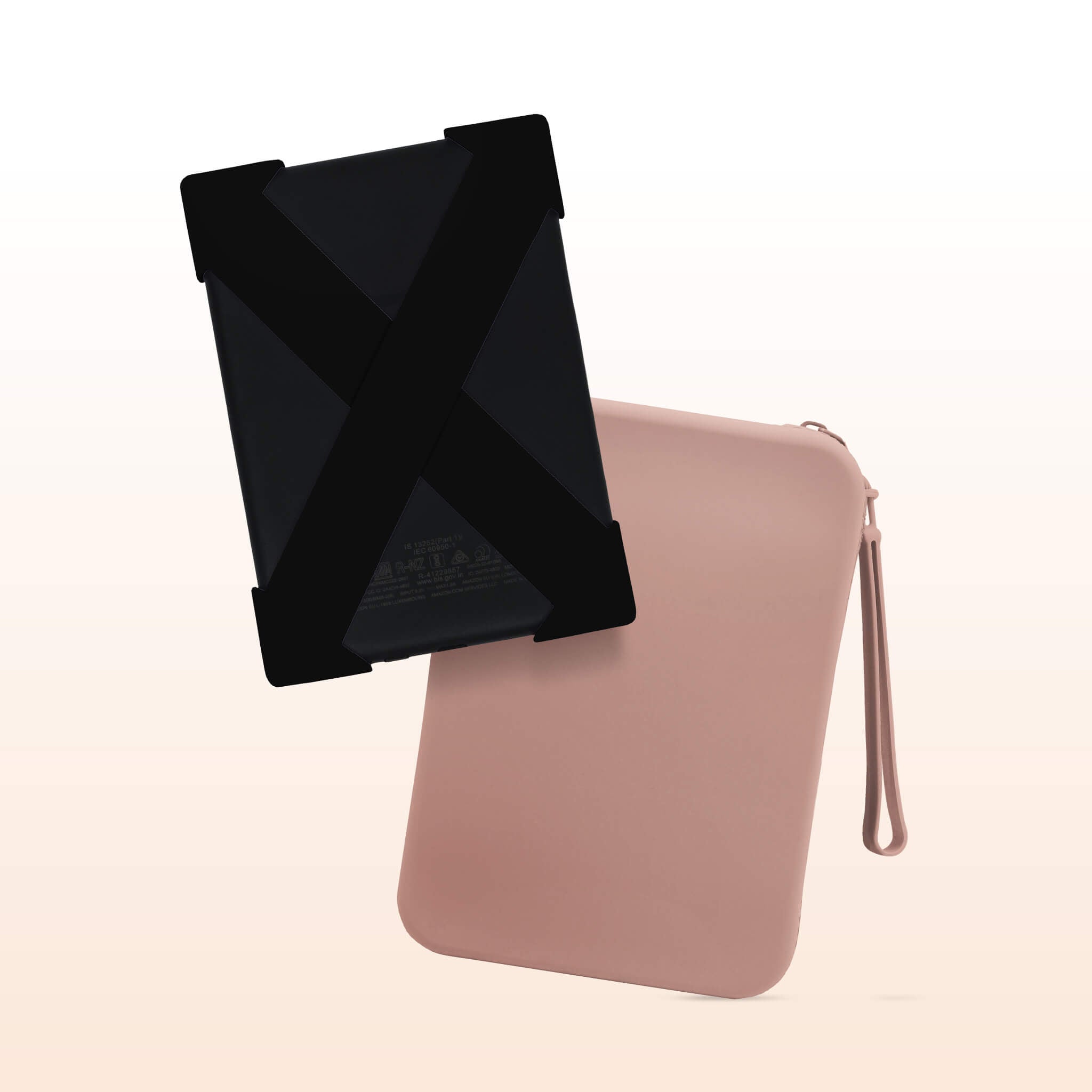
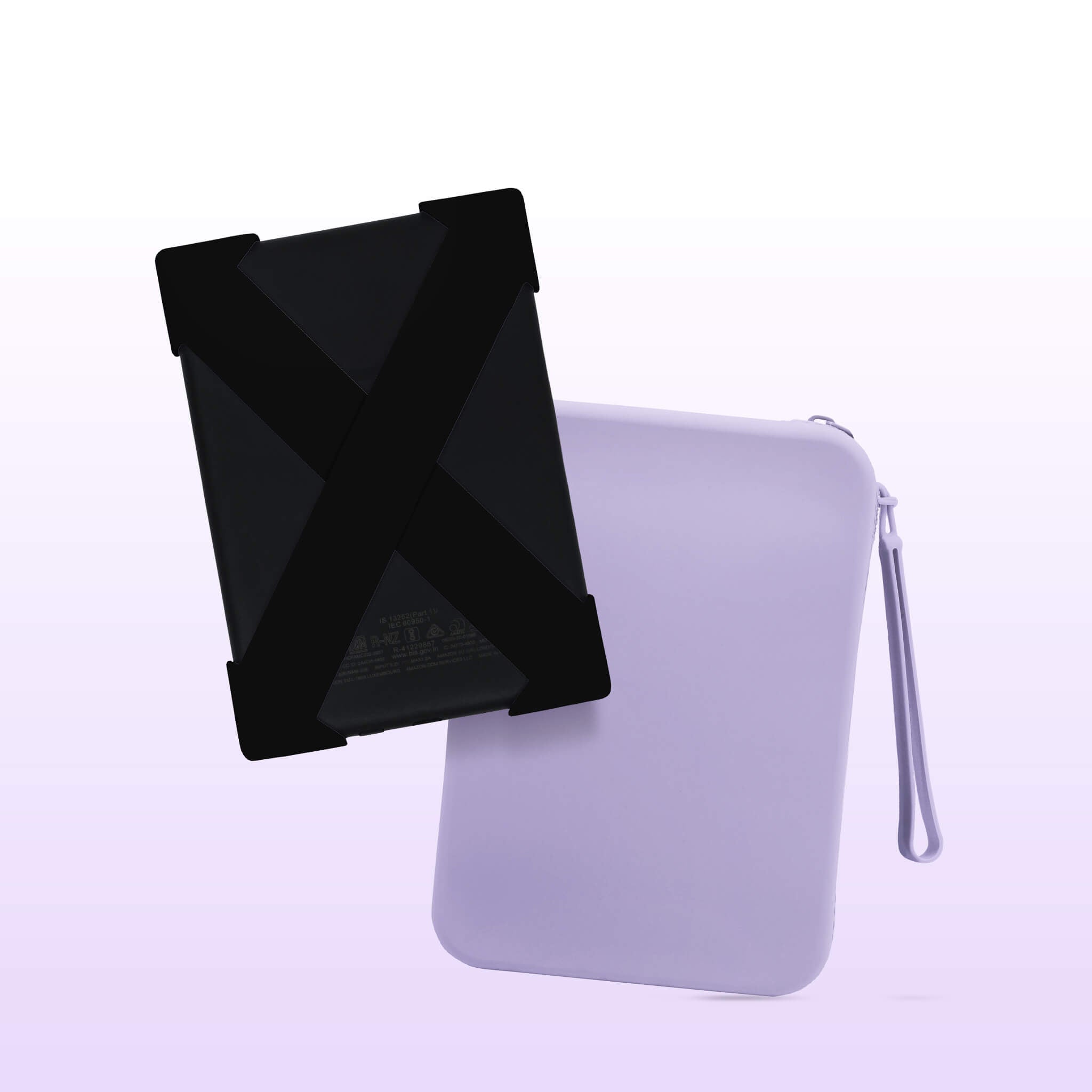
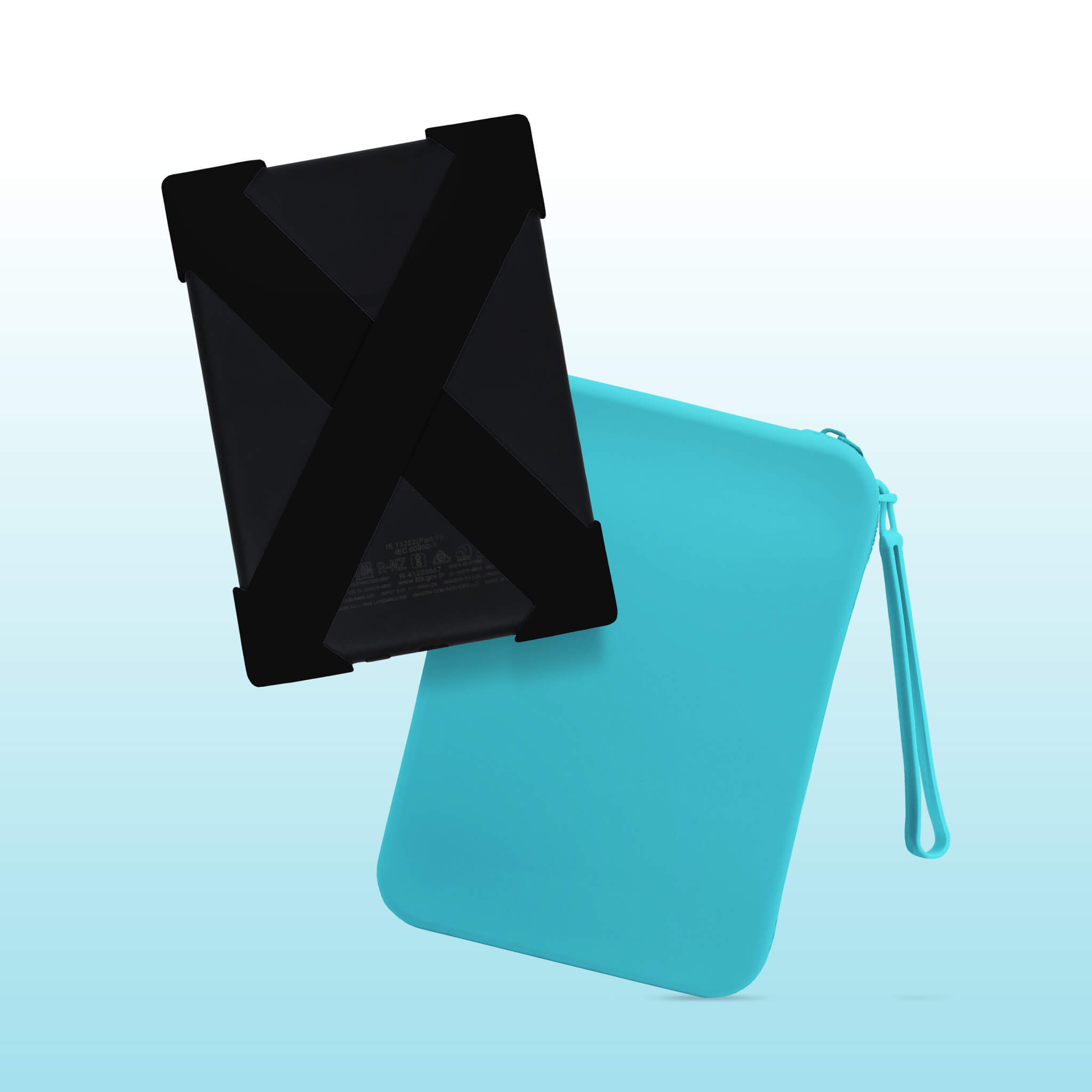
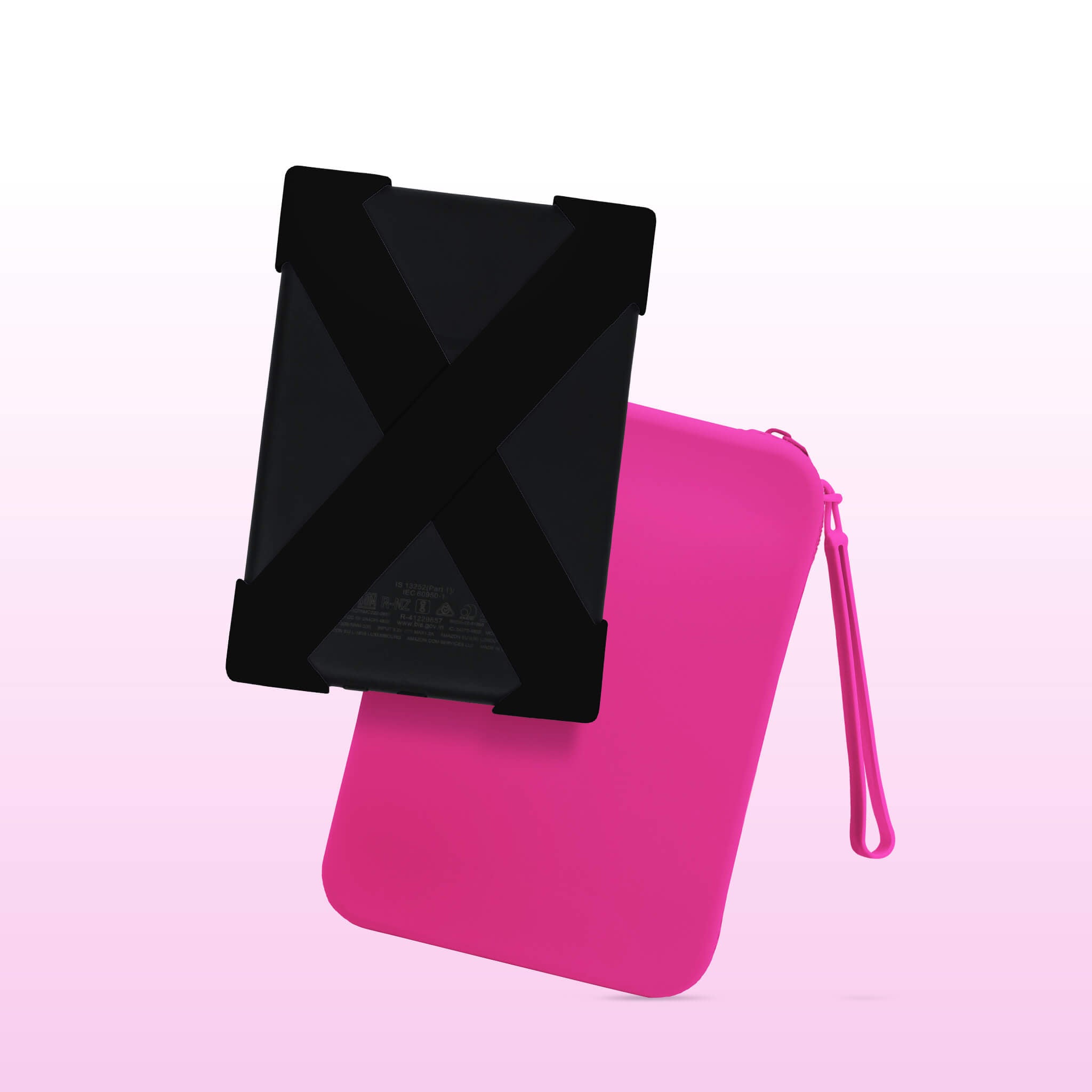
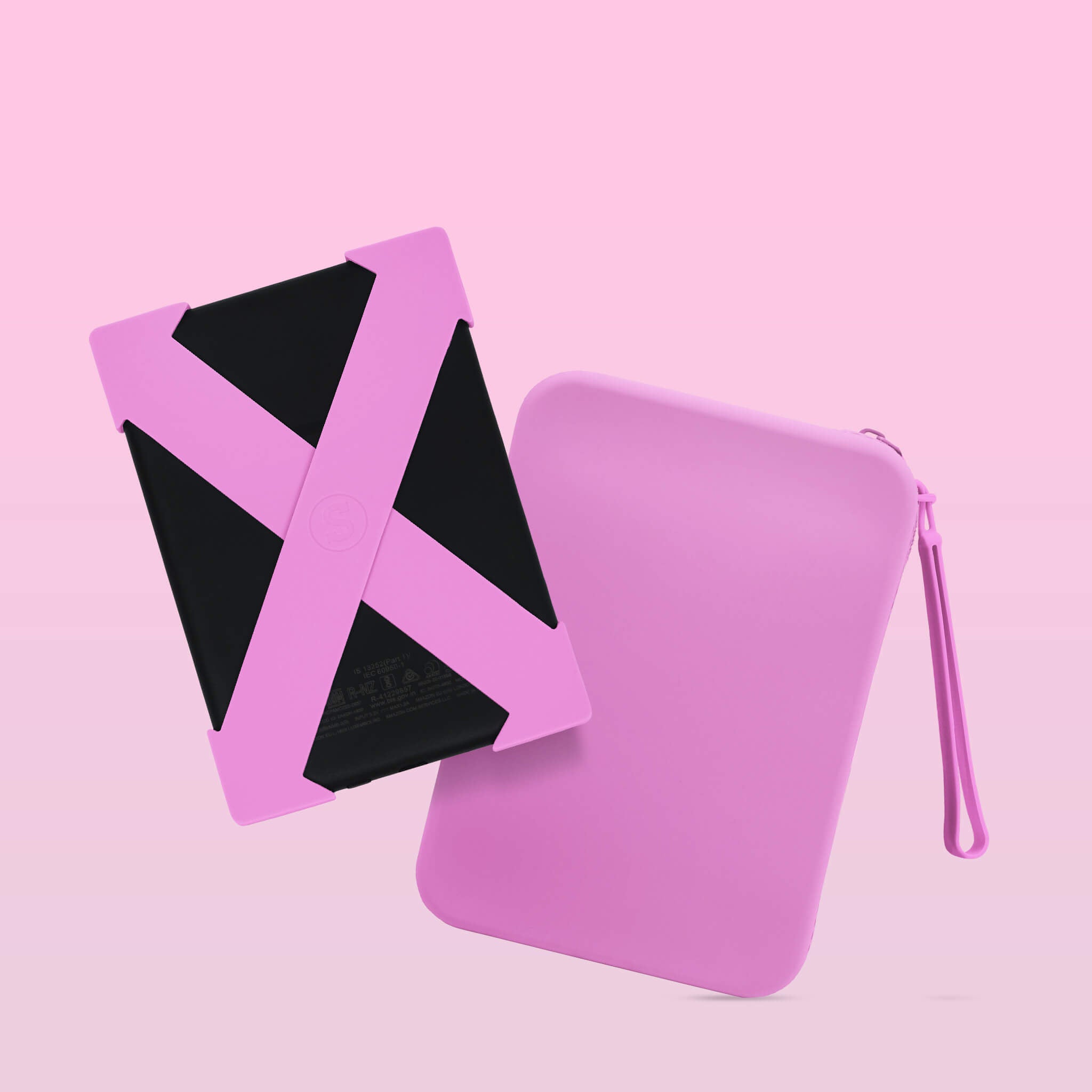
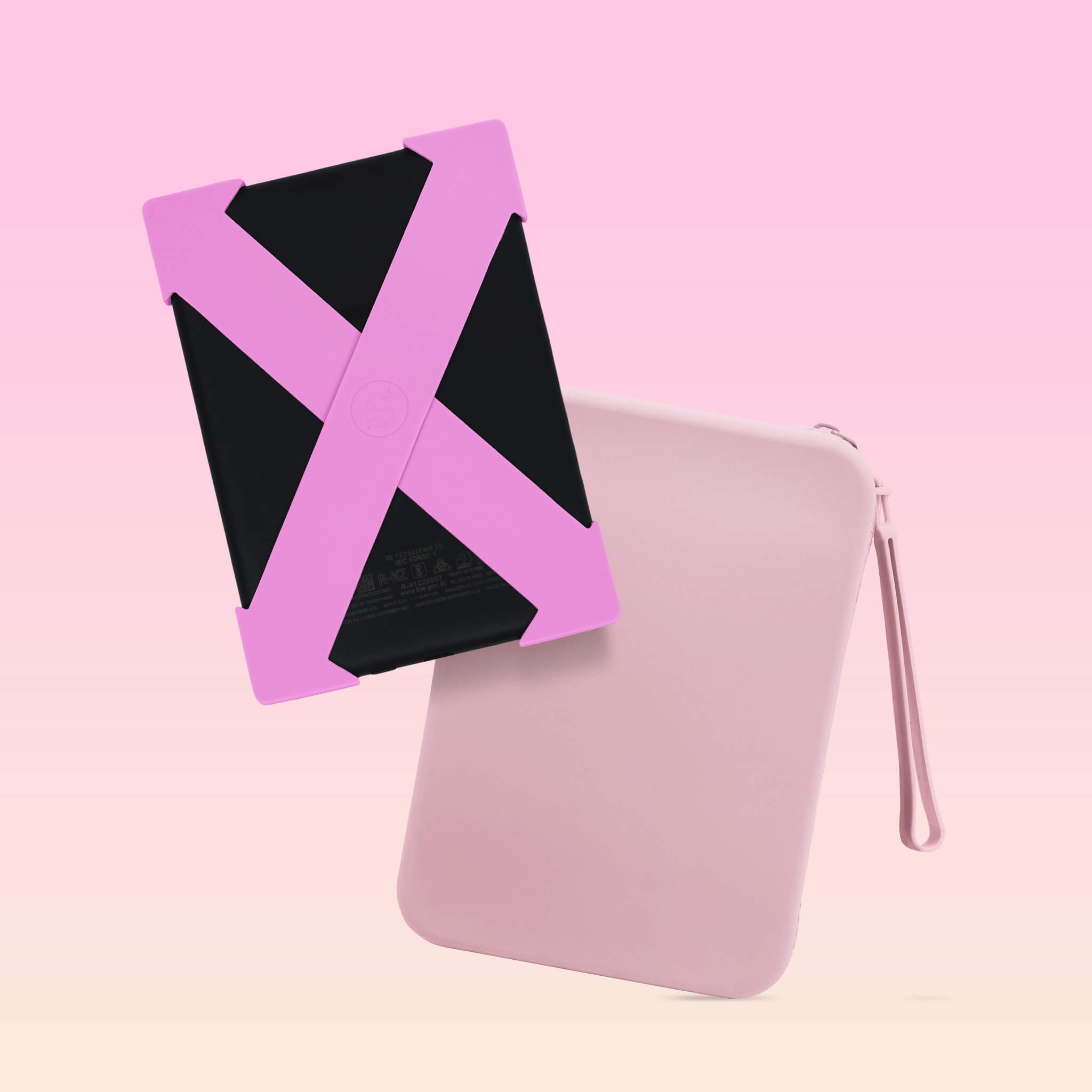
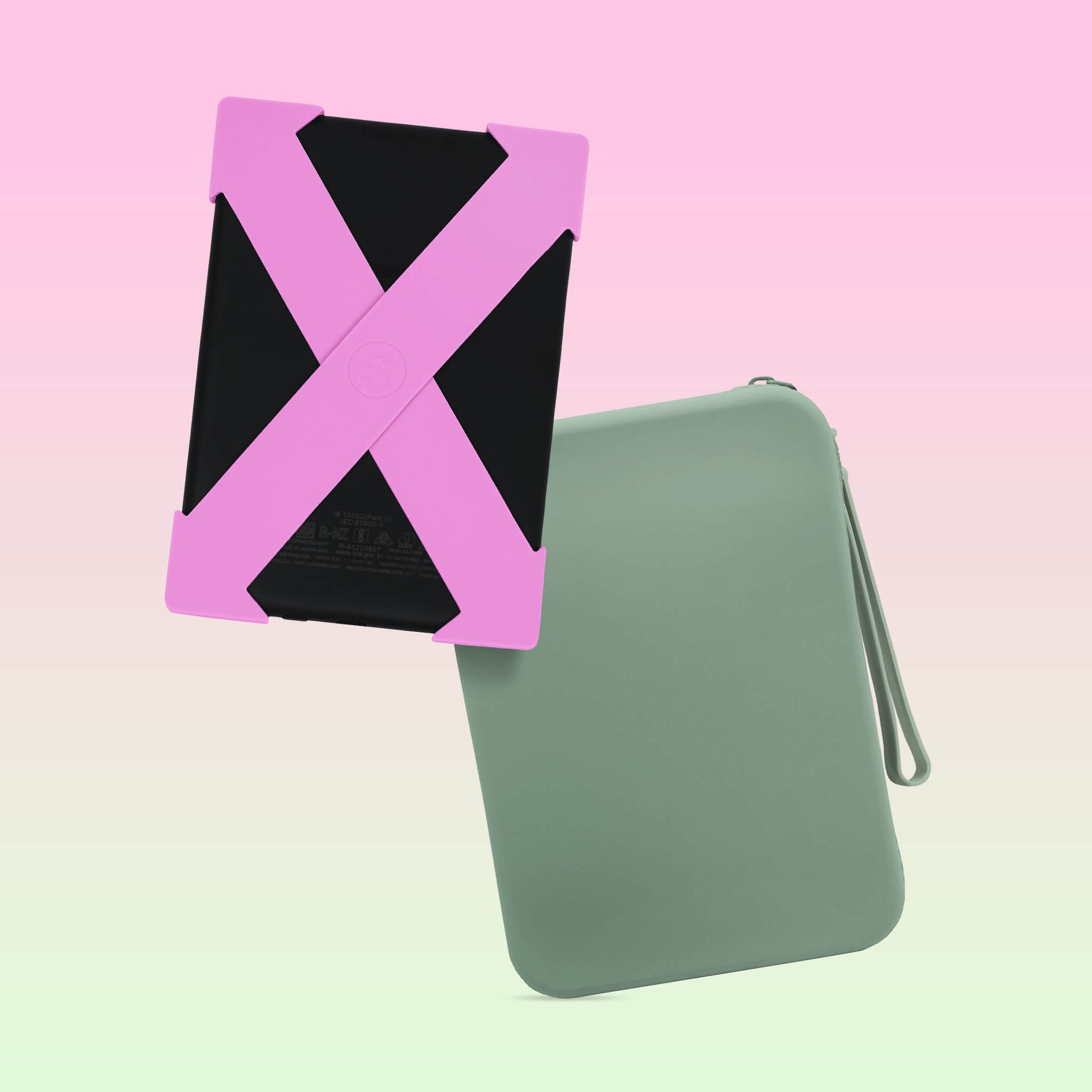
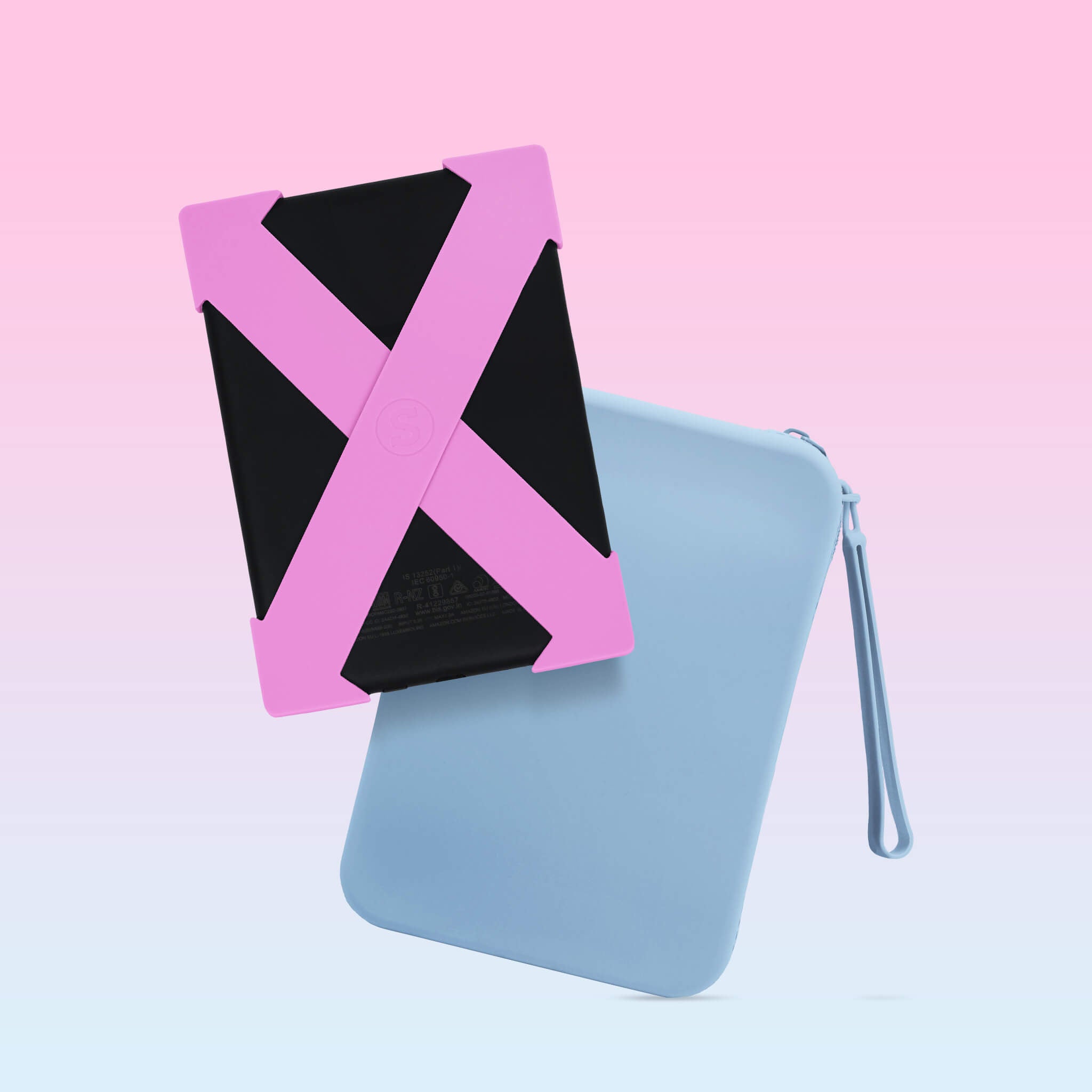
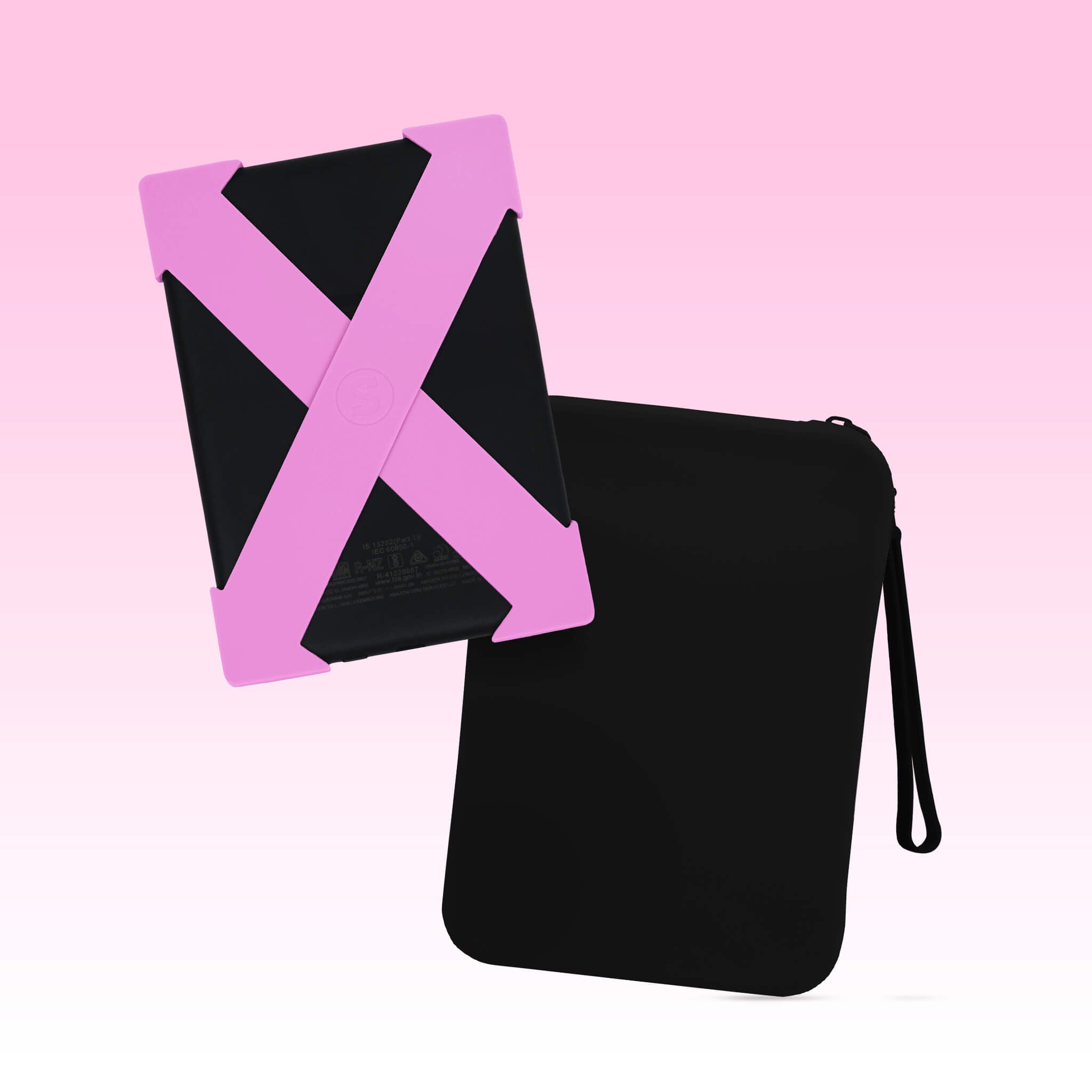
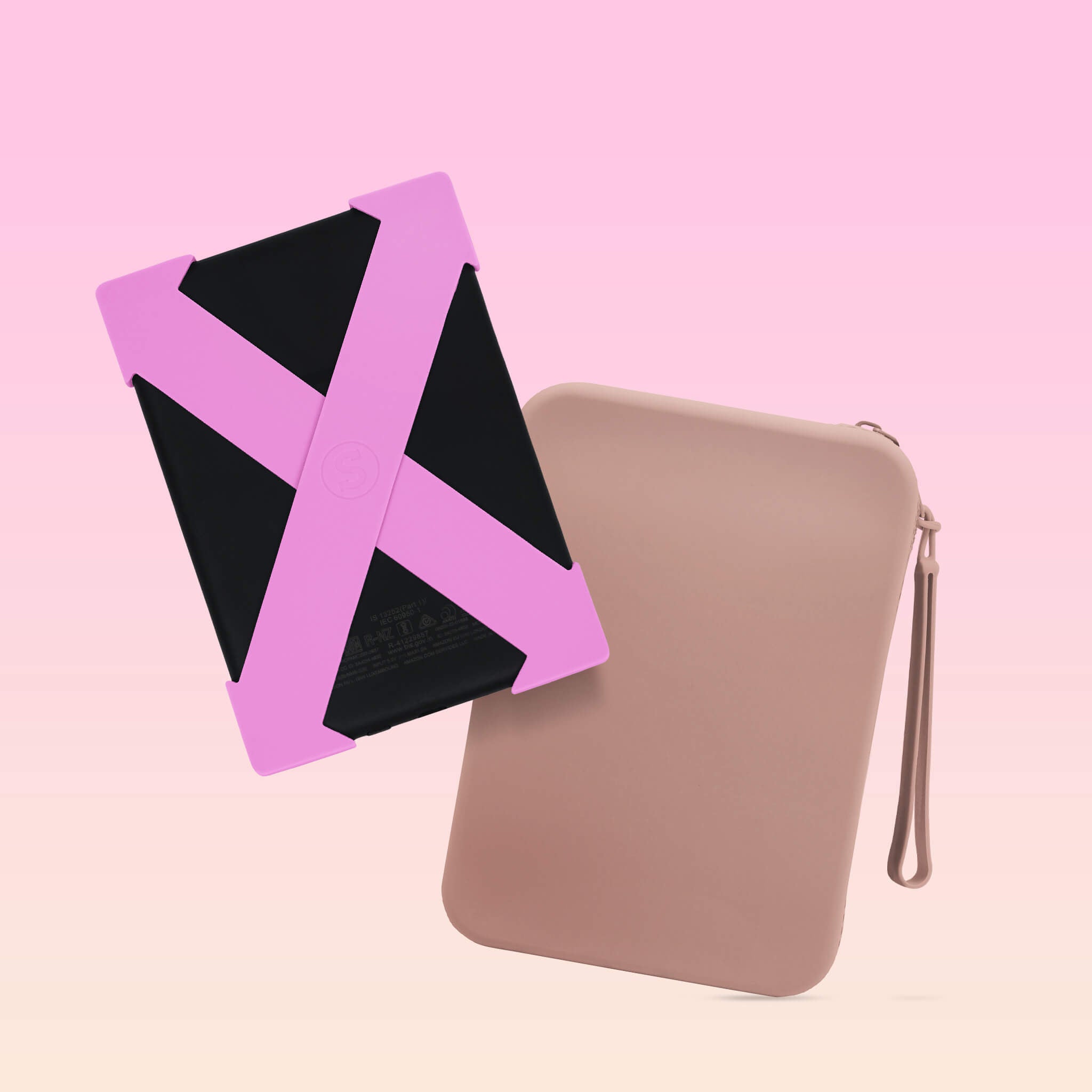
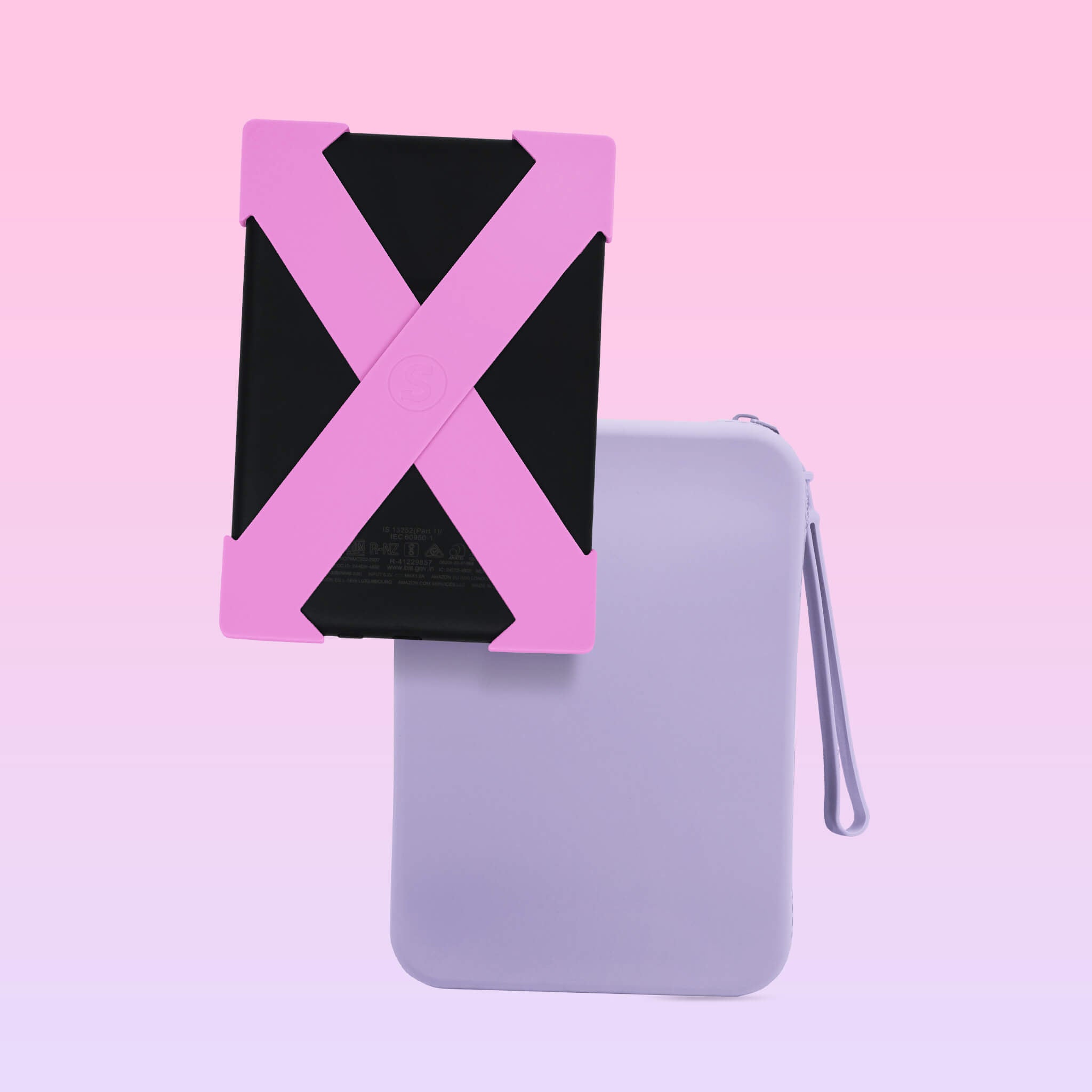
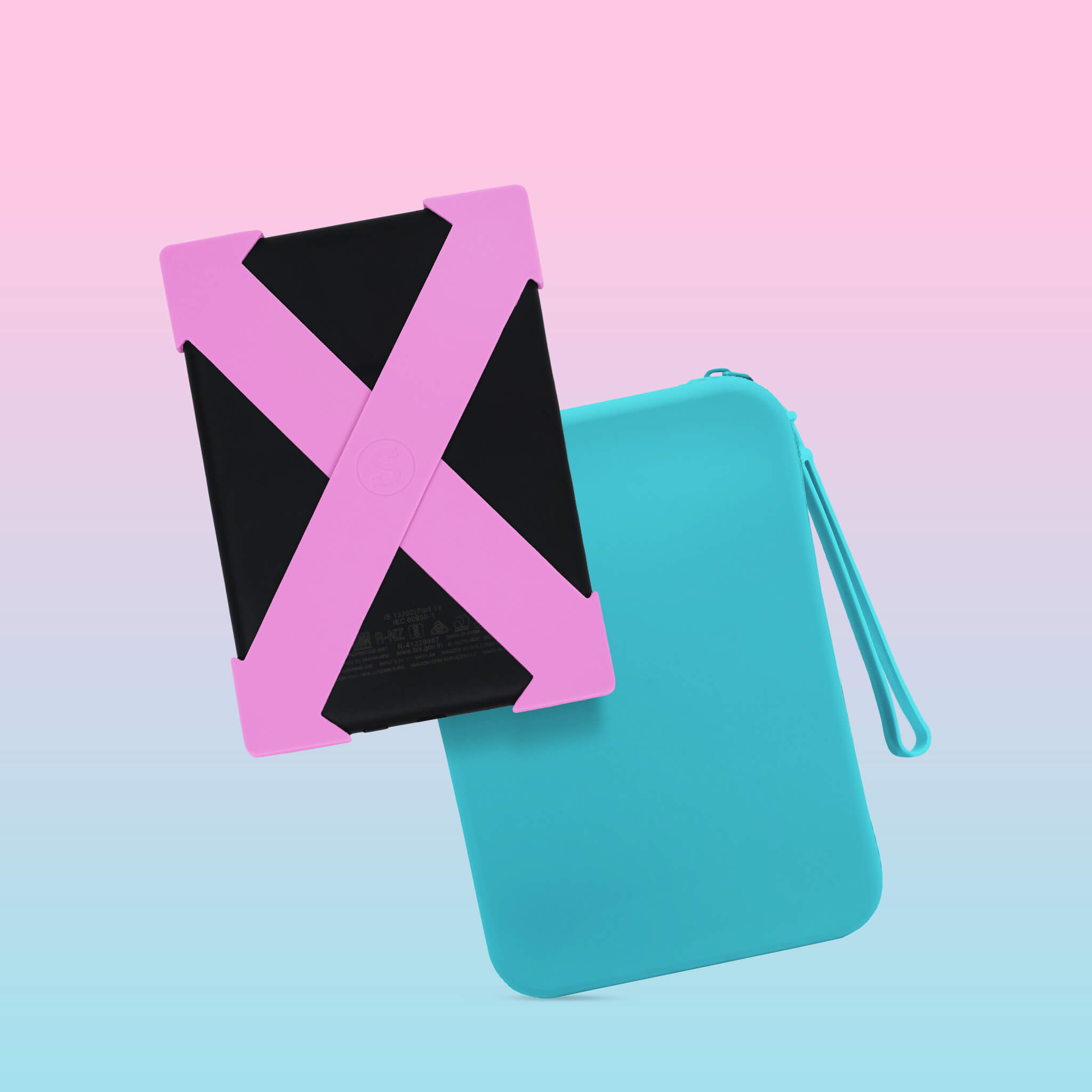
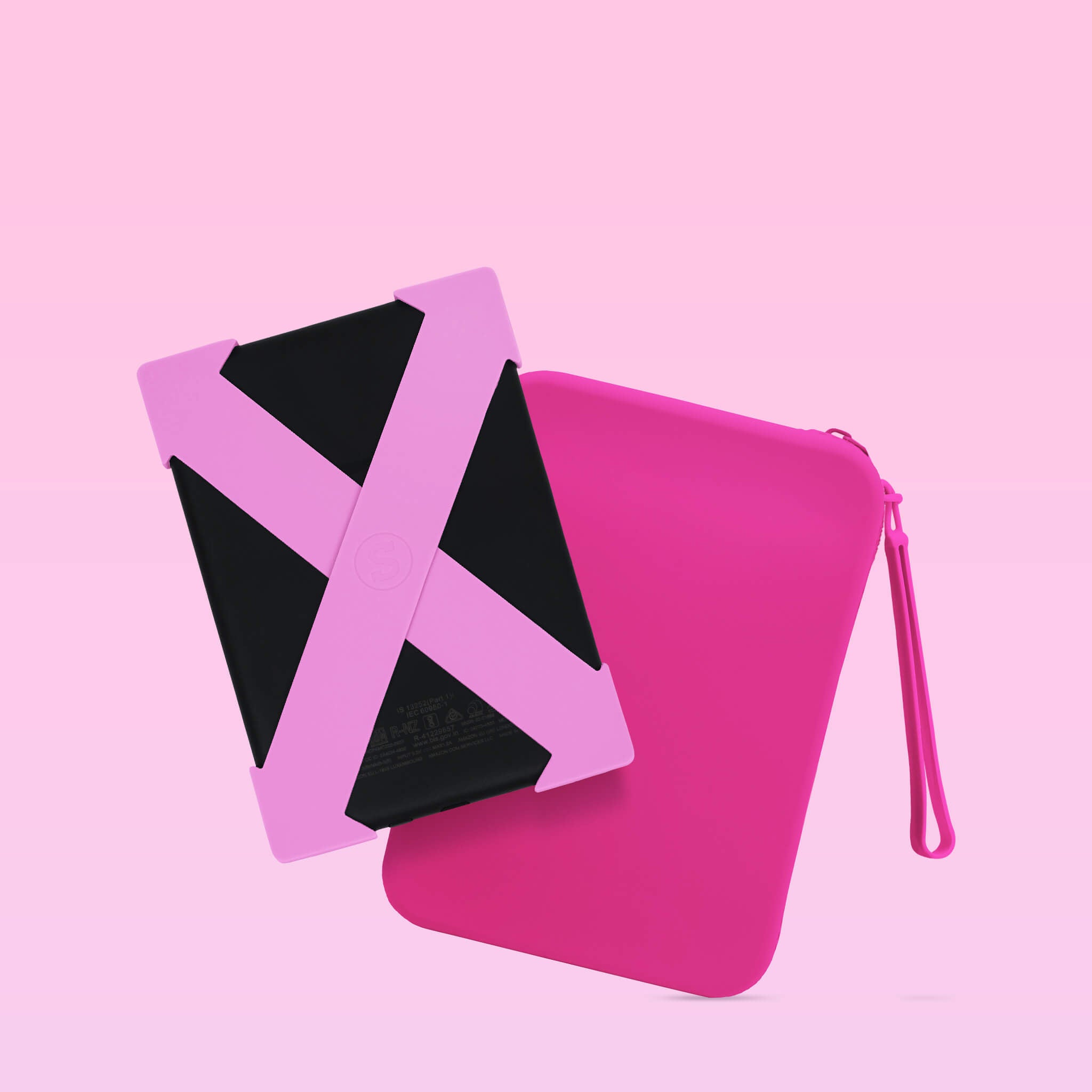
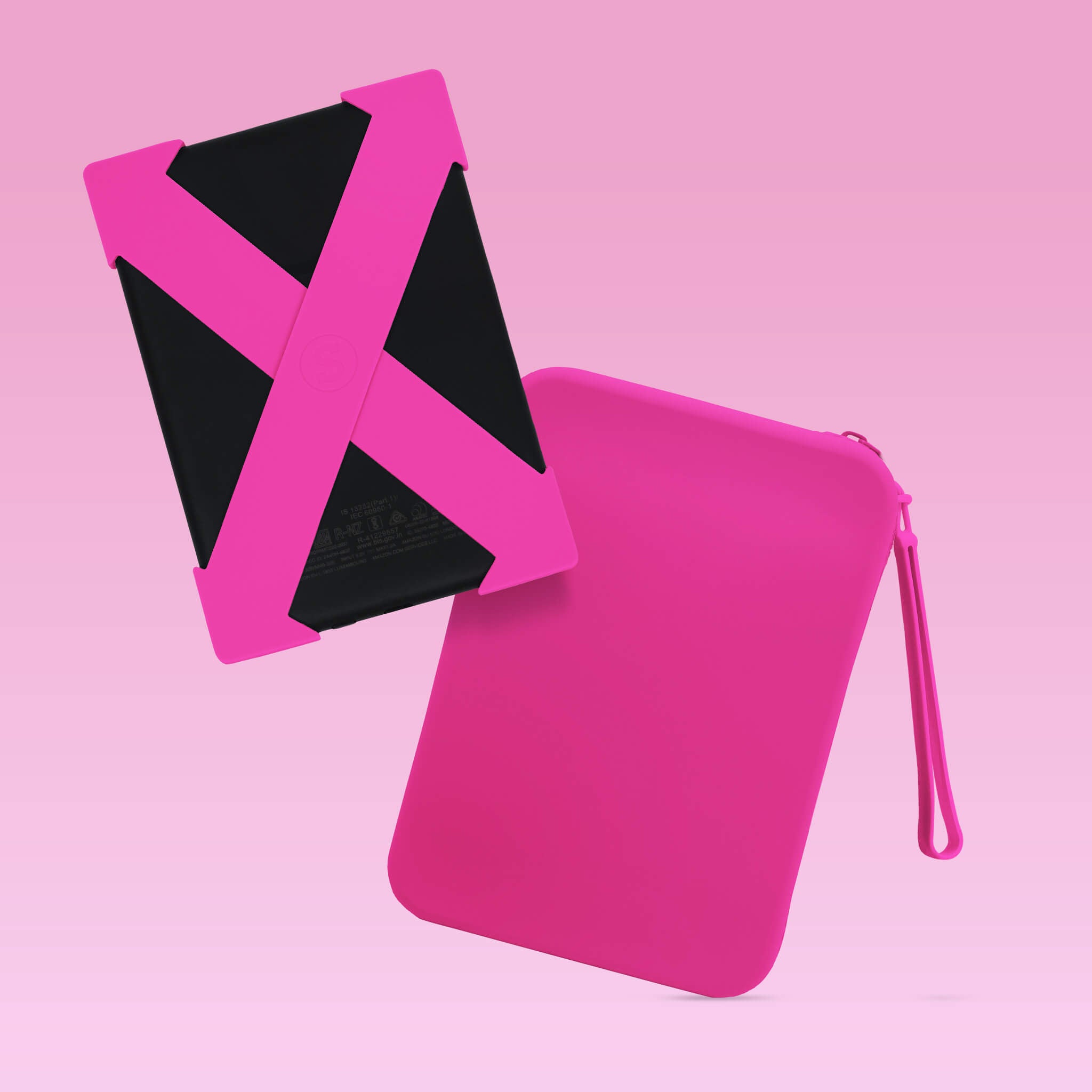
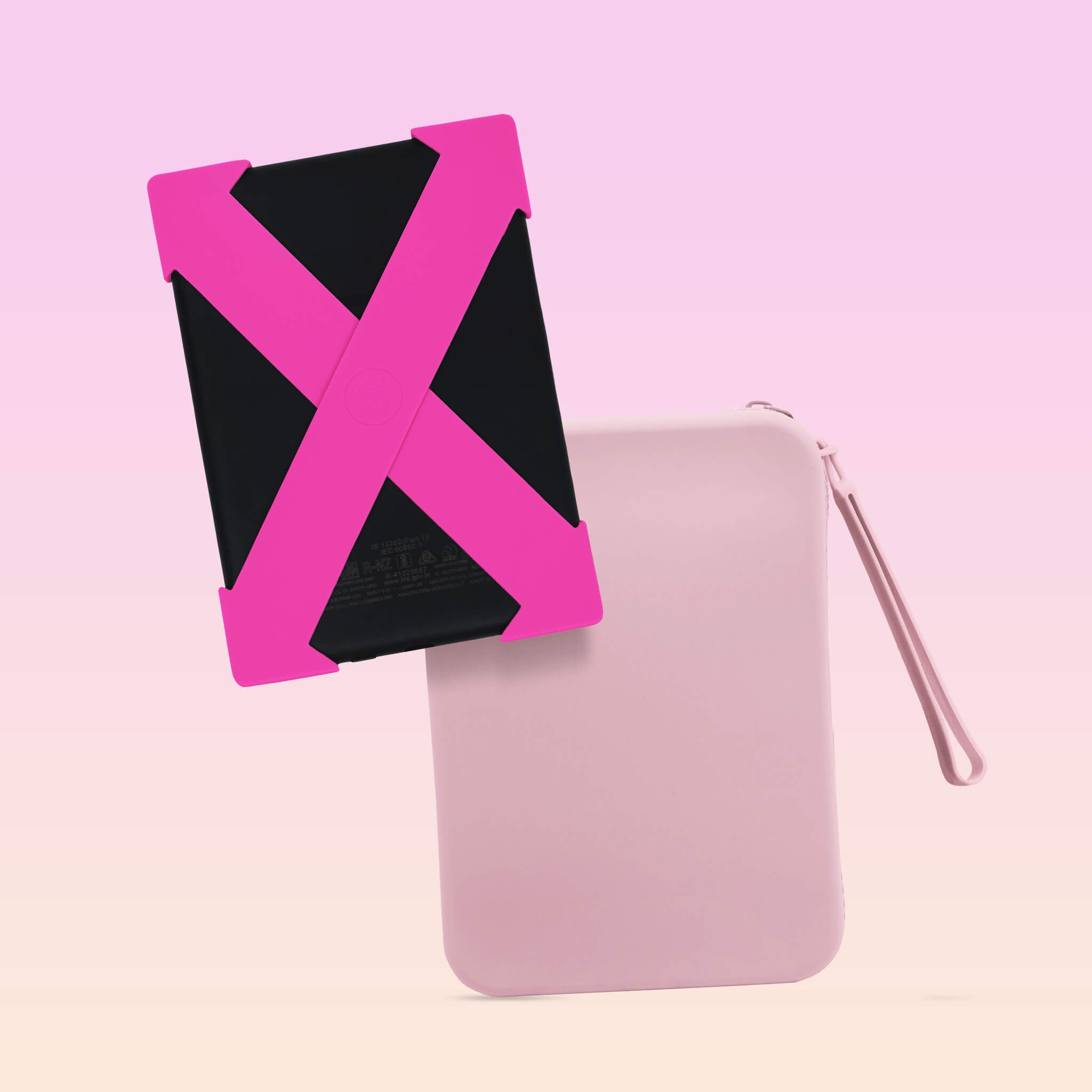
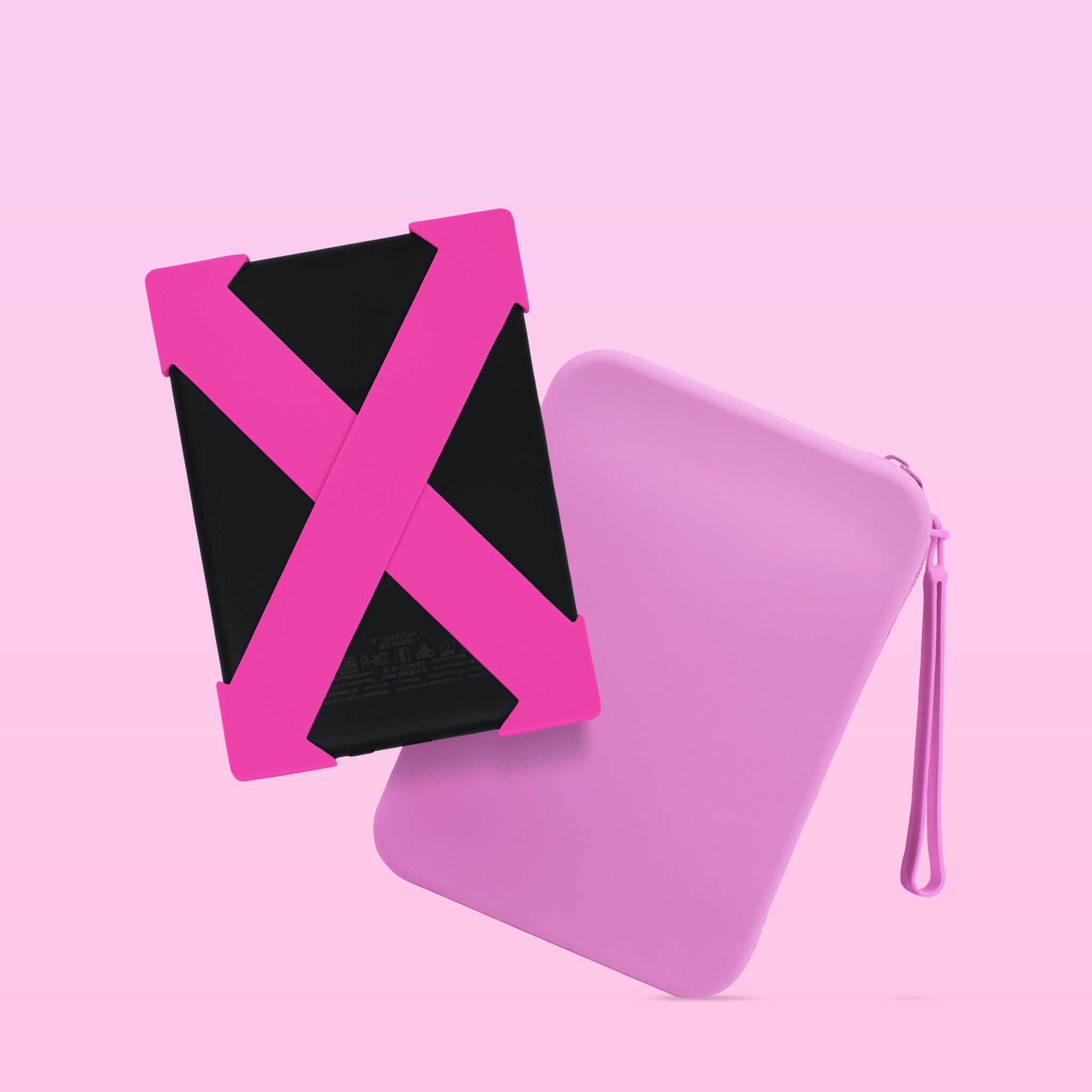
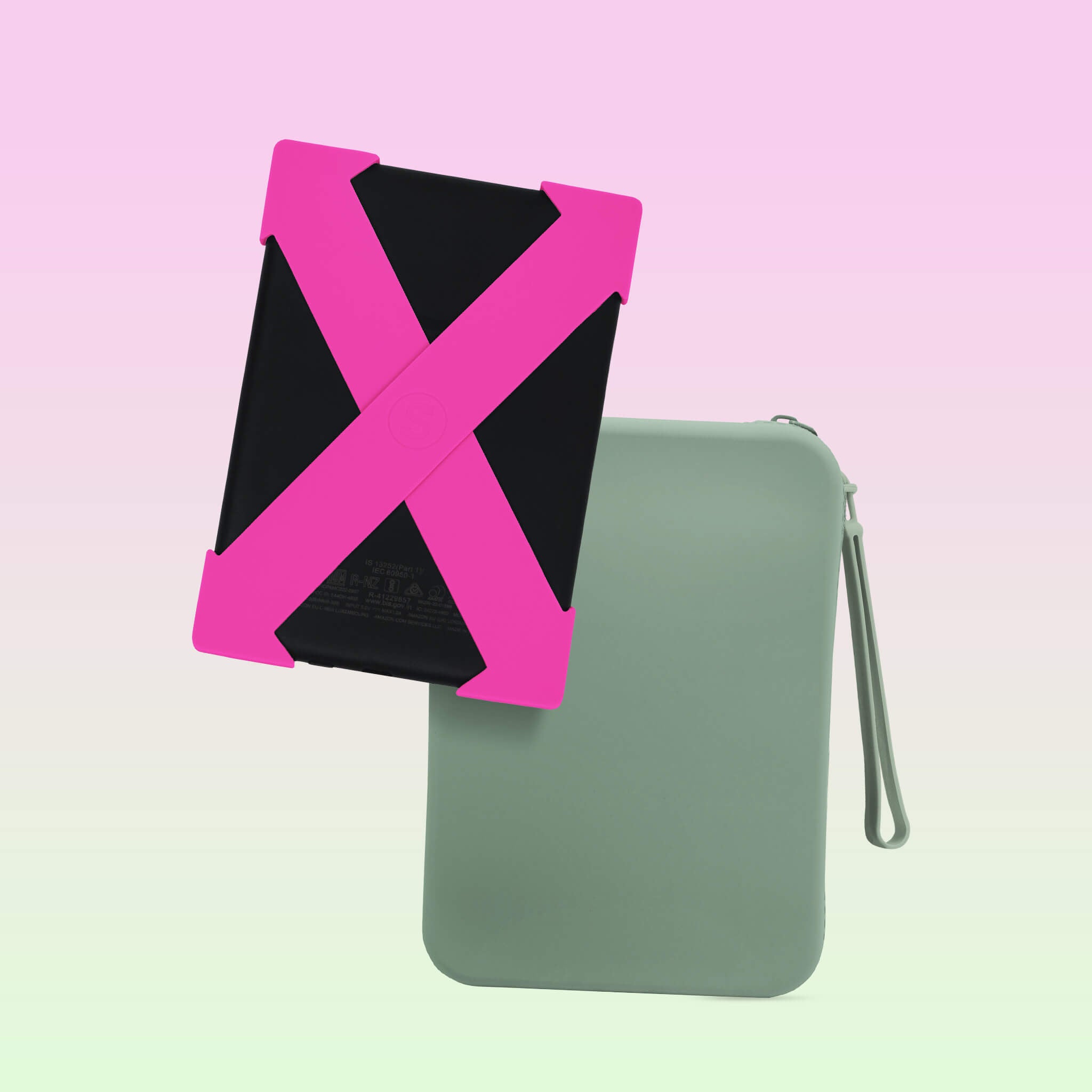
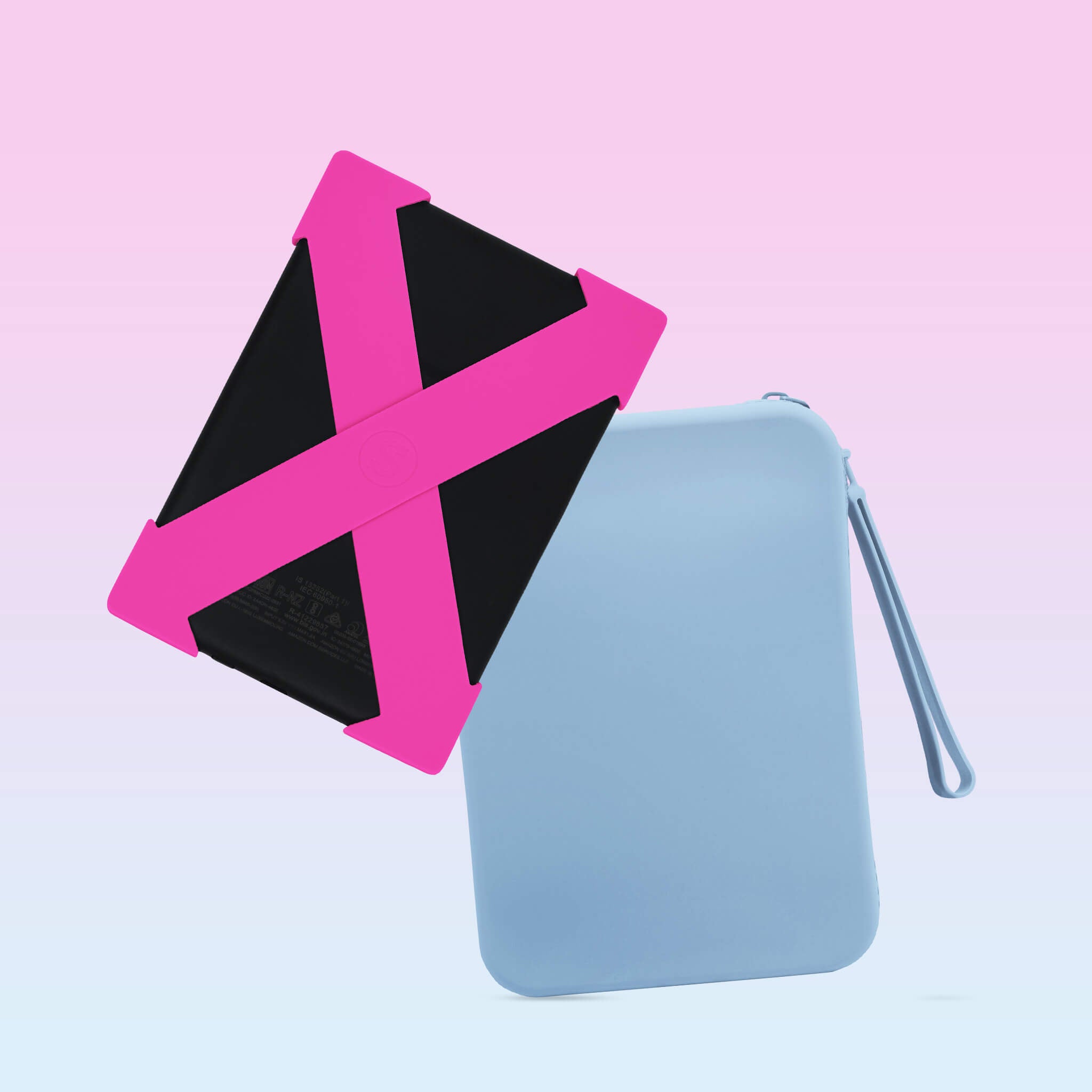
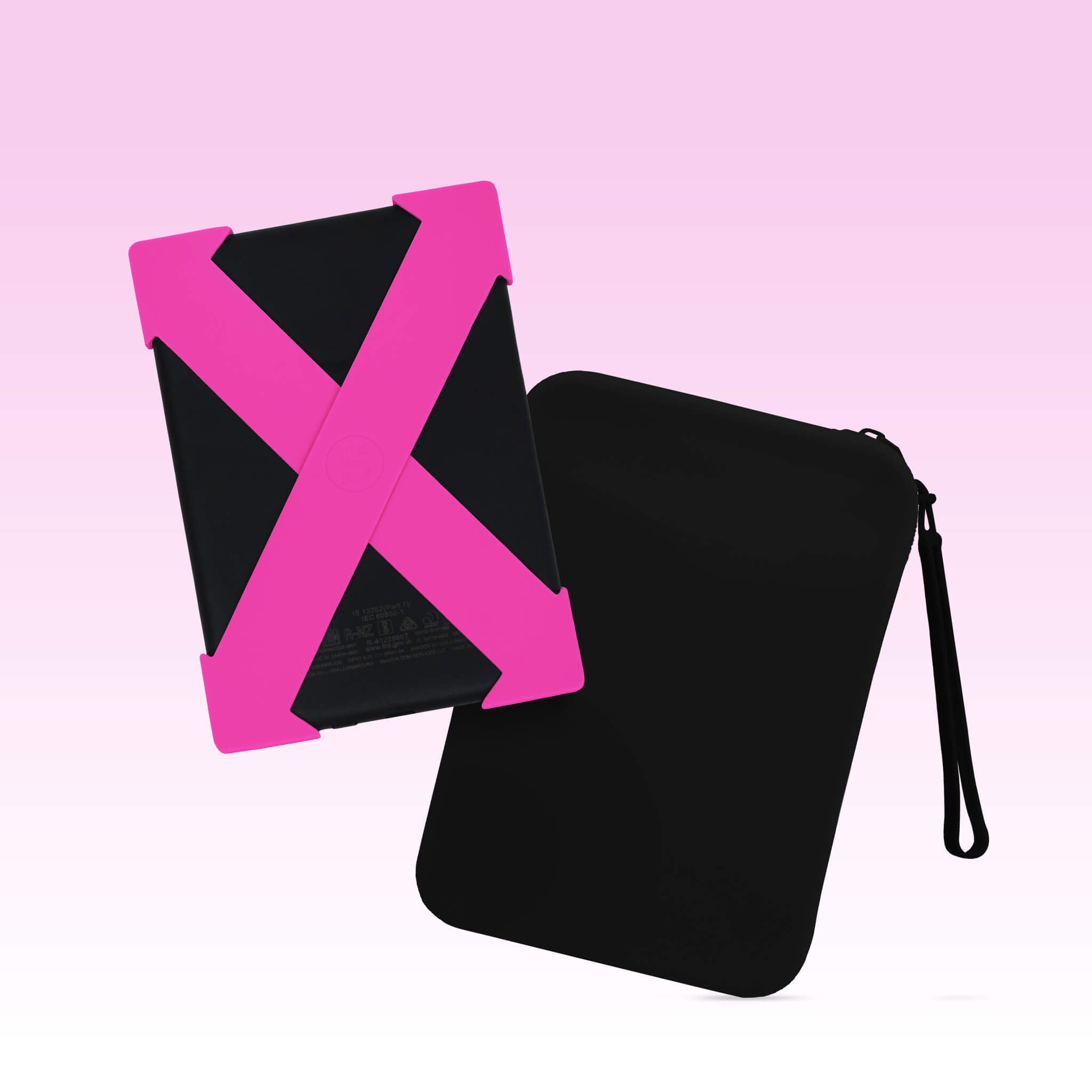
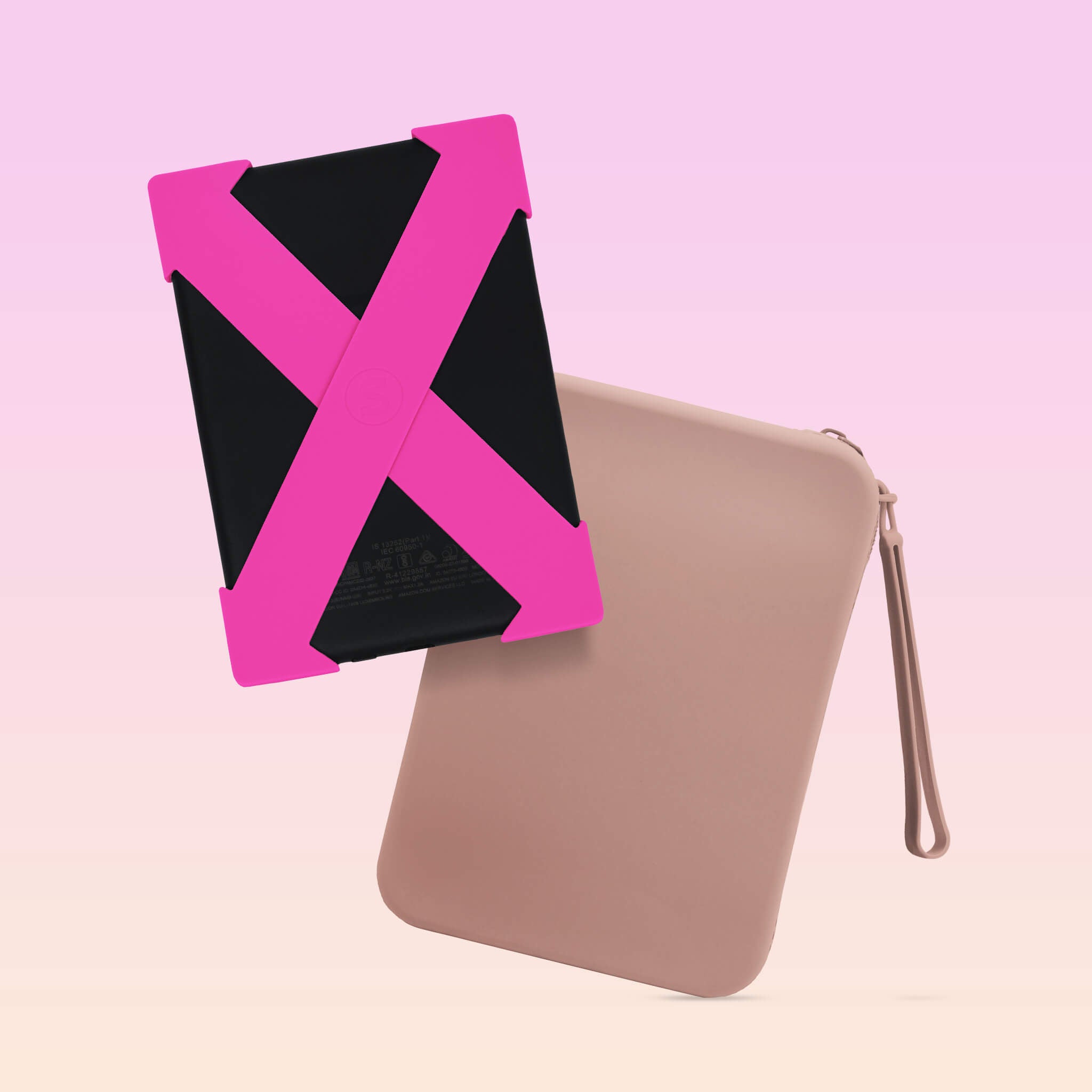
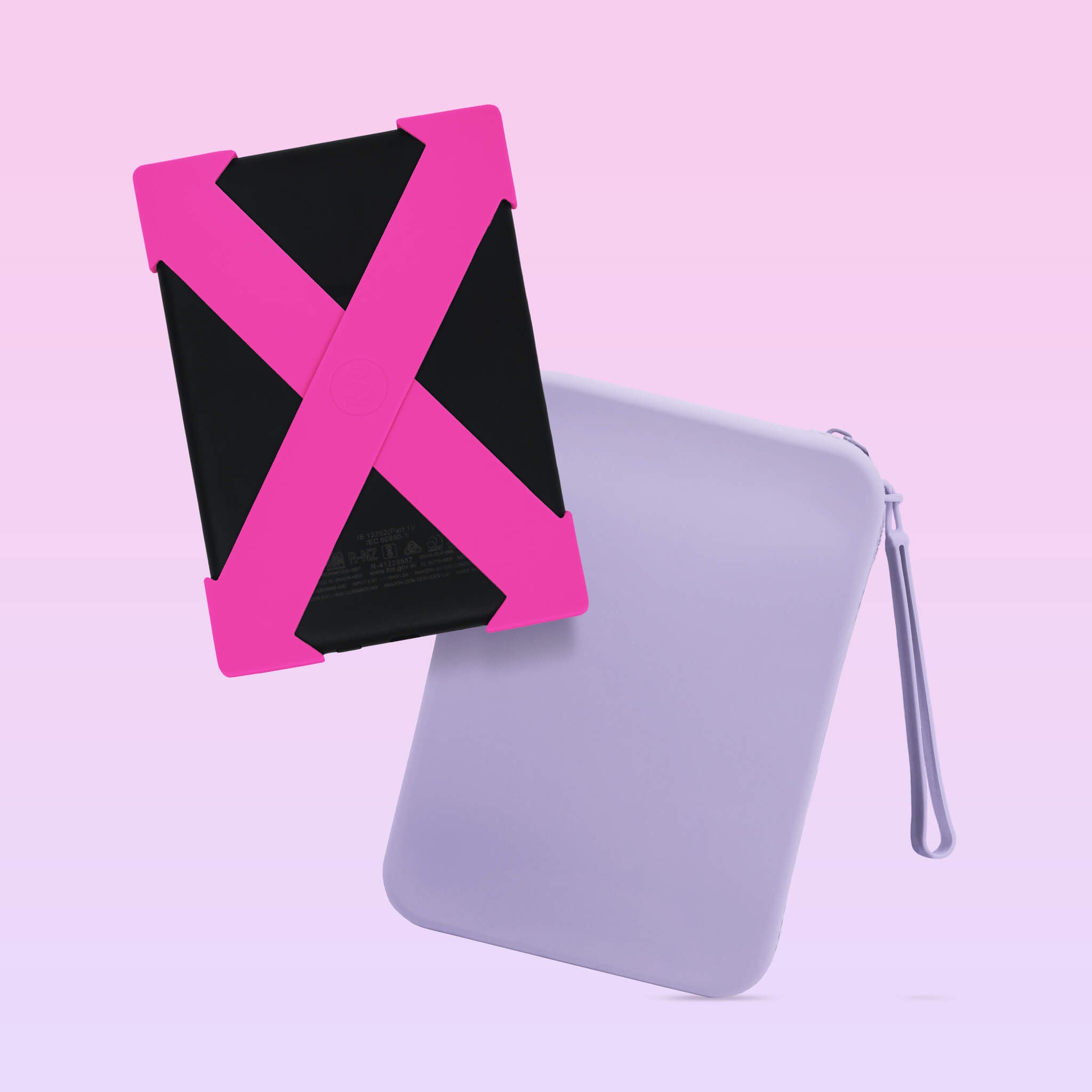
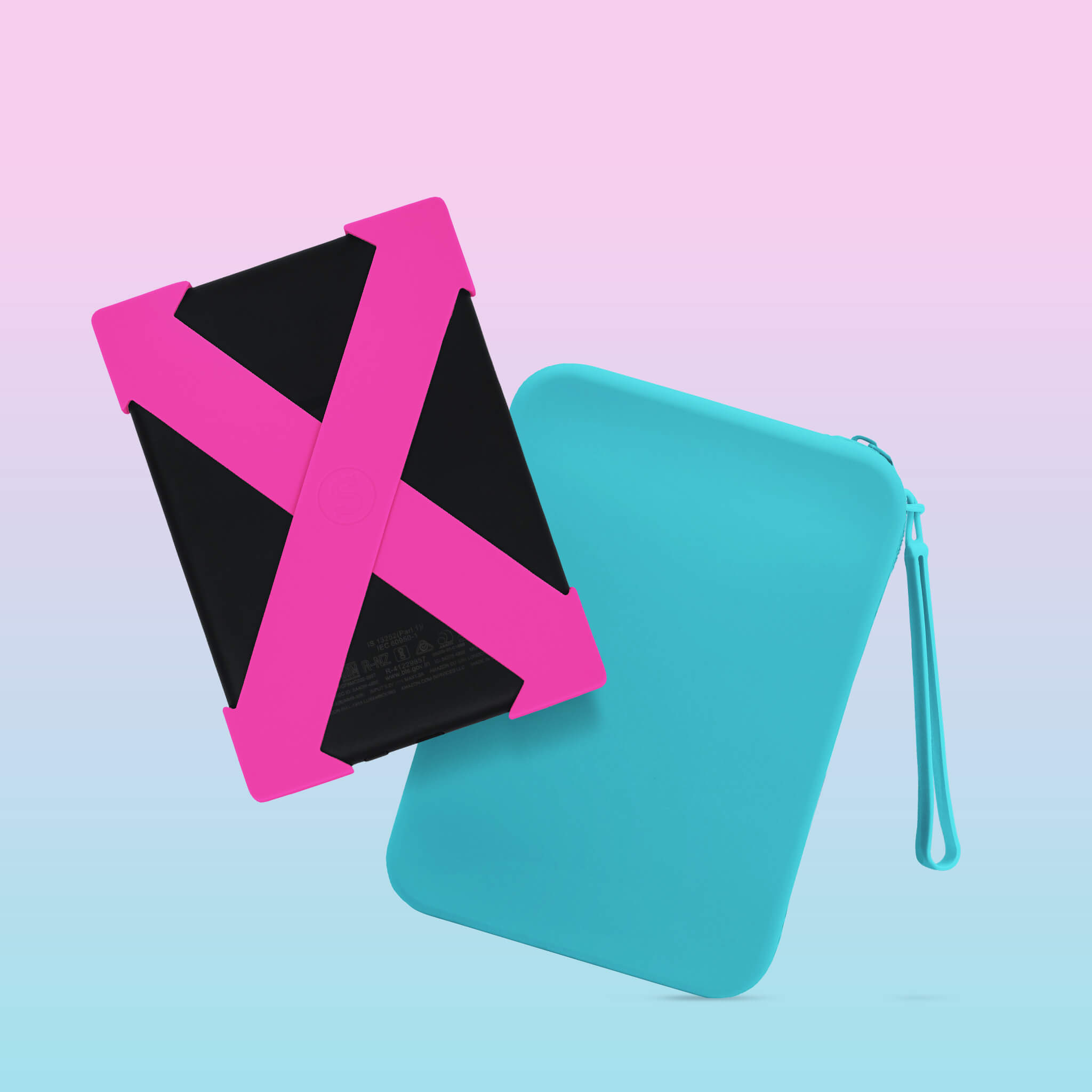
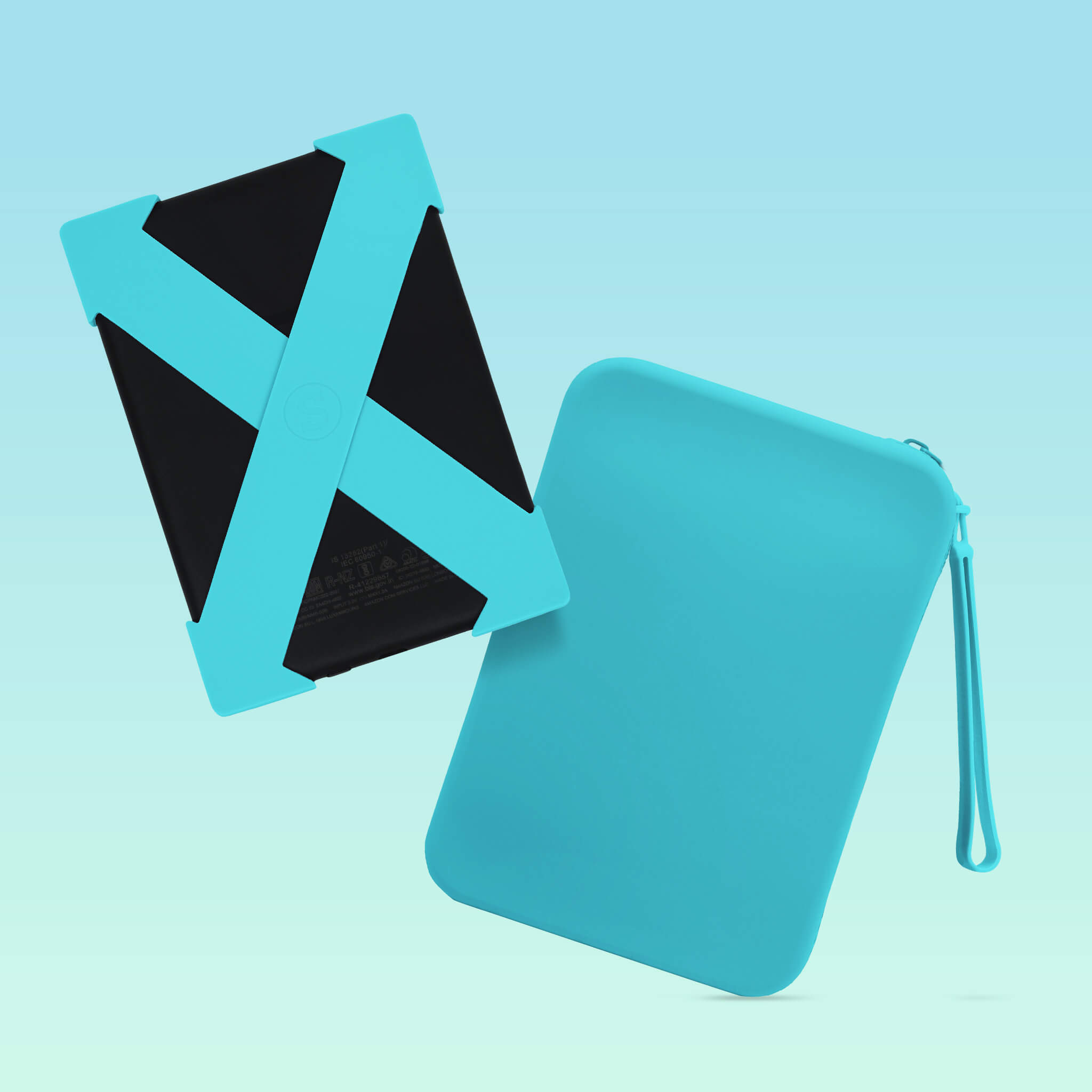
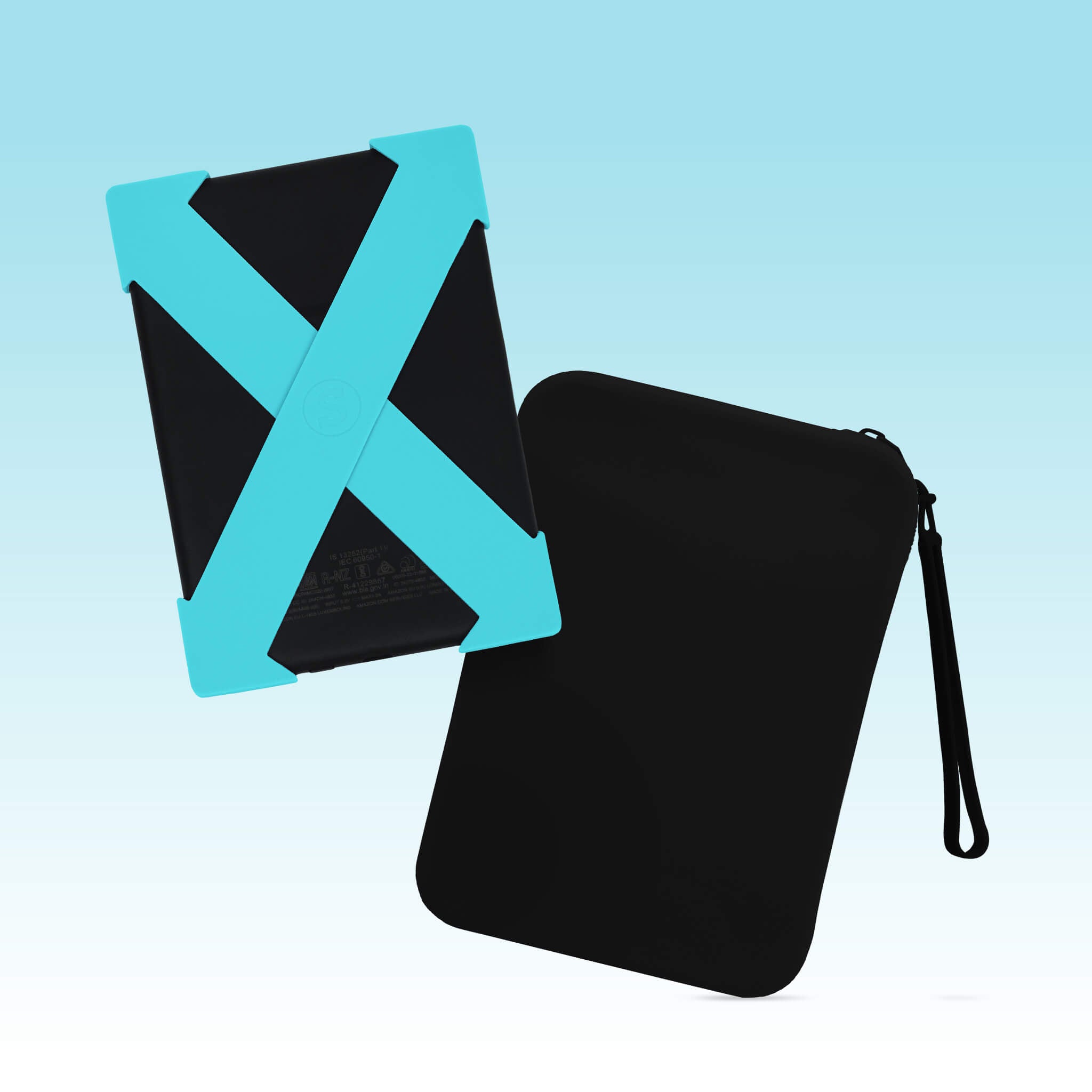
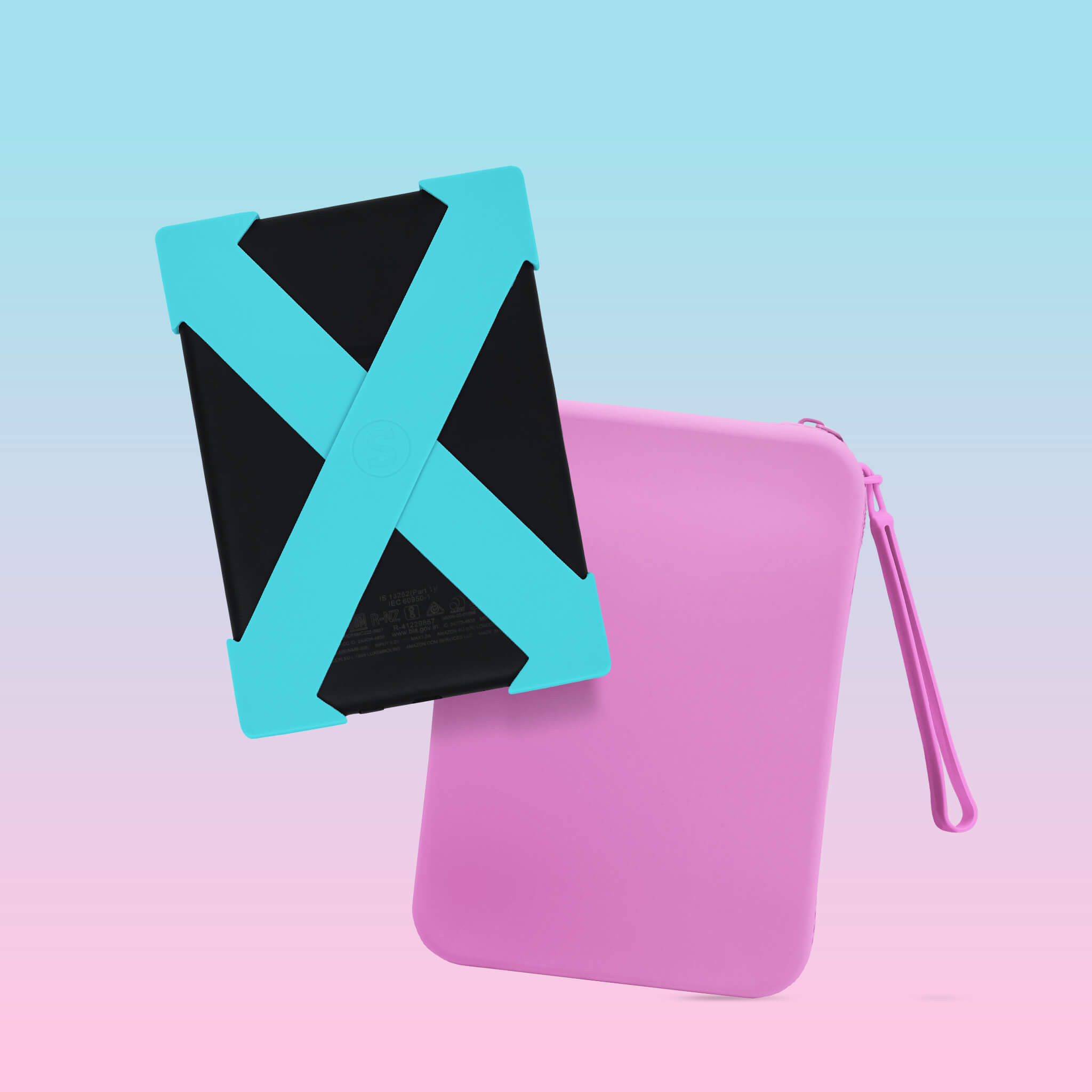
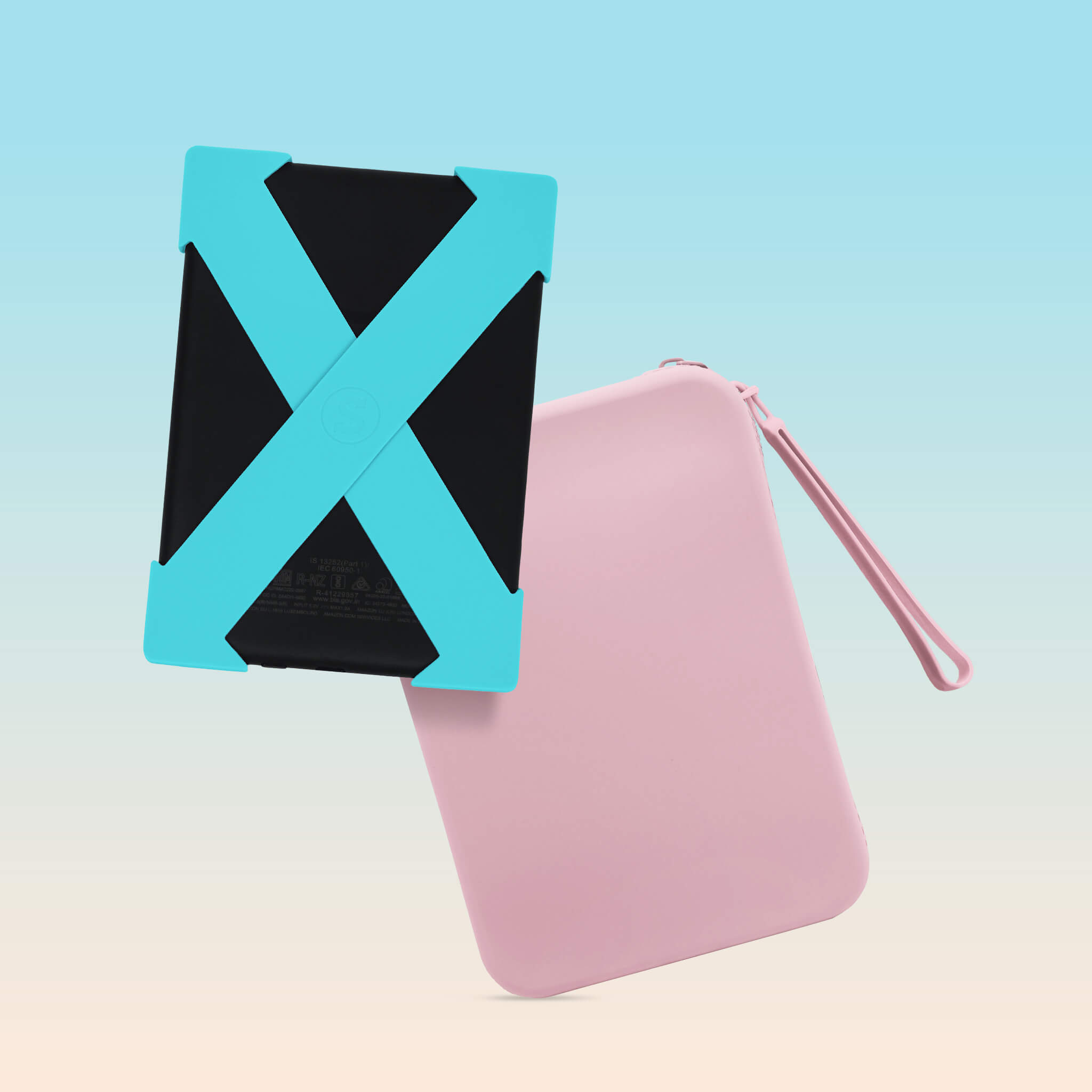
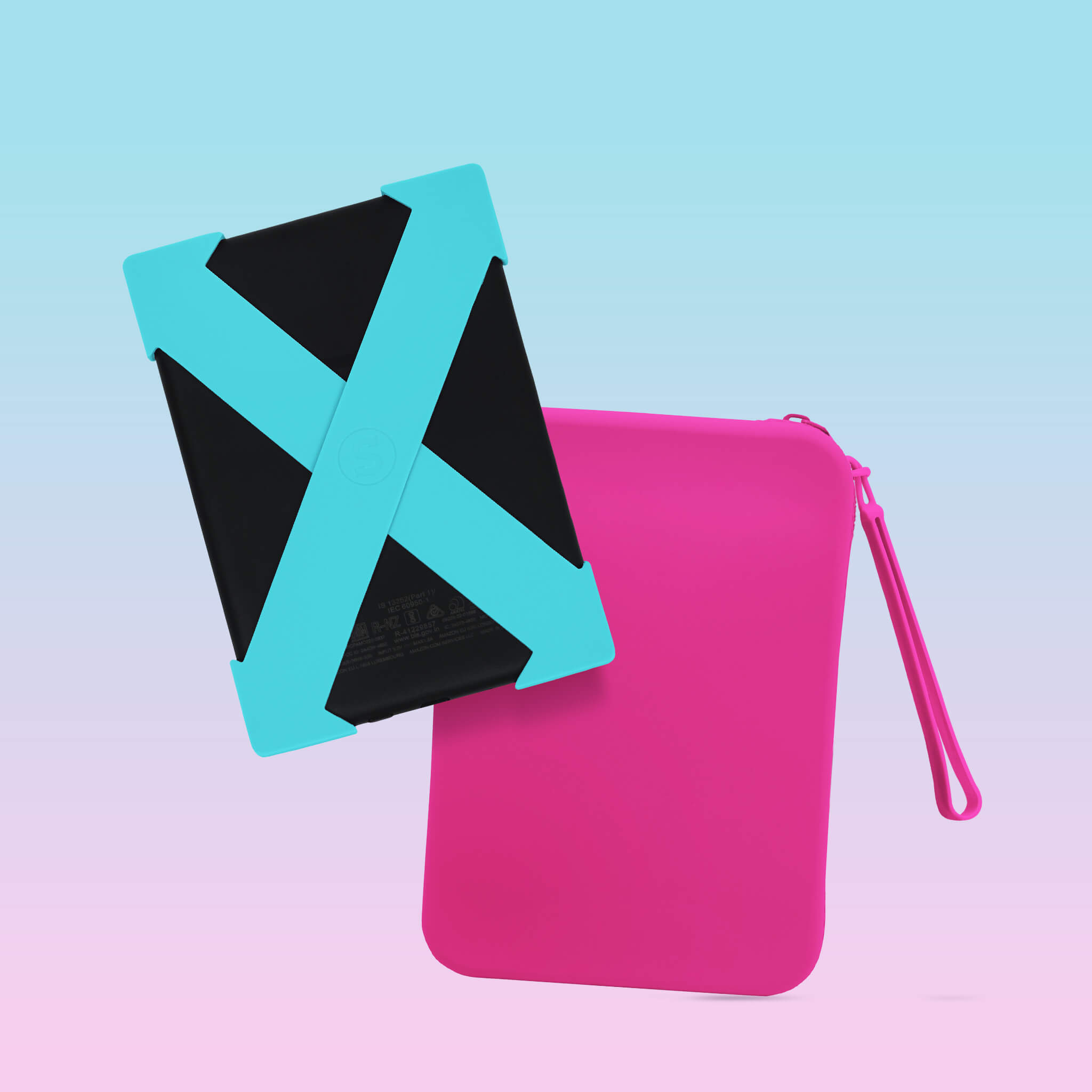
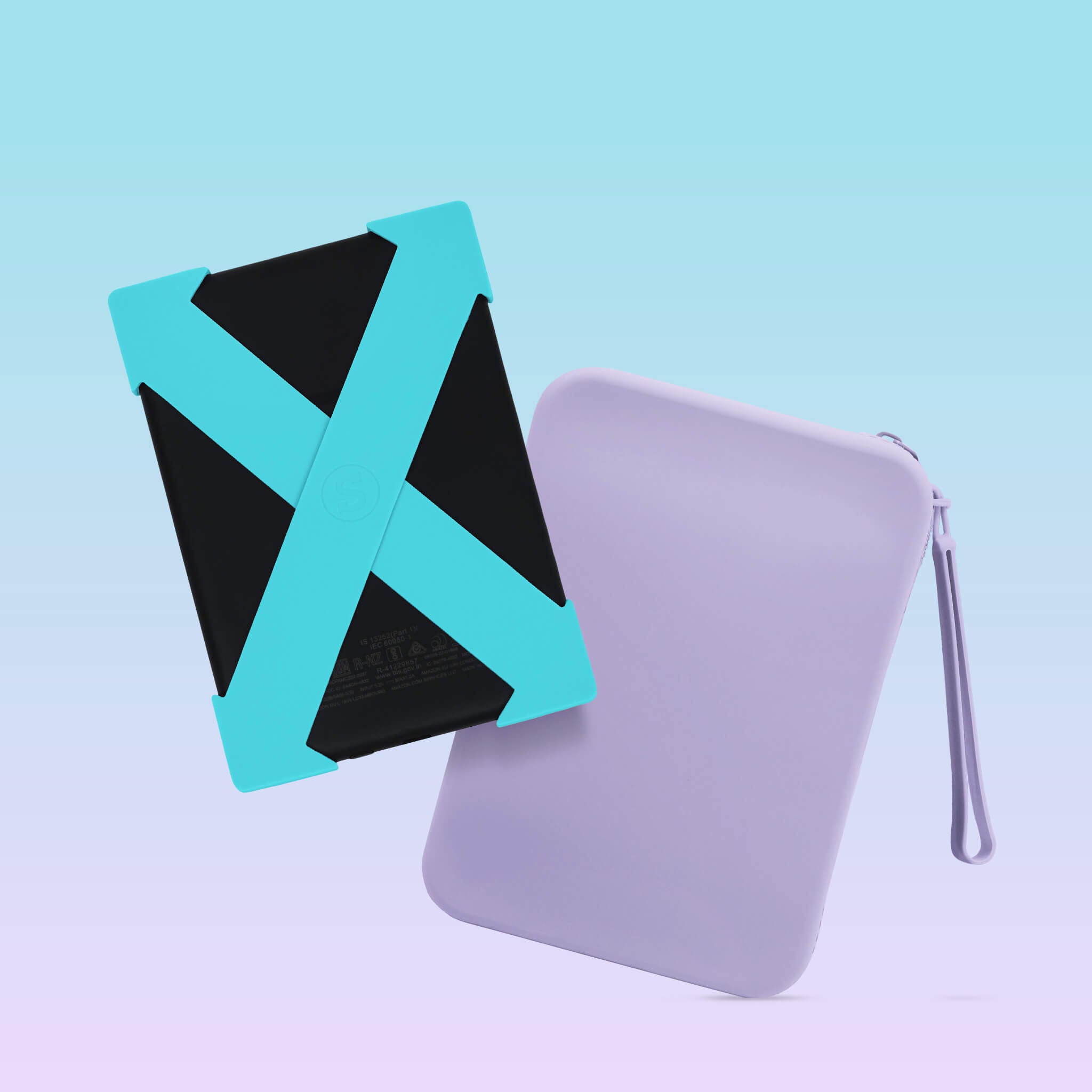
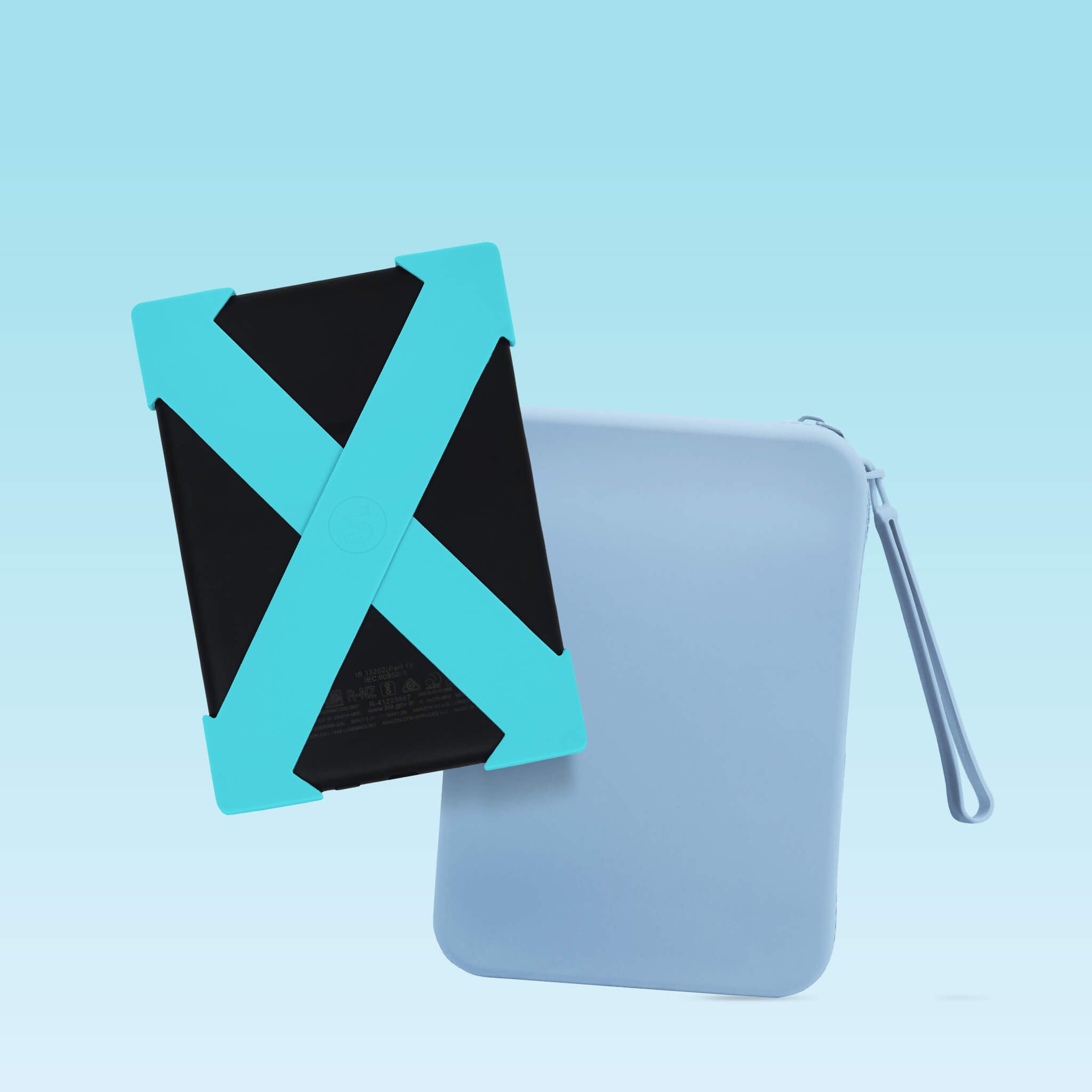
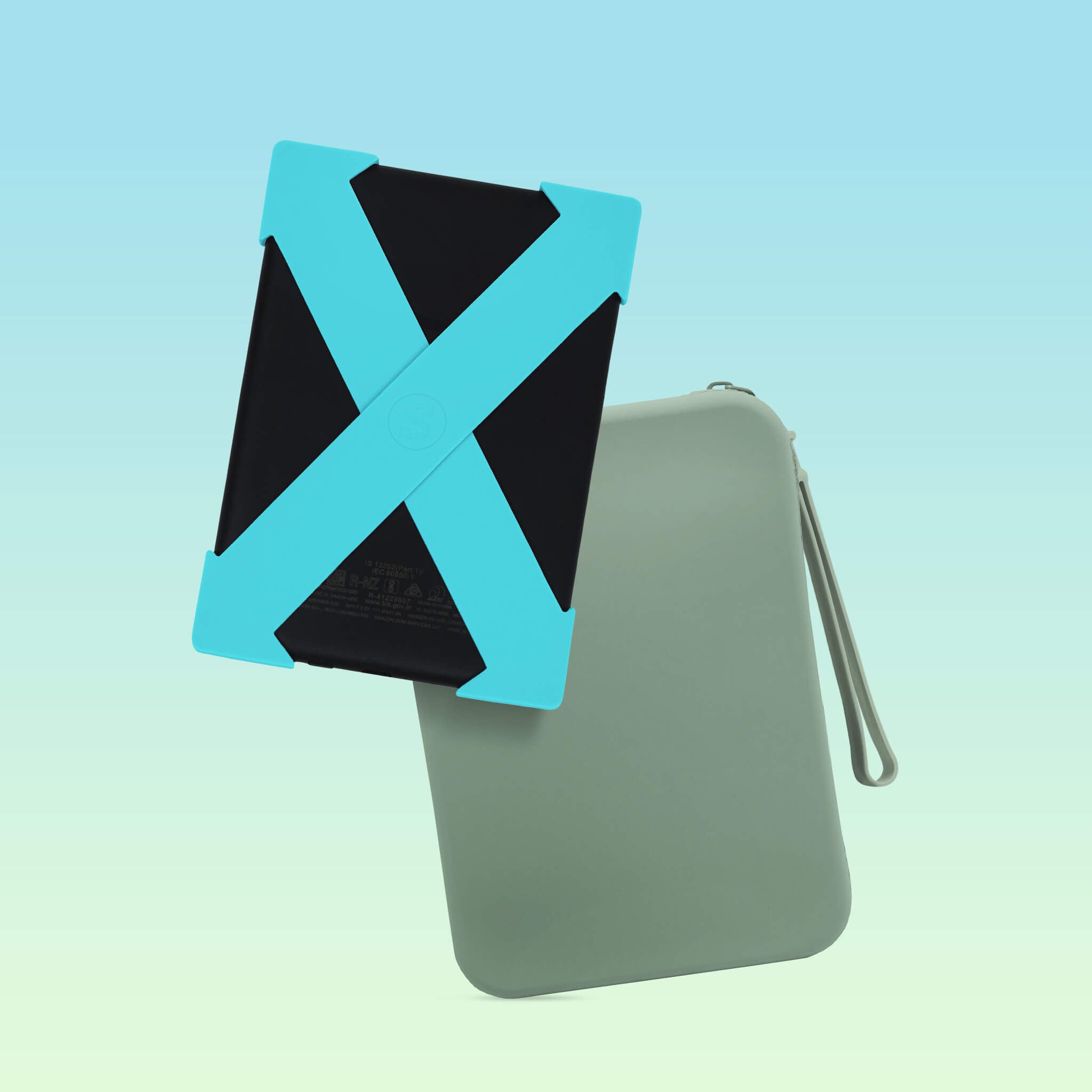
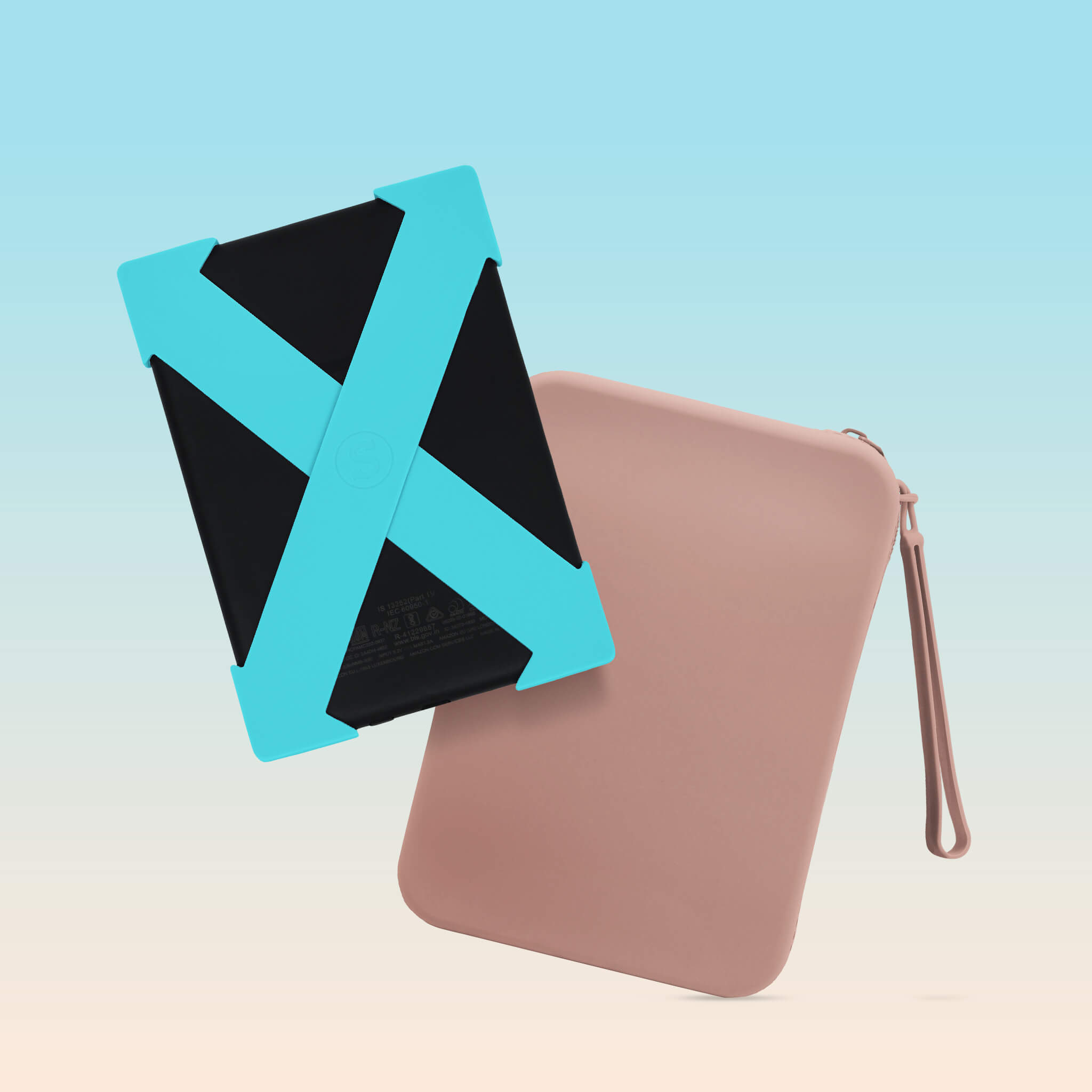
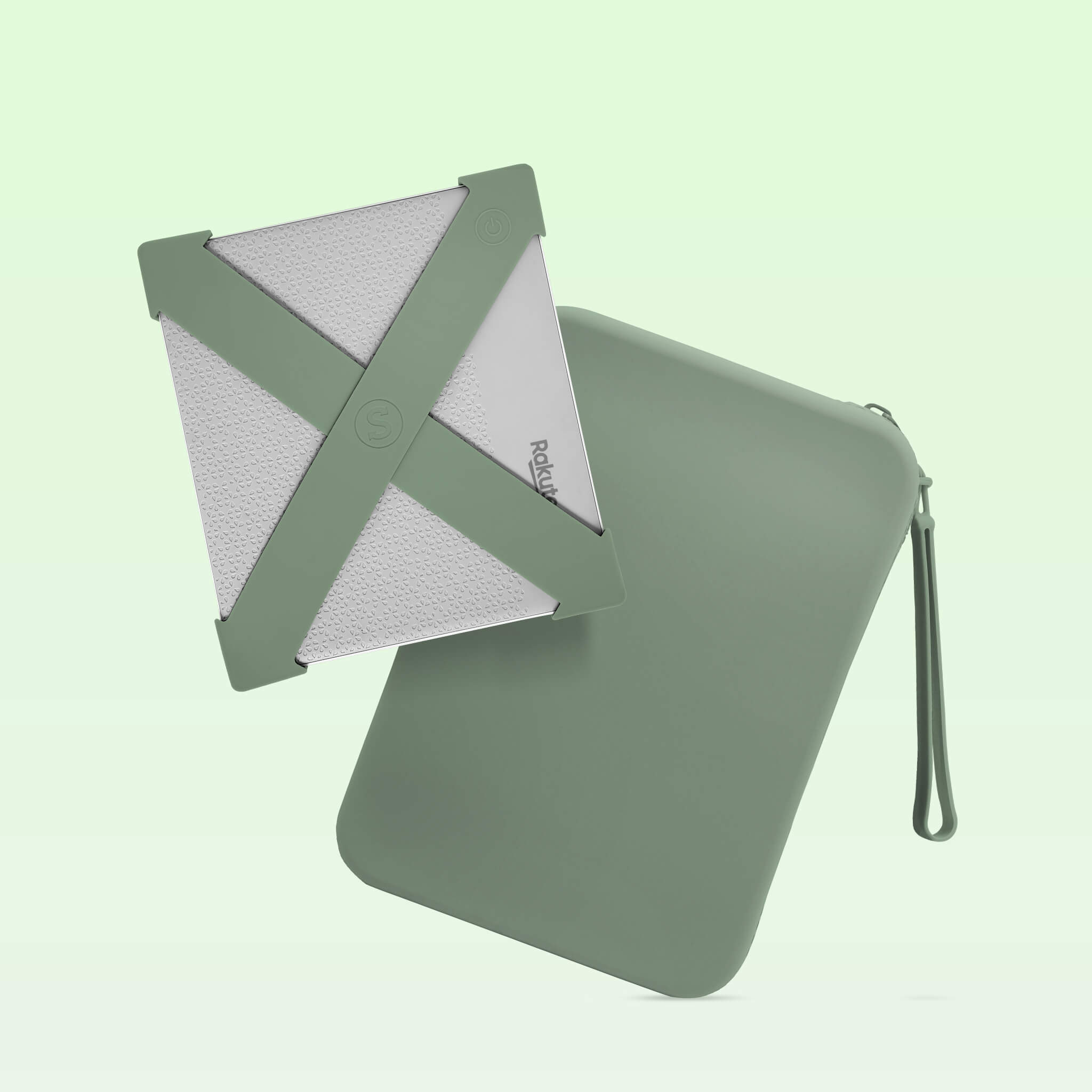
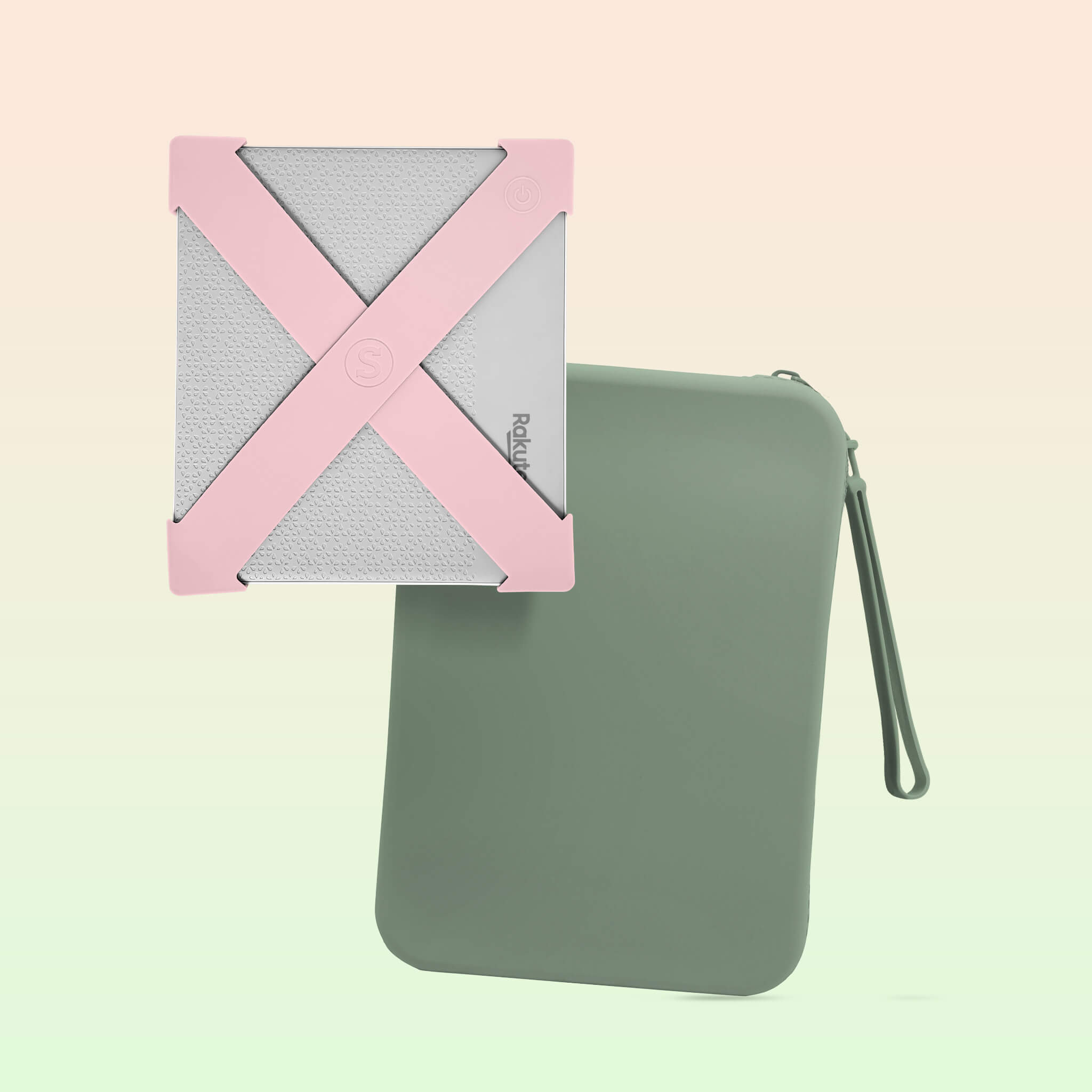
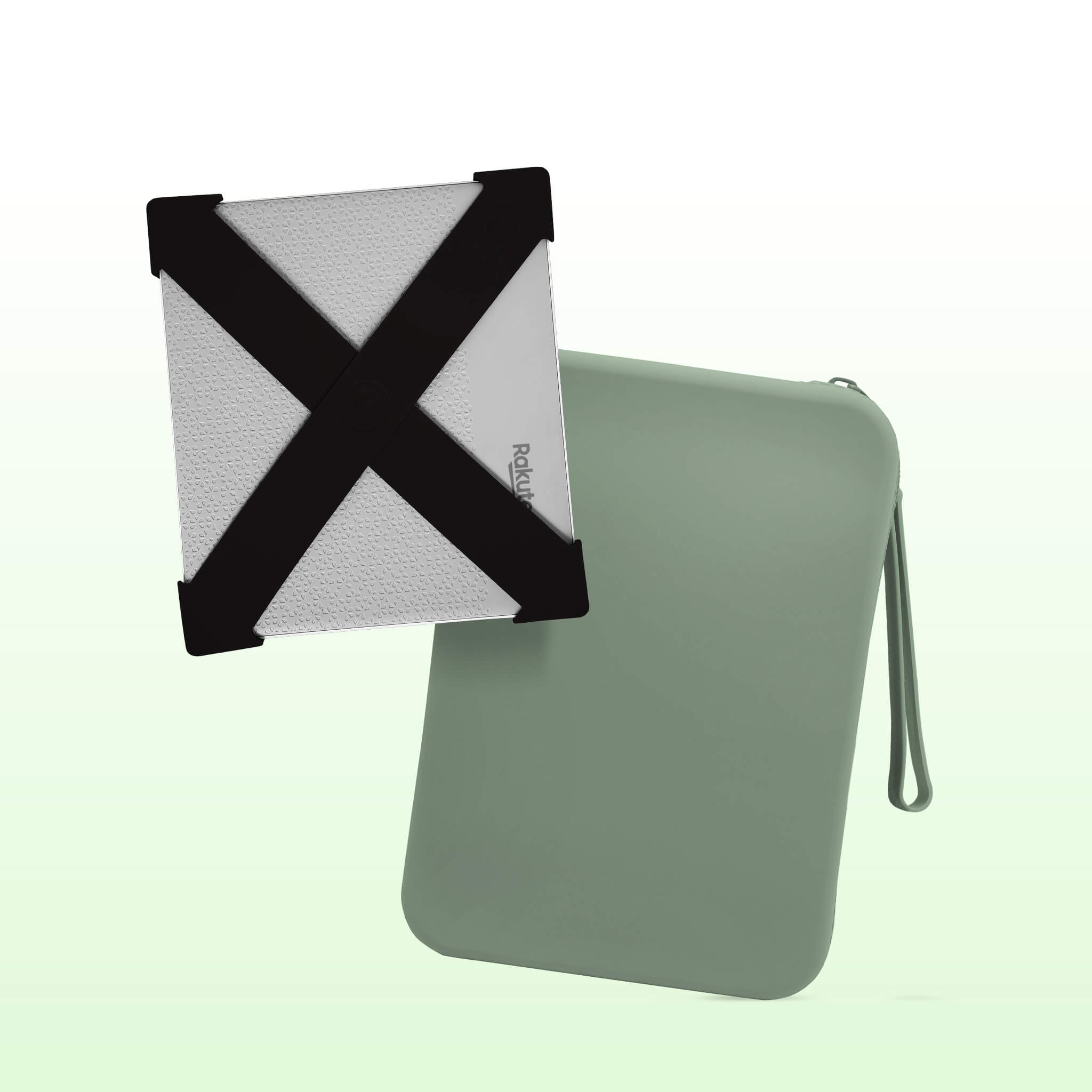
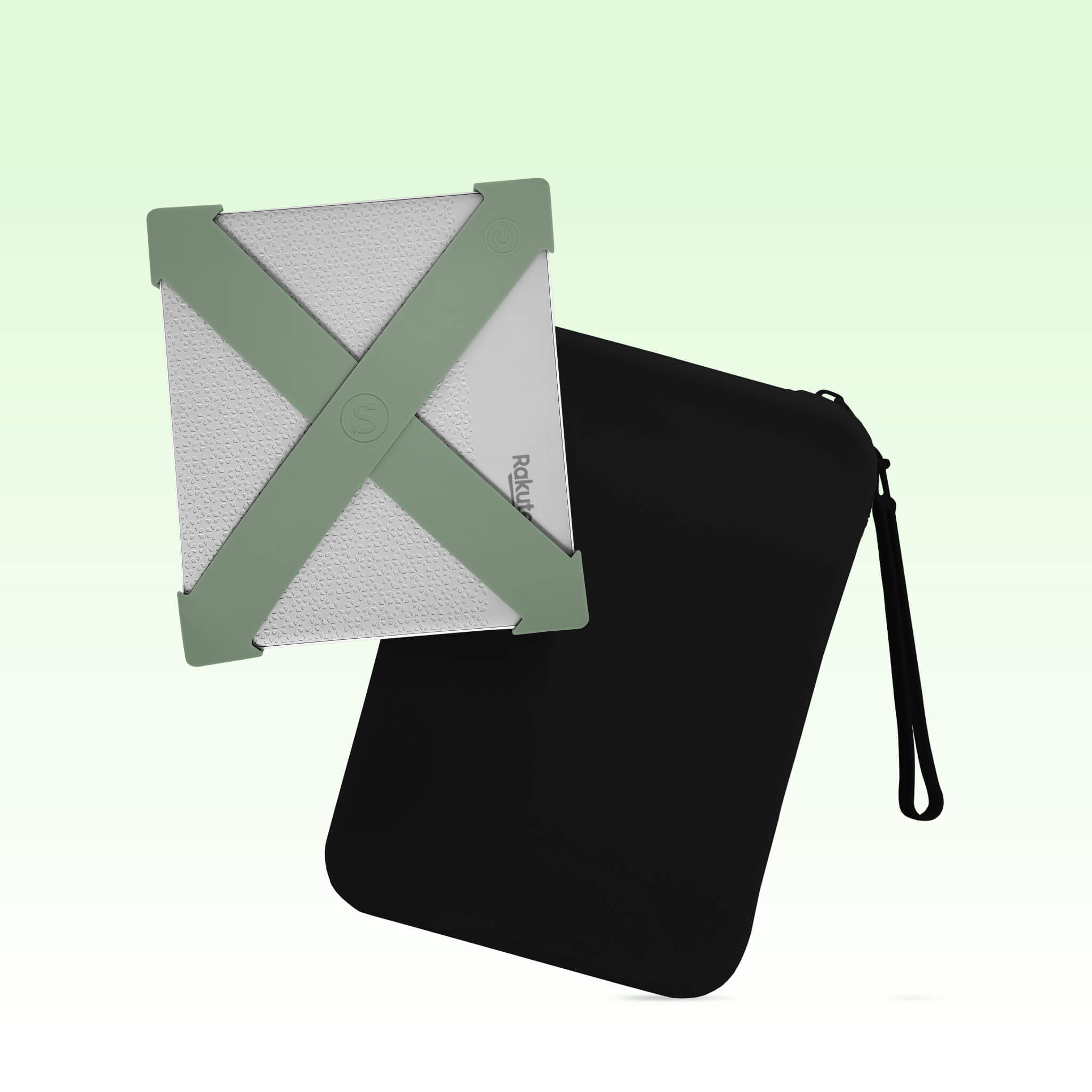
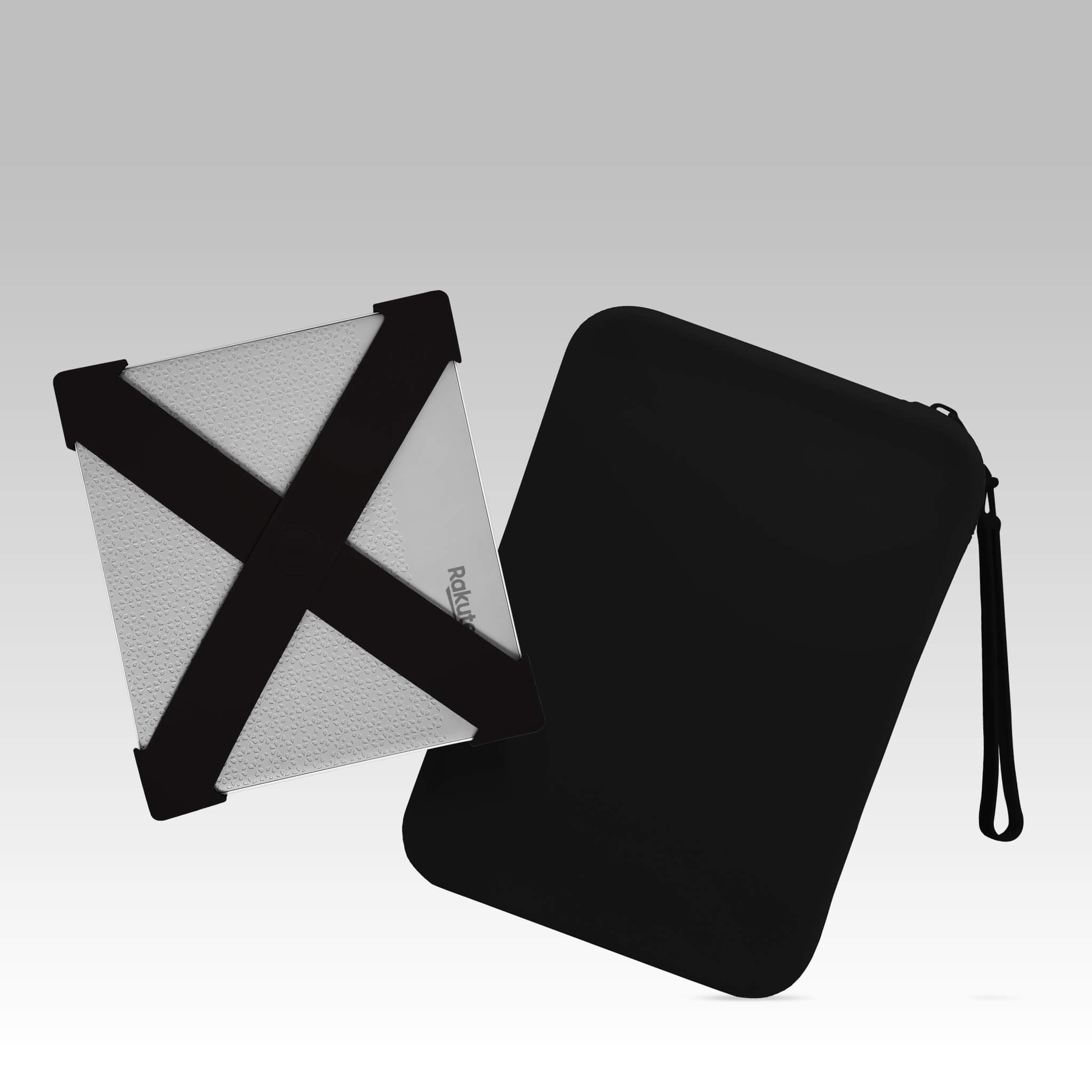
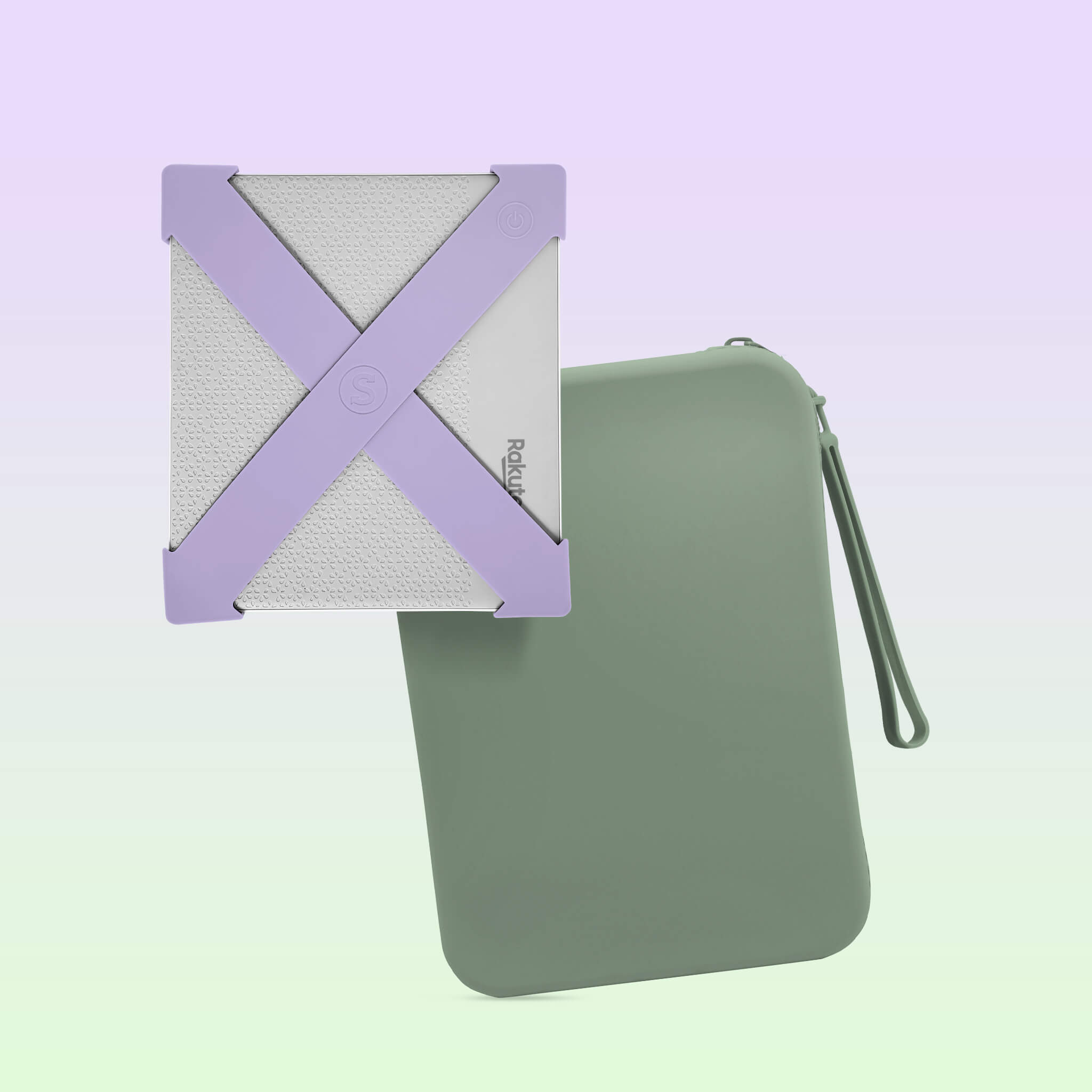
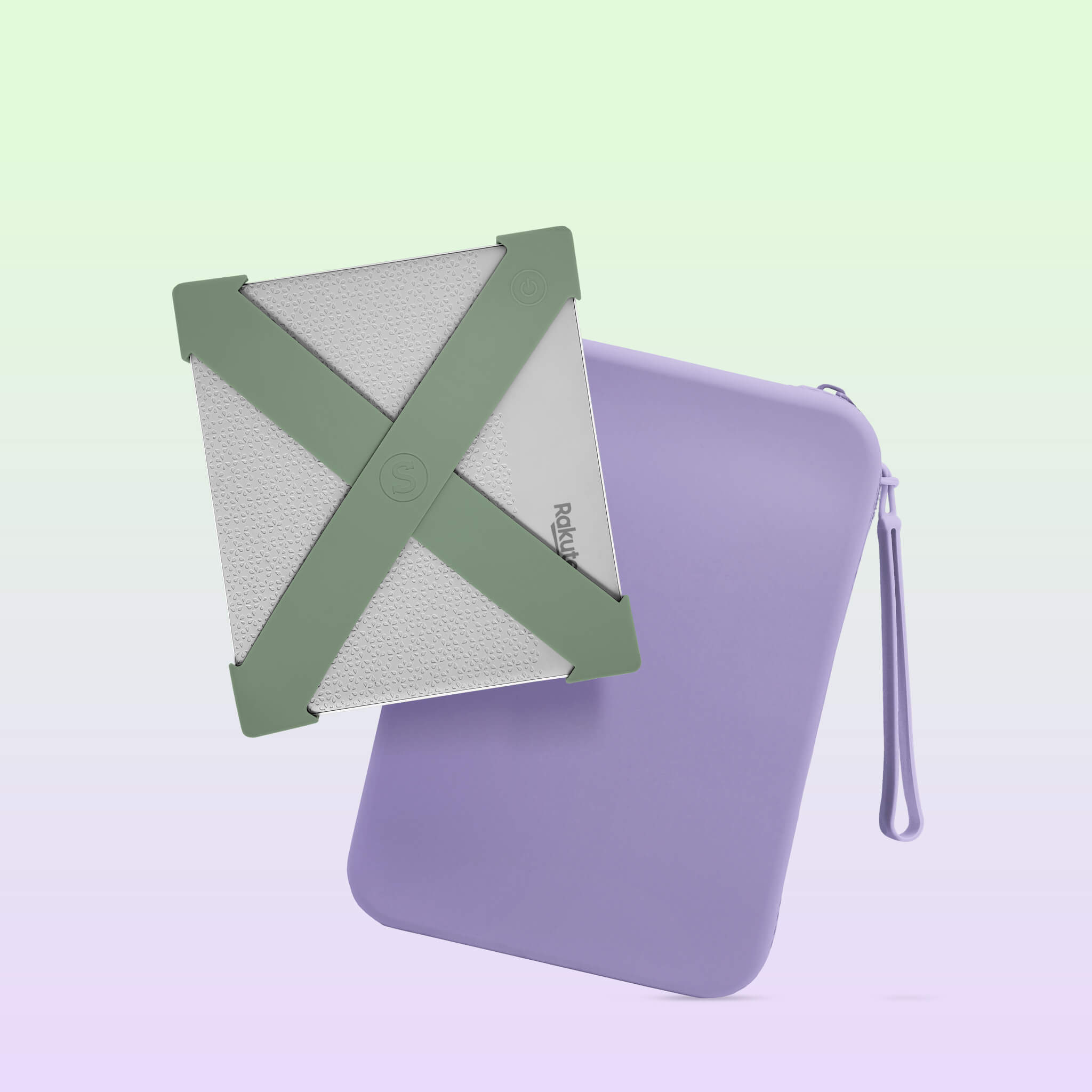
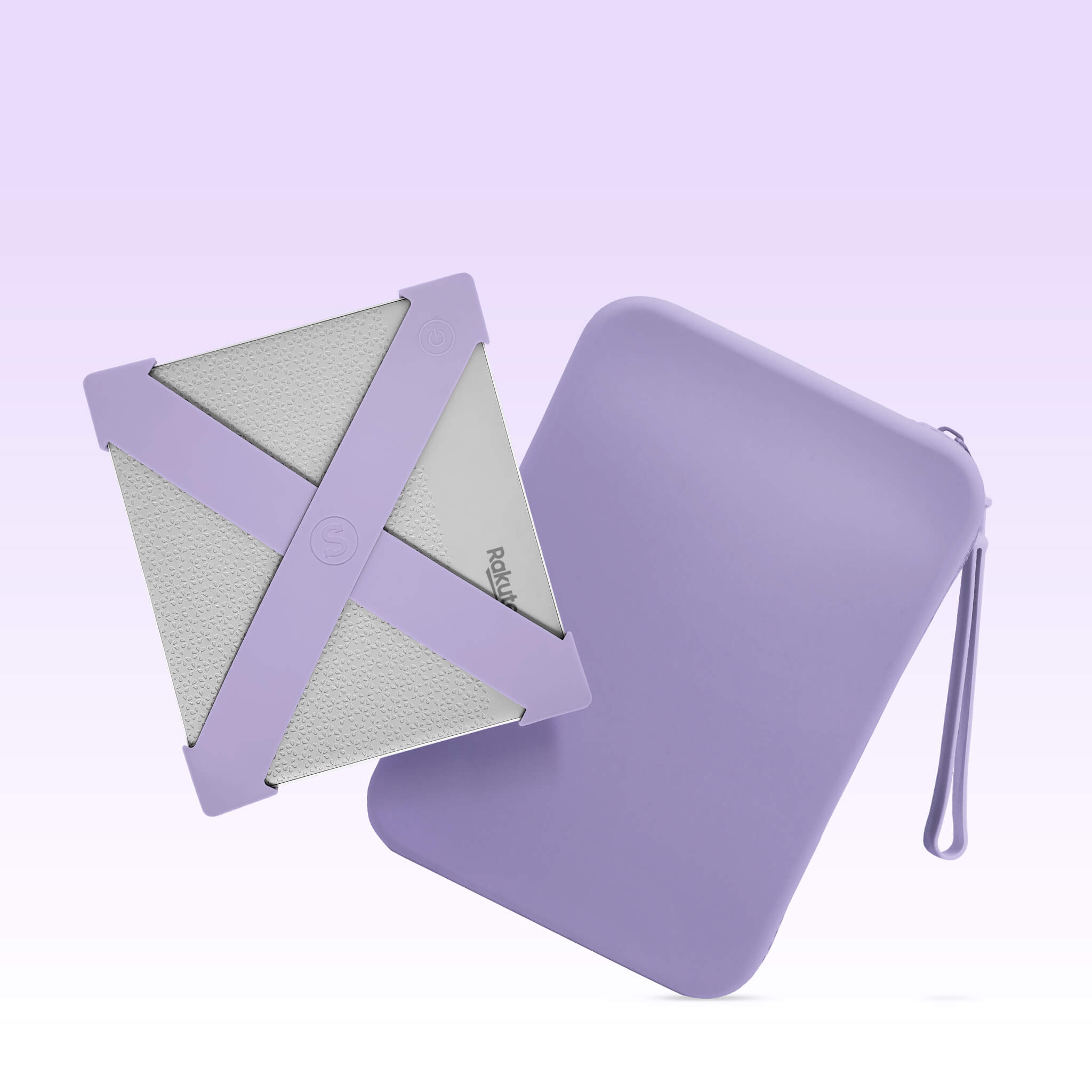
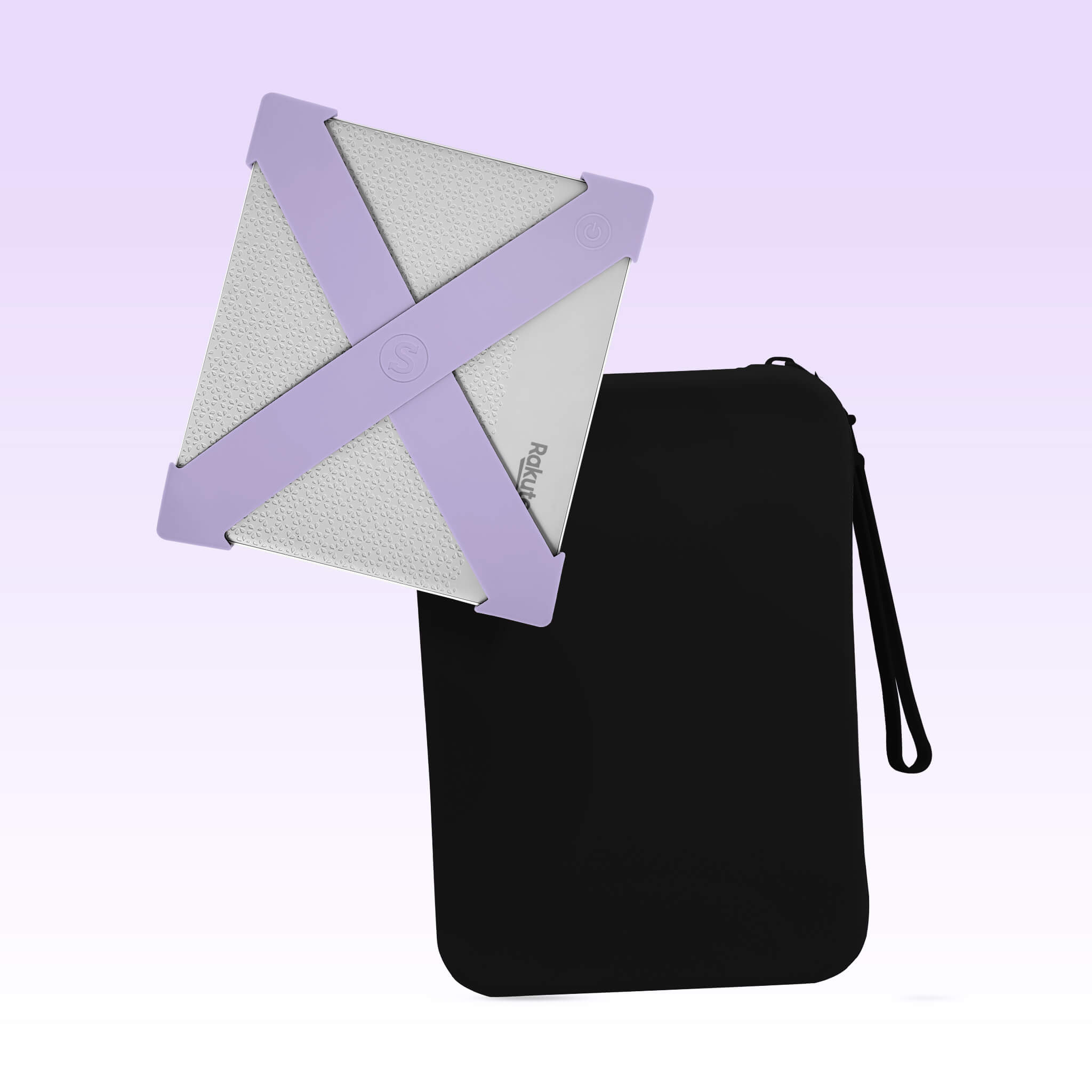
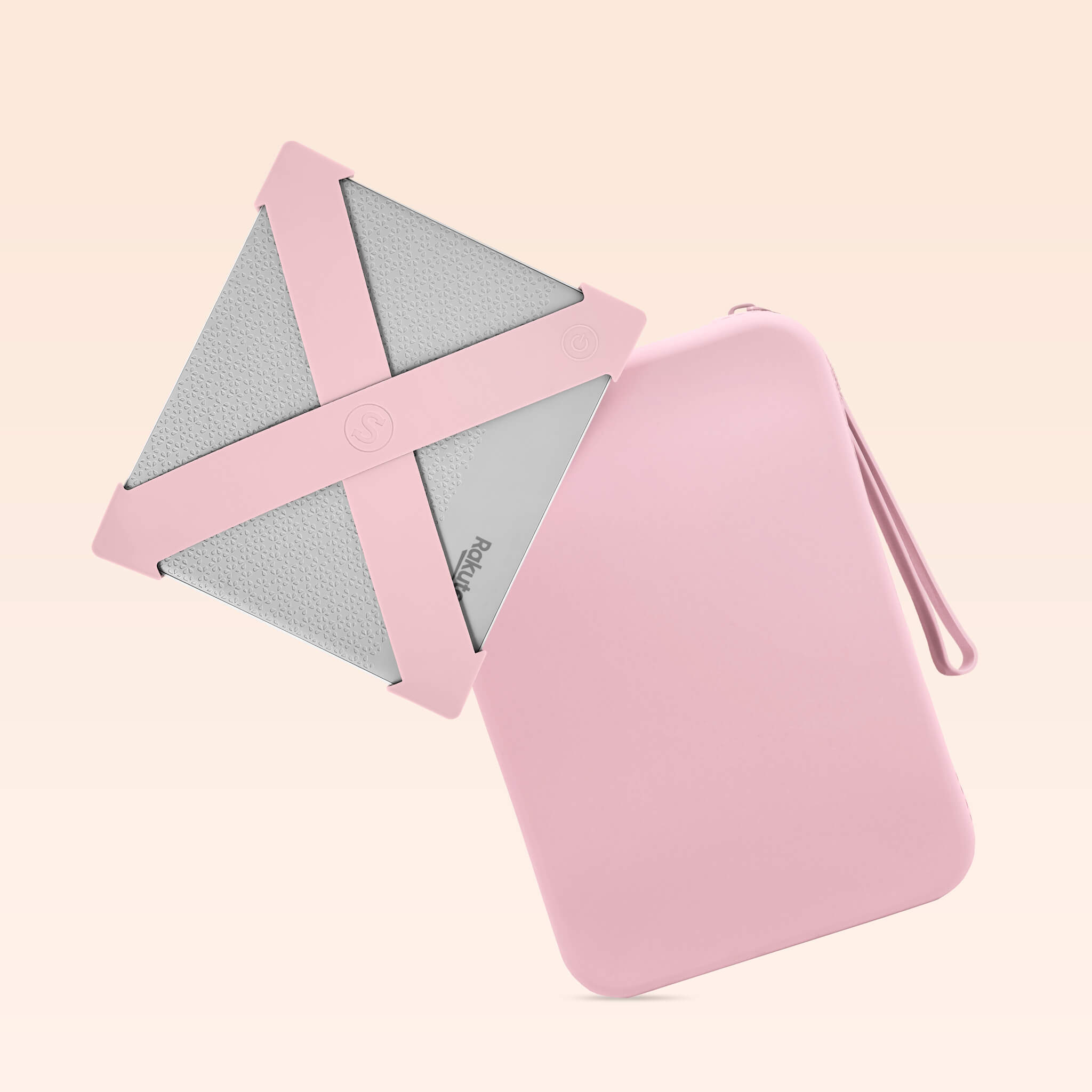
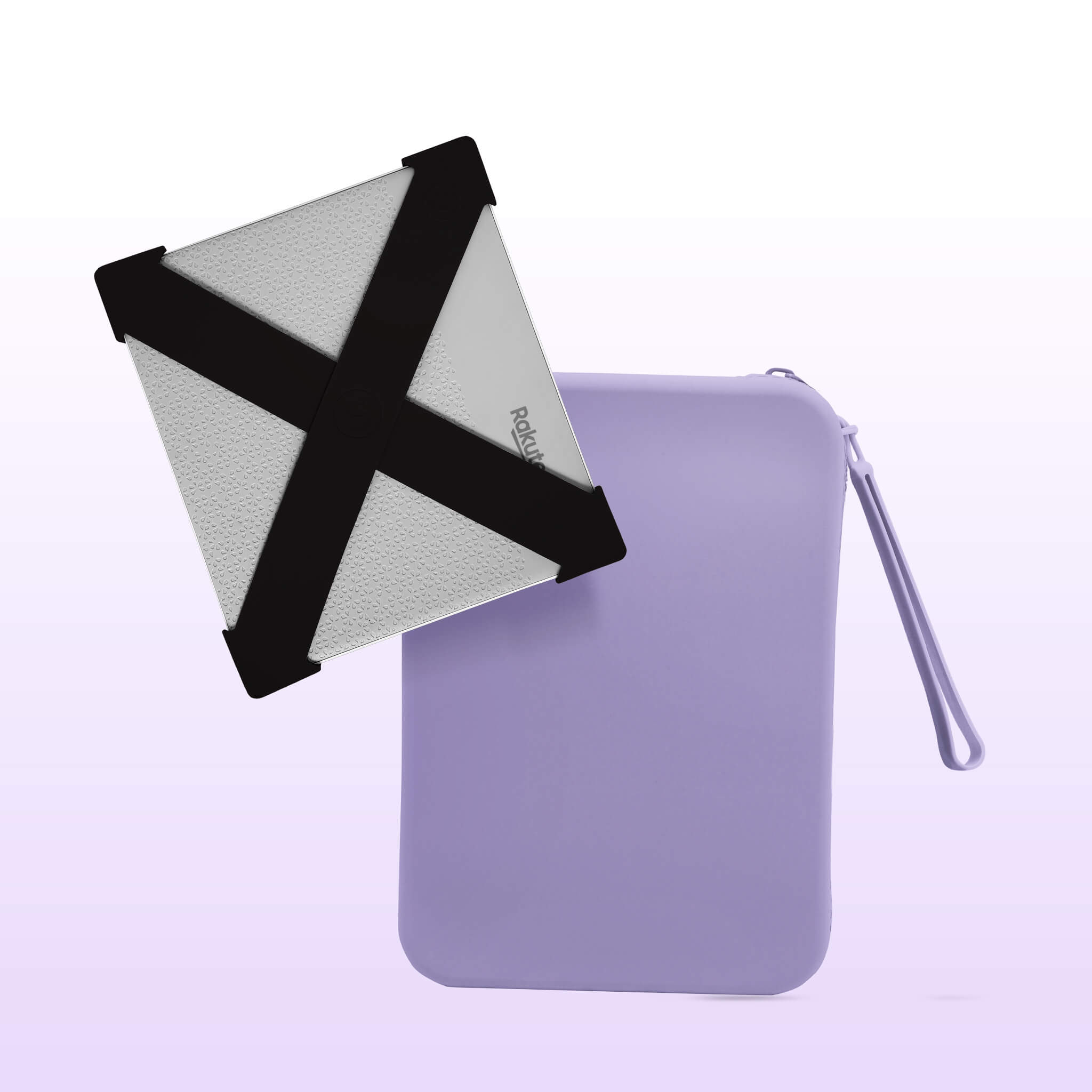
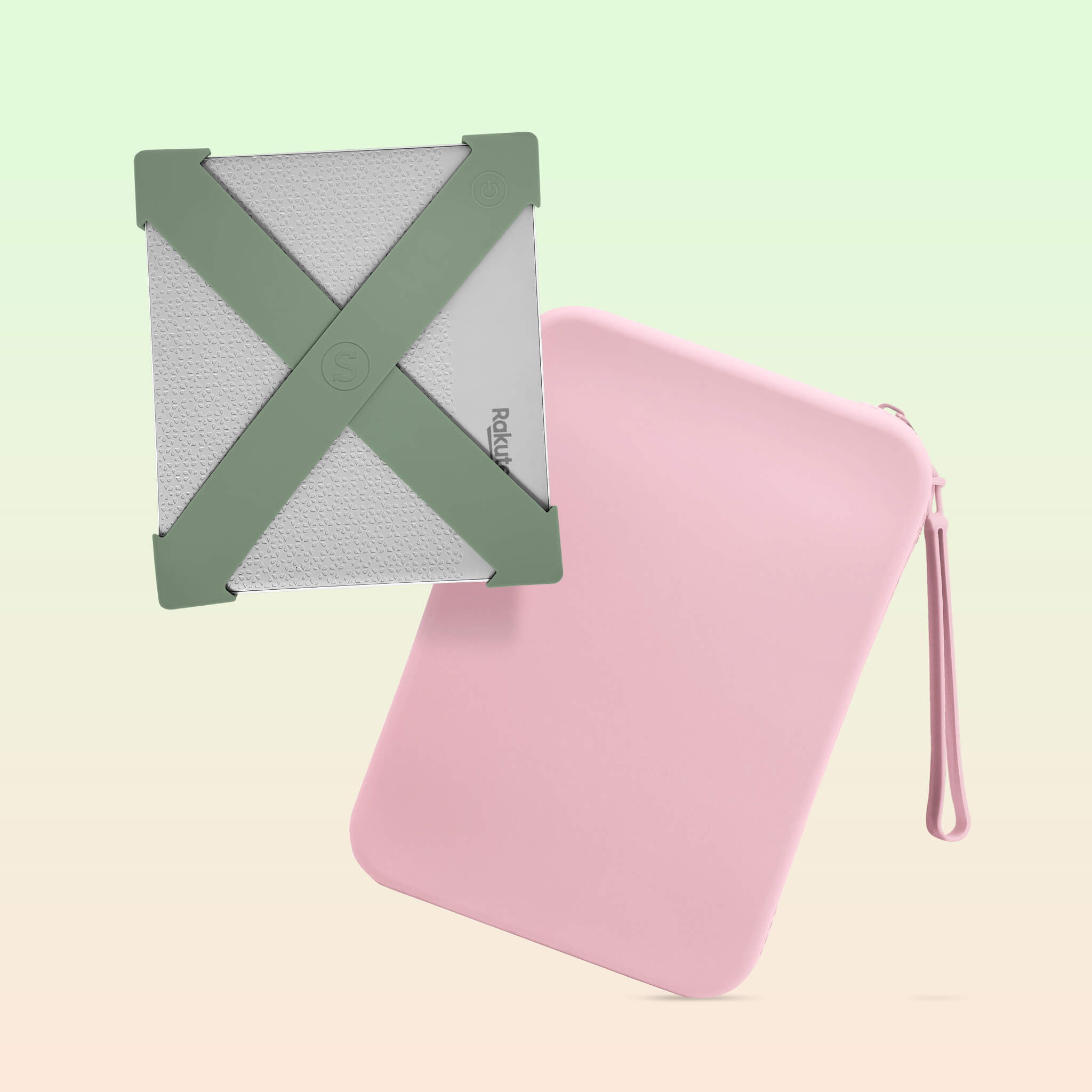
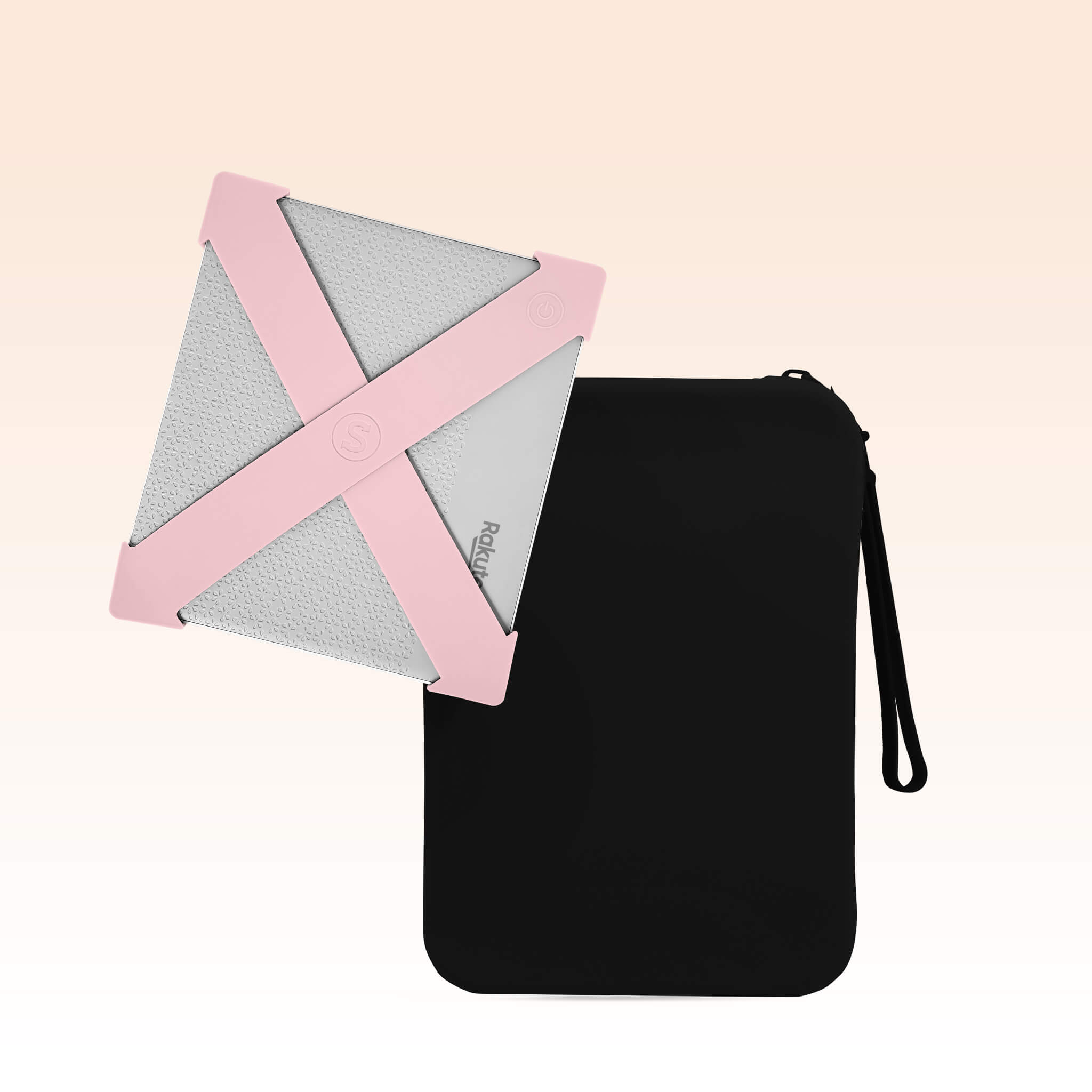
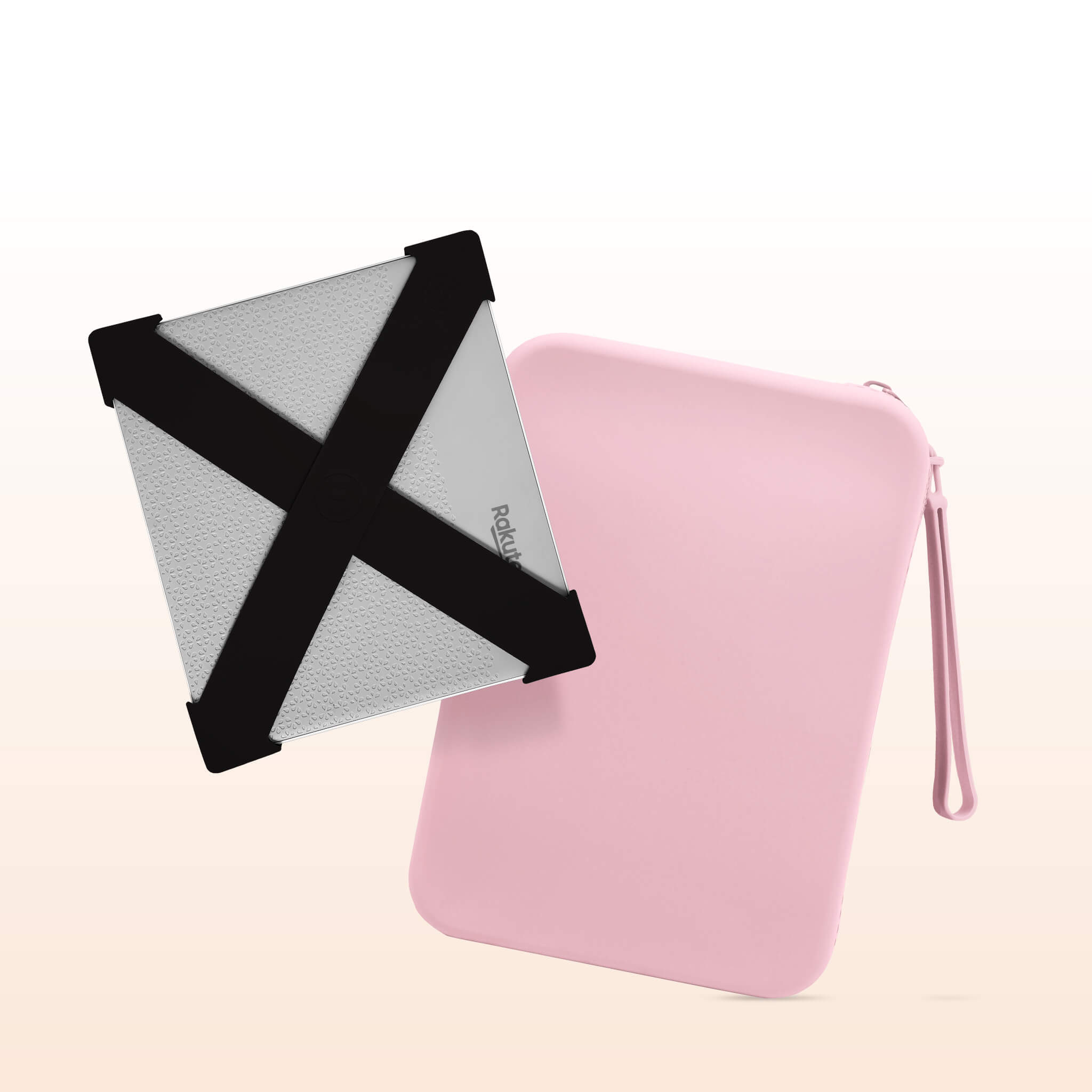
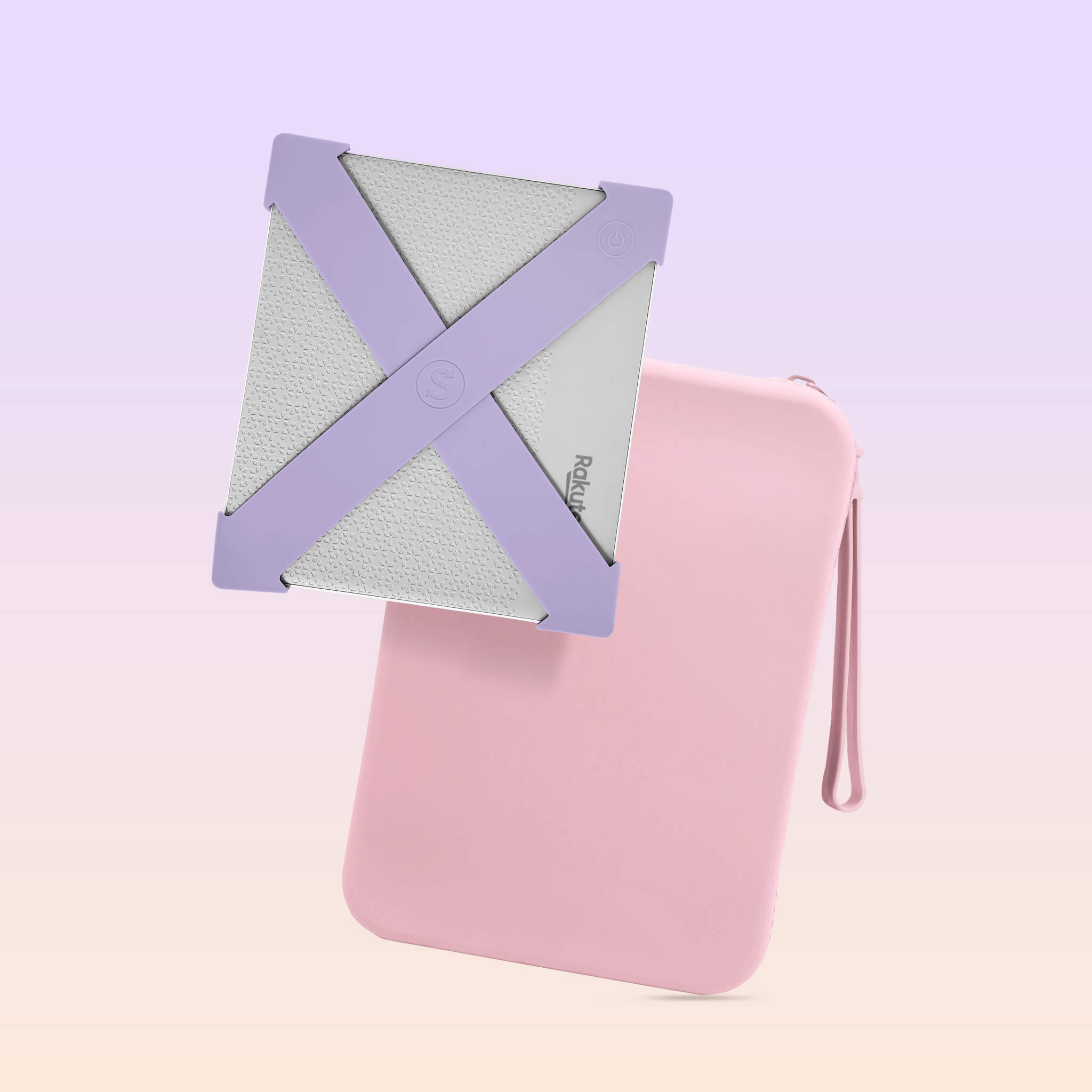
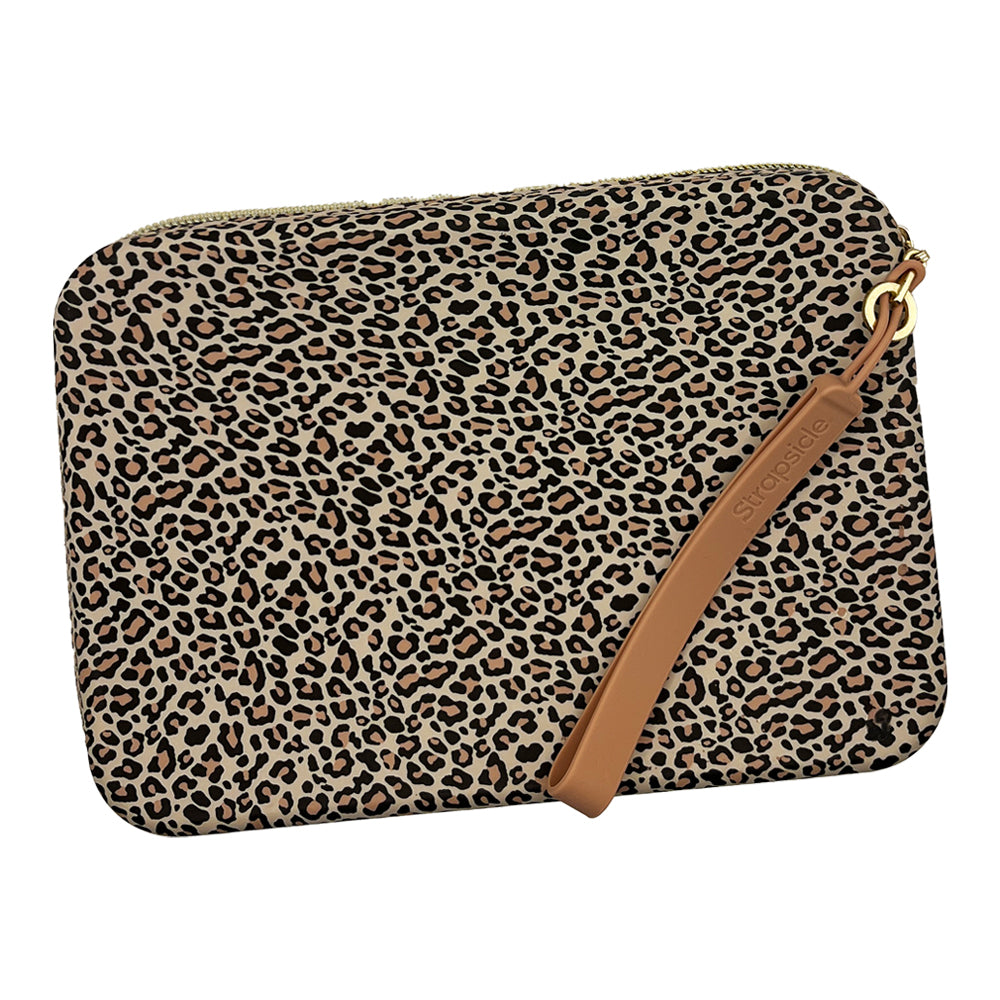
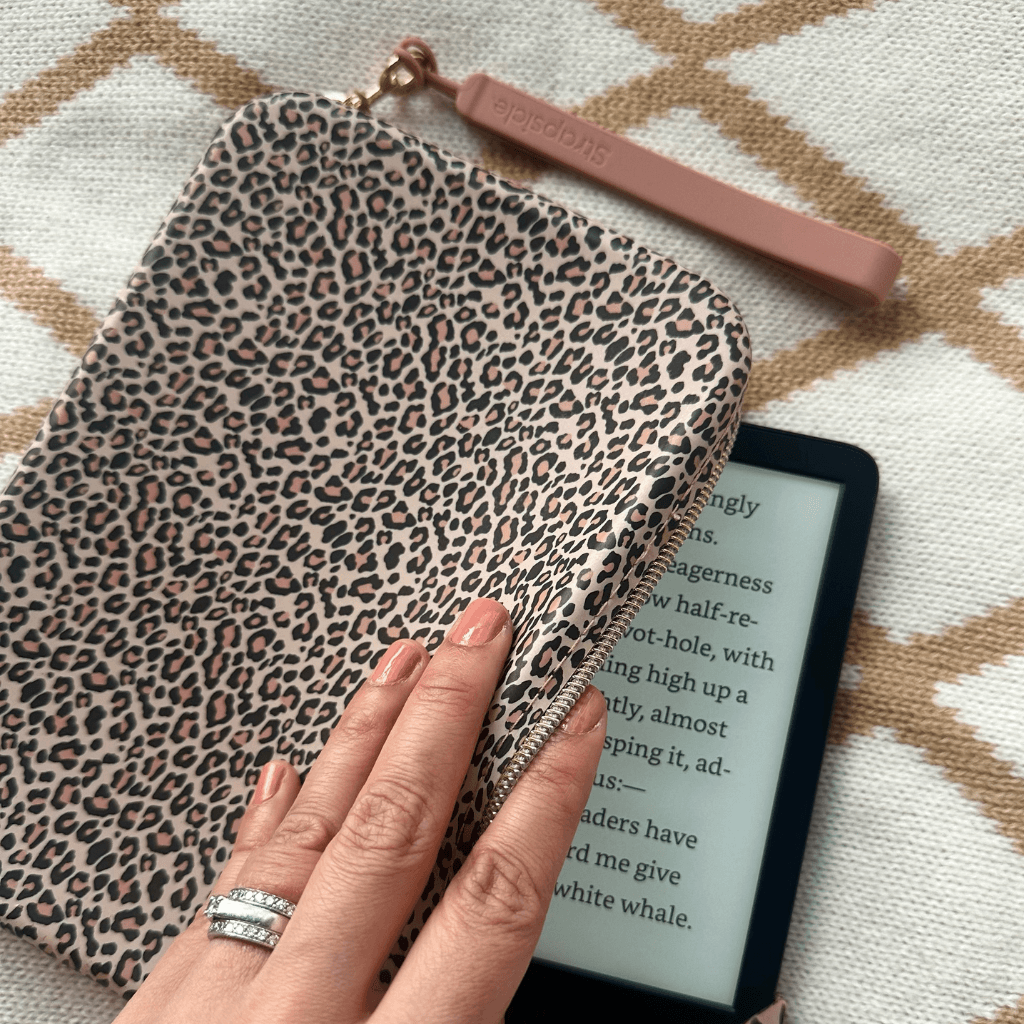
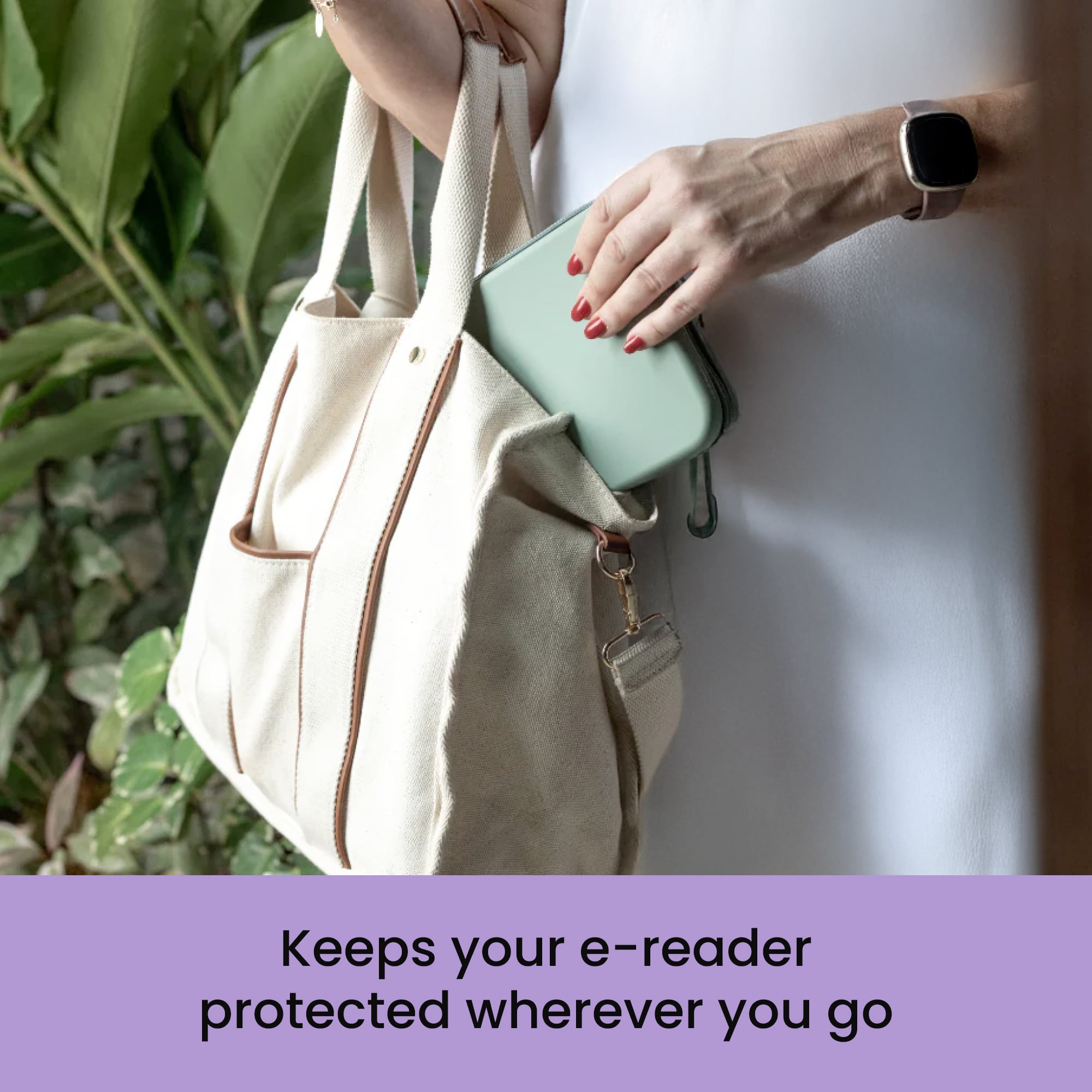
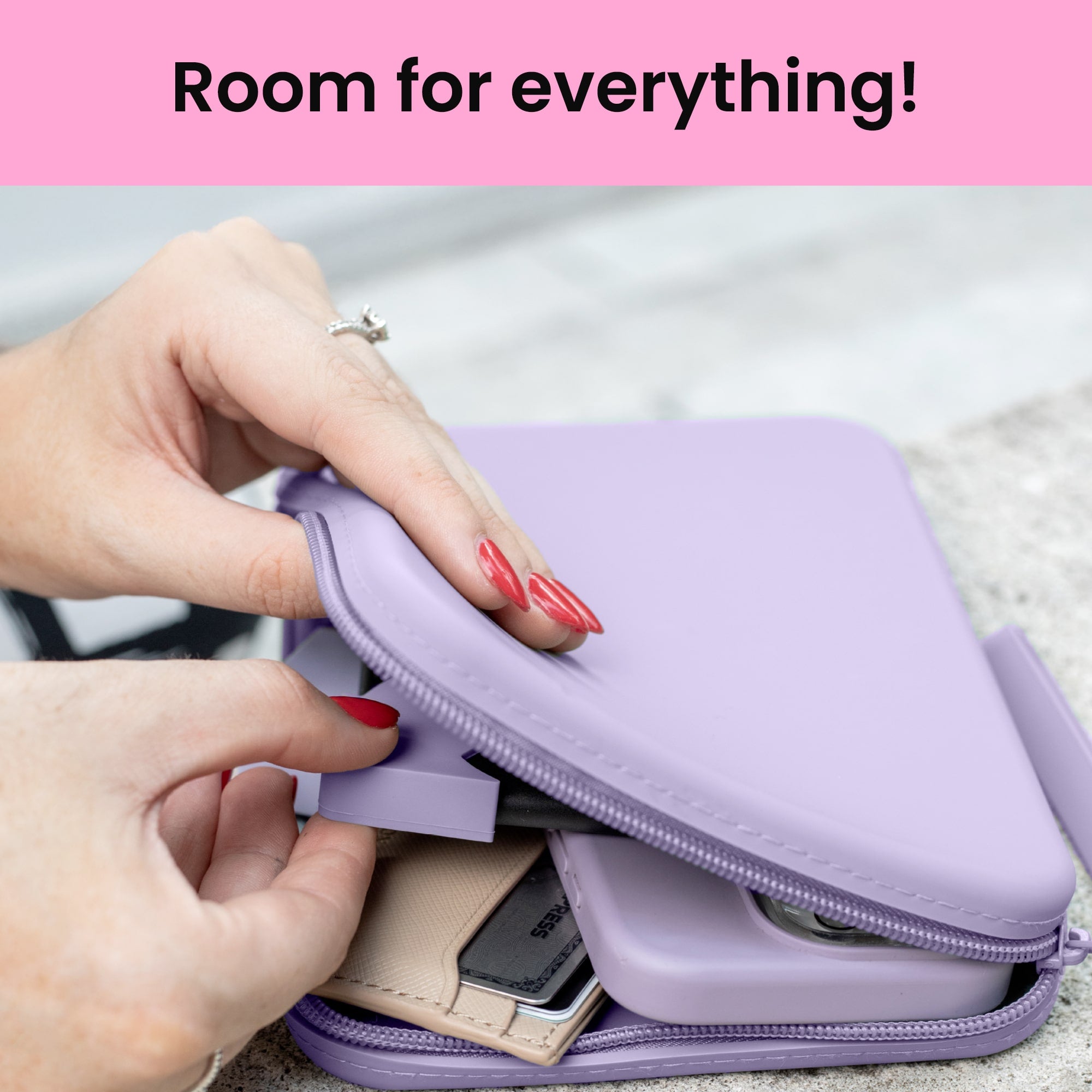
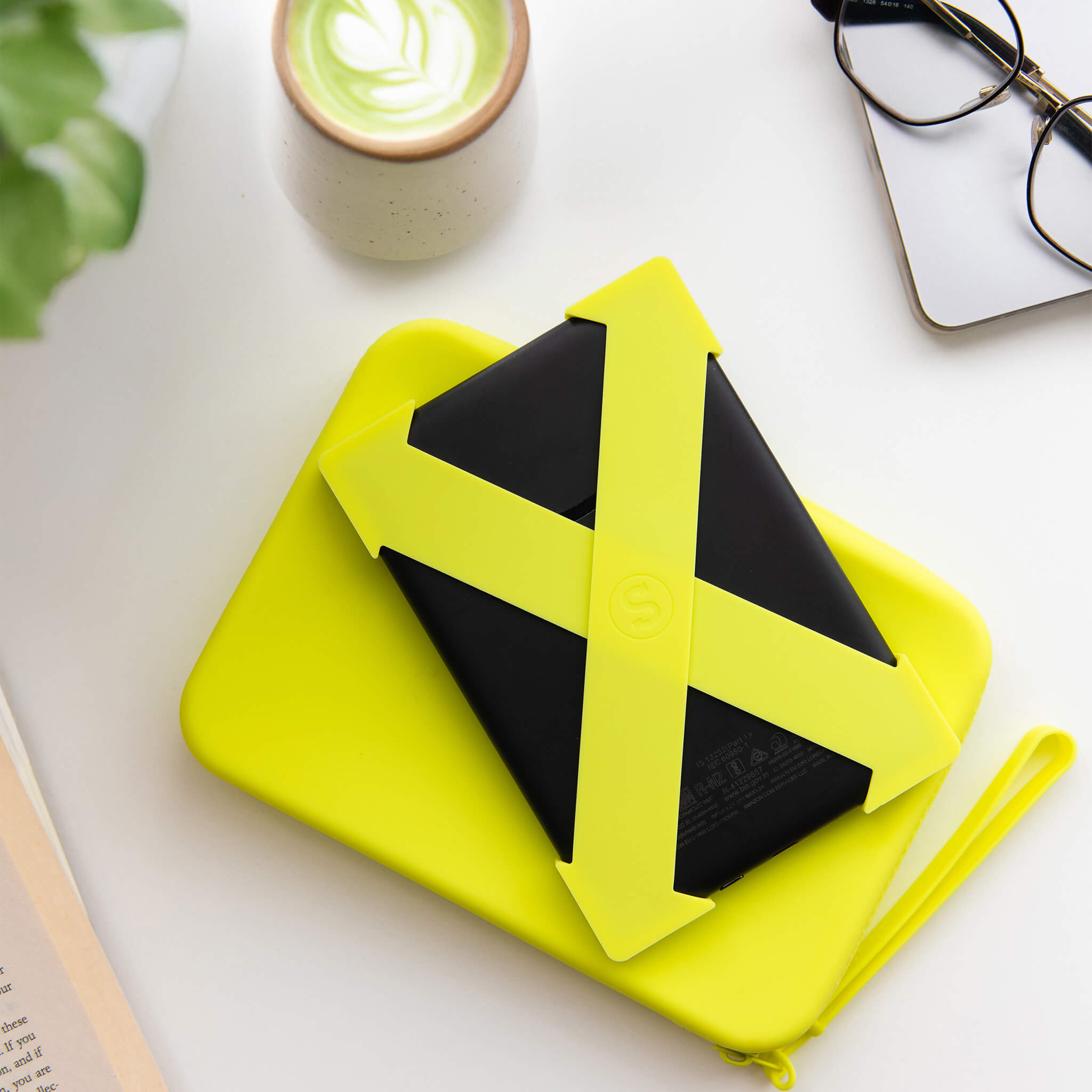
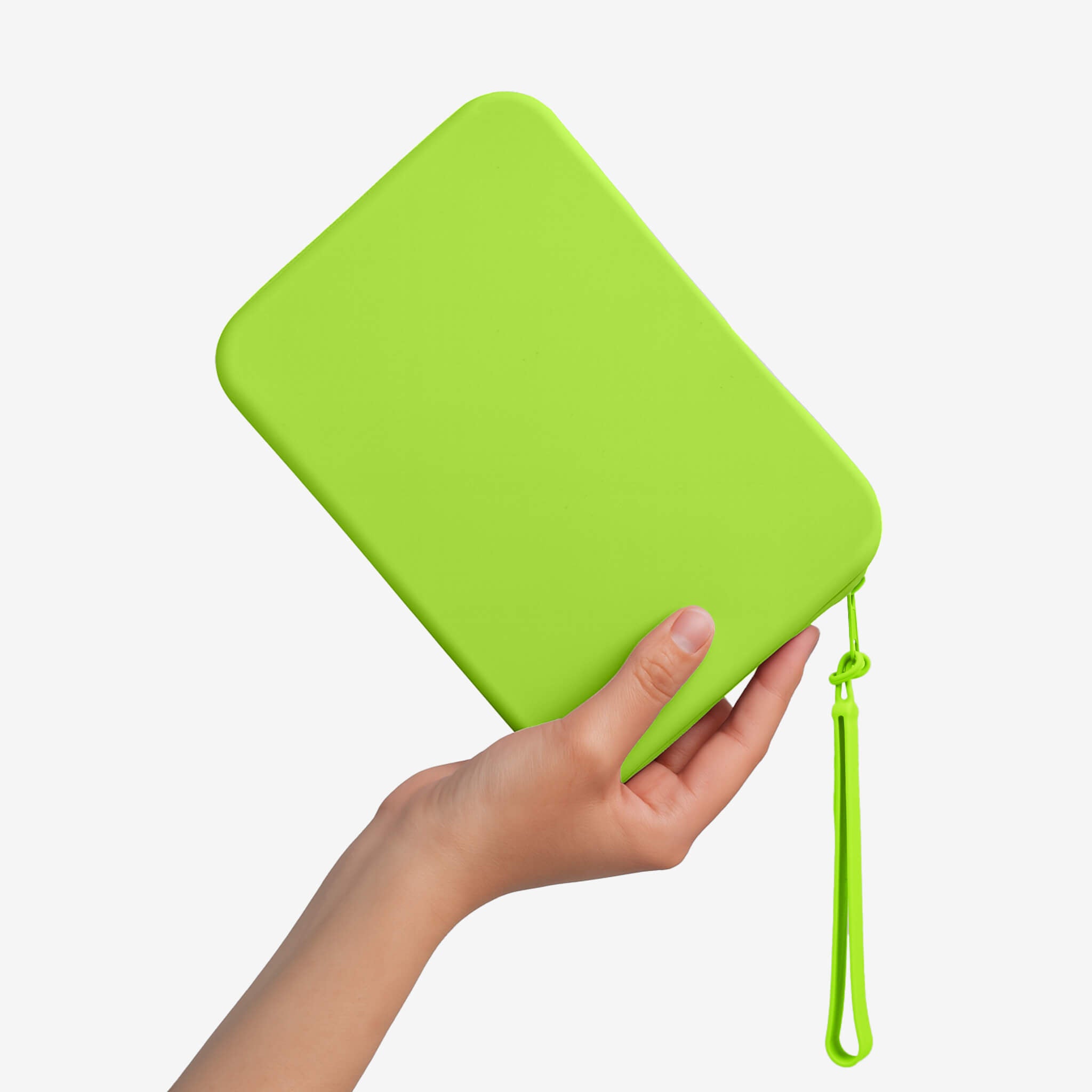
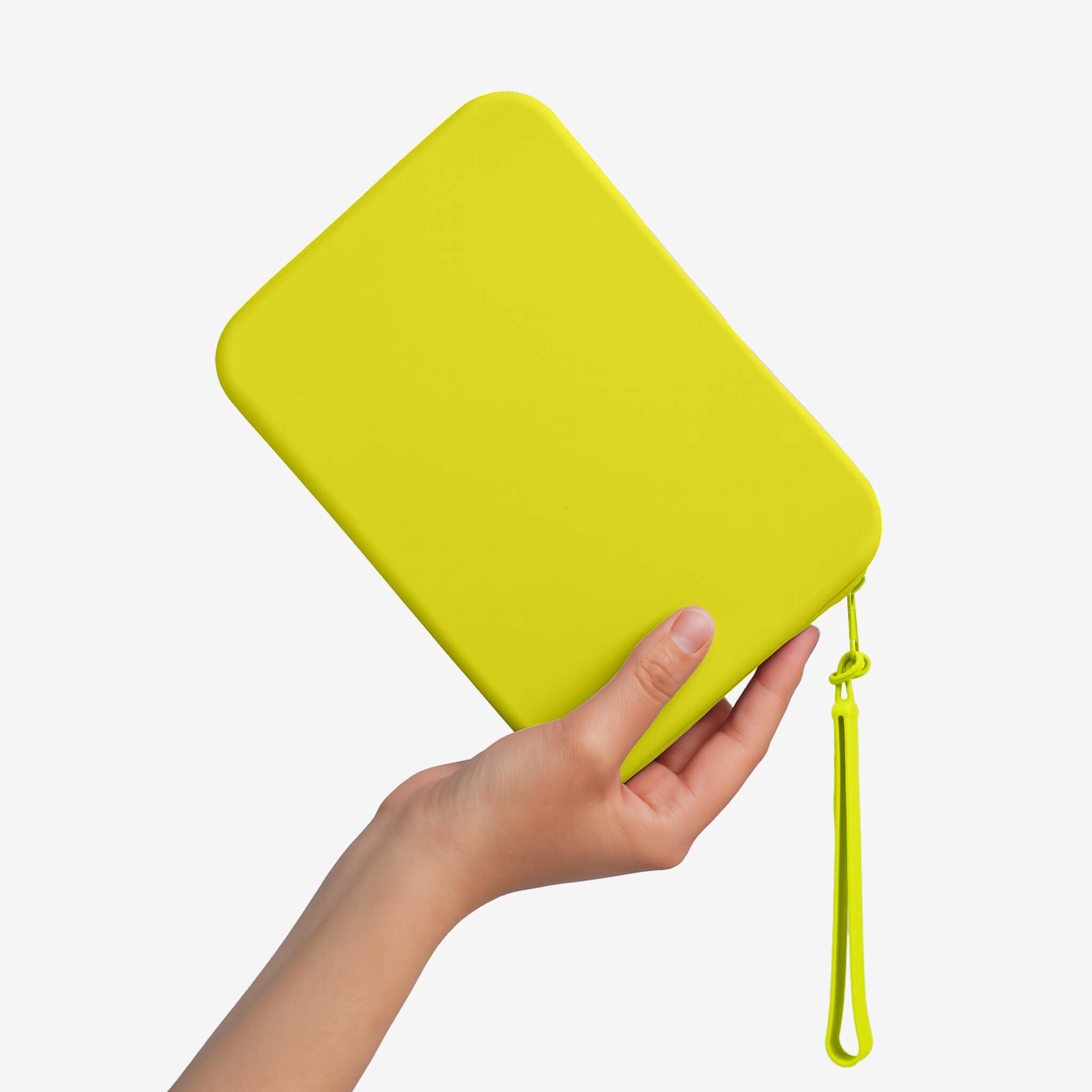
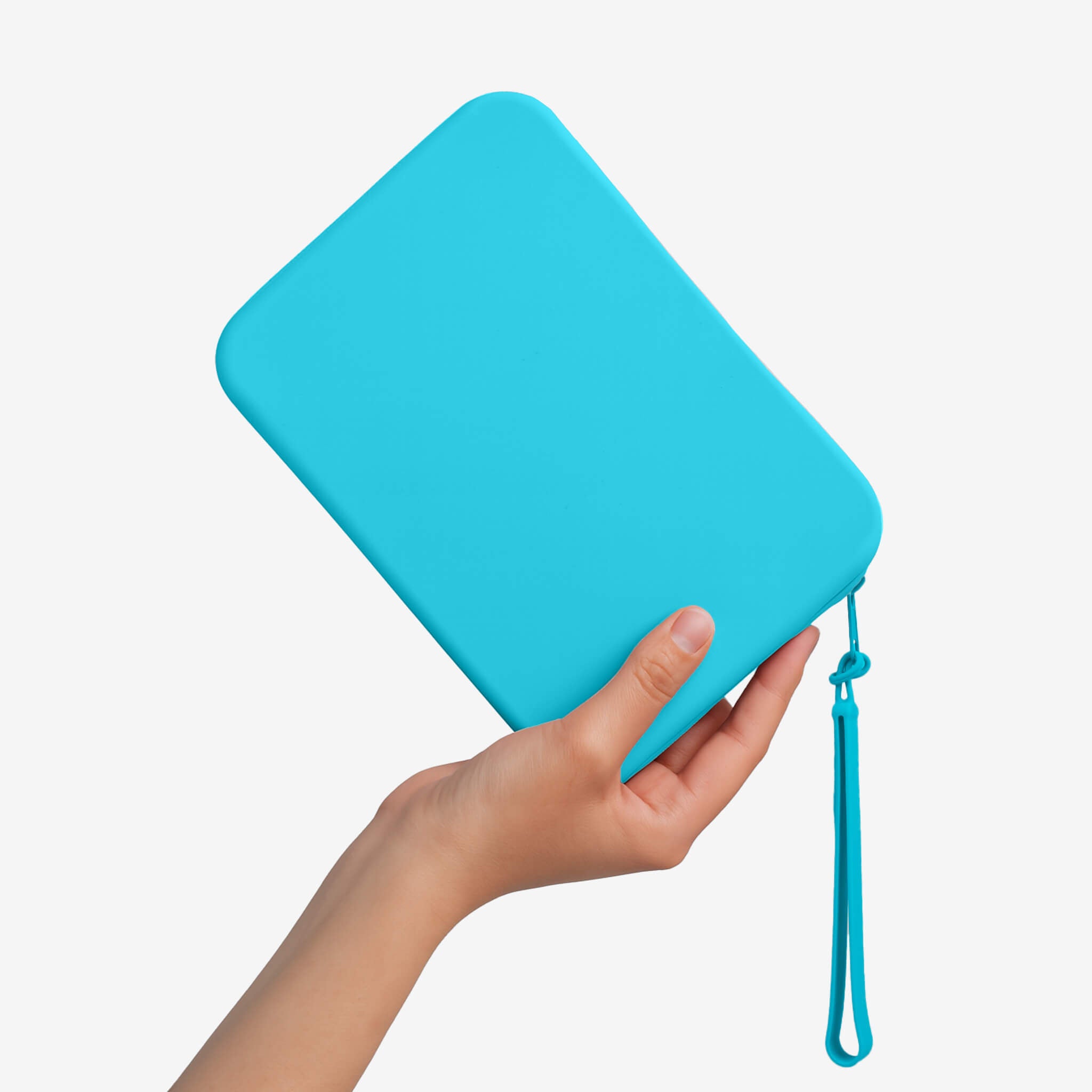
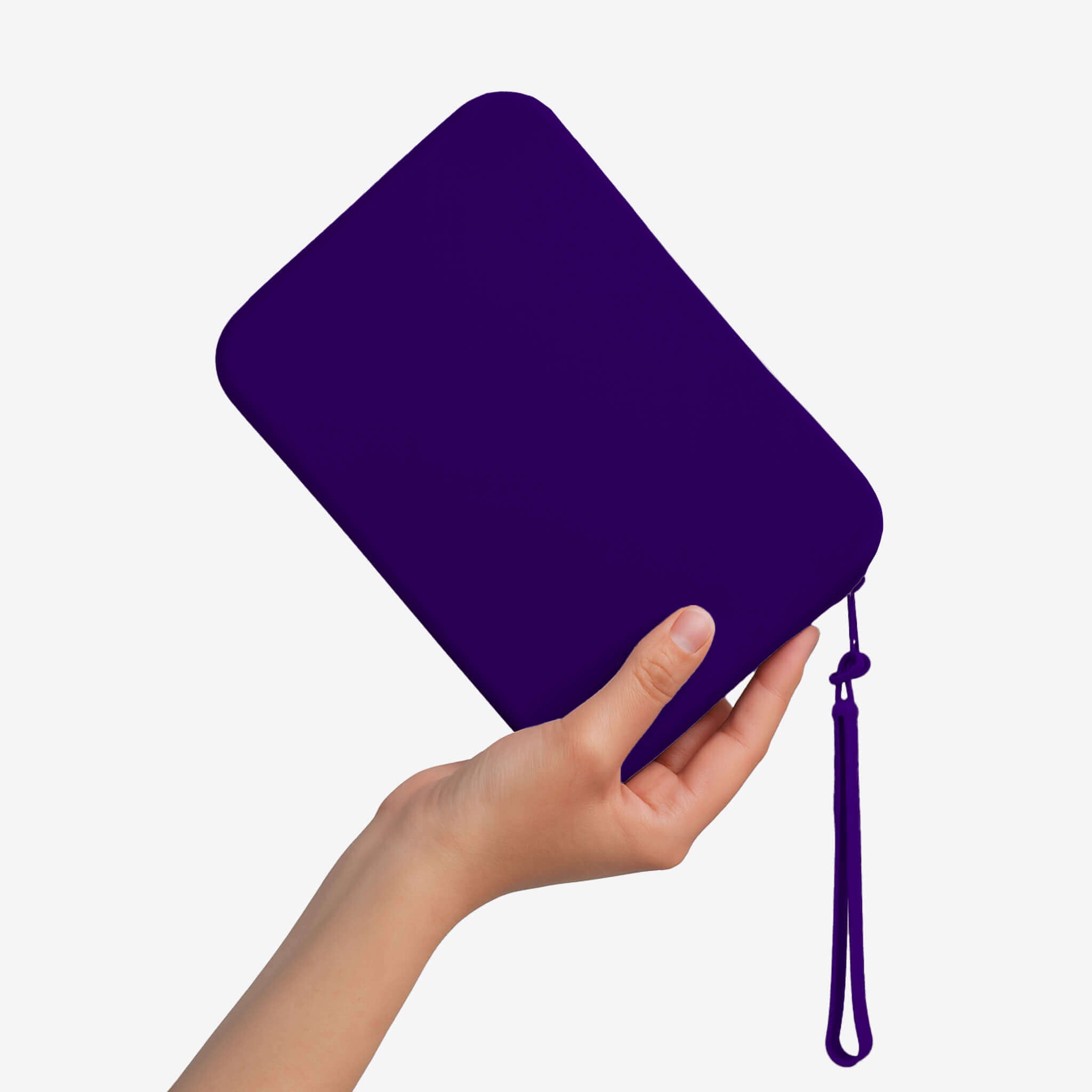
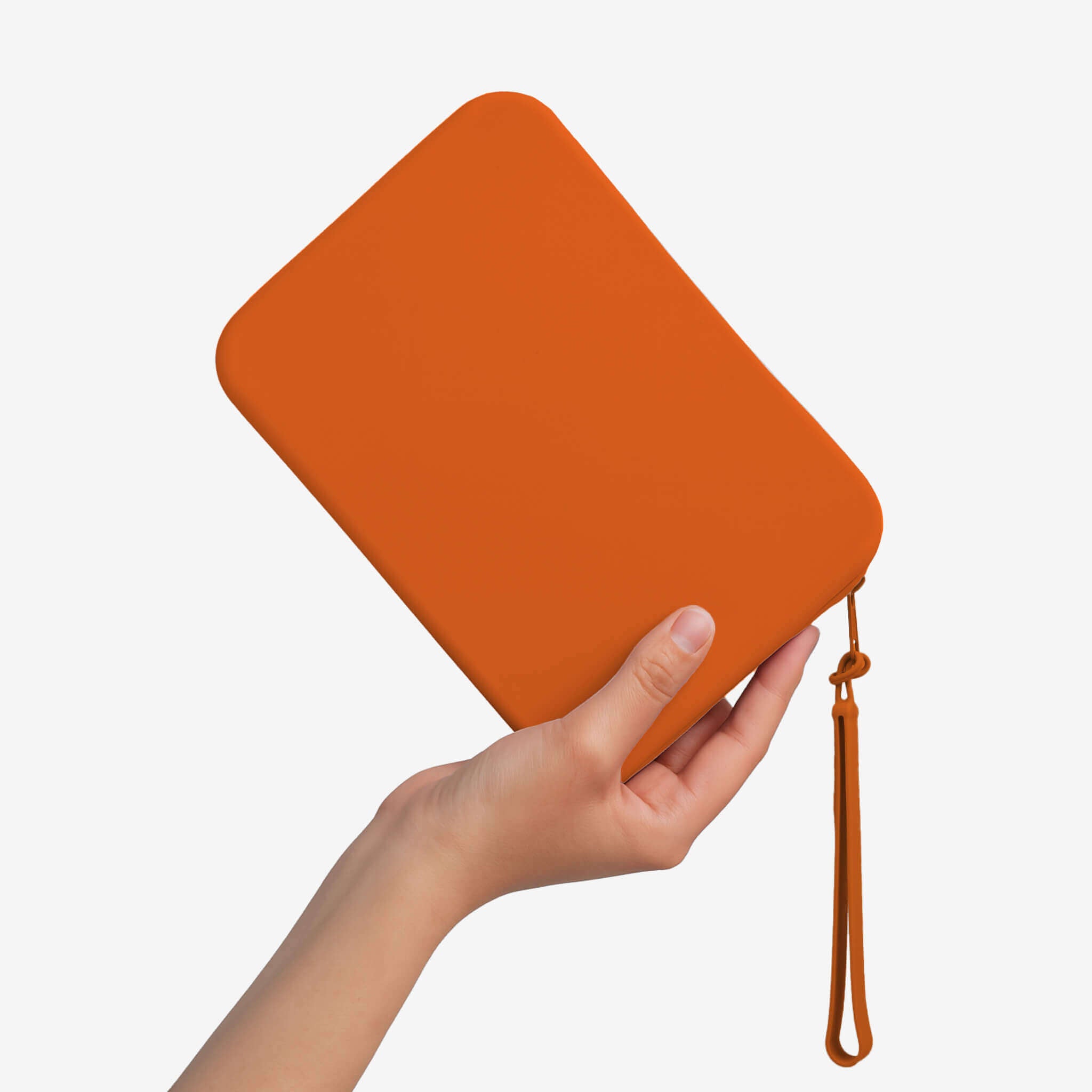
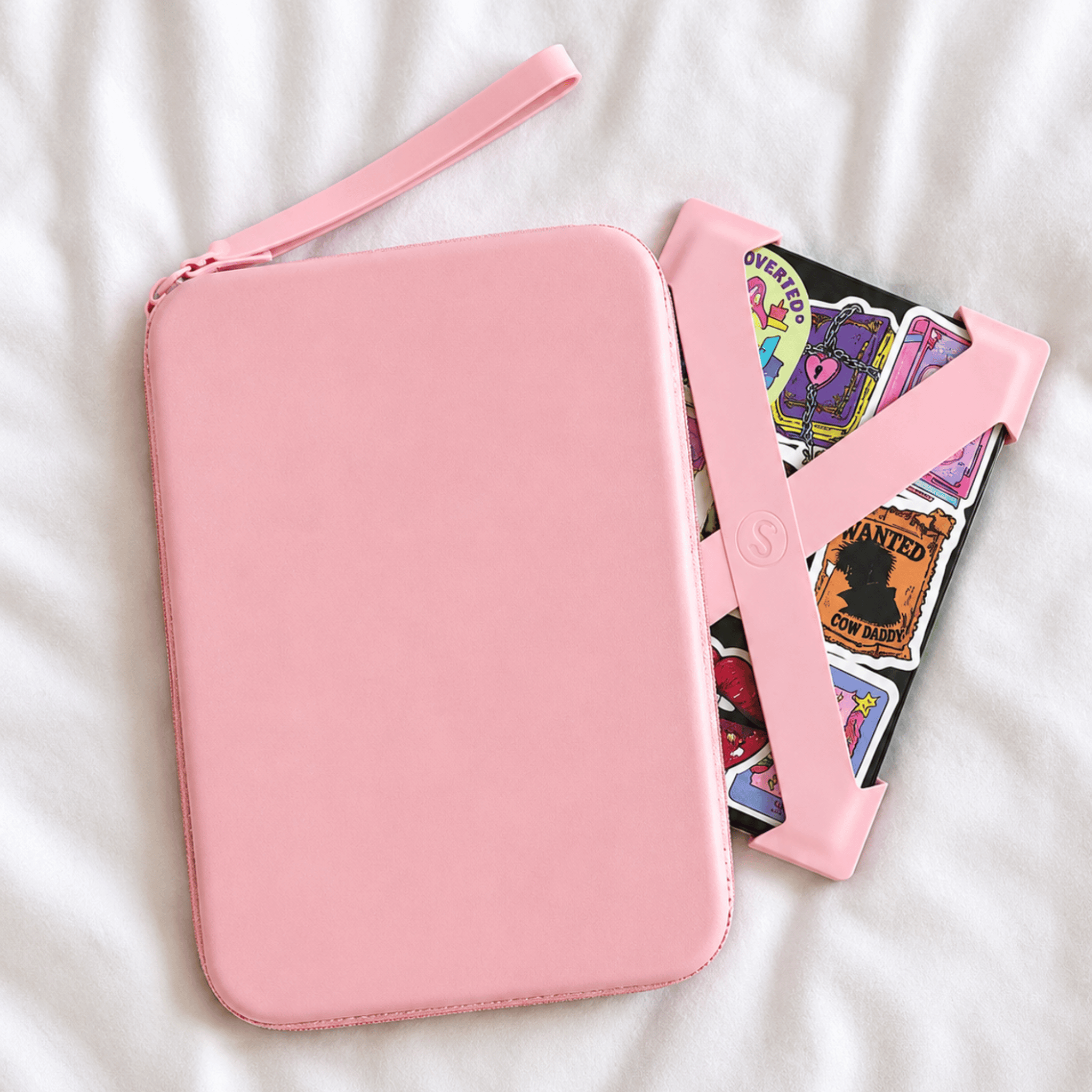
Strapsicle Clutch (Regular Size)
Our regular clutch is the perfect everyday accessory and is designed to fit the following e-readers:
- 6" Kindles
- 6.8" Paperwhite Kindles
- 6" Kobos
- 6" Nooks
Clutch Size: Width: 140mm (5.5") x Height: 200mm (8.2") x Depth: 30mm (1.1")
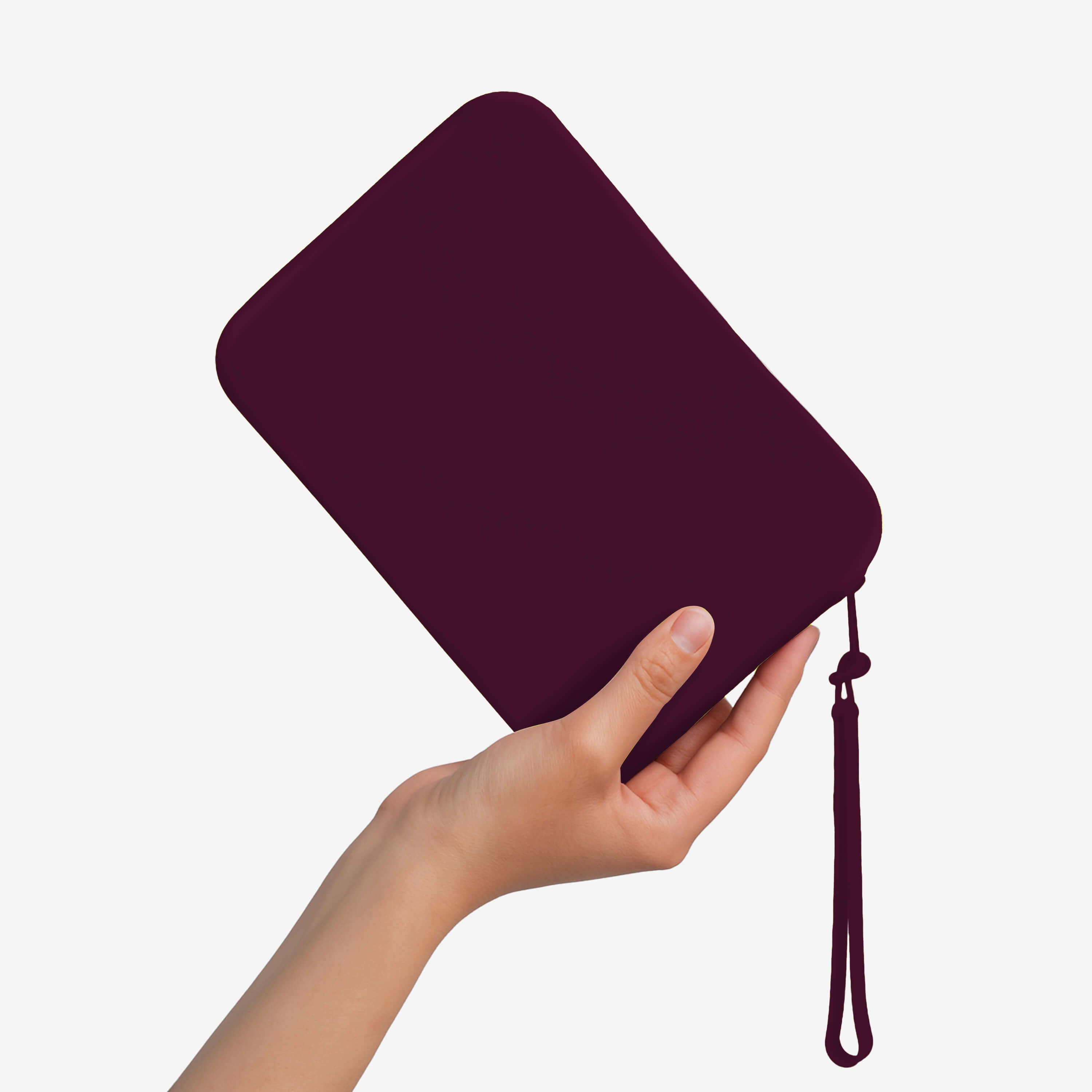
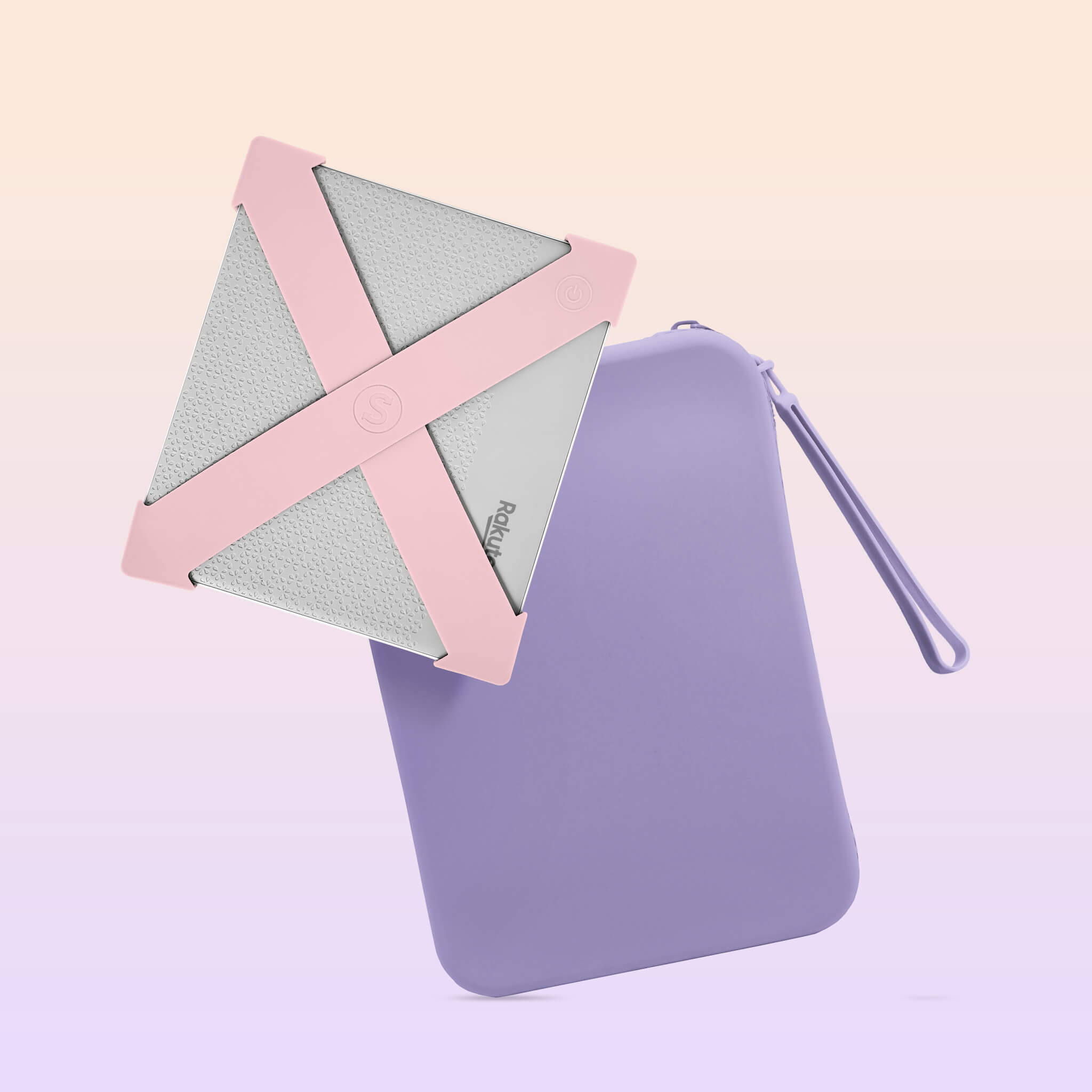
Strapsicle Clutch (Large Size)
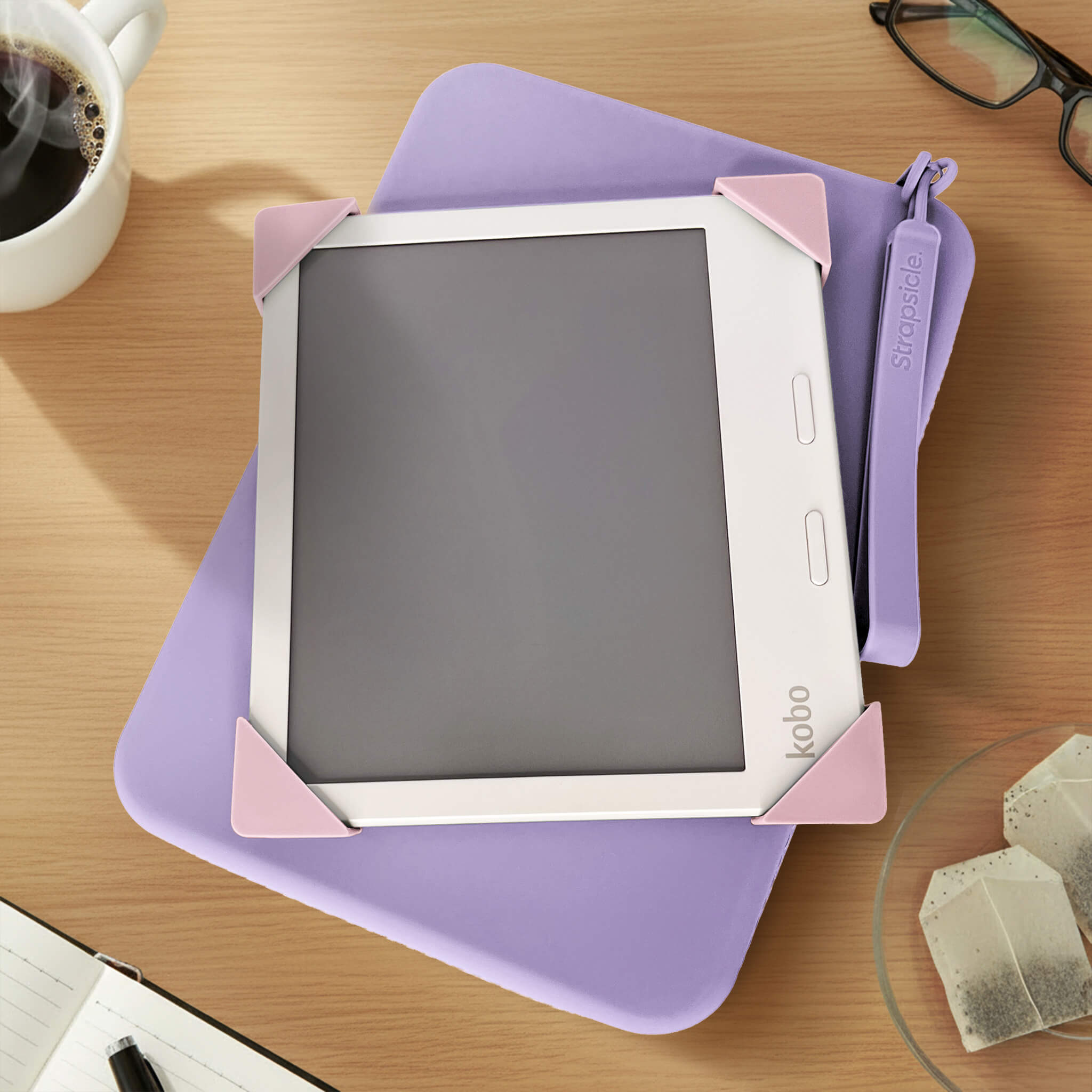
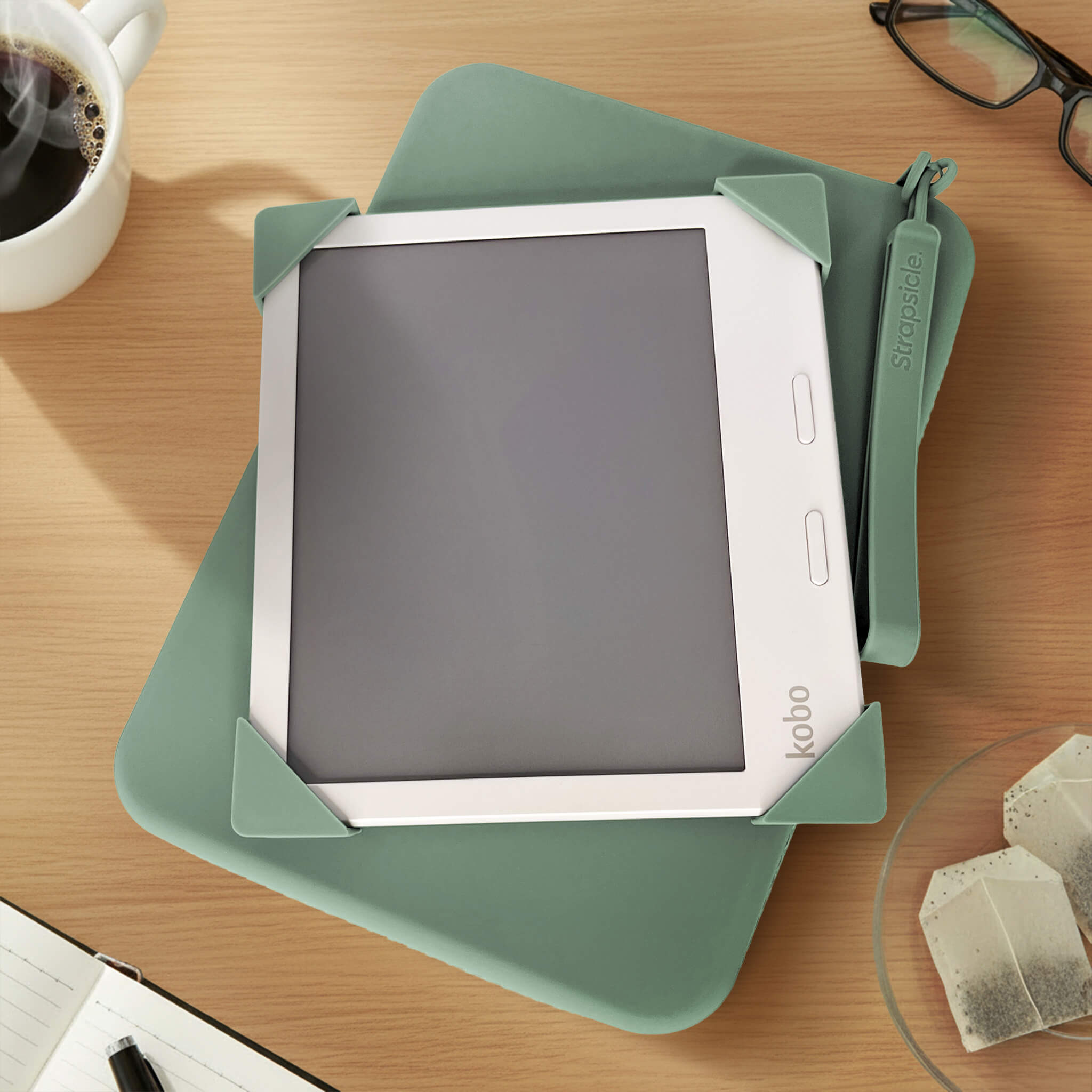
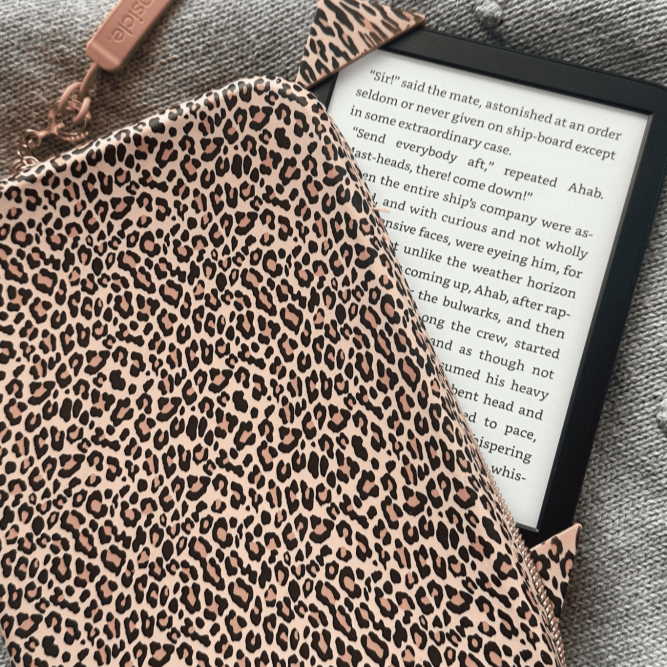
The Large Clutch offers extra space and is ideal for bigger devices.
- Kobo Libra
- Kindle Fire
- Kindle Oasis
- iPad Mini
Clutch Size: Width: 230 mm (9") x Height: 160 mm (6.3") x Depth: 28 mm (1.1")
Regular Clutch

Large Clutch

Shop With Confidence - Free Fit Guarantee!
We want everyone to love their Strapsicle straps, which is why we offer our Free Fit Guarantee.
If you accidentally choose the wrong size for your device, we’ll send you the correct size free of charge. Easy!
Here’s how it works - email hello@strapsicle.com with a photo of the device type and your order number.
Terms & Conditions:
- Same Colour Only – Replacement straps must be the same colour as your original order.
- One-Time Exchange – The Free Fit Guarantee applies to one replacement per original order.
- Proof of Fit Issue – We may request a photo of your strap on your device to confirm sizing.
- Return May Be Required – In some cases, we may ask you to return the original item before we send your new size.
- Eligibility Window – Requests must be made within 30 days of receiving your order.
- Non-Transferable
– The guarantee only applies to purchases made directly from Strapsicle
and cannot be transferred or combined with other offers. - Exclusions – The guarantee does not cover colour changes, wear and tear, or damage from incorrect use.
We reserve the right to modify or withdraw this offer at any time.

Why Book Lovers Love Strapsicle
Book lovers all over the world have become obsessed with Strapsicle because it makes reading effortless, stylish, and is kind to your hands. It’s the perfect upgrade from bulky covers and awkward grips.
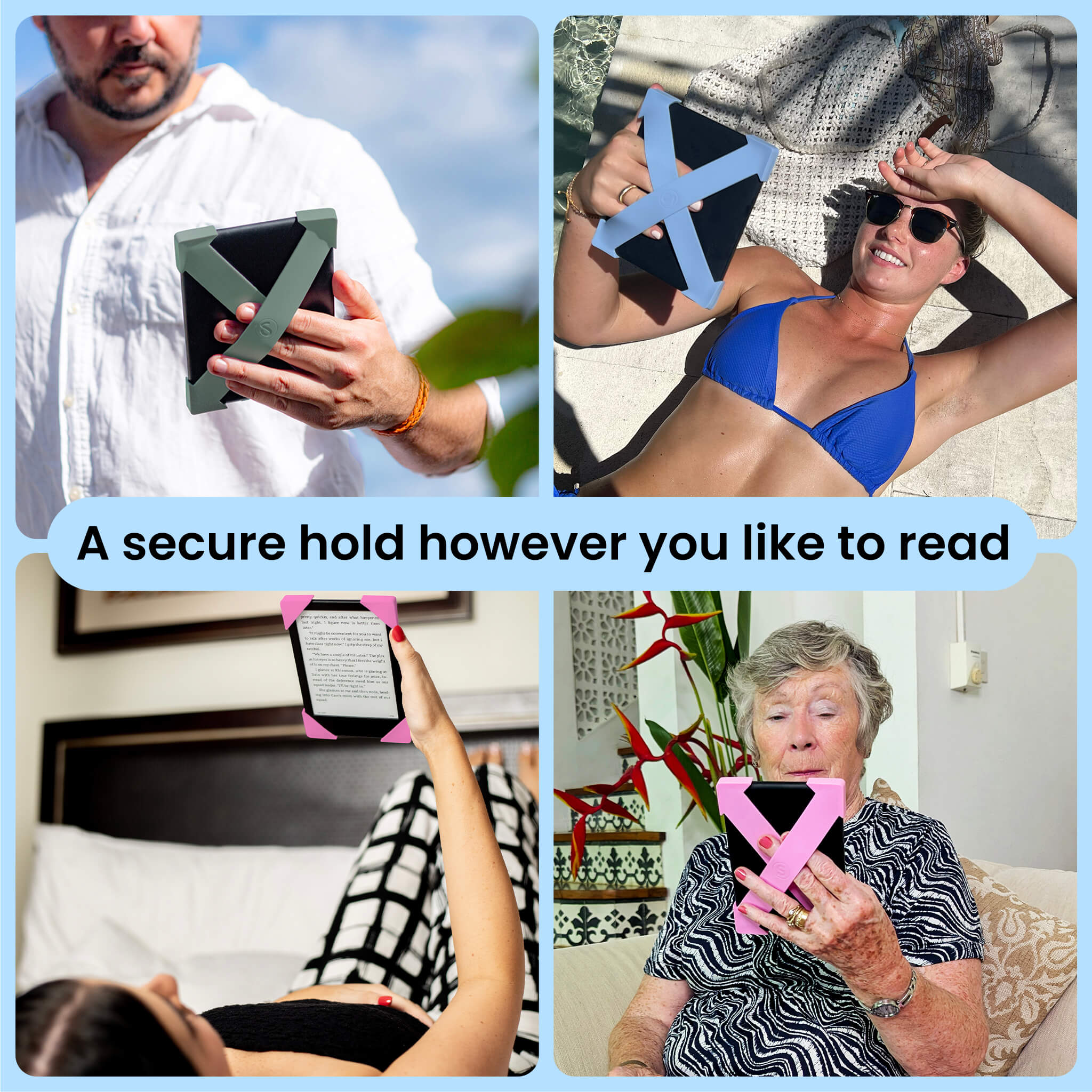
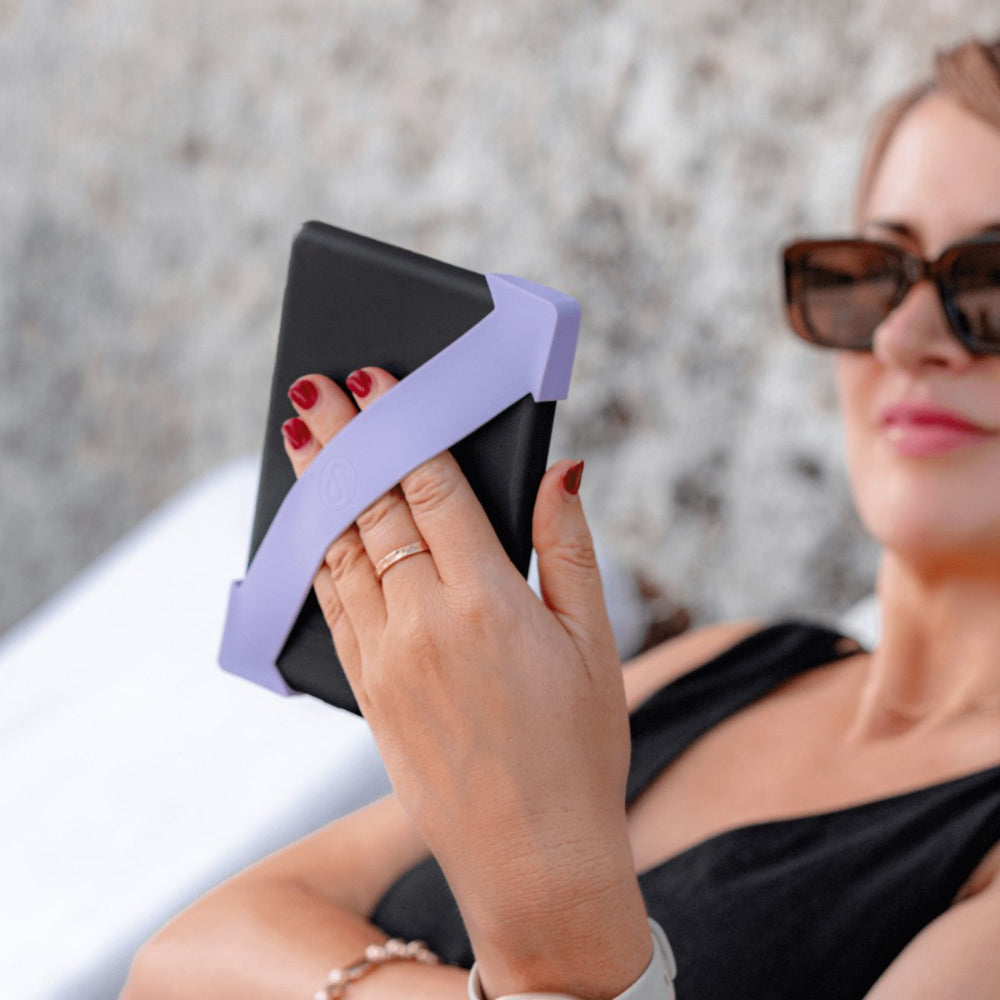
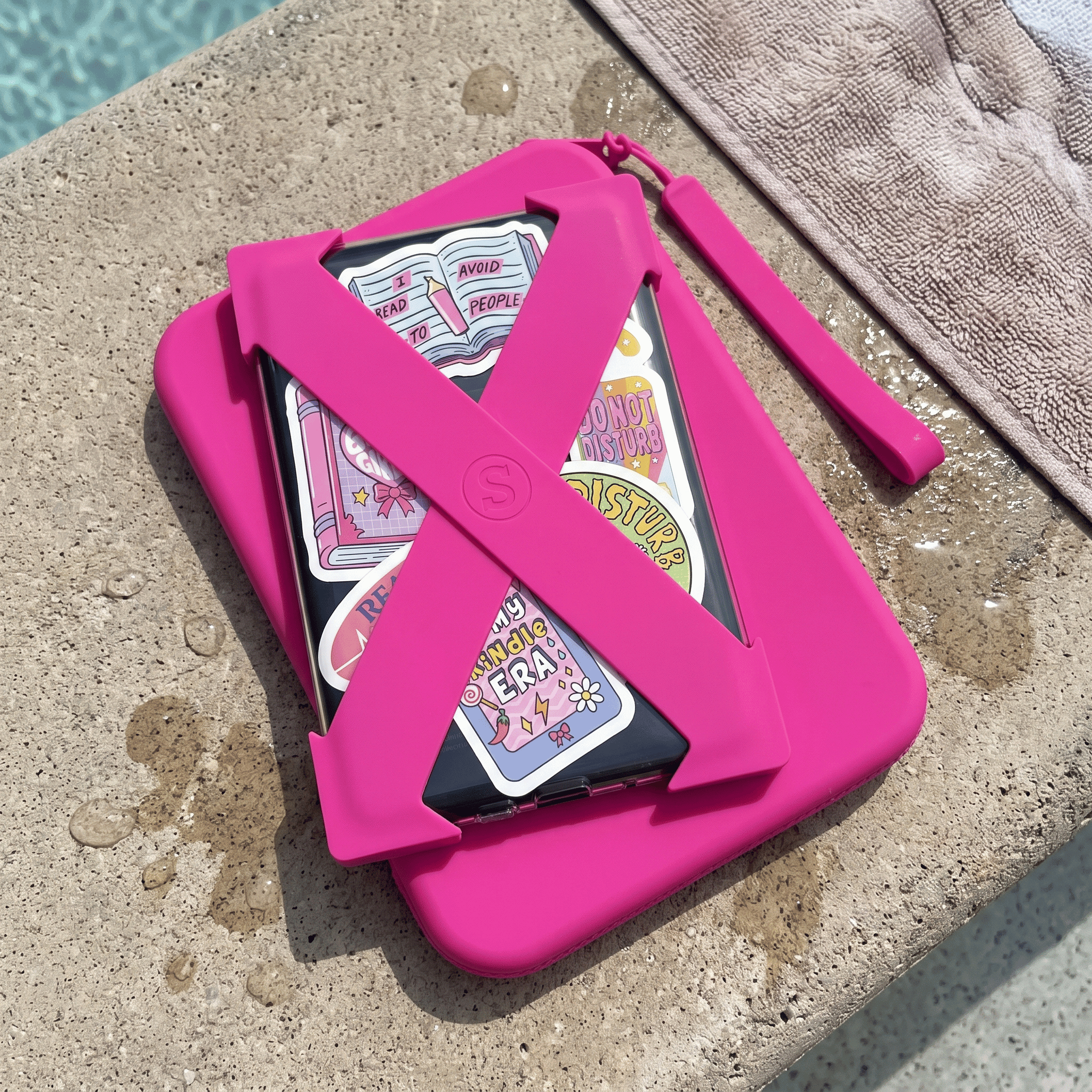
- Keeps your Kindle or Kobo secure while easing hand and wrist strain
- Lightweight and flexible for ultimate comfort wherever you read
- Available in fun, bold colors to match your reading mood|
Let customers speak for us
I am in lust, woops, I mean LOVE! This colour is my all time favourite now.

Great idea to have some funky different coloured straps for my clutch
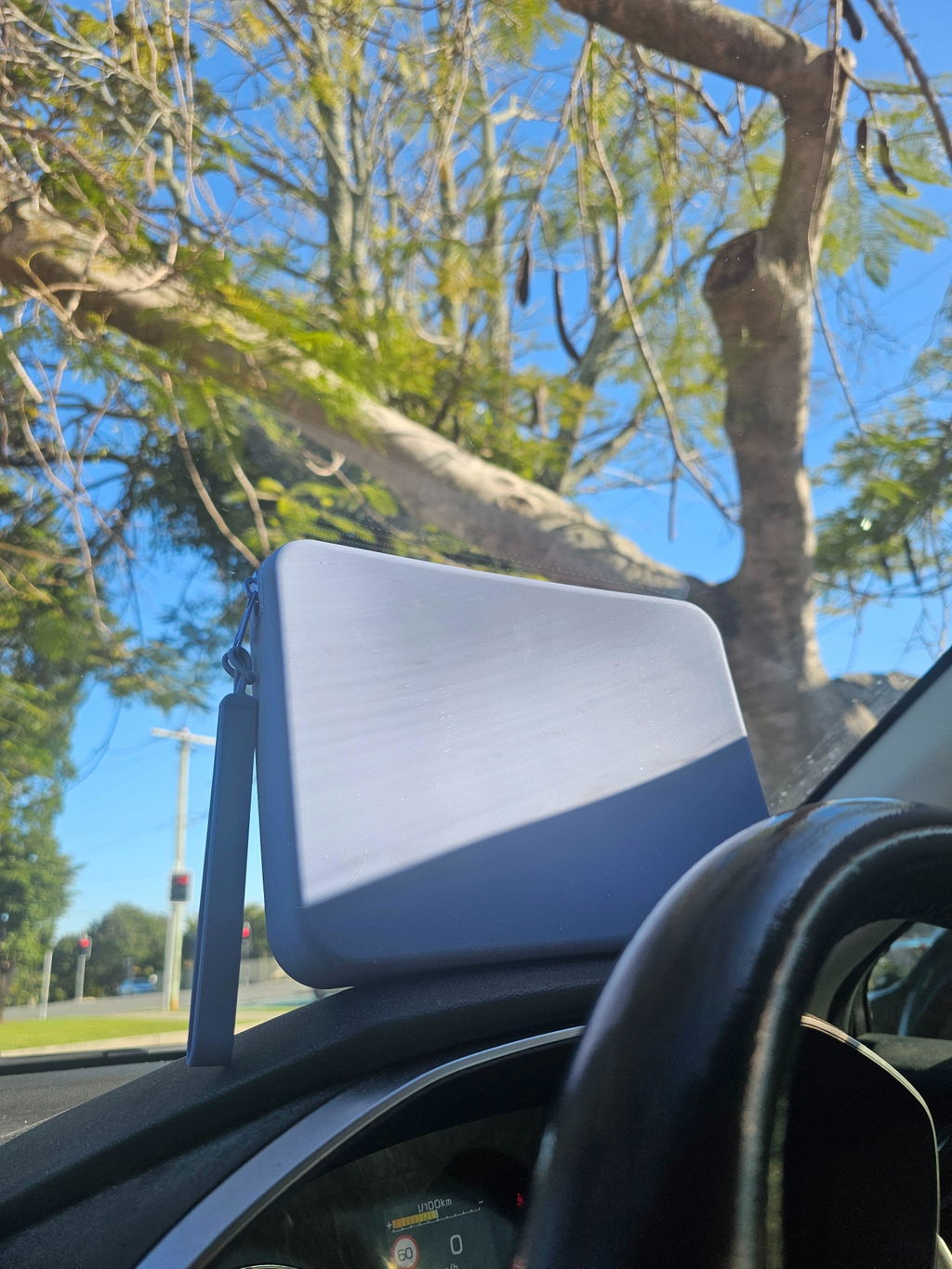
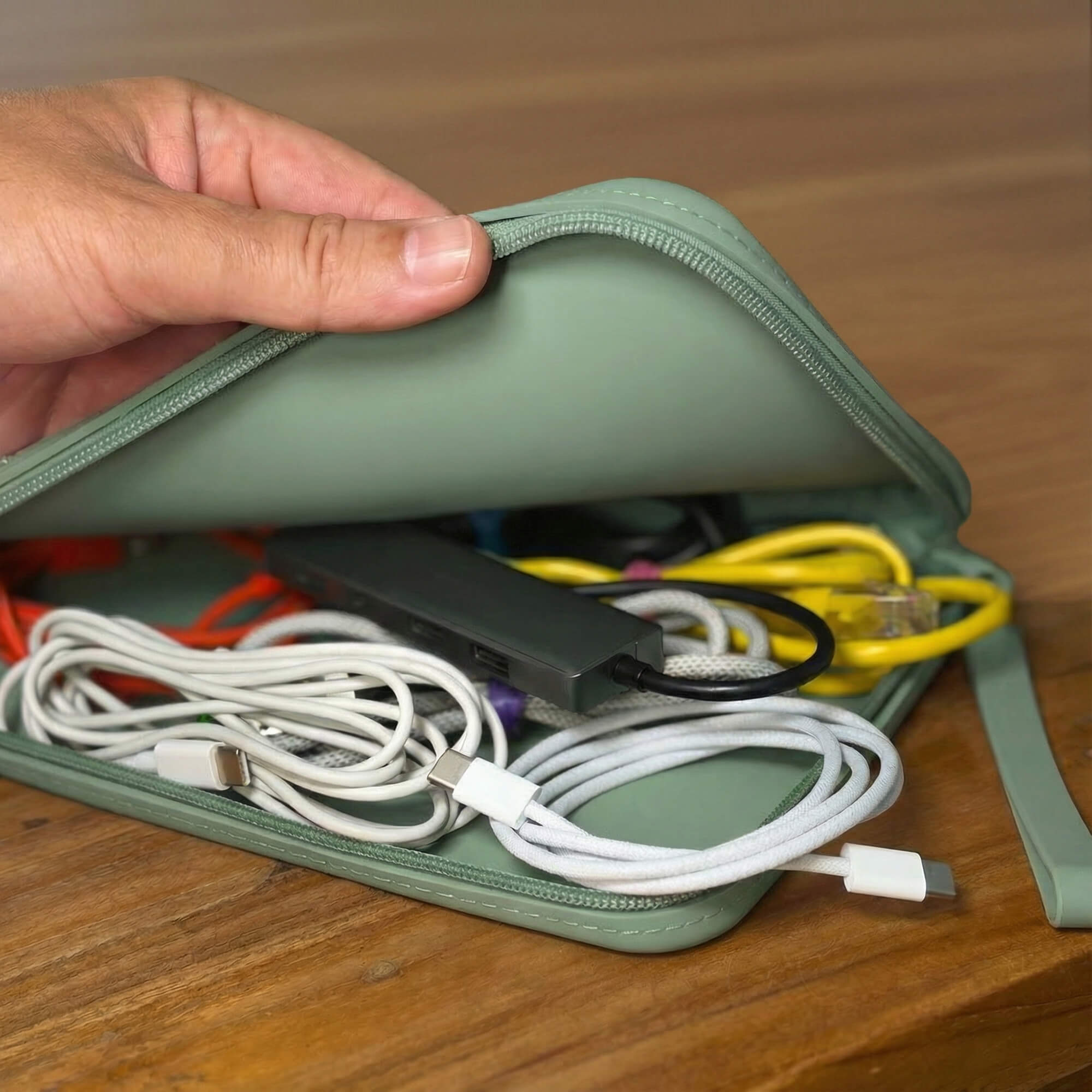
This is my second clutch from strapsicle, in the largest size- and I love that it fits my kindle as is, my remote clicker and my earphone case in it. I love thst its a different texture so when im rummaging around in my bag I know exactly what im feeling for, the only thing left to complete my little strapsicle kit is the kindle holder key chain!

I read my Kindle every night. I usually doze off while reading. I saw a review of this product and thought I'd give it a try.
I love it! I've had to wear a wrist brace in part because of holding my Kindle at night. Now that wrist pain is gone. This also stops me waking up when I feel my Kindle slipping out of my hand. And it adds nice drop protection without adding a lot of weight.
I'm a convert!

I love these straps so much! The color is beautiful and they help my hands from cramping while using for a long time! I have a bigme b6 color and I use the size small straps with the clear case from amazon! This is my second pair of straps and I can't wait to get more!💜
I kept seeing these straps on my feed and finally took the plunge to purchase a set. I am so happy I did. They are so comfortable to use. I wish I had purchased them sooner to make my Kindle reading experience even better. I no longer get hand cramps when holding my Kindle like I was with my old case. Best Kindle accessory purchase ever!
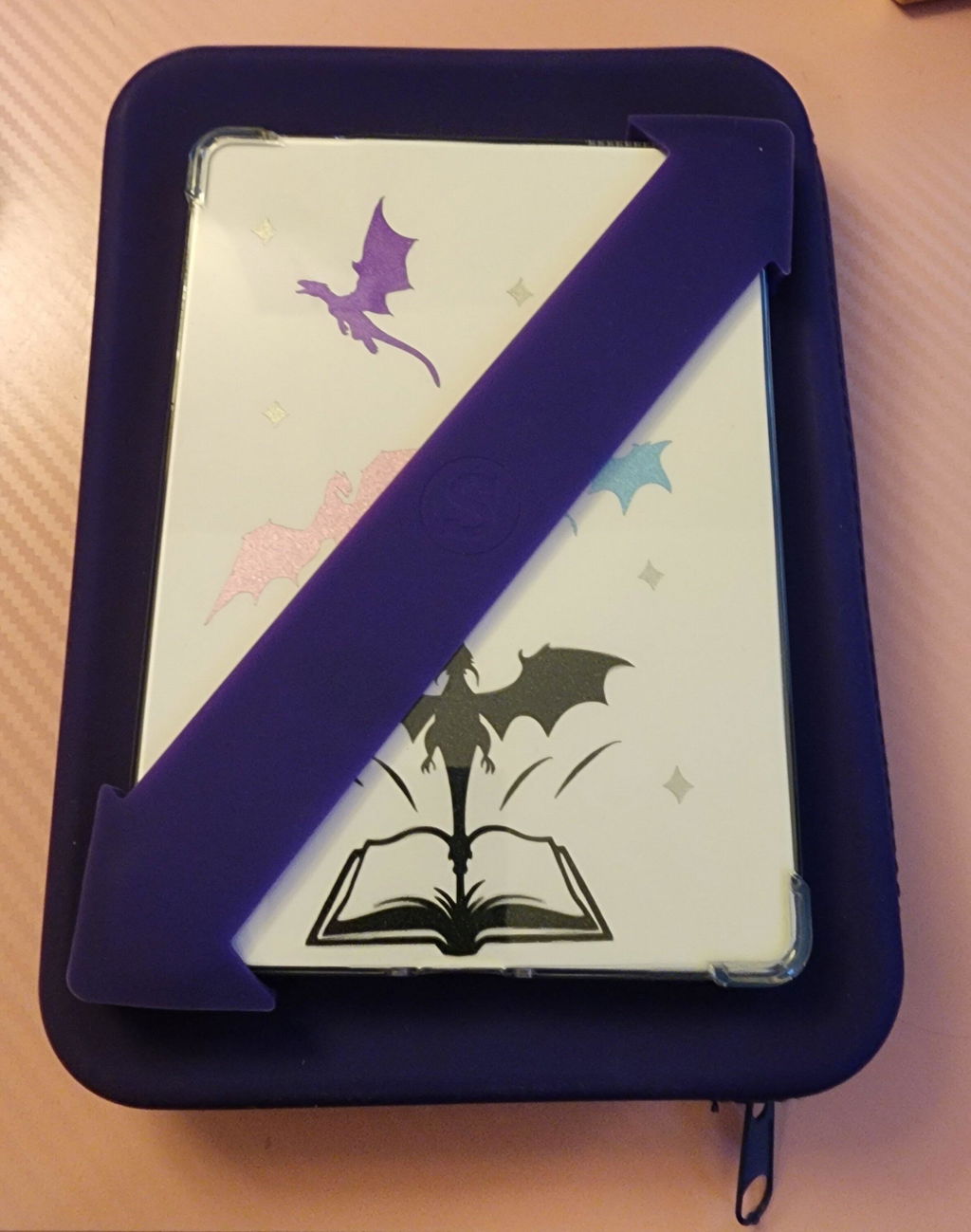
I love the color of the royal purple straps! I use them in size small on my bigme b6 with a clear case with bumpers. They would fit better if I could find a clear case without the bumpers but that doesn't seem to exist. Strapsicle doesn't make bigme b6 specific straps so it is a little large without the case but still doable, just a little stressful so its better with the case! I hope they make a bigme b6 clear case and straps specifically for it soon since alot of people seem to be getting the bigme & other Android readers over the kindle!

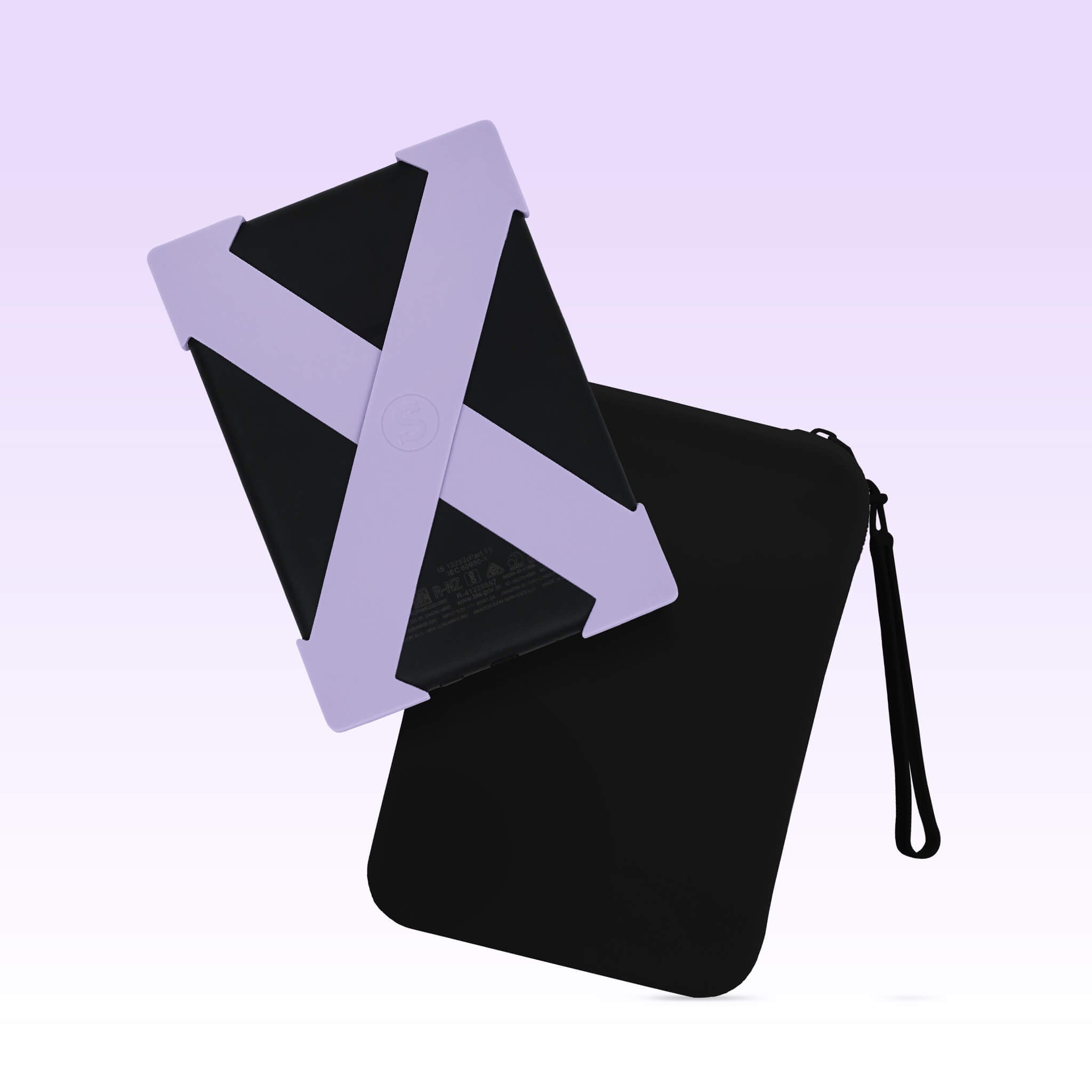
I received the black as my mystery clutch and I'm beyond thrilled with it. Had I known I'd love the black so much I would have ordered it at full price! It's so soft and just a beautiful black.

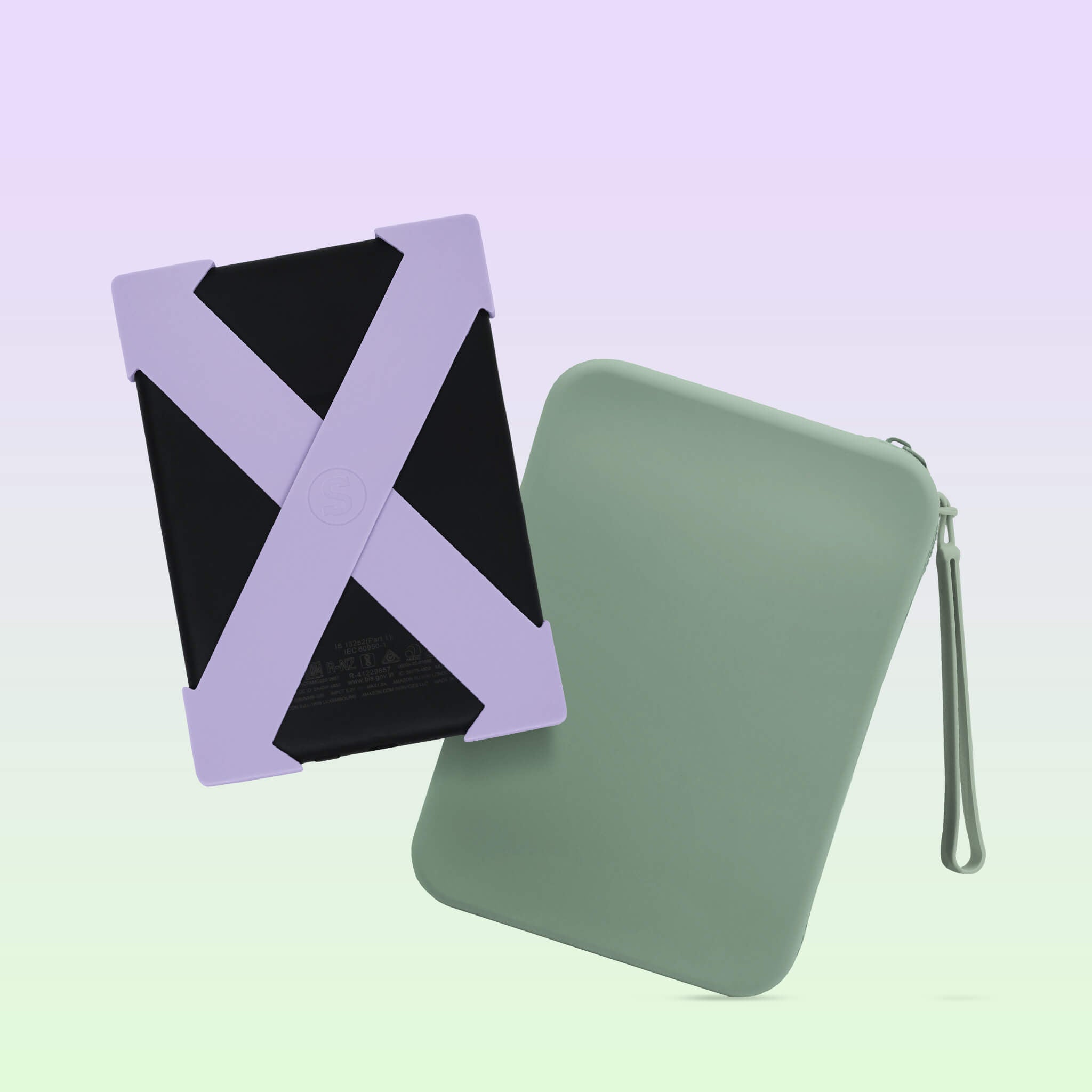
I have a Kindle Oasis for which there is very limited case options …..Strapsicle to the rescue ….i ordered the clear case, the sage green straps & the carry pouch ……all of excellent quality and the sage colour is gorgeous …… the straps fit perfectly and make it so comfortable to hold my kindle for long stretches with no issue …..highly recommend 👌🥳🙌
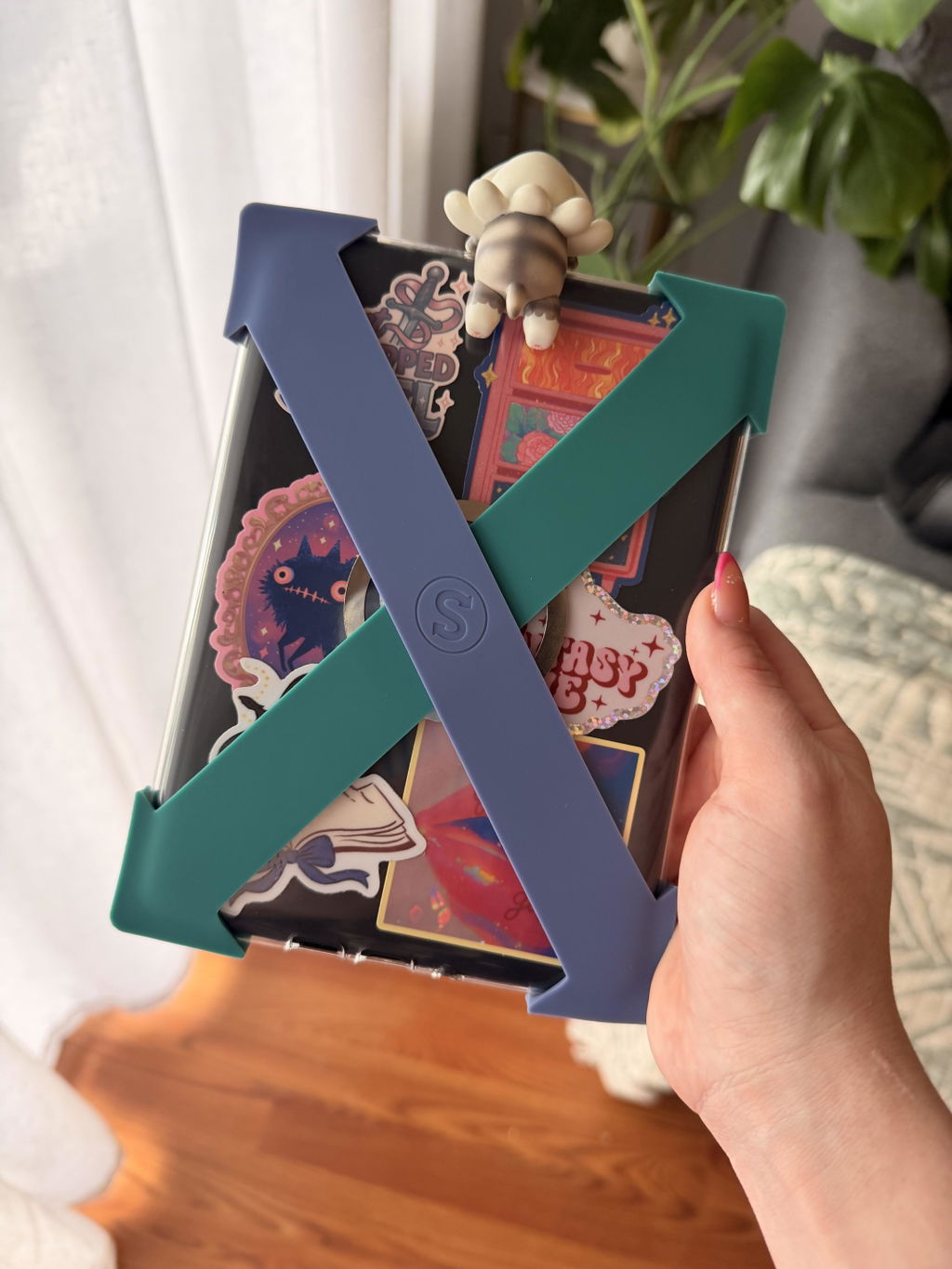
I love these! They are so cute and they help me hold my kindle easier.
My Mum absolutely loved this for her Kobo eReader. It’s making holding the ereader so much easier to handle as she suffers arthritis in her hands.
I have used Strapsicle straps for years...during that time I have tried other alternatives but still nothing compares. They provide comfort, rest, extra grip and protection as bumpers on the off days I drop my ereader.
The colours are beautiful. The feel of them are buttery soft yet durable. The straps are comfortable and have stayed on my Kindle well. The clutch is a cute accessory to keep my Kindle safe with room for my phone, keys and a small purse also.
I absolutely love my Strapsicle Straps! I used a pop socket prior to and it was hurting my hands and fingers, so I tried out these straps I’d seen online and I will never go back now! I have 4 colours between 3 sets and I will never be without them now. I can only hope they make some for phone cases one day in the future too! The colours, the feel of it, the softness yet strength of the straps is phenomenal! They don’t slip off your kindle or your hand, even when moving your hand around, they are definitely a must buy.
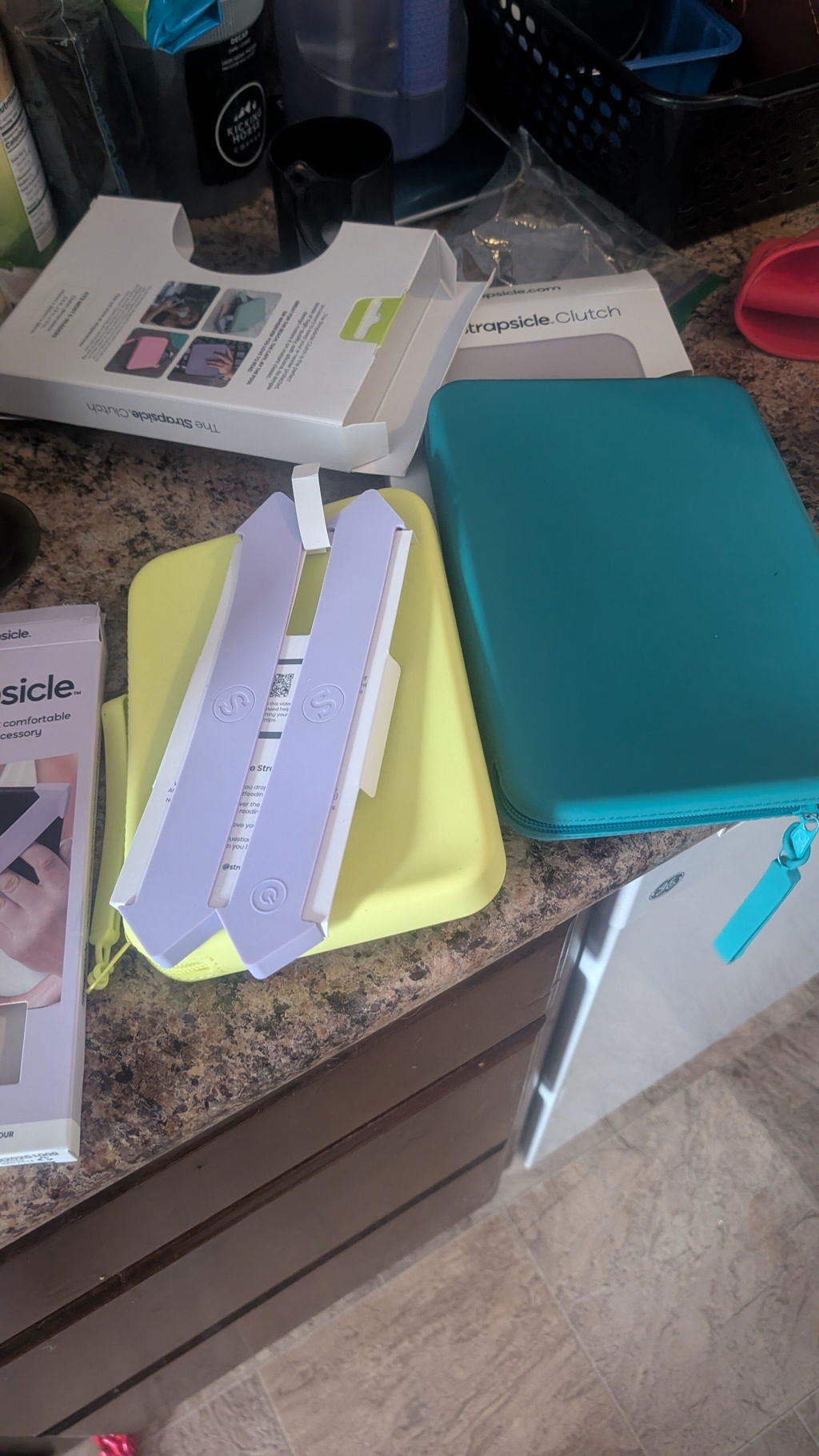
The Lemon clutch fits in most of my handbags so it's been going with me on outings! My Kobo Libra color does fit, with the case, even though it's tight.